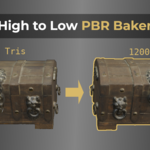
High To Low Poly Pbr Baker
 Michael Jared


How to Use the Addon
1. It's an N-panel addon, so install as normal
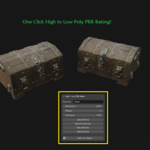
2. Set the Base Name (optional), Resolution (2k and higher will be slow!). The Margin and Extrusion defaults are good enough to get you started

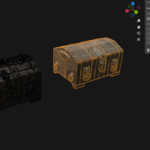
3. In the Scene Tree, hold Control and click the High Poly then the Low Poly:

4. Click Bake ALL Maps, then you're done!
$5
Have questions about this product?
Login to message
| Published | 4 months ago |
| Blender Version | 4.0 - 5.2 |
| Extension Type | N/A |
| Render Engine Used | Cycles |
| License | Mit |
