Hole Machine – Quick Holes Creation
 Stefano Bianchini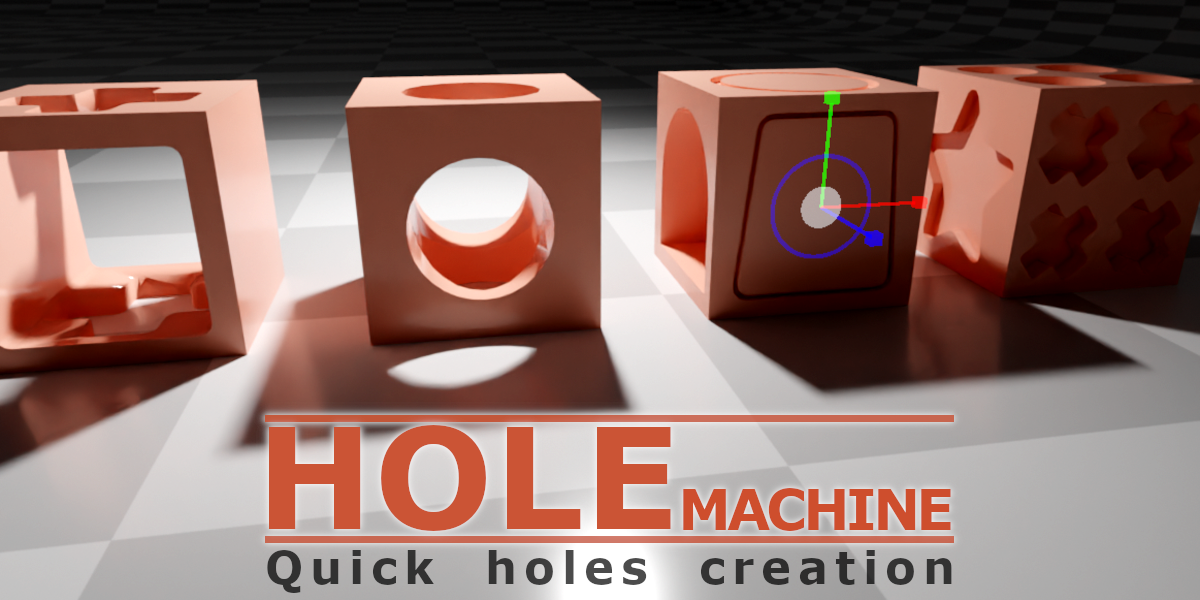
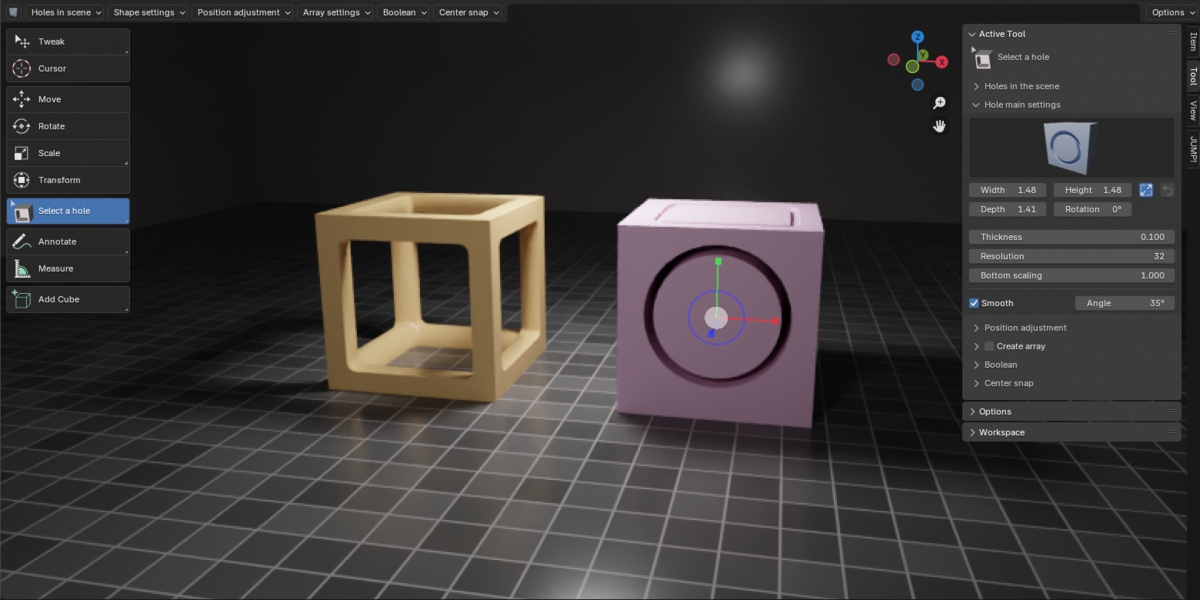
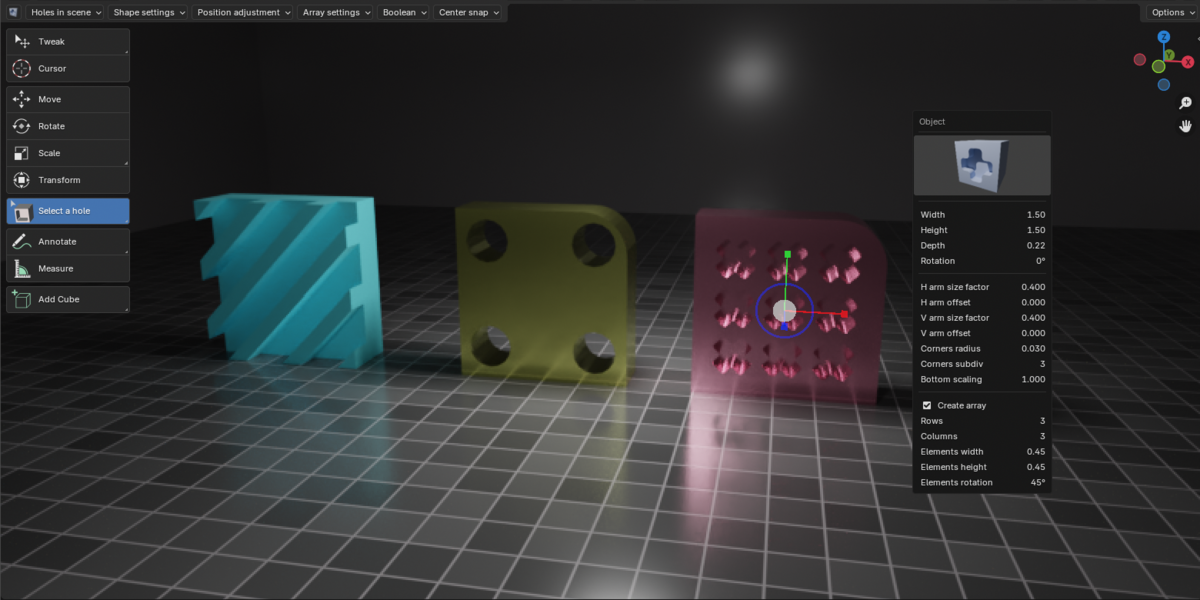
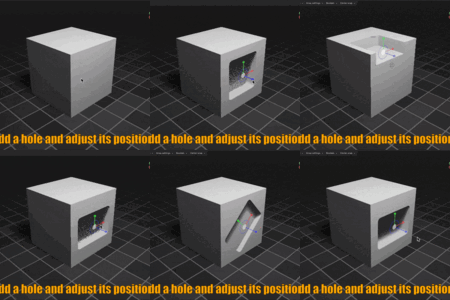
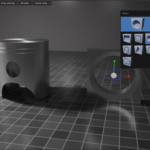
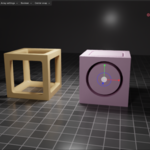
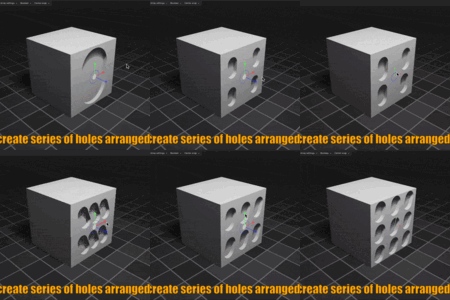
What is "Hole Machine"?
Hole Machine is an add-on designed to simplify the process of creating holes in mesh objects.
It uses Blender's standard Boolean modifier to create the holes, automatically handling the setup and management of the Boolean cutter for you.
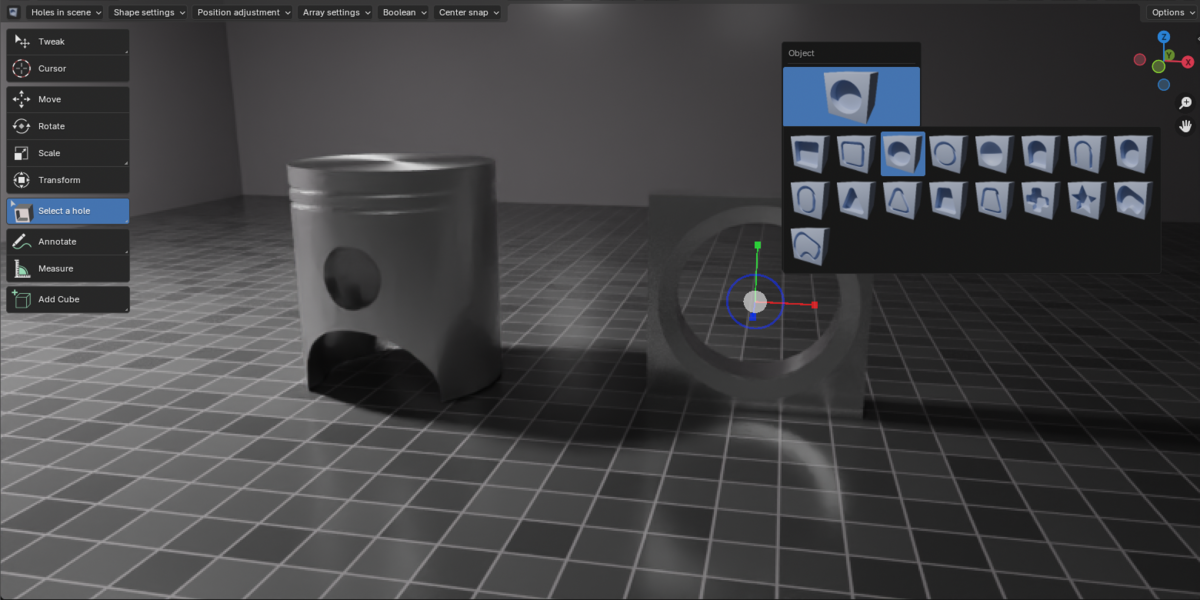
You can simply click and drag on the surface of a mesh to create a parametric hole, then adjust its shape, size, position, and orientation interactively.
Is Hole Machine destructive?
No. Hole Machine creates holes using the blender's standard Boolean modifier, so you can edit their position, size, orientation, and shape at any time.
If you want to permanently apply a hole to the target mesh, you can do so with the Apply Hole to Target command.
What types of holes can I create?
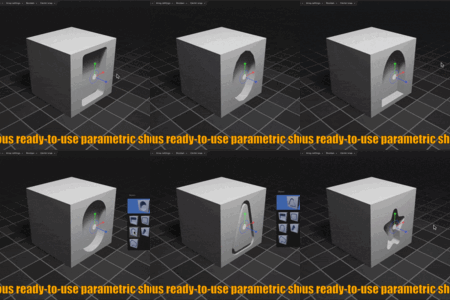
Hole Machine includes several predefined parametric shapes, including rectangular, circular, hemispherical, arch, capsule, triangular, trapezoidal, star, and cross-shaped holes.
You can also create custom-shaped holes using a curve.
Does Hole Machine work on any Blender object?
Hole Machine currently supports Mesh objects as target objects.
NURBS, Metaballs, Text objects, and instanced objects are not supported.
Does Hole Machine support animation ?
Currently, hole animation is not supported. However, you can convert the hole into an
ordinary object and animate its position, rotation, and scaling.
$7.99
 Included
Includes 12 months of
- Support from Stefano Bianchini
- Product updates
Extend this product’s Support Period +12 months: 50% of product price
Have questions before purchasing?
Login to message