Hollow Geometry Node Tool
 Anthromod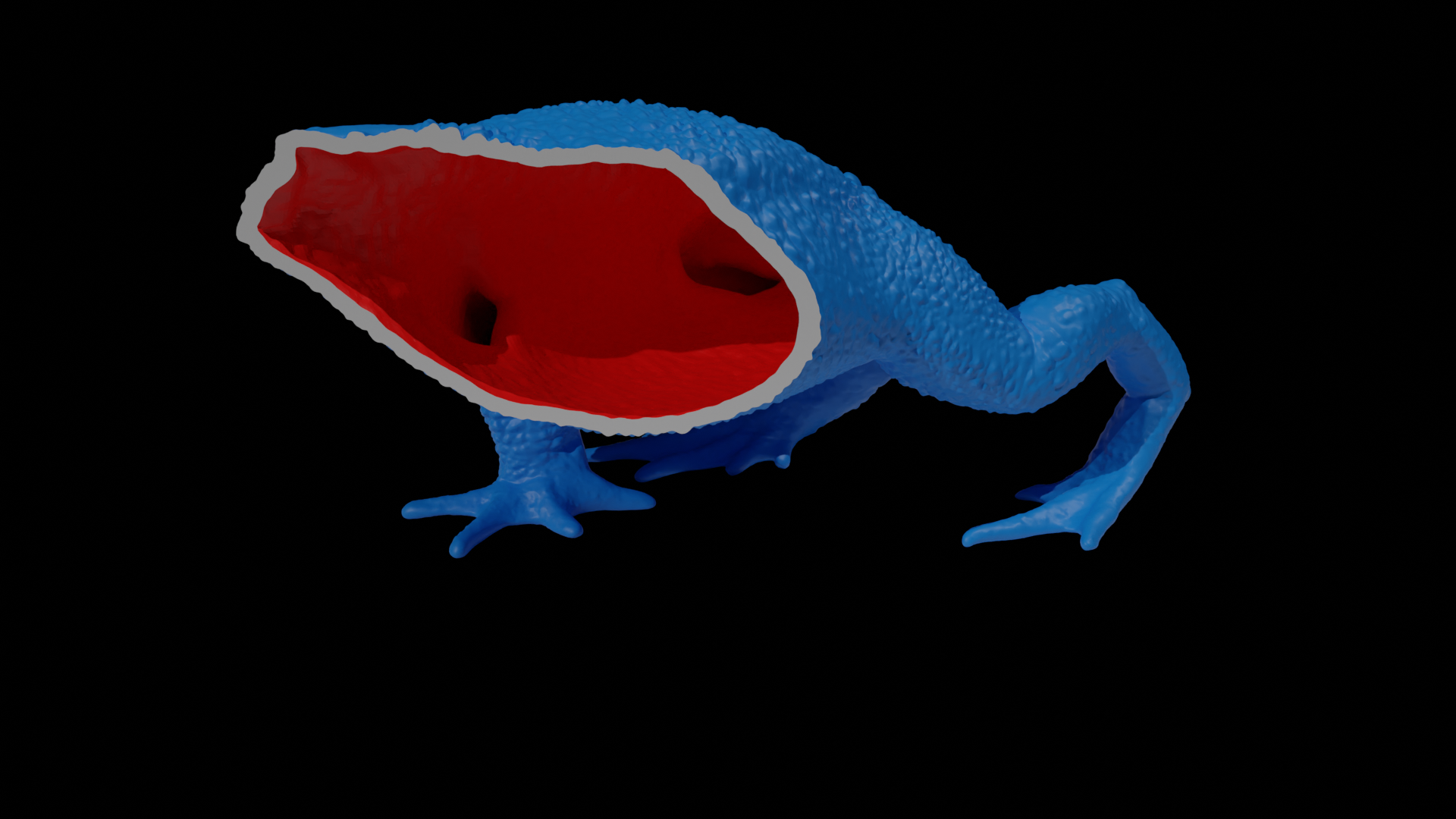
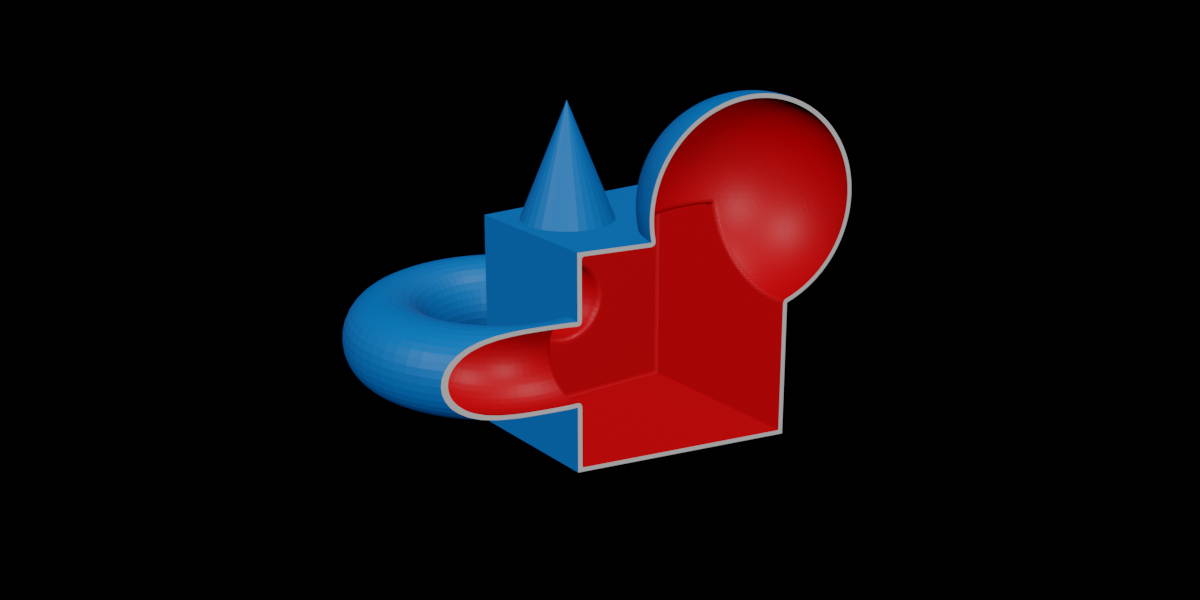

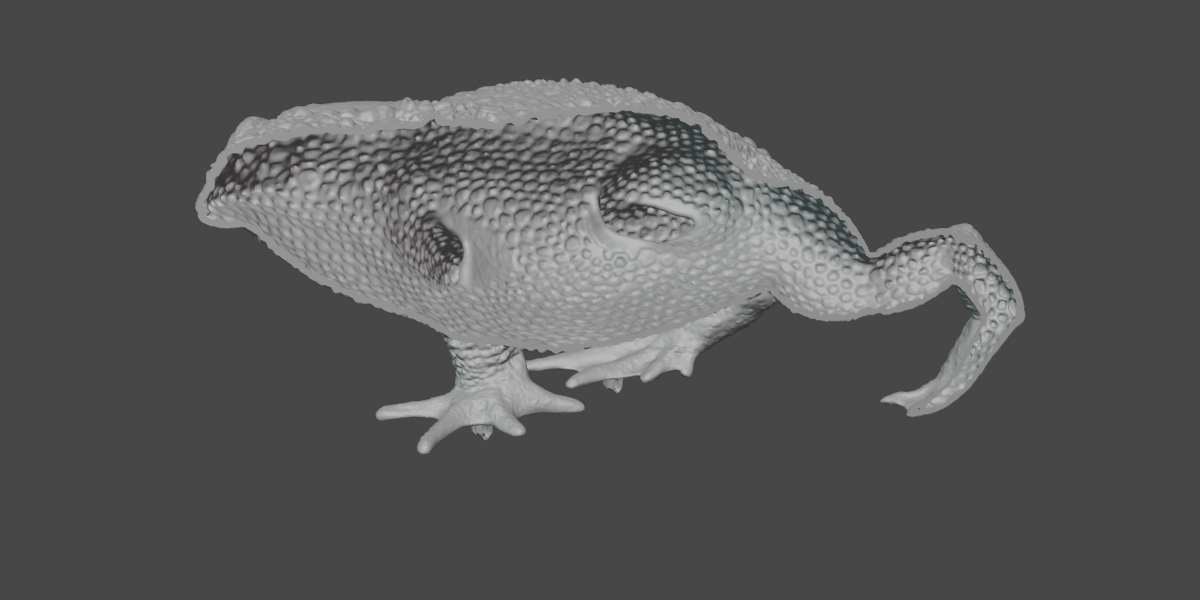


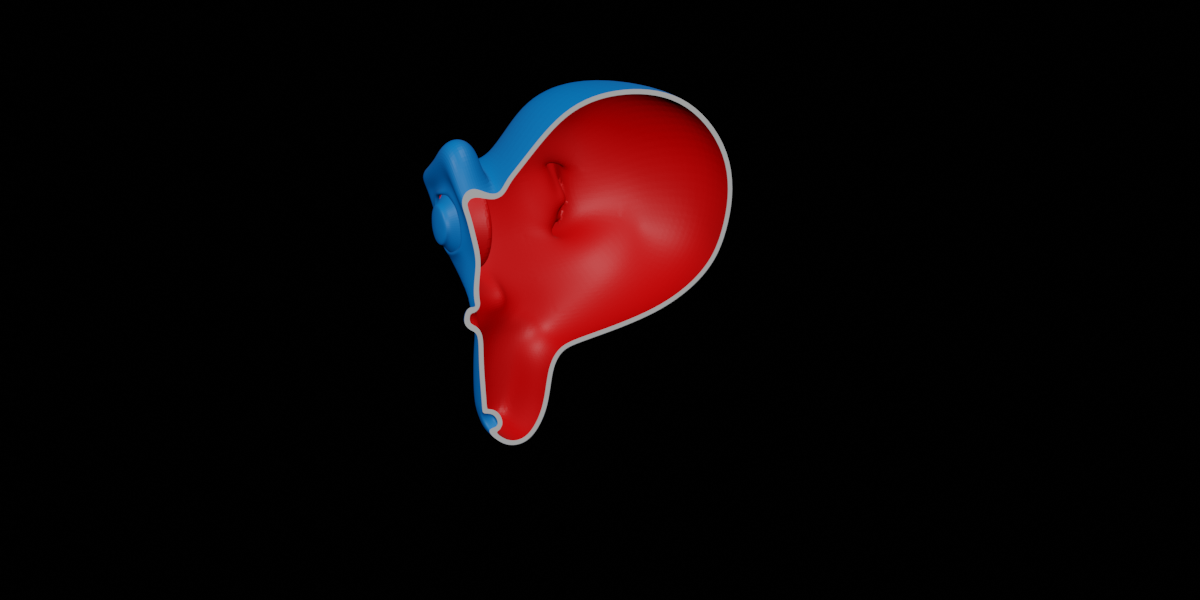


This can happen when there are holes in the mesh or other non-manifold geometry. Switch to the complex solver option and increase the iterations setting. You can also adjust the threshold settings to help remove extra geometry.
If these don't help you will need to take steps to fix issues with the mesh.
You will need to add additional holes to the mesh in order to allow for powder or resin to drain out. Look for any best practice guides for your 3d printer or 3d printing service.
Check whether your models face normals are the correct orientation. The nodegroup may think that the outside is the inside.
By default the node group is set to just show the original mesh. This is because the default voxel mesh size may not be appropriate for your model. Having the node group automatically run in such a situation could cause Blender to crash.
If Mesh + Hollow is selected then the hollow will be within the original mesh and not visible.
Have questions about this product?
Login to message
| Sales | 50+ |
| Rating | 1 ratings |
| Published | over 2 years ago |
| Blender Version | 4.1 - 5.2 |
| License | Royalty Free |
Discover more products like this
SLA sls 3dprinting shell fdm MJF BlenderGeometryNodes 3d printing hollow