 studioromanrec
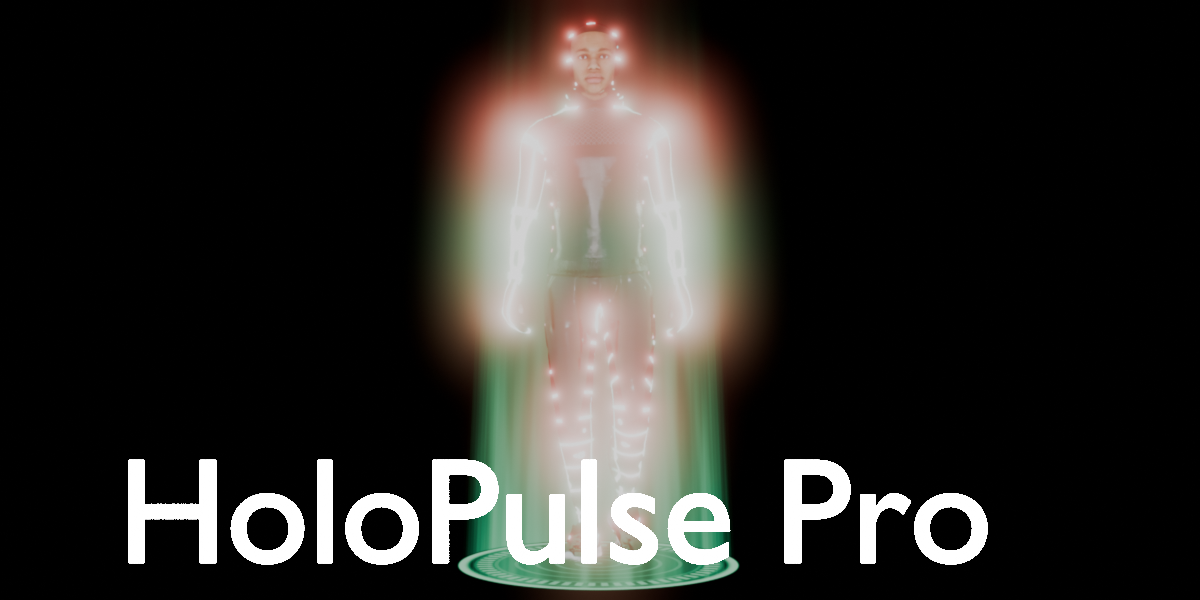
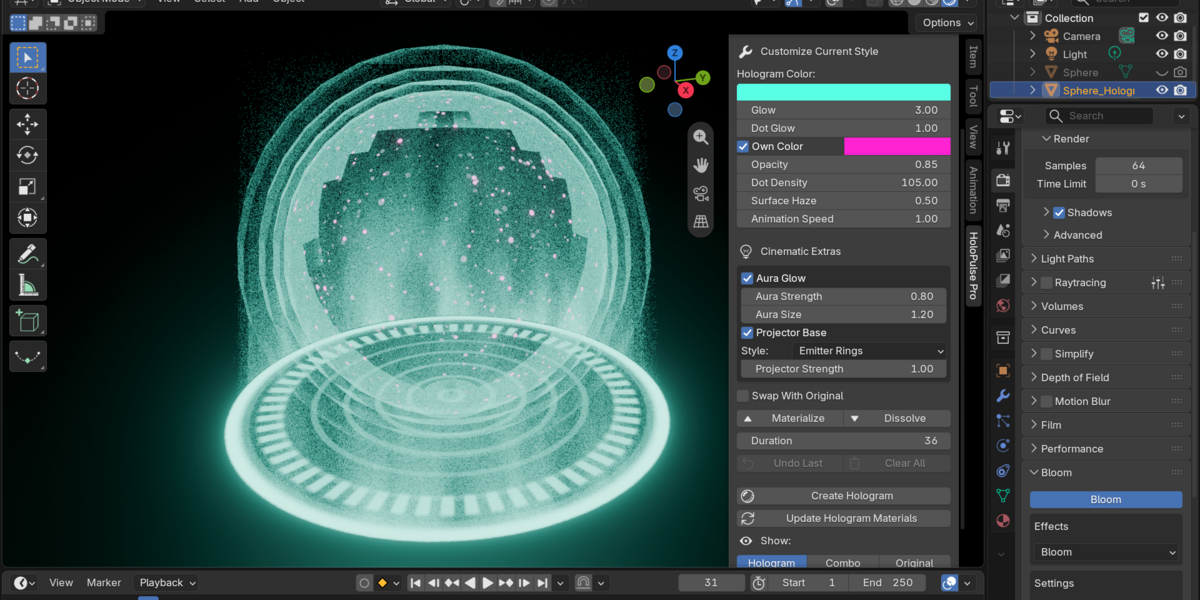
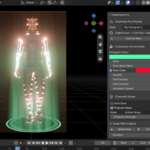
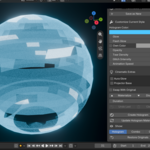
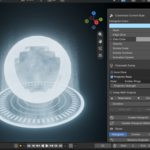
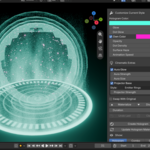
Turn any mesh into a living hologram with one click. 8 distinct effects, projector bases, aura glow, materialize and dissolve animations. Works on rigged characters, Cycles and EEVEE — includes Bloom as a bonus addon.
HoloPulse Pro turns your objects into cinematic holograms in seconds, without node-wiring, without baking, and without touching the original.
Pick a style, press Create Hologram, and HoloPulse Pro builds a hologram copy of your object with a fully procedural, animated material. The original stays untouched, so you can bring it back at any moment. The hologram animates on its own with the timeline and never stops after a fixed frame range.
Bonus Included: Bloom Addon Every purchase of HoloPulse Pro also includes Bloom as a bonus addon to help you push glowing highlights, neon edges, and holographic light bloom even further.
8 genuinely different effects
Each look is built on its own principle, not a recolored copy of one shader:
Classic Cyan – thin drifting lines, a bright rim and a sweeping scan bar
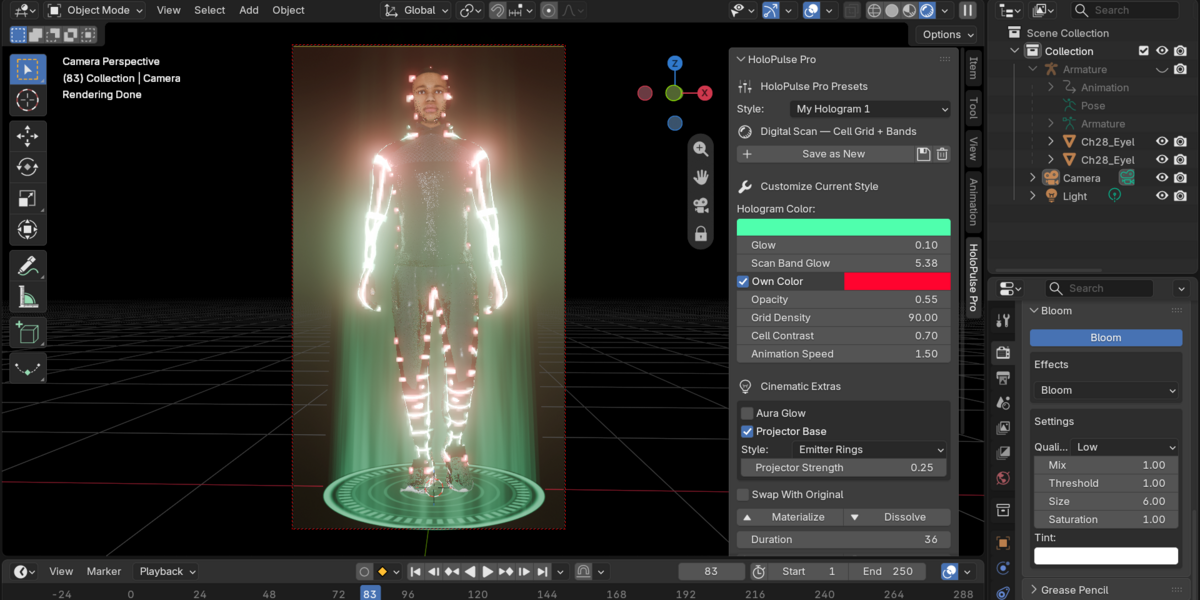
Digital Scan – cell grid, dots, randomly lit cells and separate scanning bands
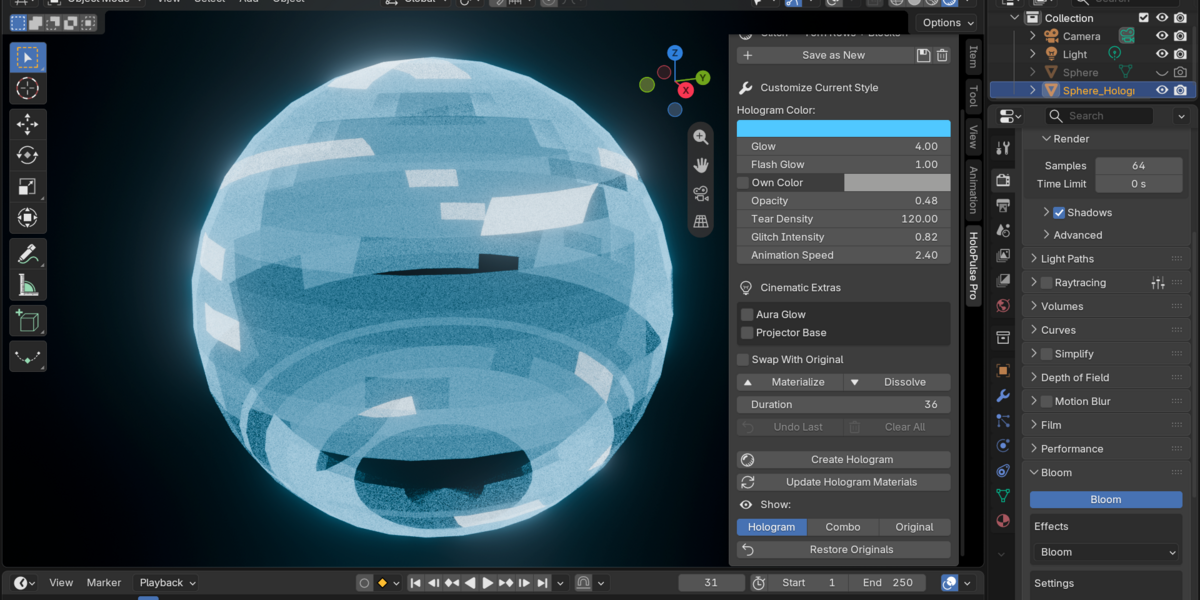
Glitch – torn rows, dropouts, solid digital blocks and sharp flashes
Red Alert – hazard stripes, a heartbeat pulse and a hard warning outline
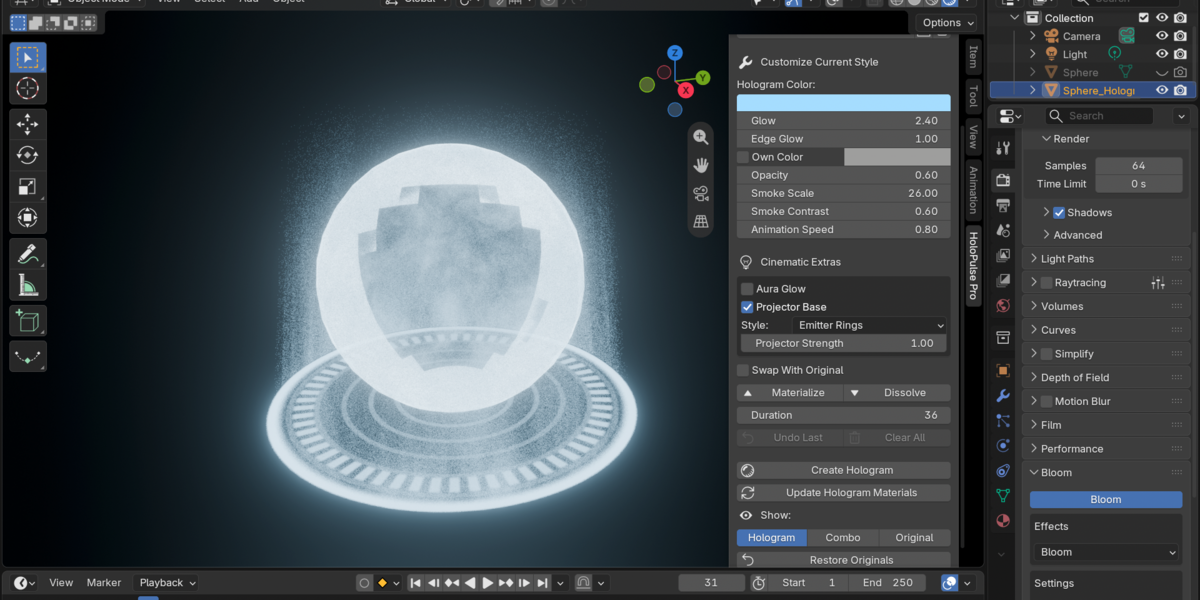
Ghost – a smoky, translucent shell with soft glowing edges
Wireframe – crisp polygon edges, with separate control of line glow and surface opacity
Cinema Projection – interlaced scanlines, rolling bands and signal tears, like a film-projector hologram
Point Cloud – a surface made of twinkling, drifting dots
Cinematic extras
Aura Glow – soft halo shells around the hologram
Projector Base with 5 styles: Emitter Rings, Hex Pad, Radar, Pedestal and Orbit Rings
Materialize / Dissolve – the hologram builds up from the bottom with a burning edge, or dissolves away. It is keyframed, so you can chain several, and Undo Last / Clear All step back through them
Swap With Original – during Materialize and Dissolve the original object fades the opposite way along the same front, so the object turns into its hologram and back
Original, hologram or both
Three buttons switch what is shown: Hologram, Combo (hologram over the original) and Original. They work on the selected objects, or on all of them if nothing is selected.
Full control, per object
Each hologram has its own settings. Select one and the panel shows its values, so changing one never affects the others
Glow controls the body, and a separate Accent Glow controls the moving element (scan bar, bands, flashes, pulse). Turn the main Glow down to zero and the moving band still glows. Set Accent Glow below zero for a dark band instead
Own Color for the moving element, independent of the hologram color
Opacity, density and contrast, and animation speed
Save your own presets and reuse them across projects
Built for characters and animation
Works on rigged and animated meshes, including multi-part Mixamo characters. Holograms and halos follow the deformation
Effects are driven by the scene frame, so scrubbing, playback and rendering stay in sync
Everything is built from standard Blender nodes, drivers and modifiers. No external dependencies and no Python packages
Works in Cycles and EEVEE
Requirements
Blender 4.2 or newer (tested on 4.5 and 5.x)
Cycles or EEVEE
Blender 4.2 or newer (tested on 4.5 and 5.x)
Cycles or EEVEE
License: GPL-2.0-or-later
Quick start
Select an object.
Open the HoloPulse Pro tab in the 3D Viewport sidebar (N).
Choose a style and press Create Hologram.
Adjust the sliders, then press Update Hologram Materials.
Try Aura Glow, a Projector Base, or Materialize to animate the appearance.
Select an object.
Open the HoloPulse Pro tab in the 3D Viewport sidebar (N).
Choose a style and press Create Hologram.
Adjust the sliders, then press Update Hologram Materials.
Try Aura Glow, a Projector Base, or Materialize to animate the appearance.
Tips
For best results in Cycles, keep Light Paths → Transparent Bounces at about 12 or more. HoloPulse Pro raises it automatically when you add an aura or a projector.
If your character has several mesh parts (body, hair, clothes), select all of them and create the holograms together.
For best results in Cycles, keep Light Paths → Transparent Bounces at about 12 or more. HoloPulse Pro raises it automatically when you add an aura or a projector.
If your character has several mesh parts (body, hair, clothes), select all of them and create the holograms together.

