 ZEG

Installation
In Blender open Edit, Preferences, Get Extensions, then use Install from Disk and pick the jacuzzi_generator zip.
Usage
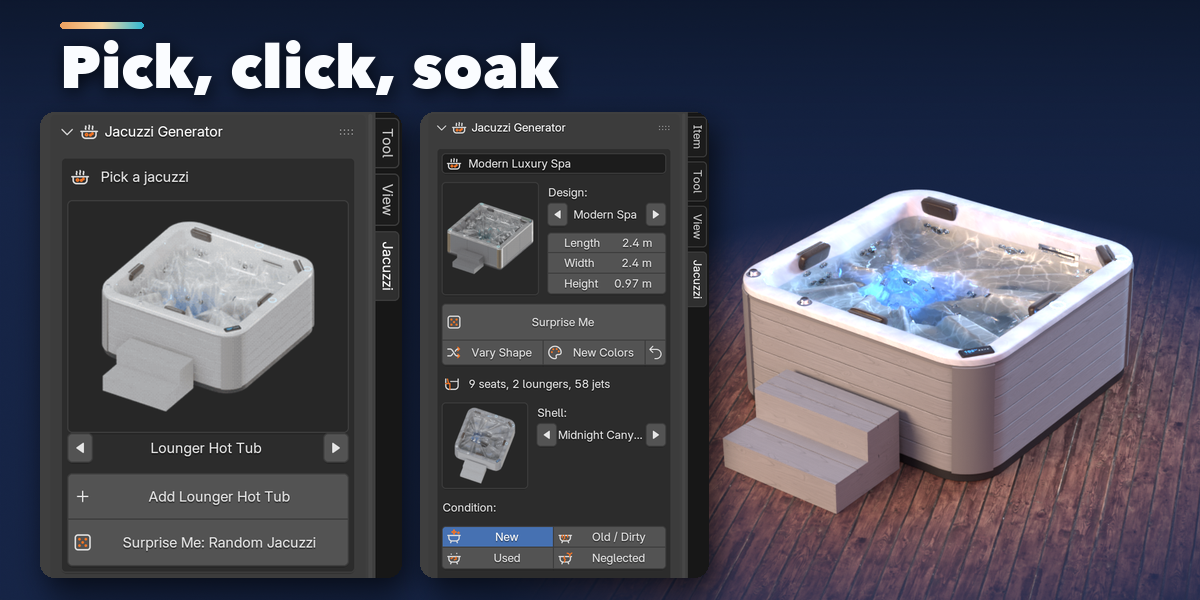
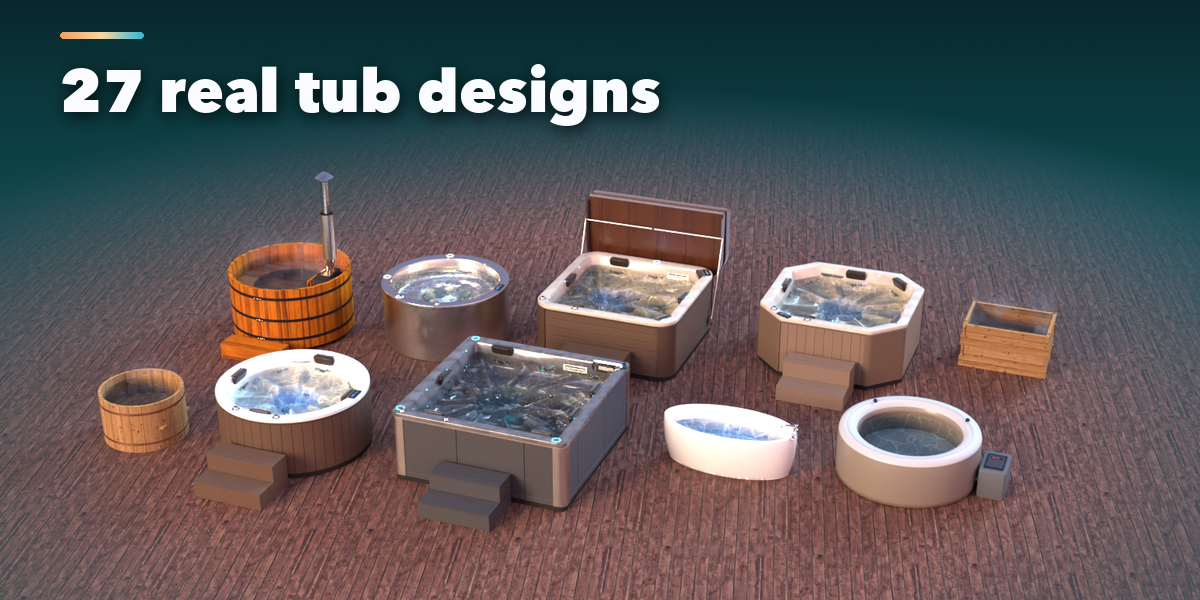
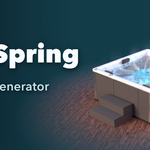
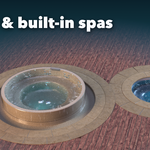
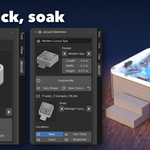
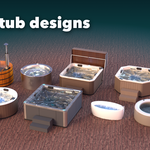
- Open the Jacuzzi tab in the 3D viewport sidebar (N). With nothing selected, click the picture to choose one of the 27 designs and add it at the 3D cursor, or press Surprise Me for a random tub. You can also use Shift+A, Mesh, Jacuzzi.
- With a tub selected, the card at the top shows its design, size and seats. Surprise Me re-rolls it, Vary Shape changes it a little, New Colors picks new finishes and the arrow resets the design.
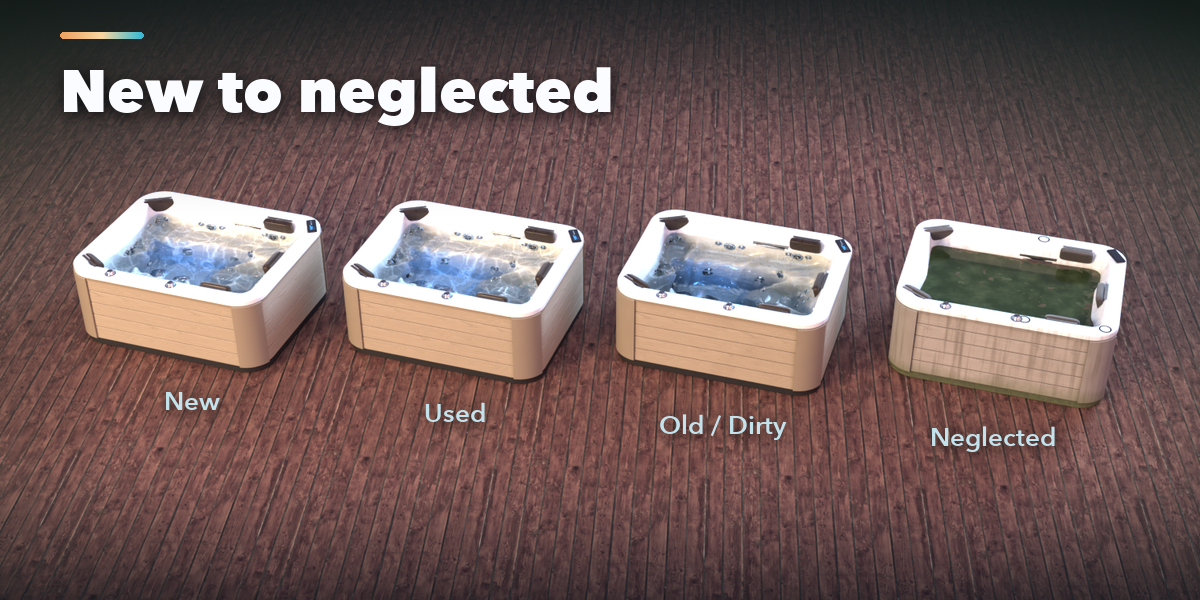
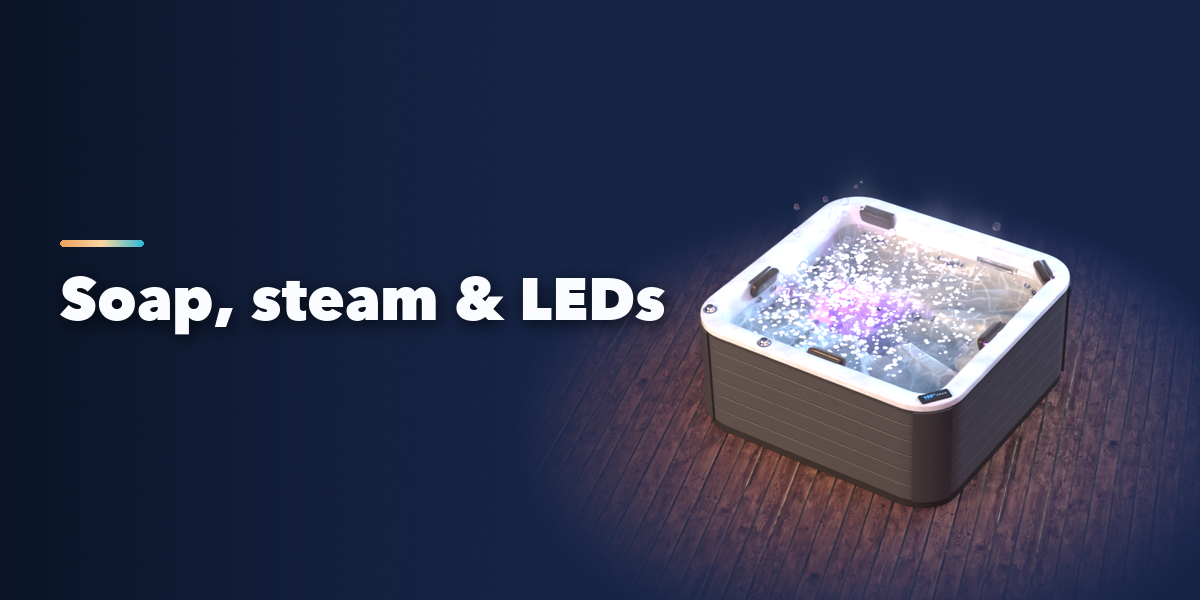
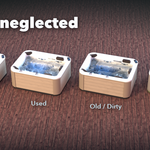
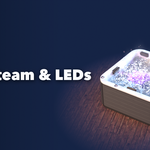
- Pick the shell finish and condition, then switch water, animation, soap foam, soap bubbles, steam and sound on or off. Jet Power and Air Bubbles set how strong the water moves.
- The icon tabs hold every other setting: tub, exterior, features, water, motion and sound, finish, and parts.
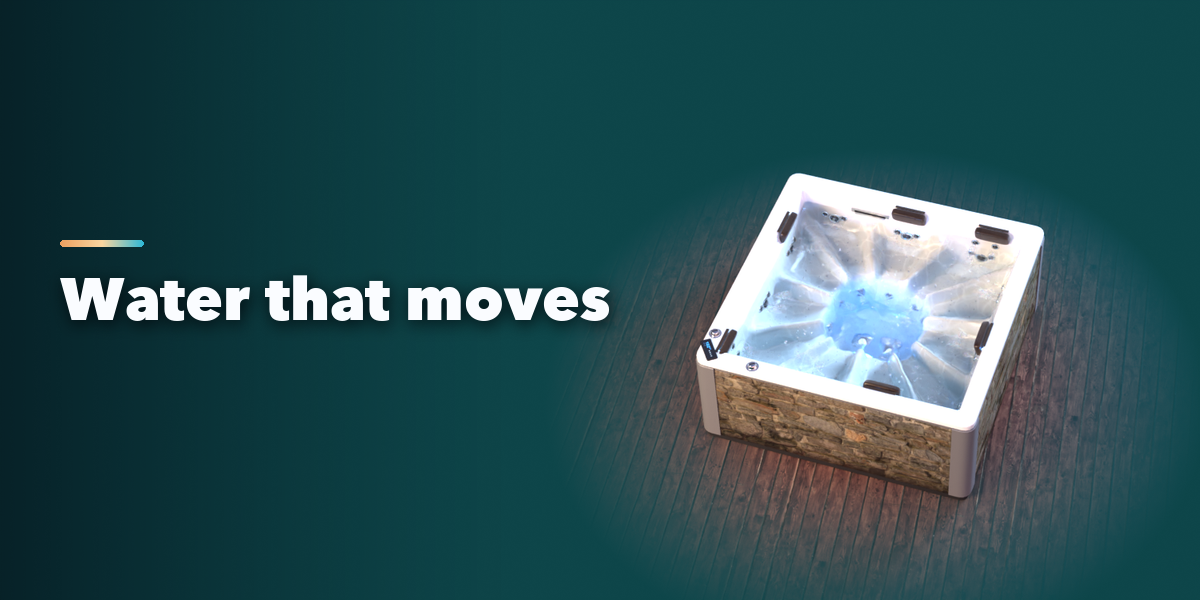
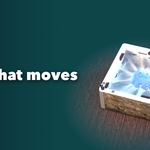
Play the timeline to see the water move. The animation loops over the scene frame range, so any render length plays seamlessly.
Have questions about this product?
Login to message
| Blender Extension Compatible | Yes |
| Published | about 11 hours ago |
| Blender Version | 4.2 - 5.2 |
| Extension Type | Add-on |
| Render Engine Used | Cycles, Eevee |
| License | GPL |
