House Generator
 Matsumossan Studio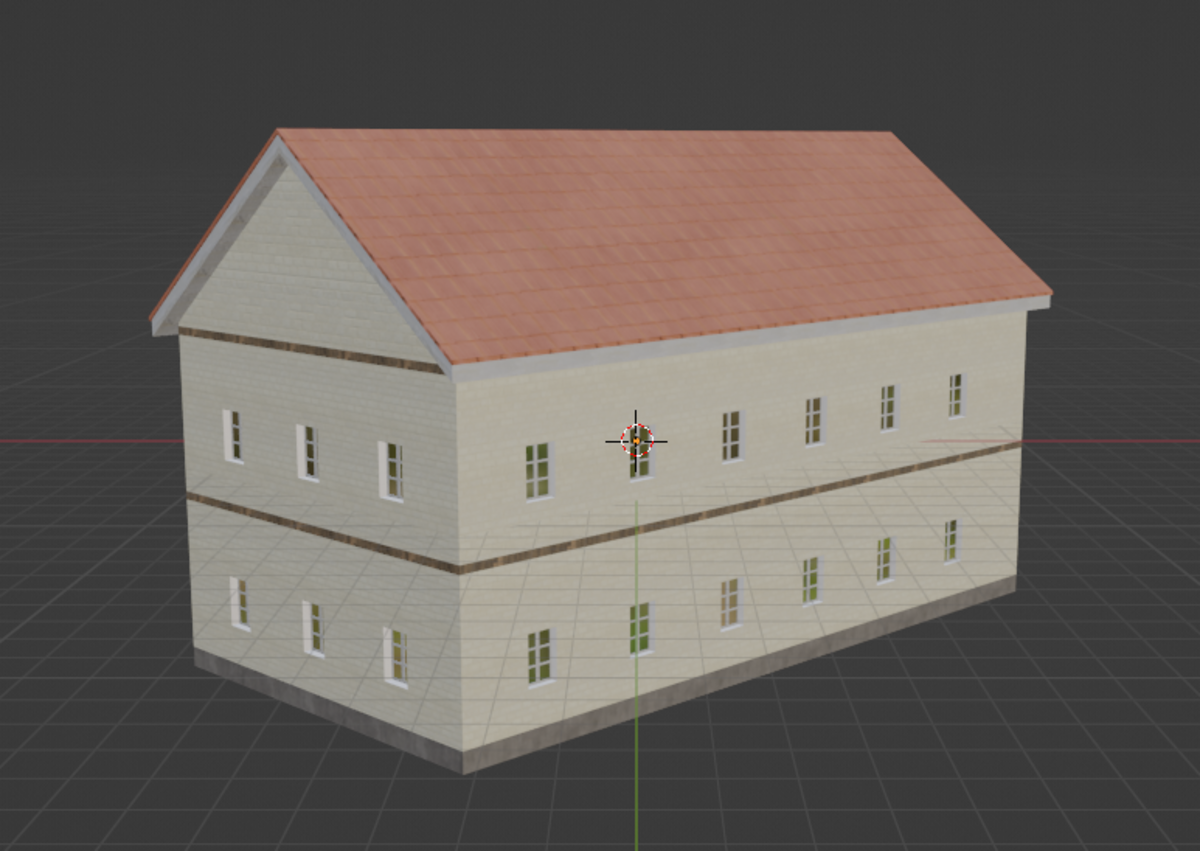
# House Generator 2.0 Documentation
## Overview
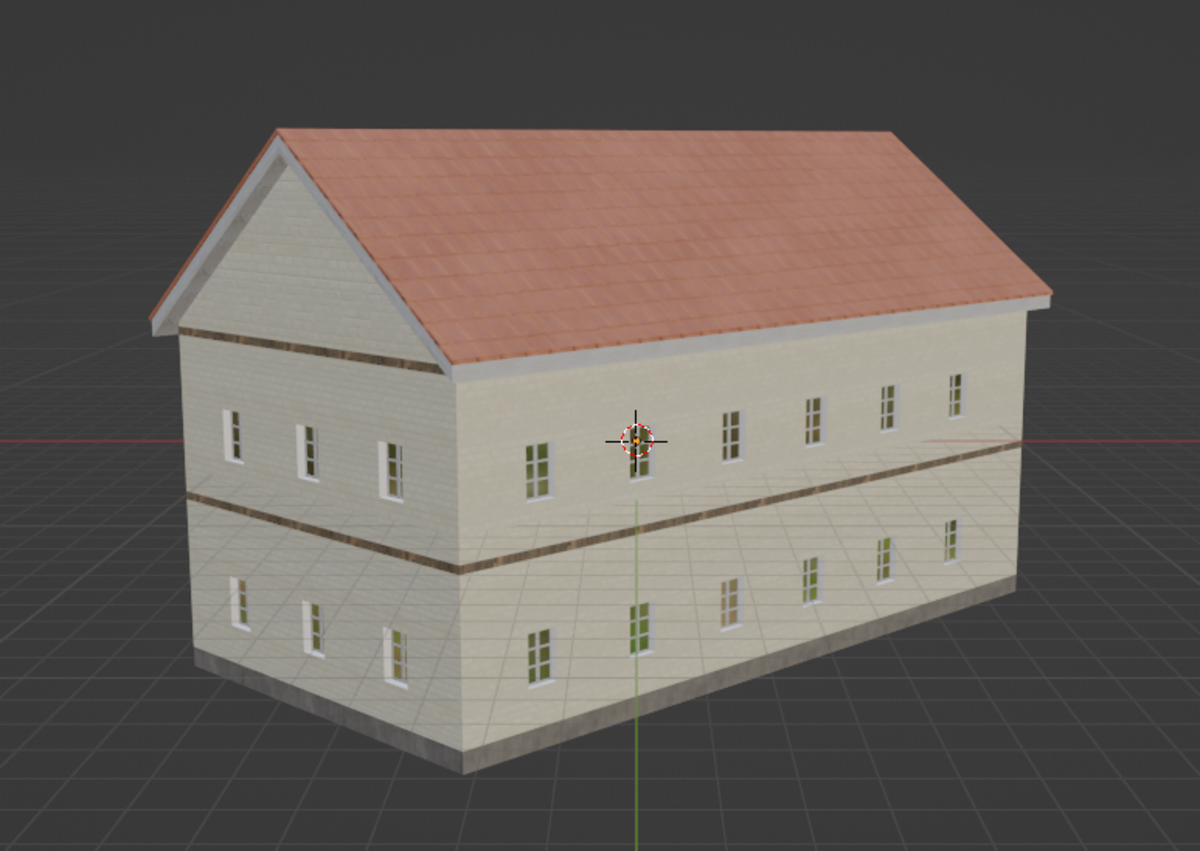
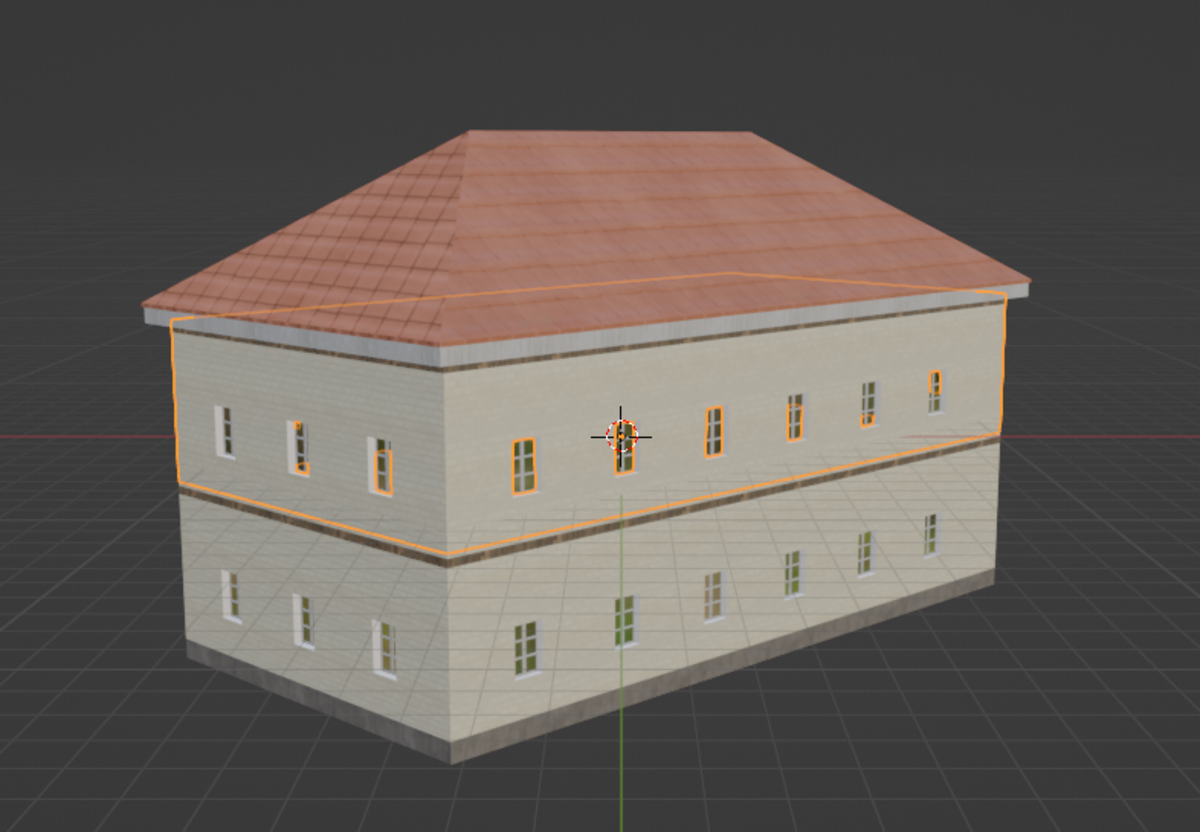
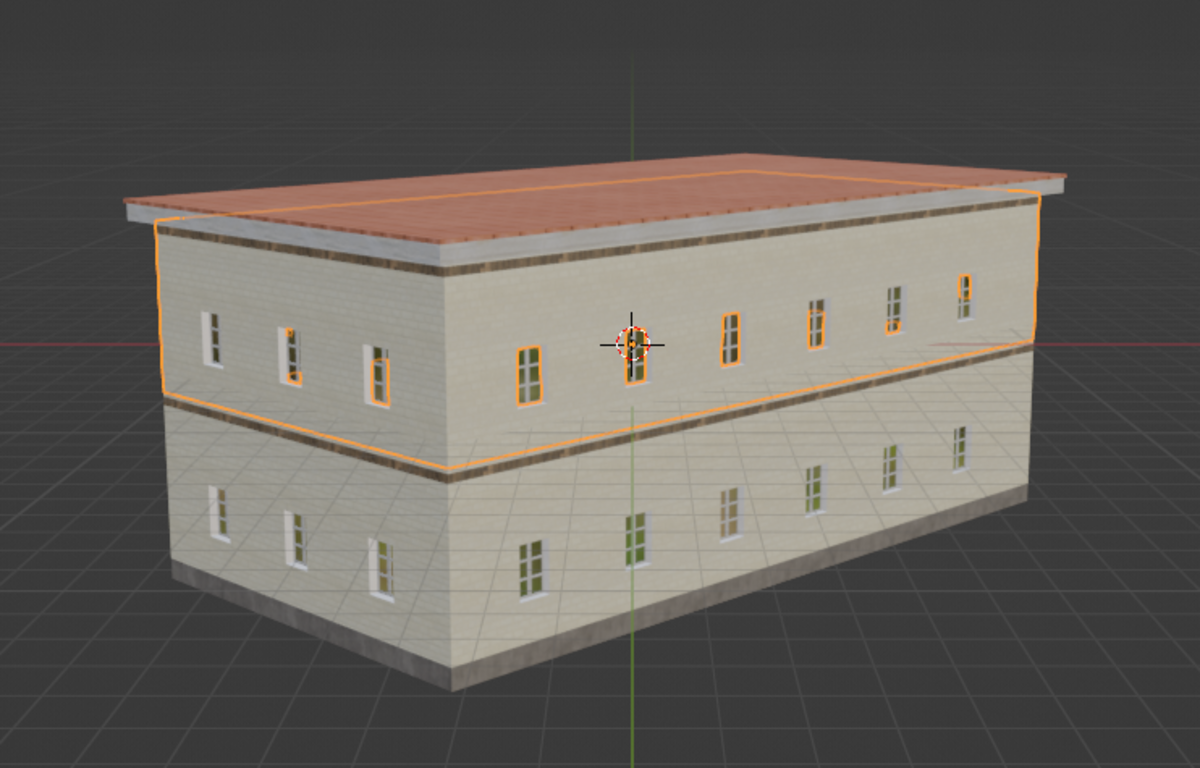
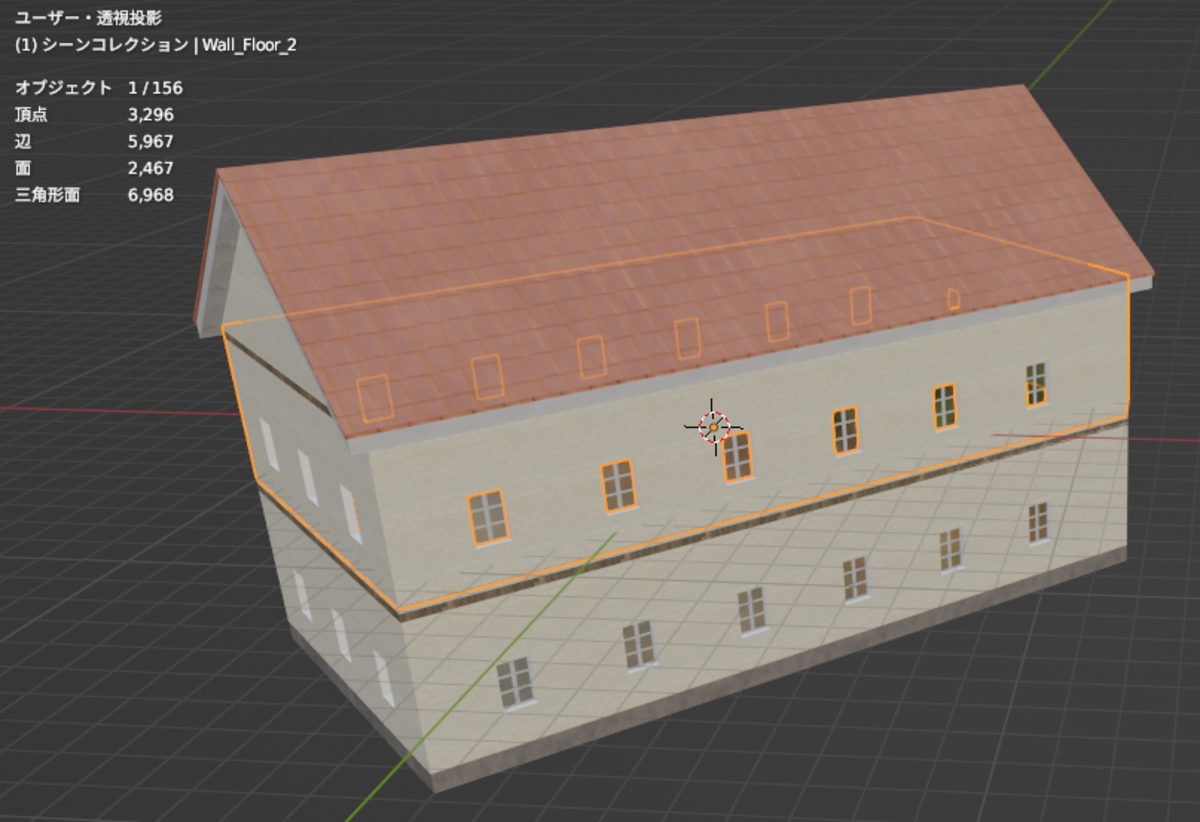
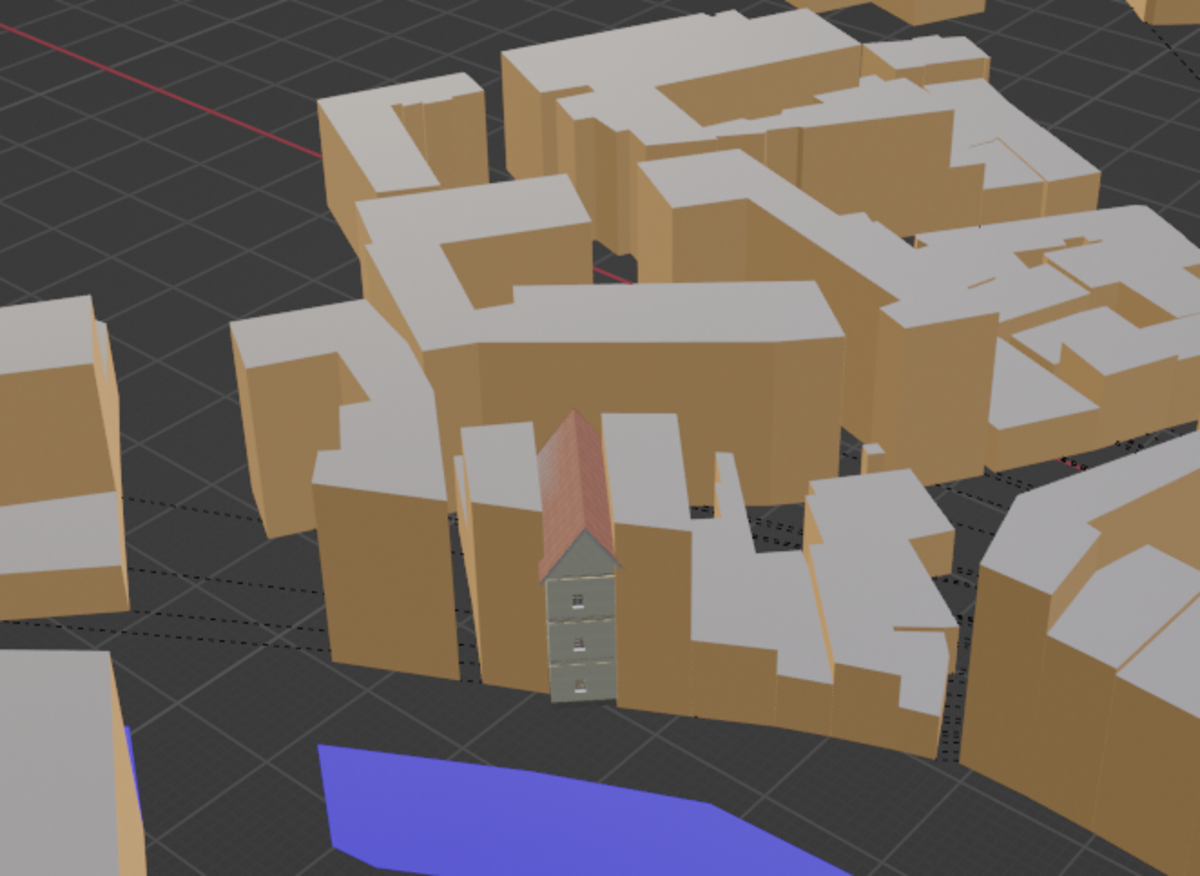
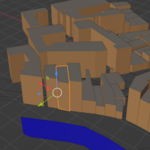
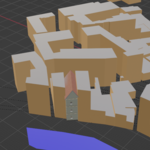
House Generator creates complete house models from selected mesh objects in Blender.
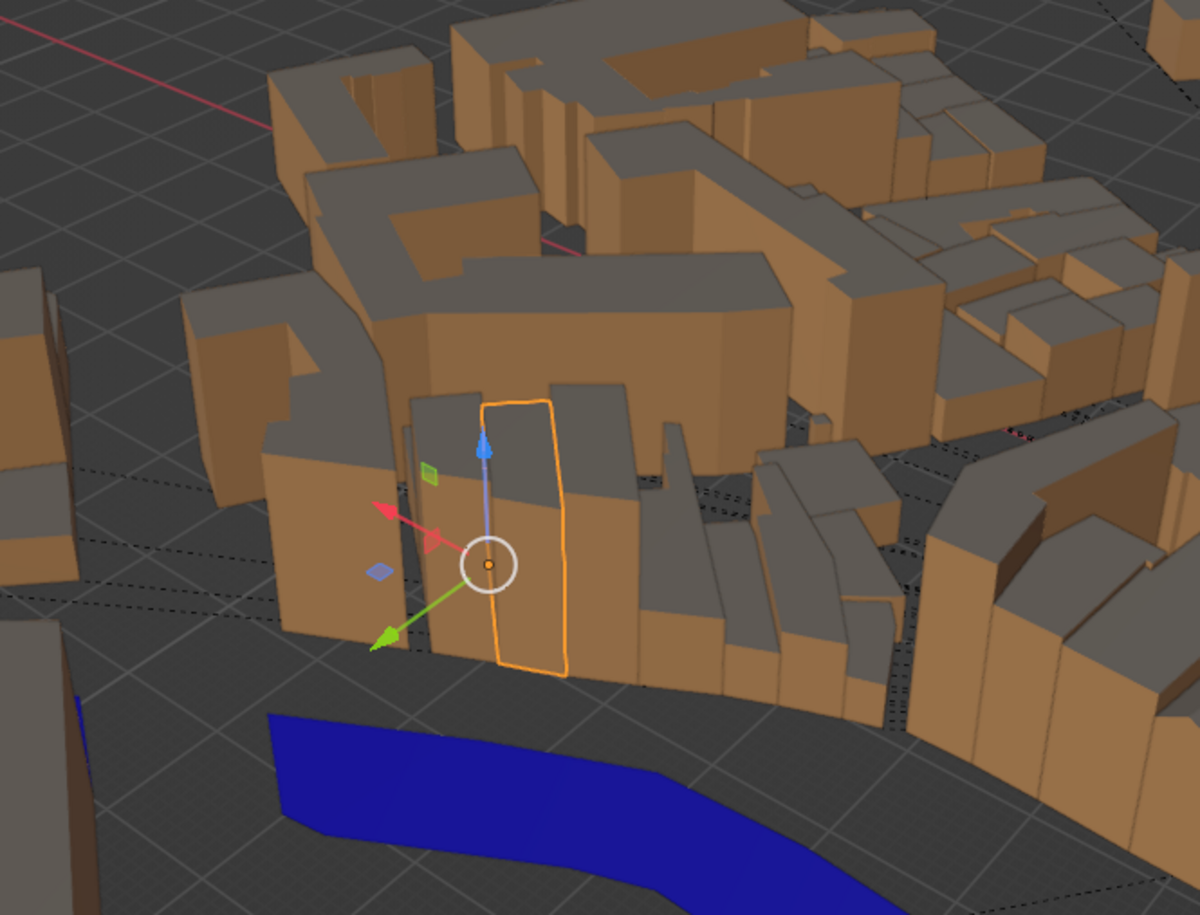
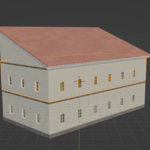
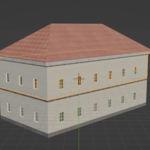
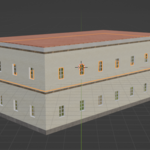
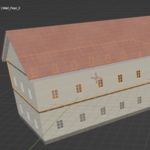
The dimensions, location, rotation, and height of each source object are used to generate the building. Walls, floors, ceilings, roofs, windows, materials, and optional entrance doors are created automatically.
Version 2.0 adds L-shaped and U-shaped footprints, automatic entrance door generation, batch generation, deterministic randomization, and significantly improved generation performance.
## Compatibility
- Blender Extension package: Blender 4.2 or later
- Legacy add-on package: Blender 3.6 to 4.1
## Installation
1. Download the appropriate ZIP package.
2. Do not extract the ZIP file.
3. Open Blender Preferences.
4. Choose **Install from Disk** and select the downloaded ZIP file.
5. Enable **House Generator** if required.
## Quick Start
1. Add or select a mesh object that represents the size and position of the house.
2. Open **Object Properties**.
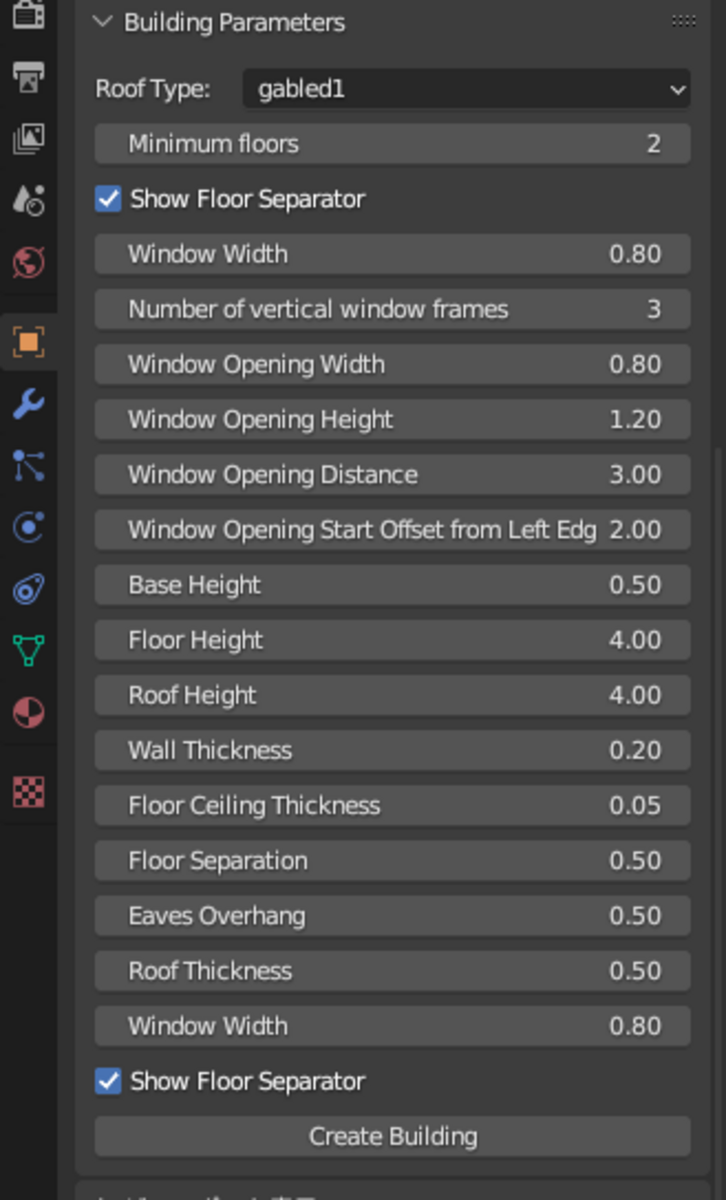
3. Find the **Building Parameters** panel.
4. Configure the footprint, roof, floors, windows, and entrance settings.
5. Click **Create Building**.
The source object is retained inside the generated building collection but is hidden from both the viewport and rendering.
Multiple mesh objects can be selected and processed in a single operation.
## Footprint Shapes
The following footprint shapes are available:
- Rectangular
- L-shaped
- U-shaped
- Random
When **Random** is selected, the Random Seed can be used to reproduce the same footprint and orientation results.
### Roof Limitation
L-shaped and U-shaped footprints currently use a flat roof regardless of the selected Roof Type.
Rectangular buildings support:
- Gabled roofs in two directions
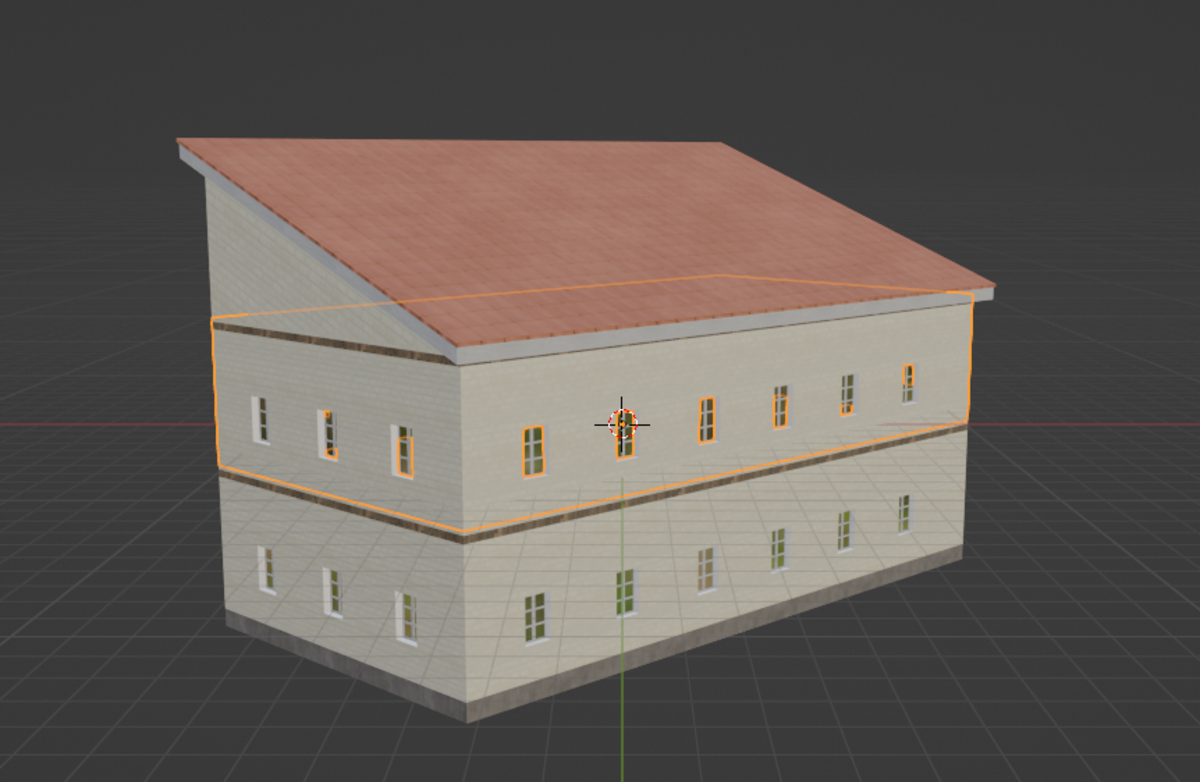
- Single-slope roofs in two directions
- Hip roofs
- Flat roofs
- Random roof selection
## Entrance Door Generation
Entrance doors can be generated automatically.
The entrance can be placed using either:
- A selected road mesh or curve
- North
- East
- South
- West
When **Road** is selected, House Generator finds a suitable wall facing the specified road object. If no road is found within the Maximum Road Distance, the entrance is skipped.
Door width, door height, and the default outward-opening door handing can be configured before generation.
## Building Parameters
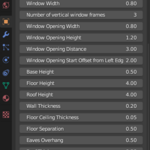
House Generator provides controls for:
- Minimum and maximum floor count
- Base height
- Floor height
- Wall thickness
- Floor and ceiling thickness
- Floor separators
- Roof type, slope, thickness, and eaves
- Window opening size and spacing
- Window frame count
- Entrance door size and placement
The number of floors is calculated from the height of the source object and constrained by the selected minimum and maximum floor settings.
## Unity Export
Generated entrance doors include left- and right-opening variants.
Select a generated entrance door to access:
- Door Handing
- Prepare Unity Export
- Export FBX for Unity
These tools prepare the active door variant and its animation for FBX export.
## Important Notes
- Source objects must be mesh objects.
- Apply suitable dimensions and transforms before generation.
- Generated buildings consist of multiple objects organized inside a dedicated collection.
- L-shaped and U-shaped buildings currently use flat roofs only.
- Keep the original source object if you may need its dimensions or placement later.
- Save your Blender project before generating a large batch.
## Support
If you encounter a problem, please contact us through Superhive and include:
- Blender version
- Operating system
- House Generator version
- Steps required to reproduce the issue
- Screenshots or error messages, if available
Have questions about this product?
Login to message
| Blender Extension Compatible | Yes |
| Sales | 10+ |
| Dev Fund Contributor | |
| Published | about 2 years ago |
| Blender Version | 4.2, 4.1, 4.0, 3.6 |
| Extension Type | Add-on |
| License | GPL |
