 GN Box




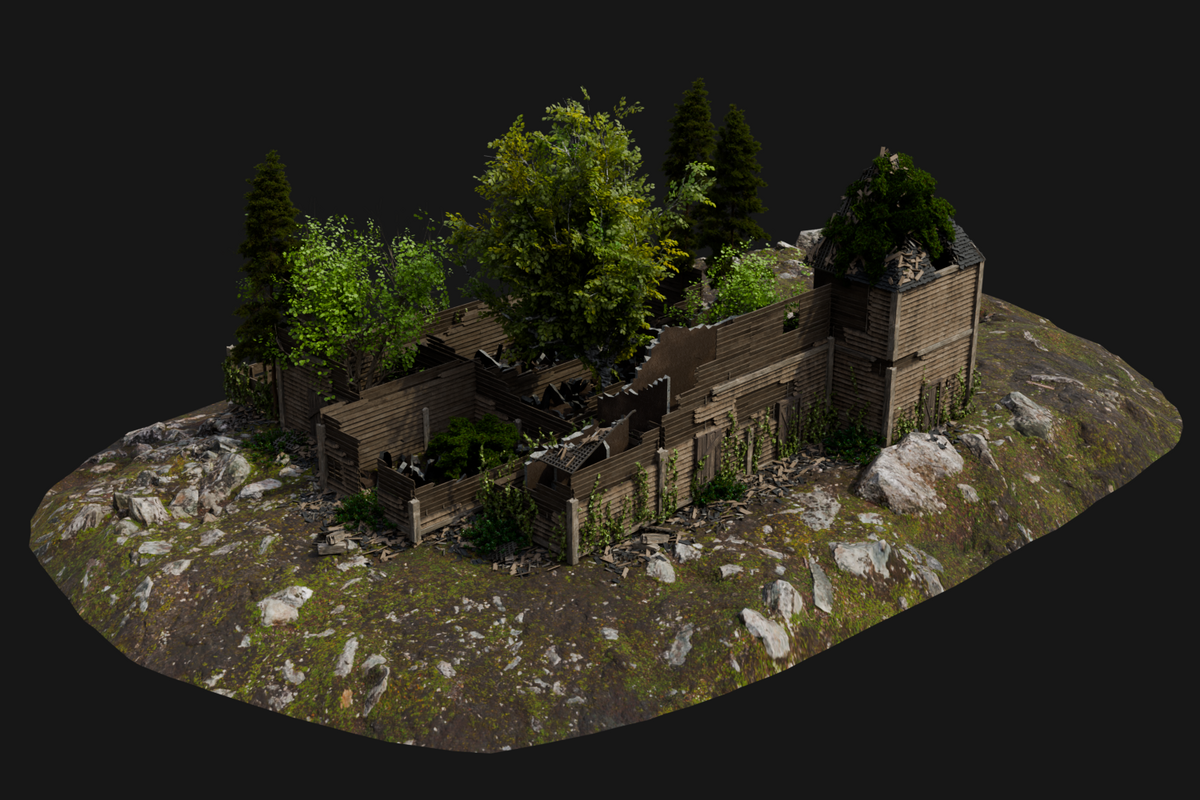
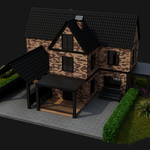
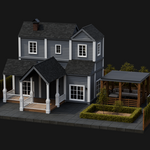
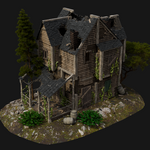
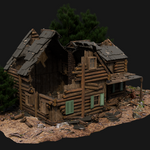
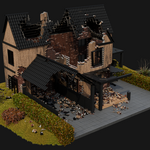
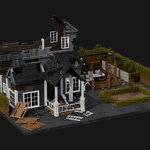
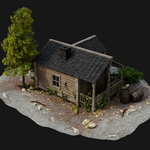
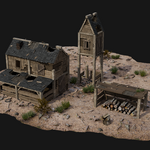
HouseCraft 1.4.1
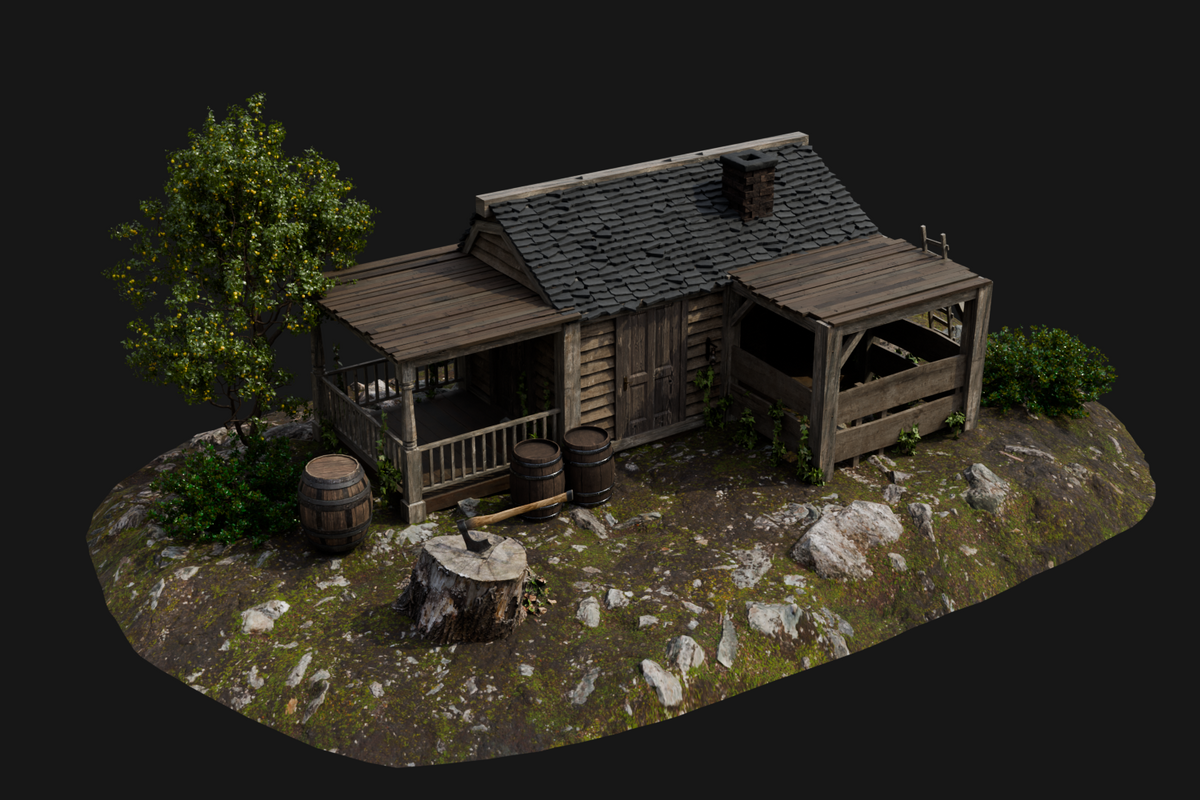
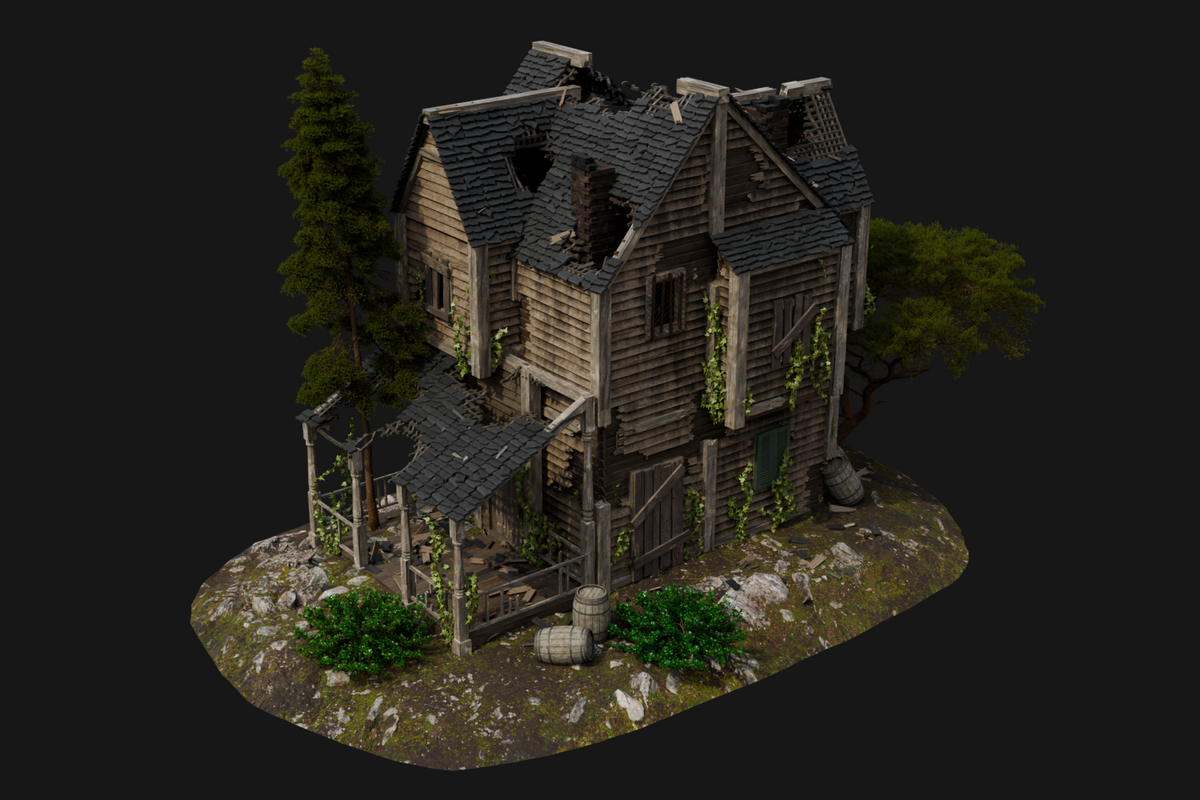
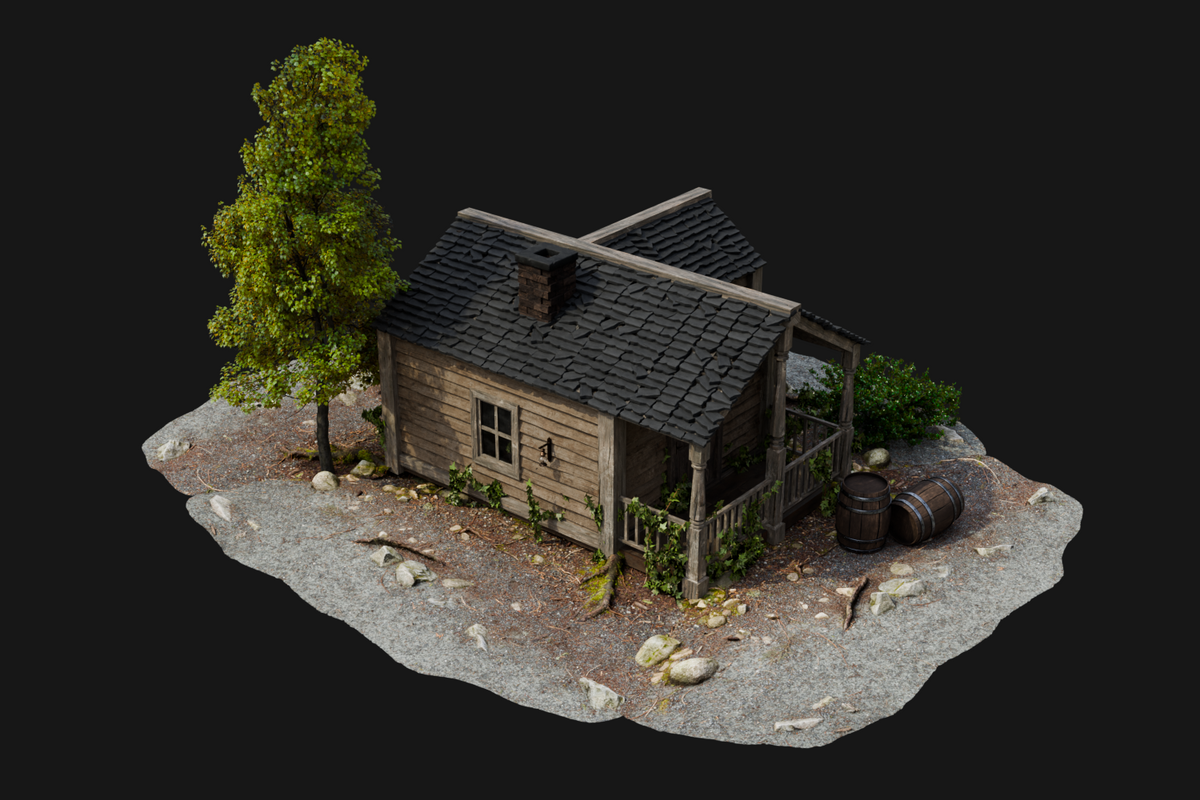
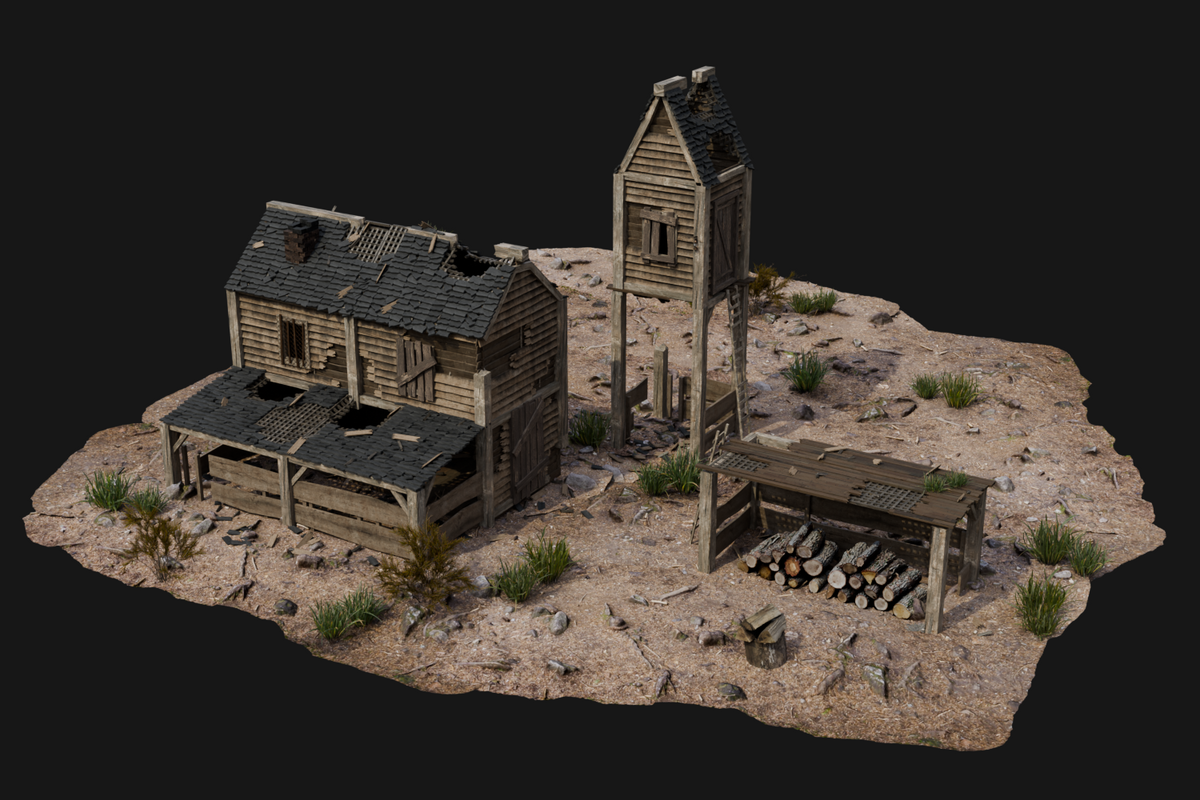
Create realistic buildings and destructions in Blender! HouseCraft provides intuitive tools and customizable settings to create detailed houses, structures and even entire villages. It also allows you to simulate realistic destruction effects easily. Perfect for architectural visualizations, VFX and other creative projects.
The HouseCraft includes a library of assets designed to speed up house creation while keeping buildings detailed and customizable. The assets are provided as modifiers with preconfigured settings, allowing you to apply ready-made setups to your buildings quickly. Each asset contains prepared modifier settings for different architectural elements and house styles, making it easy to switch between variations and customize buildings within a fully procedural workflow.
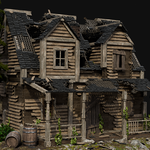
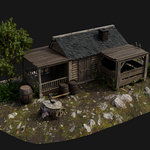
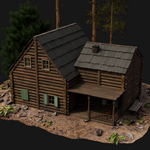
The HouseCraft currently features four unique Wall and Angled Roof types, giving you the tools to create detailed and atmospheric buildings. You can construct houses with classic wooden plank walls — perfect for rustic cabins and countryside homes — or use sturdy log walls for a more traditional, timber-built look inspired by log cabins. And with the newly added Brick and Modern Plank house types, you can now create realistic contemporary homes with a clean, urban look.
Wall and Roof types can be freely combined, allowing you to mix materials and styles to create unique and personalized architecture. Whether you're building cozy cottages, hunting lodges, or entire villages, HouseCraft gives you the flexibility and creative freedom to bring your architectural visions to life.
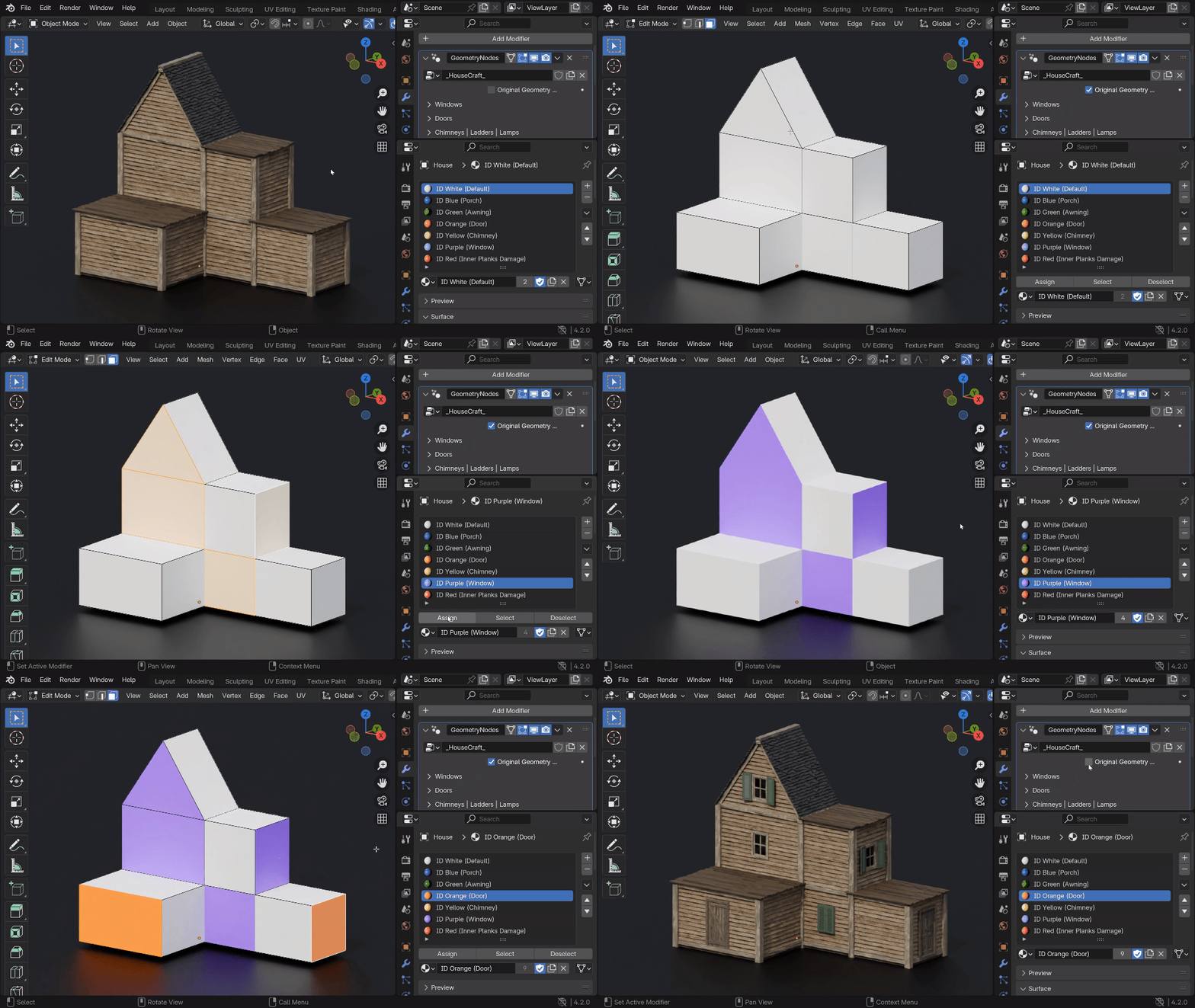
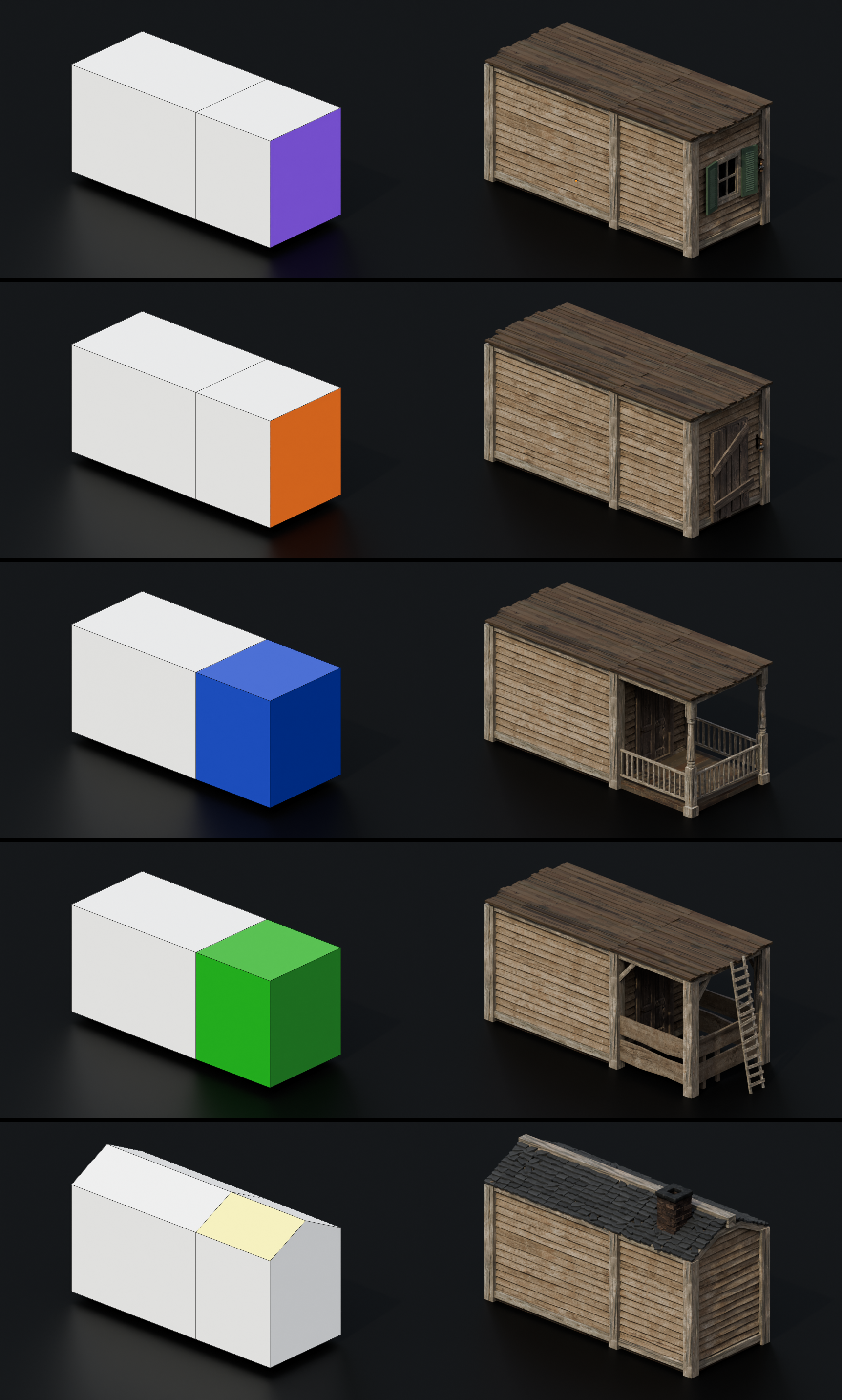
By default, the Windows are distributed in a random order which you can customize. But if you need to indicate a specific location of the Windows, you can do this by assigning a Purple color (ID Purple ) to the Face. You can also customize the random Windows Type. In standard mode, there are 3 types of Windows, and in destruction mode, there are 8 types. The Сhimney also has a random distribution setting and a specific location can be indicated with a color (ID Yellow). You can specify the location of the Doors by assigning the Orange color to the Face (ID Orange). You can also select the Doors Type, from a total of 3.
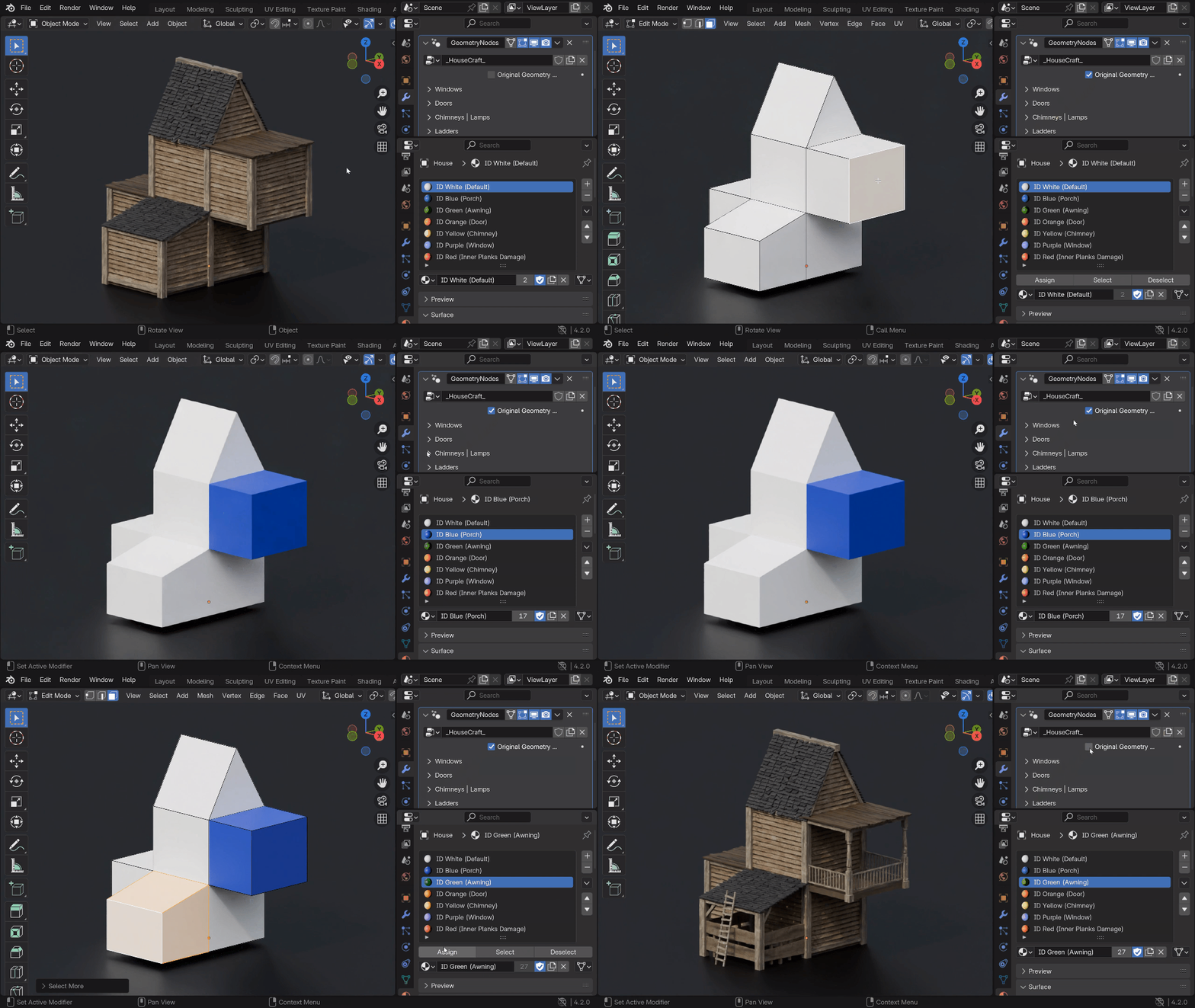
You can easily and quickly create more complex structures like the Porch and Awning by simply assigning a specific color to the block. Use ID Blue for the Porch, and ID Green for the Awning.
Add Ivy to your scene to create a natural and cozy feel. Also, use it for scenes where you want to show a post-apocalyptic atmosphere. You can set up a random Ivy distribution, Density and Height.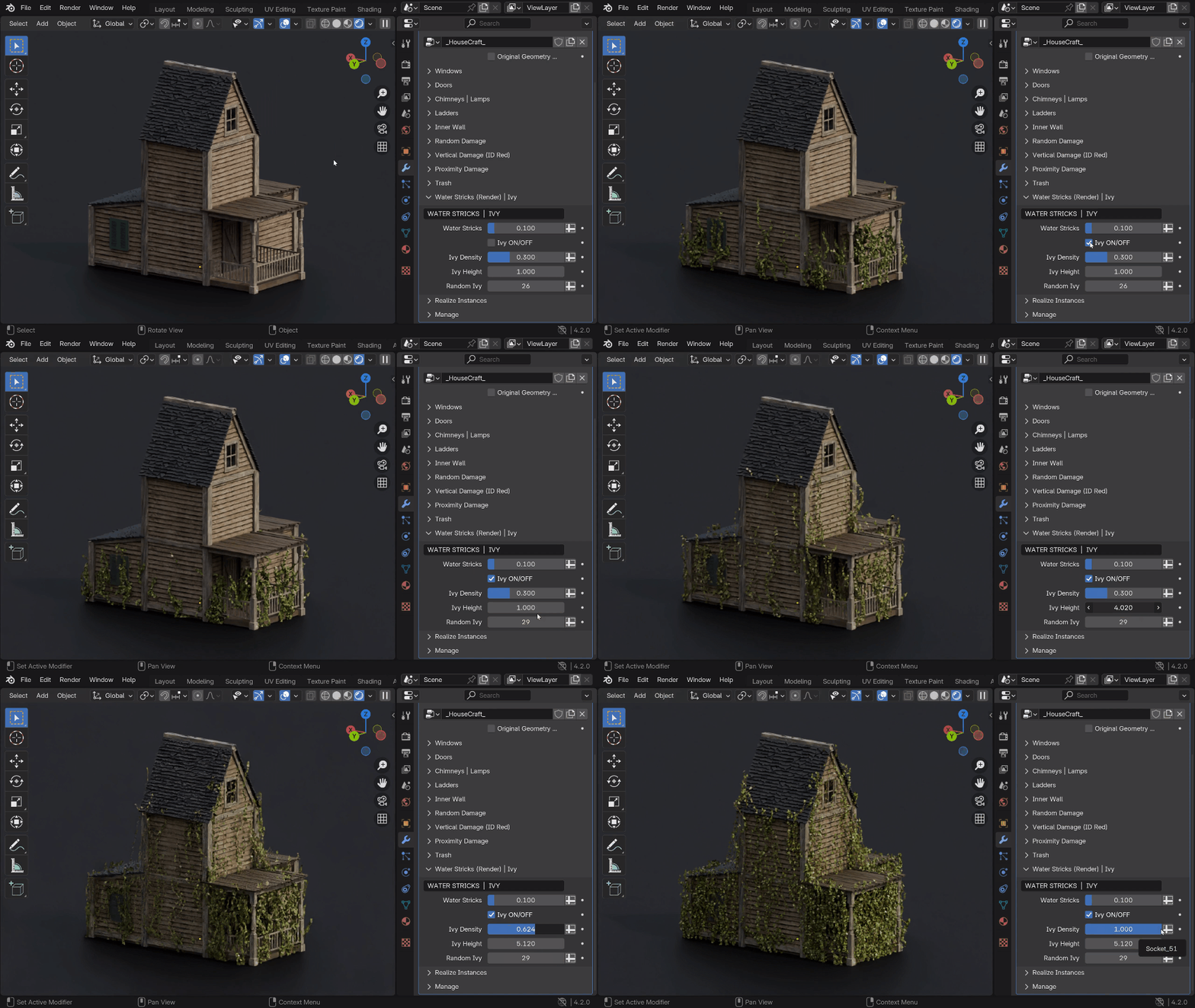
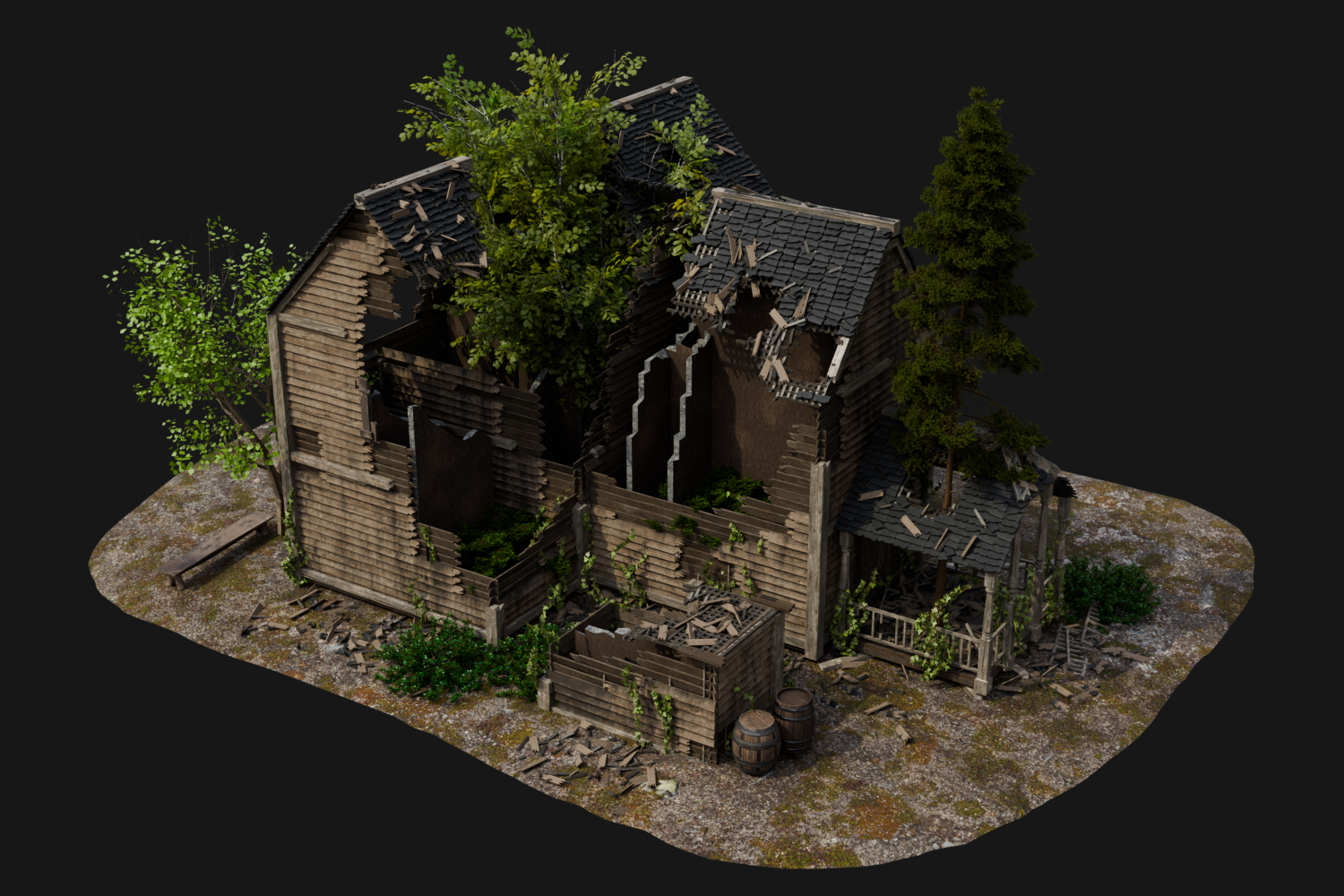
You have the ability to add destruction to your buildings of 3 different Damage Types which will allow you to adjust the damage from light chips to completely destroyed houses. You can use them separately as well as use different combinations of them. Random Damage allows you to give the house "a slight antiquity" and "destruction over time". Vertical Damage will allow you to destroy the house starting from the roof to floor.
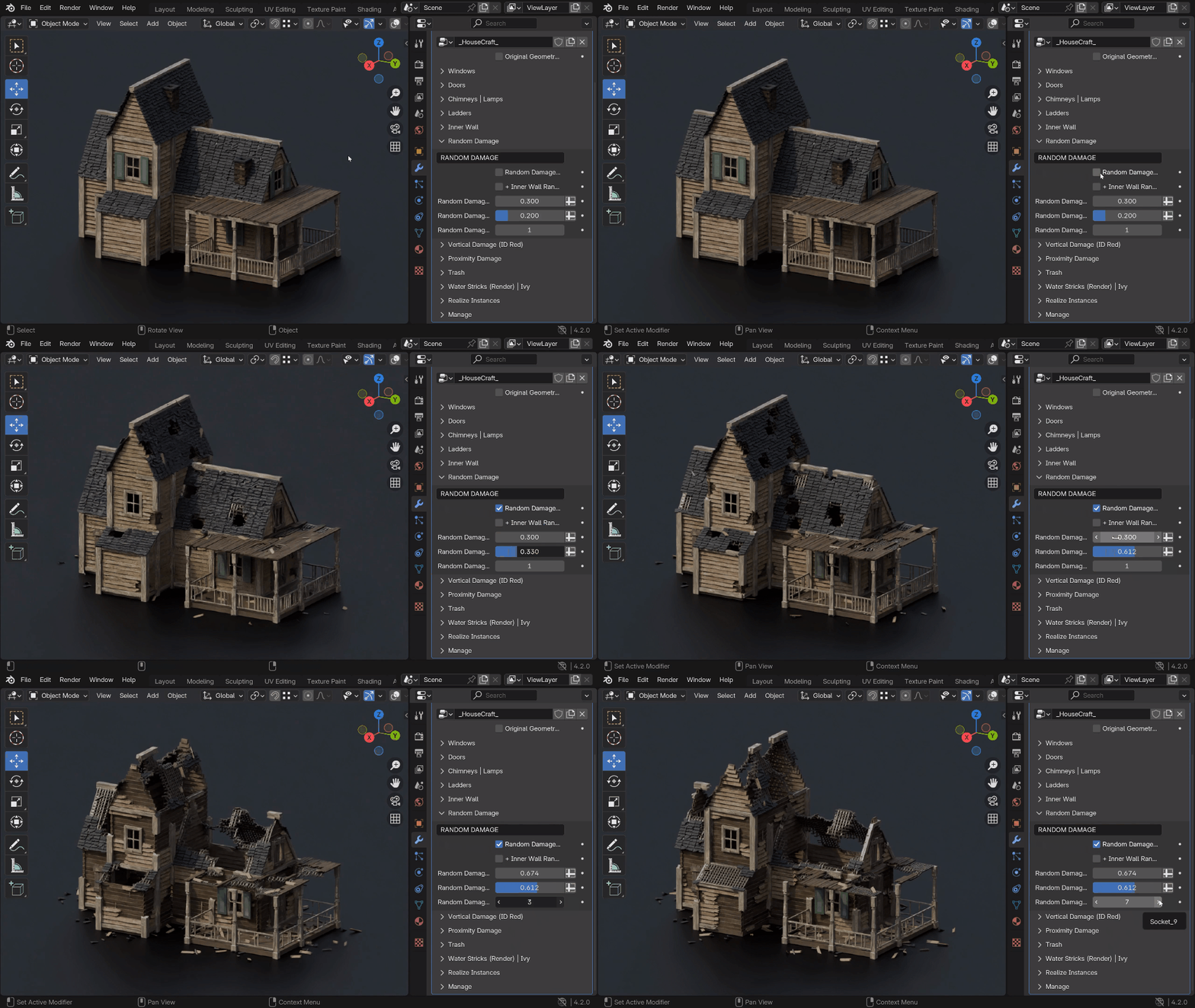
The 3rd type of destruction is Proximity Damage where you have the ability to use the Empty object (up to 3). With it you can control the damage and assign it locally where you need it.
How to use HouseCraft for creation:
An example of a scene with a created house:
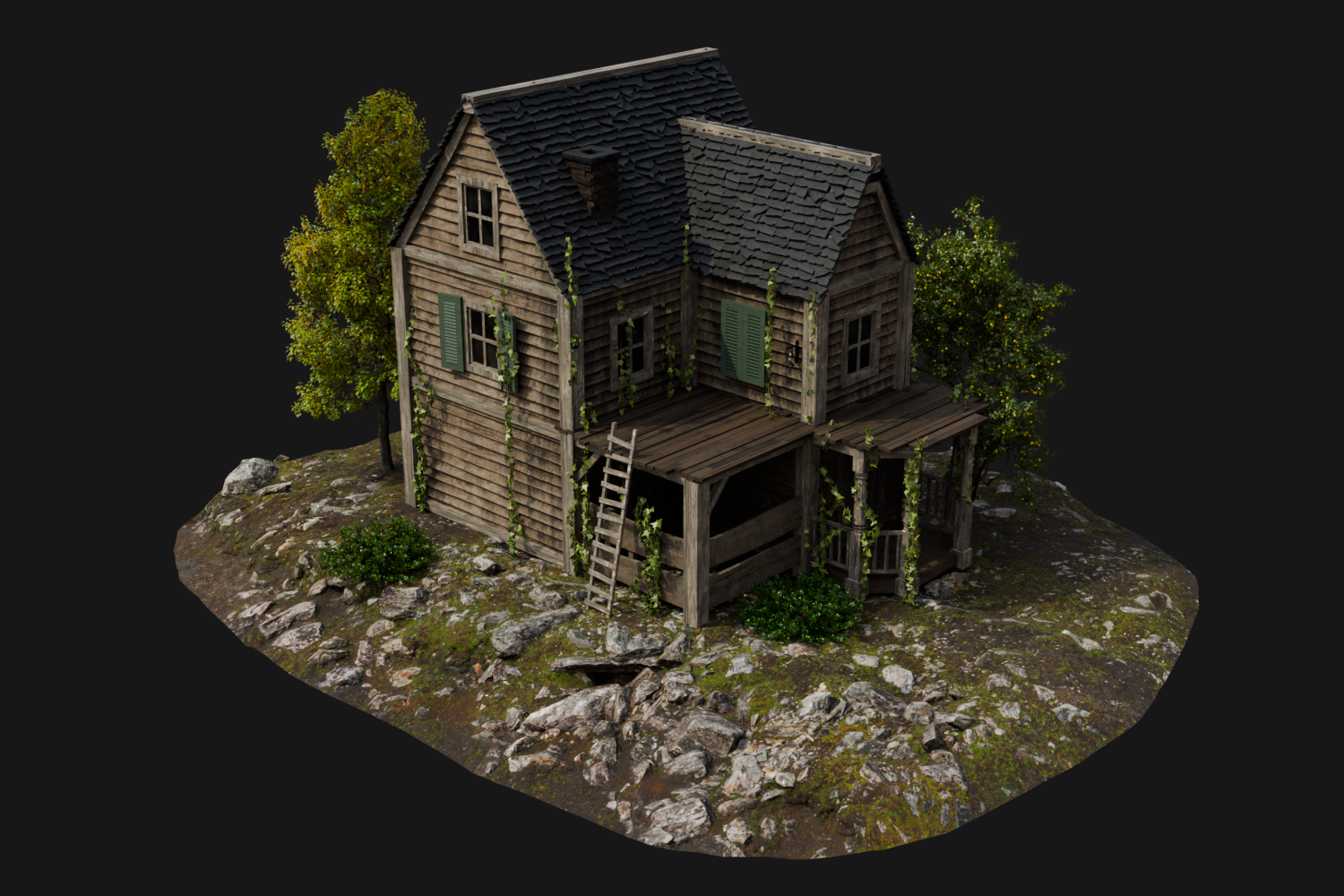


Elements of the house:
How to use HouseCraft for destruction:
An example of a scene with a destroyed house:


You can see more examples of building construction and destruction on the YouTube channel:
https://www.youtube.com/@GN_Box/videos
Below you can clearly see how the object looks before and after applying the HouseCraft modifier. You can get a finished structure with many different elements in several minutes by creating only the base.
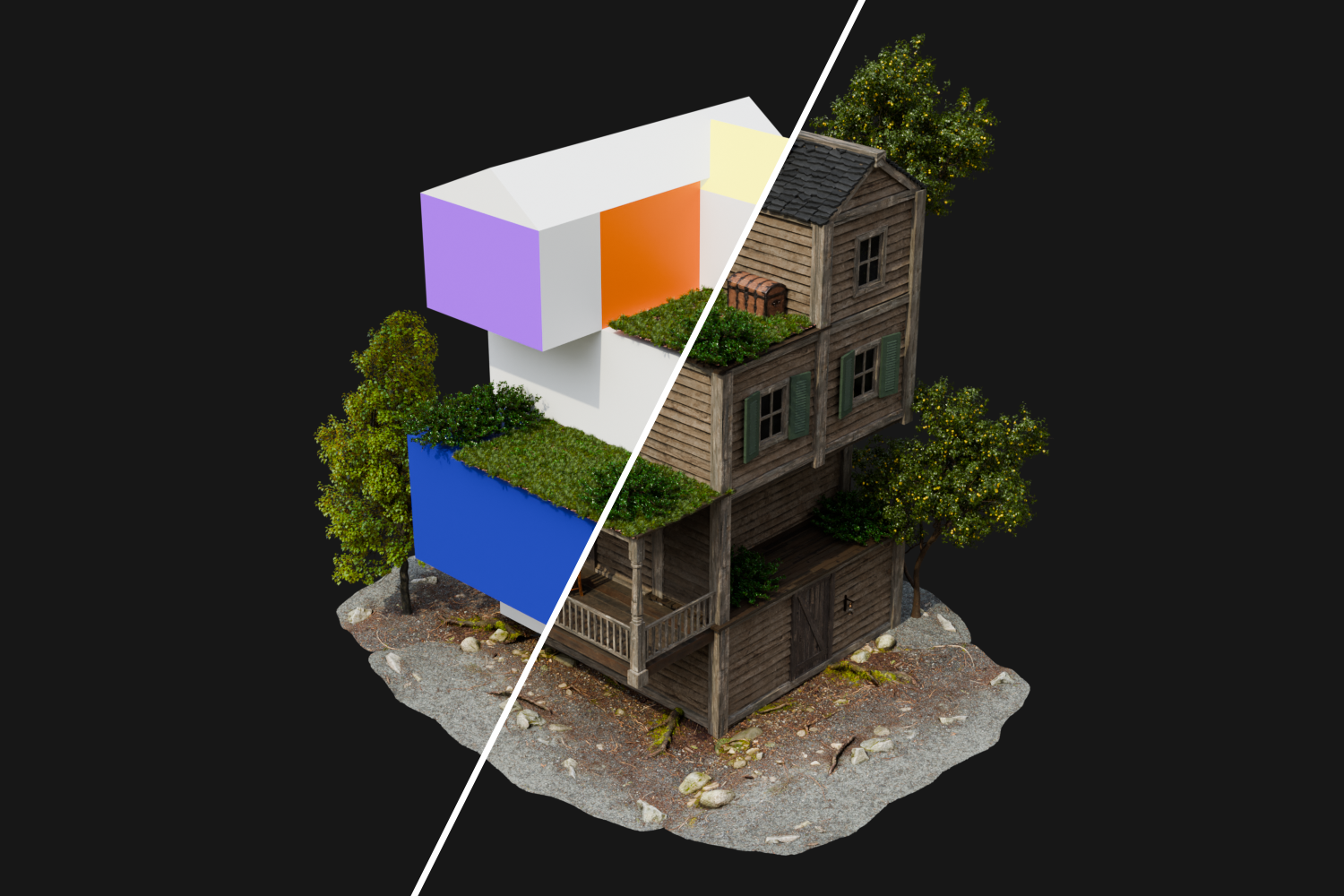
You have the ability to export generated buildings with textures in FBX format to game engines and continue working on your projects there. Supported in Unreal Engine, Unity, Godot, Sketchfab, Marmoset...
How to export HouseCraft buildings to FBX
P.S. Tag your works on social networks X and Bluesky with the hashtag #housecraft_geo. I will be very interested to see the buildings that you have created :)
_________________________
UPDATES:
1.1: It is now possible to export buildings with textures to FBX format. Supported in Unreal Engine, Unity, Godot, Sketchfab, Marmoset...1.2:
- Added new Wall and Angled Roof types. Now you can build and destroy walls from logs.
- Added new parameter - Destroyed Windows ON/OFF. Now you can enable or disable destroyed Windows in random distribution.
- The destruction of Windows and Doors has been reworked.
- Destruction now affects Ivy.
- Fixed some bugs.
1.3:
- Added new Wall and Angled Roof types. Now you can build and destroy brick houses.
- Fixed some bugs.
1.4:
- Added a new house type: Modern Planks — a clean contemporary style with horizontal modern wooden panels.
- Fixed some bugs.
1.4.1:
- HouseCraft has been updated with new assets to make building creation even faster and more flexible in Blender.

