 Designers

Hover HUD
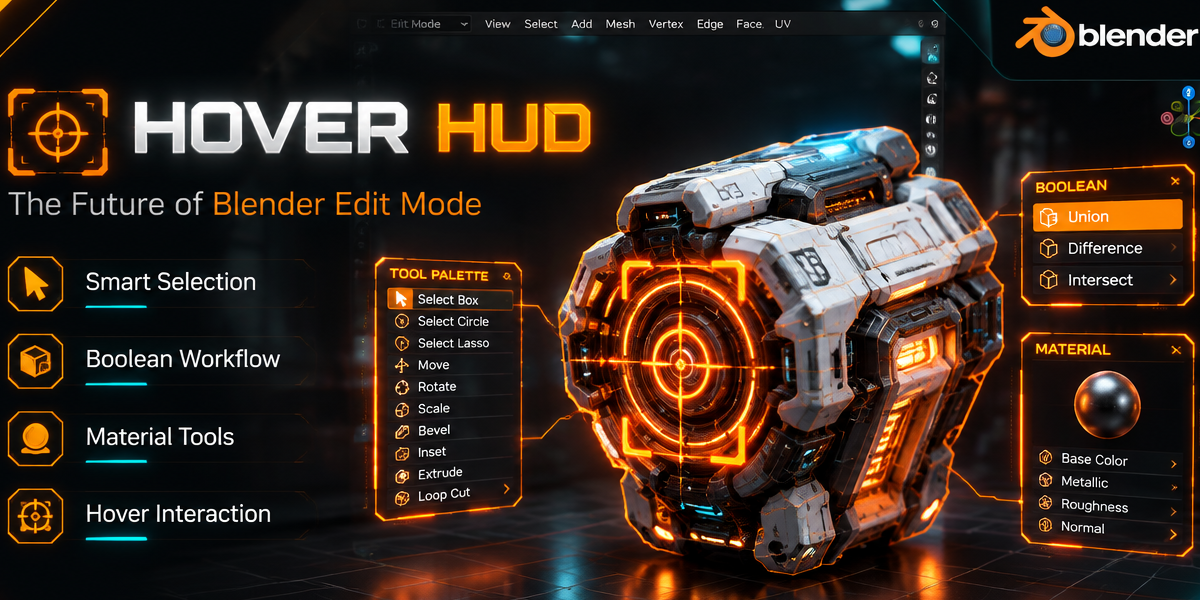
Transform Blender's Edit Mode into a futuristic, context-aware modeling experience.
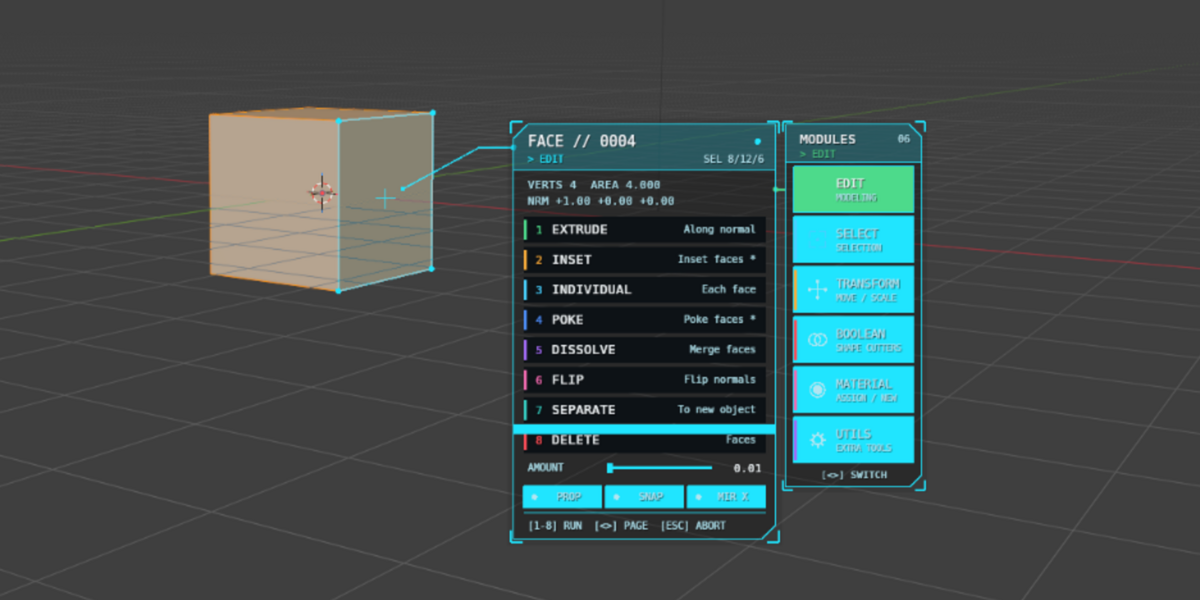
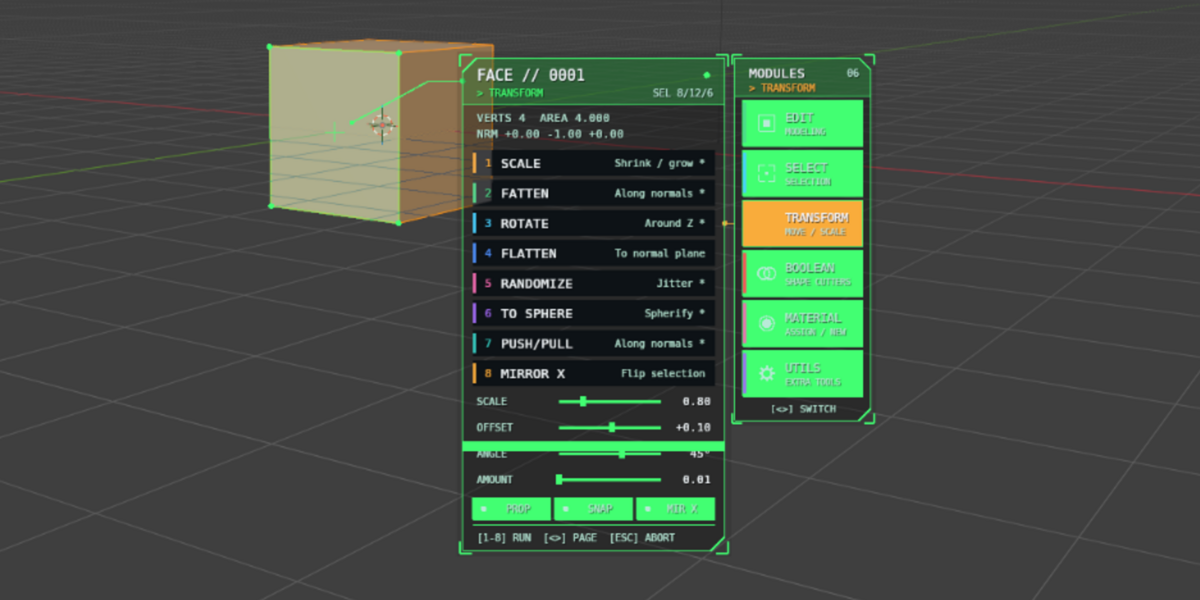
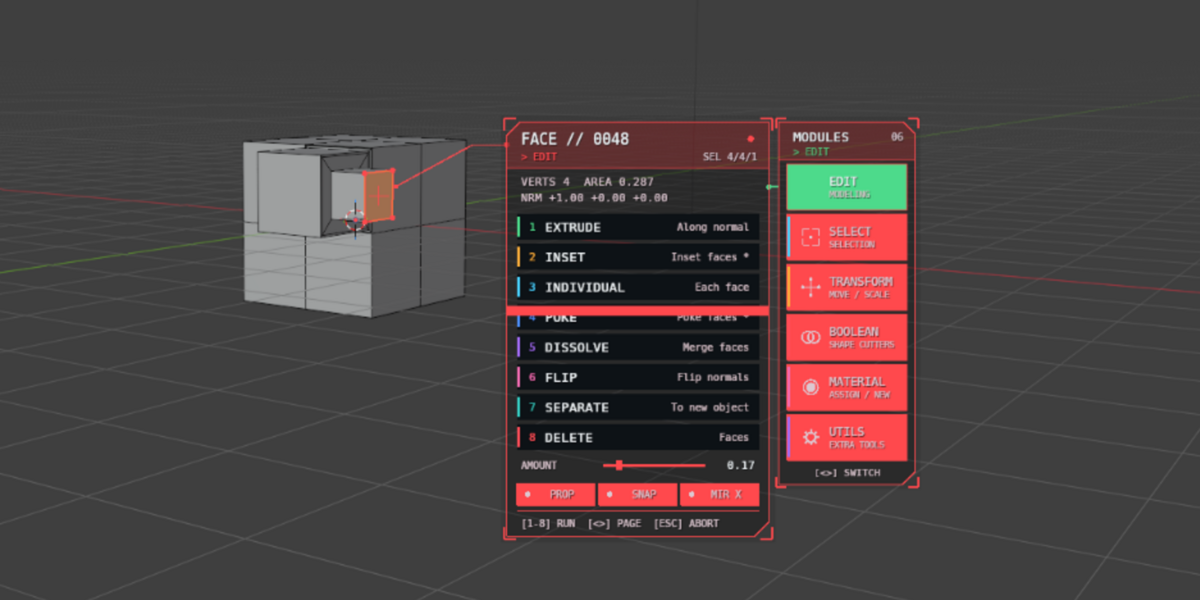
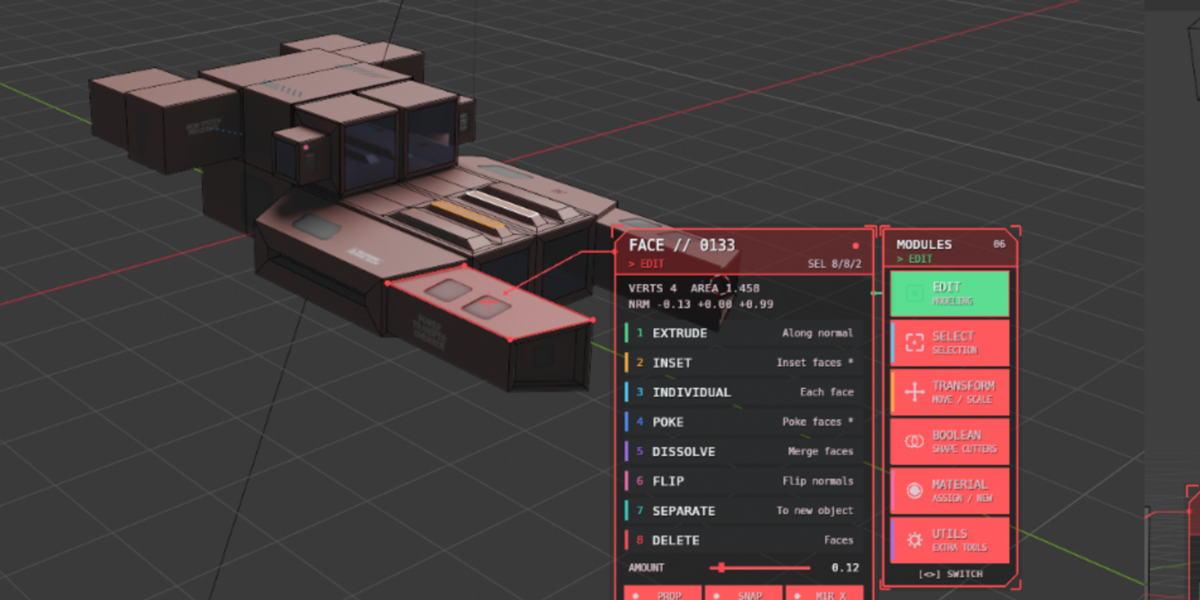
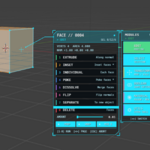
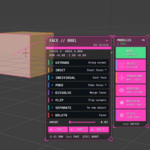
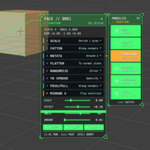
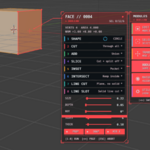
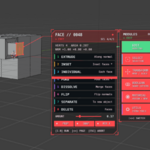
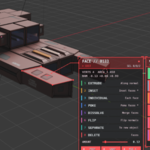
Hover HUD is an advanced viewport interface that brings modeling tools directly to your cursor. Instead of searching through menus, panels, and shortcuts, simply hover over a vertex, edge, or face to instantly access a sci-fi inspired HUD tailored to the selected mesh element.
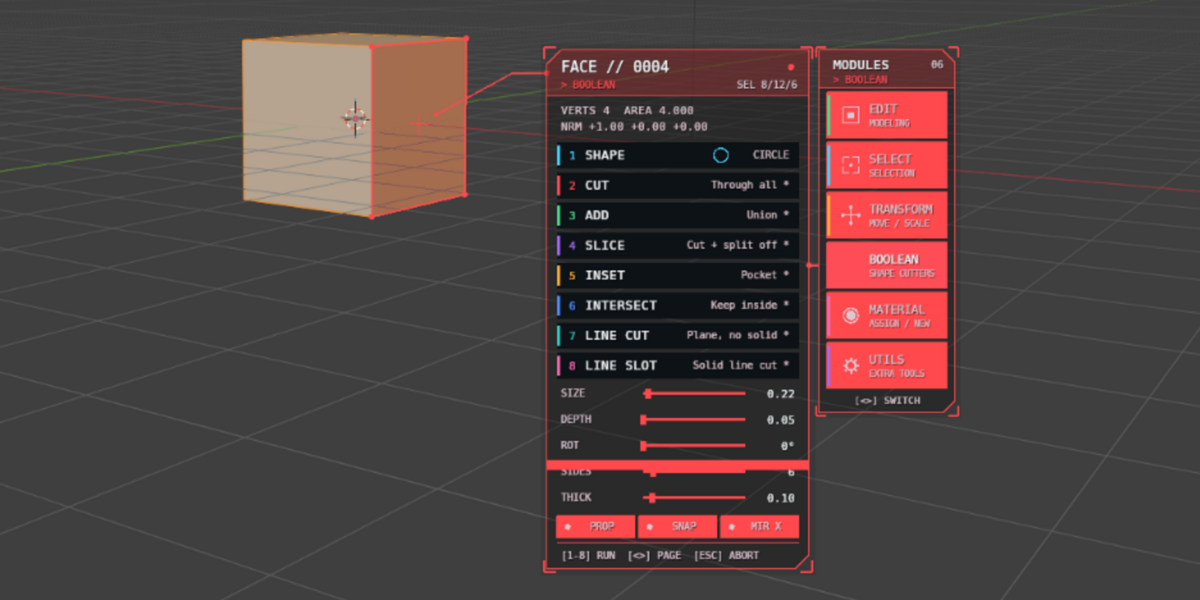
The addon automatically detects what you're targeting and presents relevant tools for editing, selection, transformation, booleans, materials, and utility operations. Every action is designed to reduce mouse travel, speed up workflows, and keep your focus inside the viewport.
Why Hover HUD?
Traditional modeling workflows often require constant menu navigation and context switching. Hover HUD keeps the most useful tools exactly where they're needed, directly beside the mesh component you're working on.
Whether you're creating hard-surface assets, game props, environments, or concept models, Hover HUD allows you to work faster without disrupting your creative flow.
Features
- Context-sensitive Vertex, Edge, and Face HUDs
- Futuristic sci-fi target-lock interface
- Automatic hover detection
- Interactive modeling tools
- Selection workflow tools
- Transform and deformation tools
- Integrated boolean system
- Real-time cutter previews
- Material assignment and creation tools
- Follow-up action panels for faster workflows
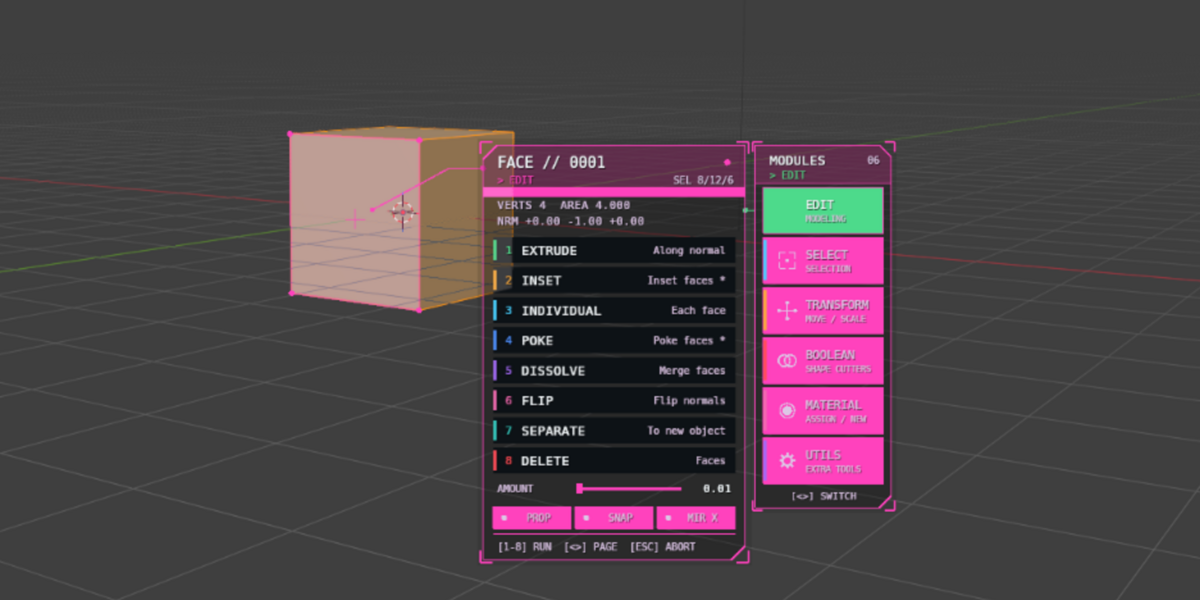
- Adjustable themes and accent colors
- Scalable UI size and text size
- Adjustable opacity and hover timing
- Lightweight and responsive viewport integration
Included Tool Categories
Edit
- Extrude
- Bevel
- Inset
- Merge
- Connect
- Slide
- Dissolve
- Separate
- Smooth
Select
- Loop Selection
- Ring Selection
- Similar Selection
- Linked Selection
- Boundary Selection
- Grow & Shrink
- Invert Selection
Transform
- Scale
- Rotate
- Push/Pull
- Fatten
- Randomize
- To Sphere
- Mirror
Boolean
- Cut
- Union
- Slice
- Intersect
- Line Cut
- Slot Cut
- Custom Shape Cutters
Materials
- Assign Existing Materials
- Create New Materials
- Material Browser
- Quick Material Slot Management
Utilities
- Weld By Distance
- Duplicate
- Subdivide
- Snap Tools
- Copy Element Information
Customization
Hover HUD includes multiple options to match your workflow:
- Multiple color themes
- Adjustable HUD size
- Adjustable text scale
- Adjustable panel opacity
- Hover activation delay
- Pick radius controls
- Animation options
- Follow-up action panels
Perfect For
- Hard Surface Artists
- Environment Artists
- Game Developers
- Concept Artists
- Blender Power Users
- Anyone looking to speed up viewport-based modeling workflows
Compatibility
- Blender 3.6+
- Windows
- Linux
- macOS
Stop searching through menus and start modeling directly from your cursor. Hover HUD turns Blender's Edit Mode into a fast, immersive, next-generation workflow experience.
Created by Nuh Ünver 🚀