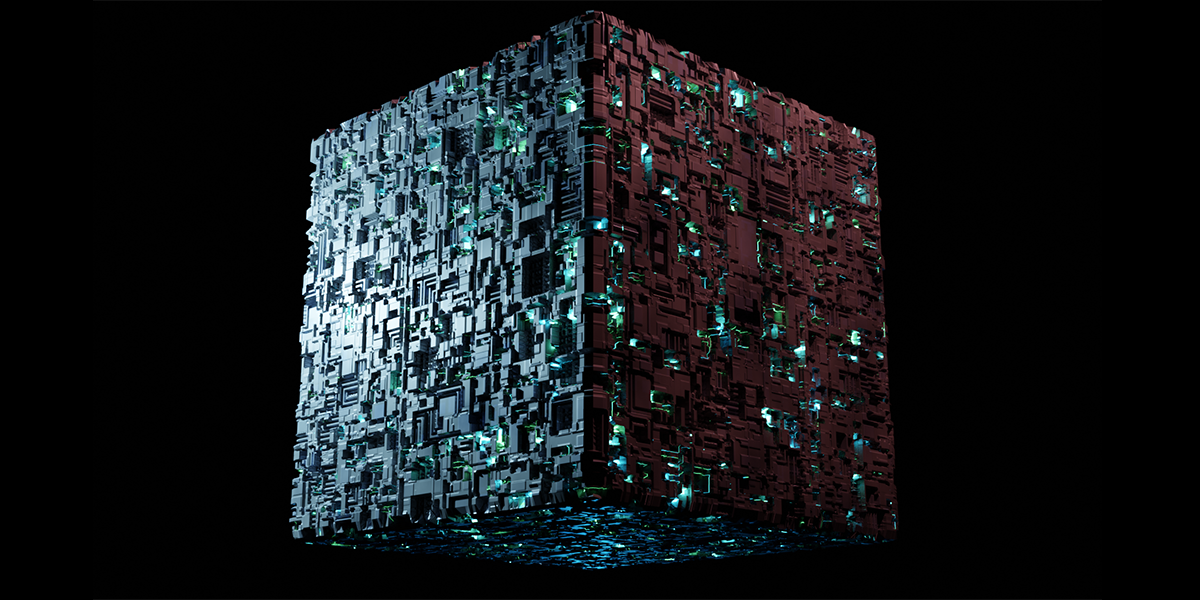
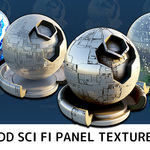
Sci Fi Hull Materials
 Mark Kingsnorth
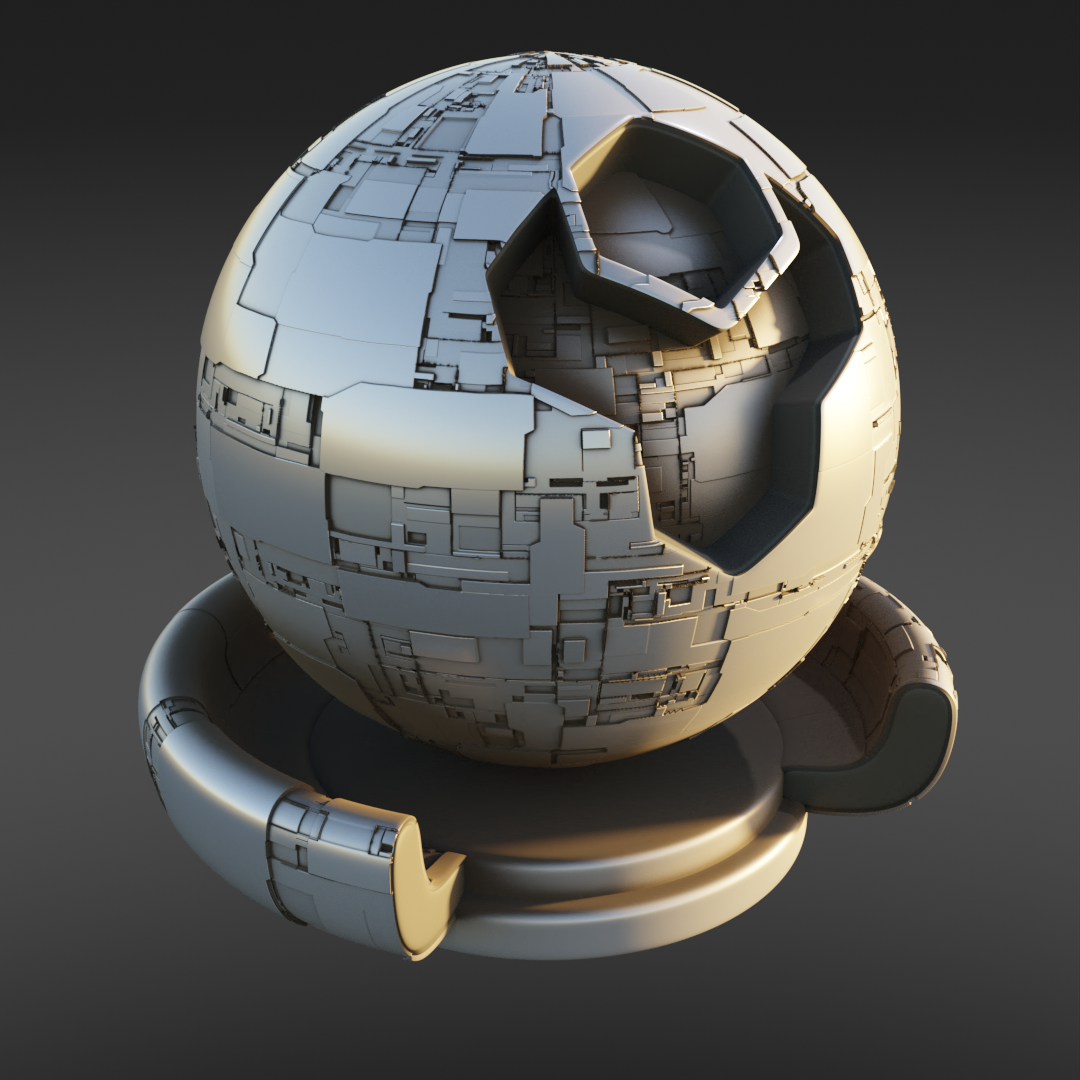
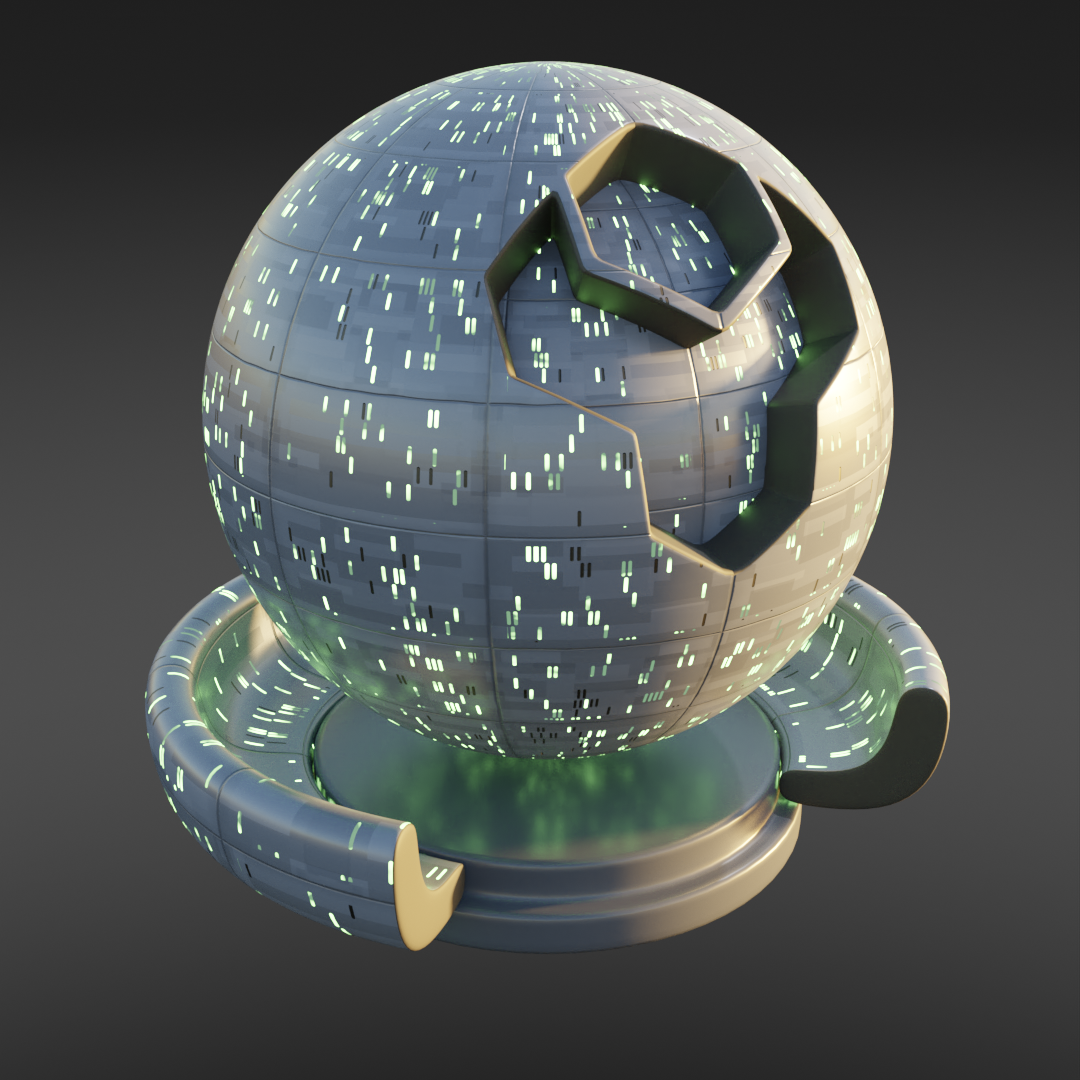
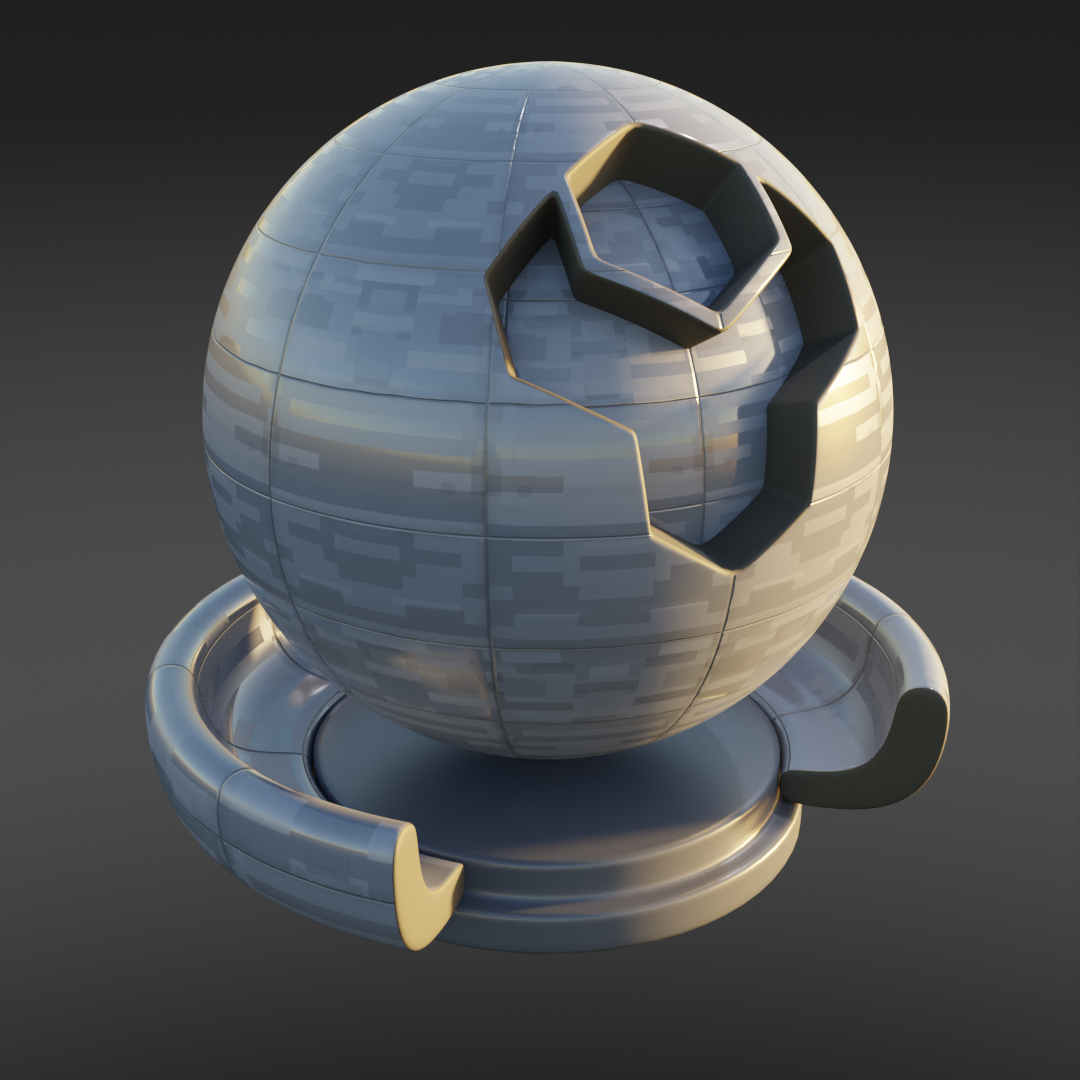
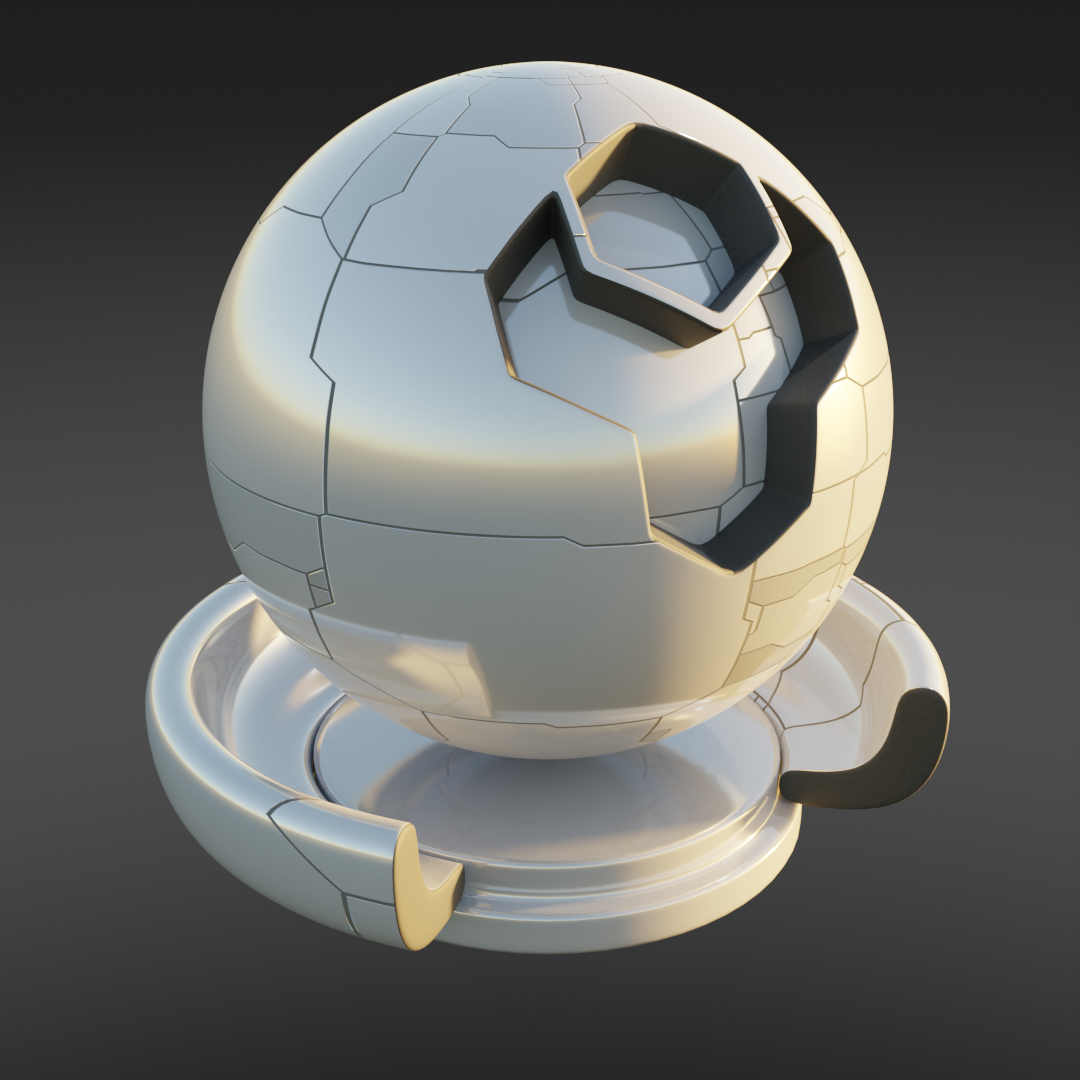
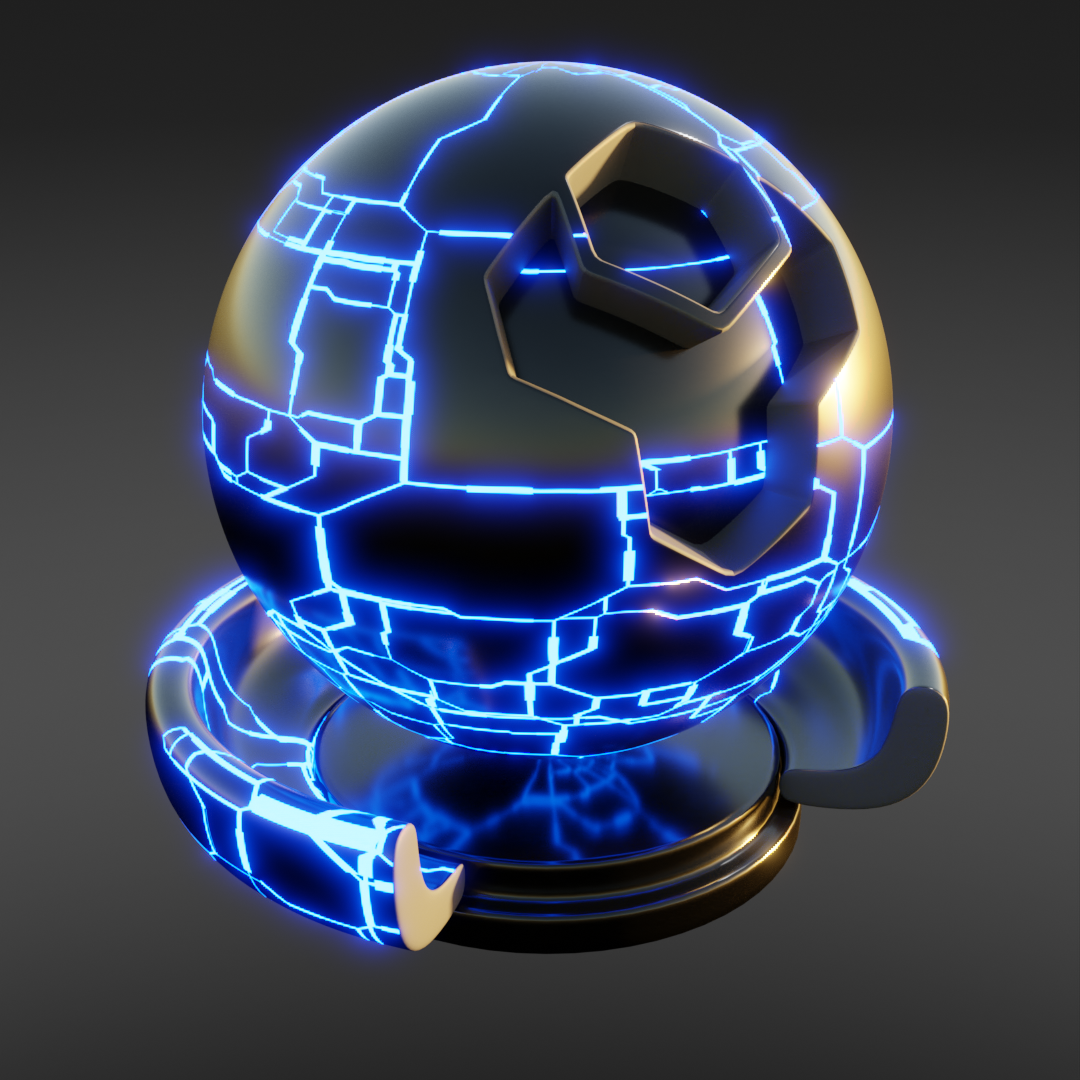
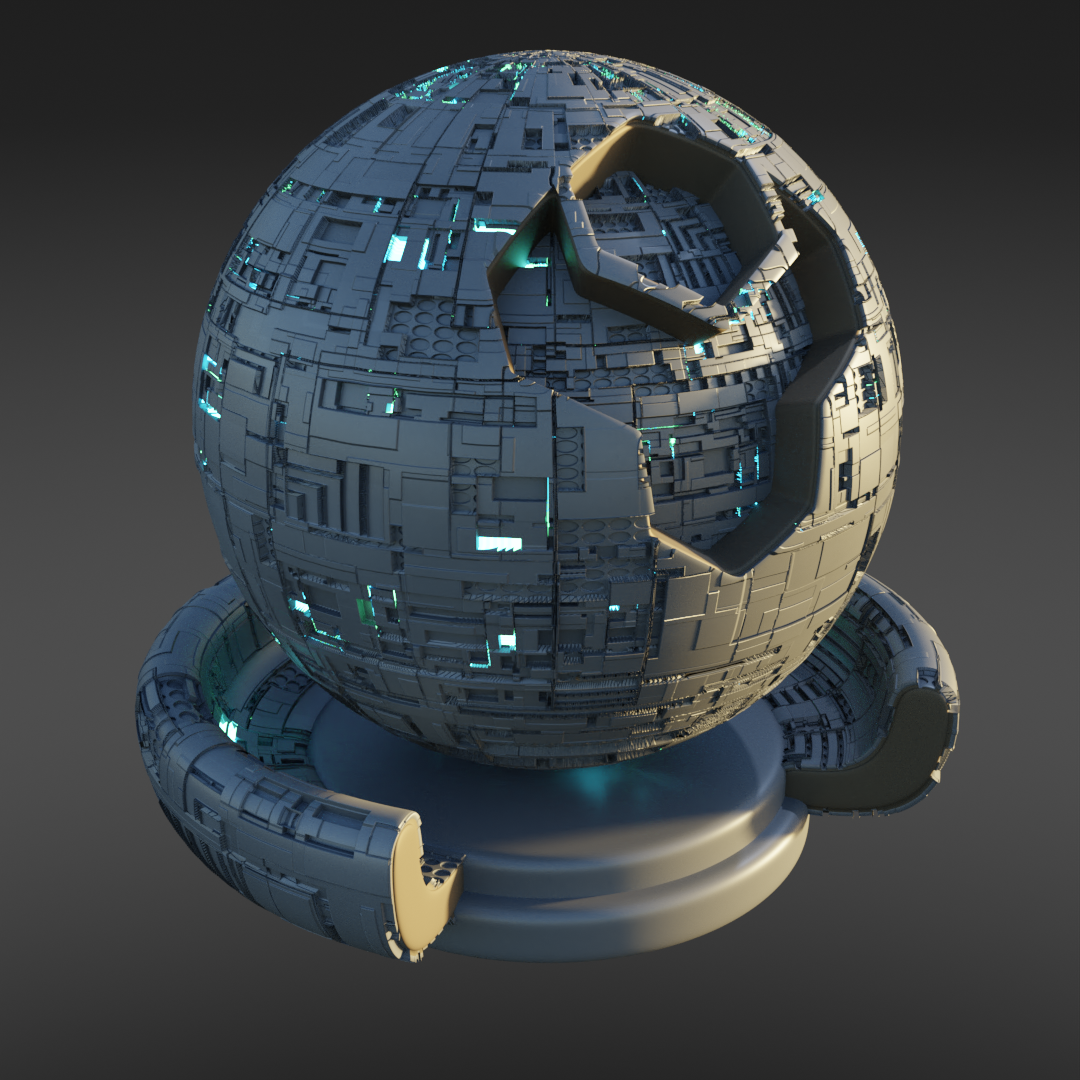
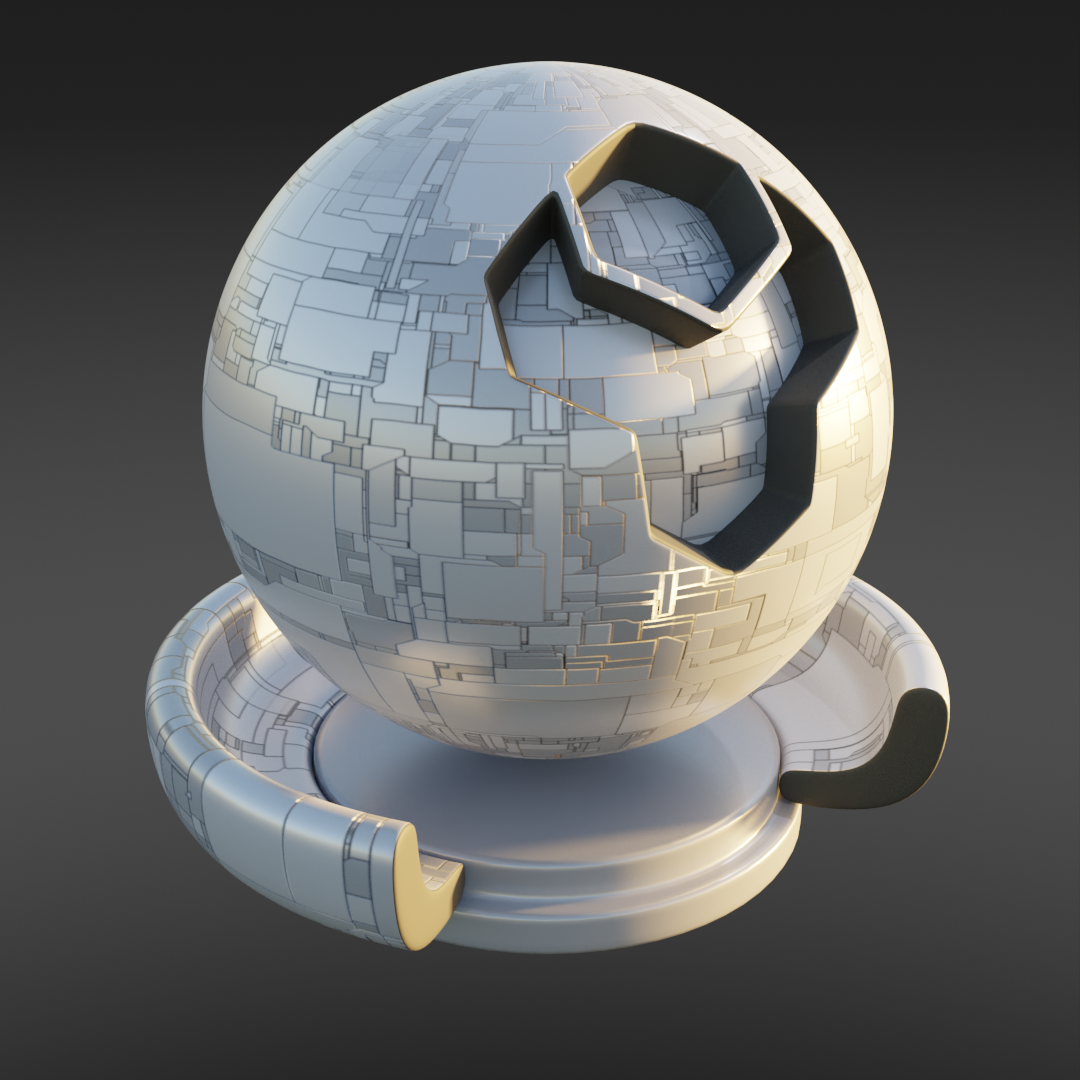
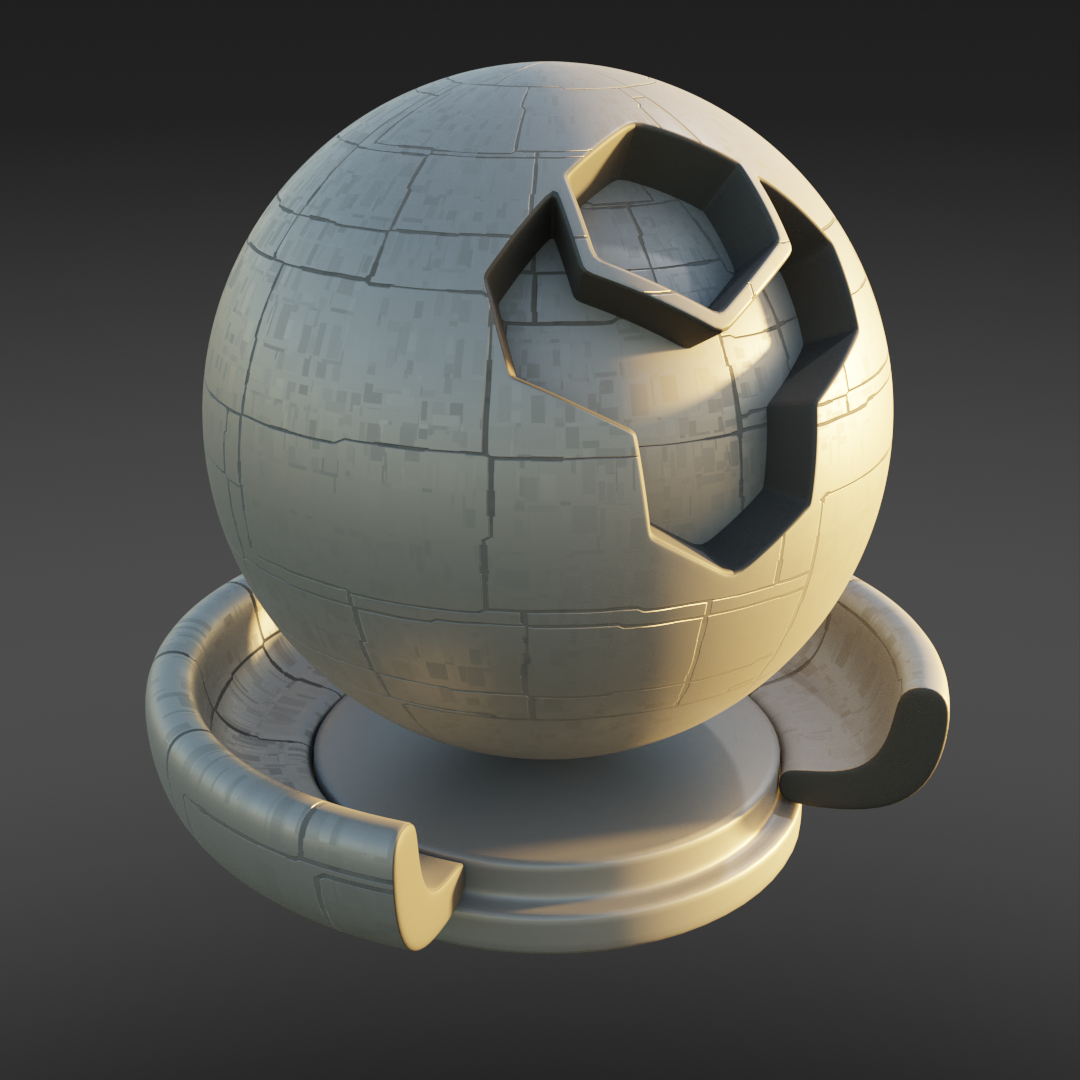
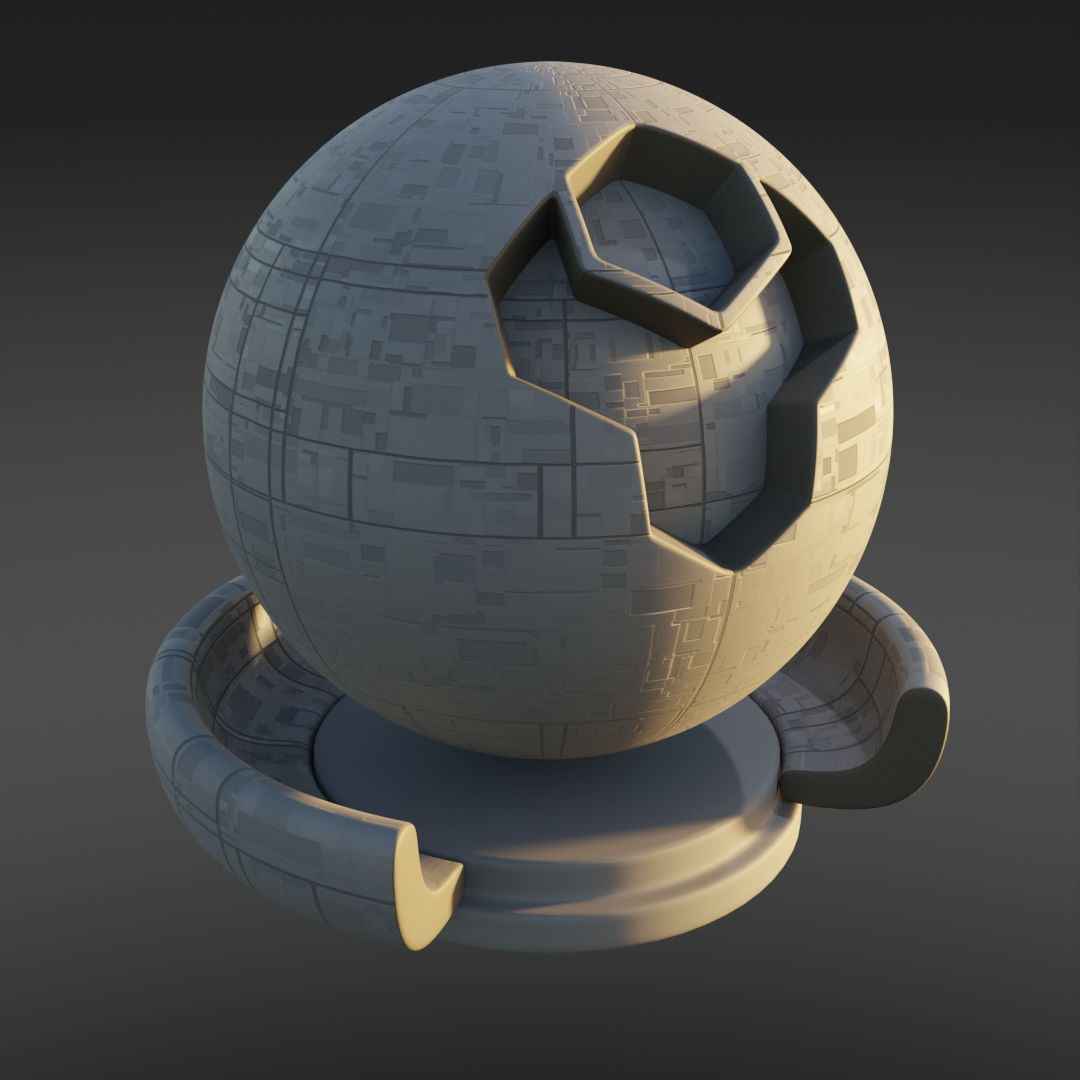
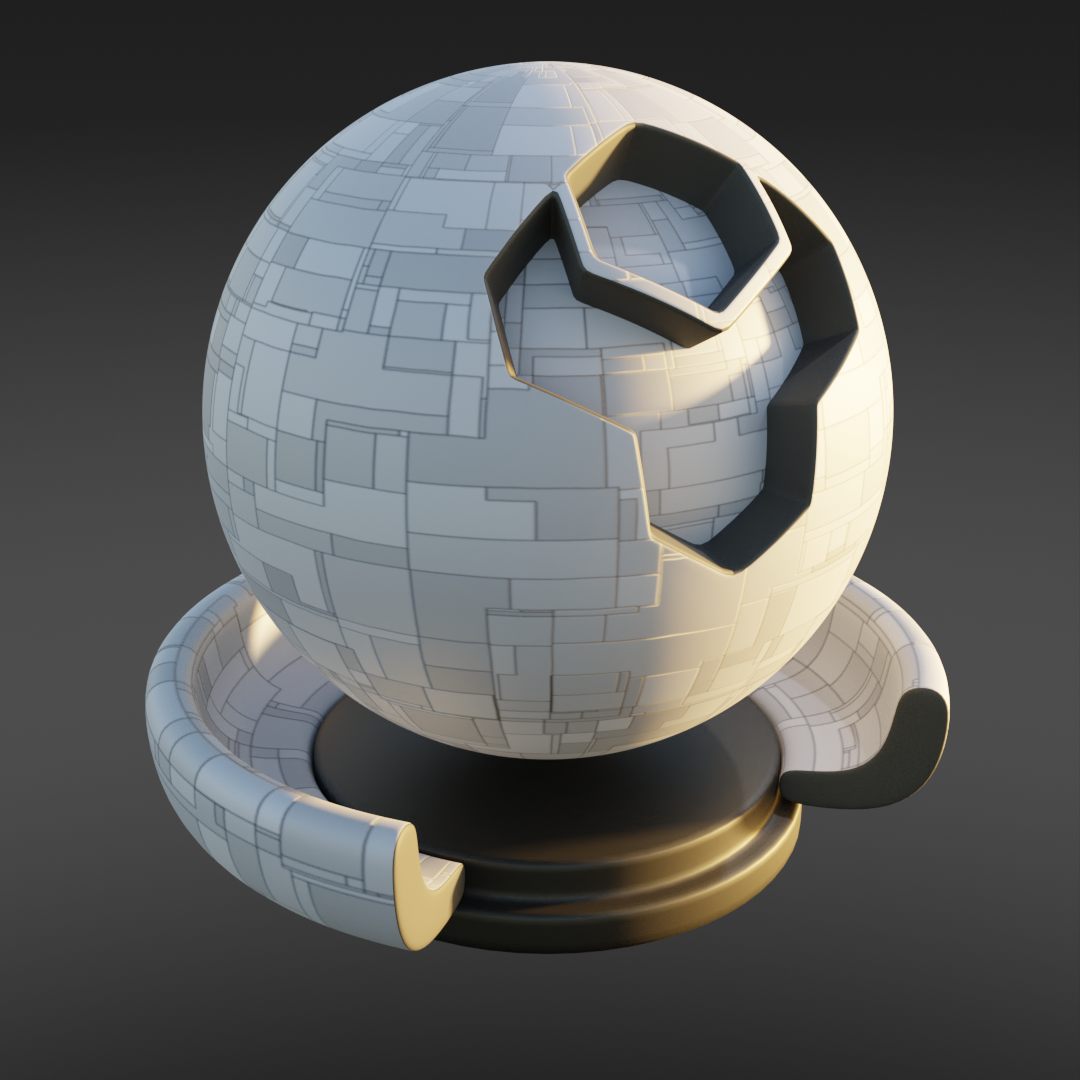
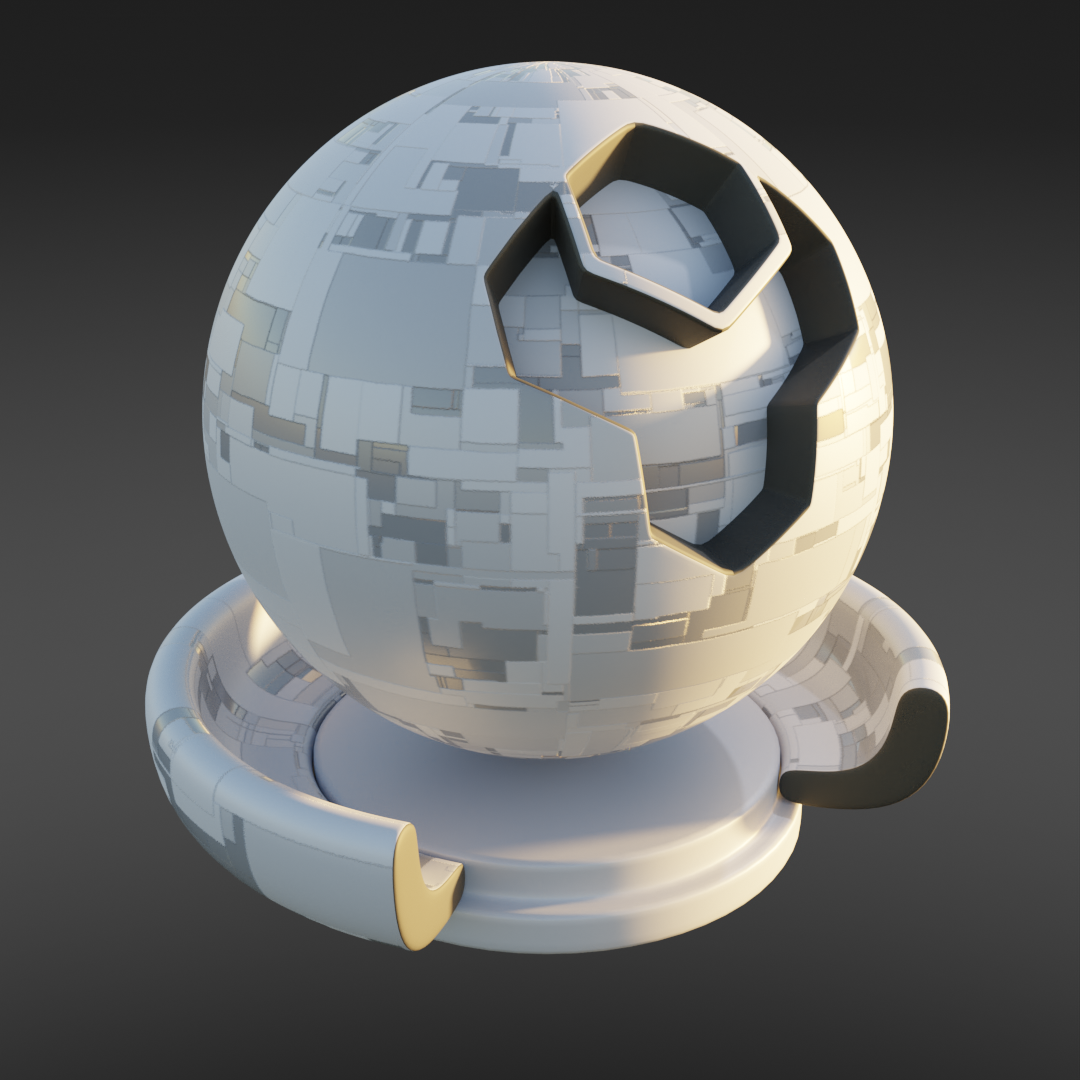
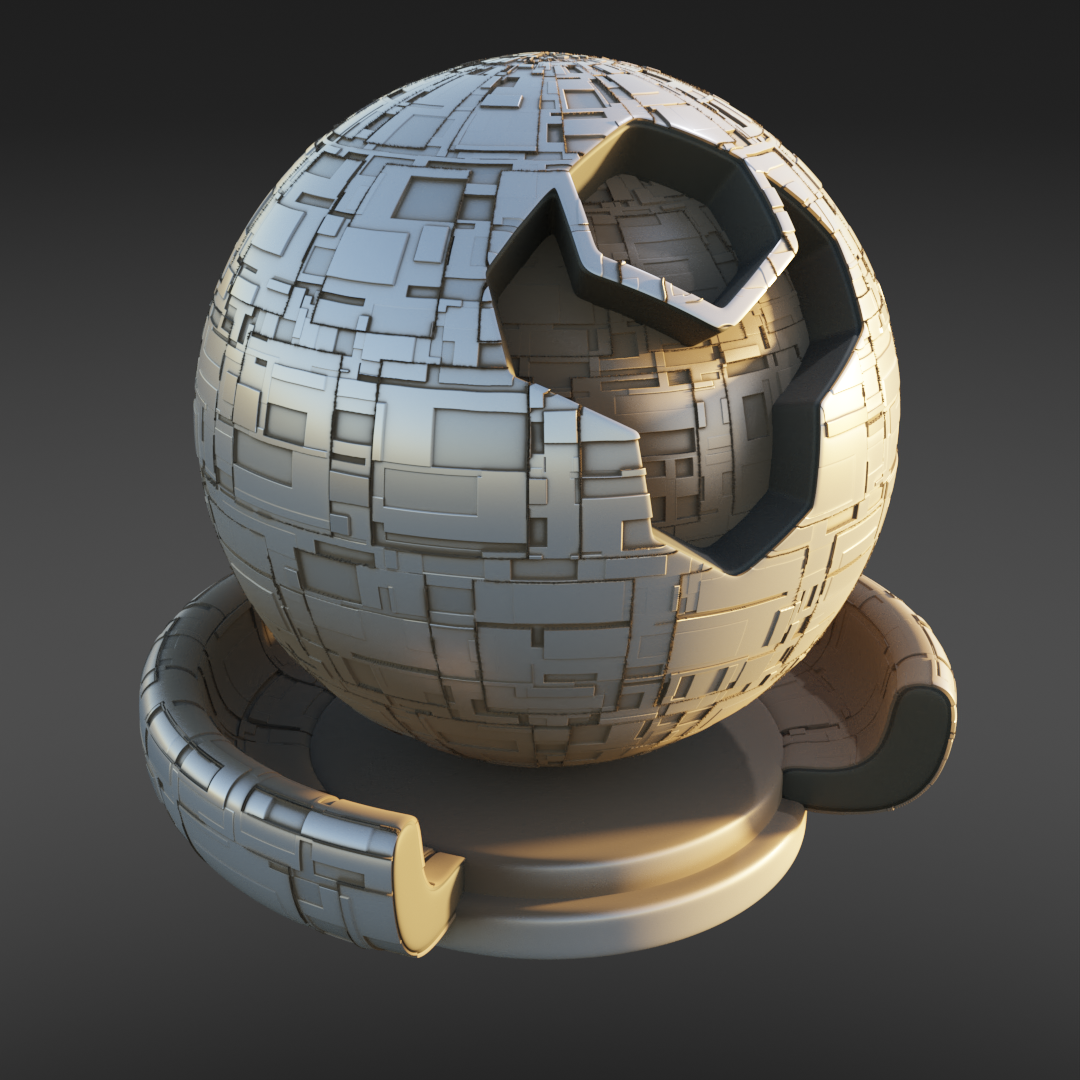
I can't get the cycles displacement effect working. How do I do this?
Under the Material Properties tab, go to Settings -> Surface. Once there, you will see a drop-down box called Displacement. Change this to Displacement Only or Displacement and Bump and you should start seeing displacement in the viewport.
I can only get the displacement feature to work in cycles and not Eevee...
...this displacement feature is currently only supported in cycles unfortunately :(
Is there a way to convert the texture to a normal map that could be used in Unreal Engine or in Blender's displacement modifier to change the actual mesh?
There is a video tutorial here that may be useful:
https://cgcookie.com/lesson/convert-material-displacement-to-geometry
This should produce a displacement map that you can then use to be imported into other projects.
I'd like to change the effect slightly. How do I get inside the node group to do this?
With the node selected in Blender, press the tab key. This will open up the node group for inspection and editing.
$15
Have questions about this product?
Login to message
| Sales | 1200+ |
| Rating | 9 ratings |
| Published | over 6 years ago |
| Blender Version | 2.8 - 5.2 |
| License | Royalty Free |