 RobertRoss_VFX
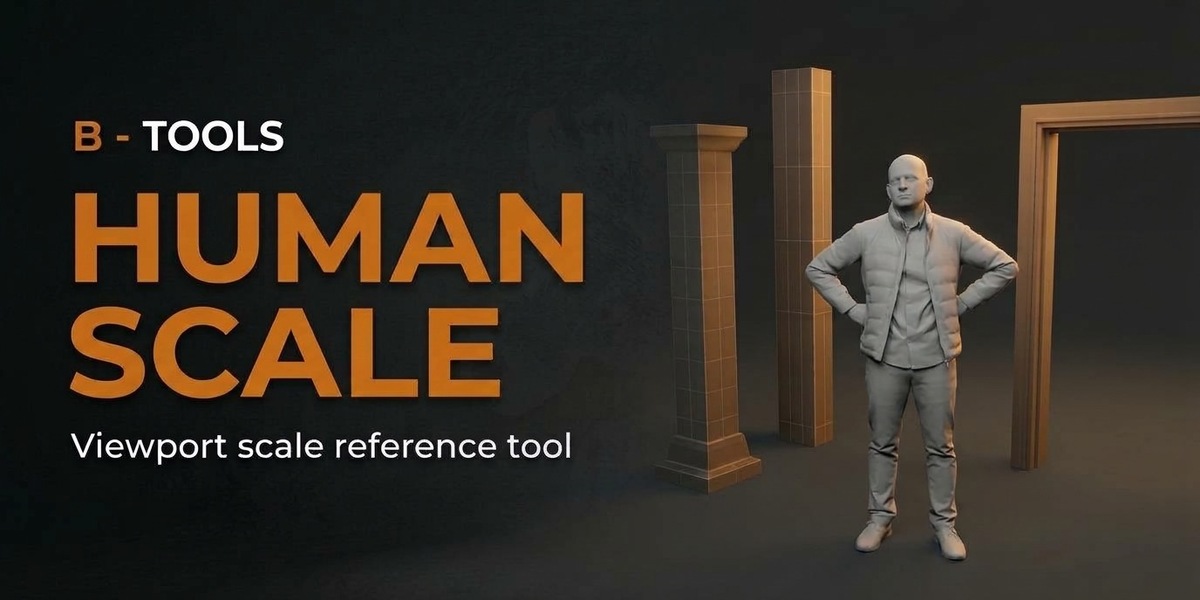

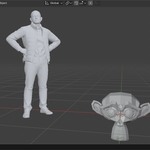
A person in the viewport.
So the scene has a size.
One click. It is there.
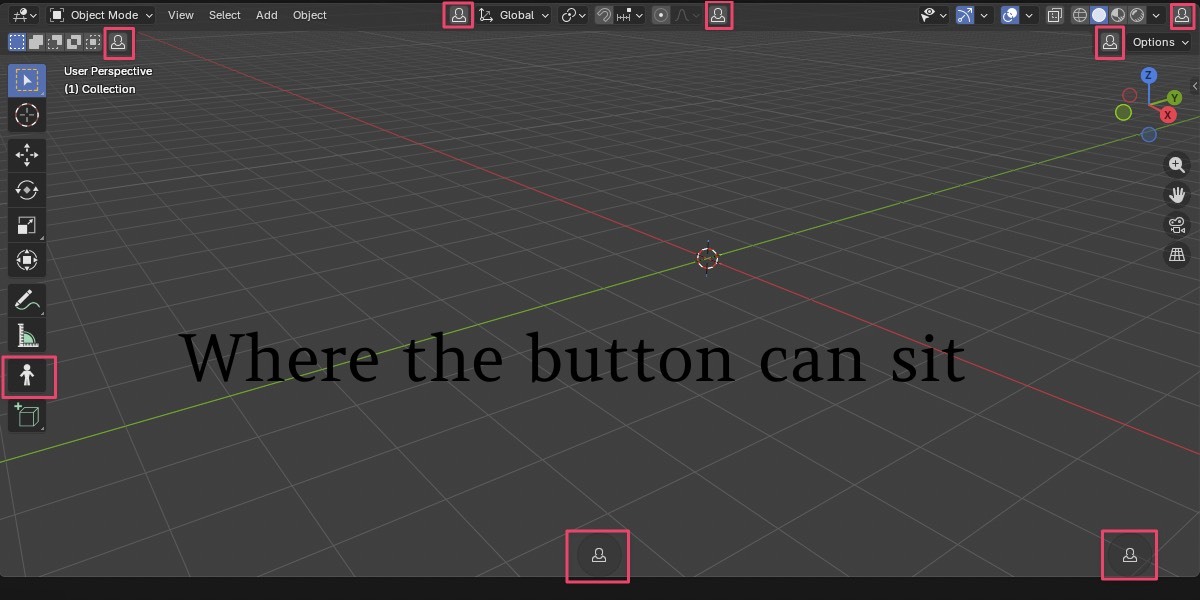
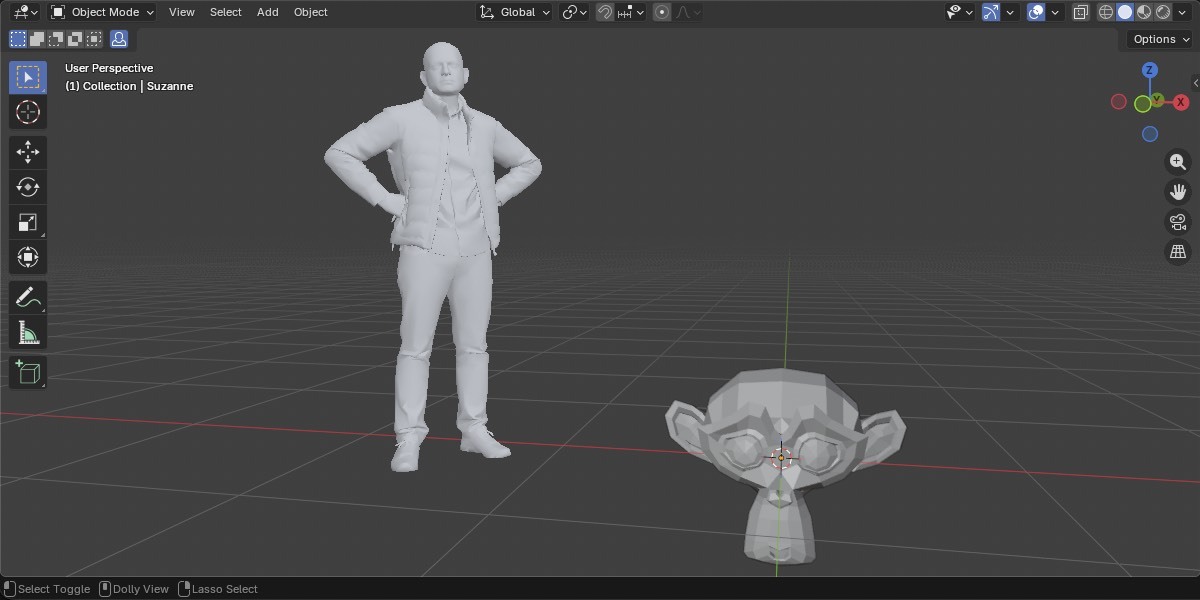
The button sits in the 3D Viewport header, just before Global. Click shows the figure. Click again and it is gone. Shift-click opens the settings. If that spot gets in the way, move it. There are several places to choose from.
It is a viewport guide. It does not render, and it does not show up in the outliner.
One click. The figure is there.
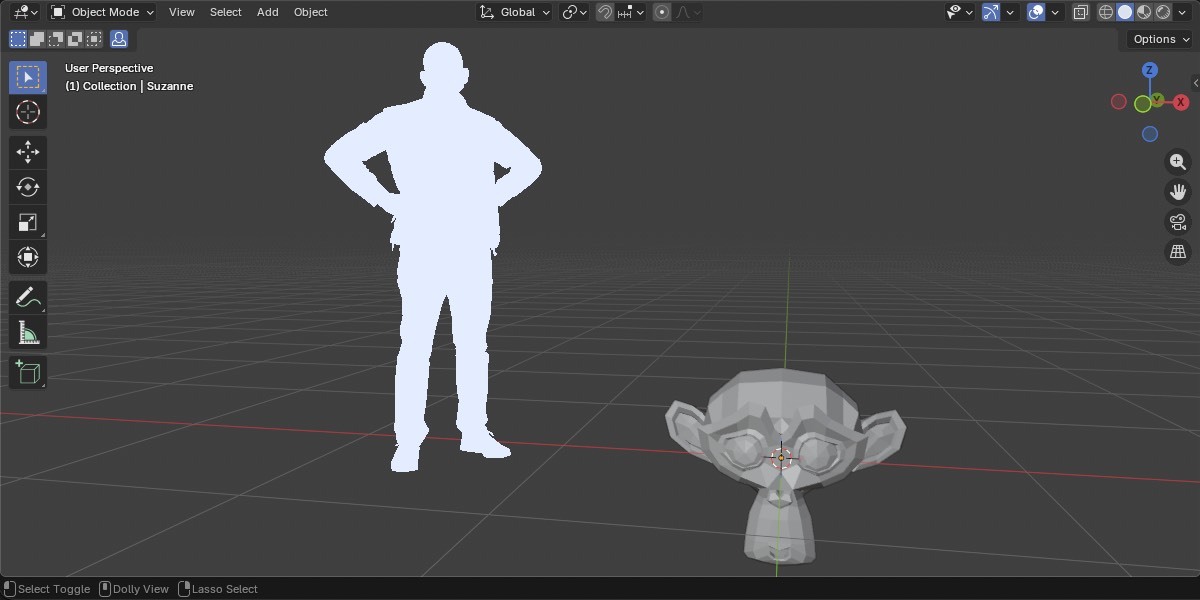
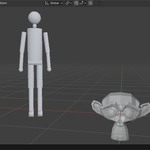
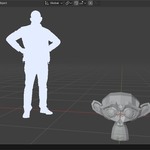
Shaded, or one flat color.
Shaded lights the figure. Flat draws it in a color you pick. Always on Top draws it over the scene, and the figure still hides its own back faces. Turn that off, and the scene hides it.
Shaded, or one flat color.
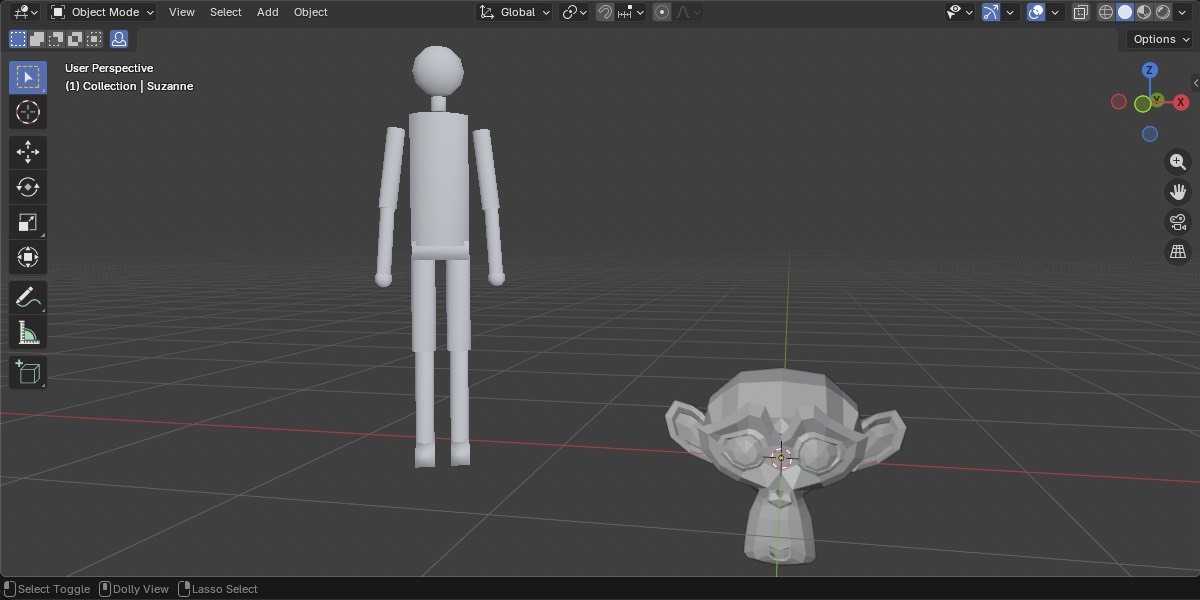
A built-in person, or your character.
Custom FBXPick a character from disk. It is saved with the add-on and reused in every file. It is not left in the scene. |
Dissapointed ManThe default. Built in. Nothing to set up. |
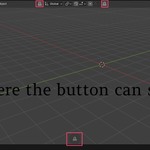
Procedural GuyThe mannequin from Foliage Fusion. Also built in. |
Dissapointed Man, Procedural Guy, or a character from disk.
Where the button can sit
One place at a time. The default is the header, just before Global.

The add-on
B- Human Scale for Blender 4.2 through 5.2. Install from Disk, under Get Extensions. GPL.
Built by artists, for artists.
Robert Ross & Friends