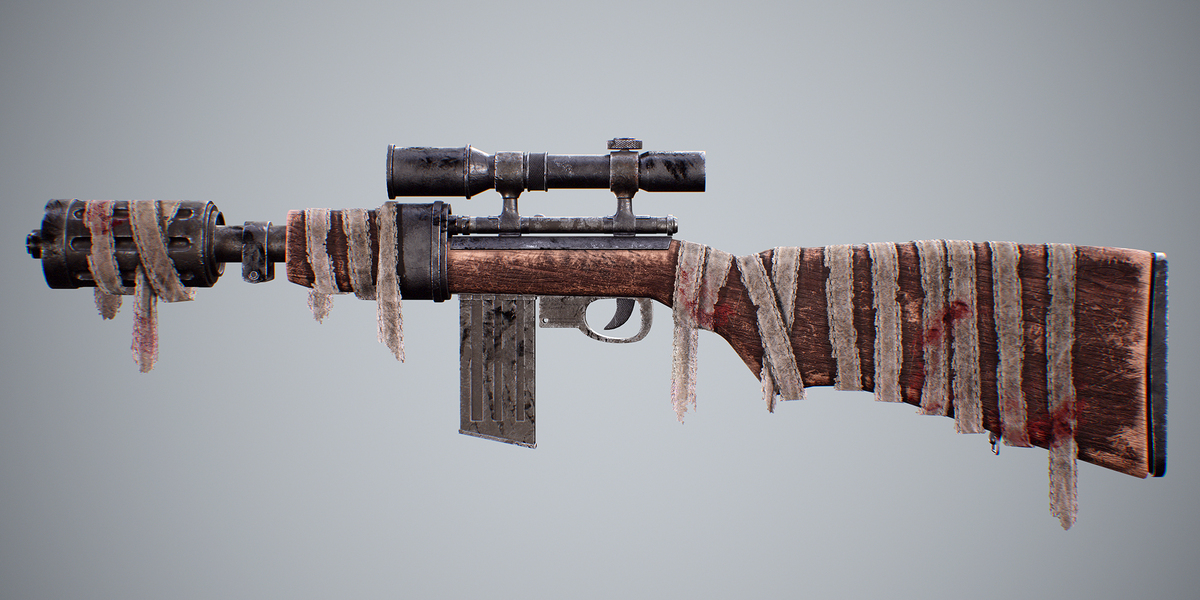
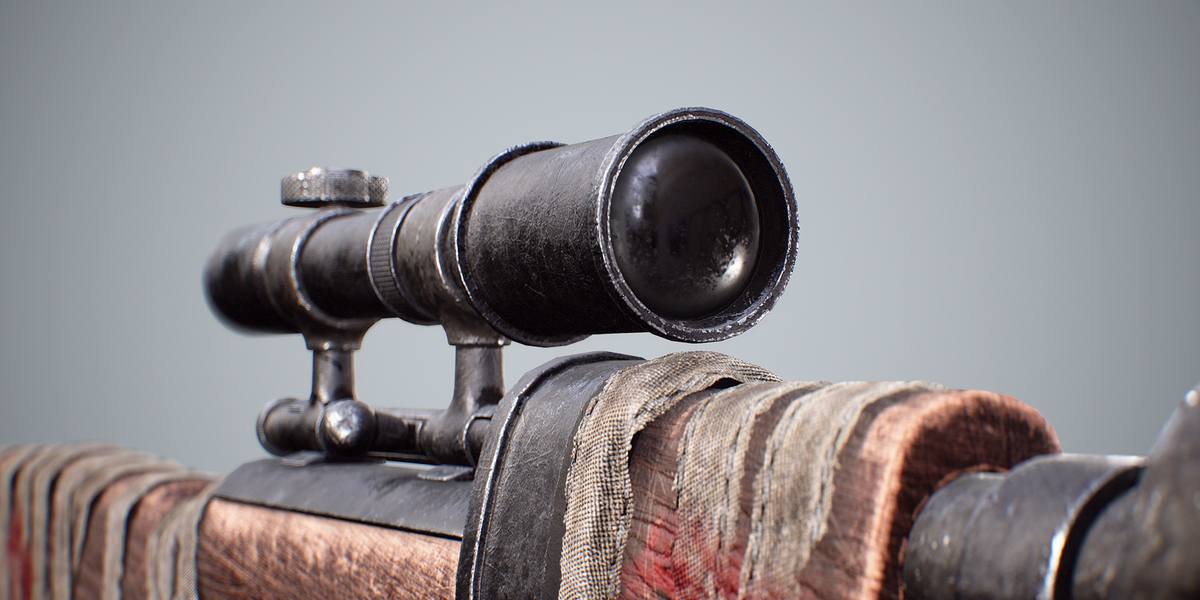
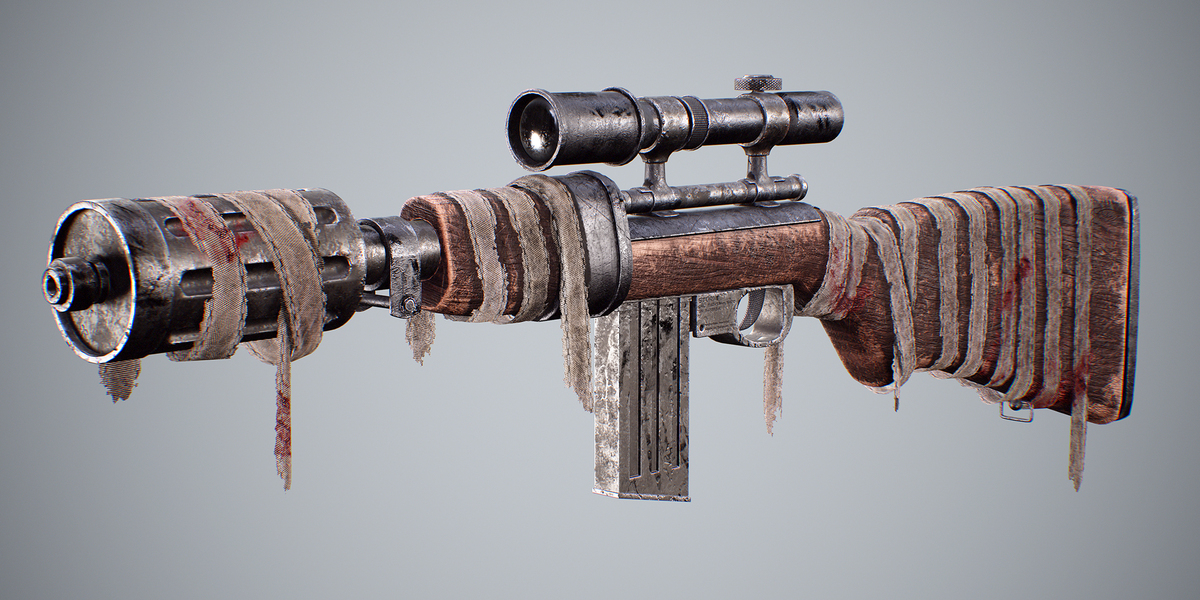
Hunting Rifle Game-Ready
 3D Faktory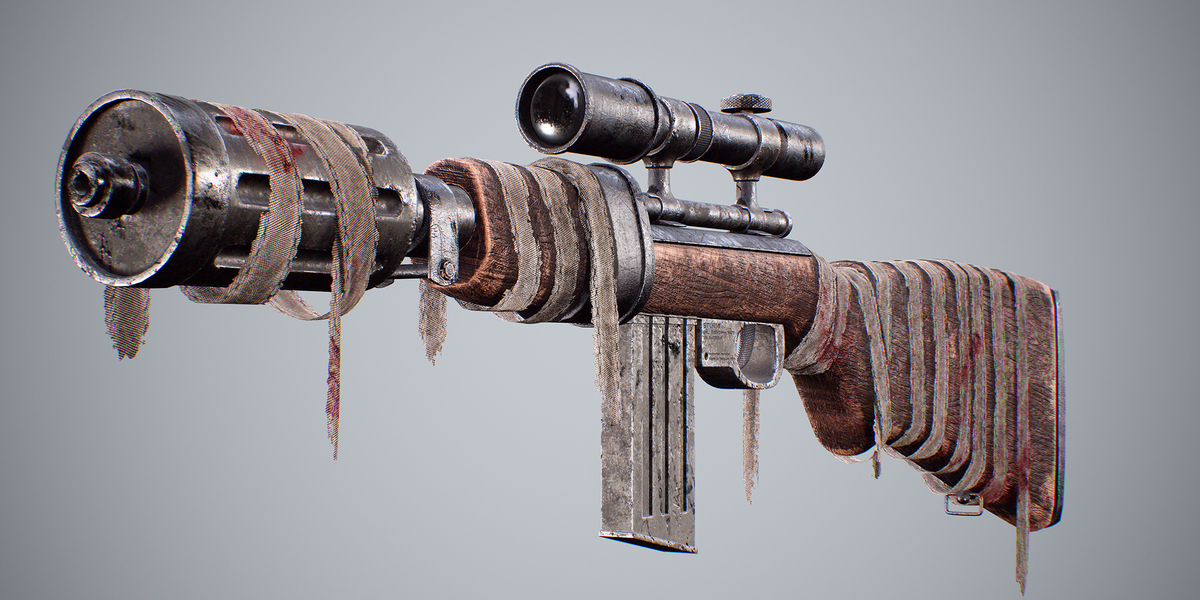
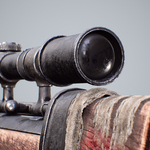
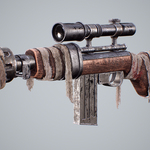
1. Quick Start & Engine Import
• Unreal Engine: Import the FBX model into your project. Assign the textures to your material. Use the packed ORM map (R = Ambient Occlusion, G = Roughness, B = Metallic) and ensure 'SRGB' is UNCHECKED for the ORM texture.
• Unity: Import the FBX and 4K textures. Set the Normal Map texture type to 'Normal Map'. If using Standard/URP/HDRP Metallic shaders, assign the Roughness/Metallic channels accordingly.
• General 3D Software: Blender is included. For other software, connect the Base Color, Roughness, Metallic, Normal, and AO maps to your main shader.
2. Normal Maps Usage
• DirectX (+Y): Use for Unreal Engine, 3ds Max, and DirectX-based engines.
• OpenGL (-Y): Use for Blender, Unity, Maya, and Marmoset Toolbag.
3. Model Structure & Rigging Setup
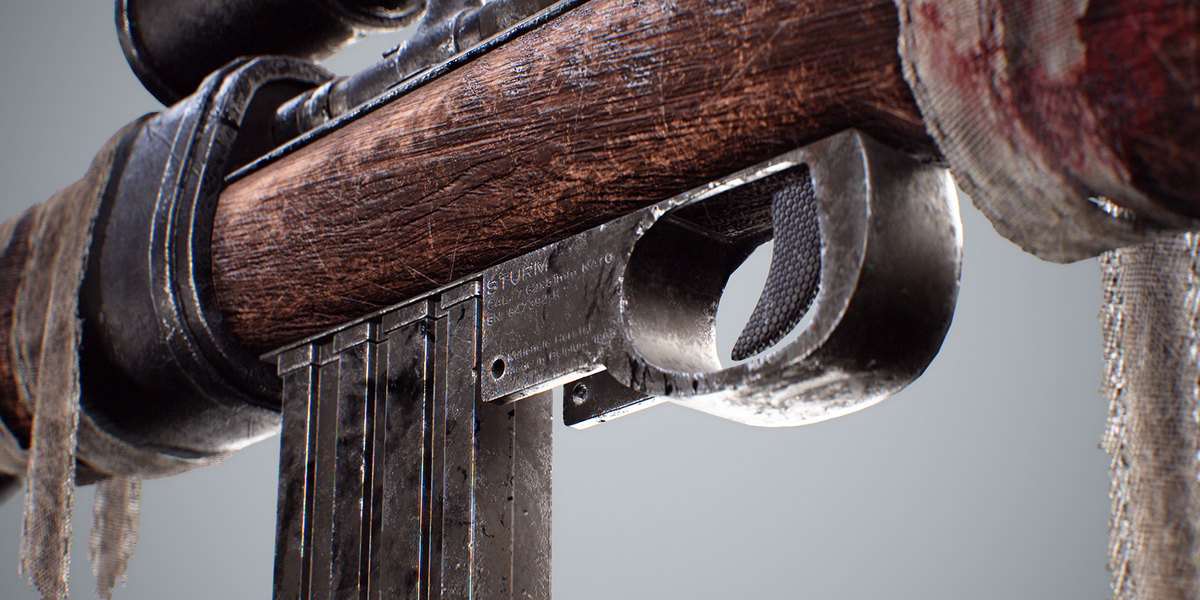
• Modular Mesh Groups: Key moving parts (magazine, trigger, bolt, and safety selector) are separated as individual sub-meshes with proper pivot points set to their rotation/translation axes.
• Scale: Modeled to 1:1 real-world metric scale.
4. Support & Contact
If you encounter any issues, need custom texture exports, or have technical questions regarding integration, please feel free to send a direct message through the marketplace store support.
Have questions about this product?
Login to message
| Published | about 2 months ago |
| Blender Version | 4.5 |
| Render Engine Used | Arnold, Blender-Internal, Blender-Game-Engine, Cycles, Eevee, Octane, Vray |
| Misc Data | Uvs-Unwrapped, Textured |
| License | Creative Commons |
Discover more products like this
3D model rifle assault AKS Russian Assault Rifle 6 Variations rifle 3d-game-ready scope assault riffle military 3d-model-weapons Gun weapon 3D Military Model