 mashud008
Hybrid Render Queue
Render multiple cameras and Blender files with a single, organized queue. Hybrid Render Queue helps you manage GPU, CPU, and Cycles CPU+GPU rendering, track progress, and review the results in one place.
Render your way
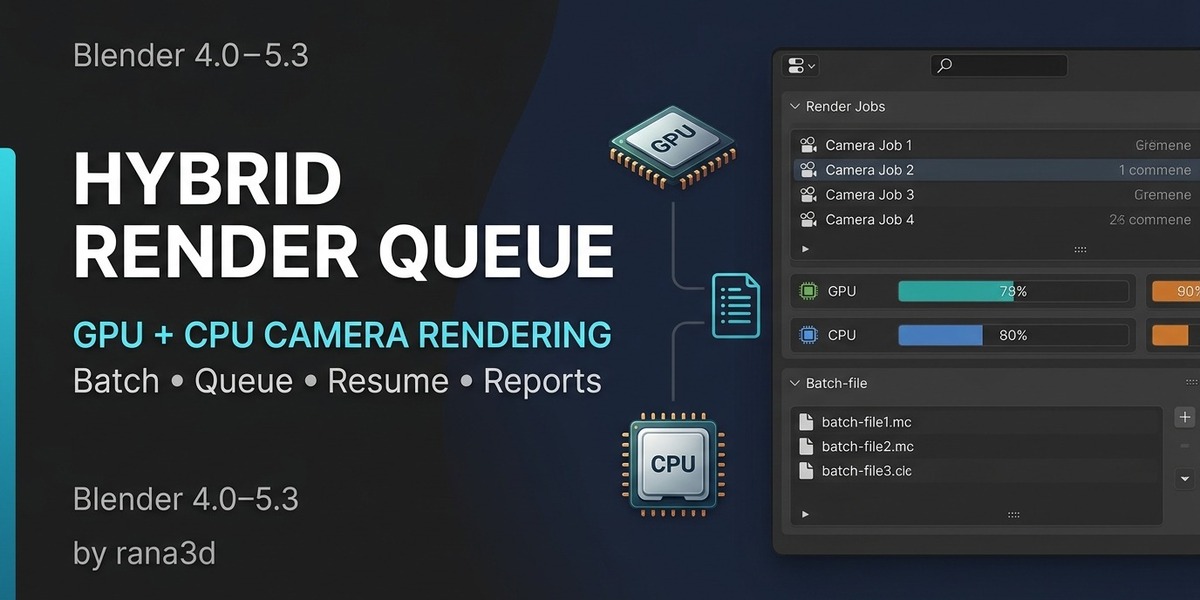
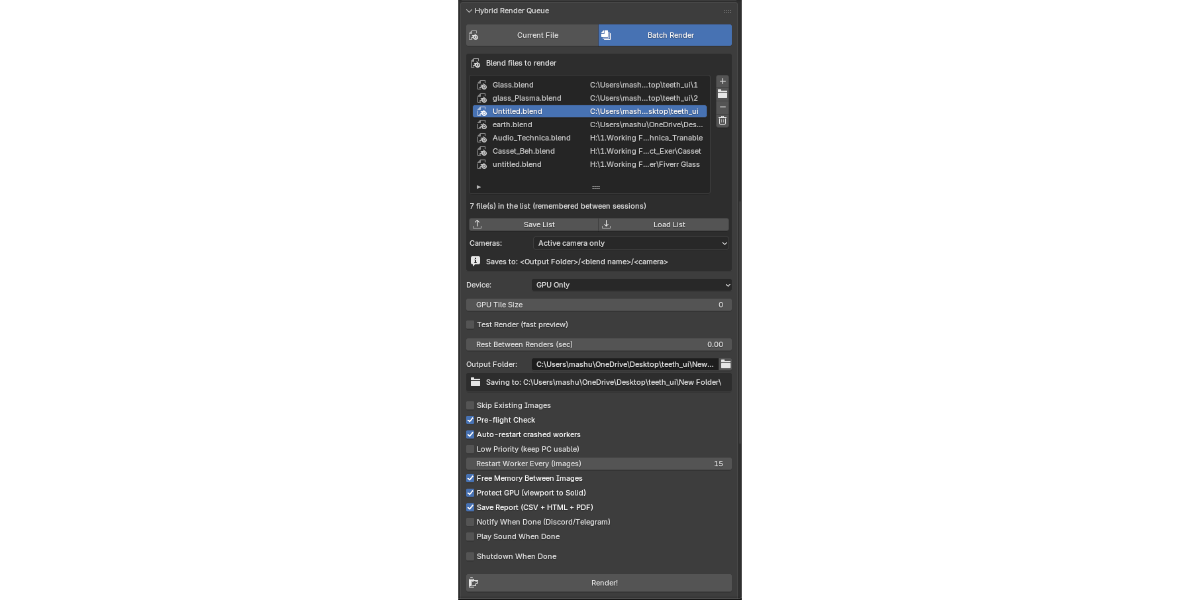
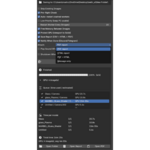
Choose GPU Only, CPU Only, or CPU + GPU for supported Cycles scenes. In hybrid mode, the CPU and GPU share the queue, so the next available device can take the next image.
Work across multiple files
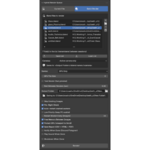
Use Batch Render to queue saved .blend files and render their visible cameras or active camera. Reorder files in the batch list, save and reload batch lists, and resume unfinished work after a run.
Keep long queues manageable
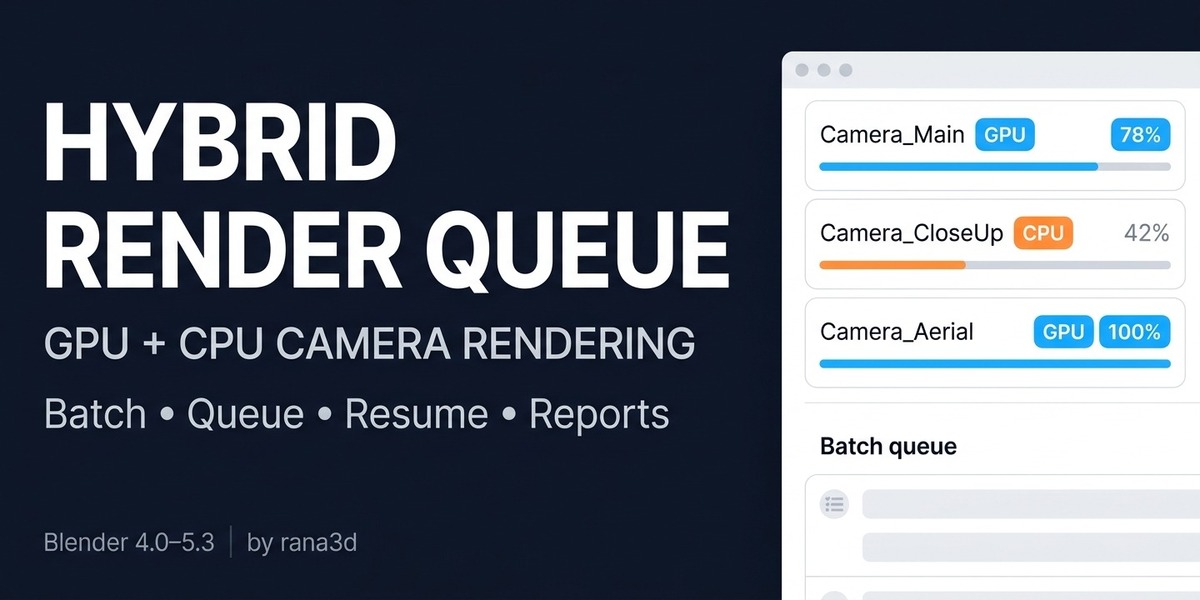
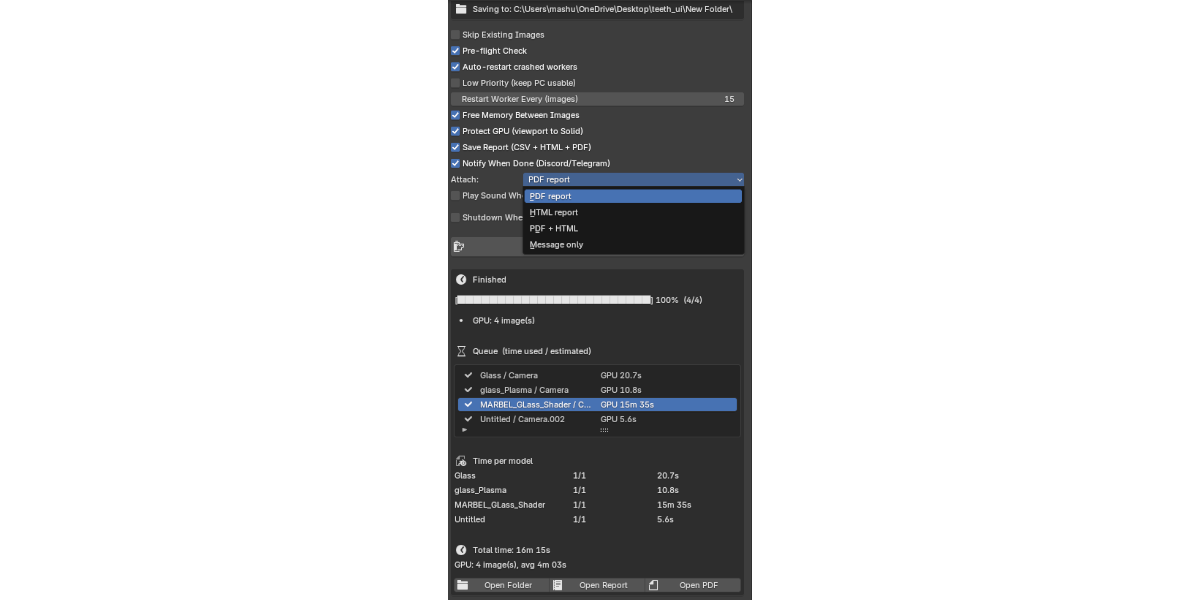
Monitor progress, estimated time, and per-image status. Hold, resume, or skip individual queue items where supported. Optional worker recovery, memory management, and GPU viewport protection help with longer render sessions.
Preview before final rendering
Use Test Render to render with fewer samples and a reduced resolution. Test outputs receive a _test suffix to help keep them separate from final images.
Check and review results
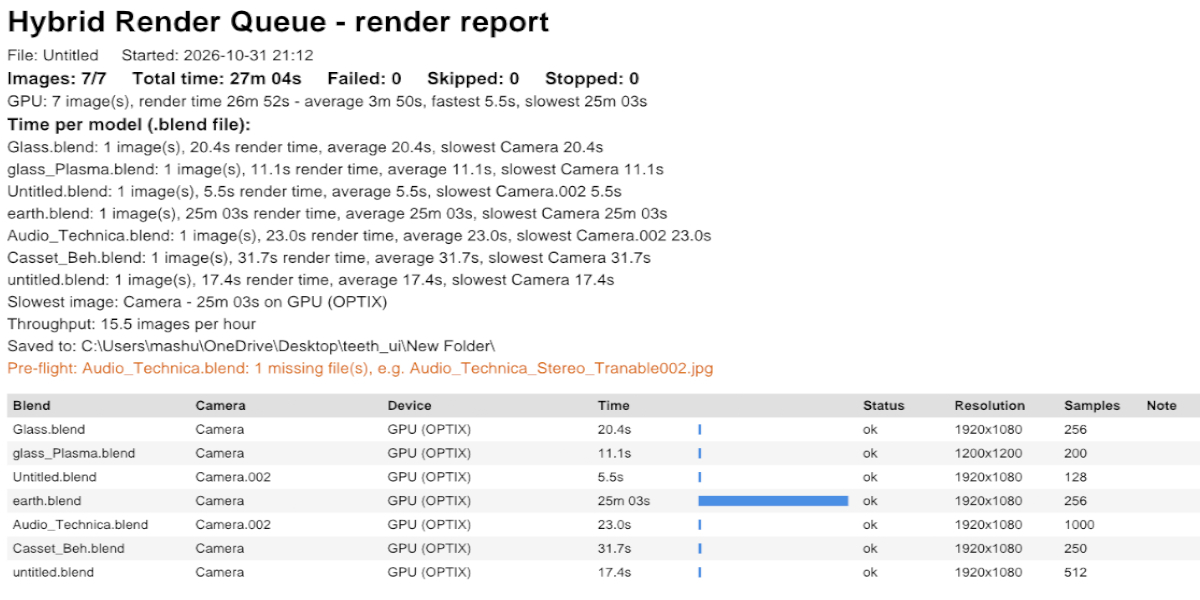
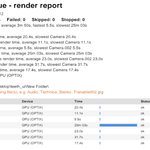
The optional pre-flight check looks for common issues such as missing textures or libraries, unavailable GPU devices, output-folder write access, and low disk space. When enabled, reports are saved in CSV, HTML, and PDF formats with per-image results and render details.
Save and reuse settings
Save render settings as JSON presets, including device and output settings along with the current scene’s resolution and Cycles sample count. Load a preset later to apply those settings to another session or scene.
Choose where to work
The main panel is available in Render Properties. You can also enable an optional Render Queue tab in the 3D View N-panel from the add-on preferences.
Requirements and notes
- Hybrid CPU+GPU rendering is available for Cycles ( Limited EEVEE). Other render engines use a single device.
- Batch and hybrid rendering use the last saved version of each
.blend file.
- Still images are supported; animation and video output formats are not.
- Optional Discord and Telegram notifications can be configured in the add-on preferences.
.blend file.Supported Blender versions: 4.0–5.3
License: GNU GPL v3 or later