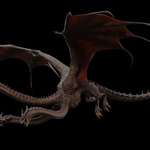
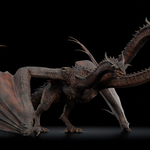
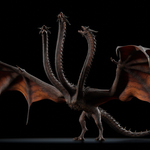
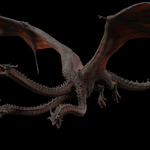
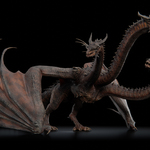
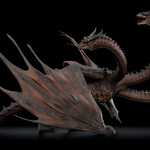
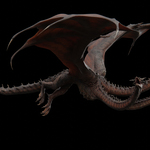
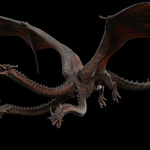
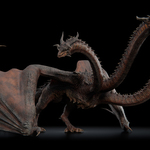
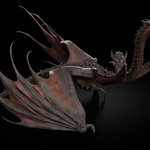
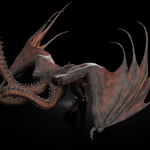
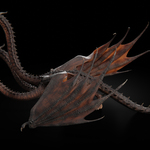
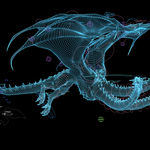
Hydra Dragon | 3D Model
 HuyKhoi2407




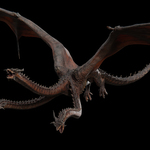
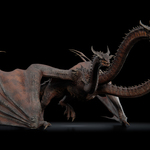

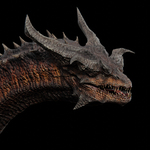
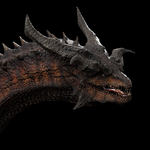

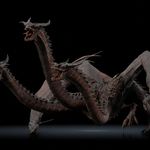
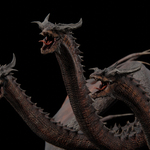
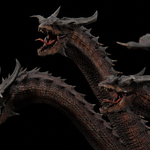
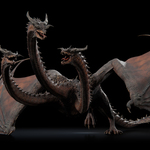




Before Rendering or Exporting:
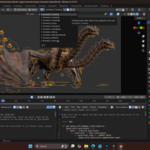
Before Rendering or Exporting: run “BakeDynamic” script to bake the animation of the bones affected by the Dynamic effect - Since the Dynamic Inertial effect involves circular dependencies, which can cause issues during rendering.
After Rendering or Exporting:
After Rendering or Exporting: please run the "RemoveBaked" script in the side panel to remove the bake data and restore the constraints to its default state.
How to switch between animations?
Animation Switch: To switch to a different animation, select the dragon's armature, then click the dropdown menu in the Action Editor window and select the animation you want to display.
$69
Have questions about this product?
Login to message
| Sales | 10+ |
| Rating | 3 ratings |
| Dev Fund Contributor | |
| Published | 8 months ago |
| Blender Version | 4.2 - 5.2 |
| Render Engine Used | Cycles, Eevee |
| Misc Data | Uvs-Unwrapped, Rigged, Animated, Normal-Mapped, Textured |
| License | Royalty Free |
Discover more products like this
beast hydra ghidorah dragon 3d-dragon-modeling creature wyvern 3d dragon monster three headed dragon 3d-dragon-model