Hyper Bevel Tools
 Blendermonk




Install
- Download hyper_bevel_tools_1.0.74.zip and keep it zipped.
- In Blender 5.0 or newer, open Edit › Preferences › Get Extensions. Use the menu at the top right and choose Install from Disk.
- In the 3D View, press N and open Hyper Tools. In Edit Mode you can also use Ctrl+E › Hyper Bevel.
Make your first bevel
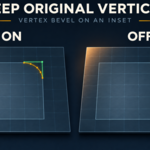
- In Edge Select, choose edges or a loop and start Edge / Loop Bevel. For Vertex Bevel, use Vertex Select and choose a supported corner.
- Set Radius, Segments, and Profile. With Live Update off, use Rebuild from Source.
- Choose Finish to save the result for re-editing. Open it again from Saved Bevels while its supports remain compatible. Cancel restores the state from before Start or Re-edit. Apply Permanently keeps the mesh and removes the saved record.
Radius Influence
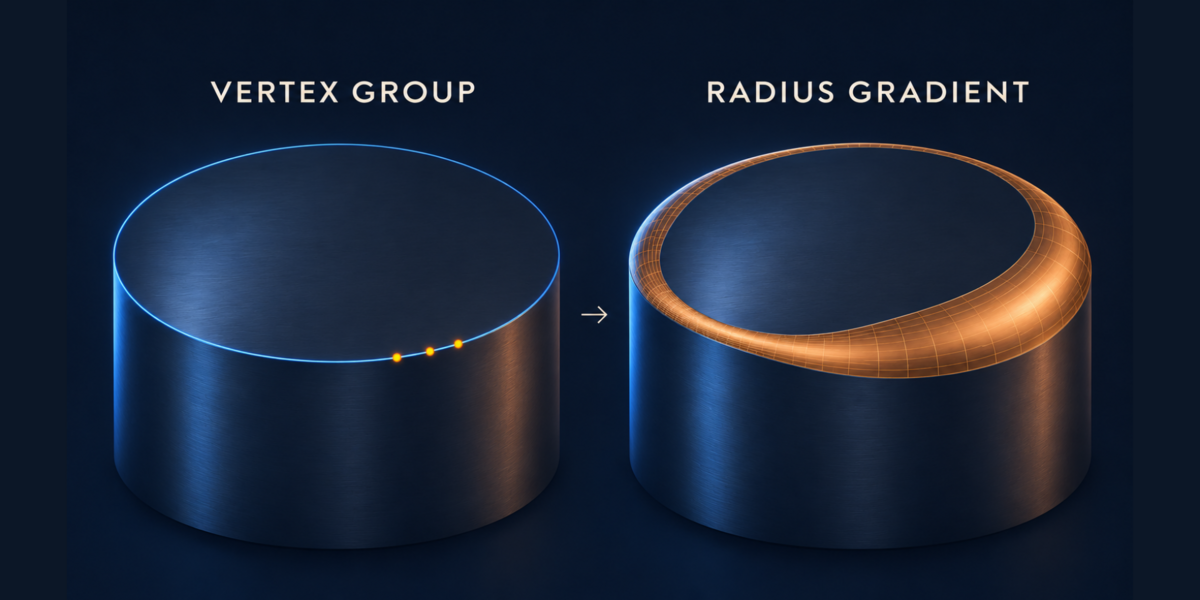
Add or reuse a vertex group, set its local radius, and use Gradient Along Loop to spread influence along the selected edges. Distance sets its reach; Gradient sets the falloff. Turn Gradient Along Loop off to use the group weights directly. A Groove / Bead group can affect width, depth, or both. Width influence can apply on either side or both.
Profiles and nearby topology
True Circle uses a circular radius. Other profiles include Round / Cove, Flat Chamfer, and Groove / Bead. For a groove or bead, signed depth controls whether the feature goes inward or outward. Width, depth, shoulder roundness, and partial-loop fade have separate controls. Adaptive Segments distributes the profile using a maximum segment angle.
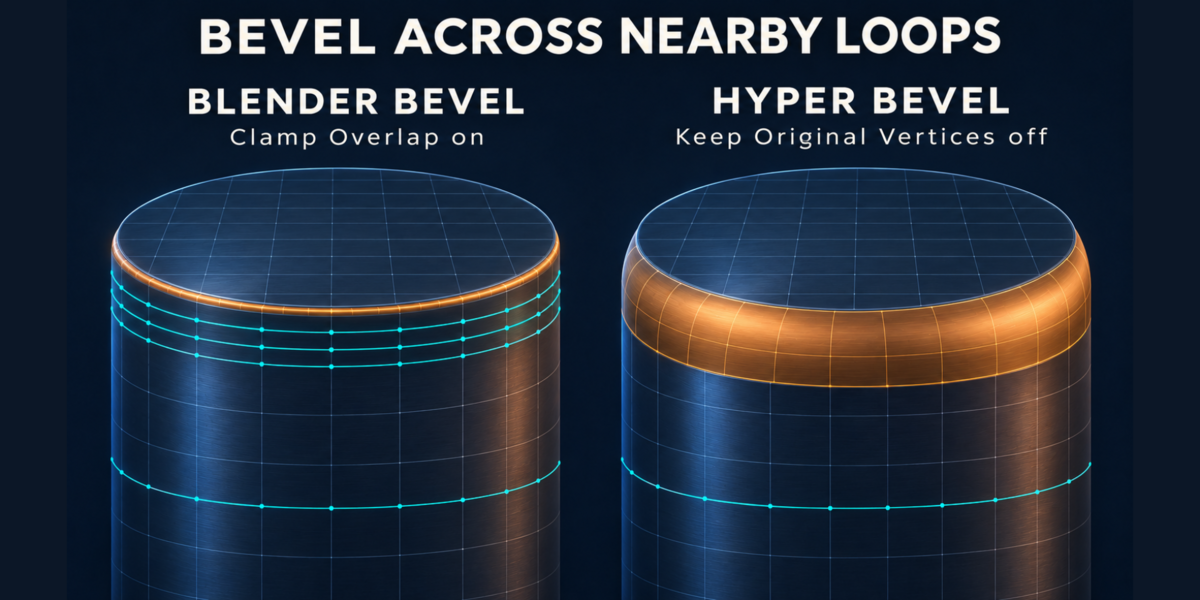
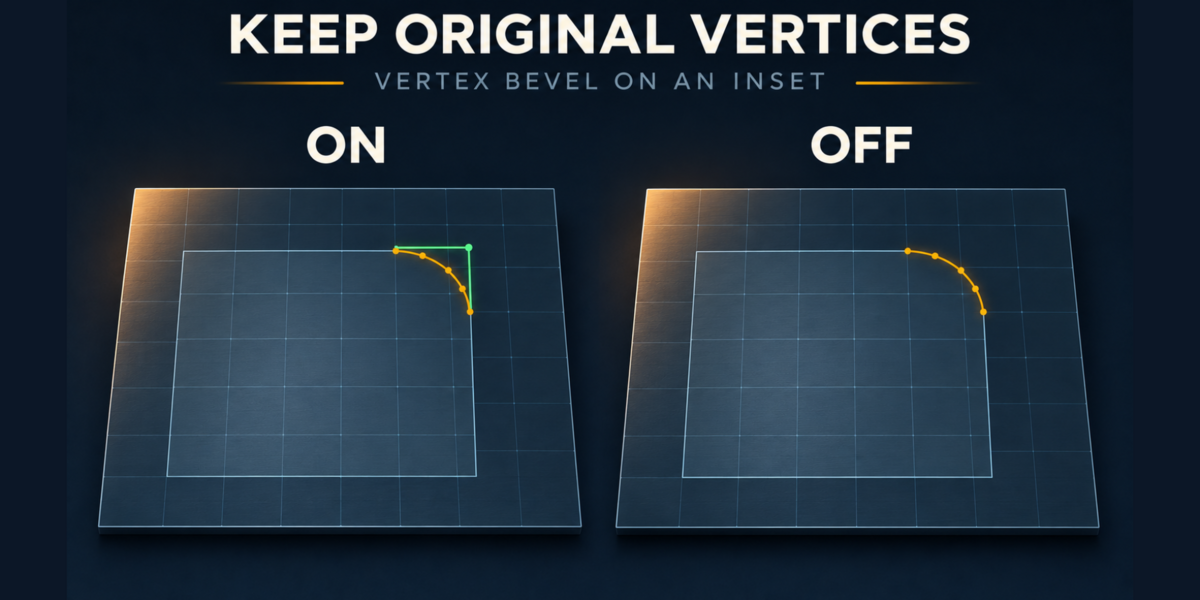
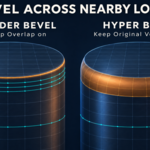
Keep Original Vertices controls what happens to original topology the bevel crosses. Use Fit Surface or Loop Slide where appropriate on curved or subdivided support. An orange marker can indicate an adjusted radius or another fit warning. If an update is refused, the previous valid preview remains visible if available.
Downloads and support
The package includes a PDF Quick Start and Hyper Bevel Tools 1.0.74. The add-on code is GPL-3.0-or-later. For help, use Blendermonk Discord and include your Blender and add-on versions.
Have questions about this product?
Login to message
| Blender Extension Compatible | Yes |
| Published | 1 day ago |
| Blender Version | 5.0 - 5.3 |
| Extension Type | Add-on |
| License | GPL |
Discover more products like this
vertex bevel fillet edit mode Edge Bevel bevel modeling vertex groups hard surface loop bevel chamfer