 Blendermonk

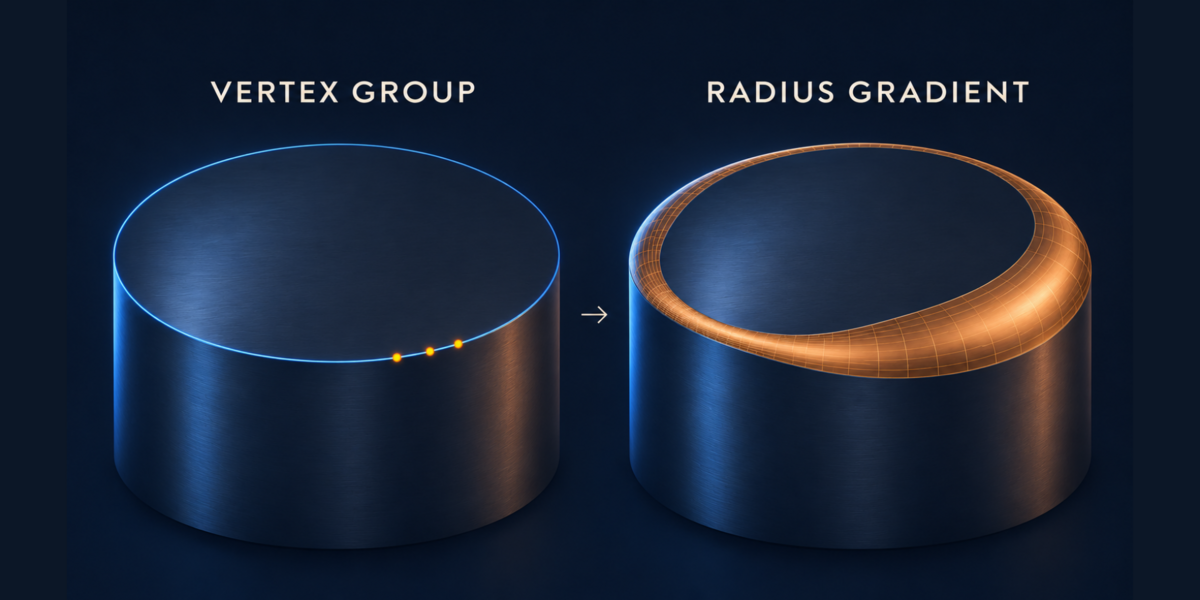

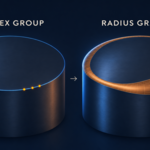

Shape a bevel that gets wider around a grip, narrows around a corner, or fades into an untouched edge. Hyper Bevel Tools adds live edge, loop, and vertex bevels to Blender’s Edit Mode.
Shape the bevel along the loop
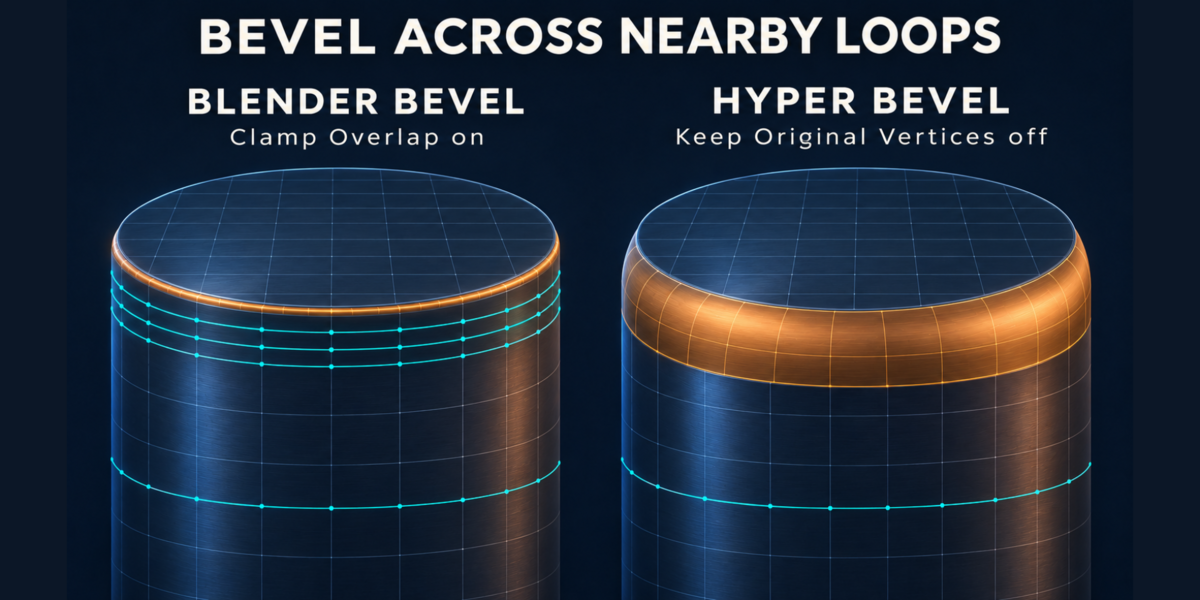
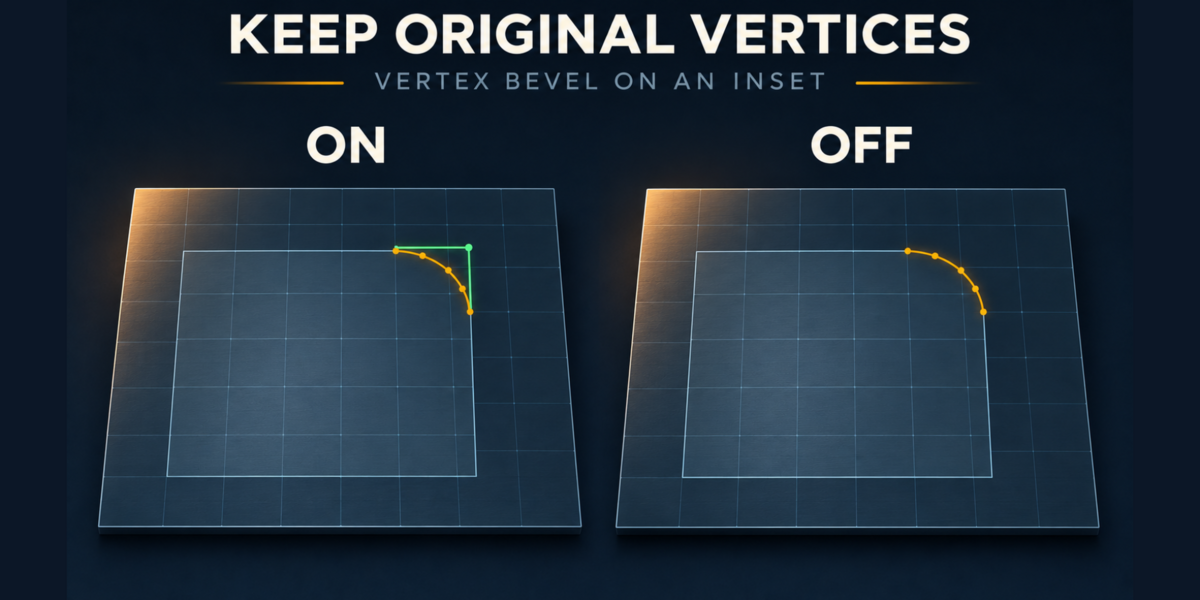
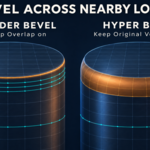
Assign a vertex group and set its local radius, influence distance, and falloff. Use painted weights directly or spread the influence along the selected loop. With Keep Original Vertices off, the bevel can consume nearby vertices it crosses. Turn it on to retain original connections where the geometry allows it.
Build the profile you need
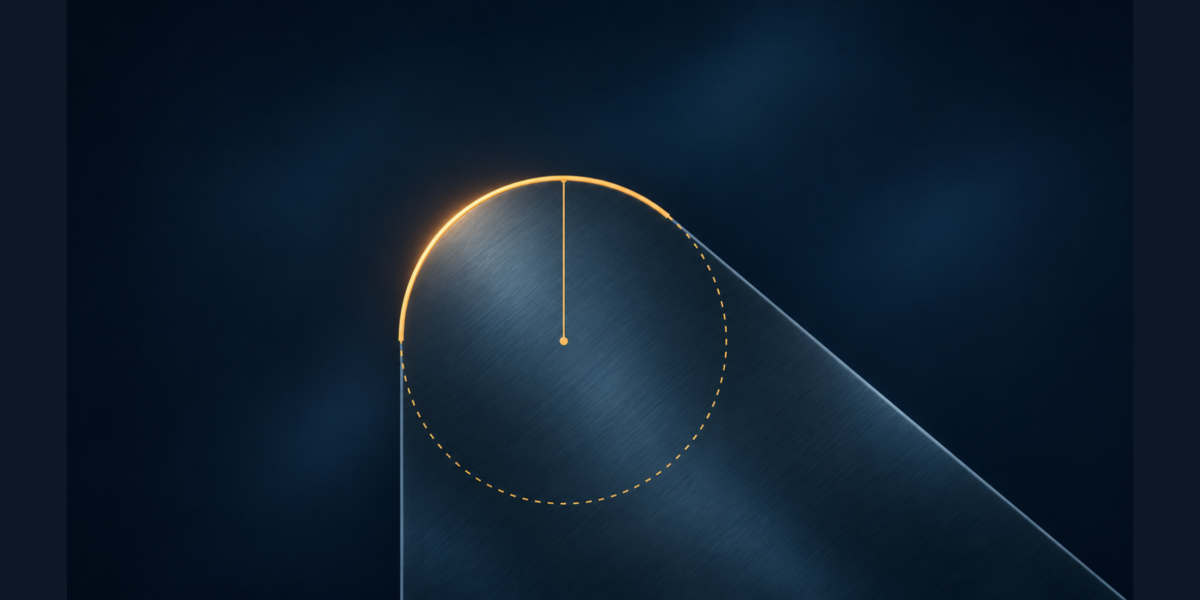
- True Circle, Round / Cove, and Flat Chamfer. Size a circular profile by radius or choose a different cross-section.
- Groove / Bead. Set width and depth independently. Adjust the shoulders and fade the ends of a partial loop.
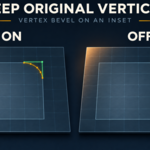
- Vertex Bevel. Round a corner along two guide edges, including corners of an existing inset.
- Adaptive Segments, Fit Surface, and Loop Slide. Set the maximum turn per segment and choose how the bevel follows its support.
Reopen a finished bevel
Finish saves an editable record in Saved Bevels while the supporting geometry remains compatible. Apply Permanently keeps the mesh result and removes the saved record. An orange marker can show a radius adjustment. If a live update is refused, the last valid preview stays visible.
Requirements and download
Blender 5.0 or newer. The download includes Hyper Bevel Tools 1.0.73 and the Quick Start guide. Install the ZIP from Blender’s Preferences, then open the Hyper Tools tab in the 3D View sidebar.
For support, join the Blendermonk Discord.