Hyper Streaks - Volumetric Light Streaks & Comets for Cycles
 Blendermonk

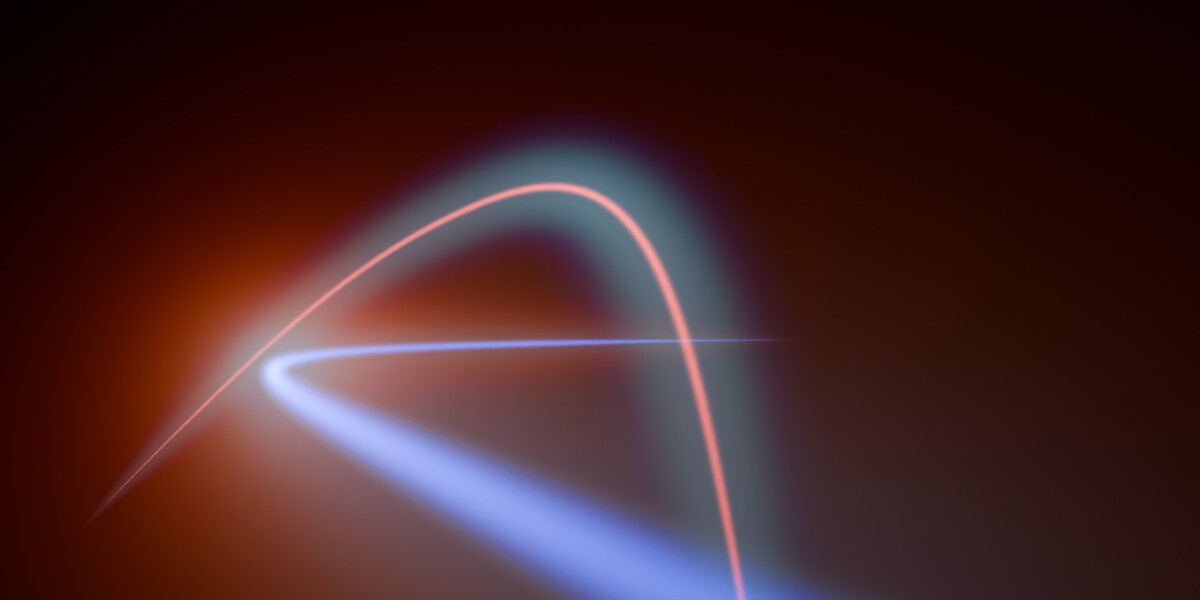



Can I use the renders commercially?
Yes. Renders you create are yours and can be used commercially. The add-on code is licensed under GPL-3.0-or-later.
How do Instances work?
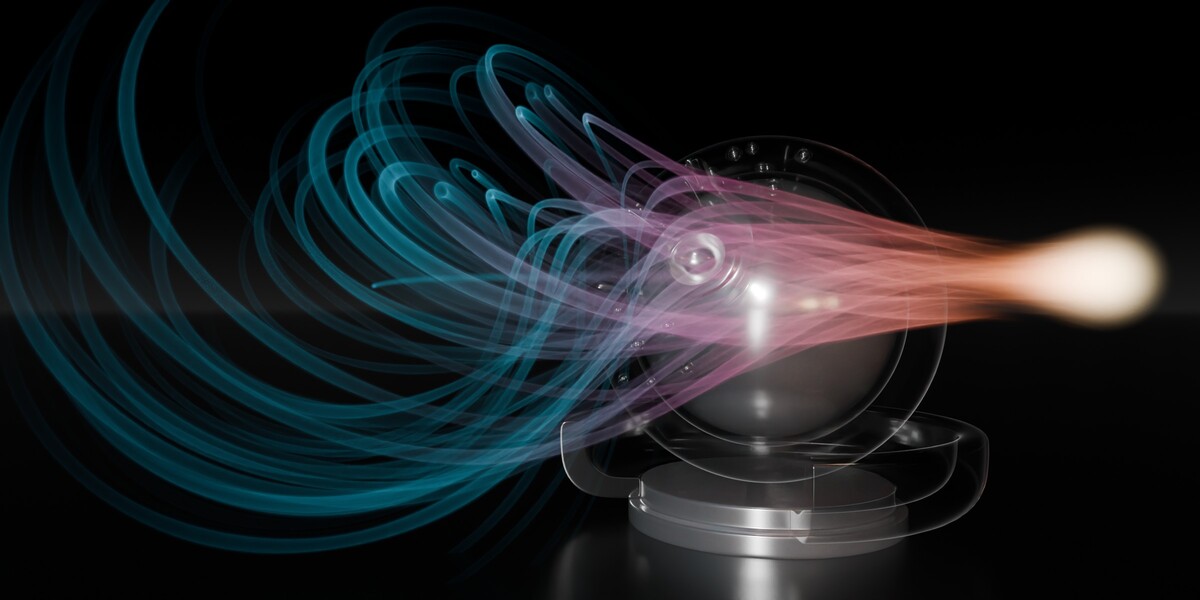
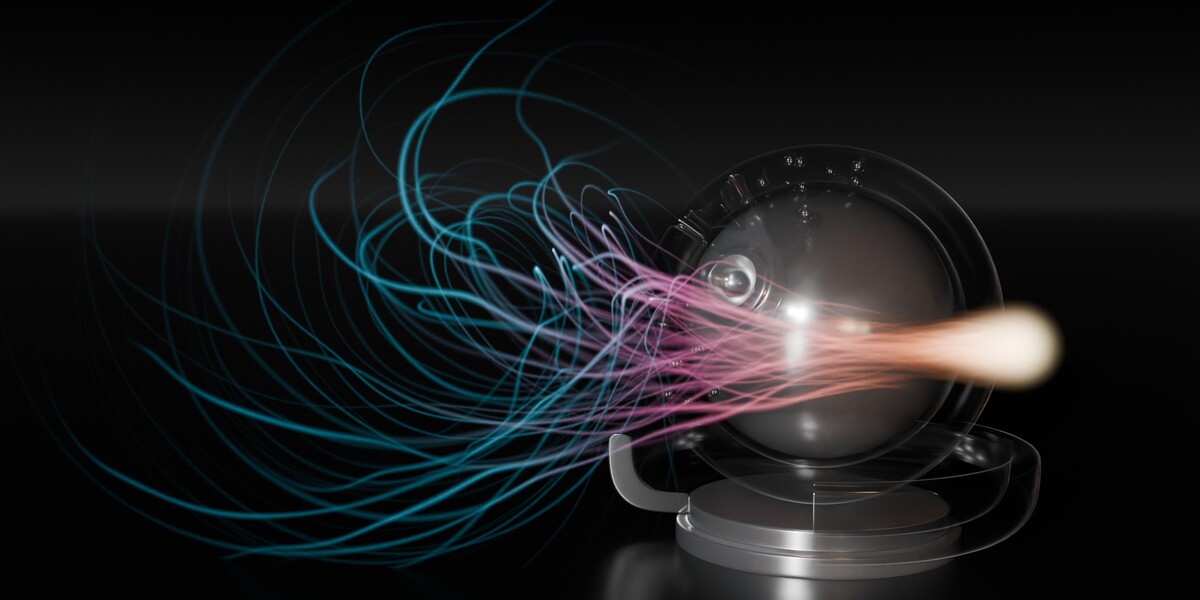
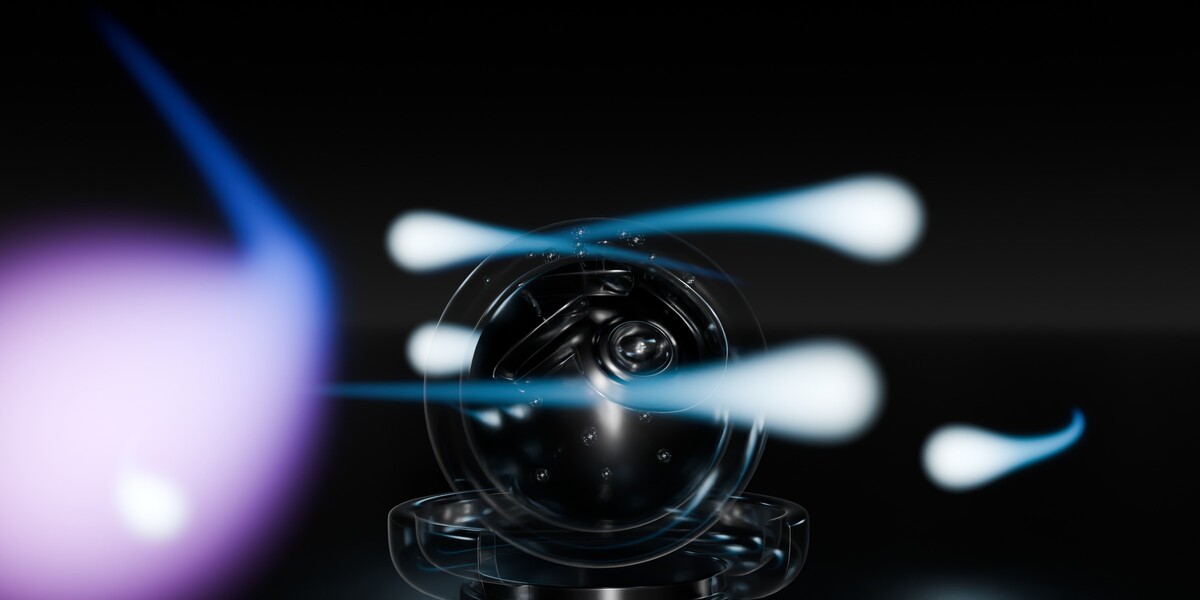
Instances are copies of a streak that share its look. Each one keeps its own curve, travel animation, color tint and brightness, so a group can move differently while looking the same. Change the look and every Instance in the group follows. Make them with Count in Add Streak (100 in about two seconds on an RTX 4090), with Add Linked Instance, or with Alt+D. They share one shader, so a whole group compiles once. Make Independent gives one Instance its own look.
Can I use my own curves?
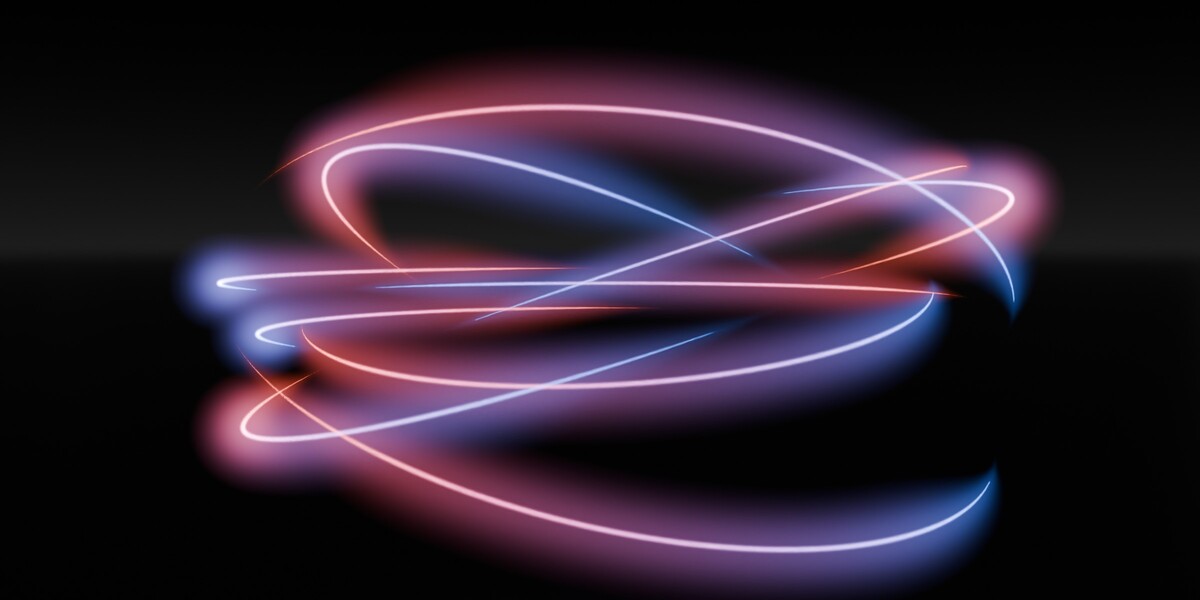
Yes. Every streak comes with its own Bezier curve: select it, press Tab and shape it with Blender’s normal points and handles, and the volume follows as you edit. In Add Streak you can also set the path’s length and number of points, or start from a circle. A streak follows one open Bezier spline; Poly and NURBS curves aren’t supported (convert them with Curve › Set Spline Type › Bezier).
Which rendering devices are supported?
Use Cycles with OSL on an NVIDIA RTX GPU through OptiX, or render on the CPU. On AMD, Apple and Intel graphics hardware, use CPU rendering for this effect. Blender 5.2 or later is required.
Does Hyper Streaks work in EEVEE?
The final volumetric effect requires Cycles with Open Shading Language (OSL). Solid and Wireframe modes provide an opaque mesh editing preview; Rendered mode and final renders show the real volume. EEVEE is not supported.
Have questions about this product?
Login to message
| Blender Extension Compatible | Yes |
| Published | about 13 hours ago |
| Blender Version | 5.2 |
| Extension Type | Add-on |
| Render Engine Used | Cycles |
| License | GPL |
Discover more products like this
light-streak VFX curve motion graphics sci fi nebula Cycles light-trail animation comet blender addon volumetric