 Blendermonk
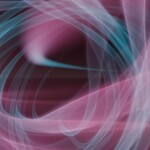
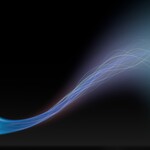
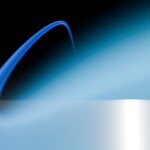
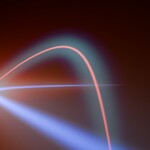
HYPER STREAKS
Light that follows your curve.
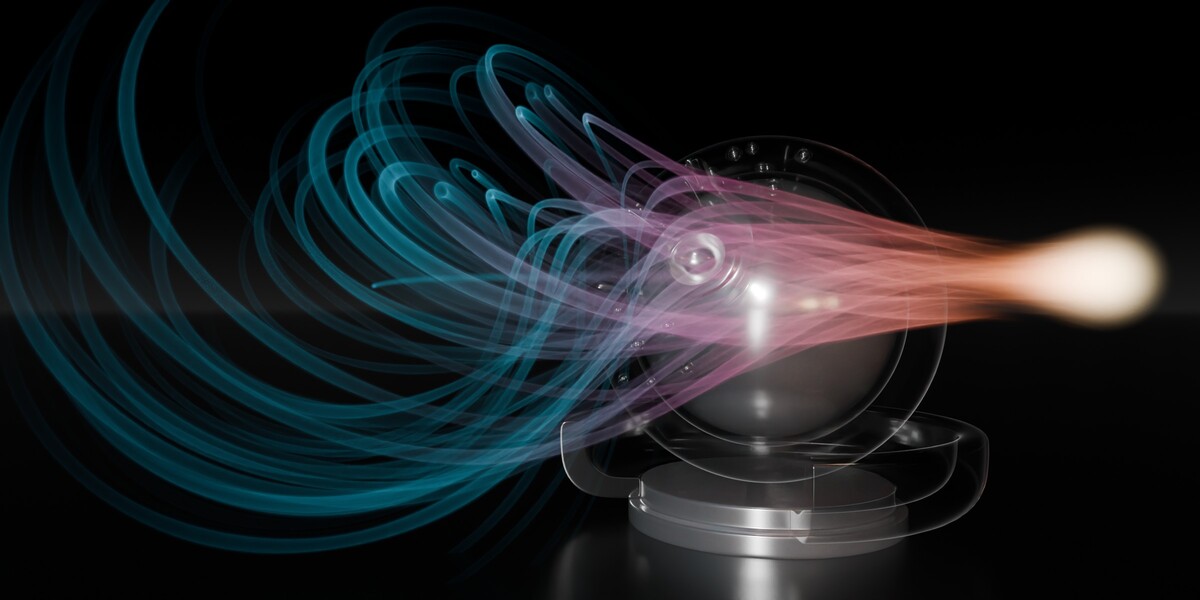
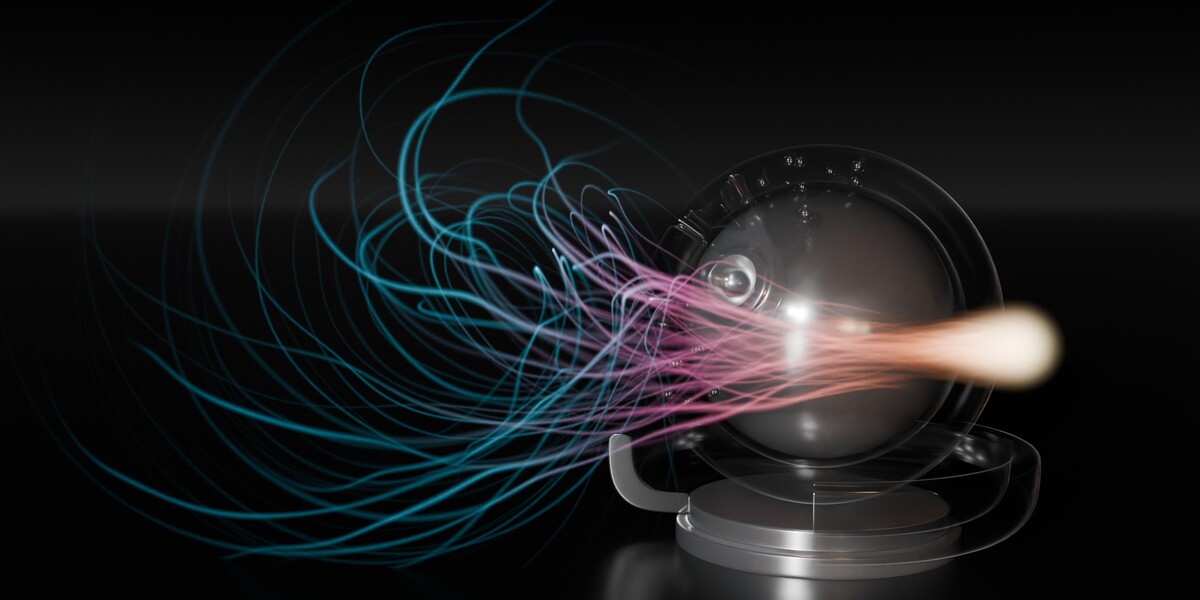
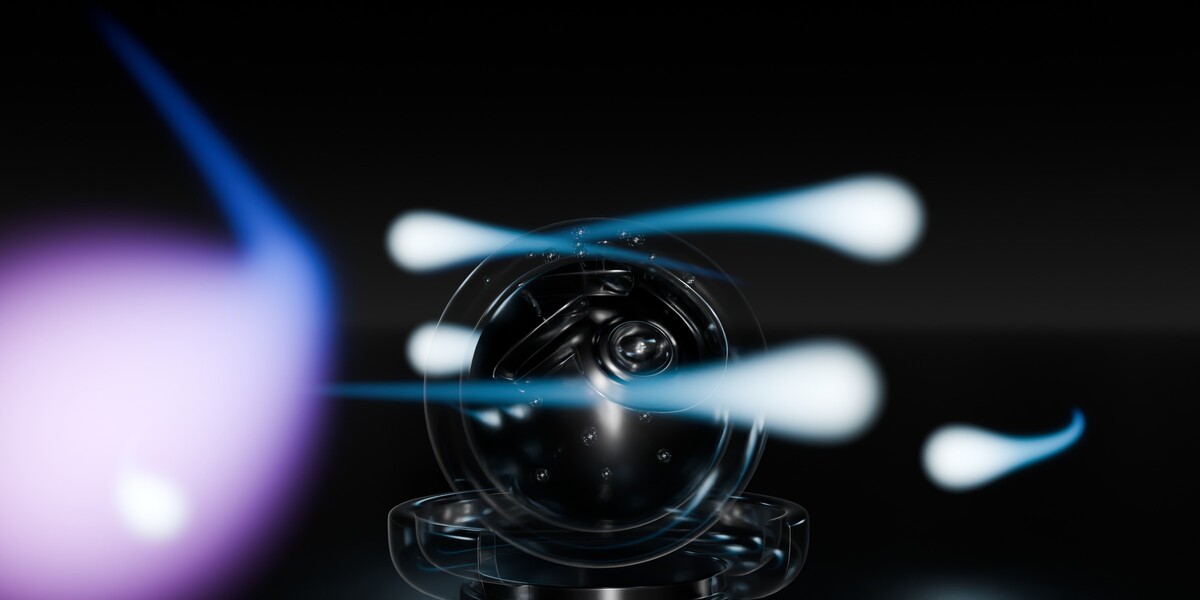
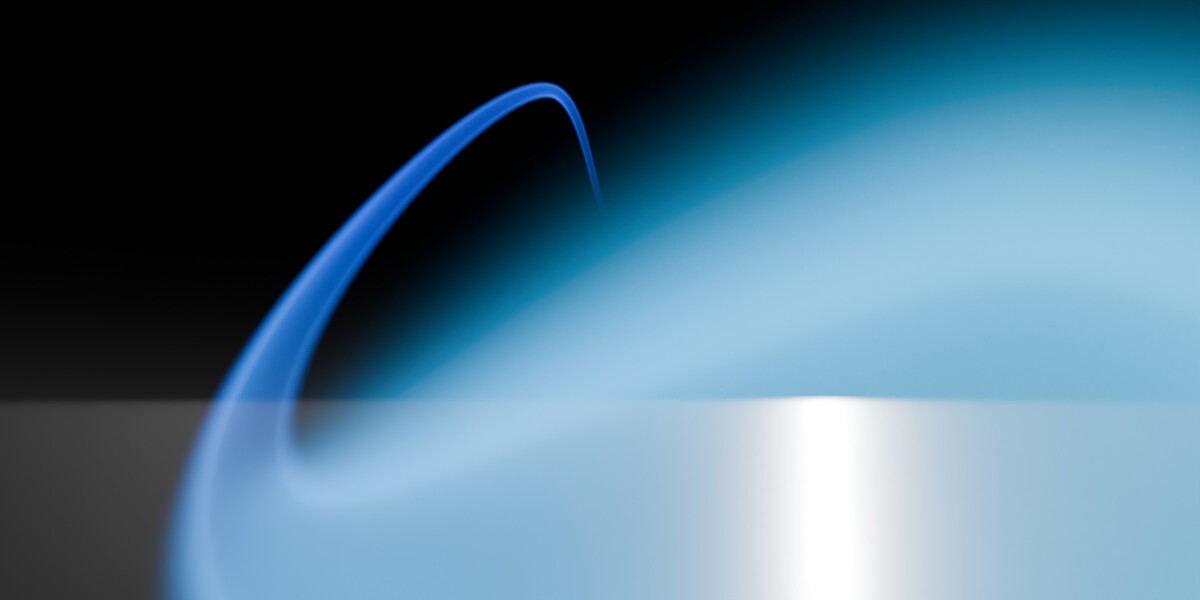
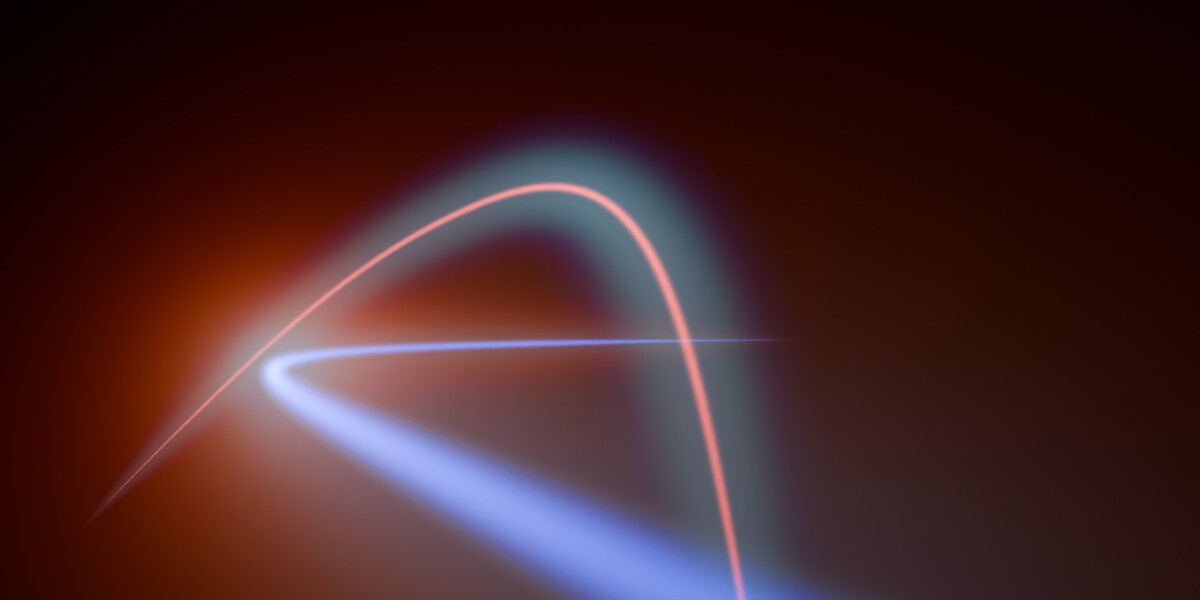
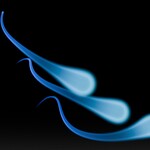
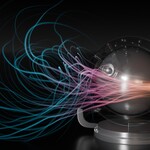
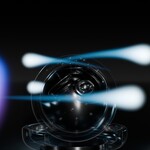
Real volumetric comets, light trails and strands. Shape a Bezier path, choose a look and set light in motion.
Blender 5.2+ / Cycles + OSL / NVIDIA RTX (OptiX) or CPU
A path. A look. Your animation.
Hyper Streaks turns a Bezier curve into a real volumetric light effect, rendered by Cycles. Edit the curve and the streak follows. No particle simulation or baking.
- Shape the path. Edit points and handles with Blender's curve tools.
- Make it yours. Adjust the head, tail, gradients, strands, clouds and embers.
- Set it in motion. Add travel keys, choose constant speed, or build an orbit.
Made for motion design, sci-fi and fantasy shots, space scenes, title sequences and product reveals.
Six starting points. One engine.
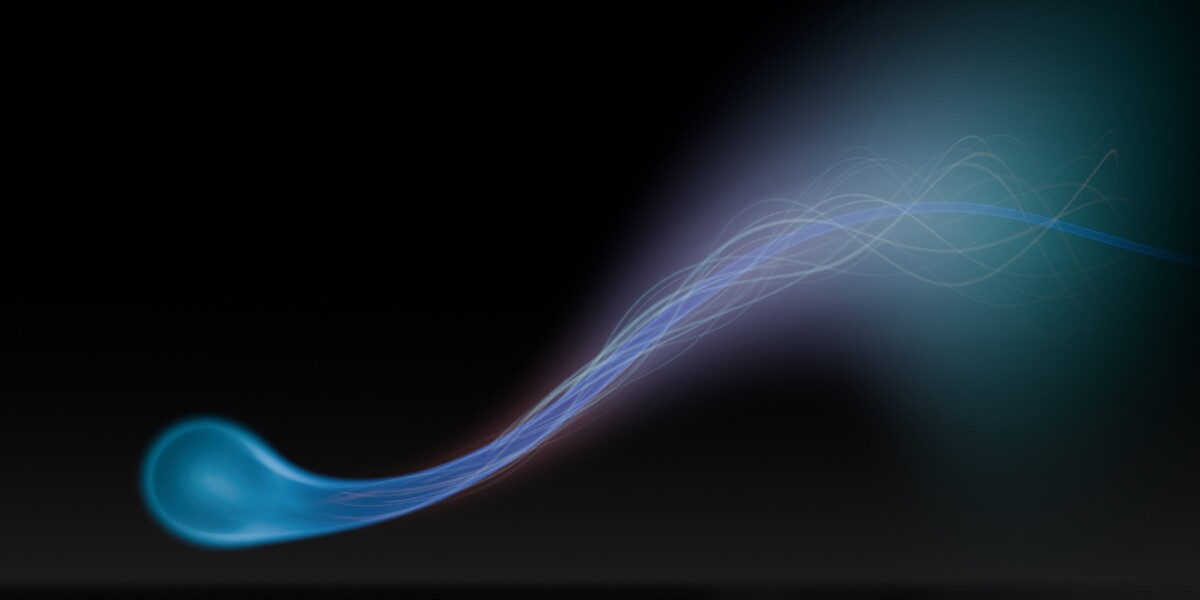
- Master Streak - warm head, turquoise fanning tail, strands and texture.
- Silk - a slender, soft luminous thread.
- Round Comet - a rounded luminous head flowing into a clean, slender tail.
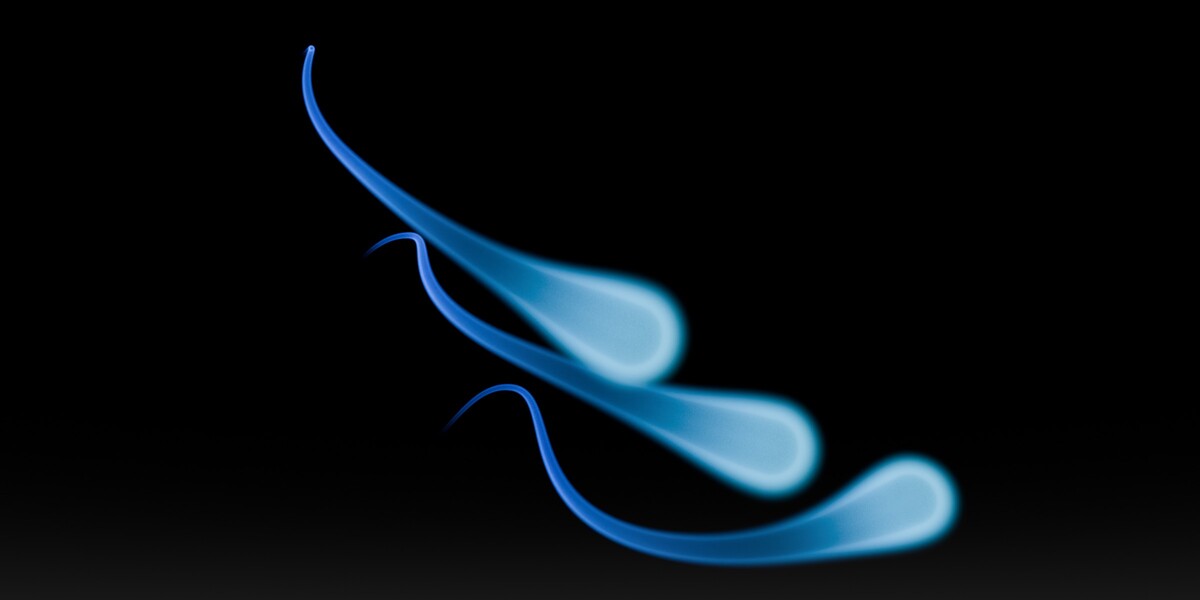
- Luminous S - a thin bright core wrapped in a soft haze.
- Ember Wisps - a fireball unravelling into curling fiery threads.
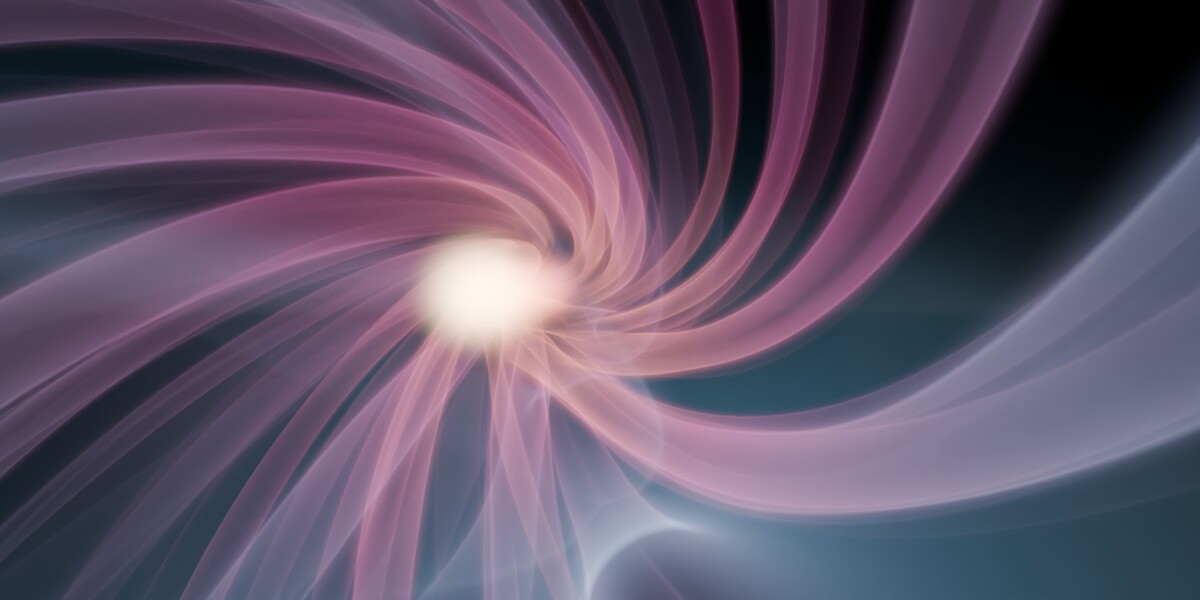
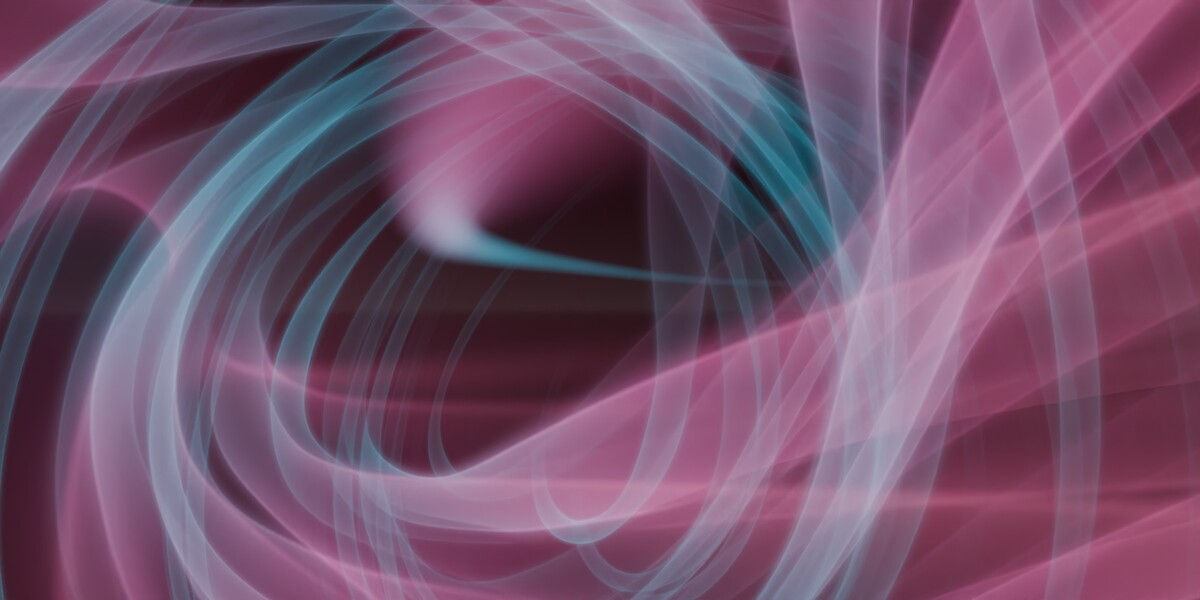
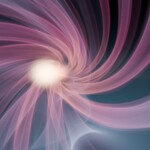
- Nebula Stream - an expanding blue and rose cloud fan with animated noise.
All six share the same section-based Look editor, so your controls stay familiar. Each section has its own switch and reset; turning a section off keeps its settings for later.
One shared look. Many individual streaks.
Instances share an Original's look while each keeps its own curve, timing, tint and brightness. Edit the Original to update the group. Make one Instance independent whenever it needs a look of its own.
Example render times
NVIDIA RTX 4090
1920 x 1080 / 128 samples / GPU denoising
| Scene | Seconds per frame |
|---|---|
| Round Comet, 1 streak | 2.1 |
| Silk / Luminous S, 1 streak | 2.5 |
| Master Streak, 1 streak | 2.6 |
| Ember Wisps, 1 streak | 3.2 |
| Nebula Stream, 1 streak | 3.8 |
| 18 streaks (all six looks, 3 each) | 6.0 |
| 100 Round Comet Instances | 7.8 |
Example results on the hardware and settings above. Actual times vary with the look, scene, device and render settings. Initial shader compilation can add preparation time.
Build the look. Keep the control.
Shape & light
Adjust thickness, head roundness and stretch, tail length and width, edge softness, density and brightness. Use your own length curves to shape the whole streak.
Colors & clouds
Combine tail-to-head colors, a separate tail/halo gradient and light-only gradients with soft, colored nebula clouds.
Fanning tail
Shape the glow behind the head with five end shapes and a moving pattern that thins and ripples it.
Strands
Build up to three layers of luminous threads. Control count, width, curl, breakup, children and spiral turns, with Flow, Flutter, Pulse and Braid behaviours.
Embers
Add up to three layers of sparks, from round points to cubes, stars, tiny strings and triangles, with twinkle, lifetime and flow.
Texture & custom nodes
Use Noise, Wave, Voronoi, Magic or Gabor, with evolution and drift. Open the effect's node group to add your own shading, with ready-made coordinates for along, across, around and time.
Light the reveal. Lead the eye.
Art-direct a streak through a product reveal, title sequence or cinematic scene. Circle paths create loops and orbits; Surface Lighting lets the streak illuminate nearby surfaces.
Animation, from path to camera move.
- Animate Along Curve adds travel keys over your frame range.
- Choose constant speed or ease in and out.
- Overshoot brings the streak in and out beyond the curve ends.
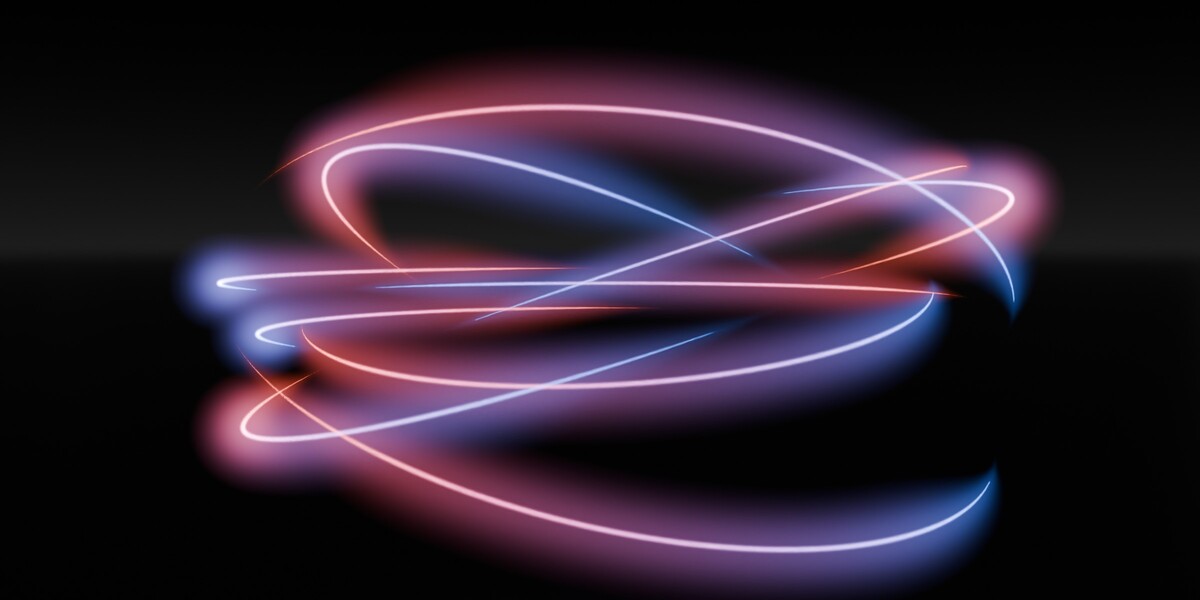
- Circle paths create loops and orbits.
- Camera-follow options: Chase, Head-on, Flyby and Orbit.
- Animate color and brightness across a group.
Create, edit and render.
Prepare frames before rendering through the interface, or render from the command line. Light-only volumes are the default; switch Density on when you need scattering and shadows.
In Solid and Wireframe, an opaque mesh body helps you edit the curve. The real volumetric look appears in Cycles Rendered view and final renders.
Requirements
- Blender 5.2 or newer.
- Cycles with Open Shading Language (OSL).
- NVIDIA RTX through OptiX for GPU rendering, or a CPU render device.
- AMD, Apple and Intel GPUs cannot render these OSL effects; use CPU rendering on those systems.
- EEVEE is not supported.
A new look's first render compiles its shaders. Preparation and render times depend on the device, effect and scene.
What's included
- Hyper Streaks add-on ZIP, installable as a Blender Extension or classic add-on.
- Six ready-made looks.
- User guide and control reference inside the package.
- GPL-3.0-or-later add-on code.
Your renders are yours to use in personal and commercial work. Example scene props shown in preview renders are not included in the add-on package.
Support & bug reports
Need help with Hyper Streaks or found a bug? Join the Blender Monk Discord and post in #hyperstreaks.
For a useful bug report, include your Blender and Hyper Streaks versions, operating system, render device, steps to reproduce the issue, and any screenshots or error messages. Share a small example .blend file if possible, with private or licensed assets removed.