Customizable Ice Setup - Cubes, Crushed, Spheres
 Tomás Correa


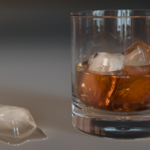
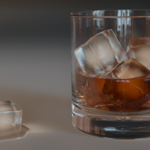
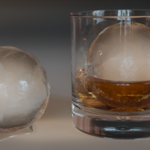
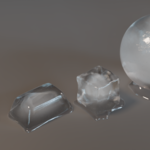
Importing the Ice Assets
Each ice type is organized into its own collection inside the file.
To import into another project:
-
Go to File → Append (or Link)
-
Select this .blend file (downloaded with this purchase).
-
Enter the Collections folder
-
Select the ice collection you want, labeled "APPEND + the ice variation you want".
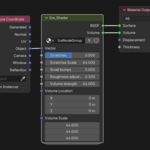
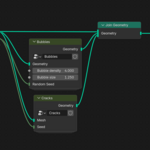
Materials, shaders, and node setups are preserved automatically. If you want to use them as separate assets you can, as they will be added individually to your project.
If you have any issues, feel free to message me!
$4
 Included
Includes 12 months of
- Support from Tomás Correa
- Product updates
Extend this product’s Support Period +12 months: 25% of product price
Have questions before purchasing?
Login to message
| Dev Fund Contributor | |
| Published | 8 months ago |
| Blender Version | 4.5 - 5.2 |
| Render Engine Used | Cycles |
| License | Royalty Free |