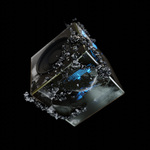
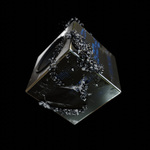
Ice Flow - Sophisticated Reactive Surface Particle Flow
 codesignprojects
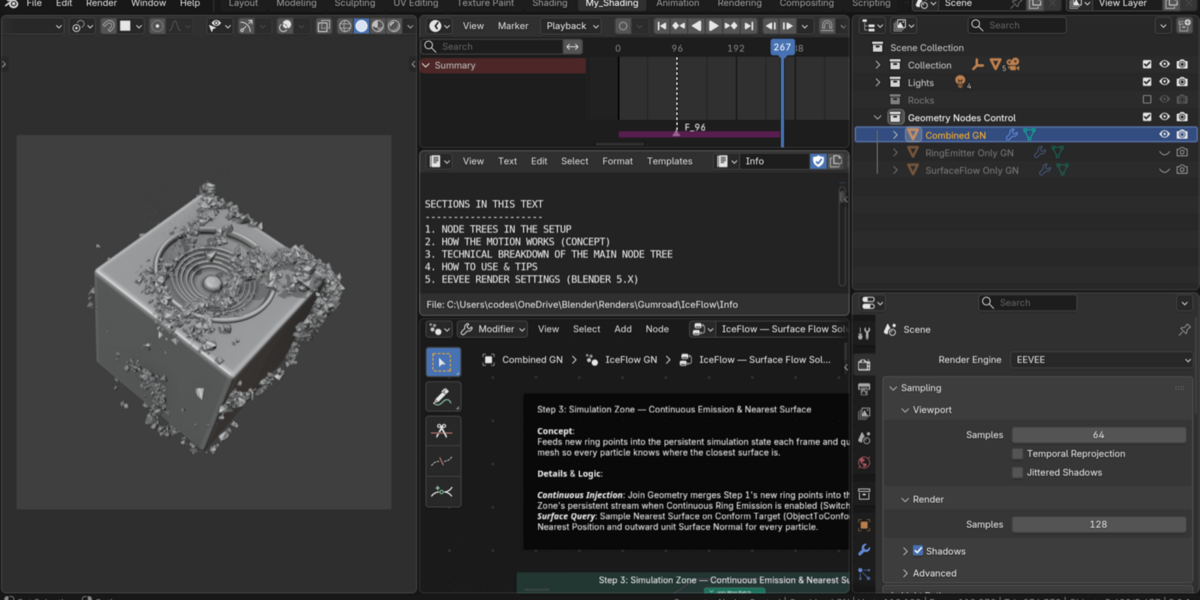
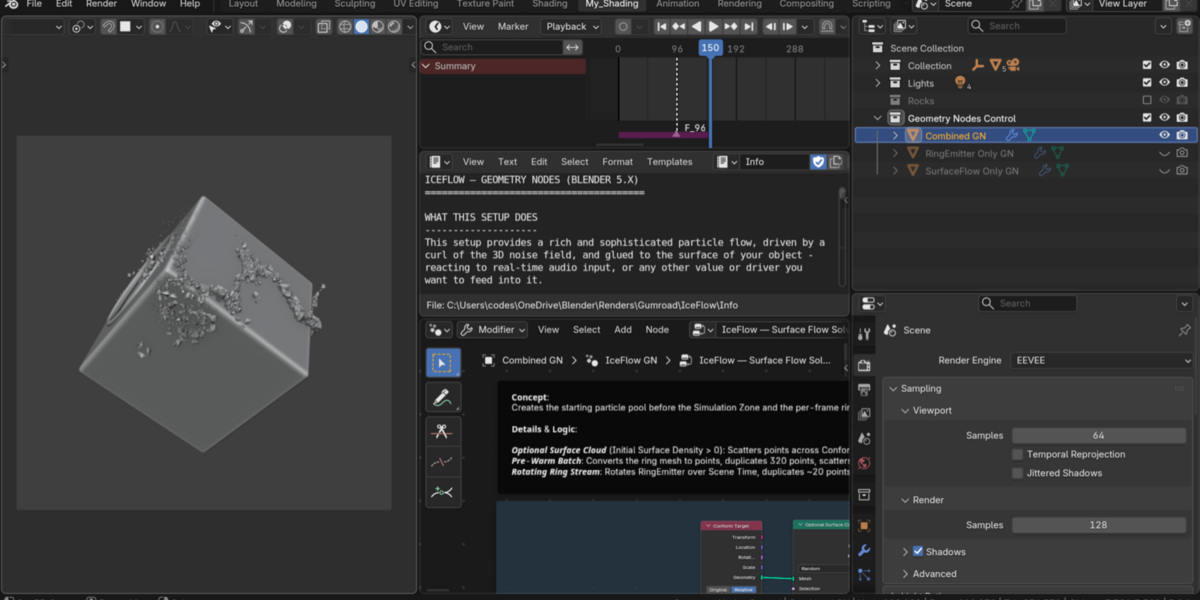
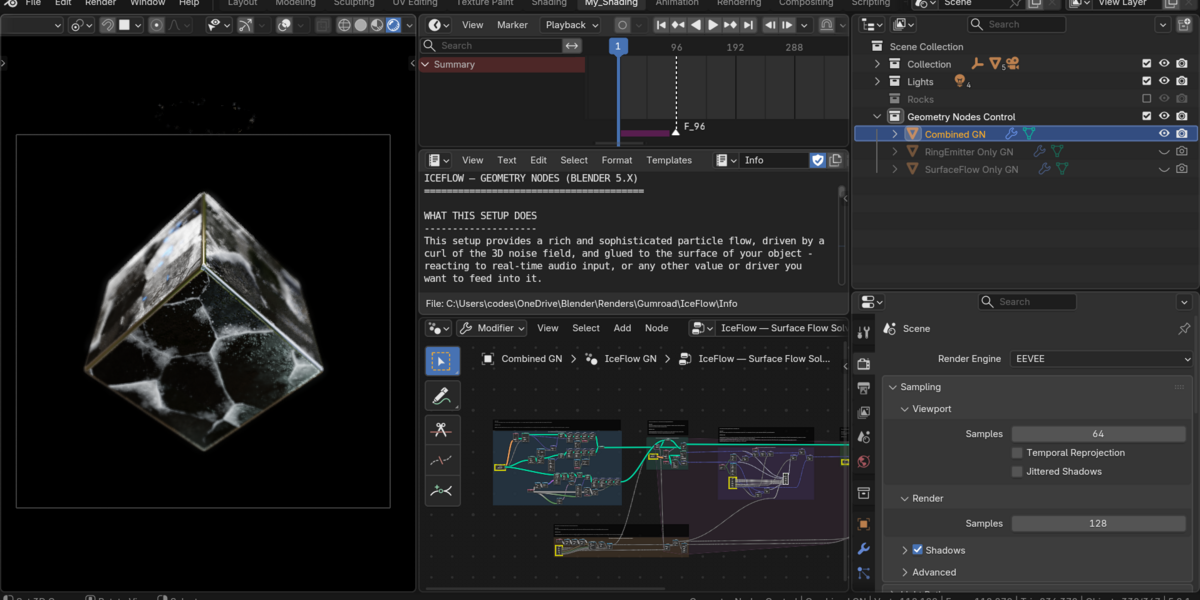
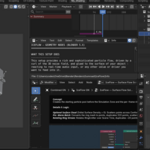
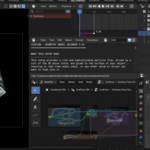
Quick Start
-
Open the
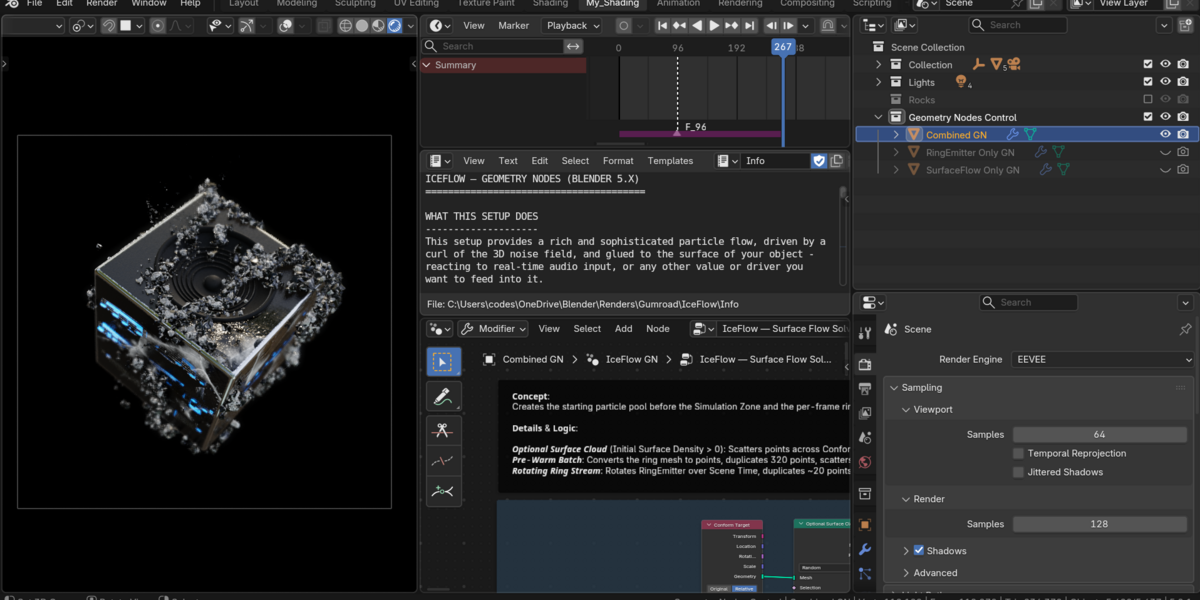
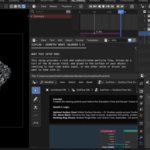
.blendfile in Blender 5.2 or newer (timeline starts at Frame 1). - Press Space to play from Frame 1. For synced audio, set Timeline → Playback → Sync to Sync to Audio.
-
To switch between the three particle setups, toggle object visibility in the
Geometry Nodes Controlcollection (Combined GN,SurfaceFlow Only GN,RingEmitter Only GN), then restart playback from Frame 1.
How to Customize
-
Use Your Own Target Object:
Select the active Geometry Nodes object (
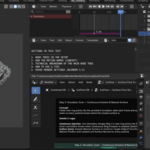
Combined GN,SurfaceFlow Only GN, orRingEmitter Only GN) and set Conform Target in theIceFlow GNmodifier to any closed mesh. For heavily detailed or engraved meshes, use a clean simplified proxy mesh as the target (asObjectToConformdoes forCubehere) and hide the proxy from render. - Use Your Own Instanced Objects: Point Instance Collection to any collection of meshes (keep origins centered for clean surface contact).
-
Use Your Own Audio (or No Audio):
Pick a different audio file in the Sound socket (and update the VSE strip if you want to hear it during playback). Narrow Low / High (e.g.,
20–250 Hz) to isolate bass kicks. To drive the flow without audio, raise Audio Min Baseline or plug any value, curve, or driver into the Amplitude input of Step 4. -
Key Tuning Sliders (
IceFlow GN):-
Noise Frequency/Noise Offset— Swirl scale and flow pattern offset -
Flow Speed/Gravity— Tangential swirl speed vs. downward cascade -
Stream Dispersion— Ribbon spread (0= tight single stream) -
Surface Pull (Relative Curl)/Collision Margin— How tightly particles hug corners and bevels -
Particle Scale— Overall size of instanced geometry
-
-
Bake for Instant Scrubbing & Rendering:
Once your motion is dialed in, go to Properties → Modifiers →
IceFlow GN→ Bake (Simulation Cache). The Speaker and Material Audio modifiers are stateless and do not require baking.
Have questions about this product?
Login to message
| Published | about 4 hours ago |
| Blender Version | 4.2 - 5.3 |
| Render Engine Used | Cycles, Eevee |
| License | Creative Commons |
Discover more products like this
particle flow flow on surface audioreactive particles on surface flow curl geometry_nodes sci fi audiovisual audio swirl Music