 codesignprojects
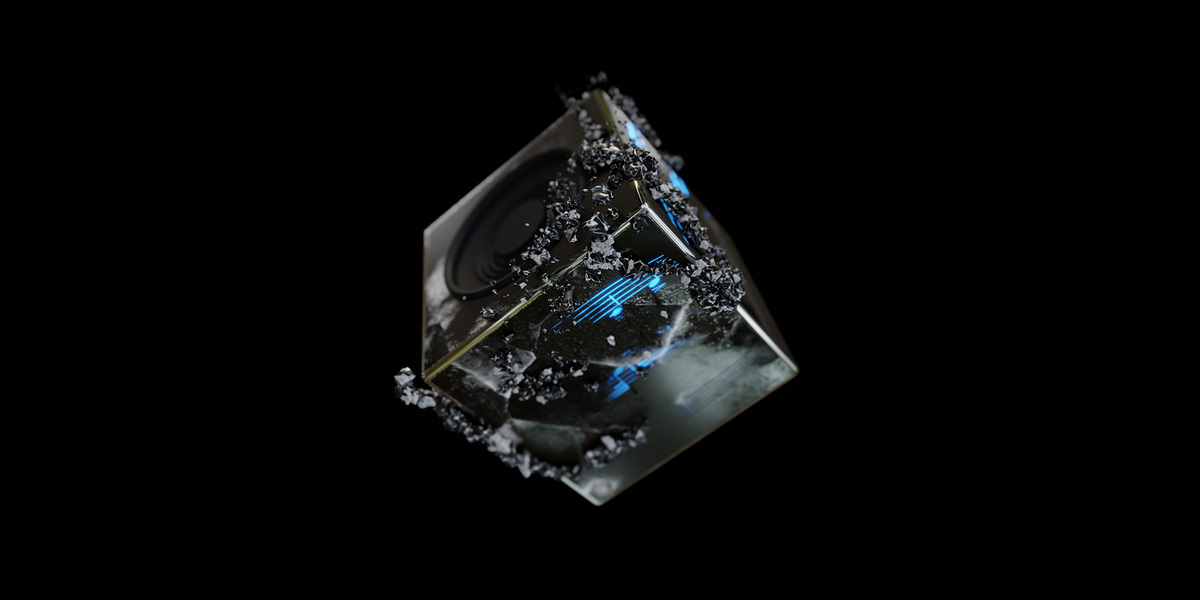
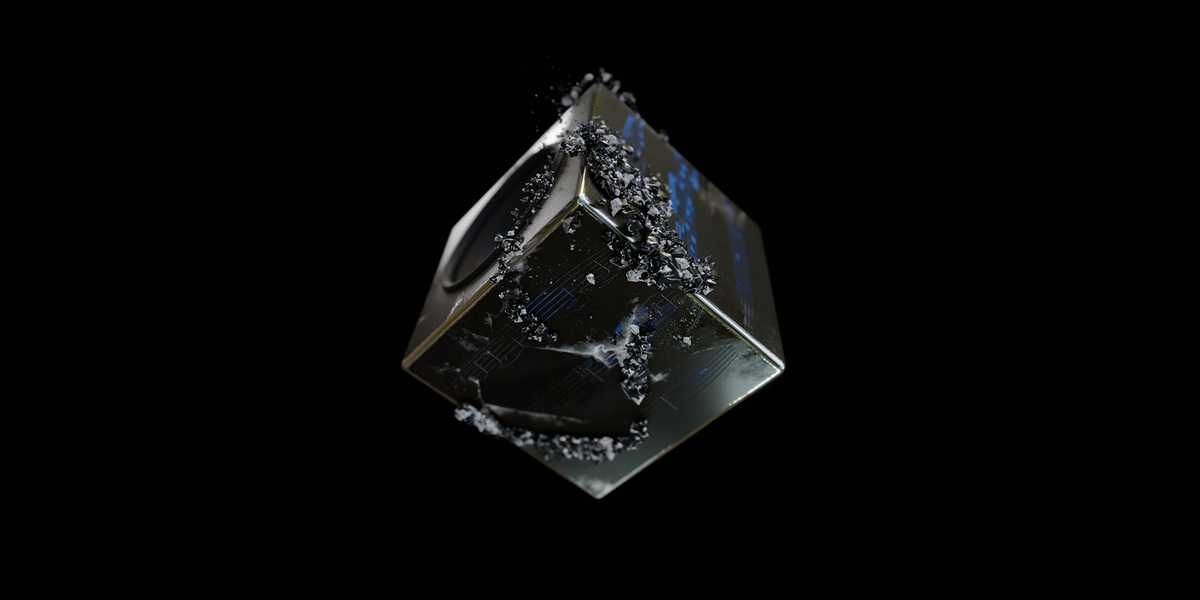
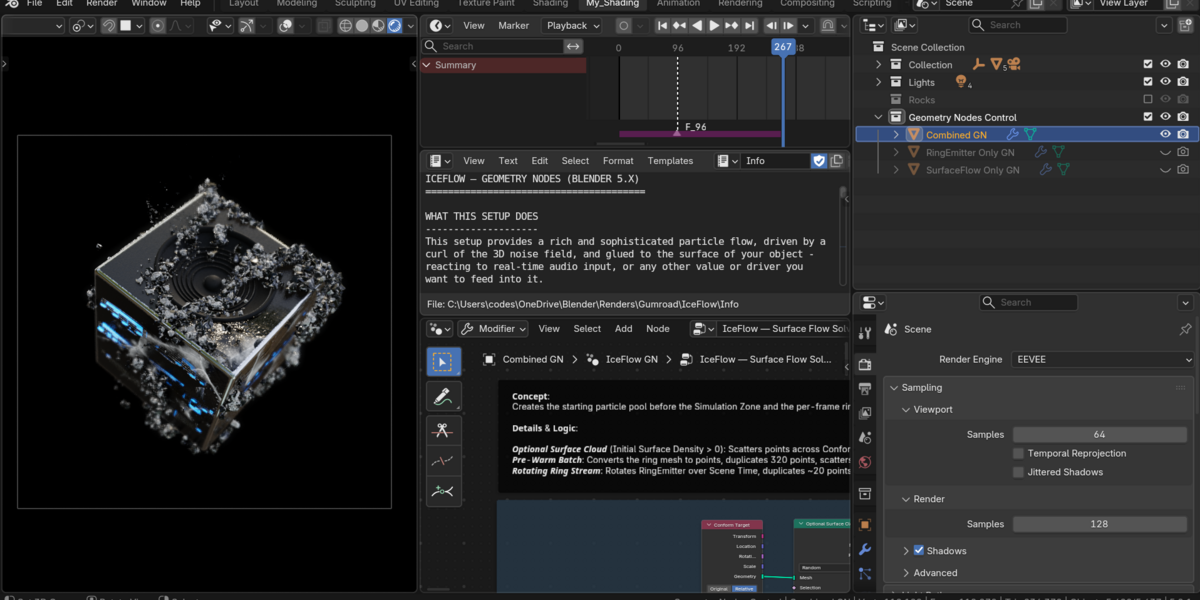
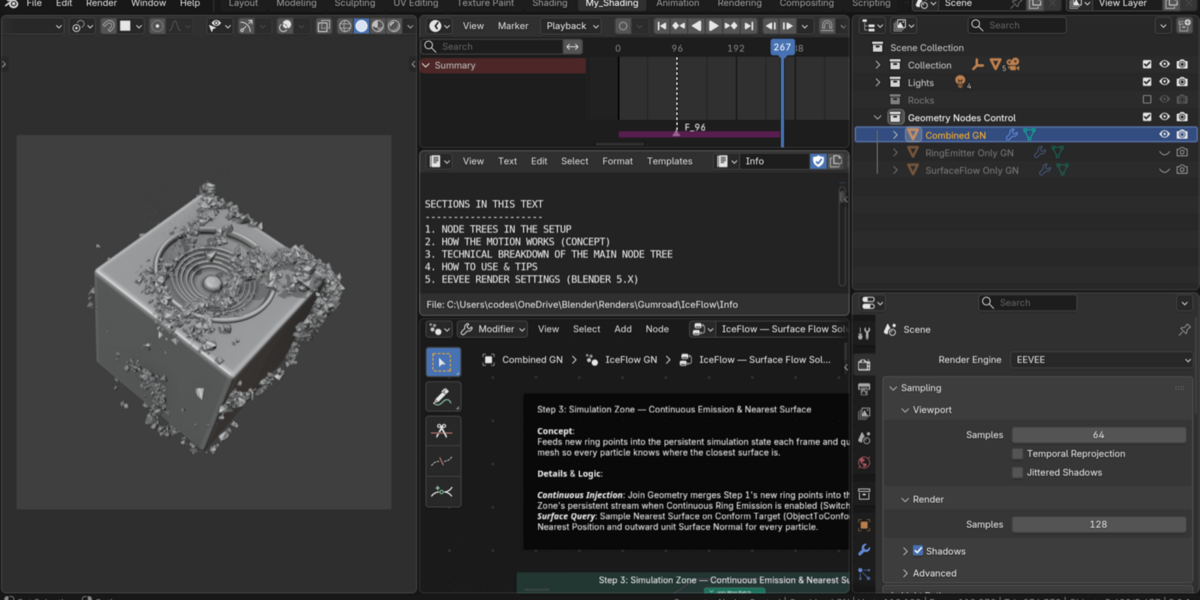
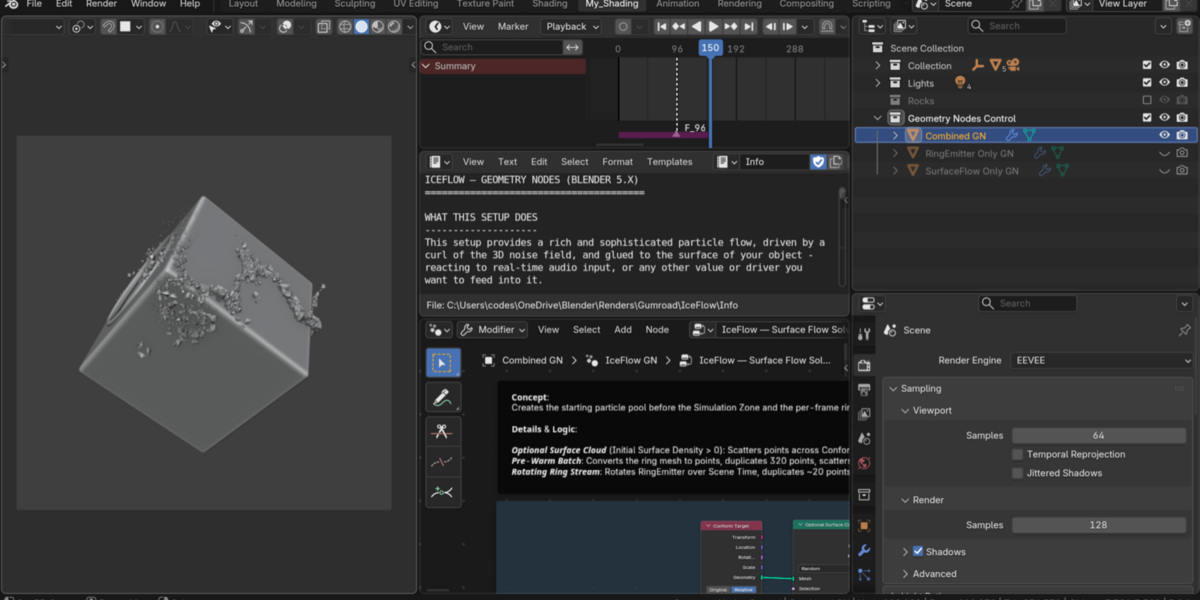
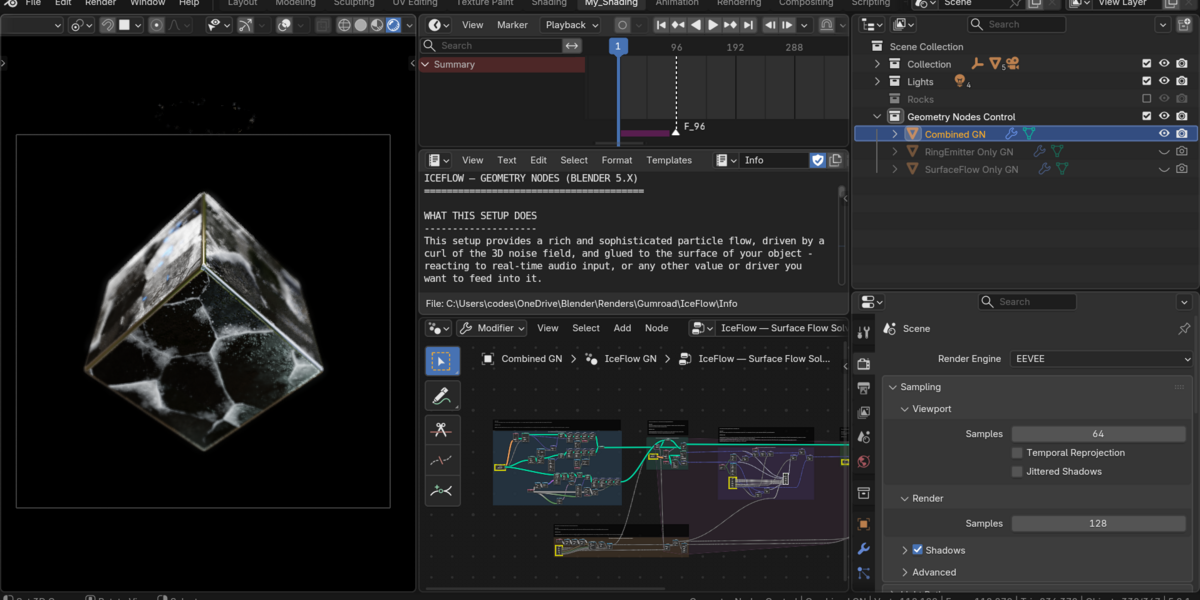
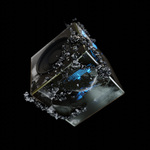
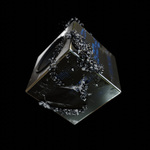
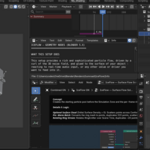
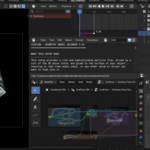
The IceFlow is a dynamic and sophisticated particle flow setup, glued to the surface of your object, reacting gracefully to the nudges of the real-time audio input - or any value you wish.
Driven by the 3D curl of a noise field, particles swirl across faces, edges, and bevels while pulsing with real-time audio—or any custom value, curve, or driver you decide to use.
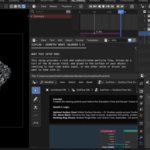
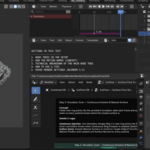
This version is built from the ground up in native Geometry Nodes only, with no external add-ons or legacy particle systems. Inside the file, every node tree is cleanly framed, color-coded, and documented step by step so you can both use it out of the box and study how the solver works.
• The concept was originally created by other means—this file is the pure Geometry Nodes version.
• There are 2 other, simpler files of the same concept: The Surface Flow and The Surface Flow Swirl.
---------------------------------------------------------------------------------------------
Three Included Node Trees: (See FAQ for details)
All three setups are organized in the Geometry Nodes Control collection:
-
Combined Solver (
Combined GN→IceFlow — Surface Flow Solver): Combines both systems in one modifier. Runs the falling ring emitter by default, or switches to a full-surface cloud by raisingInitial Surface Densityand turning offContinuous Ring Emission. -
Falling Ring Stream (
RingEmitter Only GN→IceFlow — Ring Emitter Only): Simplified, easy-to-read tree with only the rotating overhead ring emitter dropping particles gracefully onto your object. -
Particles on Object (
SurfaceFlow Only GN→IceFlow — Surface Flow Only): Simplified, easy-to-read tree with particles scattered directly on the surface for continuous, perpetual swirl without an emitter or lifetime fade-out.
---------------------------------------------------------------------------------------------
Other Features:
-
Real-Time Audio Sync: Uses Blender's native
Sample Sound Frequenciesnode with a smooth attack/decay envelope—no manual sound baking required. -
Audio-Reactive Speaker & Material Emission: Separate, self-contained Geometry Nodes modifiers pulse the
Speakercone (IceFlow — Audio Speaker Pulse) and driveCube's glowing blue material emission (IceFlow — Audio Material Emission) in sync with the track. -
Organized Shaders & EEVEE Setup: Cleanly framed
MaterialMainshader tree and calibrated EEVEE Next render + Compositor Bloom settings. -
Built-in Learning Guides: Detailed in-file
Infodocumentation explaining both the high-level concept (3D noise gradient, surface curl, surface pull, inertia, and collision deflection) and each labeled step of the node trees.