 Skava
IKForge
v1.0.0 · Blender 4.2 LTS and later (tested on 4.2.9 and 5.2.2) · Unity 6 (tested on 6000.0, 6000.4 and 6000.6; no render pipeline involved) · Windows / macOS / Linux
1. What it does
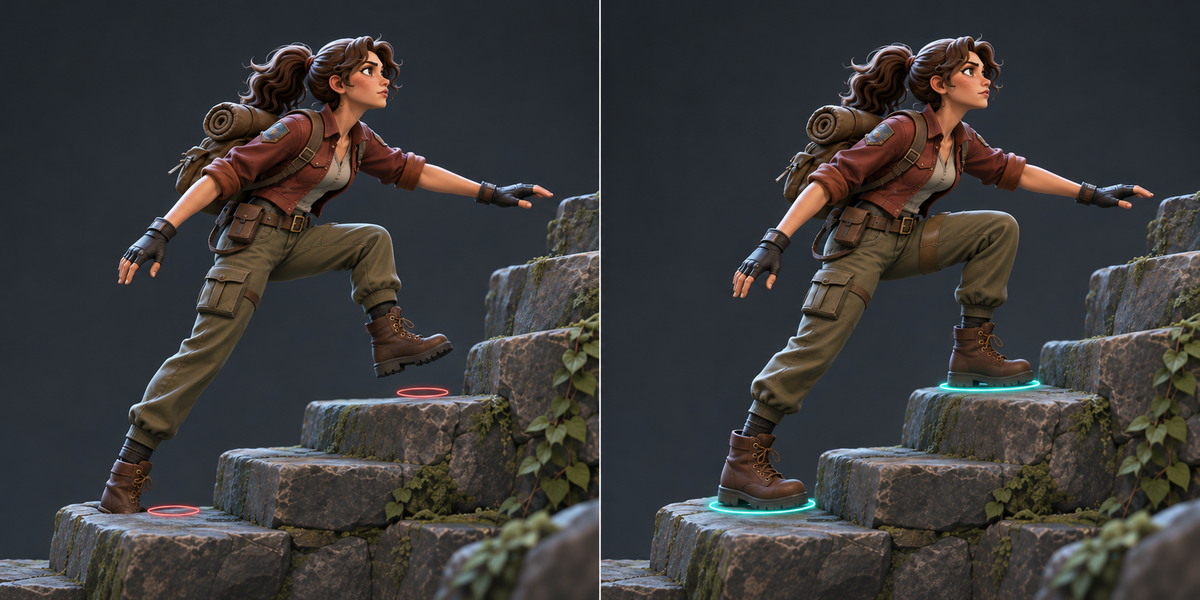
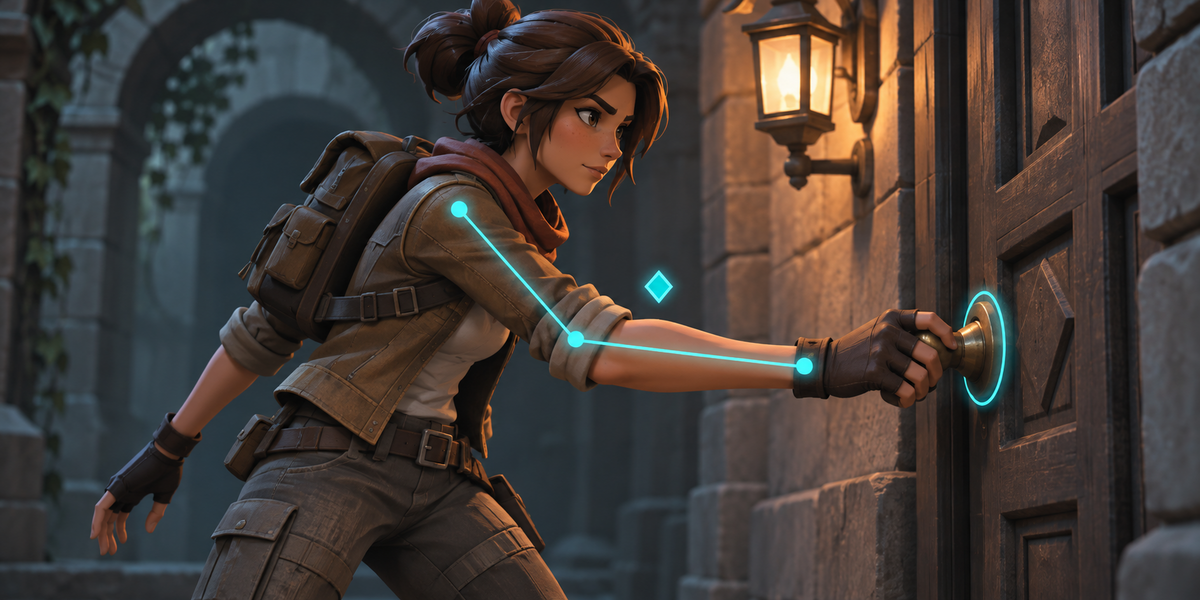
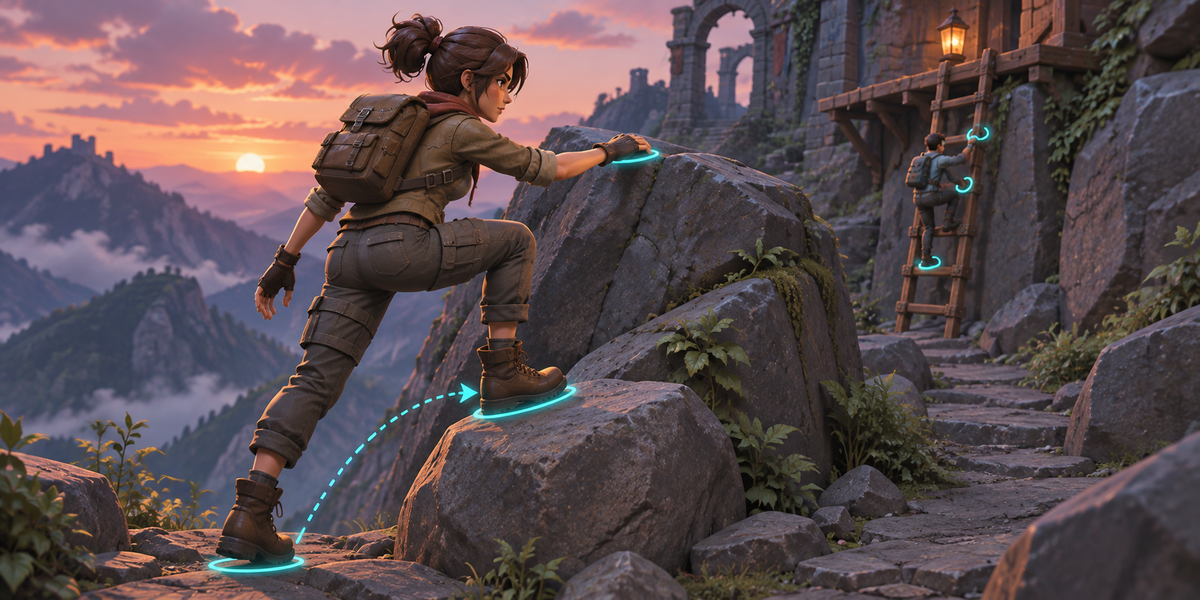
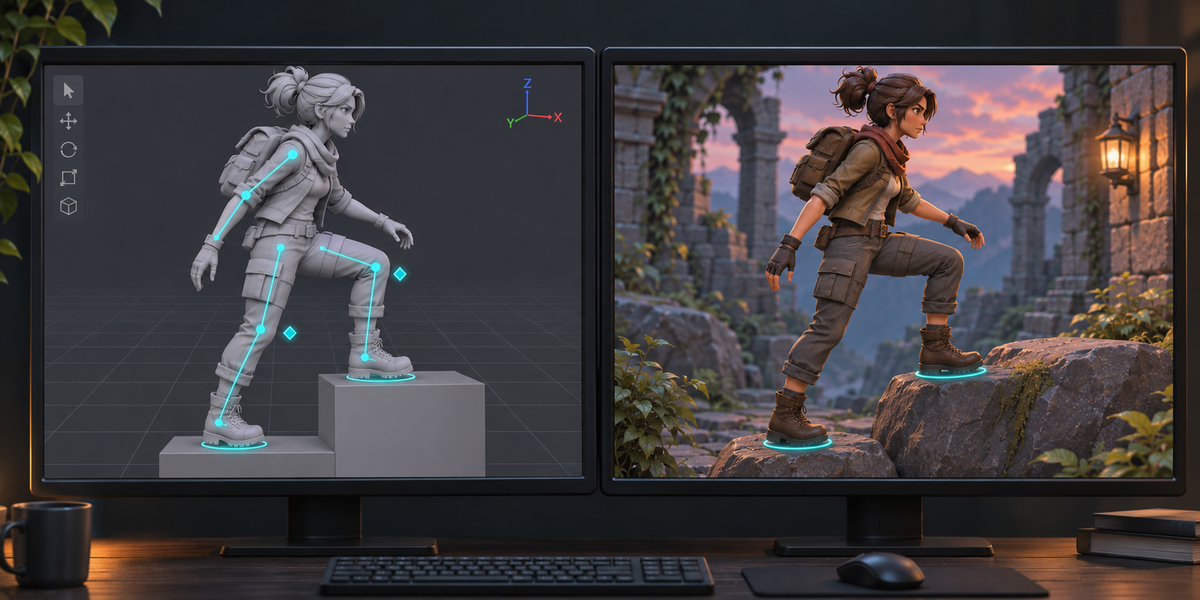
IKForge takes the IK chains of a Blender armature and runs them in Unity with Blender's own solver. The animation is exported without the IK; in Unity the IKForge Rig component solves every chain each frame after the Animator, from the targets and poles, so a target your game moves is reached the way Blender would reach it. Check measures the result against Blender's own pose in millimetres, in Blender and in Unity.
2. Installing
Edit, Preferences, Add-ons, the arrow in the top right corner, Install from Disk, pick the zip, tick the checkbox. The panel is in the 3D Viewport sidebar (N), tab IKForge.
3. Quick start
- Select the armature (or a mesh under it) and press Scan. Every IK chain is listed with its bones, target, pole and IK settings; anything IKForge cannot run is listed with the reason.
- Press Check in Blender: IKForge's solver runs on the active action, frame by frame, against Blender's own IK. The worst difference per chain is shown, next to how far the bones are without IK.
- Choose a Folder (inside your Unity project's Assets saves a copy step) and press Export for Unity. All Actions exports every action of the armature as its own clip.
- In Unity: select <name>.ikforge.json (or the .fbx) in the Project window and choose Tools > IKForge > Set Up Rig. A prefab <name>.prefab appears next to it.
- Choose Tools > IKForge > Check Rig. The report <name>.ikforge-check.txt is written next to the prefab and printed to the Console.
- Put the prefab in a scene with an Animator playing its clips. IKForge Rig has one entry per chain, found by its name: put a Transform in its Target Override (or Pole Override) to reach for something; Weight fades the chain in and out. A new export from Blender keeps these values on their chains.
4. What IKForge runs
- The Standard IK solver of Blender: chain length (or the whole chain to the root), Use Tail on and off, iterations, influence, pole target and pole angle, stretch with each bone's IK Stretch.
- Per bone IK settings: Lock IK X, Y, Z (the solver changes joint type the way Blender does; a bone with all three locked goes to rest, as in Blender), IK limits on X, Y, Z (Blender's elliptical swing limit and twist limit), IK stiffness.
- Several chains on one armature, solved in an order where a chain whose root, target or pole hangs under another chain comes after it.
- Bones that follow a chain bone through their constraints (Copy Transforms, Child Of and the like): they follow it rigidly in Unity, and Check measures how true that is for every one of them.
- Switches a rig drives on the IK constraint (mute, influence), as long as they stay the same on every exported frame; Check makes sure.
- Root motion on the armature object (as FBX files from Unreal import): followed frame by frame.
5. What it refuses, and why
- The iTaSC solver; a target or pole that is not a bone of the same armature; targetless IK; Rotation (match the target's rotation); two IK chains sharing bones (Blender solves them together as a tree); IK settings that are animated or driven (except the switches above, if they stay still); Spline IK (baked into the animation like any other constraint).
- A bone that reads two bones the IK moves (Rigify's deform bones: Copy Location from one, Stretch To another) does not follow; Check in Unity names it and how far off it is.
- B-Bones: Unity skins with plain bones, so a mesh bends differently near B-Bone joints with or without IK. Scan says how many deforming bones are B-Bones.
- Every refusal is listed in the panel with the chain and the reason.
6. Check
In Blender, Check runs IKForge's solver from the pose without IK and compares every chain bone with Blender's own IK result (head, tail and a point beside the bone), frame by frame. In Unity, Check plays the proof frames (up to 48 per action) from their clip, compares the imported animation with Blender's pose without IK (proving the import), lets the component solve the chains and write the bones, and compares every chain bone and every deforming bone with Blender's pose. The limit is 0.5 mm, plus 0.001 times the distance from the chain's root: Blender stops its IK when the last step is under 0.001 radian, and whether it stops one step earlier or later depends on its rounding, so a point far down a chain (a fingertip) can land up to that far from Blender's pose. The plain FBX without IK is measured next to it.
7. What was measured
- The solver against Blender 5.2 on 200 random chains: 186 within 0.1 mm, 194 within 0.5 mm, 199 within 5 mm.
- A walking and a running character (Unreal's mannequin with leg IK, pole, a locked knee axis and arm IK with stretch), in Blender: chains within 0.01 mm on the walk and within 0.32 mm on the run (stretch: Blender itself stops 4 to 7 mm short of the target there, and the rest depends on its rounding).
- The walk in Unity 6000.4: the imported animation within 0.005 mm of Blender, the four chains within 0.011 mm, all 90 deforming bones within 0.025 mm; the plain FBX without IK up to 1098 mm off. A Target Override placed at the animated target gives the same pose within 0.001 mm.
- Two actions exported as two clips, checked in Unity frame by frame: chains within 0.35 mm, the 90 deforming bones within the limit (worst 0.79 mm on a fingertip of the stretching arm, 0.62 m from the shoulder).
- The same checks on Unity 6000.0 and 6000.6 (macOS) and on Windows (exported by Blender 5.2.2 on Windows, checked in Unity 6000.4 there): every character within the limit, the same Rigify refusal.
- 0.53 ms per frame for the four chains in the Unity Editor (about 0.13 ms per chain), no memory allocated per frame (heap growth measured: 0.0 KB per frame).
8. Notes
- After exporting again from Blender, run Set Up Rig again; until then the component stops with an error that says so.
- IKForge Rig runs after other scripts (execution order 10000). Move override targets in Update or LateUpdate of an earlier script.
- License: the Blender add-on is GPL v3 or later; the three Unity scripts are MIT (LICENSE-IKForge-Unity.txt, written next to them on export), so you may ship them inside your games, closed source or not. They contain no Blender source code.
- Unity has no shear: a rig whose bones scale unevenly under rotated children (stretchy rigs) cannot be imported exactly; Check shows it in its first line.
Have questions about this product?
Login to message
| Published | 1 day ago |
| Blender Version | 4.2 - 5.2 |
| Extension Type | N/A |
| License | GPL |
Discover more products like this
Inverse Kinematics game-dev Export animation IK character Game Engine foot placement unity pole target rigging fbx