 ThreeDee One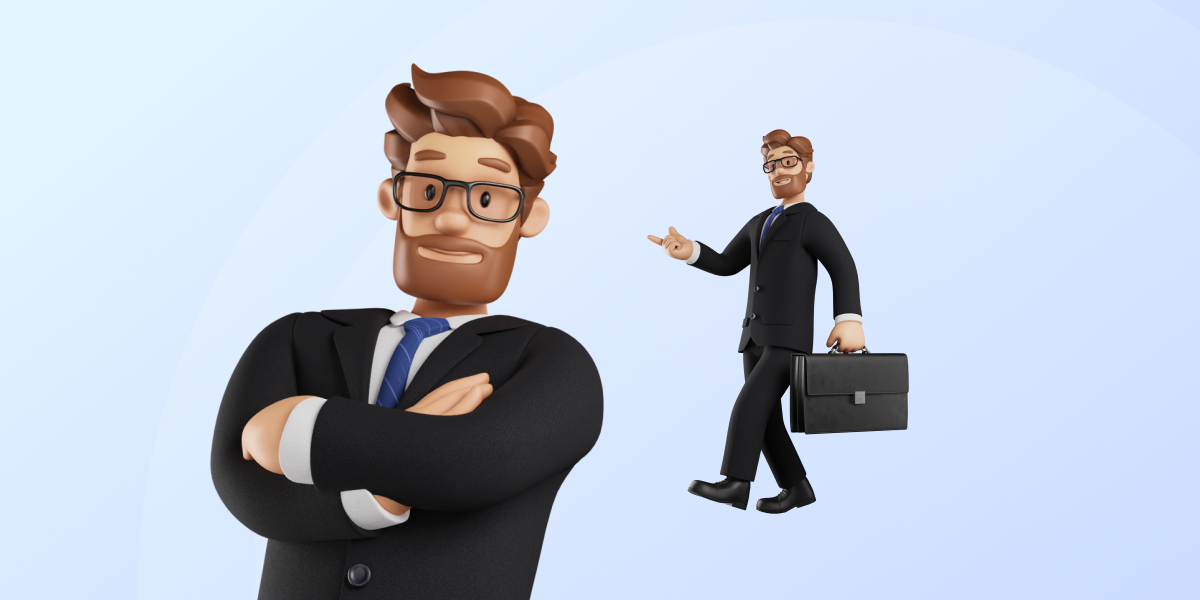




ThreeDee One
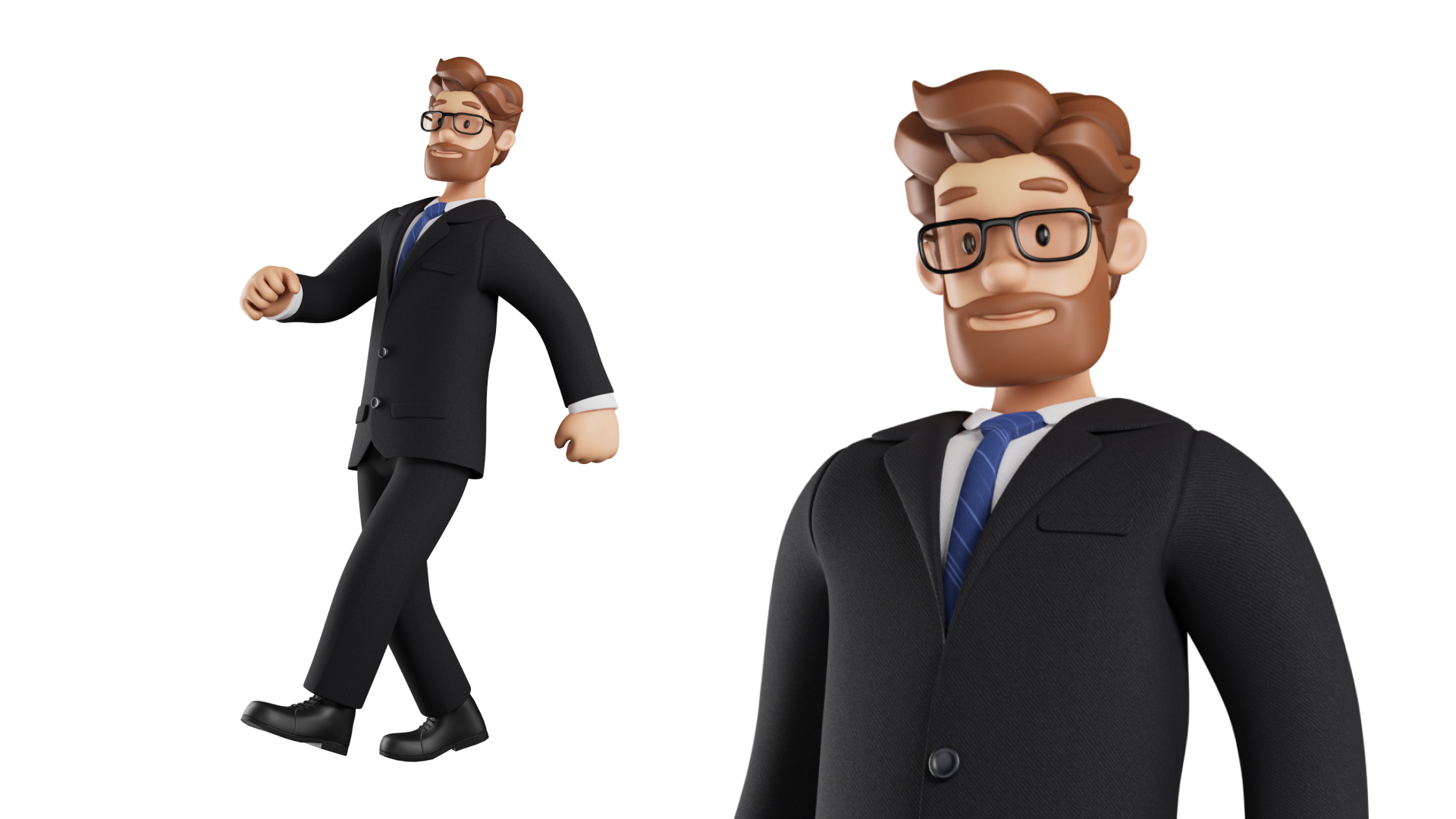
Customizable Office Illustration Man
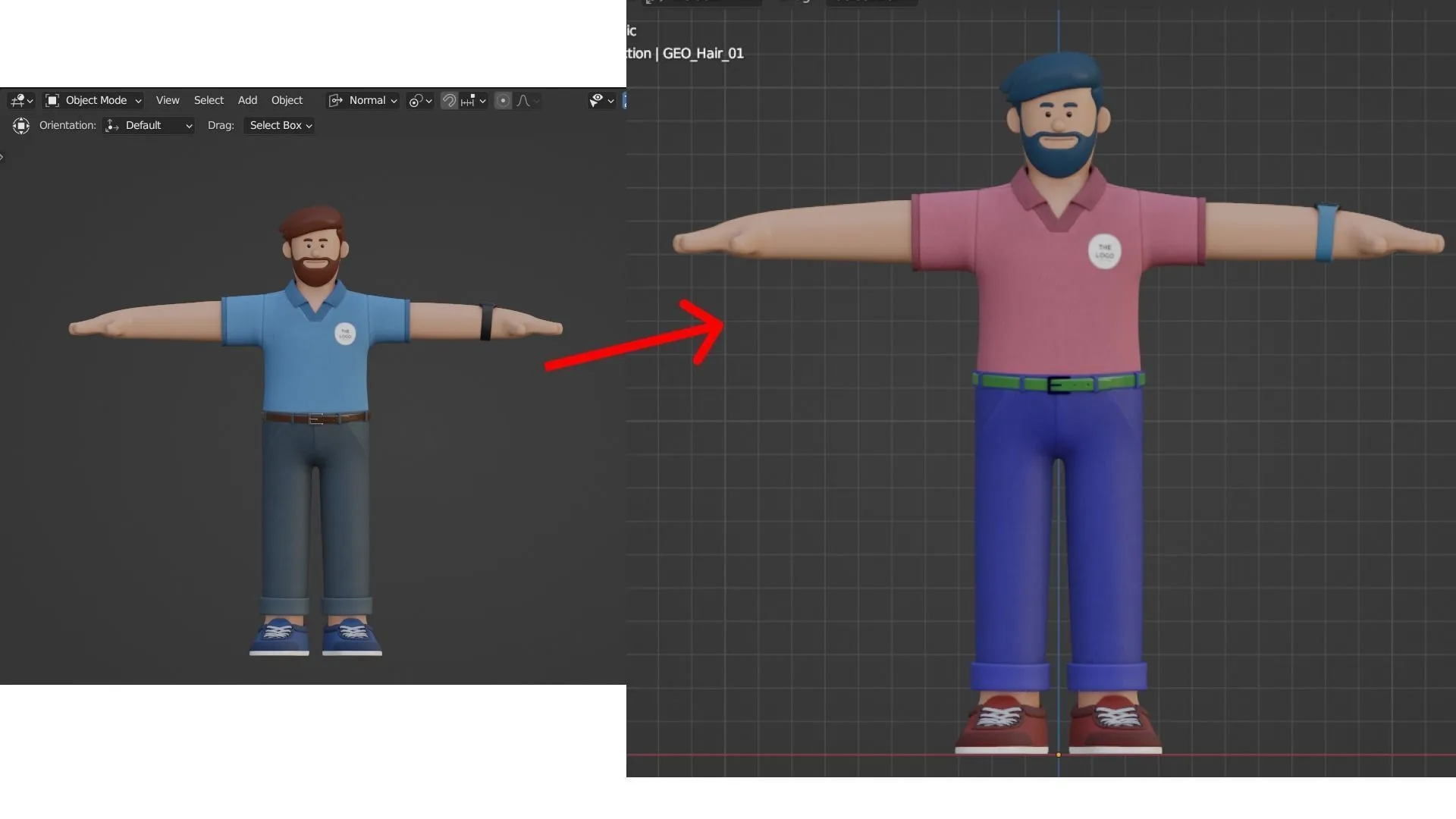
Create a presenter around your brand. Adjust facial features, colors, accessories and logo placement, then build a pose or speaking performance.
Body & face rig20 premade posesARKit blendshapesLipsyncFacial expressions
INCLUDED FORMATS
BLEND FBX
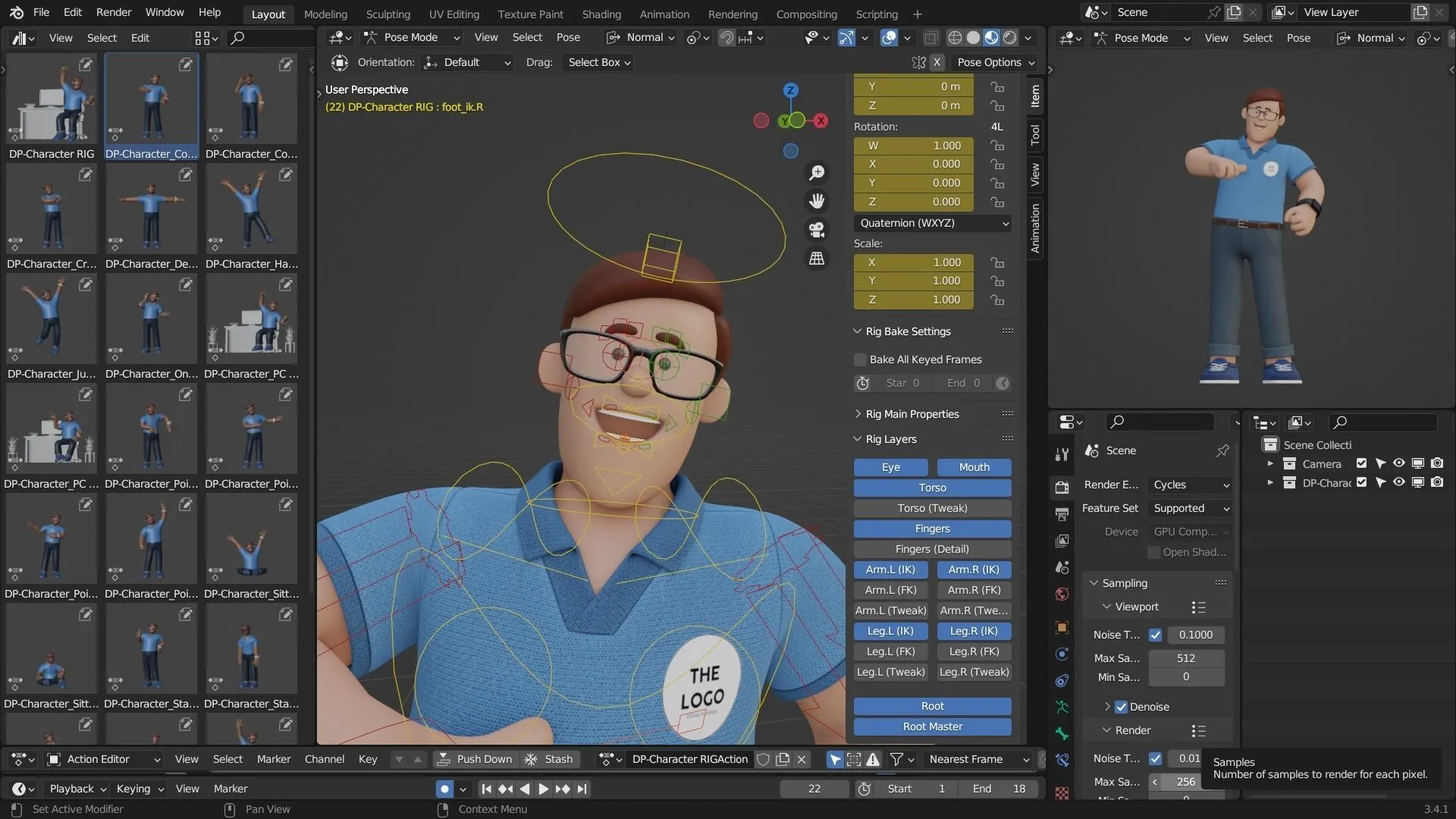
01. RIG & PERFORMANCE
Give the character a role.
Work with an advanced face & body rig in Blender. Shape a gesture, adjust the expression and build a performance that fits your scene.
02. FACIAL CONTROLS
Let the face tell part of the story.
Use the prepared expressions and facial controls to create a reaction, set a mood or carry a moment of dialogue. Adjust the performance to suit your story.
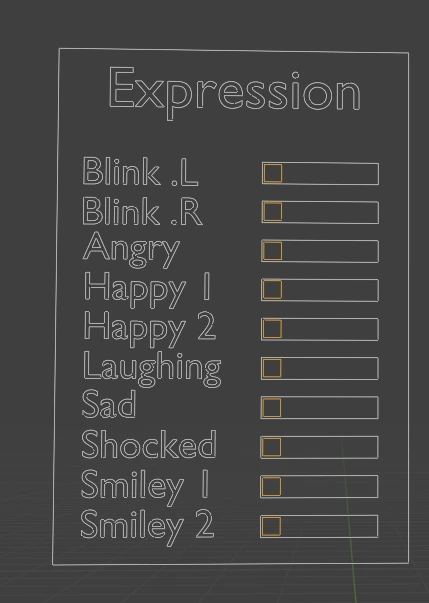
03. ARKIT
Build a more expressive performance.
The ARKit blendshapes provide facial shapes for animation. Combine and animate them to shape a character performance or use them in your facial-capture workflow.
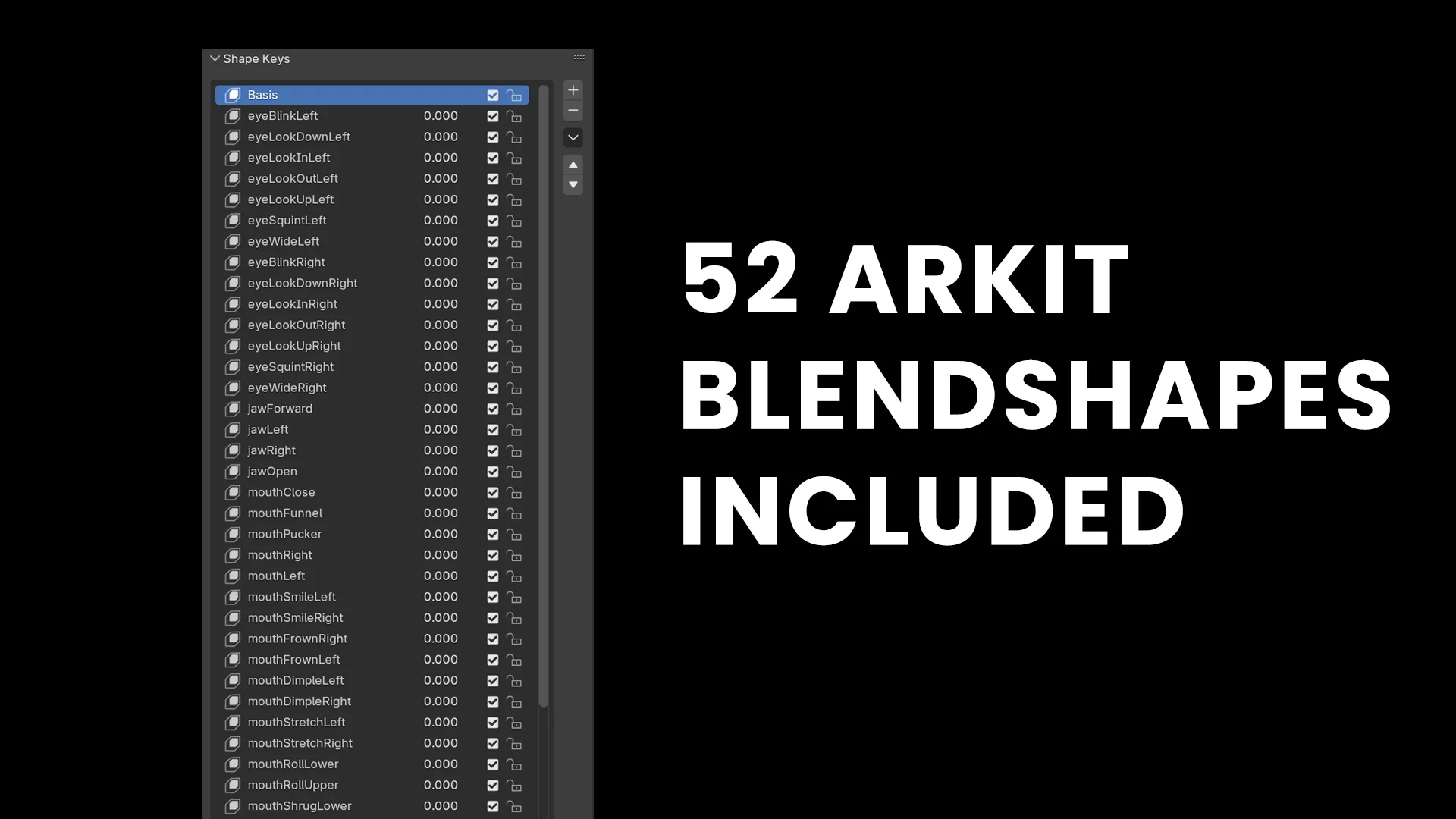
04. LIPSYNC
Give your character a voice.
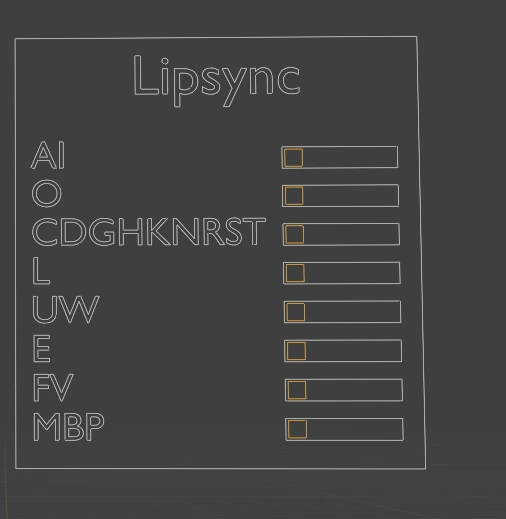
Use the lipsync mouth shapes to animate speech for explainers, dialogue scenes and voice-over projects. Pair mouth movement with expressions and gestures to create a complete performance.
05. POSE COLLECTION
Find a starting point for your scene.
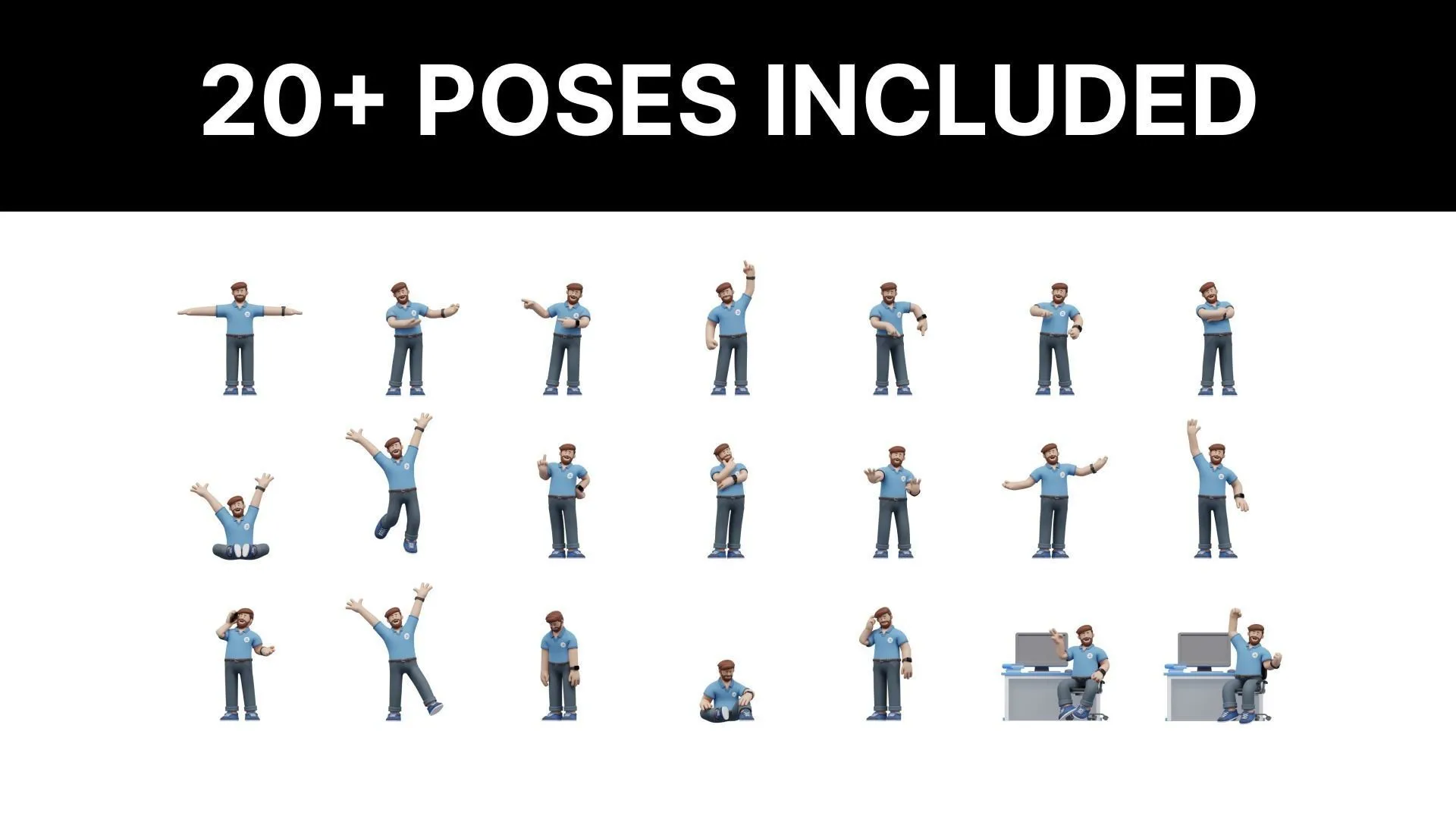
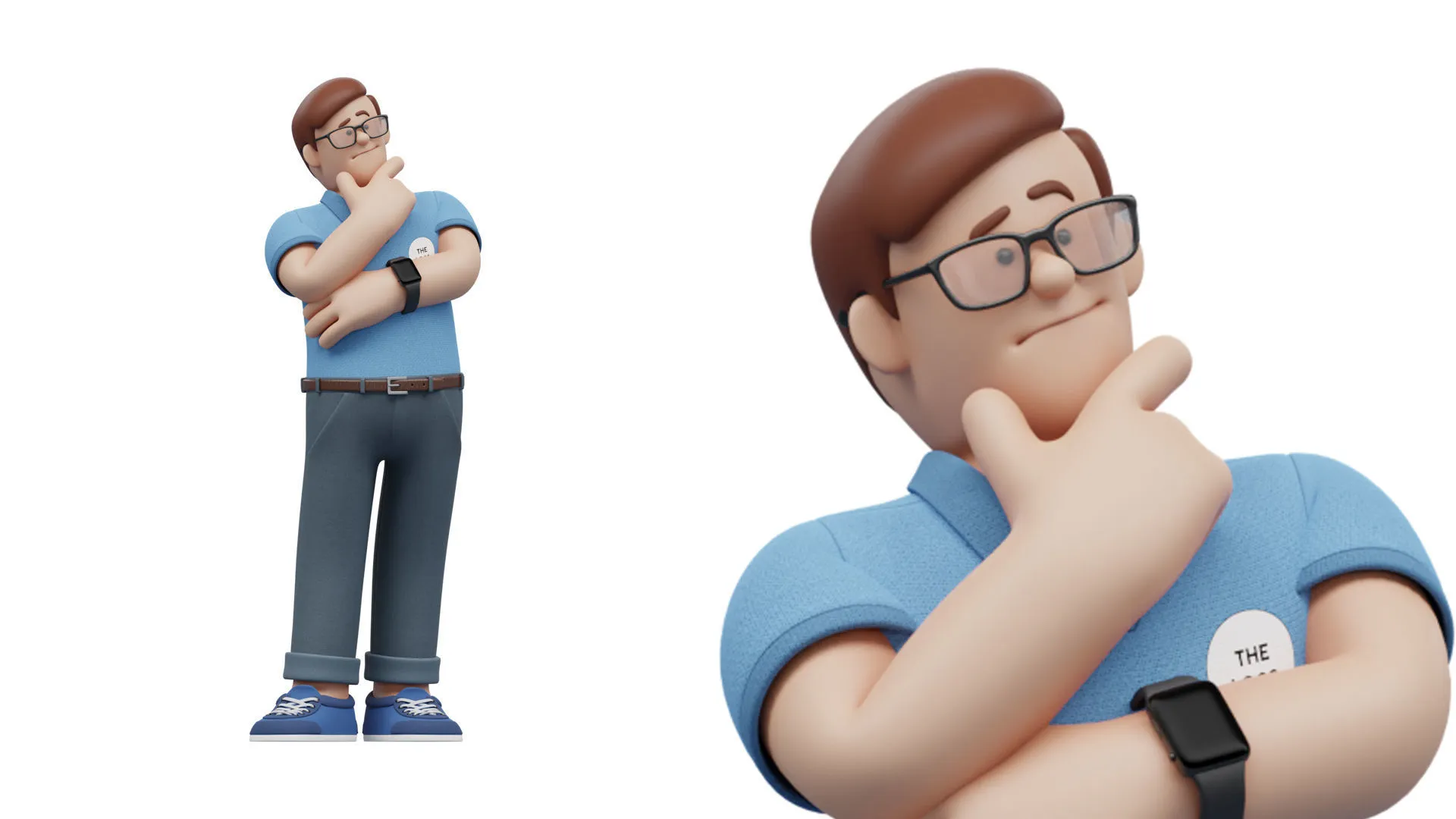
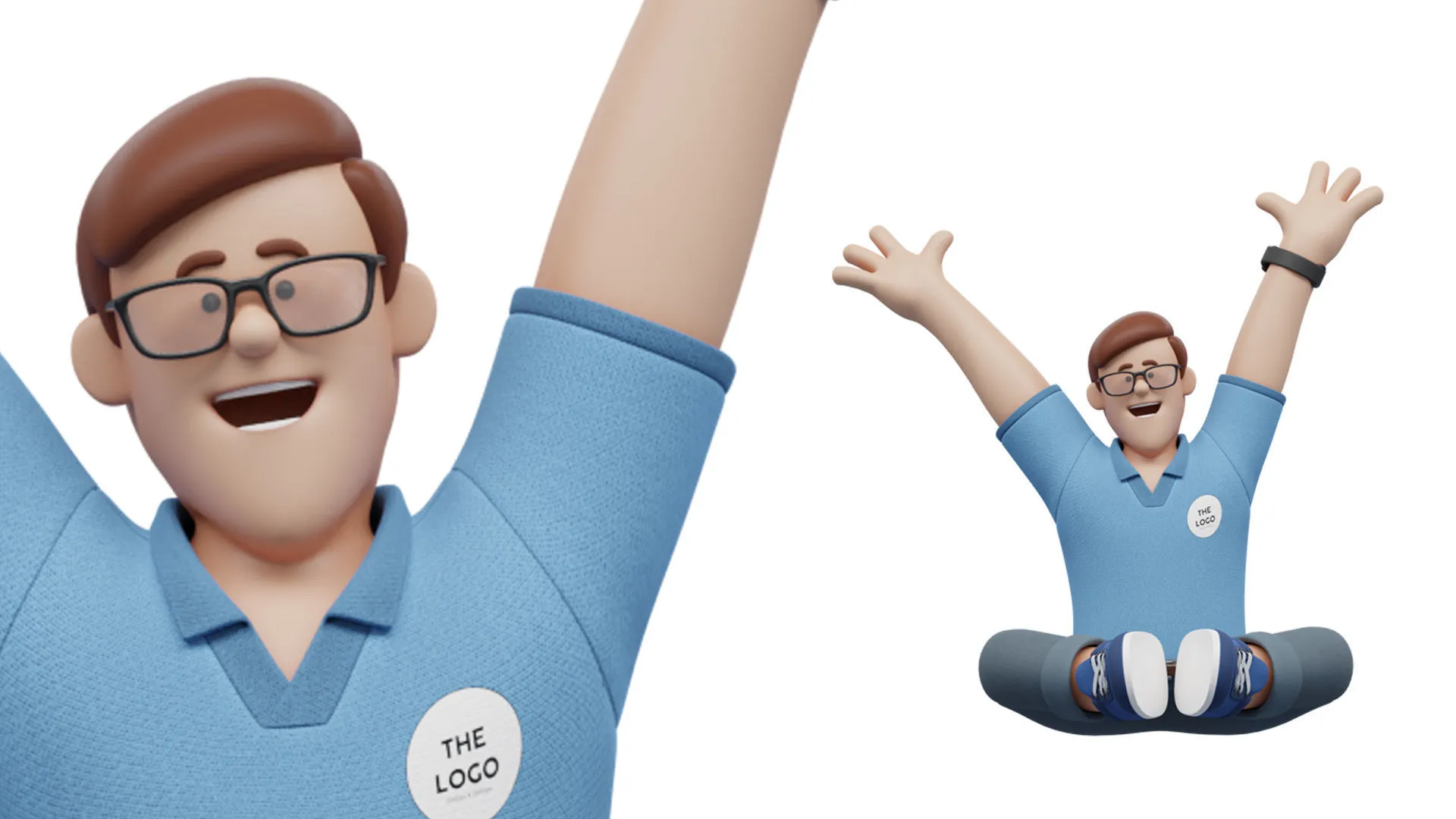
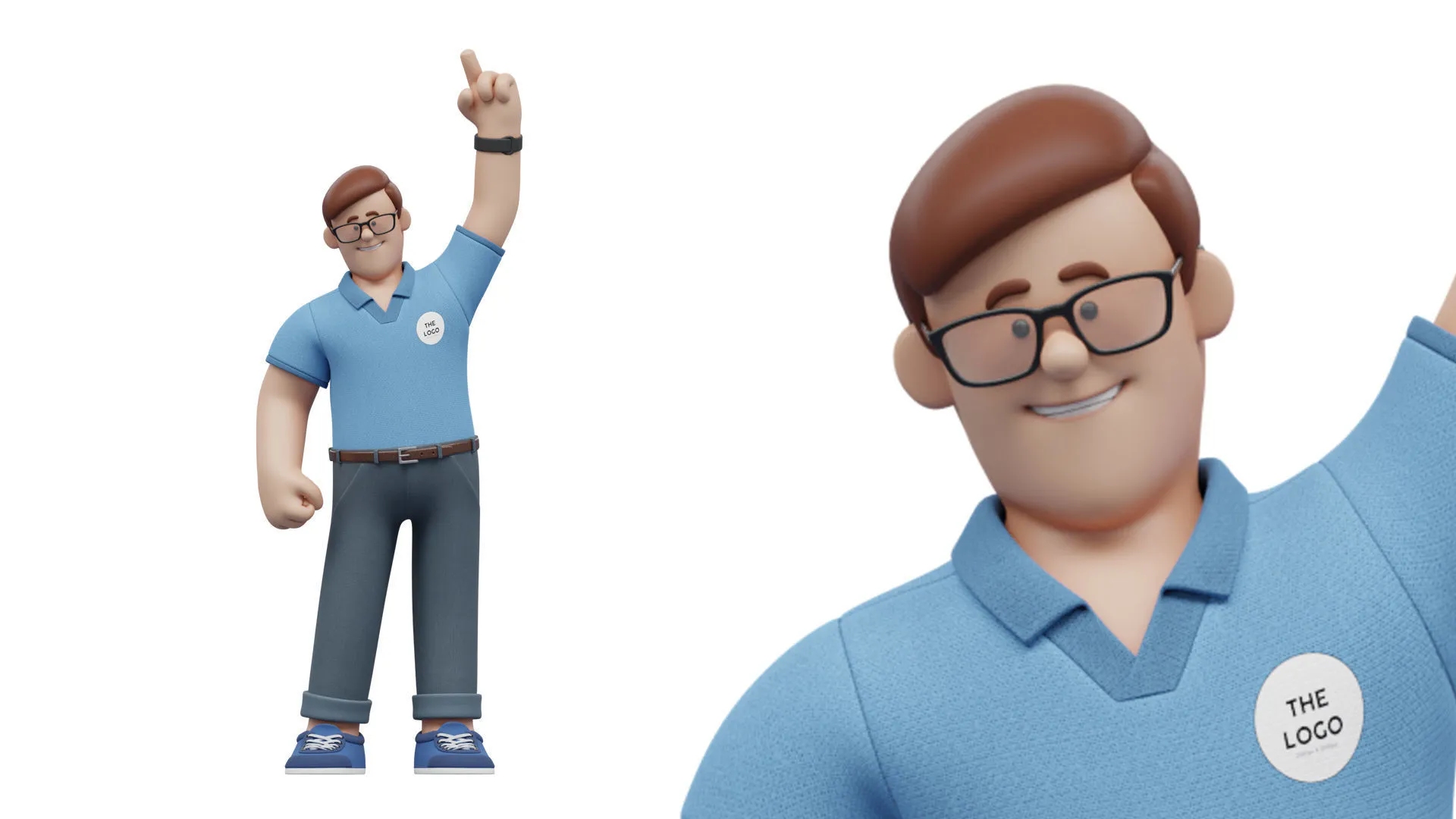
Explore 20 premade poses. Choose a starting point, adjust the body and face controls, and frame the character for your own composition.
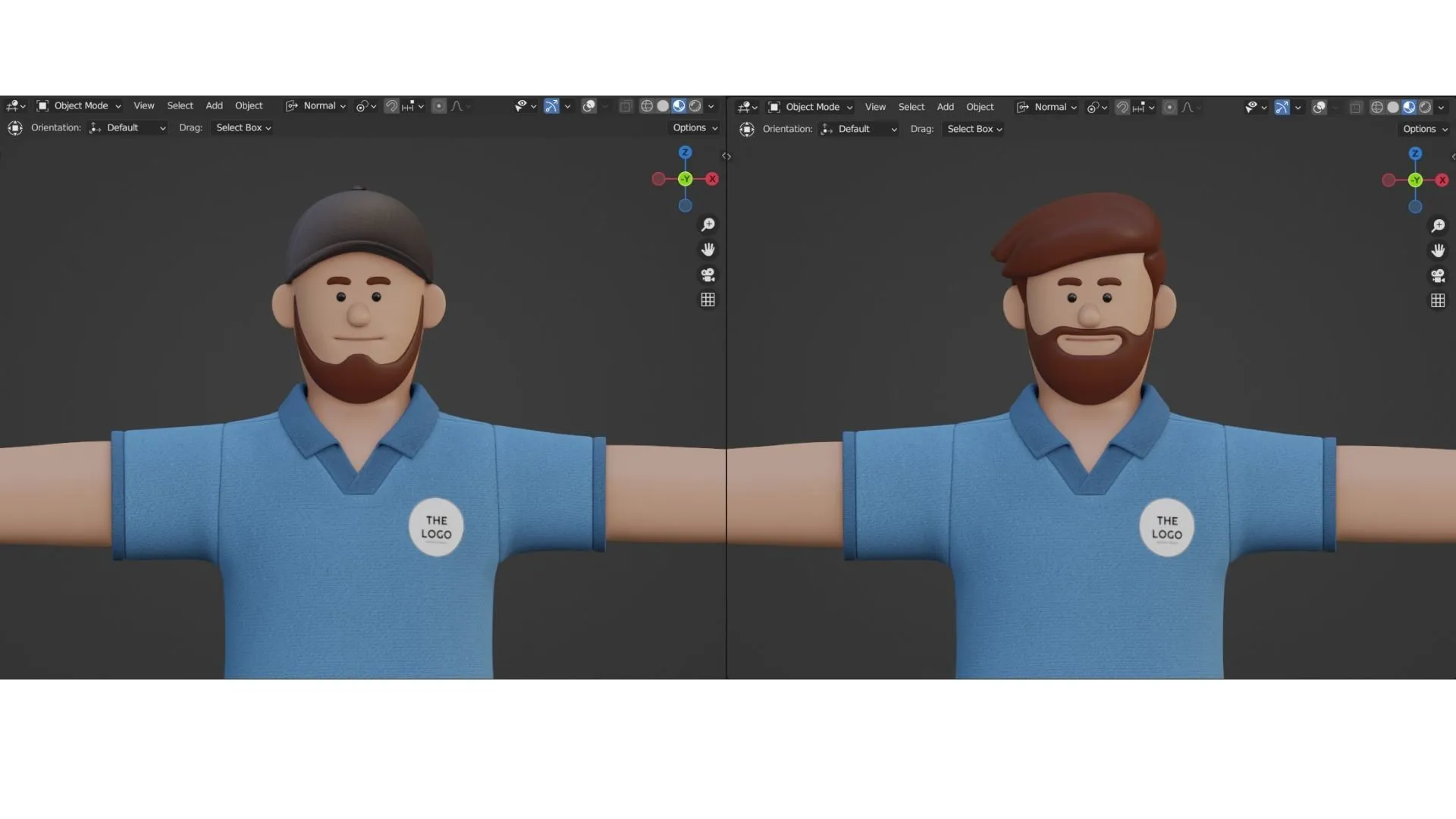
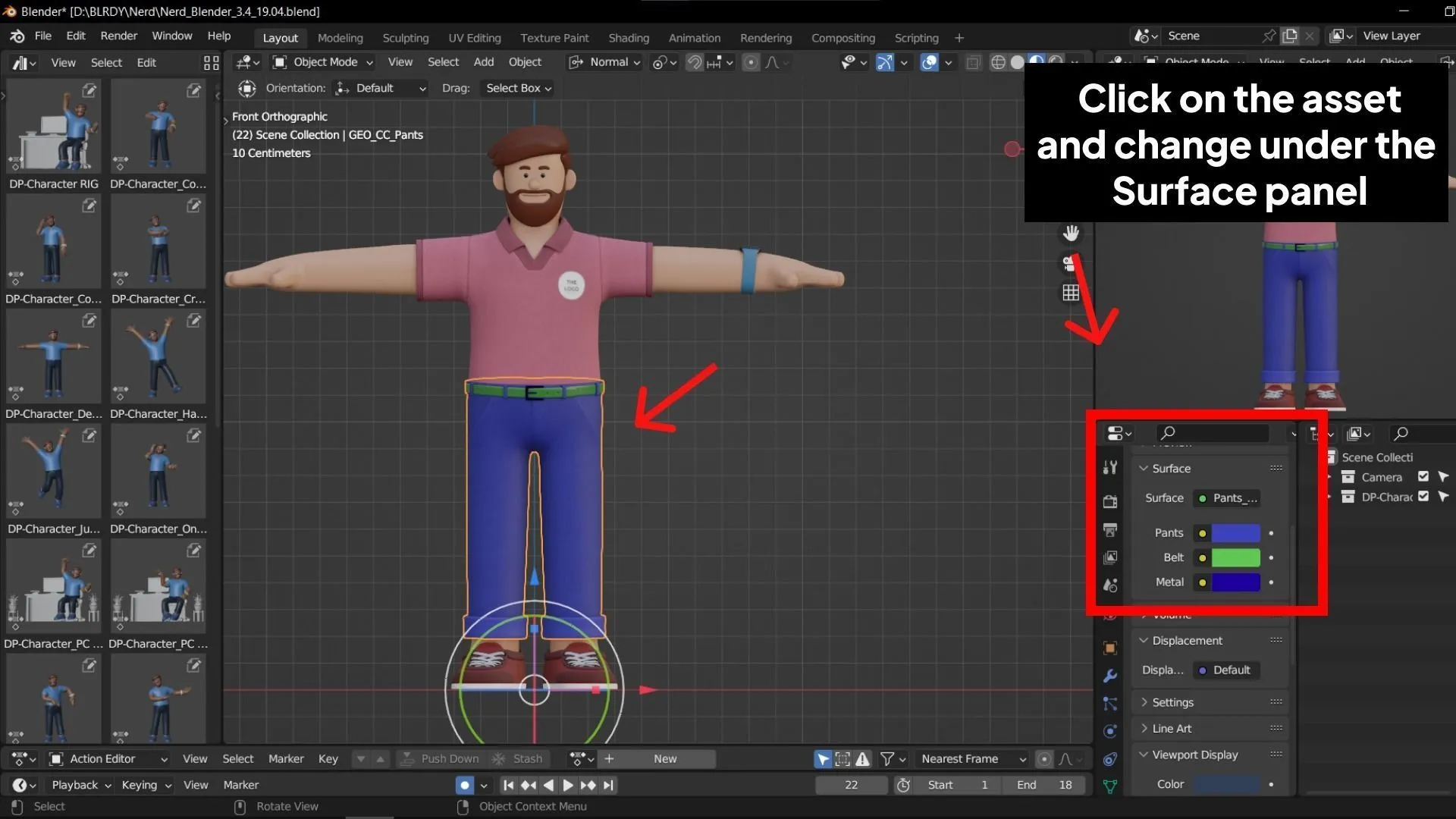
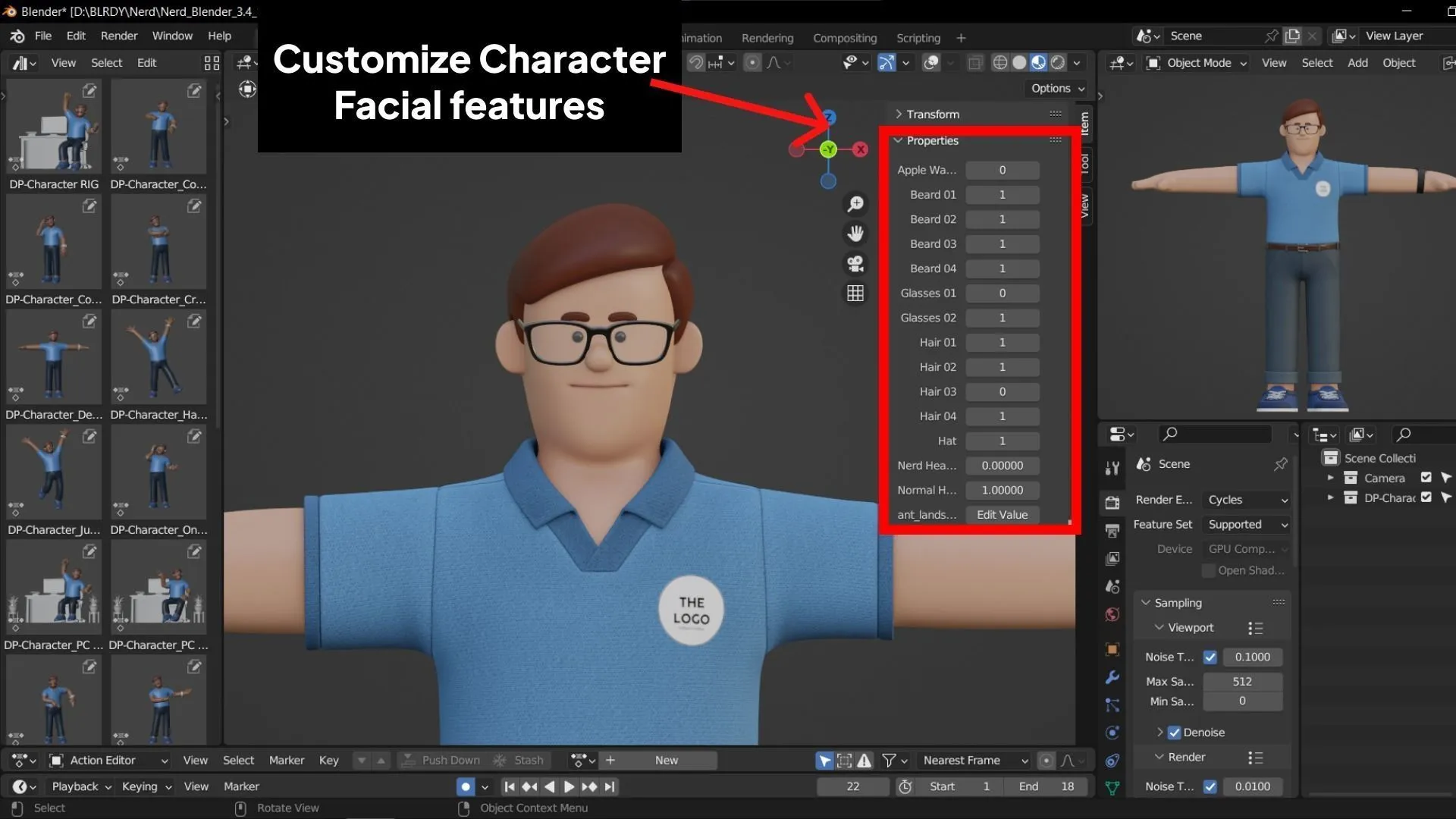
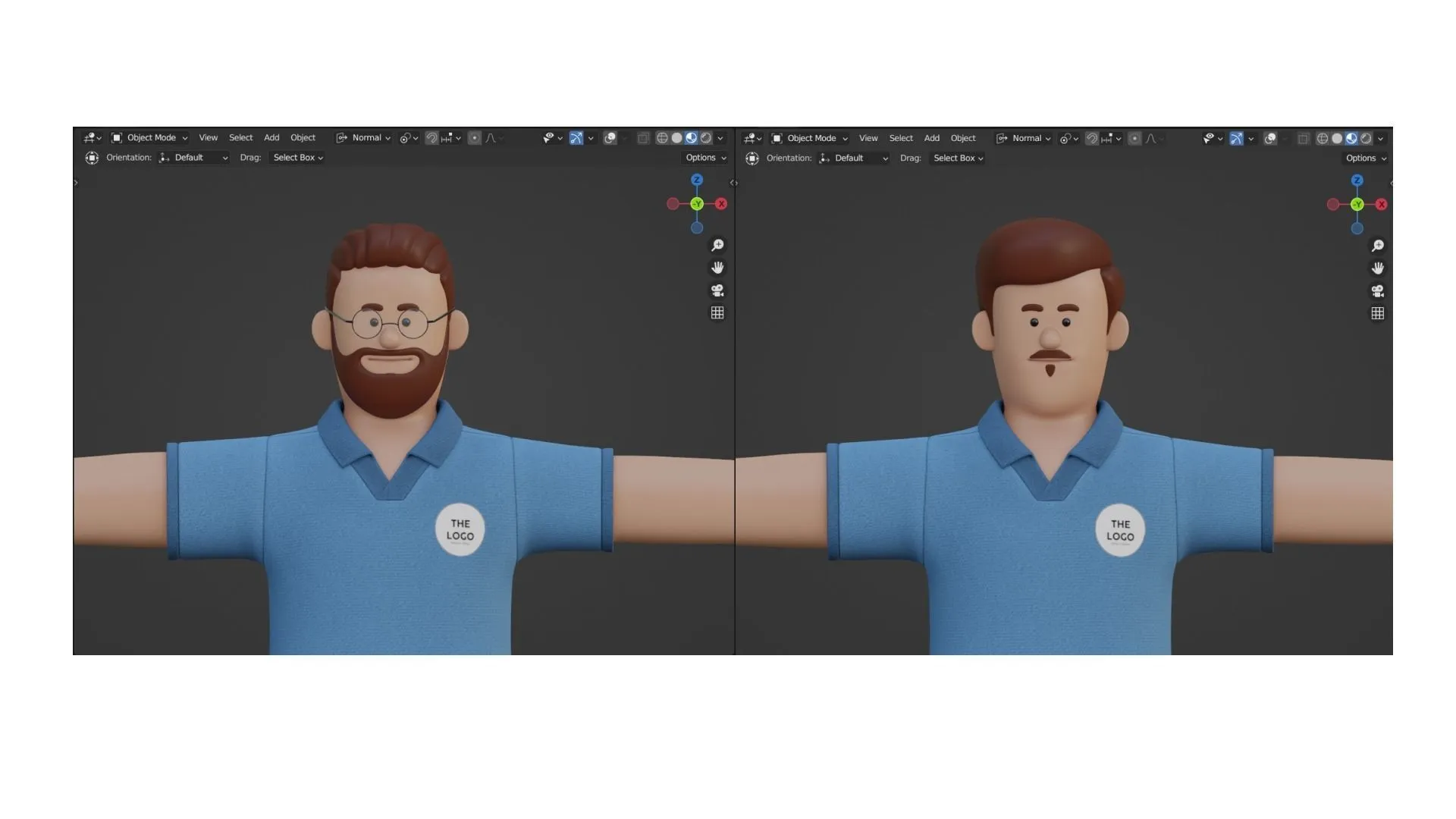
06. CUSTOMIZATION & DETAILS
Make room for your own ideas.
Adjust facial features, colors, accessories and logo placement to build a presenter around your brand.
07. MESH & BLENDER SOURCE
Start with an editable character.
The quad mesh gives you a clear structure to work with. Open the Blender source to adjust the character, materials and scene, then compose your own stills or animation.
.webp)
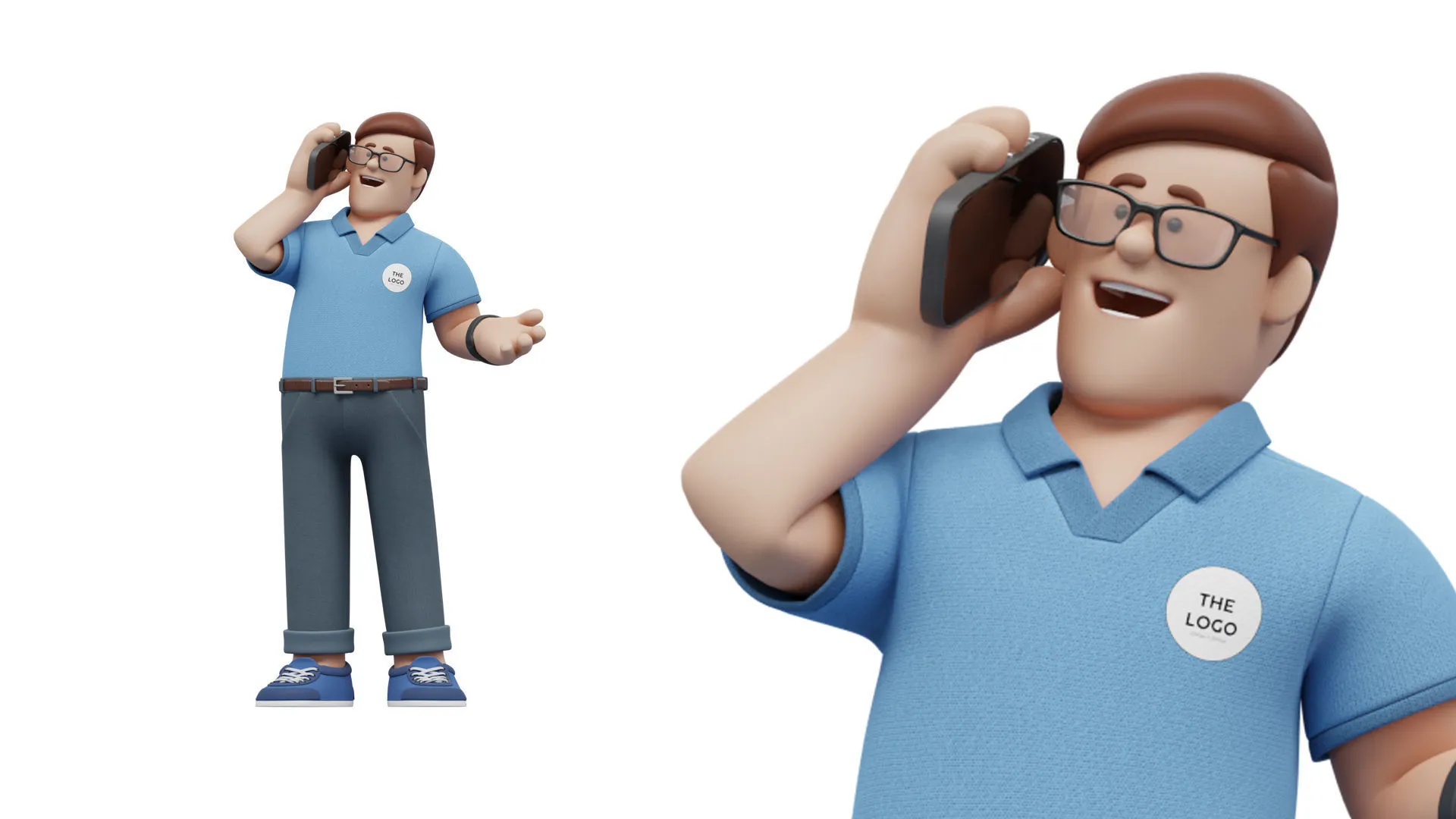
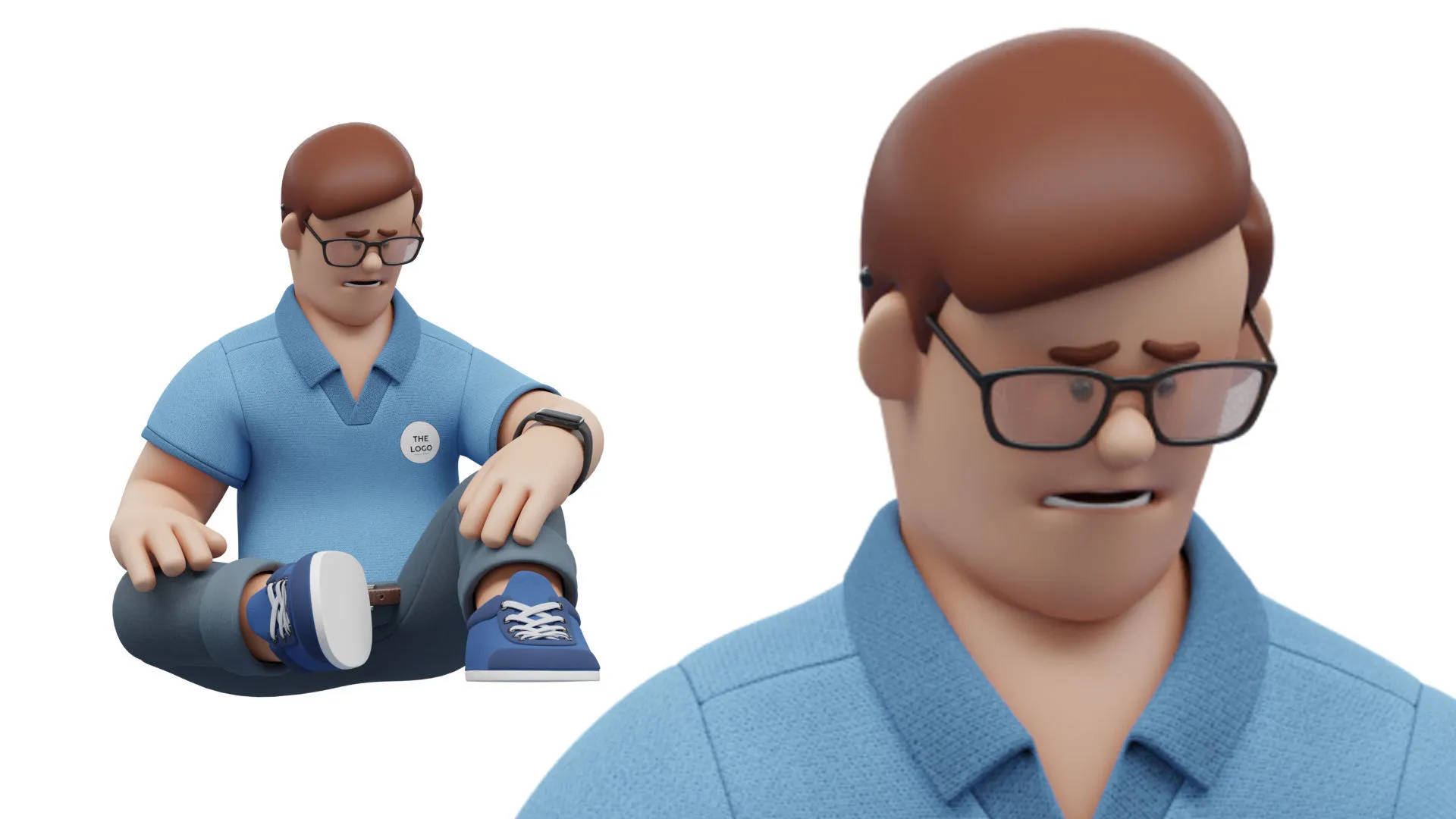
08. CHARACTER SHOWCASE
It's showtime.
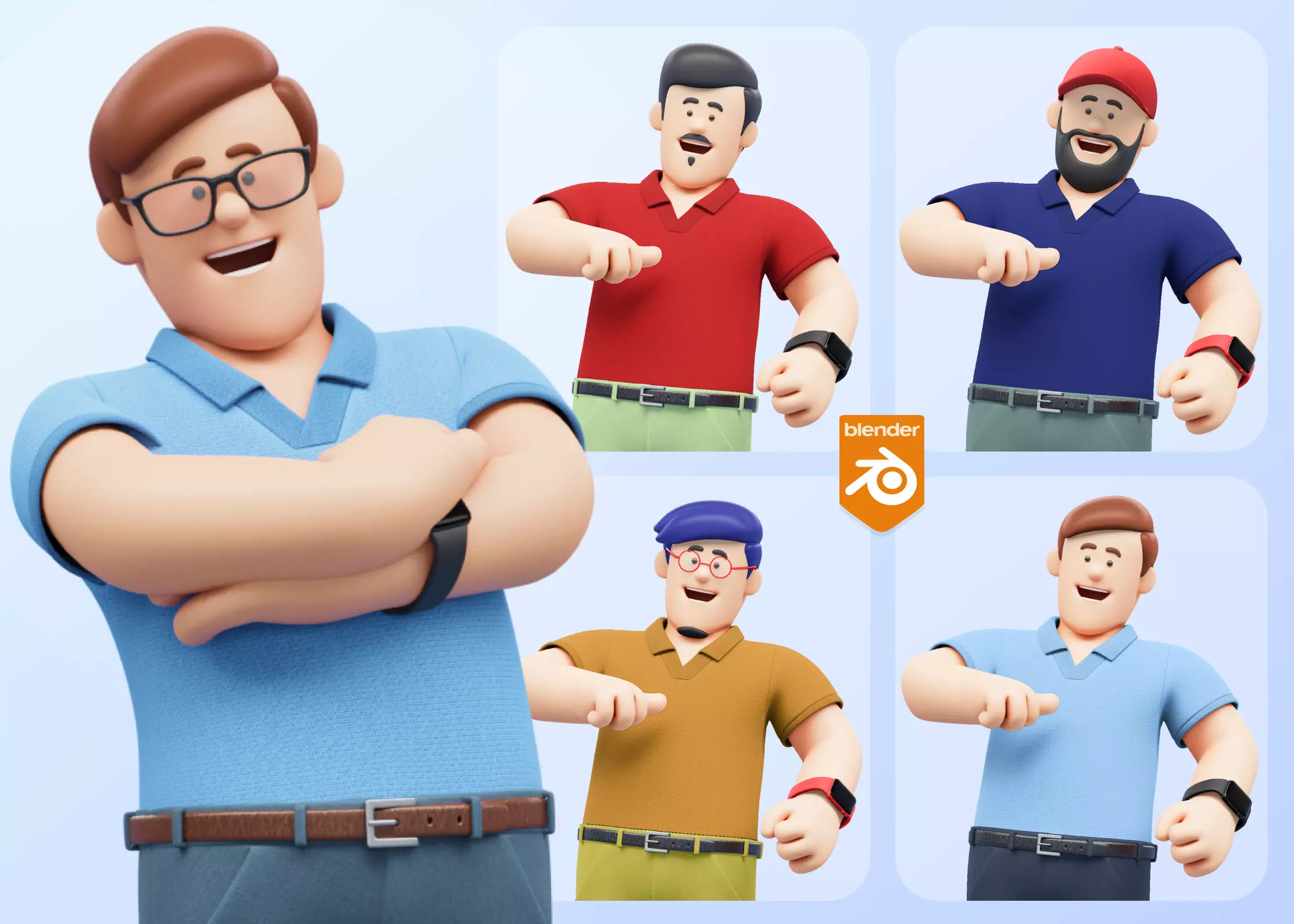
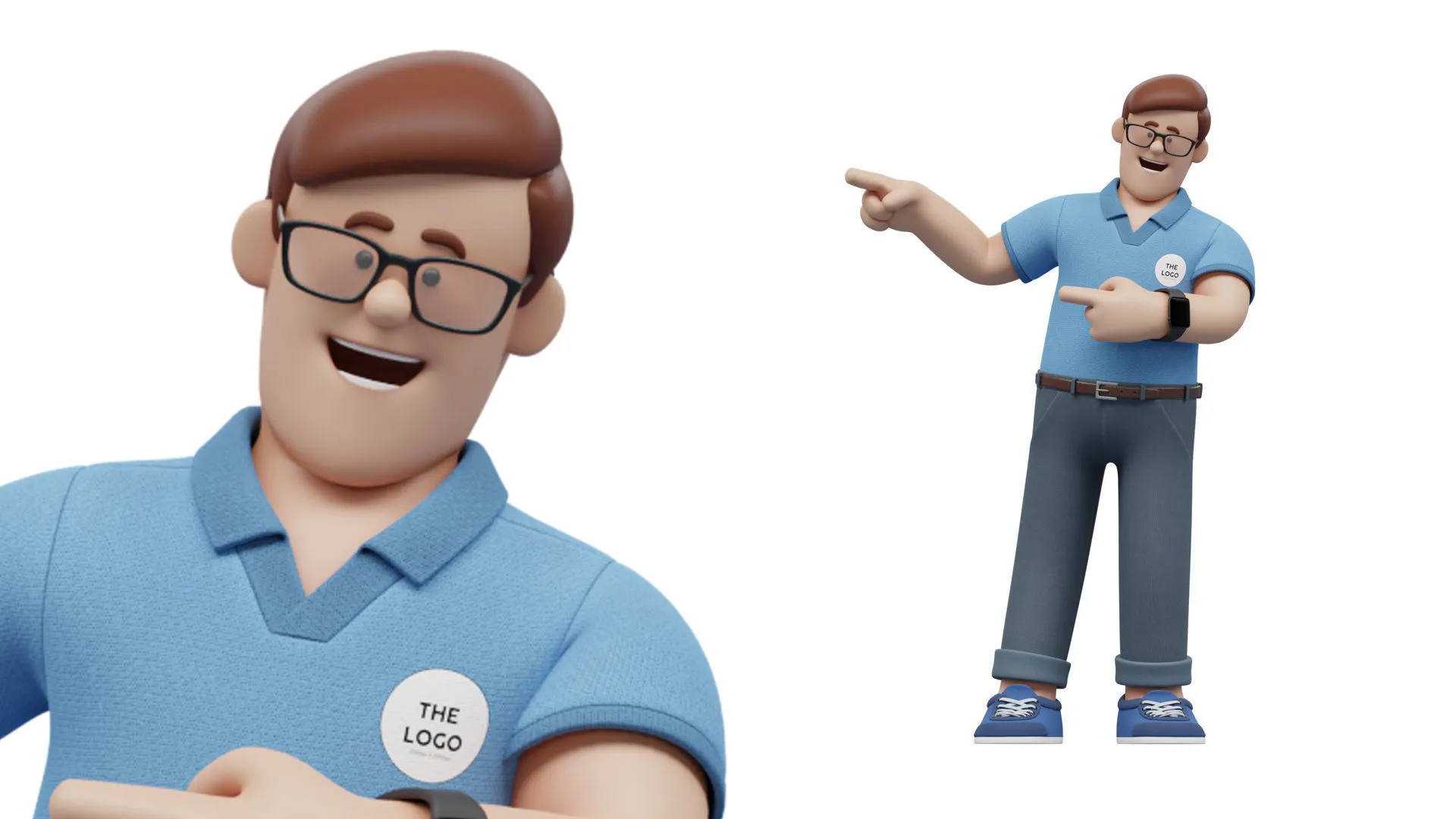
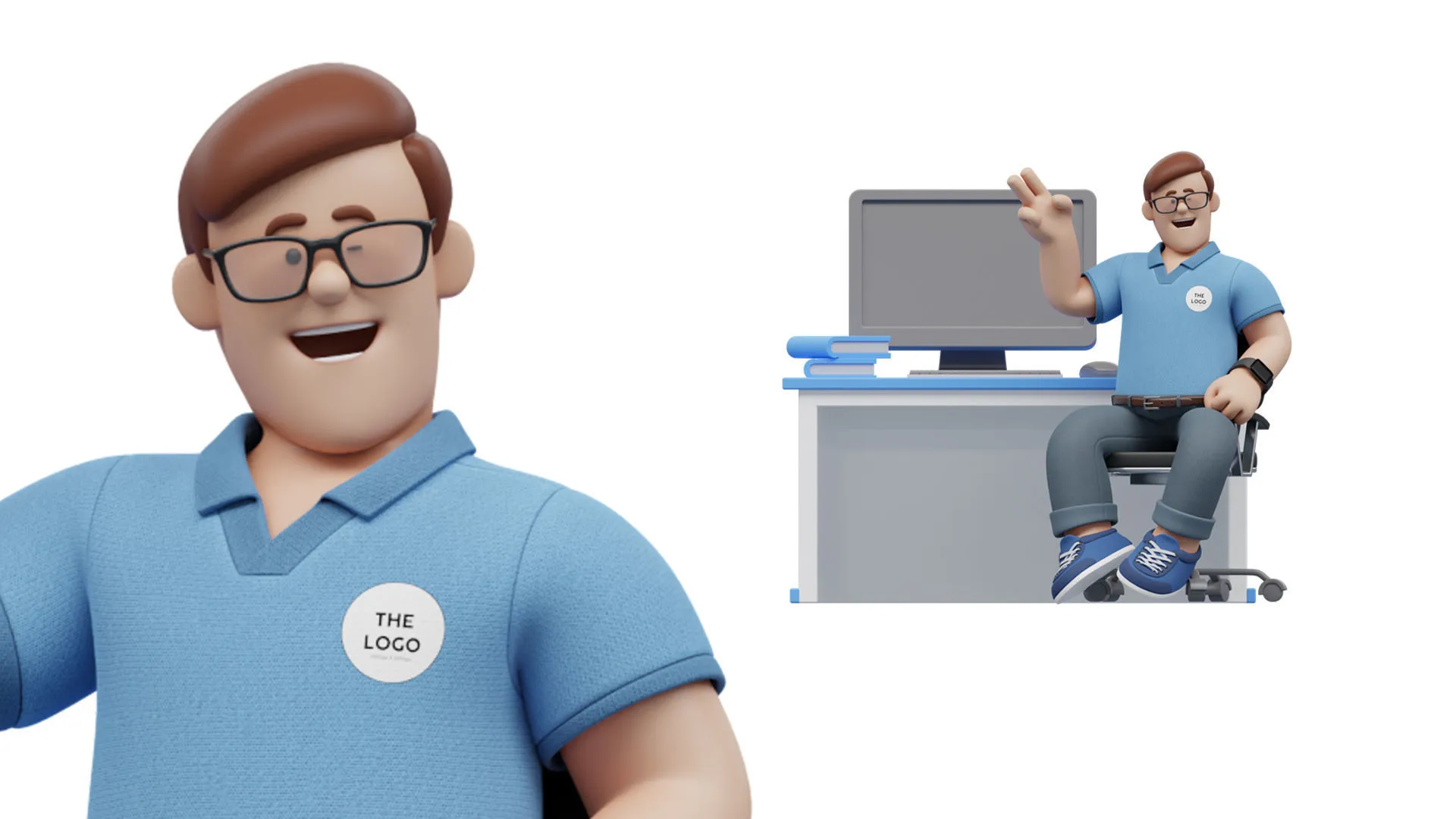
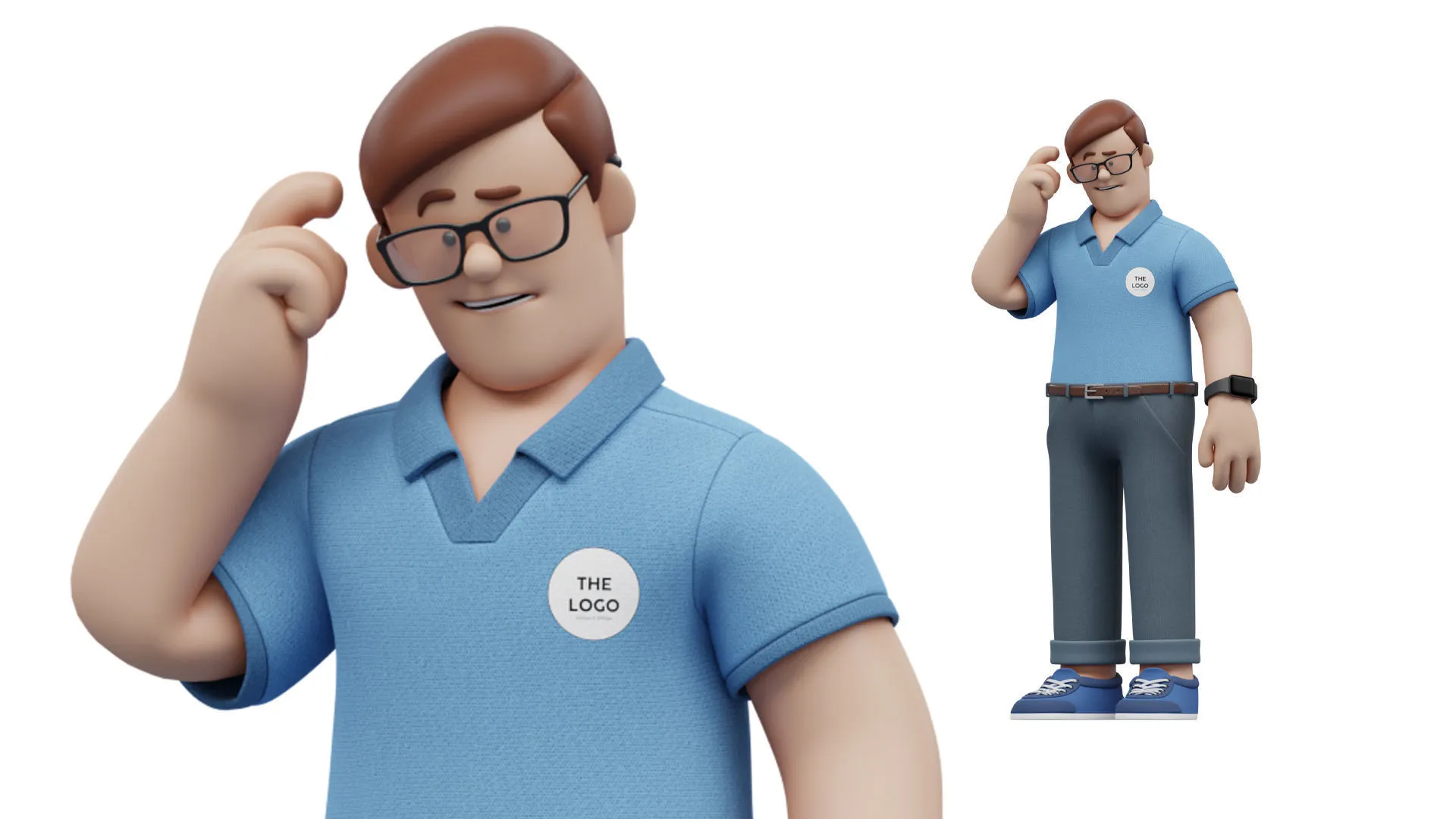
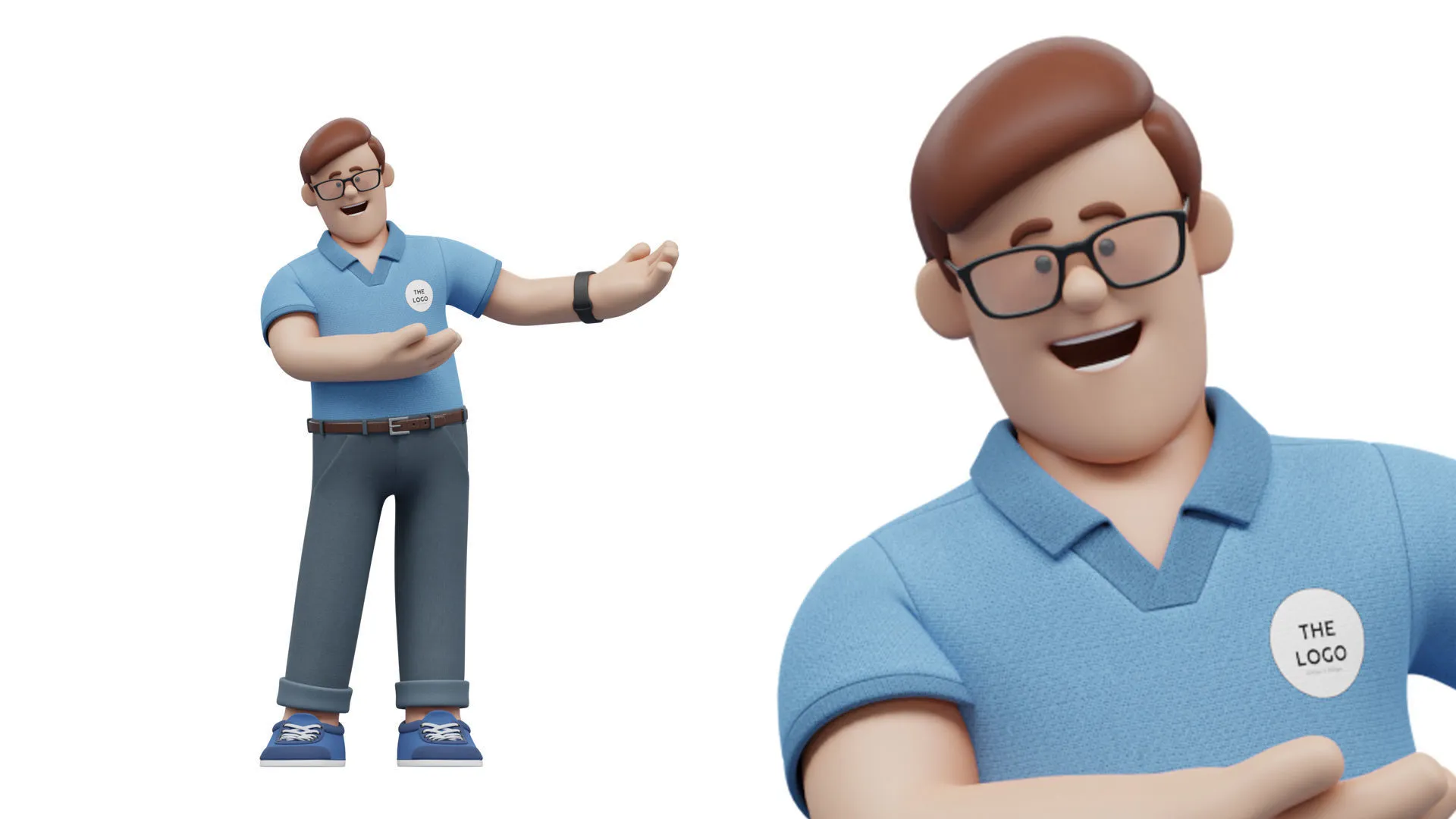
See the character from different angles and explore the poses, expressions and visual style in these previews. Use them as inspiration for your own scenes.
09. YOUR DOWNLOAD
Choose the format for your workflow.
Includes editable Blender files and FBX model files. Use Blender for the native character controls.
Need help or a character of your own?
Your purchase includes 12 months of product updates and support. You can renew the support period for 50% of the current product price.
ThreeDee creates custom 3D models and custom animation. For product help or a separately quoted custom project, contact Samuel at [email protected].
