 CGMatter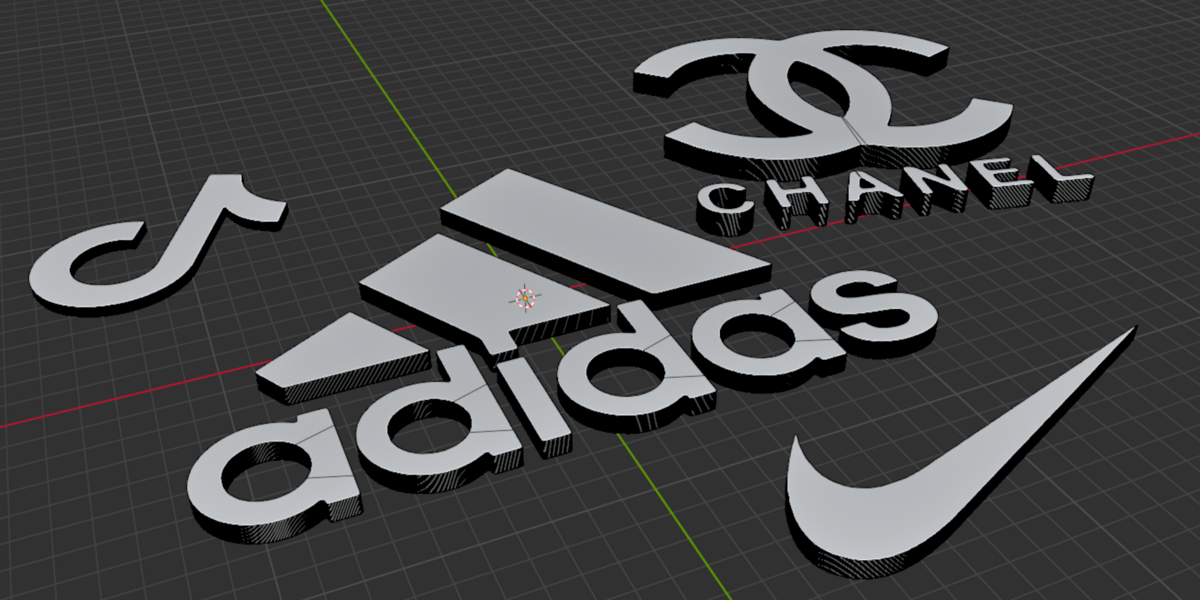
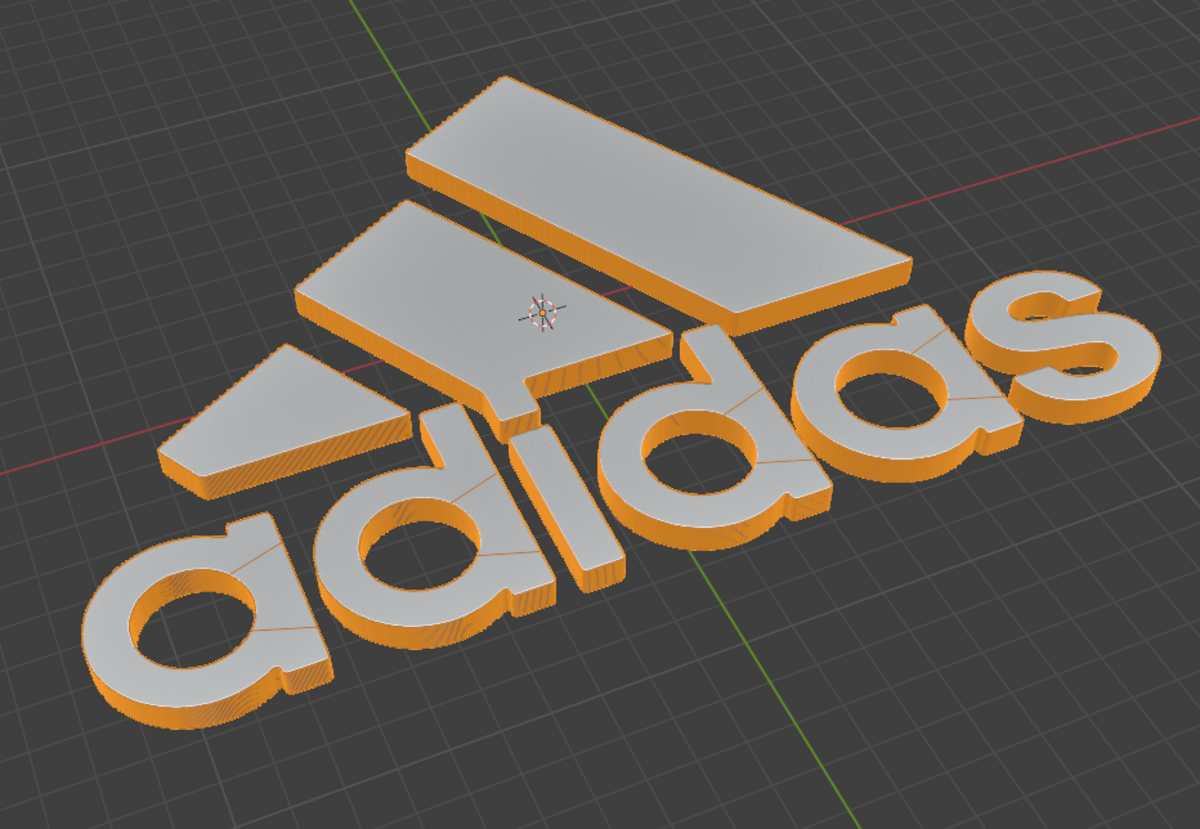
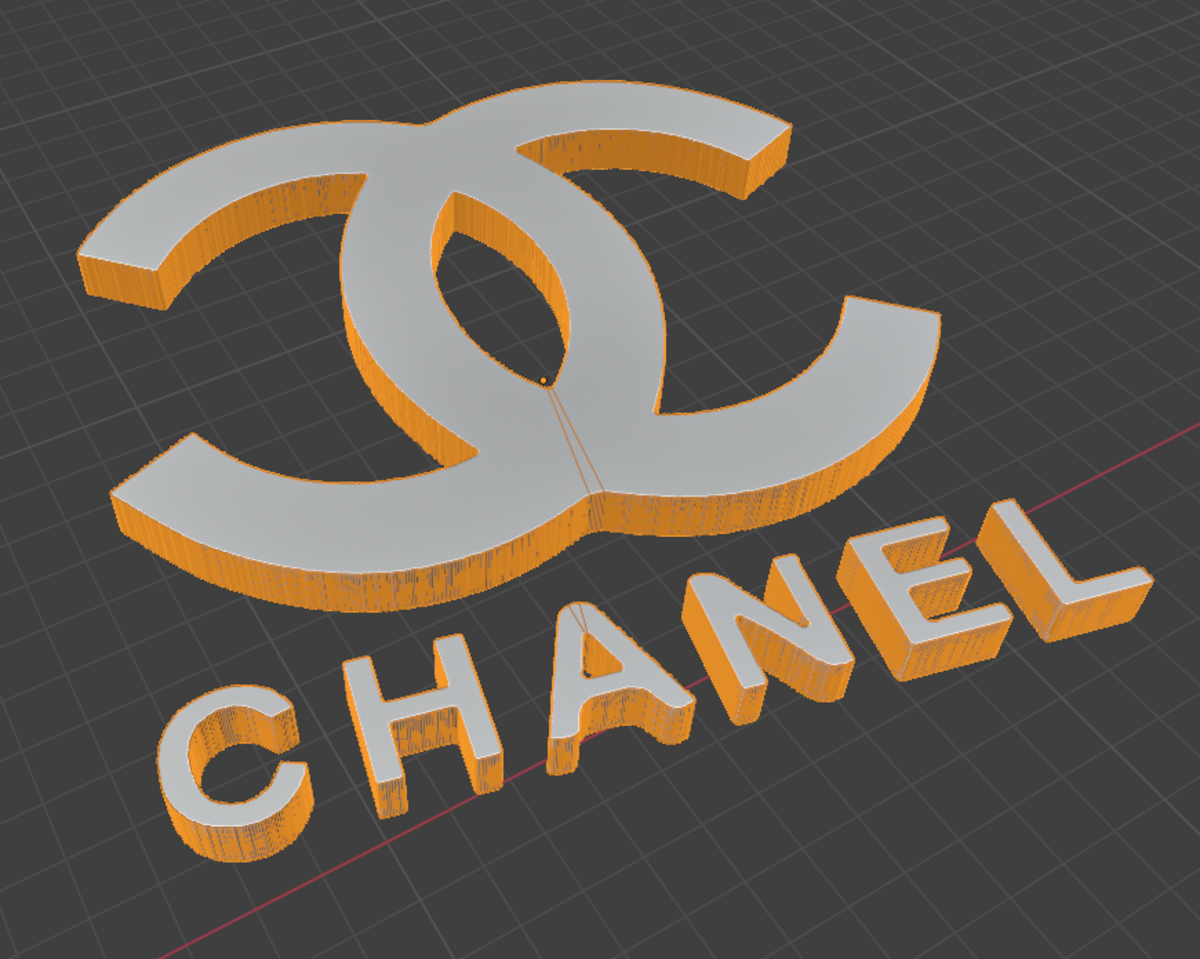
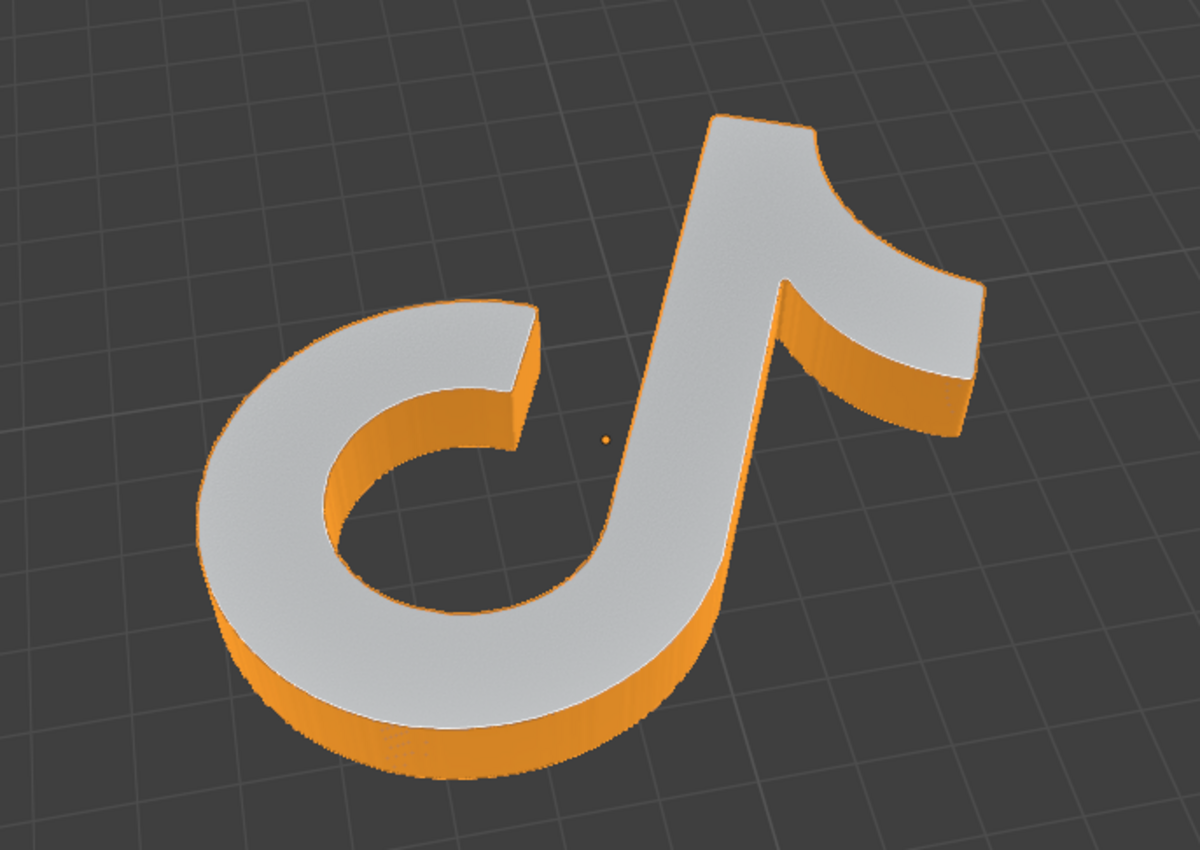
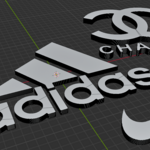
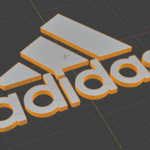
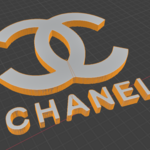

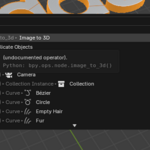
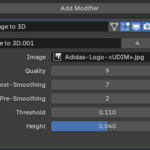
Instructions:
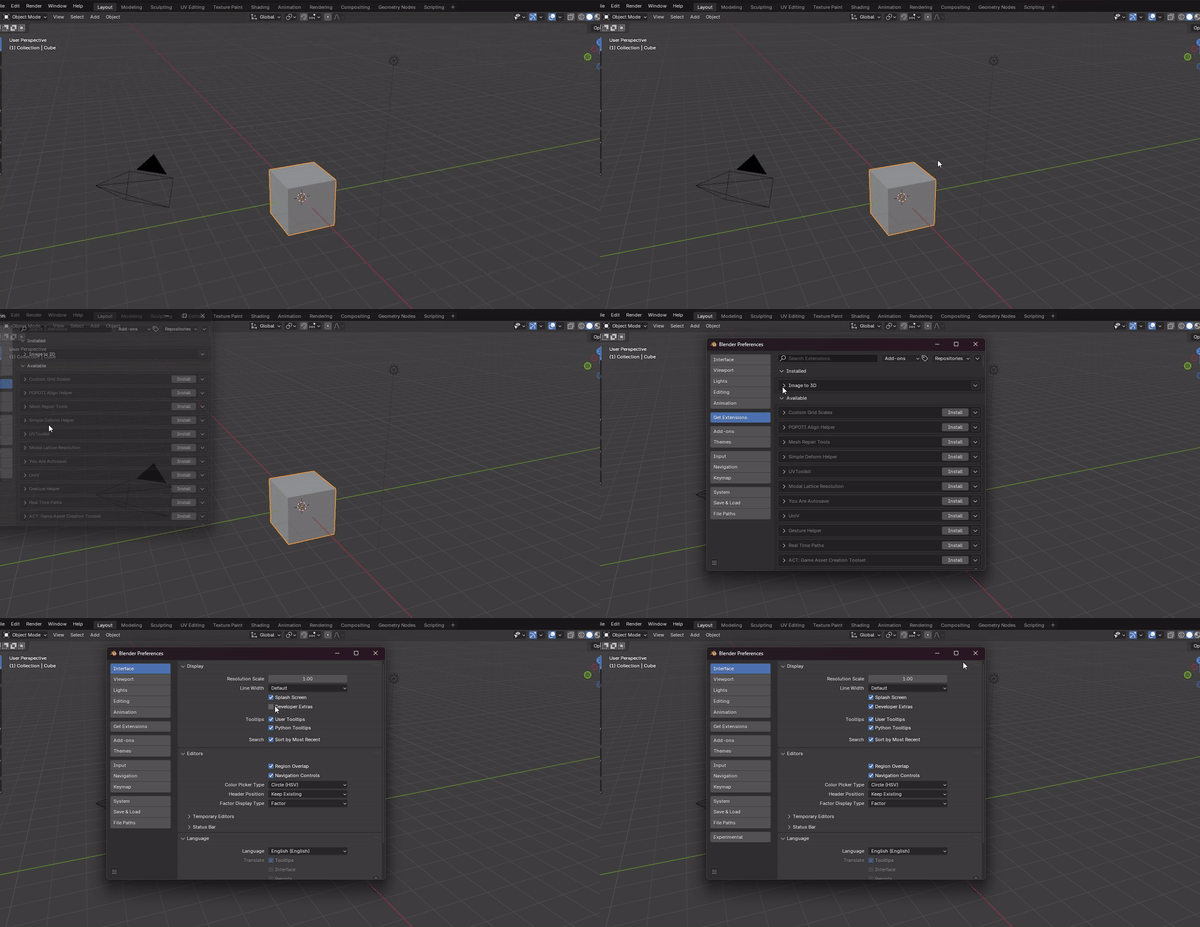
1) install the addon
2) turn on developer extras (in edit > preferences > interface)
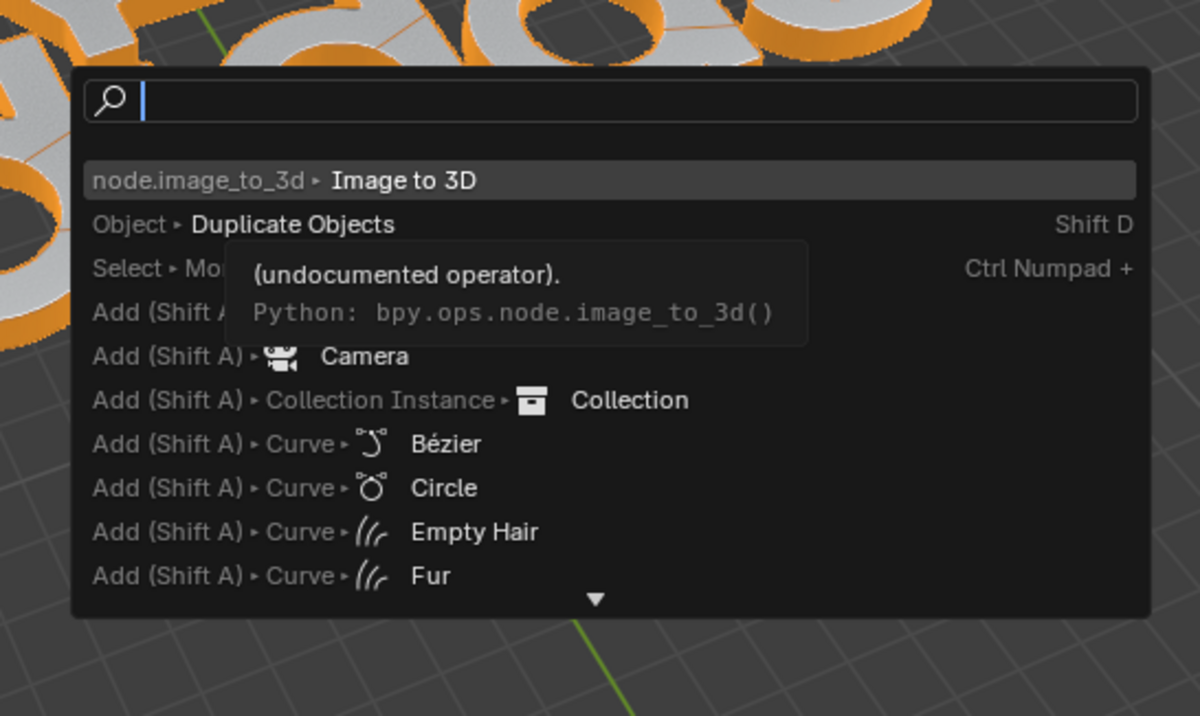
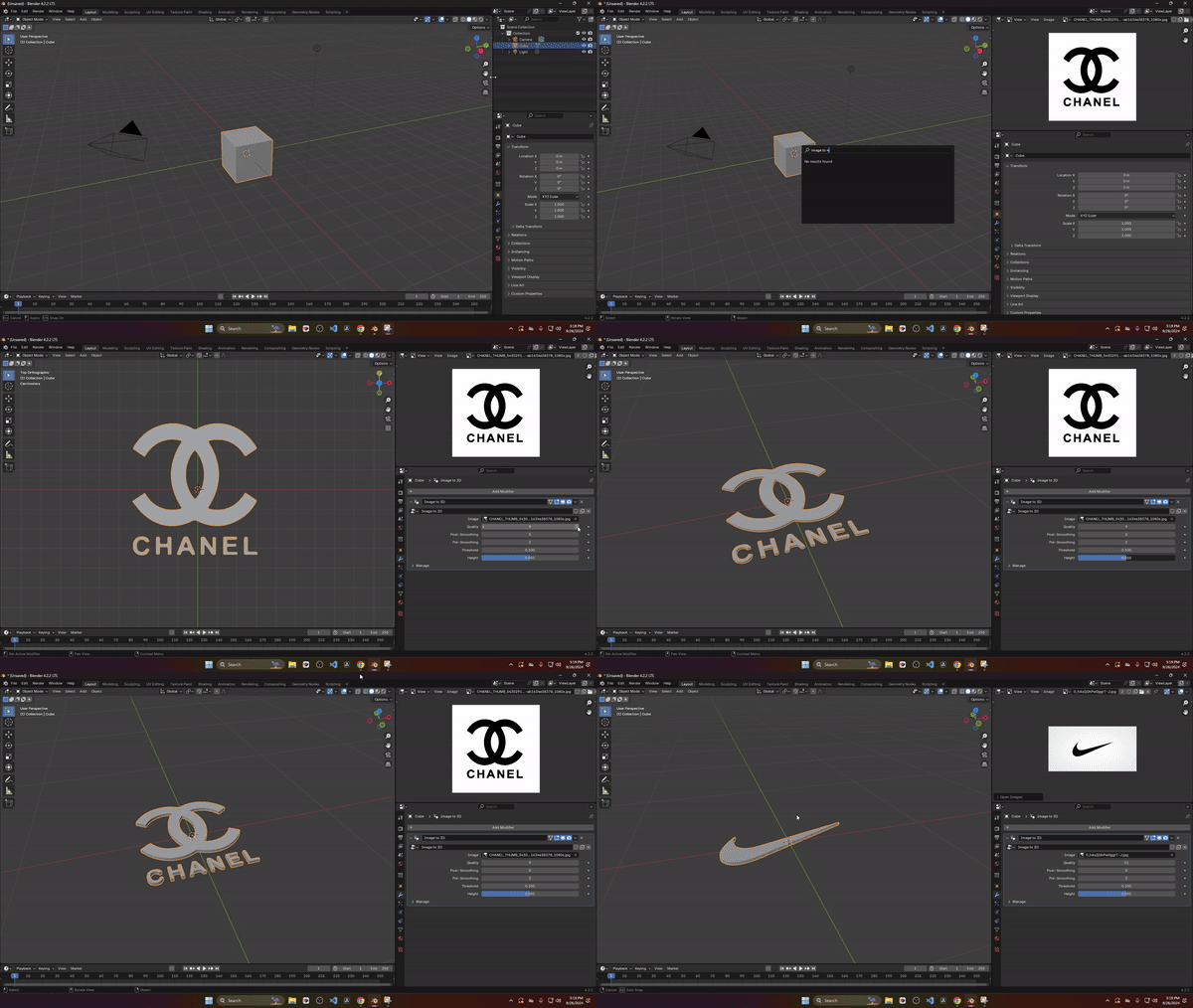
2) select an object and run the "image to 3d" operator
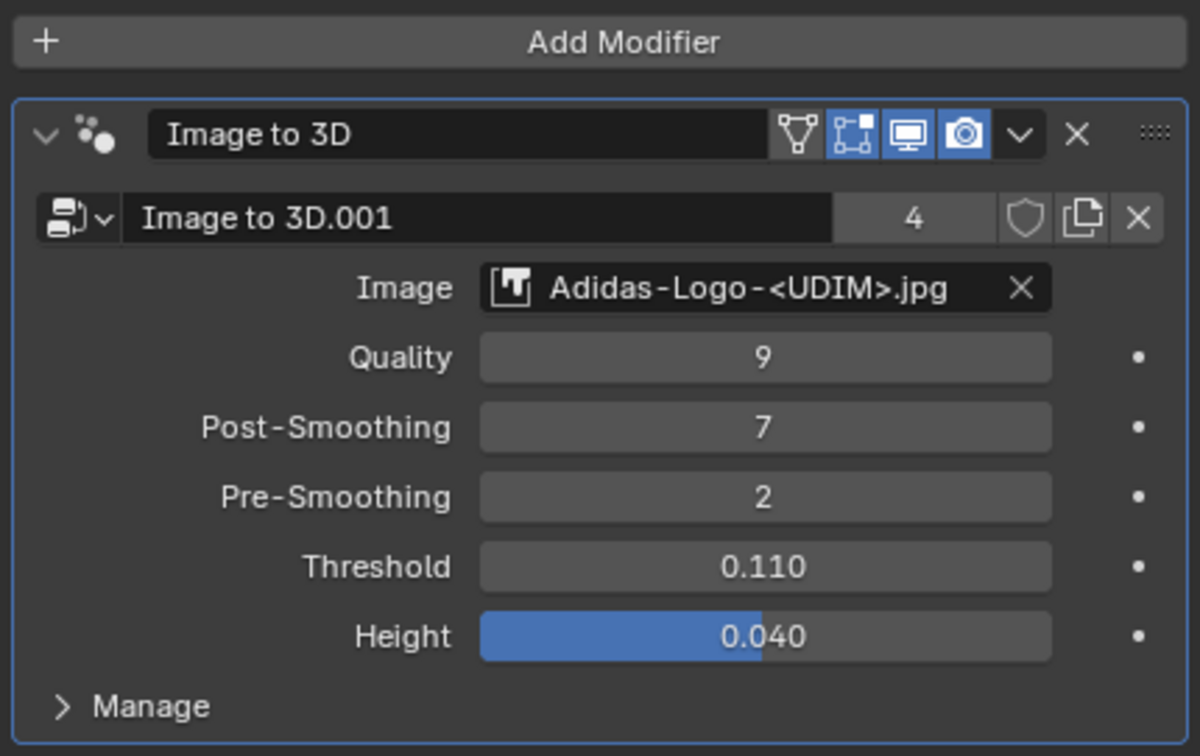
3) choose an image from your .blend (black=keep and white=discard)
4) play with settings and apply modifier when you're done
Designed for Blender 4.2+
note the contours are best approximated when the image is crisp (high resolution) and when there are bold details
$5.50
Have questions about this product?
Login to message
Discover more products like this
Image-to-3D Tracegenius Pro 3.0 2d image to 3d 2d to 3d converter Trace Master 3d converter SVG Image Import image trace 2d to 3d image tracer