Blender Easy


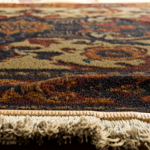
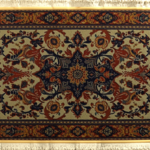

Bring Your Renders to Life with Hyper-Realistic Carpets
Turn any image into a lifelike, customizable 3D carpet, complete with surface fibers, natural folds, fringes, and realistic shading. Whether you want soft rugs for a cozy interior or intricate textures for detailed scenes, this procedural tool gives you full creative control in just seconds.
Key Benefits
-
From Flat to Fantastic: Generate carpets with depth, detail, and fiber geometry instantly — all from a single image.
-
Cloth Simulation Ready: Works seamlessly with cloth physics. Watch your carpet drape, fold, and move naturally in animations.
-
Customizable Down to the Fringe: Add, shape, and stylize fringes and borders to suit any aesthetic — from traditional to modern.
-
Surface Fibers with Precision: Control fiber length and style using the colors of your texture for striking realism.
-
Optimized for Speed: Lightweight, instanced geometry keeps your memory usage low while delivering high-quality final renders.
-
Image-Based Freedom: Use alpha channels to define custom shapes — from classic rectangles to ornate patterns and symbols.
You can attach the carpet to a plane with cloth simulation for realistic animations, or simply place it on surfaces with natural behavior.

This tool also enables you to add folds to the borders of the carpet for a natural look.

It's very easy to set up and highly customizable.
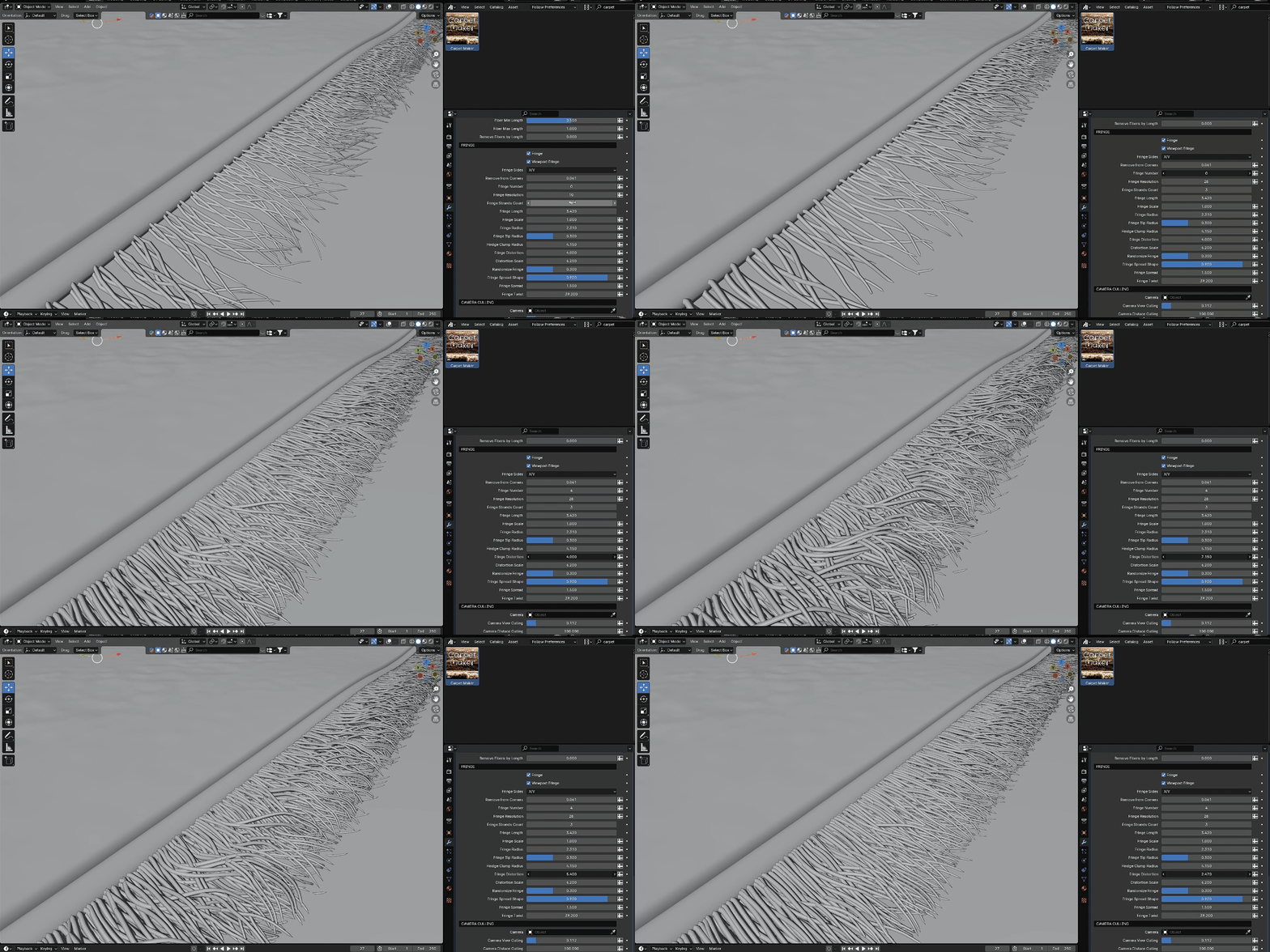
You can add borders and fringes to the sides of the mesh.
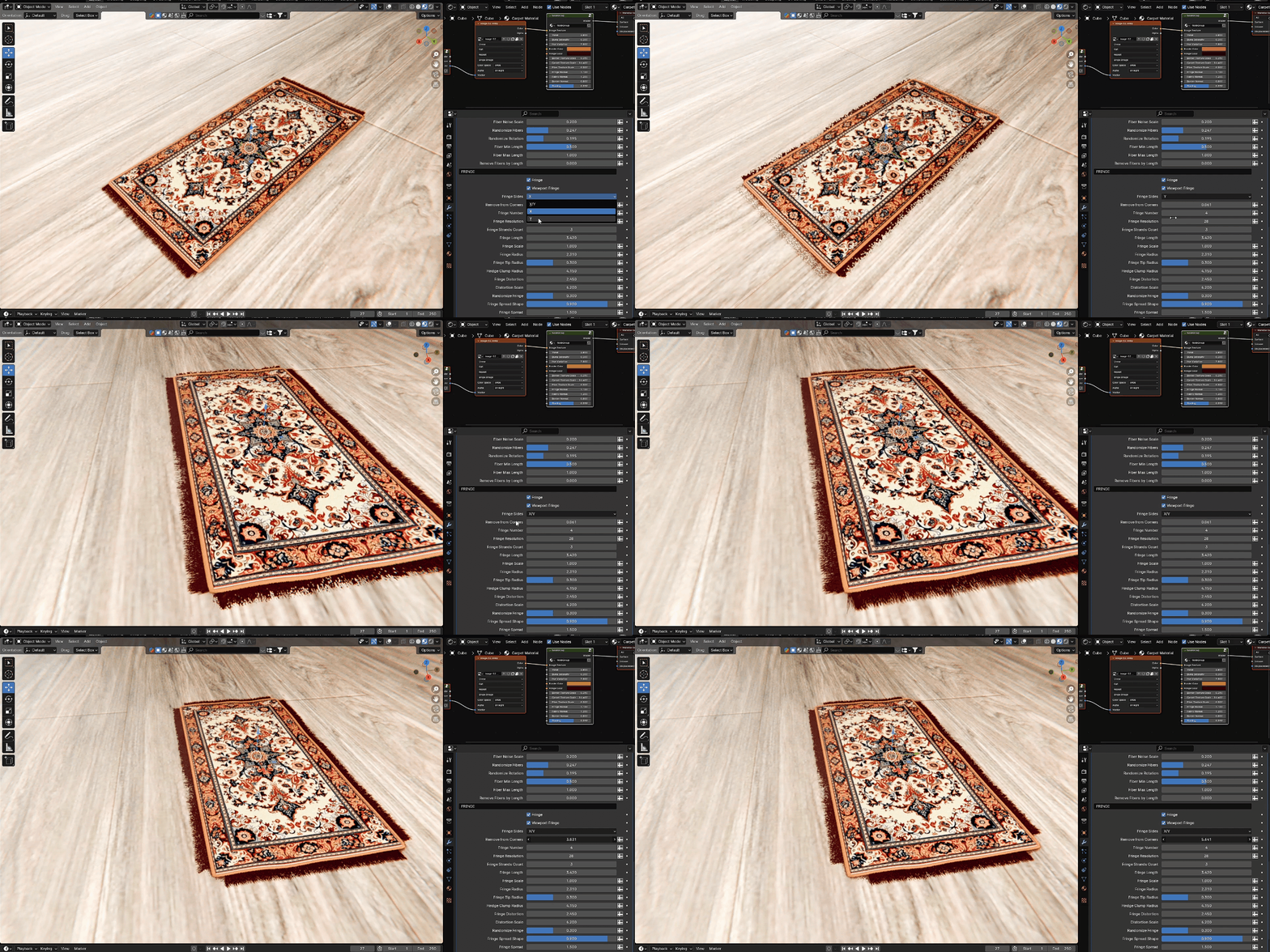
Customize the shape of the fringes.
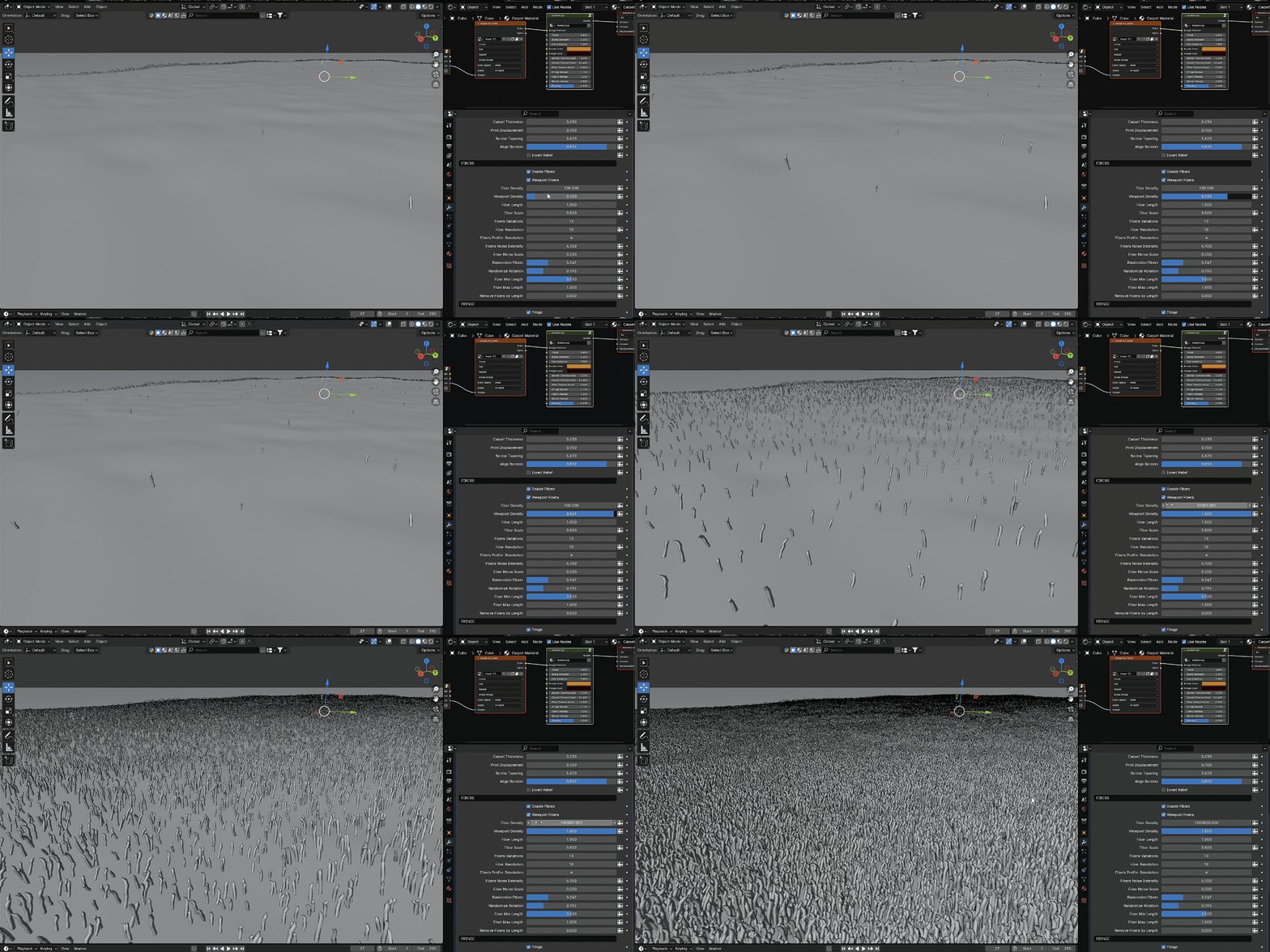
Add fibers to the carpet surface for maximum realism.
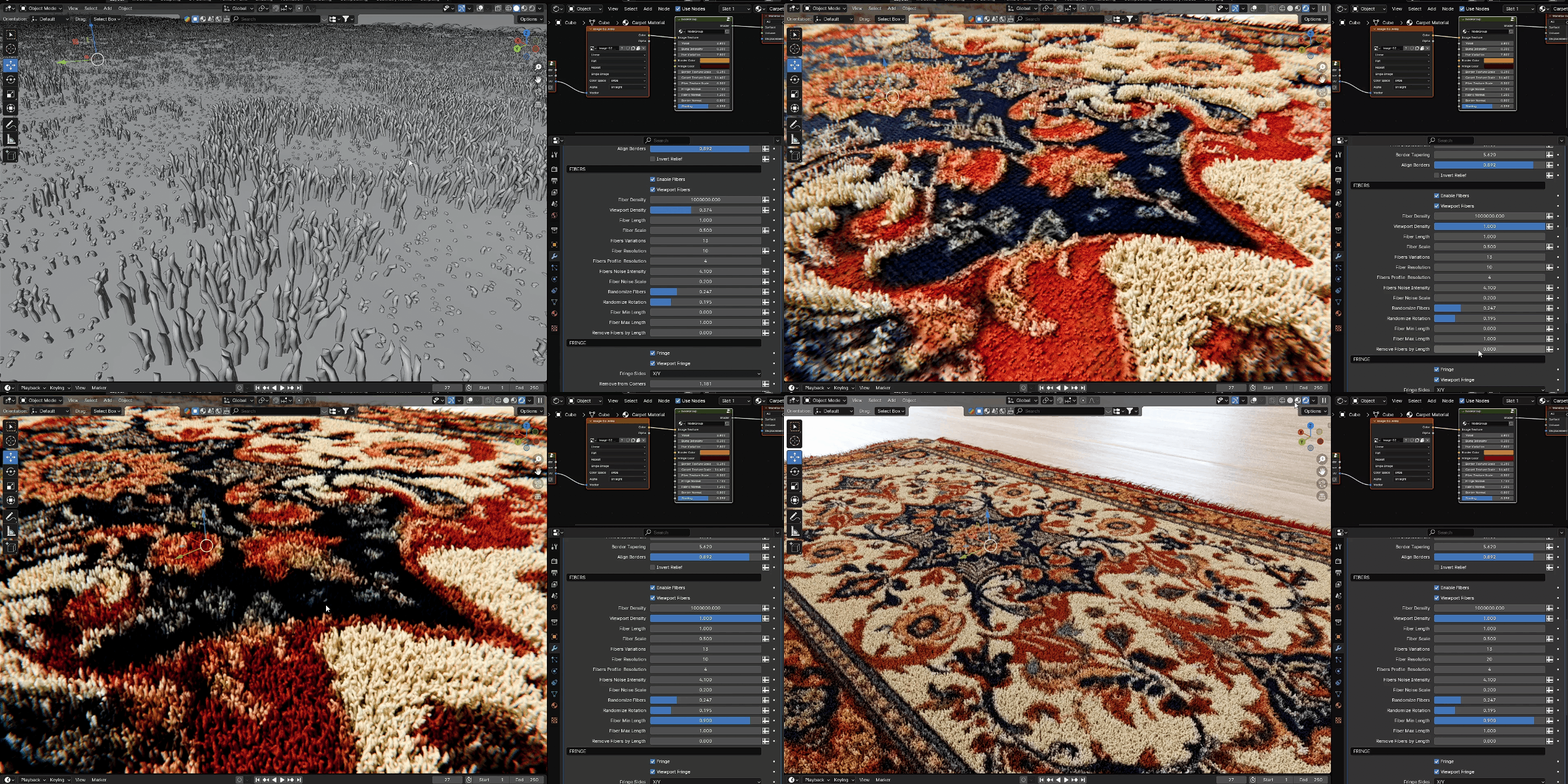
Control the length of the fibers based on the color of the carpet.
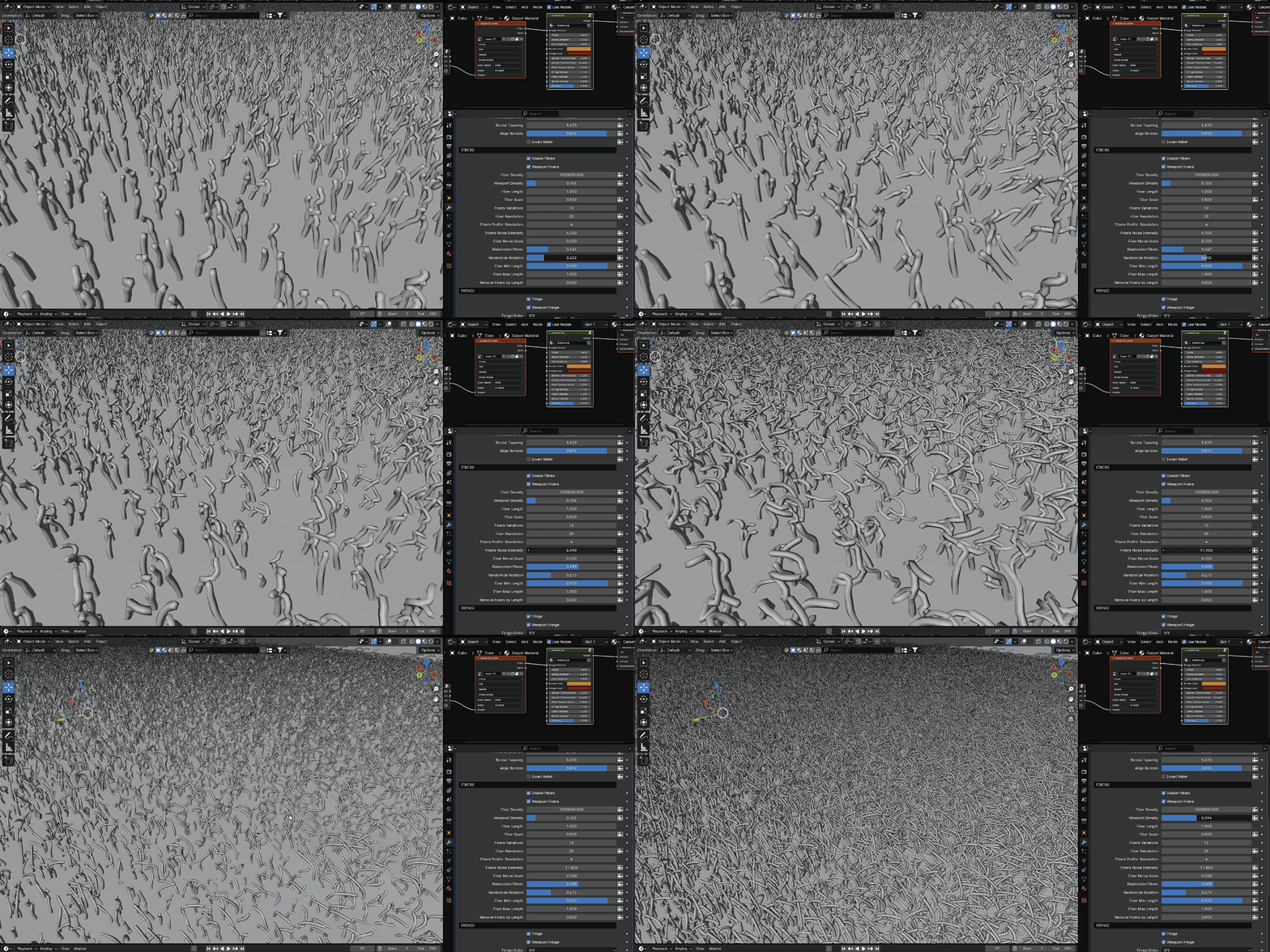
Customize the shape of the fibers.
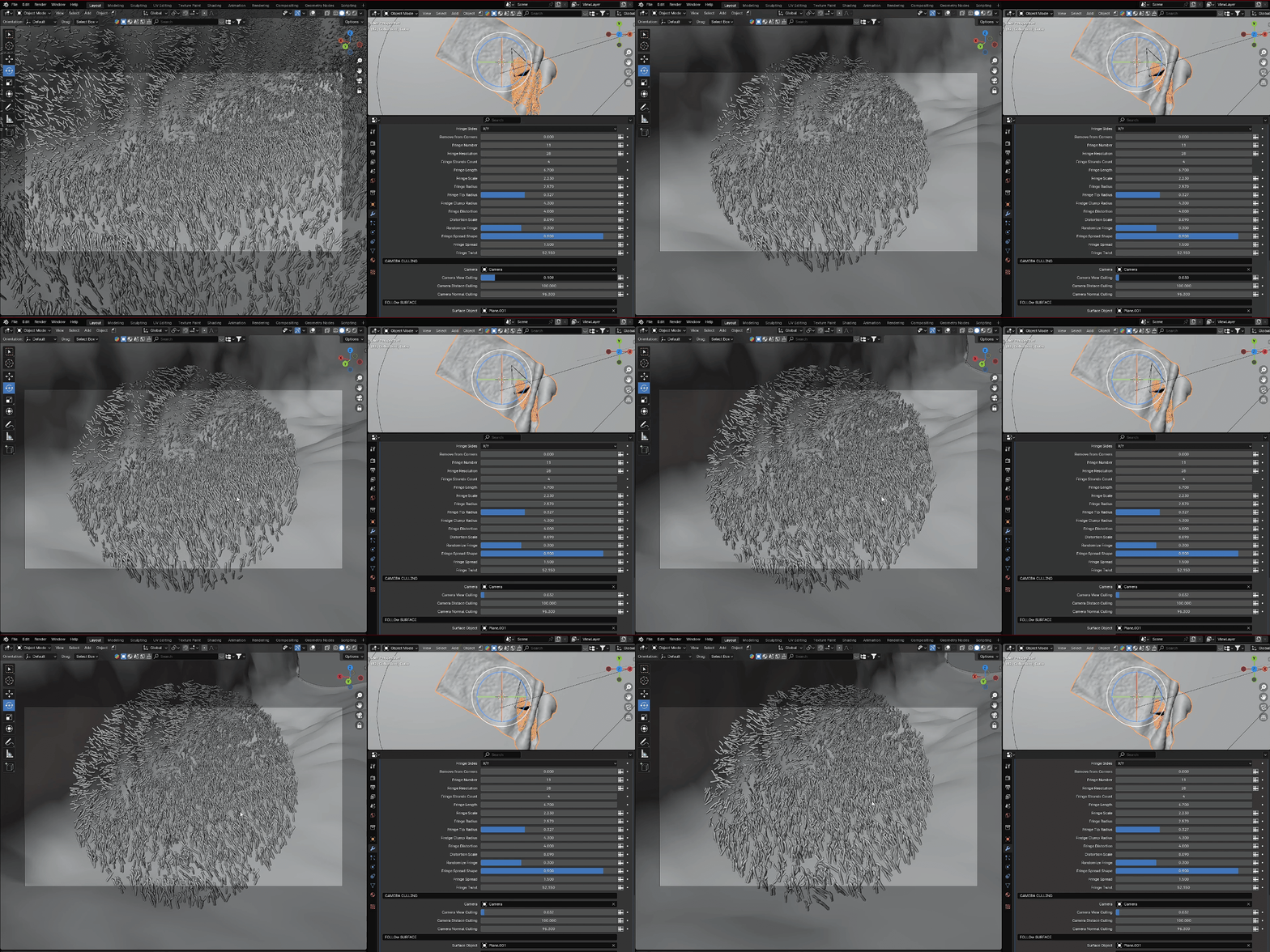
The carpet geometry is highly optimized: instances are used for fibers and fringe geometry, and you can hide geometry from the camera view to save memory.
You can also reduce viewport quality while maintaining full quality in the final render.
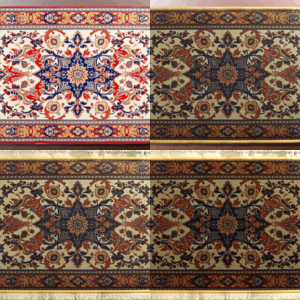
Since the carpet is based on a single image input, it can have any skin or shape. Use the alpha channel to cut the carpet to any form.
Simply load an image in the modifier and shader editor and adjust the settings.
To install, download the .blend file and save it in your asset library folder. Then just drag the carpet onto any 3D object and start using it via the modifier tab.