Blender Easy


This bundle includes two of the most powerful image tracers for Blender: Image Tracer and NinjaTracer.
With these tools, you can effortlessly convert images, textures, and videos into curves or fully 3D shapes. Use Image Tracer to cut meshes with precision using texture maps, generate curves from borders, and extract patterns with full control over UVs. With NinjaTracer, take it even further trace multiple colors, layer shapes with automatic material assignment, and turn videos into dynamic 3D geometry. You can customize edges, corners, and even turn curves into tubes. Both tools are perfect for artists who want to bring 2D assets to life in a 3D environment.
With NinjaTracer, you can effortlessly transform your 2D images and videos into captivating 3D shapes. This remarkable tool stands as the most powerful image tracer for Blender, granting you unparalleled control over the generated shapes. You can assign different materials to each part of the mesh, trace multiple colors from a single image, and seamlessly combine them into layers with automatic color assignment.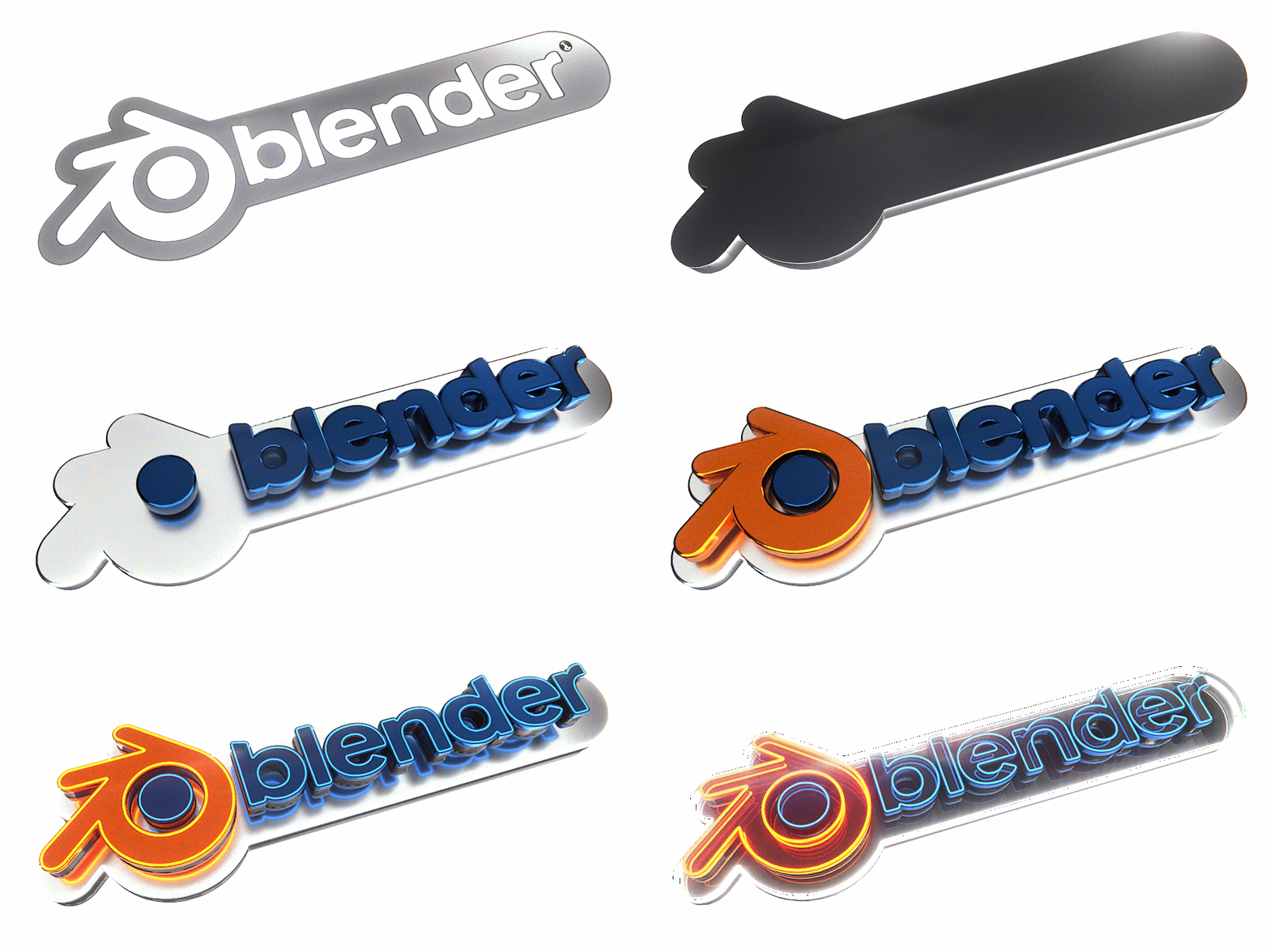
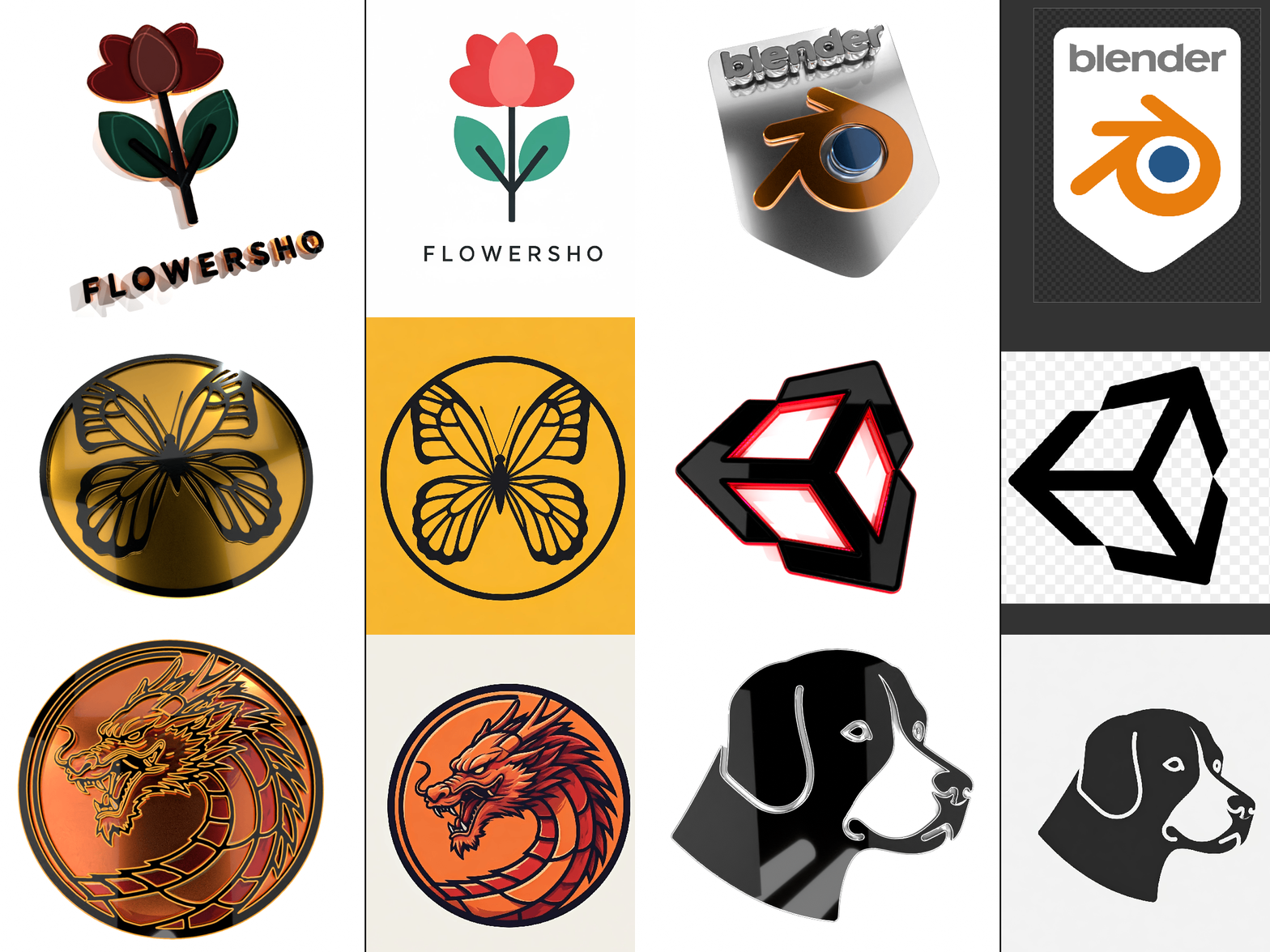
You can also turn videos into 3D shapes.
You can use any video or image format that Blender supports, like .gif and .mp4.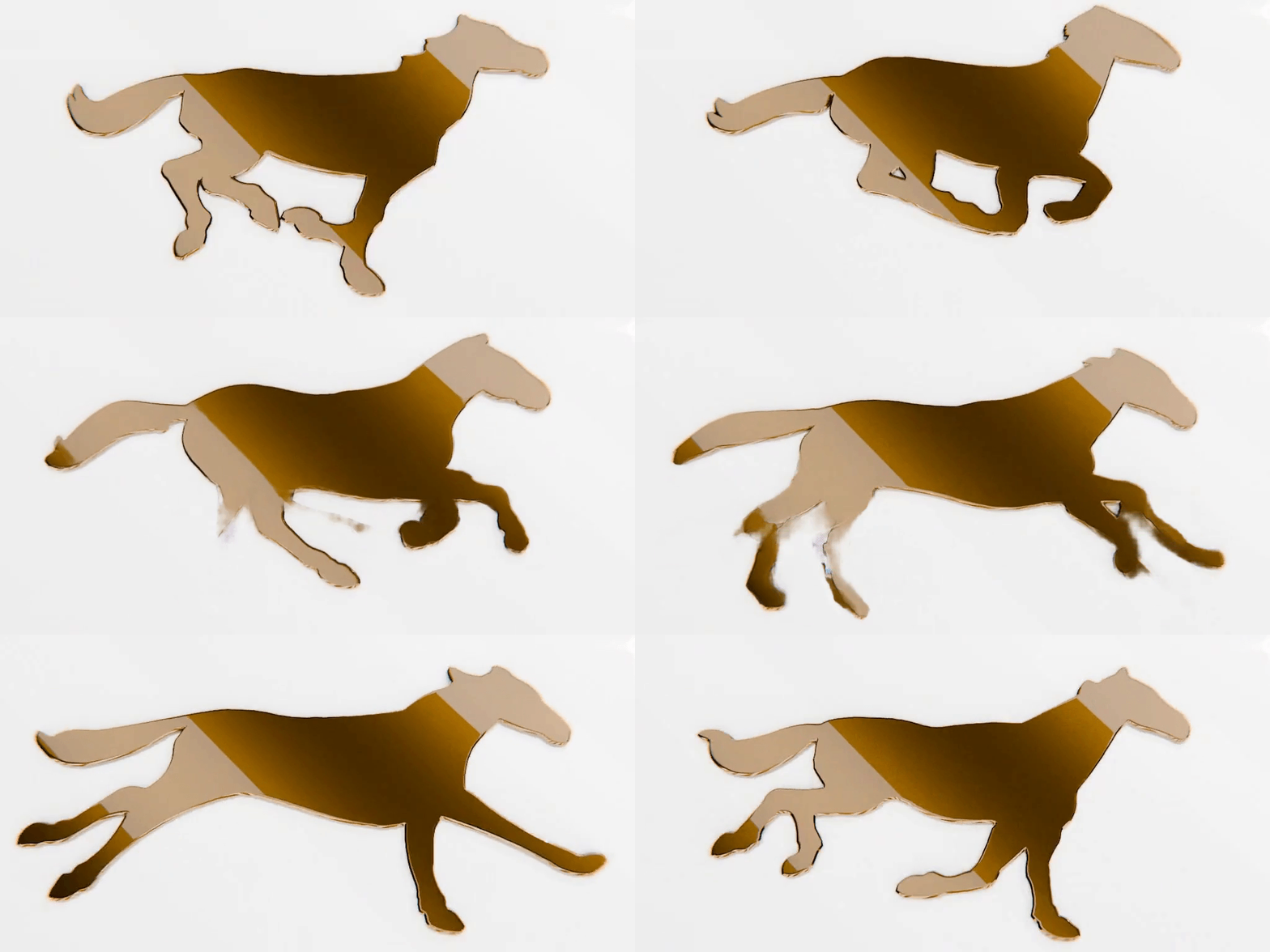
You can customize the borders of the generated shapes by beveling it, trimming the corners or using a customizable profile and applying materials to different pairs of edges.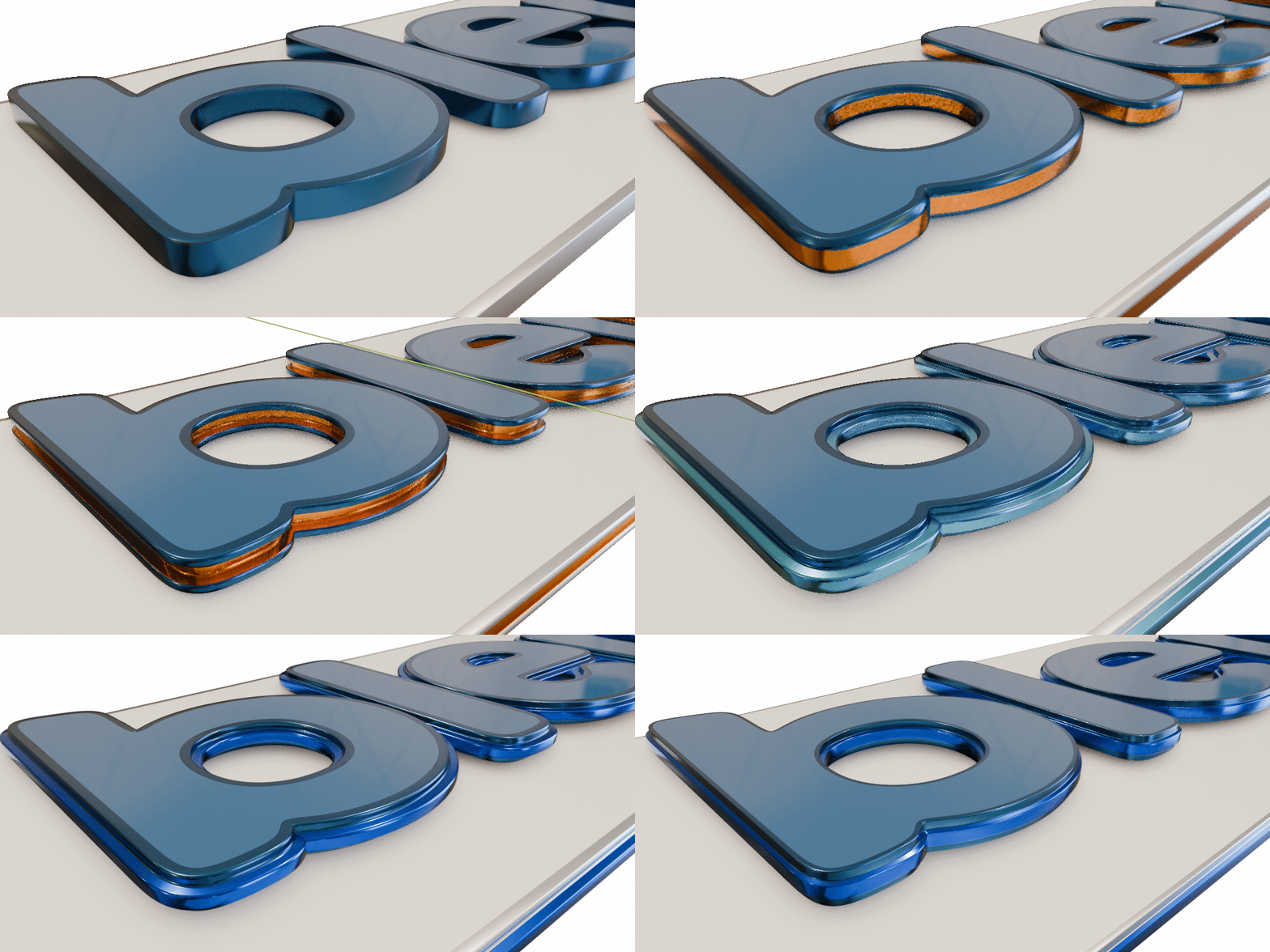
You can also change curves into tubes that you can customize, or add these tubes to the corners of shapes.
All the meshes are made with UVs.
You can also use this tool on closed curves and text to turn them into 3D shapes..
To learn more about this product you can watch the following video and look at the Documentation.
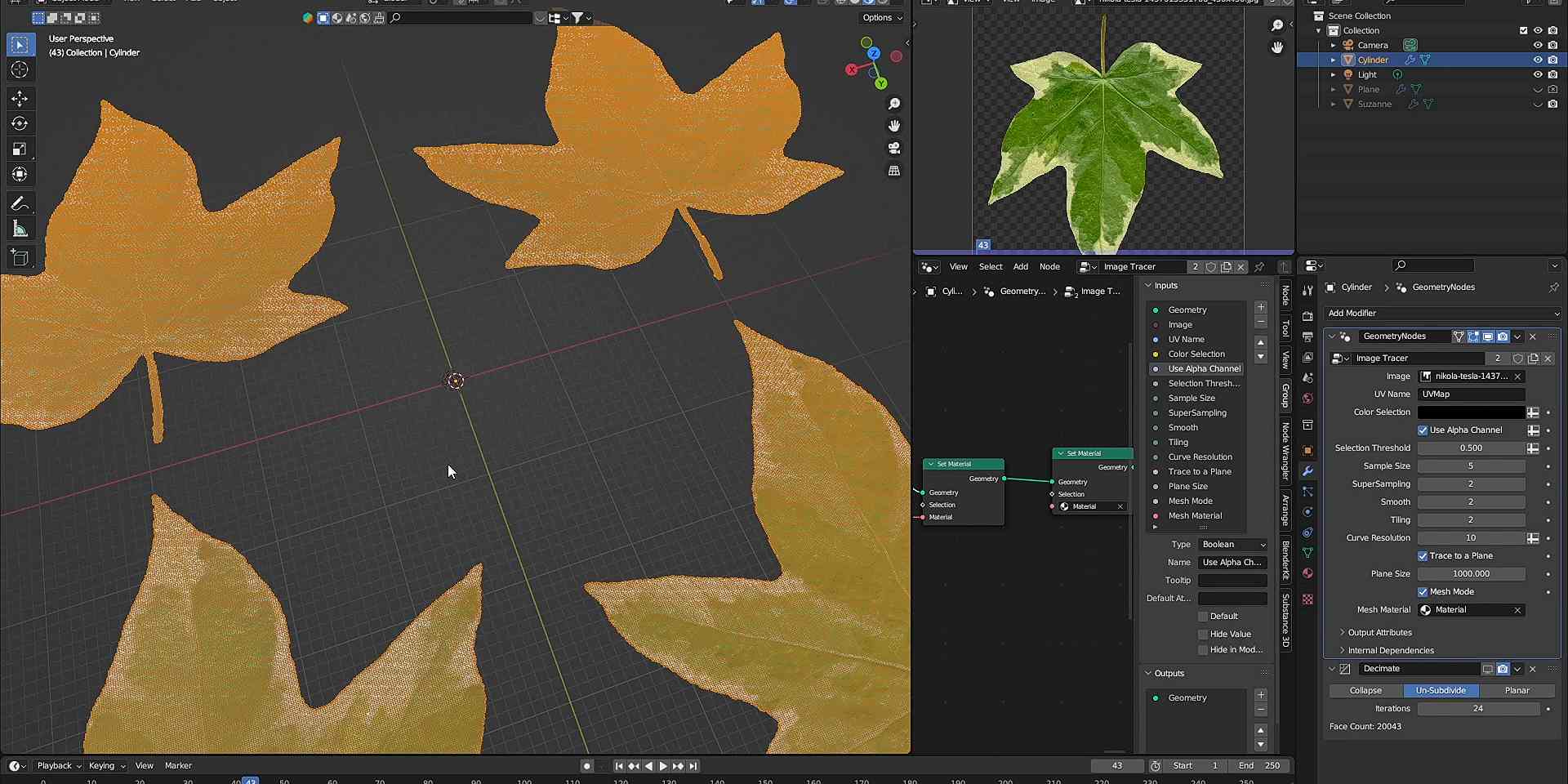
It’s time to elevate your 3D modeling game with the Image Tracer tool on Blender Market! This tool is a game-changer, allowing you to cut meshes with unprecedented precision using textures.
Choose a color or use the alpha channel to dictate your cuts. Want to create complex patterns? Tile your texture across the mesh for a seamless look. And that’s not all - you can generate curves from the borders of your mesh, perfect for extrusion and creating intricate edge effects.
The Mesh Cutter is not just powerful, but also user-friendly. Whether you’re a seasoned professional or just starting out in the world of 3D modeling, this tool is designed to streamline your creative process.
To use that you just need to append the "Image Tracer.blend" file to your scene, selecting the "Image Tracer" inside the "NodeTree". After that select a mesh and add a Geometry Node modifier to it, selecting the Image Tracer. Set the UV Name and load a texture.
This works better with meshes with a good topology and the UVs must be uniform and cannot have any overlapping areas. For more info, follow the video bellow.
Curves From Textures
Convert the textures from your meshes to curves by simply selecting a color

Trim your Meshes using the Texture
This is very useful when you want to extract a pattern from a texture and turn it into a fully 3D object.