Imperfection + Imager: An All-in-One Solution for Texturing
 2L&L
2L&L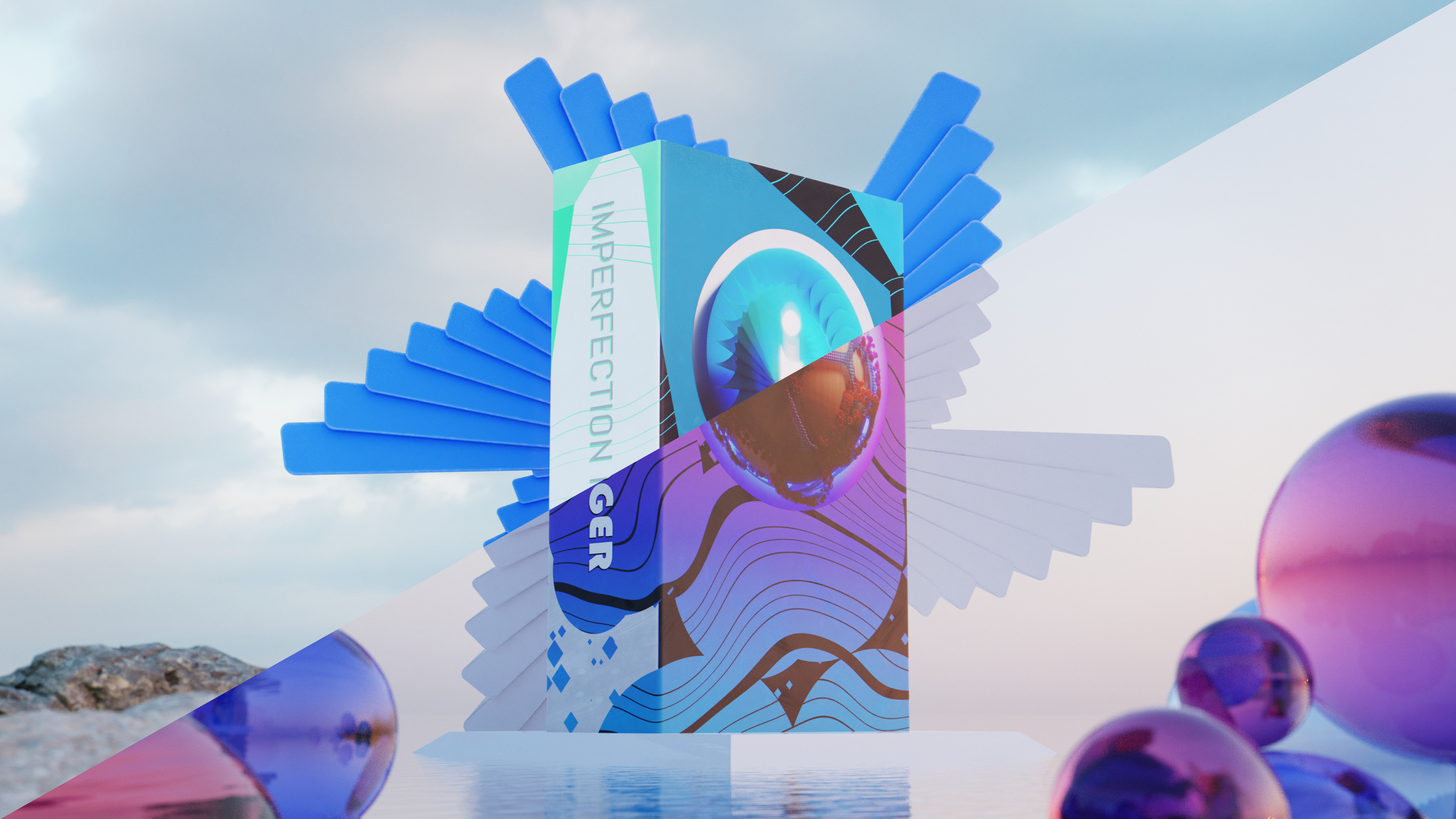
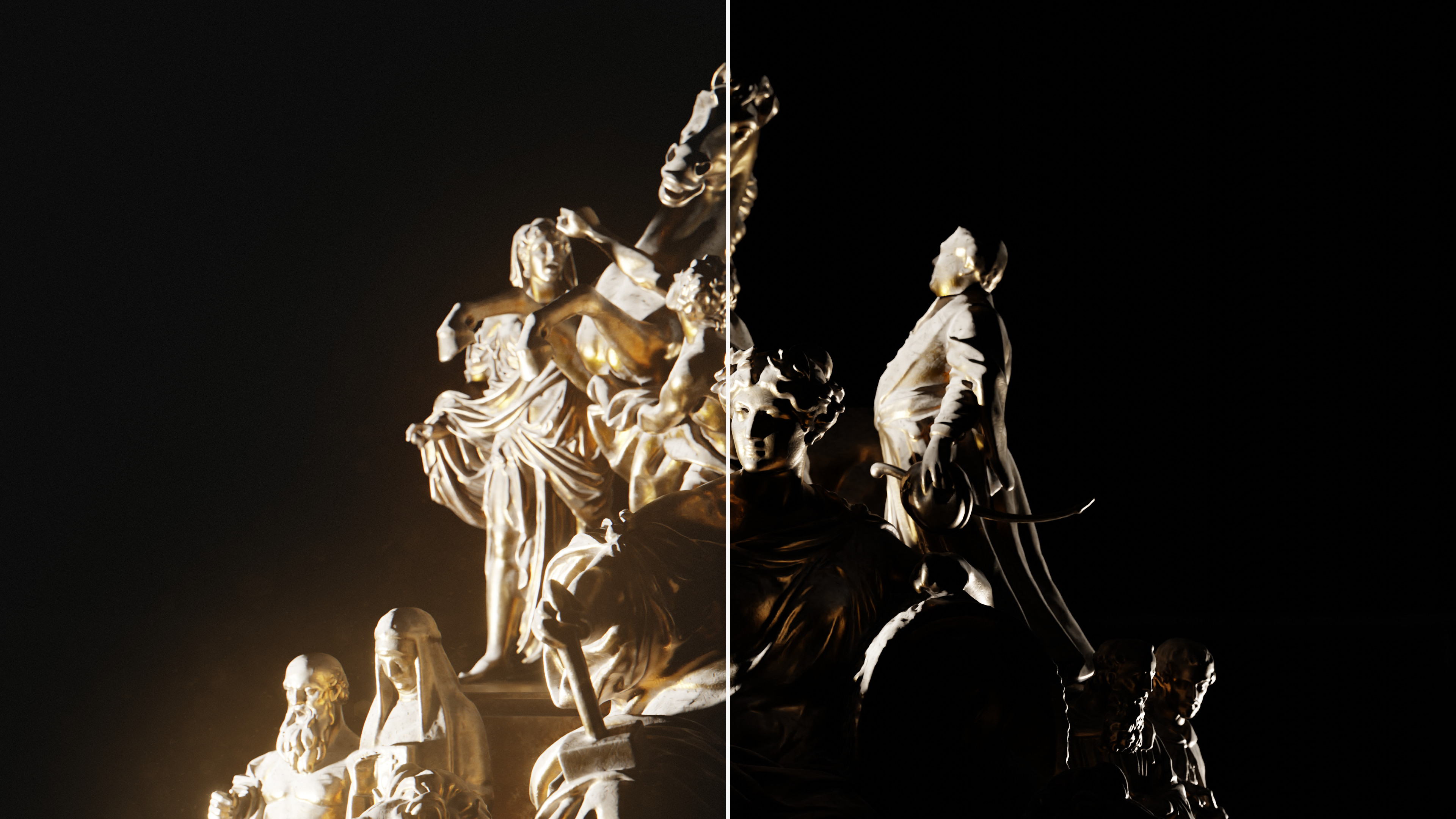

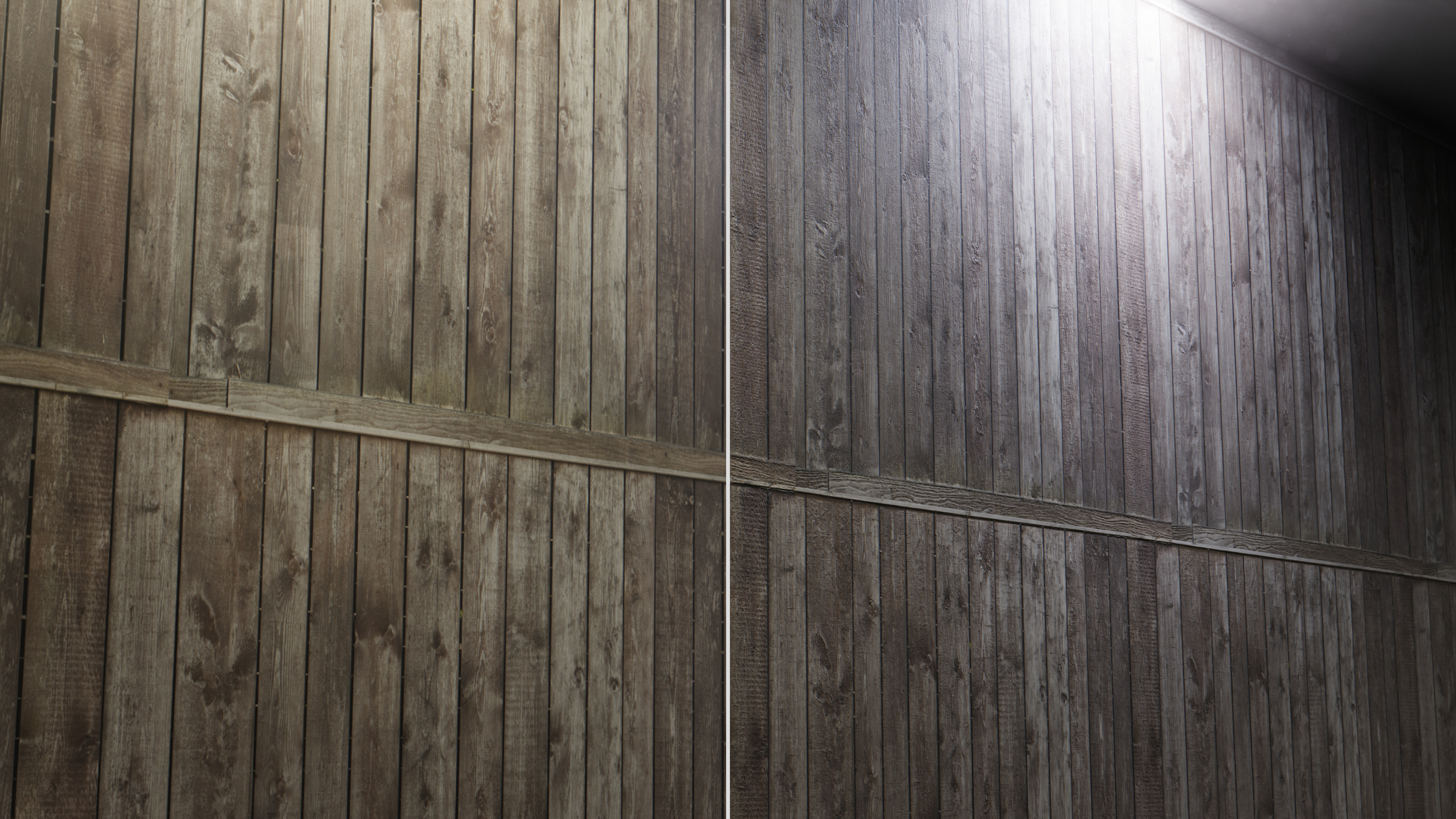
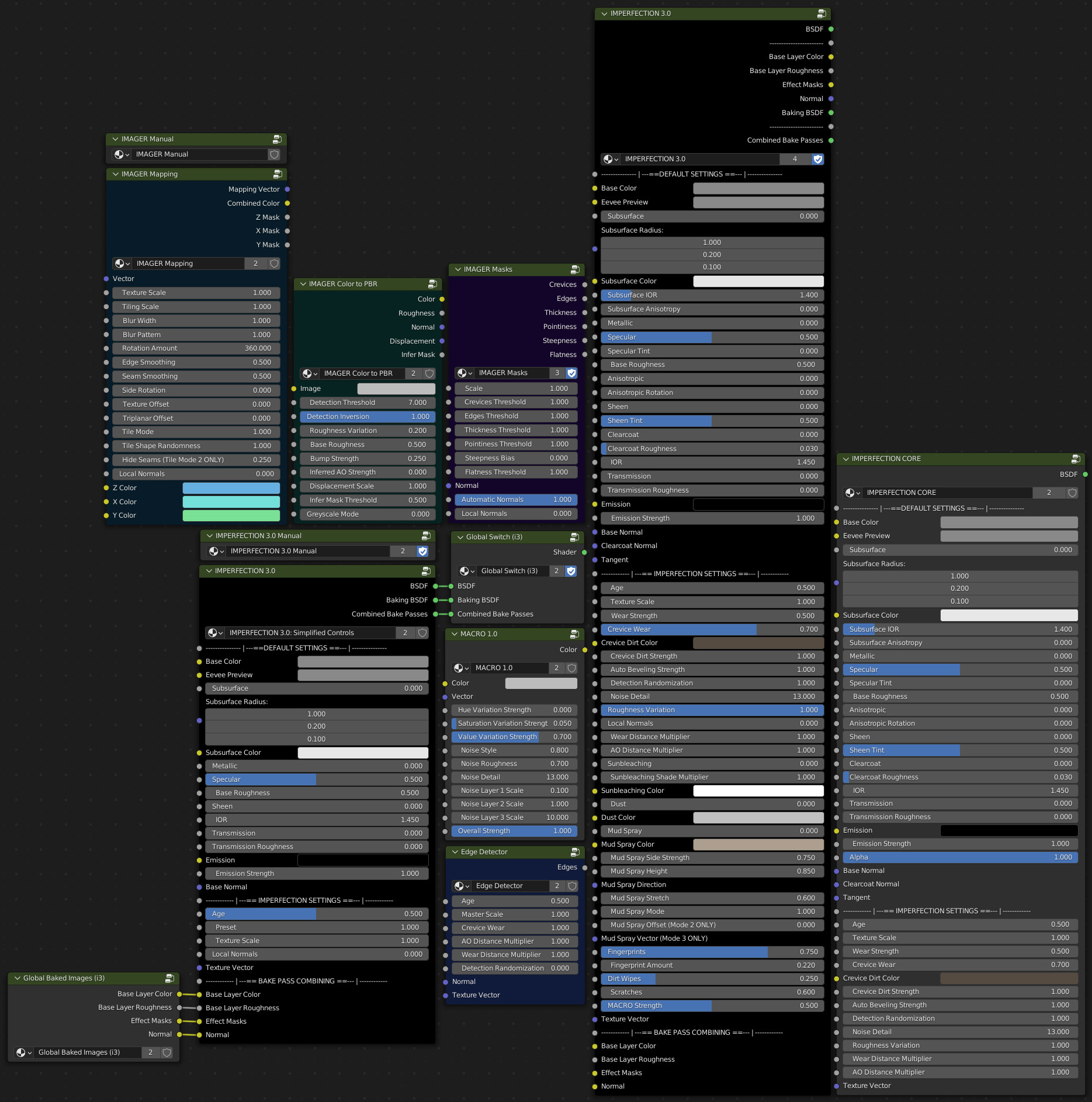

Documentation can be found in this video. Timestamps for are present in the description.
Documentation is also available inside the IMPERFECTION/IMAGER Manual nodes present inside the IMPERFECTION and IMAGER material setups, as well as directly in the downloaded .blend files. To look at the documentation within these nodes, simply select them in the shader editor and press the tab key. The nodes will be in the middle of the resulting node tree, with explanations attached to the corresponding inputs and outputs.
-
$50
All content from both IMPERFECTION and IMAGER. Also comes with convenient combined setups that you can easily apply to objects.
-
$35
Just IMPERFECTION and its accompanying nodes.
-
$25
Just the IMAGER node pack.
-
$1
The lite version of IMPERFECTION.
Have questions about this product?
Login to message
| Sales | 30+ |
| Rating | 1 ratings |
| Dev Fund Contributor | |
| Published | over 4 years ago |
| Blender Version | 2.82, 2.83, 2.9, 2.91, 2.92, 2.93, 3.0, 3.1, 3.2, 3.3, 3.4, 3.5, 3.6 |
| Render Engine Used | Cycles, Eevee |
| License | Royalty Free |

Discover more products like this
uv mapping camera effects asset-browser uv blender procedural Blender cycles procedural textures Workflow summer22 surface imperfections blender eevee