 Digital Sculptors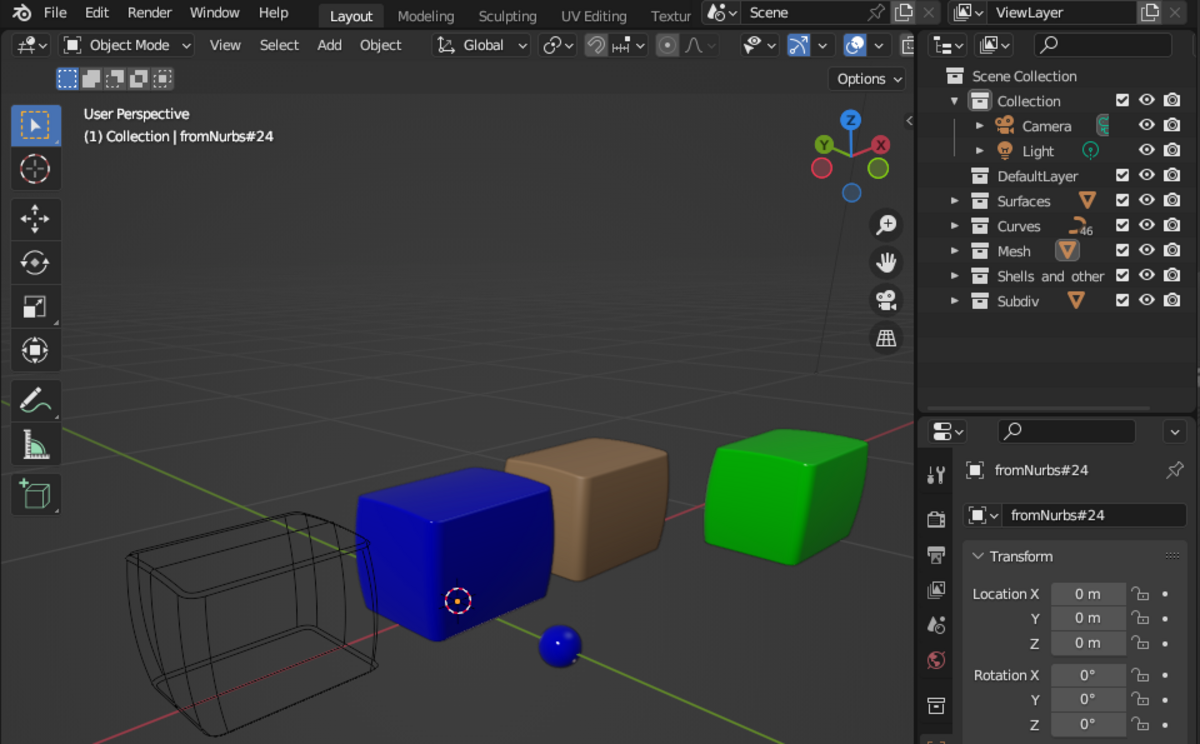
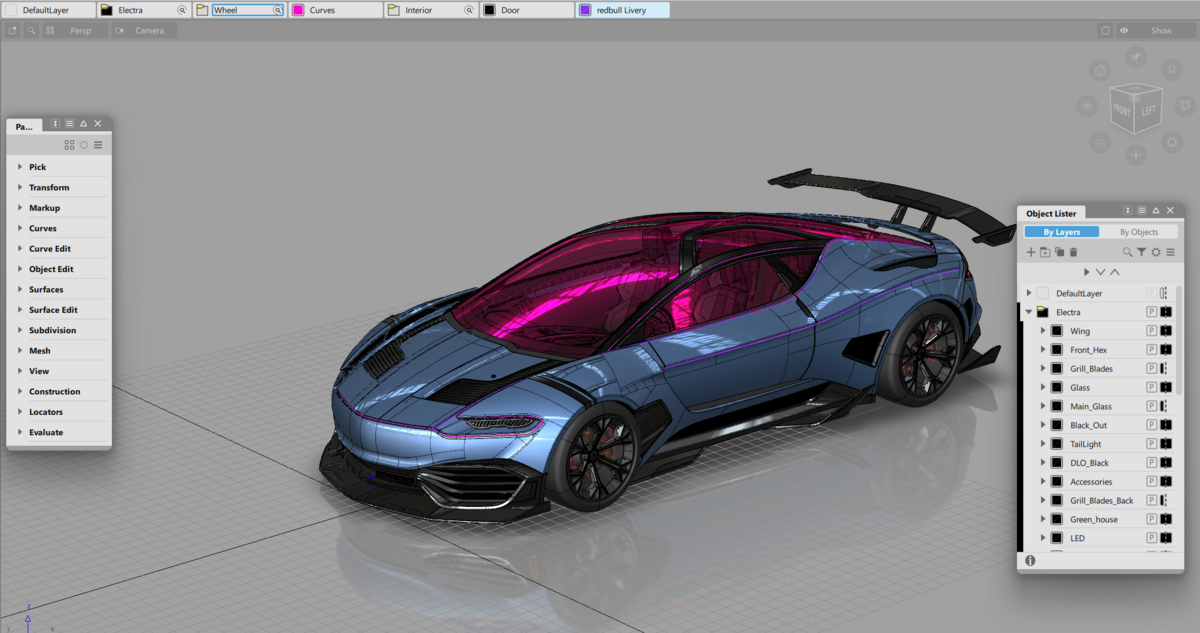
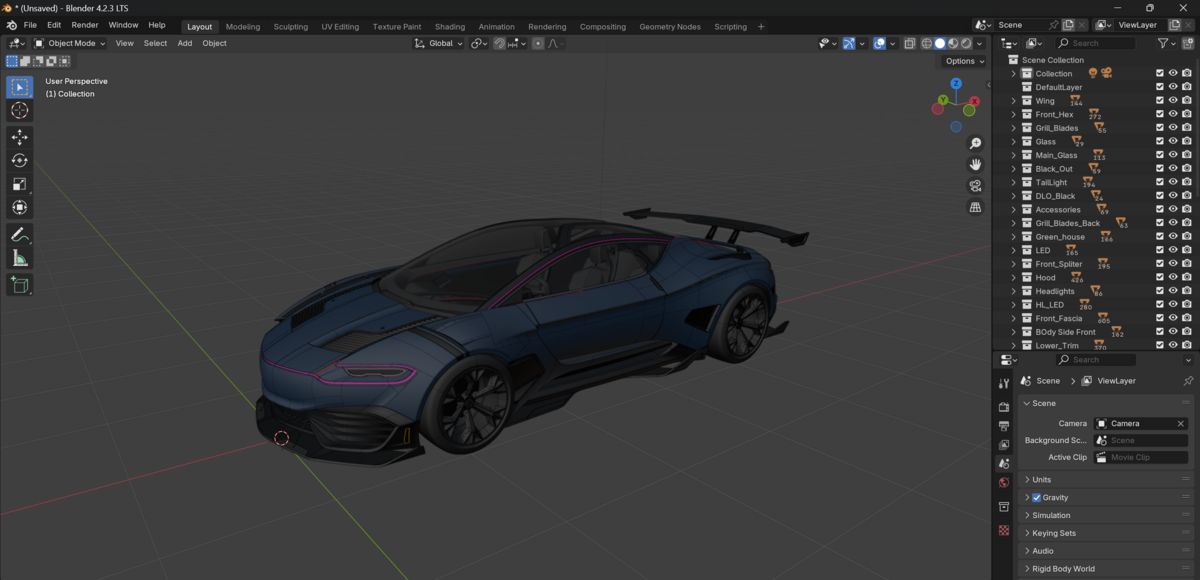
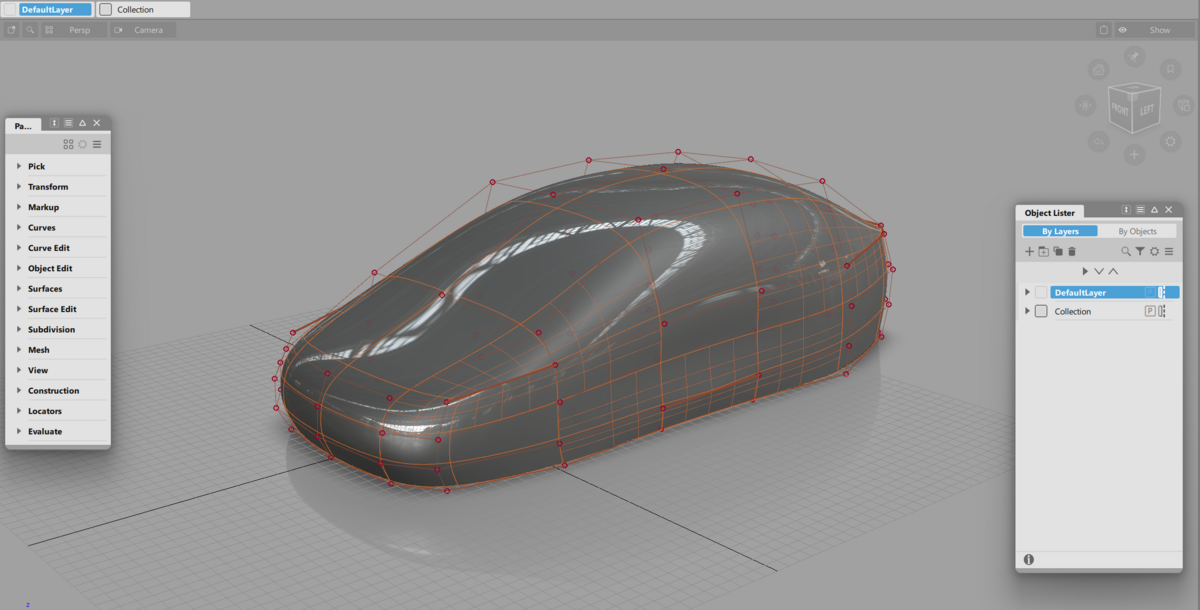
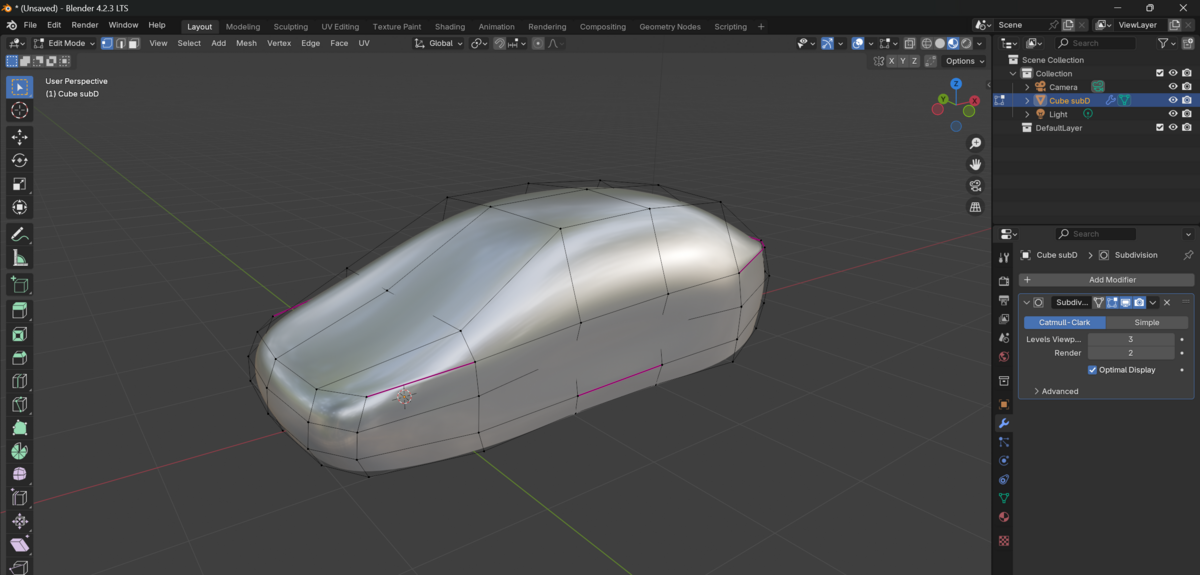


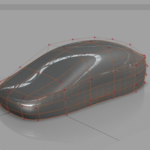
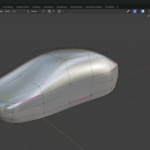
Description
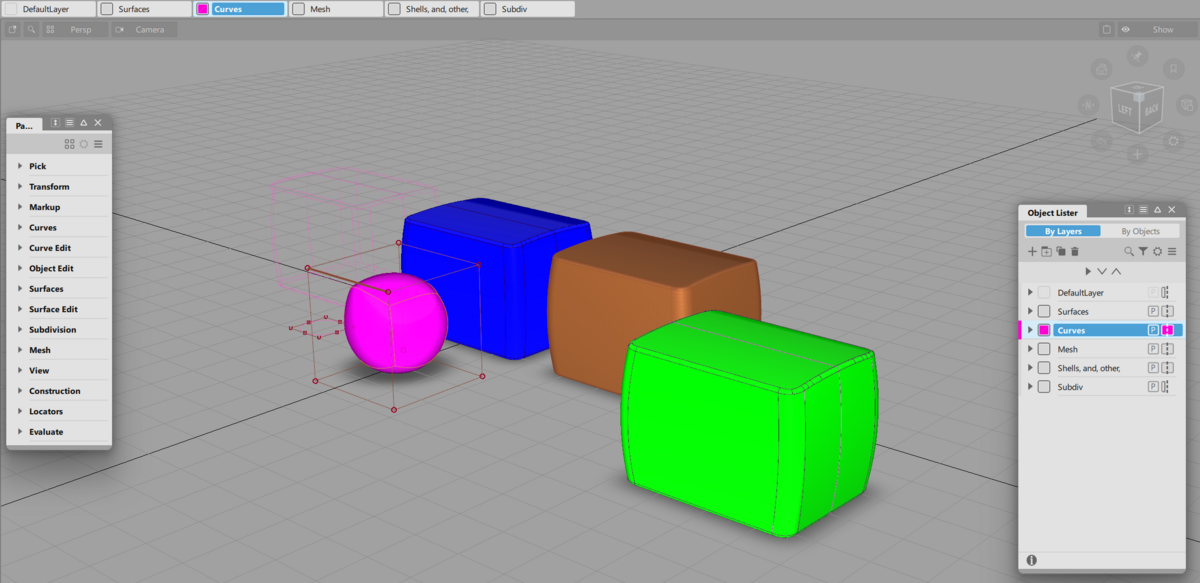
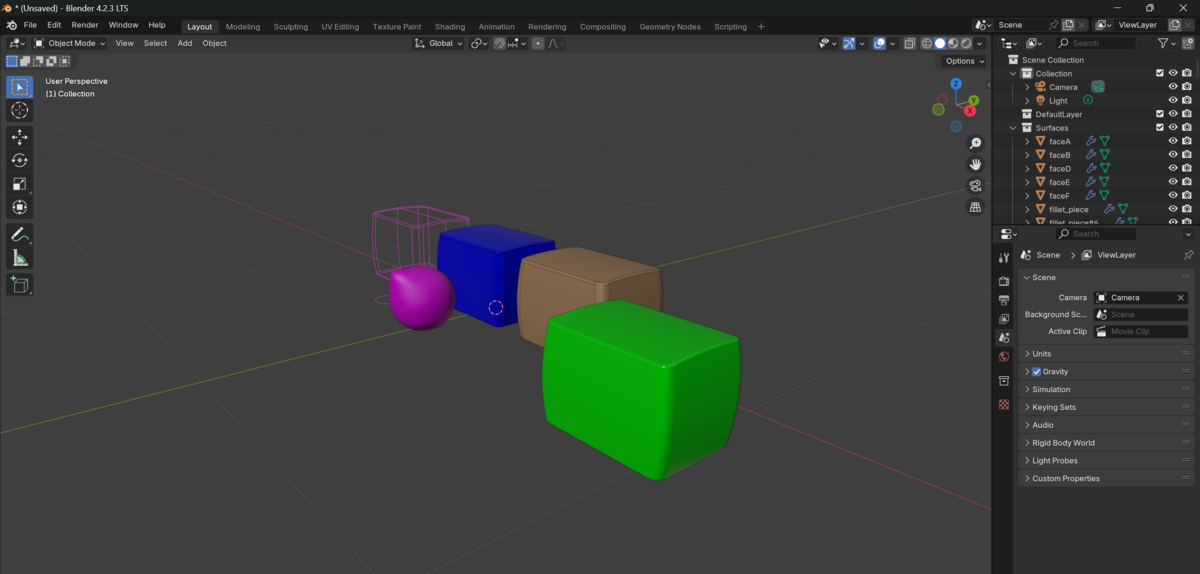
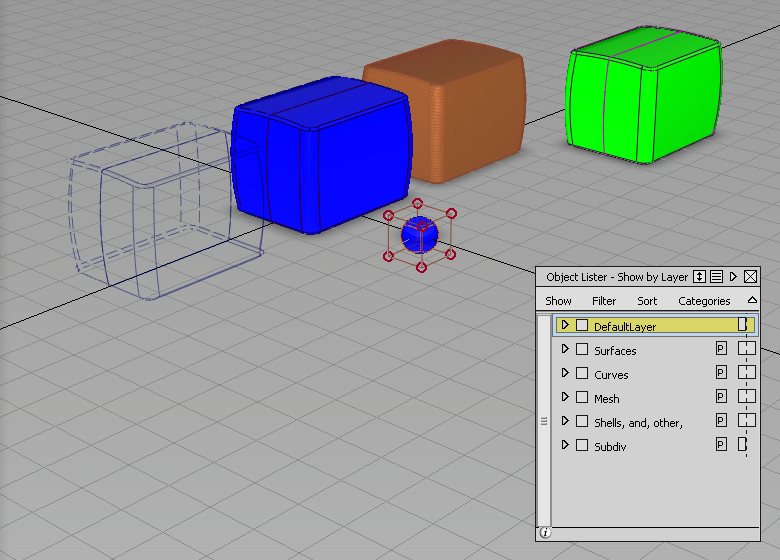
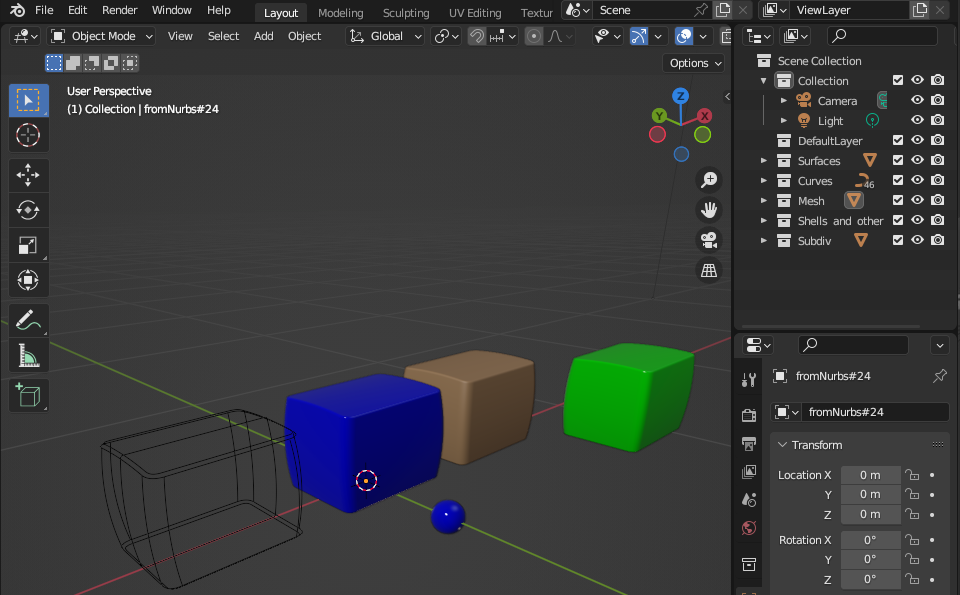
ImportAlias Addon for Blender converts Alias NURBS data to meshes and imports it into Blender.
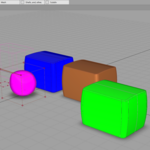
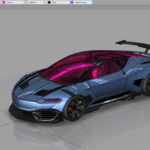
From Alias
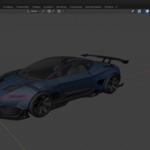
To Blender
System Requirements
- Blender version newer than 3.0.0
- Alias version 2023.1 or newer should be installed. Use the legacy version of the add on for older versions of Alias.
- Use ImportAlias_2027 add on if Alias 2027.0.1 or newer is installed.
- Network Connection to the Internet
Installation
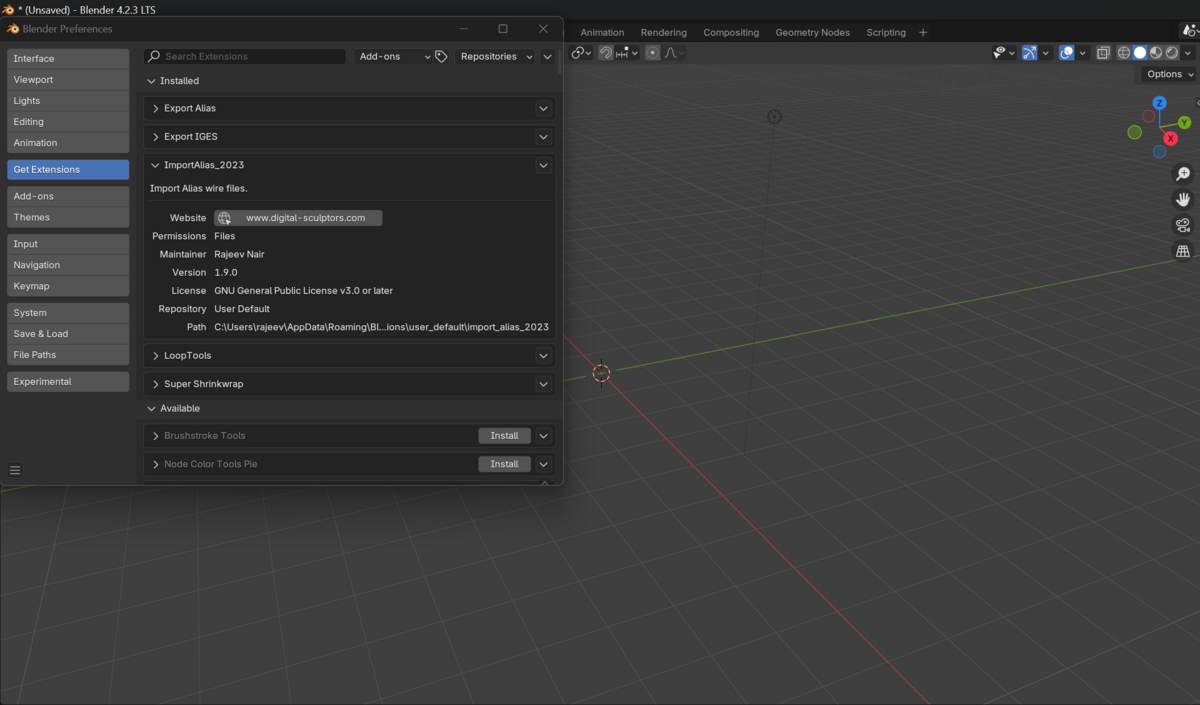
Install the downloaded add-on using Edit->Preferences->Install and choose the downloaded ZIP file. Do not unzip the file prior to installation.
For Blender 4.2 and newer, drag and drop the ZIP file into Blender.
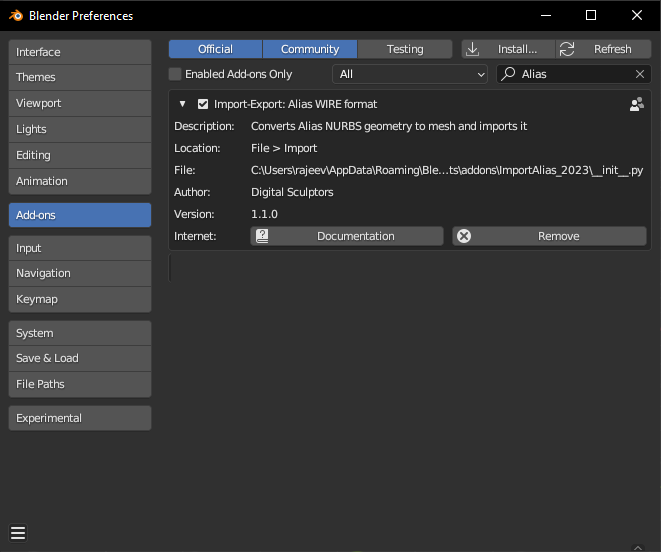
Addon Preference:
This is specifically for ImportAlias_2027 version:
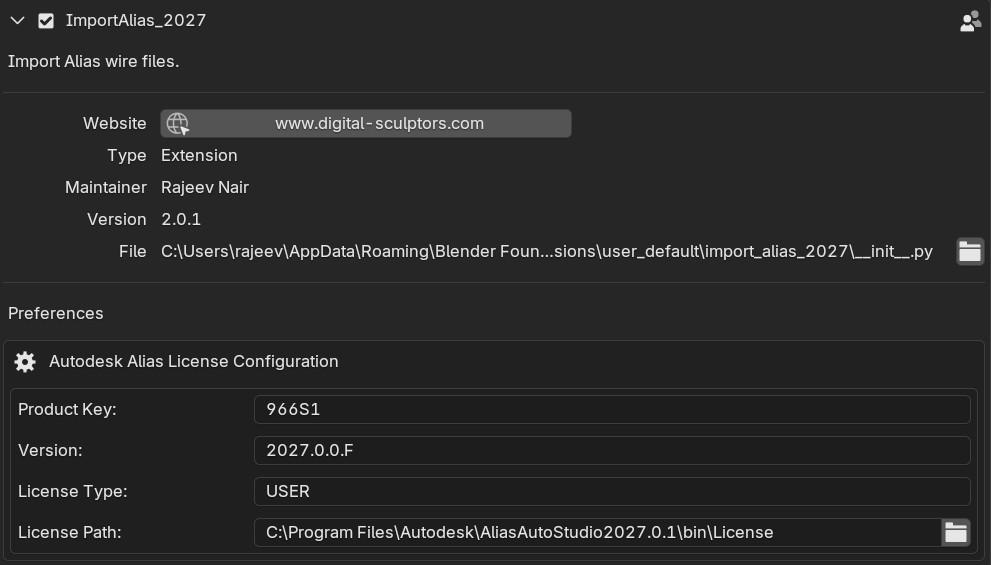
- Product key: For Alias Autostudio this value should be "966S1" for Alias Surface should be "736S1"
- Version: For Alias 2027 install this should be "2027.0.0.F"
- License Type: For User Subscription this should be "USER". For Network license this should be "NW". For Stand Alone this should be "SA" and for Multi User Stand alone this should be "MSSA"
- License Path: Please select the file named "License" in the bin directory of Alias install location.
Please contact Autodesk Alias Support if you are not sure about these values.
Usage
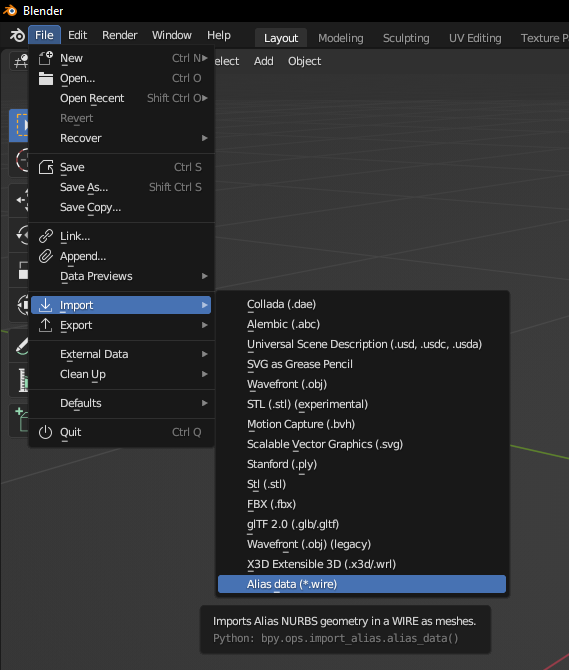
The menu is installed under File->Import
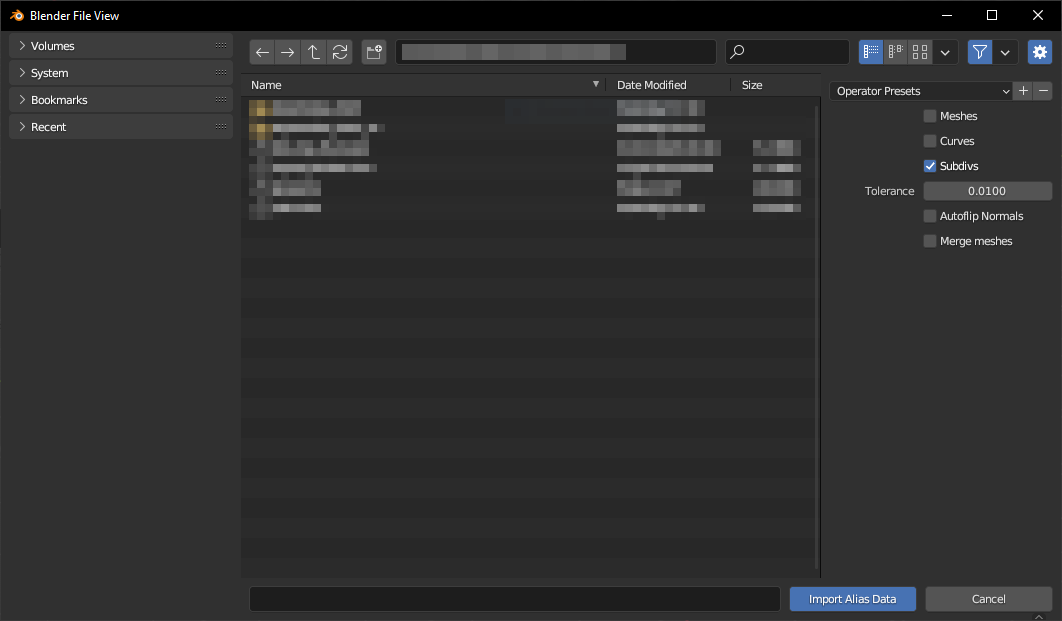
Import Options:
- Meshes: Imports mesh data from Alias (default off)
- Curvers: Import NURBS Curves as NURBS Curves (default off)
- Subdivs: Imports Alias Subdiv data as susubdivision data (default on). Currently creases are not supported. If disabled, the subdiv data limit surface is converted to mesh and imported into Blender.
- Tolerance: Controls the deviation between the NURBS and Meshes. The lesser the value, the finer the mesh (default = 0.01)
- Autoflip Normals: Automatically flip normals to point outward. (default: off)
- Merge meshes: Automatically merge meshes in each collections. (default: off)
Limitations
- The Autoflip normals options attempts to make the mesh normals consistent to point outward and might not correct all the normals. Ideally the surface normals should be checked and corrected in Alias.
- In Autodesk Alias 2023 a new adjust crease functionality was introduced and is not compatible with general subdivision algorithms. Such creases, will be transfered as constant creases. Switch on the mesh Auto-smooth option, for the creases to appear sharp. (GPU acceleration for subd will be switched off in that case).
- The add-on will not work if the Alias 2016 Learning Edition is installed. Please install a previous version of Learning edition or a regular version of Alias.
- ImportAlias 2027 will fail if the license information is not correct.