 Amandeep


Installation:
Preferences > Install > Select "Import As Decal.zip"
DONE!
Usage:
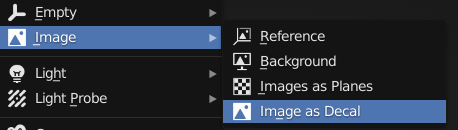
Import directly using the Blender Add menu.
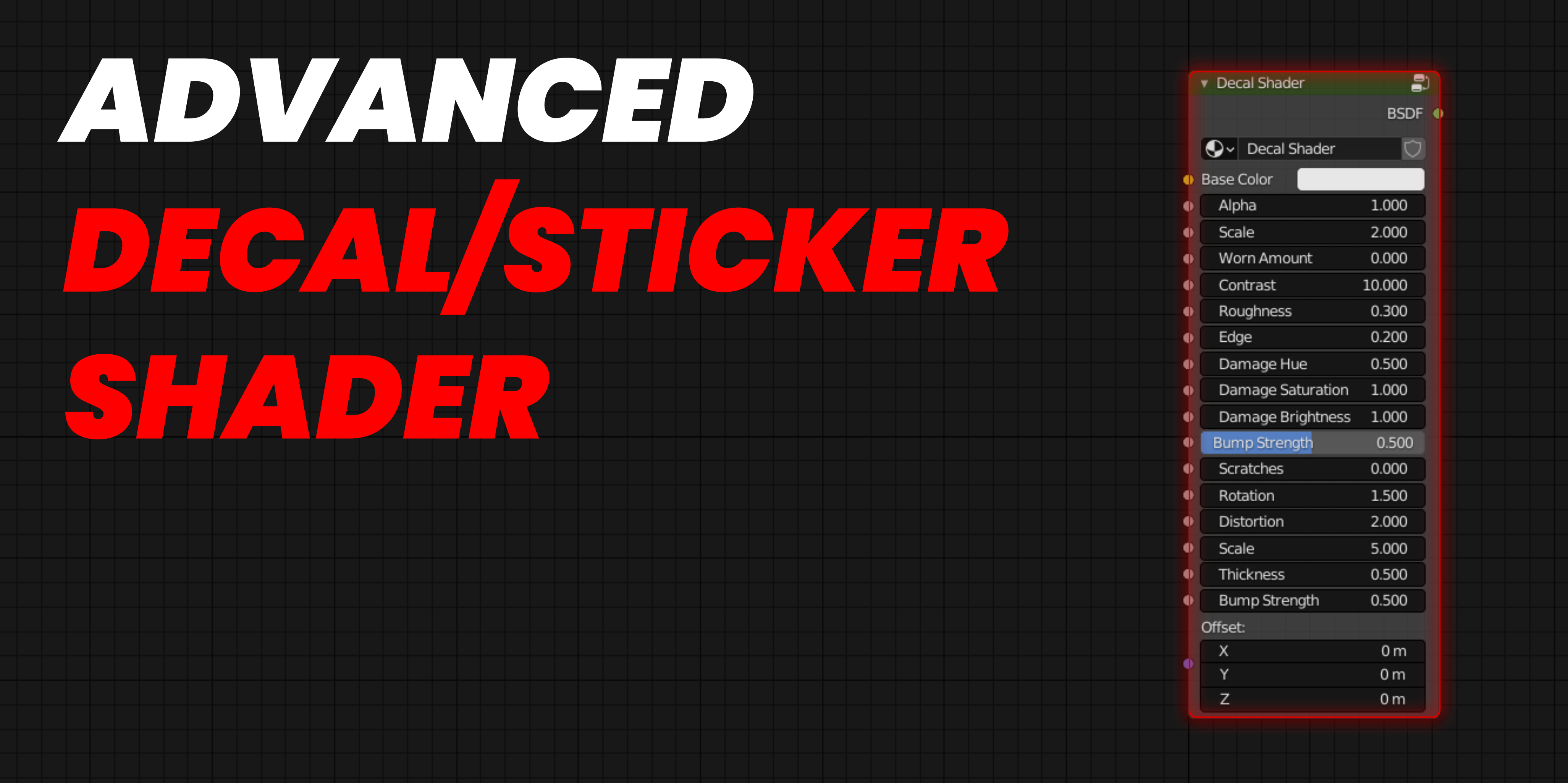
Adjust the look from the N-Panel (under Item) or the shader editor:

-
$0.70 $1
Support Developer
-
$2.09 $2.99
Support Developer
-
$3.49 $4.99
Support Developer
Have questions about this product?
Login to message
| Blender Extension Compatible | Yes |
| Sales | 1600+ |
| Rating | 10 ratings |
| Dev Fund Contributor | |
| Published | over 2 years ago |
| Blender Version | 3.6 - 5.2 |
| Extension Type | Add-on |
| Render Engine Used | Blender-Internal, Cycles, Eevee |
| License | GPL |
