 NicoHartl
Import Cleanup
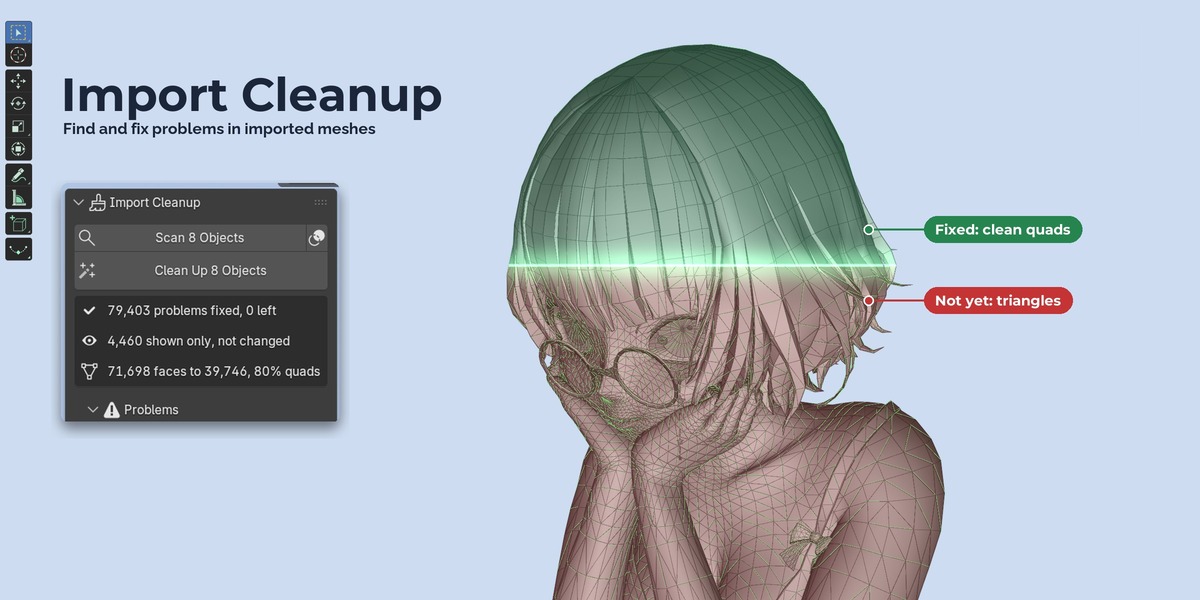
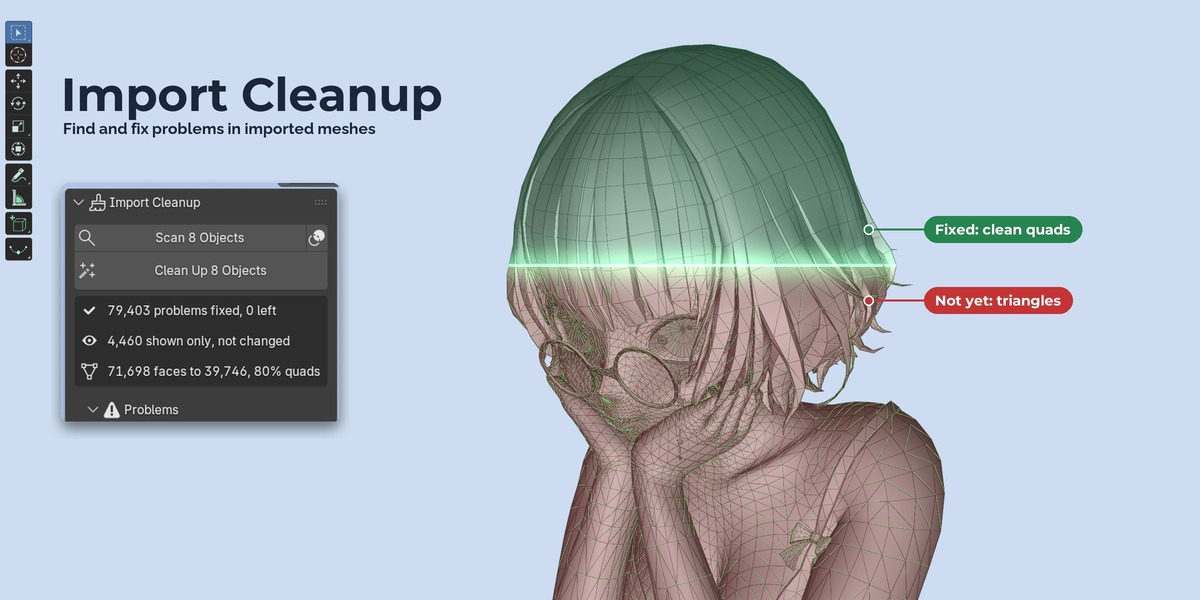
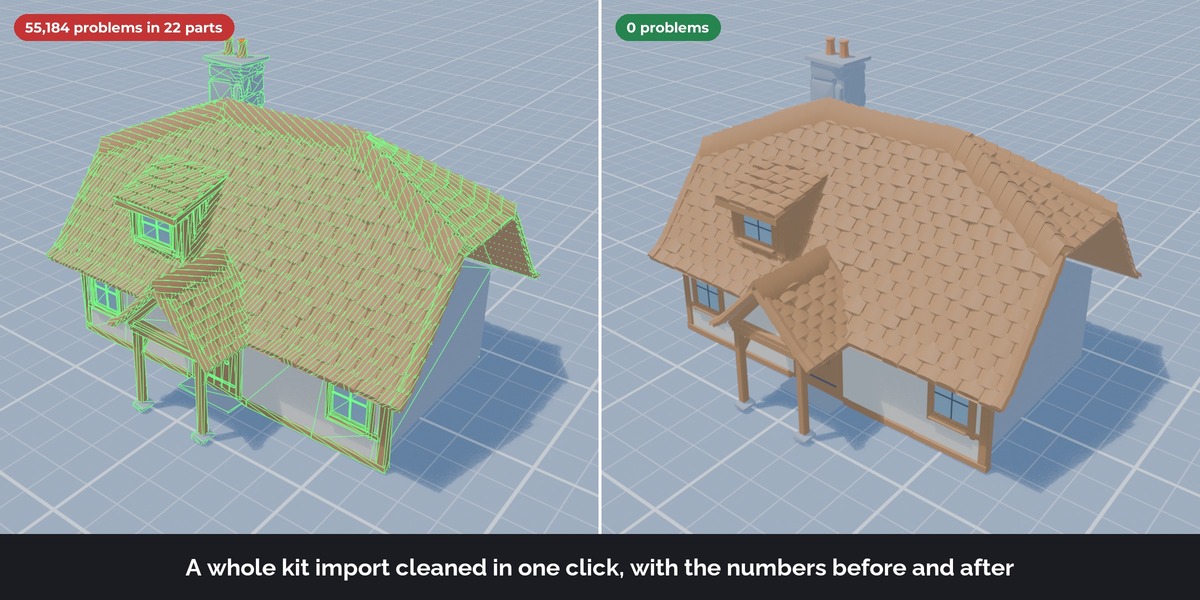
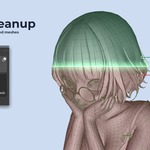
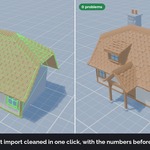
Import Cleanup finds the problems in meshes you did not build yourself, shows them in colour in the viewport, and fixes them in one click. The imported shading stays as it was.
It is made for models from glTF, FBX and OBJ files: downloads, game exports, models from other programs.
Install
- In Blender open Edit > Preferences > Get Extensions.
- Click the arrow in the top right corner and choose Install from Disk.
- Pick
import_cleanup-1.0.0.zip.
The panel is in the 3D Viewport sidebar (press N), tab Cleanup. You can rename the tab in the preferences.
Supported: Blender 4.5 LTS, 5.2 LTS and 5.3.
The three buttons
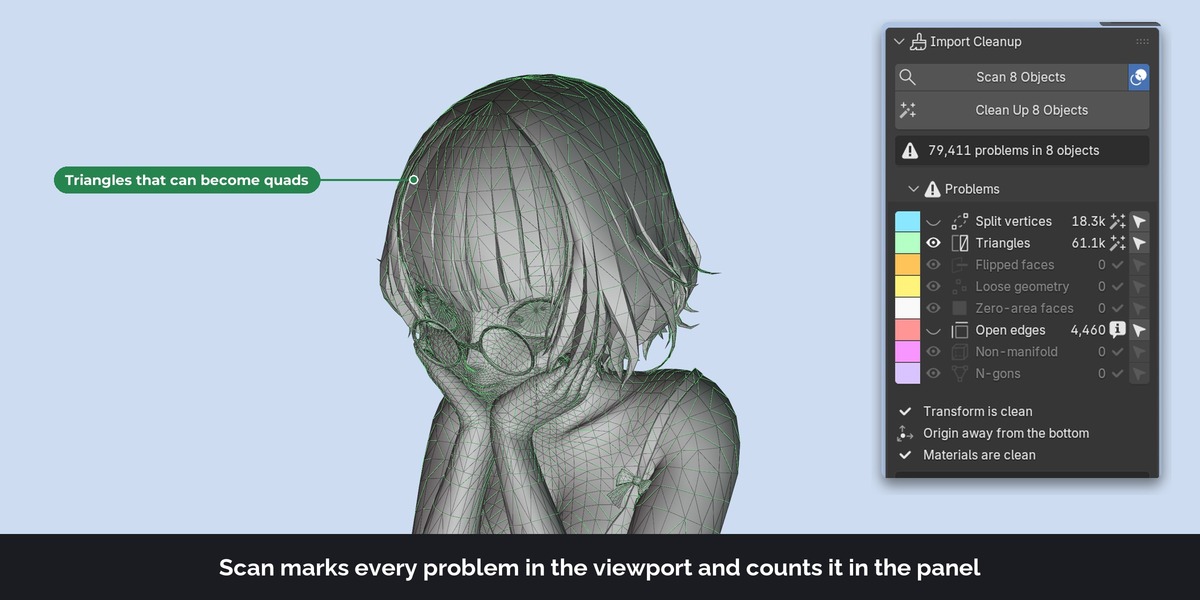
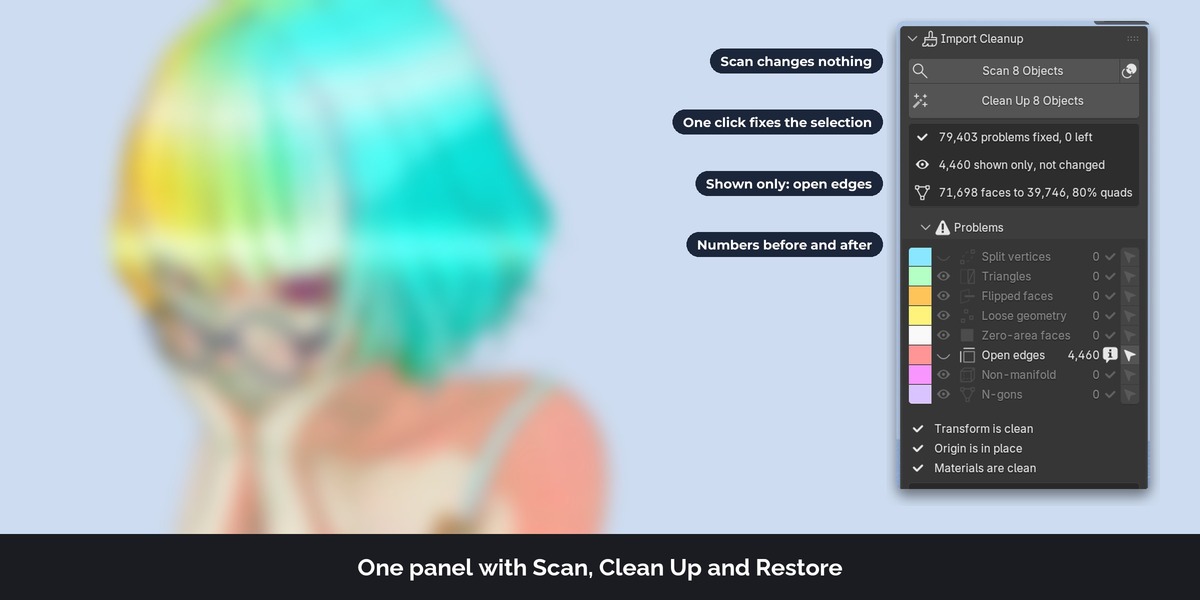
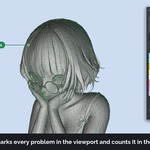
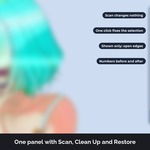
Scan looks at the selected meshes and changes nothing. The panel lists every problem with a count, and the viewport shows where it is. Click the eye in a row to show or hide that colour. Click the arrow at the end of a row to select those elements in Edit Mode.
Clean Up fixes the selected meshes. One undo step undoes it.
Restore puts the objects back to how they were before the first clean up. The backup is saved with your file. Remove Backups deletes it when you are happy.
What the scan finds
| Row | What it means | Clean Up |
|---|---|---|
| Split vertices | Vertices at the same spot that are not connected. Importers split a mesh at every UV seam and hard edge, so you cannot select loops or bevel. | Merged, shading kept |
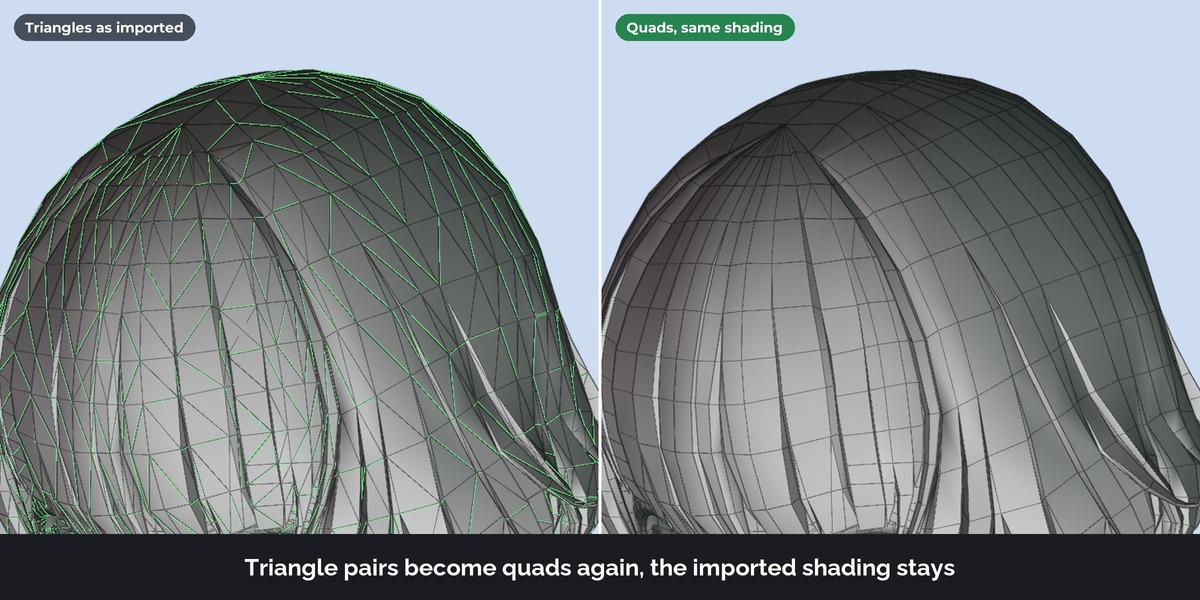
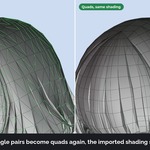
| Triangles | Triangle pairs that can become quads again. | Rebuilt as quads |
| Flipped faces | Faces that point the other way than their neighbours. They render dark or vanish in game engines. | Turned around |
| Loose geometry | Vertices and edges that belong to no face. | Deleted |
| Zero-area faces | Faces without size. They cause shading spikes. | Dissolved |
| Open edges | Holes and open borders. Many models are open on purpose. | Shown only |
| Non-manifold | Edges with three or more faces. | Shown only |
| N-gons | Faces with more than four corners. | Shown only |
Below the list the scan checks the object itself: rotation or scale not applied, the origin away from the bottom or centre, duplicate materials (Wood.001 that is the same as Wood), empty slots, and a size that looks like a unit mistake (a chair 90 m tall usually means the file was in centimetres). For the size there is a Scale button.
Why the shading stays
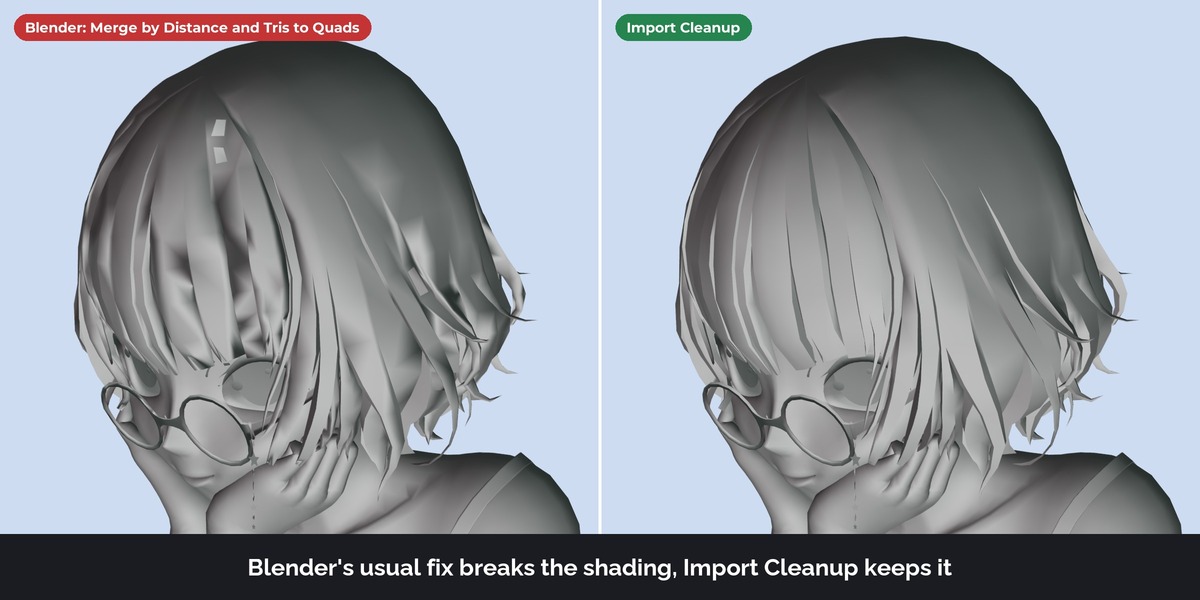
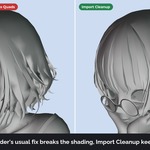
Blender's own Merge by Distance welds the split vertices but throws away the hard edges that the importer kept as custom normals. On glossy surfaces you then see dents and dark smears. Import Cleanup marks those hard edges before merging and never joins triangles across them. In our tests on 14 models Blender's default steps changed the shading of 7 to 29 percent of the corners on glTF imports, Import Cleanup 0 to 4 percent.
Try it on the demo
Open demo/ImportCleanup_Demo.blend. It holds an alarm clock exported as glTF and imported back, the way a downloaded model arrives. Select all, press Scan, then Clean Up. You can also import demo/alarm_clock_01_imported.glb yourself with File > Import > glTF. The alarm clock is "Alarm Clock 01" from Poly Haven (CC0).
Fix Settings
Open the Fix Settings panel to switch single steps off. Origin can be Bottom (stands on the floor), Centre or Keep. Quads are skipped when too few triangles can be joined, for example on 3D scans; the panel says so. Max bend sets how flat two triangles must be to become a quad (40 degrees, like Blender's own Triangles to Quads). Every new quad is stored so that Blender draws it over the same diagonal as the imported triangles, so the surface does not move. This matters for layered models such as hair or clothes, where a moved quad can poke through the layer above it.
Limits
- Objects with shape keys, shared mesh data or linked data are skipped with a message.
- Clean Up works in Object Mode.
- It does not remesh, decimate, unwrap UVs or fill holes.
Shortcut
Shift Alt C in Object Mode opens a small menu with Scan, Clean Up and Restore. Change it in the preferences.
Support
Write through the store page. Please add the Blender version and, if you can, the file.
Credits and licence
Code: GPL-3.0-or-later. Designed with Claude. Code written with AI assistance, then reviewed, tested and integrated by a 3D artist.
Have questions about this product?
Login to message
| Published | about 1 hour ago |
| Blender Version | 4.5 - 5.3 |
| Extension Type | N/A |
| License | GPL |