Import-Export 3D Manufacturing File (.3mf)
 blenderVfxMaster


Import-Export 3d Manufacturing File(.3mf)
A professional-grade import-export add-on for handling 3D Manufacturing Format (3MF) files in Blender. This add-on bridges the gap between Blender and 3D printing software, providing seamless workflow integration for 3D printing projects.

Key Features
Import Capabilities
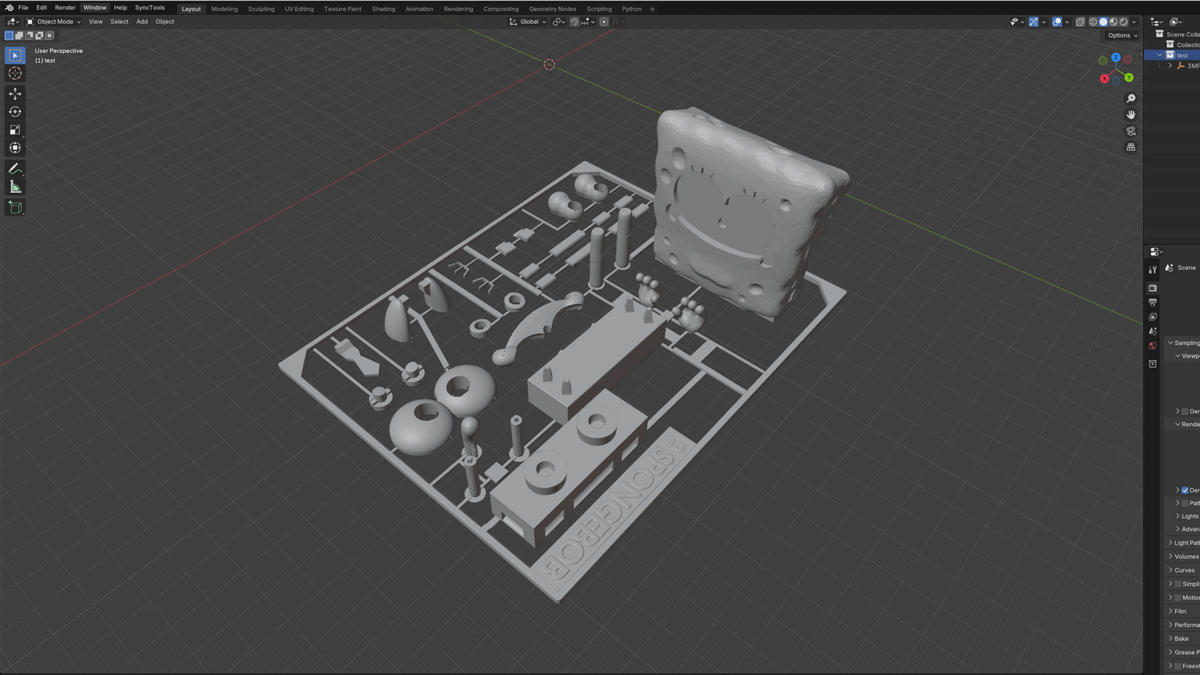
- Smart Object Handling: Import 3MF files with complete object hierarchy preservation.
- Merge Option: Optional ability to merge all objects into a single mesh.
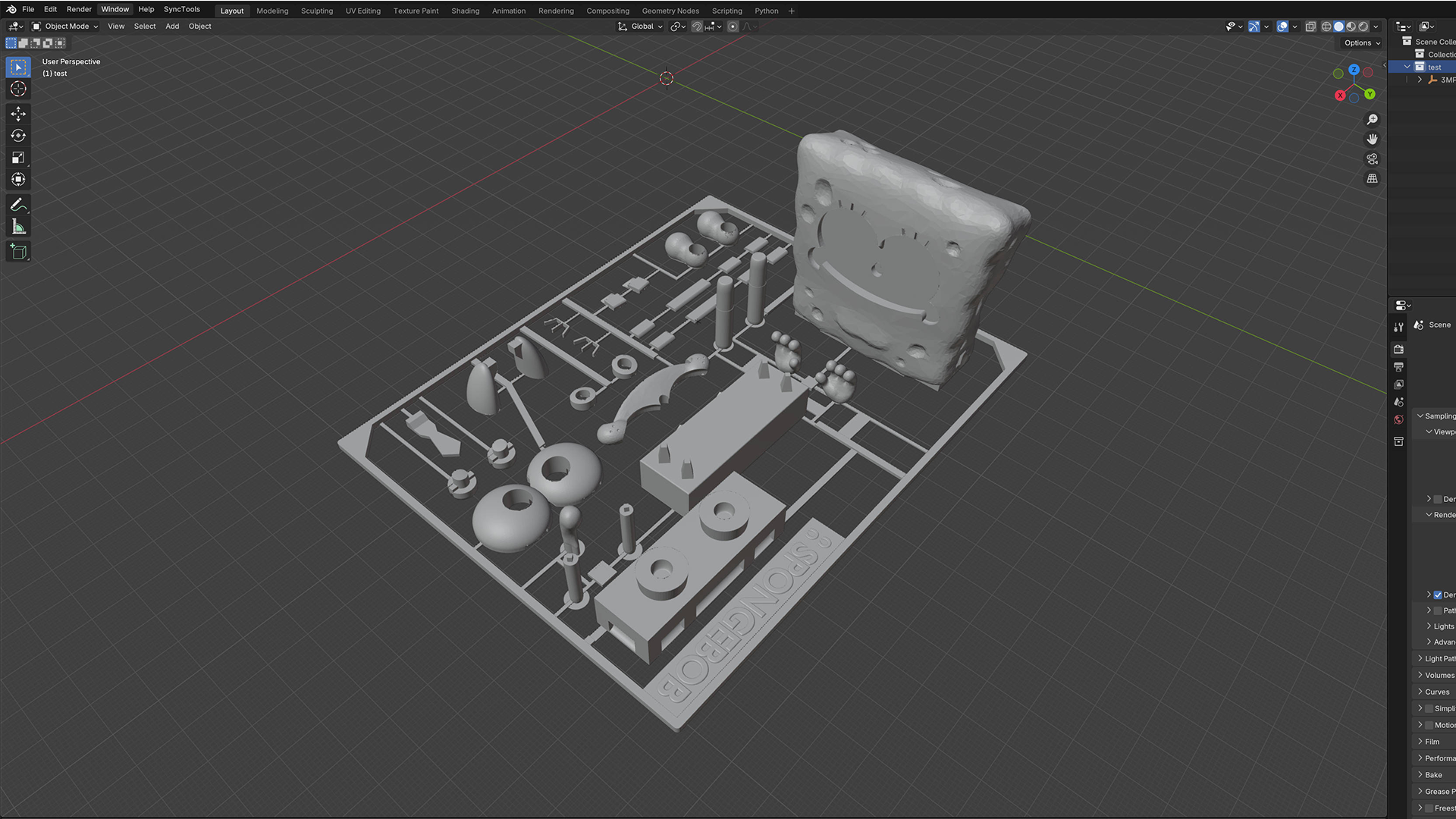
- Transform Support: Accurate handling of object transformations and components.
- Collection Organization: Automatically organizes imported objects into collections.
Export Features
- Selective Export: Choose between exporting selected objects or the entire scene.
- Modifier Support: Option to apply modifiers during export.
- World Space Coordinates: Accurate position and scale preservation.
- Standard Compliance: Full compliance with 3MF specifications.
Technical Specifications
- Compatible with Blender 3.0 and above.
- Supports all major operating systems (Windows, macOS, Linux).
- Lightweight and optimized for performance.
- Regular updates and maintenance.
Use Cases
For 3D Printing Professionals
- Direct workflow integration with 3D printing software.
- Maintain precise object positioning and scaling.
- Efficient handling of complex multi-part models.
For 3D Artists
- Easy export of models for 3D printing.
- Preserve model hierarchy and structure.
- Reliable transfer between different 3D applications.
For Product Designers
- Streamlined prototyping workflow.
- Accurate dimensional control.
- Efficient batch processing of multiple objects.
Technical Details
Import Features
- Full support for 3MF file structure.
- Namespace handling for compatibility.
- Component reference resolution.
- Transform matrix support.
- Vertex and triangle data preservation.
- Optional mesh merging capability.
Export Features
- Complete 3MF specification compliance.
- Proper XML structure generation.
- Relationship handling.
- Content type management.
- World space transformation support.
- Modifier stack integration.
Installation and Usage
Easy Installation
- Download the add-on.
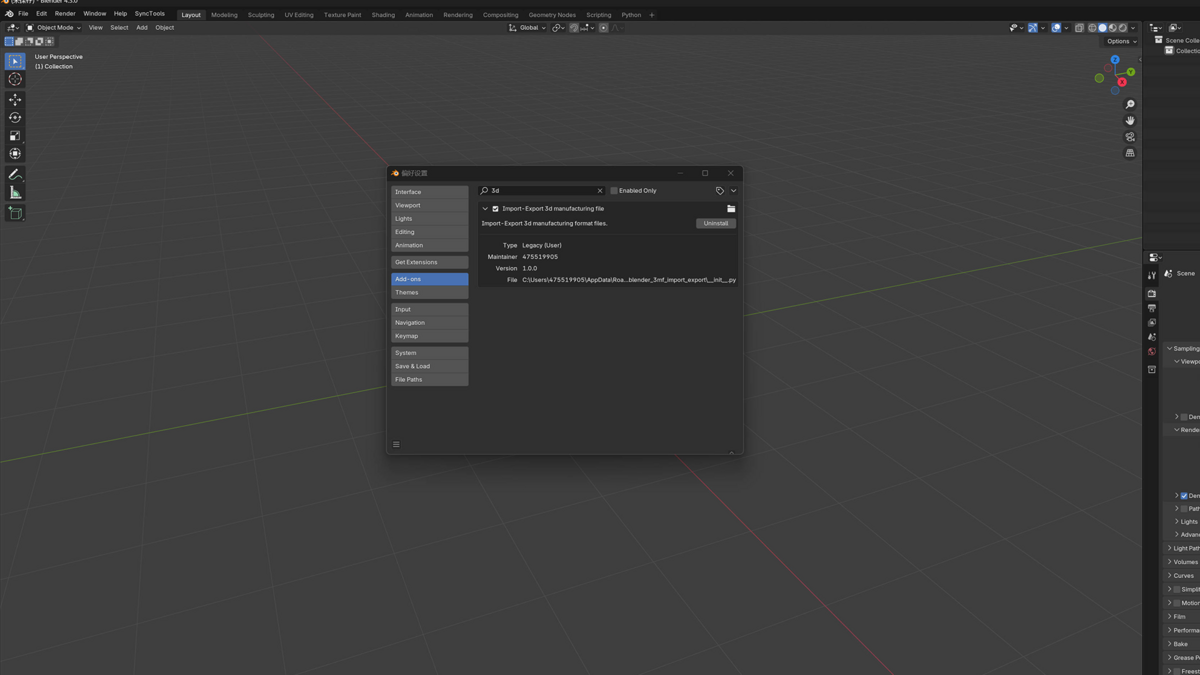
- Open Blender Preferences.
- Install via the Add-ons section.
- Enable the add-on.
Simple Workflow
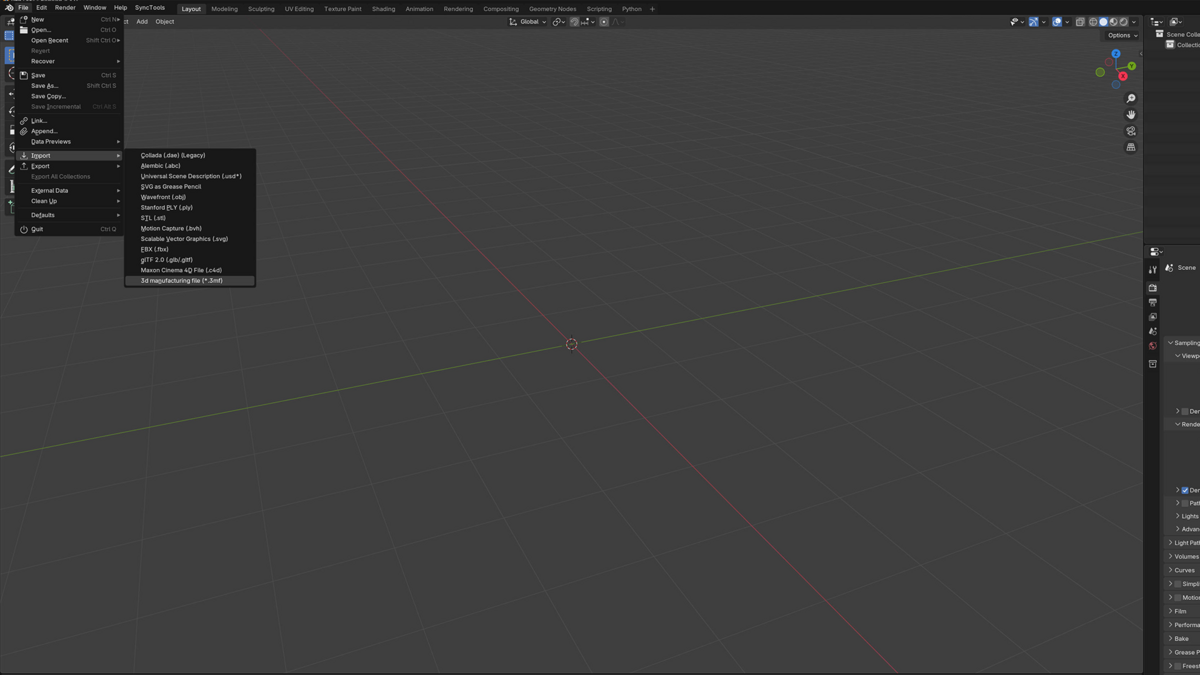
- Import: File > Import > 3D Manufacturing File (*.3mf)
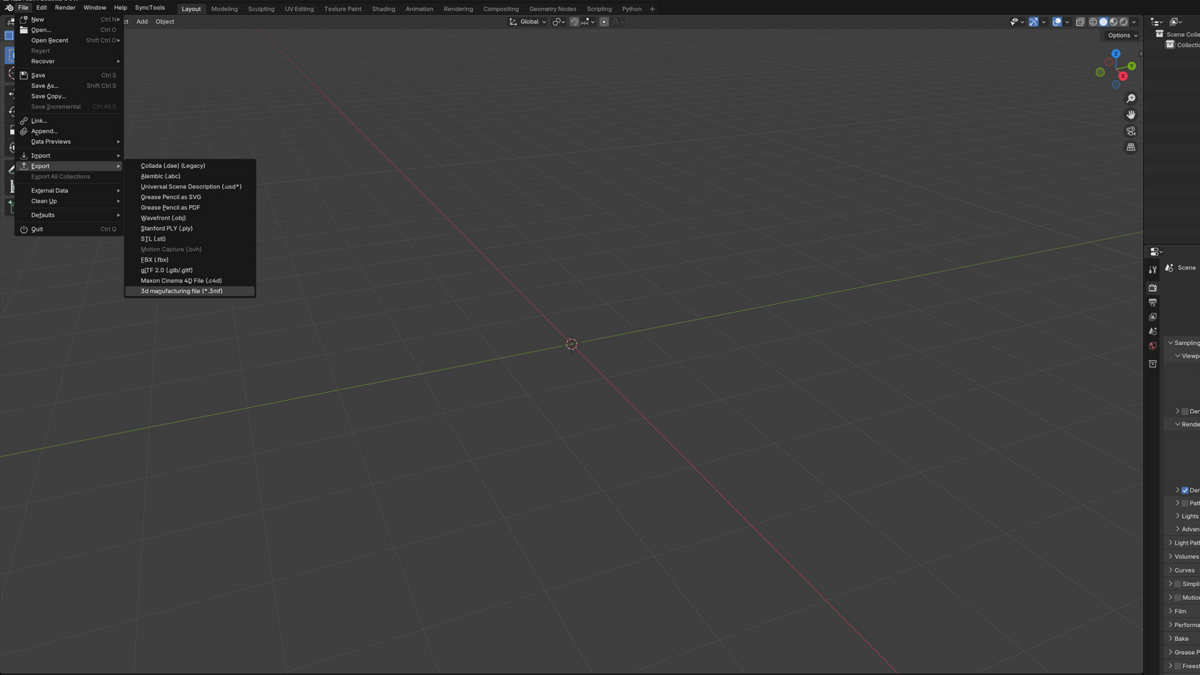
- Export: File > Export > 3D Manufacturing File (*.3mf)
Support and Updates
- Regular maintenance updates.
- Bug fix support.
- Technical documentation.
- Email support for issues.
Requirements
- Blender 3.0 or newer.
- 64-bit operating system.
- Basic Blender knowledge.
Pricing
[Your pricing strategy here]
Why Choose This Add-on?
- Professional-grade implementation.
- Optimized performance.
- Regular updates.
- Technical support.
- Workflow efficiency improvement.
Note to Customers
This add-on is actively maintained and updated. Your feedback and suggestions are welcome and help improve the product for everyone.
Have questions about this product?
Login to message
| Sales | 70+ |
| Published | over 1 year ago |
| Blender Version | 3.6 - 5.2 |
| Extension Type | N/A |
| License |
Discover more products like this
Professional Tools 3MF Design Transfer STL Alternative Design Exchange Manufacturing Integration Factory Ready batch-export Prototype Development File Format Model Conversion Geometry Import Production Workflow Design Collaboration cad Production-ready Multi-Object Mesh Export Mesh Processing Production Pipeline Smart Manufacturing Assembly Support engineering Quality Control Digital Manufacturing industrial automation 3D Model Exchange Component Management industrial design mesh tools Model Preparation Manufacturing Format Industrial 4.0 Quality Assurance Open Format Production Standards XML Based Import-Export Mesh import Industry Standard Manufacturing Standards Digital Factory 3d printing manufacturing CAM Compatible Rapid prototyping Additive Manufacturing Manufacturing Pipeline product Design Manufacturing Preparation