 Paco Barruguer


Import Multiple Textures into the Shader Editor
Batch-import image textures directly into your shader graph, with smart auto-placement and node replacement options.
Quickly replace or insert multiple image textures into your shader setup in one click. A must-have for material and shader artists.
- ⚡ Instantly replace selected Image Texture nodes with new images
- 🧱 Automatically create Image Texture nodes when none are selected
- 🧭 Smart positioning: align to the node cursor or existing node layout
- 📐 Customizable grid with minimum row control
- 🖱️ Right-click from Shader Editor to trigger the import
- 🧪 Minimal interface, no clutter, no extra panels
Whether you're importing PBR maps, tileable textures, or scanned assets, this addon makes it incredibly easy to fill your shader with nodes fast. Just right-click inside the Shader Editor and choose “Import Images into Nodes”. If you have nodes selected, it will replace their images. If not, it creates new Image Texture nodes arranged automatically in a clean grid.
There are two ways to use it:
- On selected nodes: Right-click with nodes selected to replace their textures.
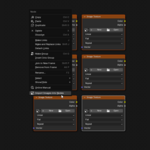
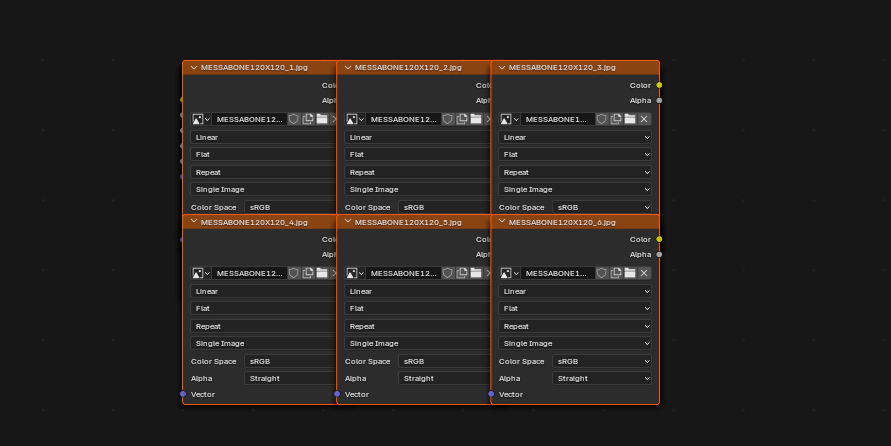
- On the empty editor: Right-click on the background to create new Image Texture nodes at the cursor position.
Screenshots
Right-click on empty background to create nodes: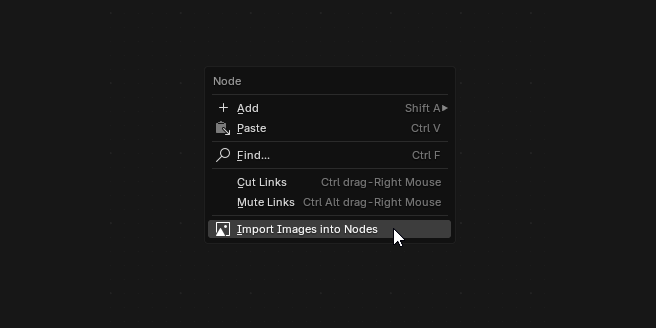
Right-click on selected nodes to replace textures:
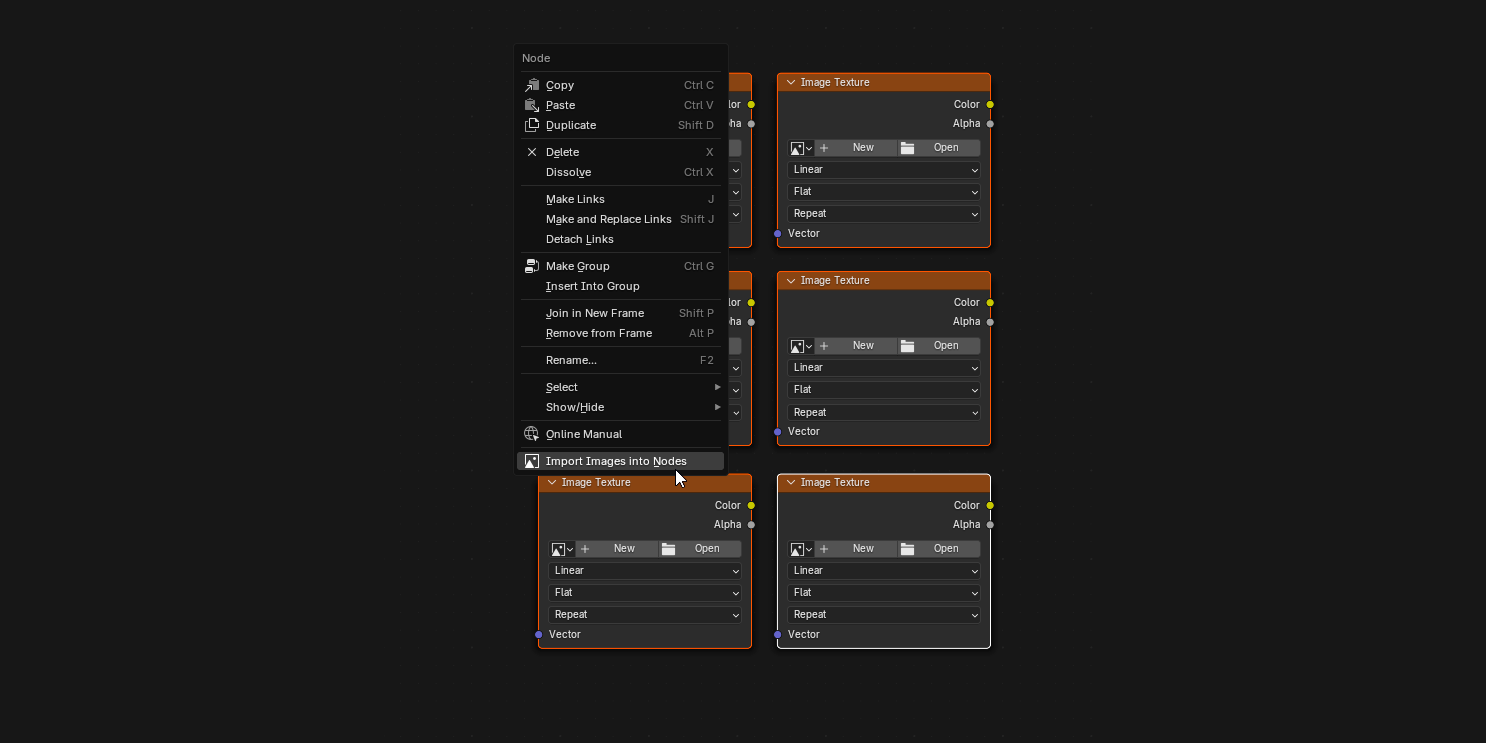
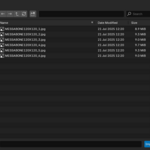
Custom number of rows when importing: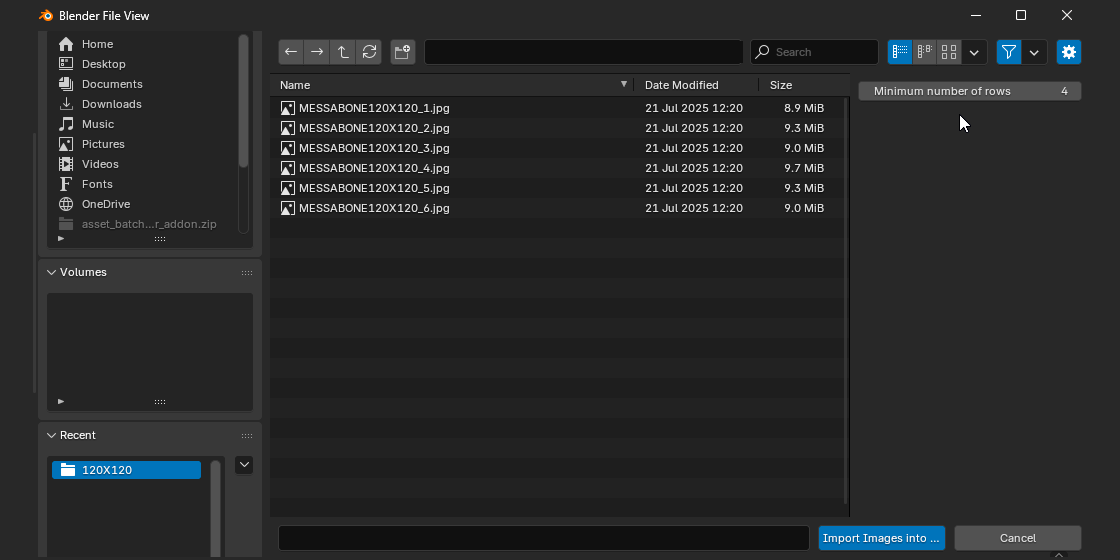
Example: Replacing selected nodes with images: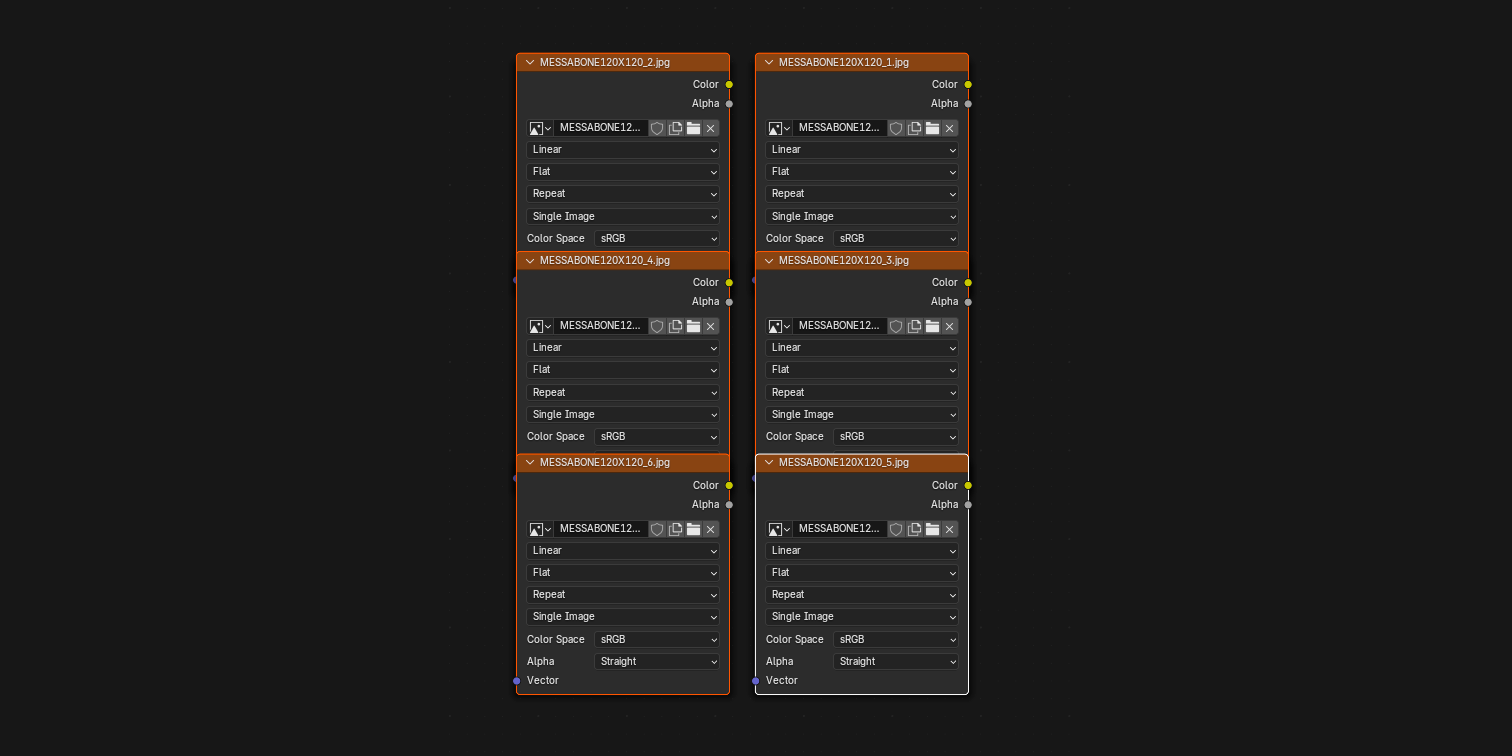
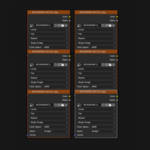
Example: Creating new Image Texture nodes:
Technical Info
Author: Paco Barruguer
Blender Compatibility: 3.0+
Category: Shader Node Editor
Version: 2.0.0
Buy Now