 ZEG
Installation
In Blender open Edit, Preferences, Get Extensions, then use Install from Disk and pick the facility_generator zip.
Usage
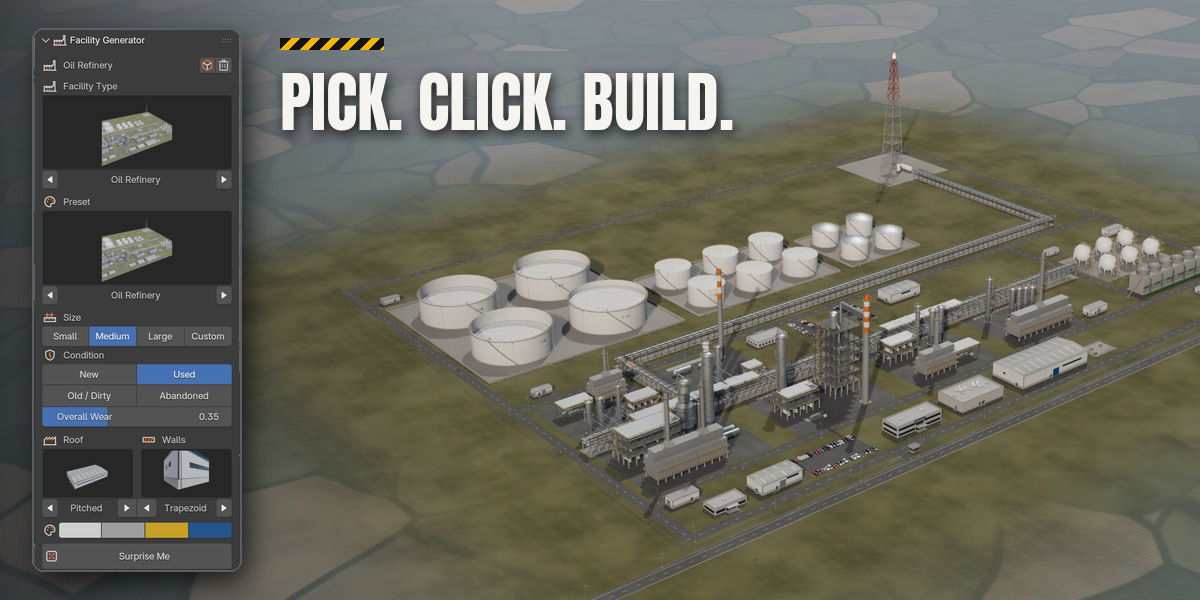
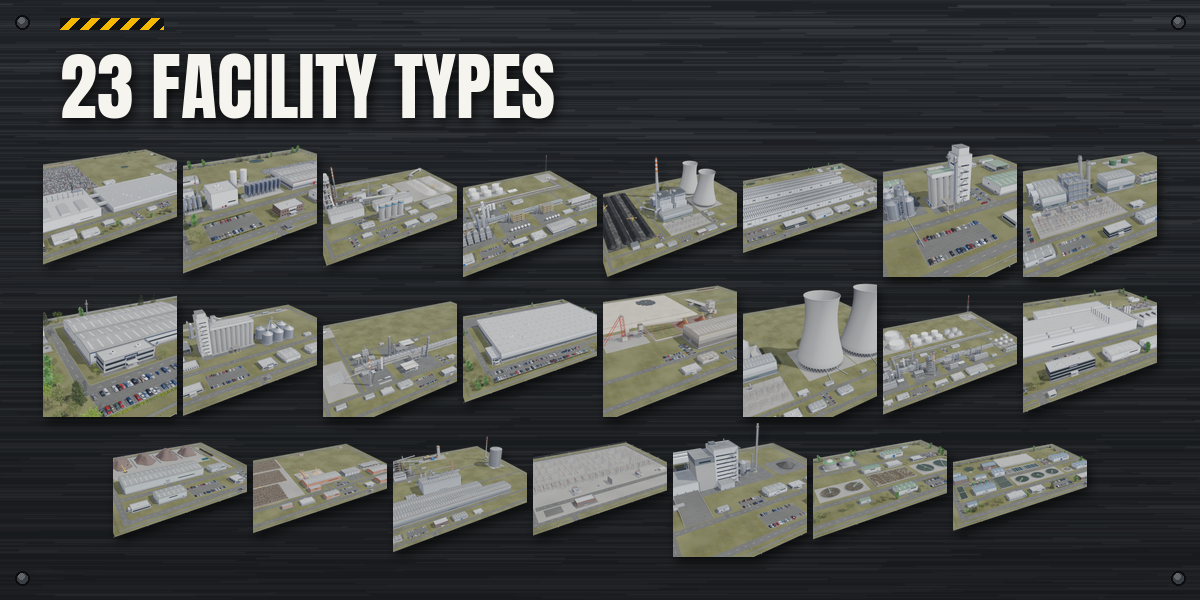
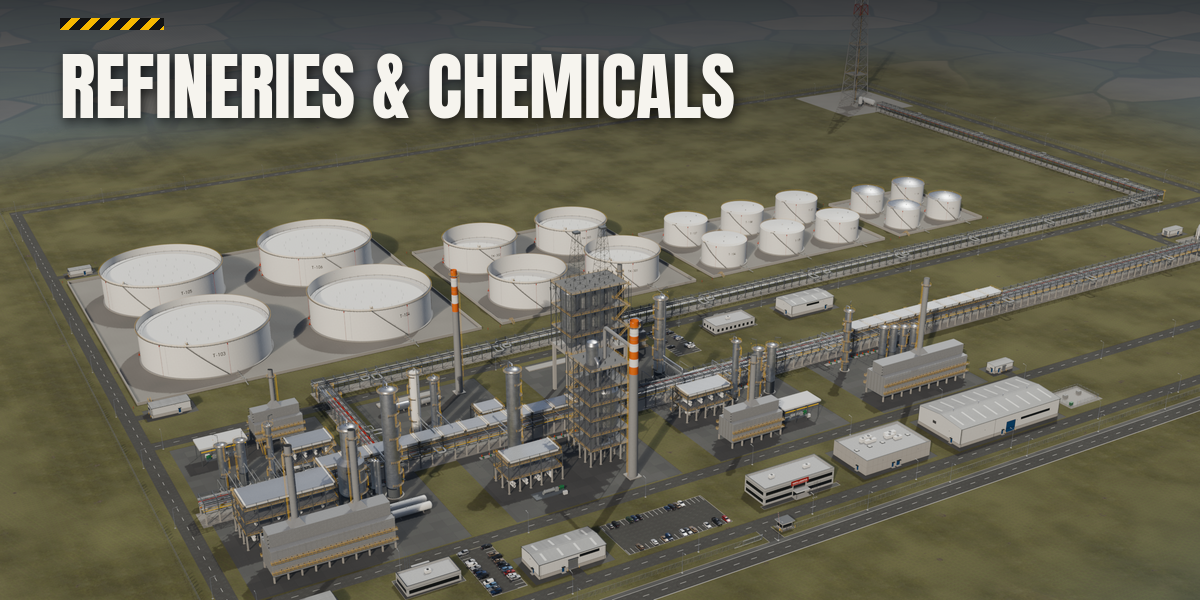
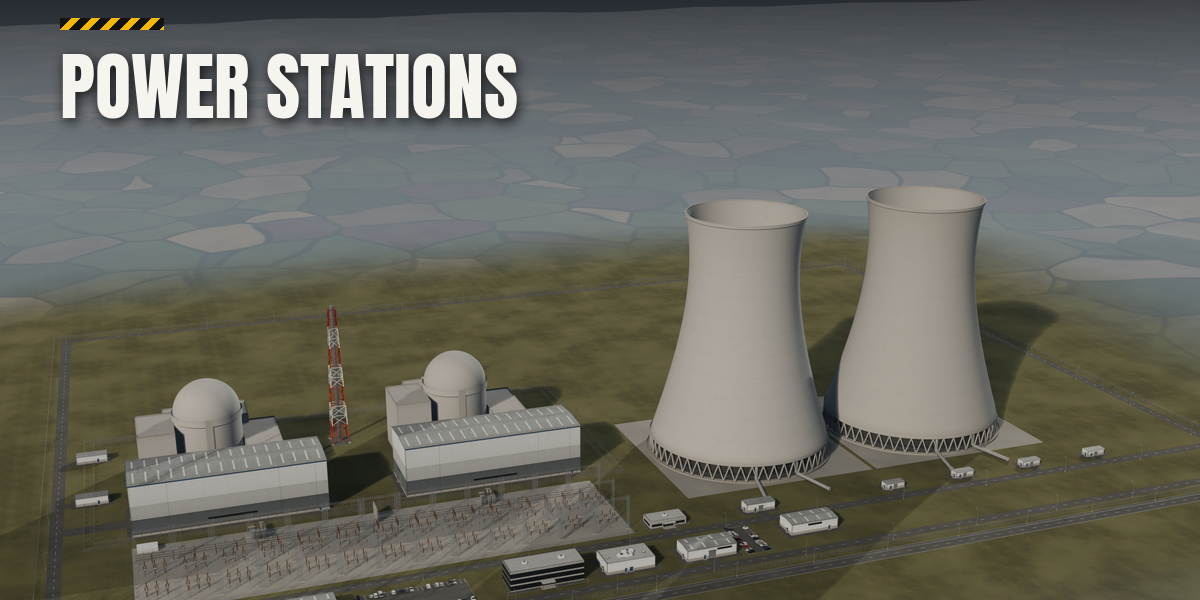
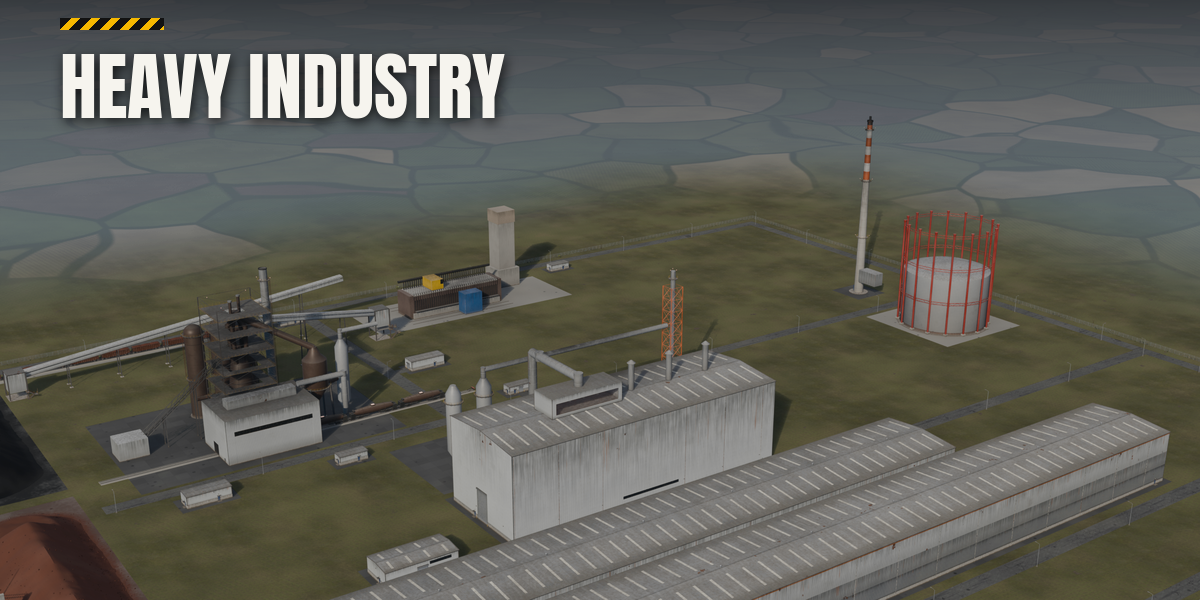
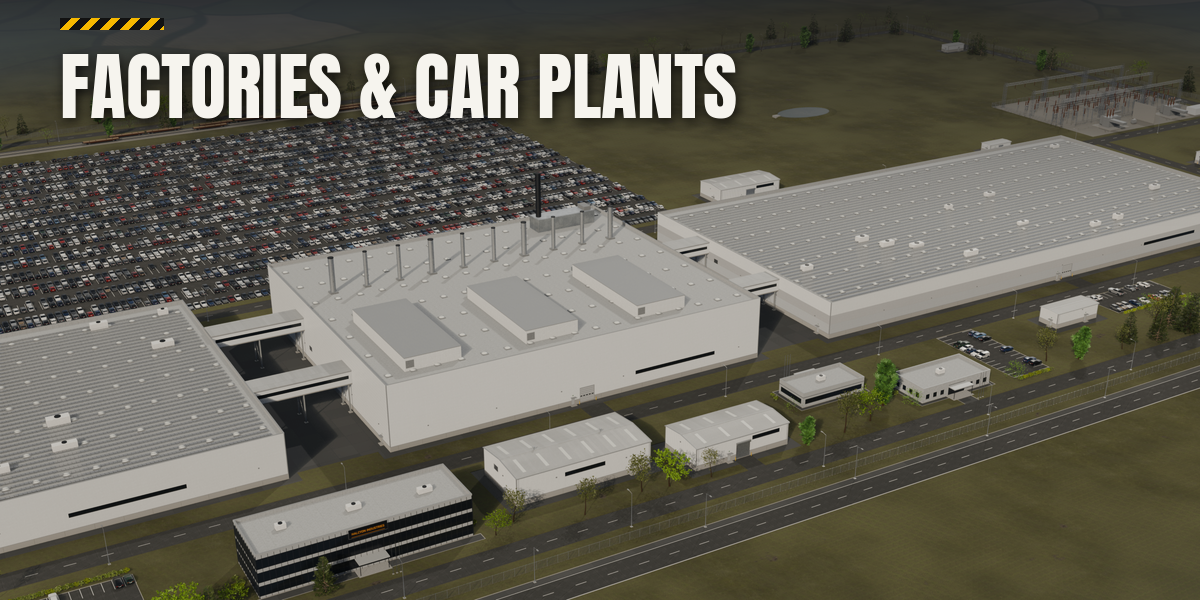
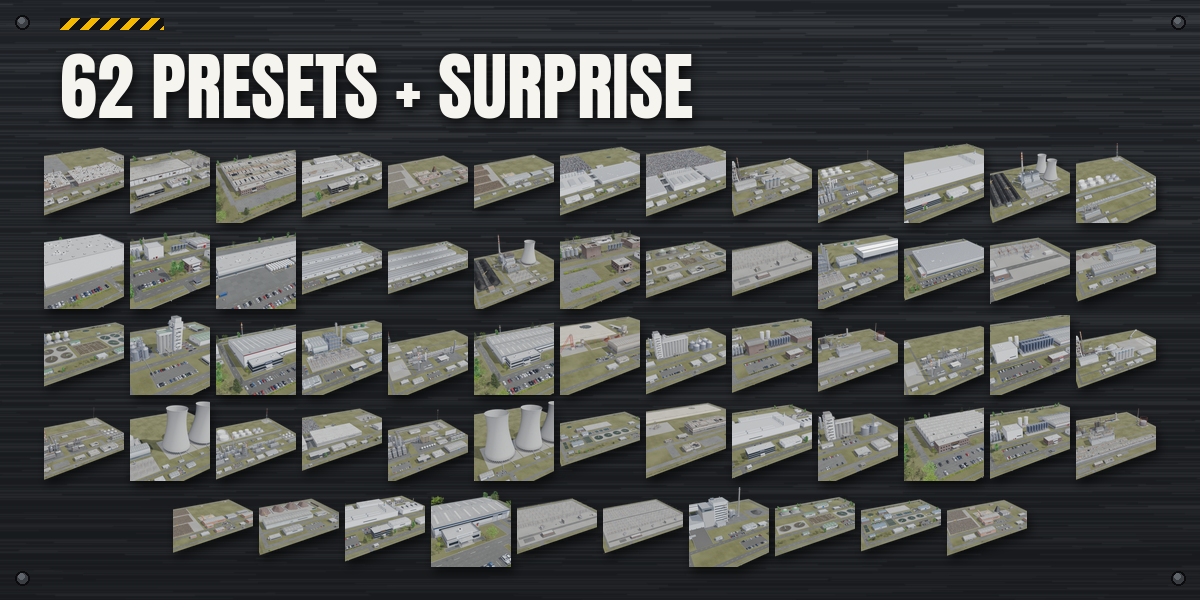
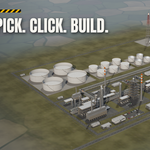
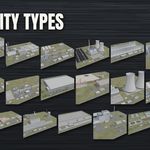
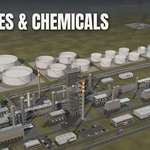
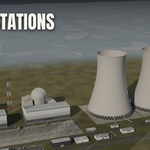
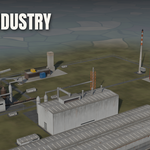
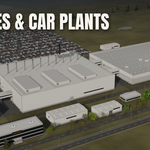
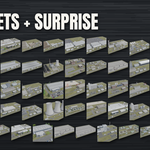
- Open the Facility tab in the 3D viewport sidebar (N). With nothing selected, click the Facility Type picture to choose one of the 23 types and the Preset picture to choose one of its presets, then click Add Facility. You can also use Shift+A, Facility, or Surprise Me for a random site.
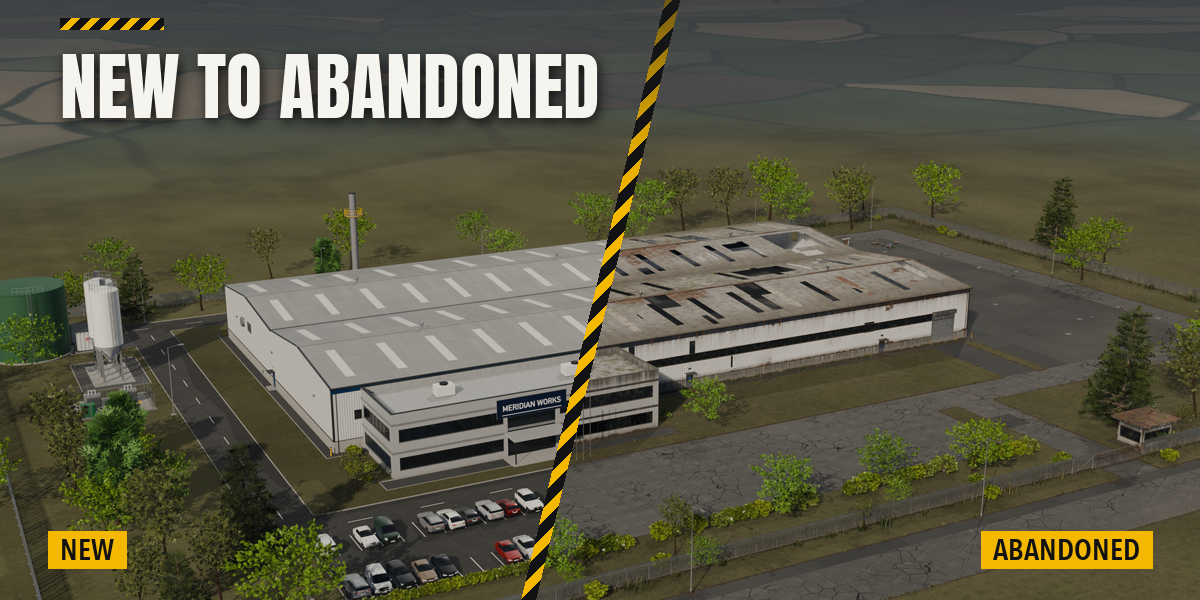
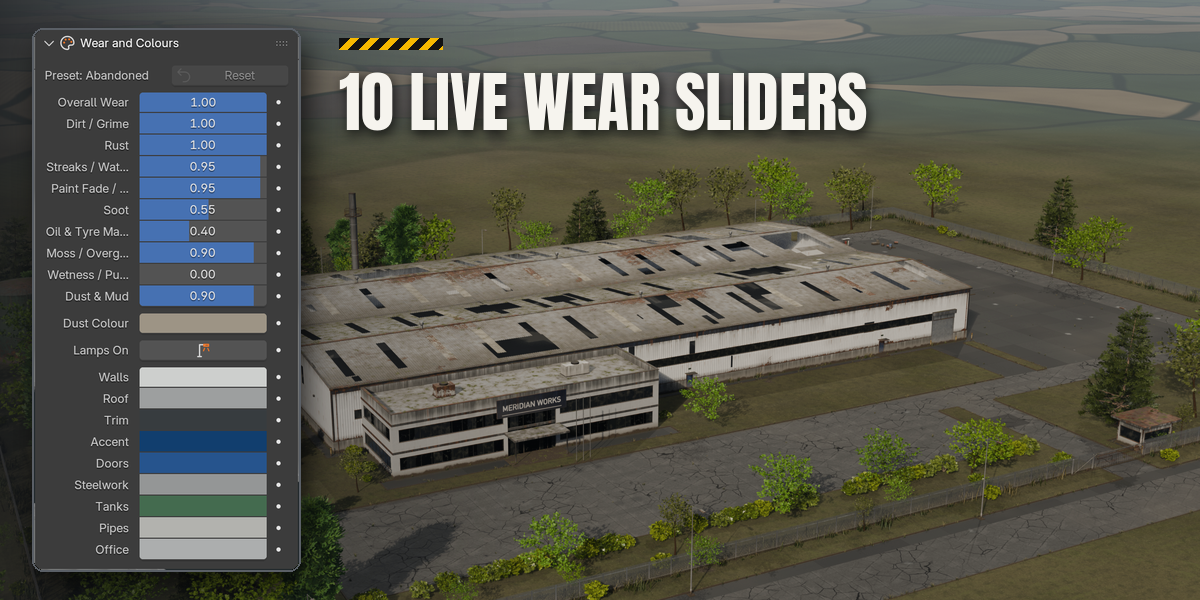
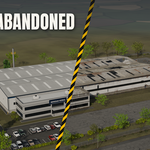
- With the facility selected, the first page holds every main choice: type, preset, Size, Condition (New, Used, Old, Abandoned), Overall Wear, the roof and wall pictures, the four main colours, Surprise, seed and detail level.
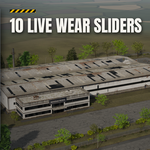
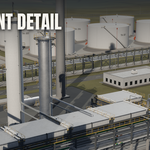
- The closed sub-panels hold the rest: Building (spans, roof pitch, rooflights, base wall), Doors and Office, Site (fence, gatehouse, car park, street, trailers, parked cars, lights), Plant (silos, sprinkler tank, stack, transformer) and Wear and Colours (ten wear sliders, dust colour, Lamps On, Reset to Condition).
- Wear sliders and colours change the look instantly without rebuilding the meshes. New Variation changes the layout with a new seed.
- Apply as Meshes turns the site into plain mesh objects, ready to edit or export.
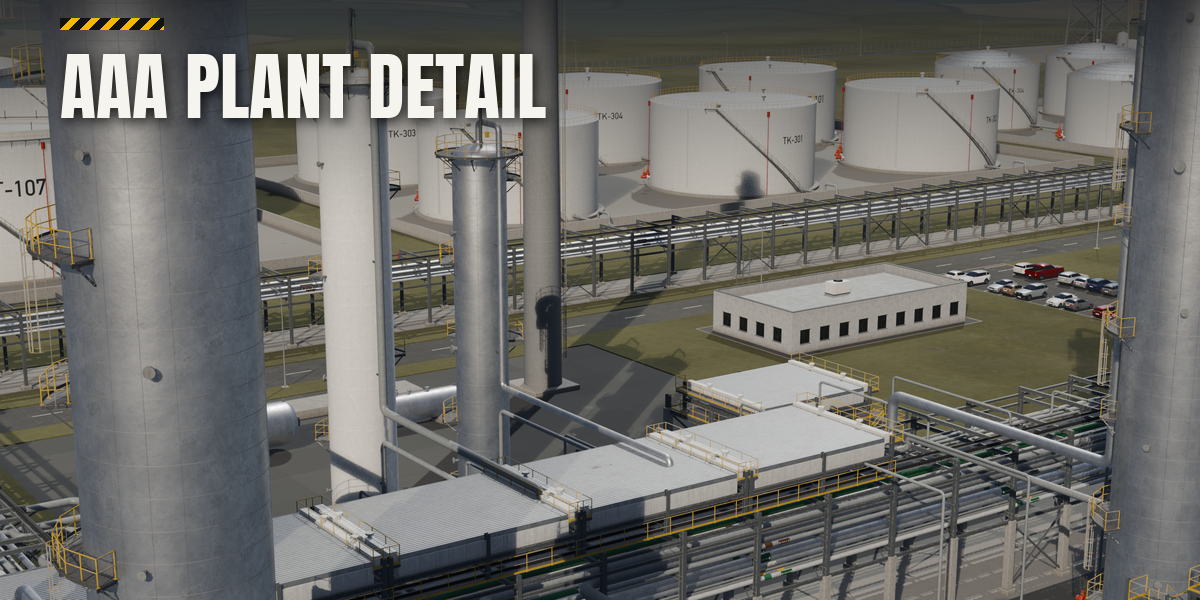
Use Detail Medium or High for close-ups and Preview while you try designs. Sites are in metres at real scale with the street on the south side.
Have questions about this product?
Login to message
| Blender Extension Compatible | Yes |
| Published | about 4 hours ago |
| Blender Version | 4.2 - 5.2 |
| Extension Type | Add-on |
| Render Engine Used | Cycles, Eevee |
| License | GPL |

Discover more products like this
environment steel-mill industrial warehouse city factory refinery procedural Power-plant cooling tower Generator facility