 MACHIN3
Will my graphics tablet work?
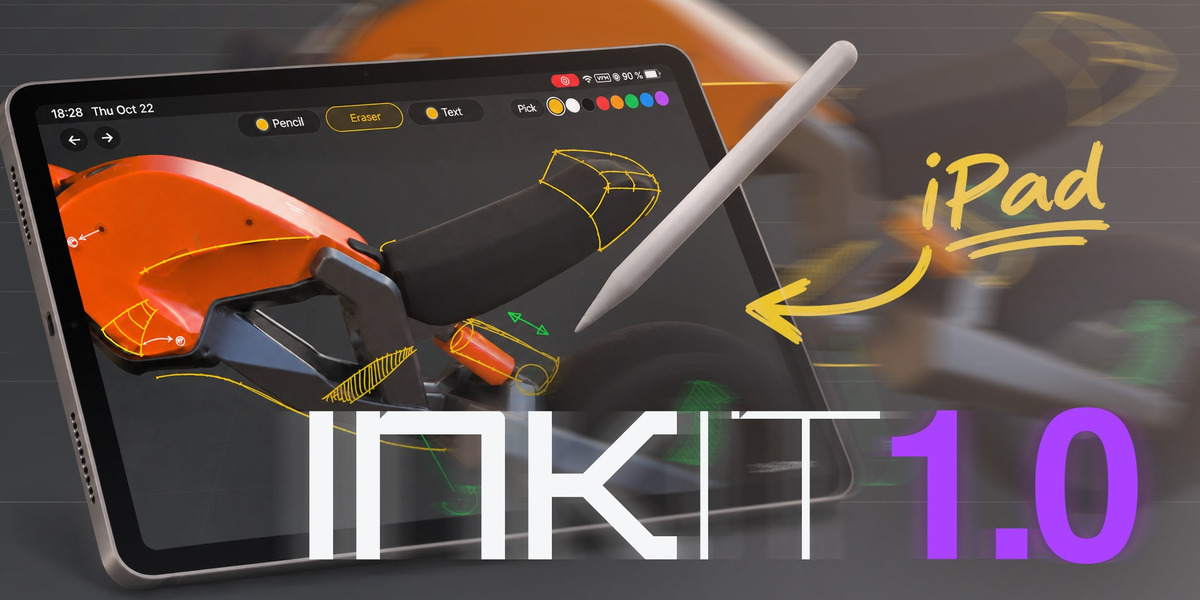
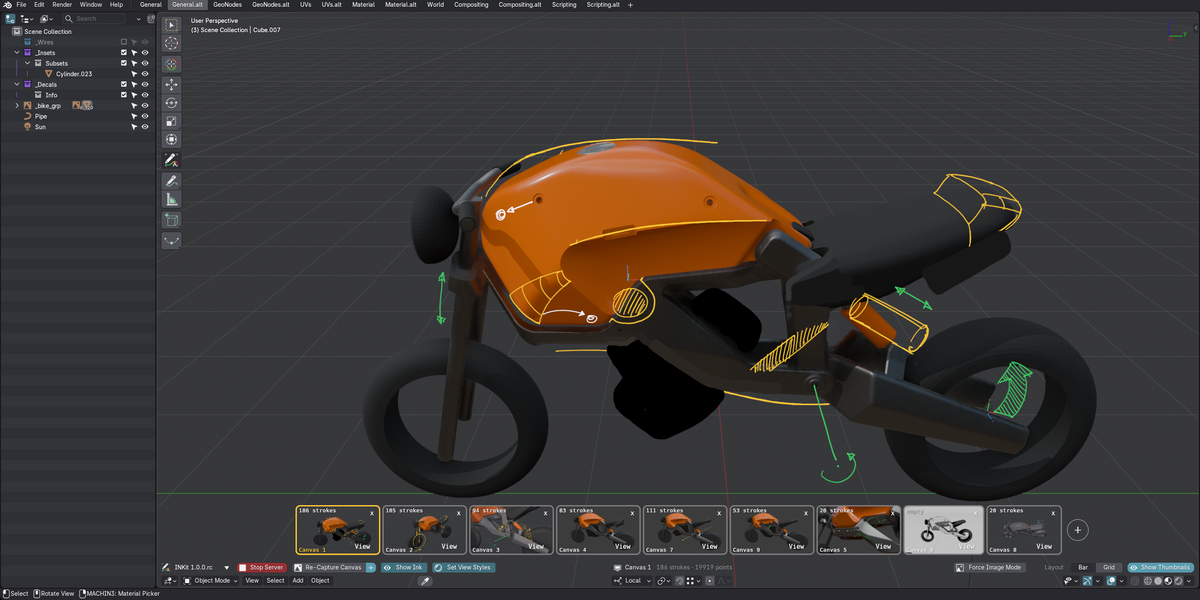
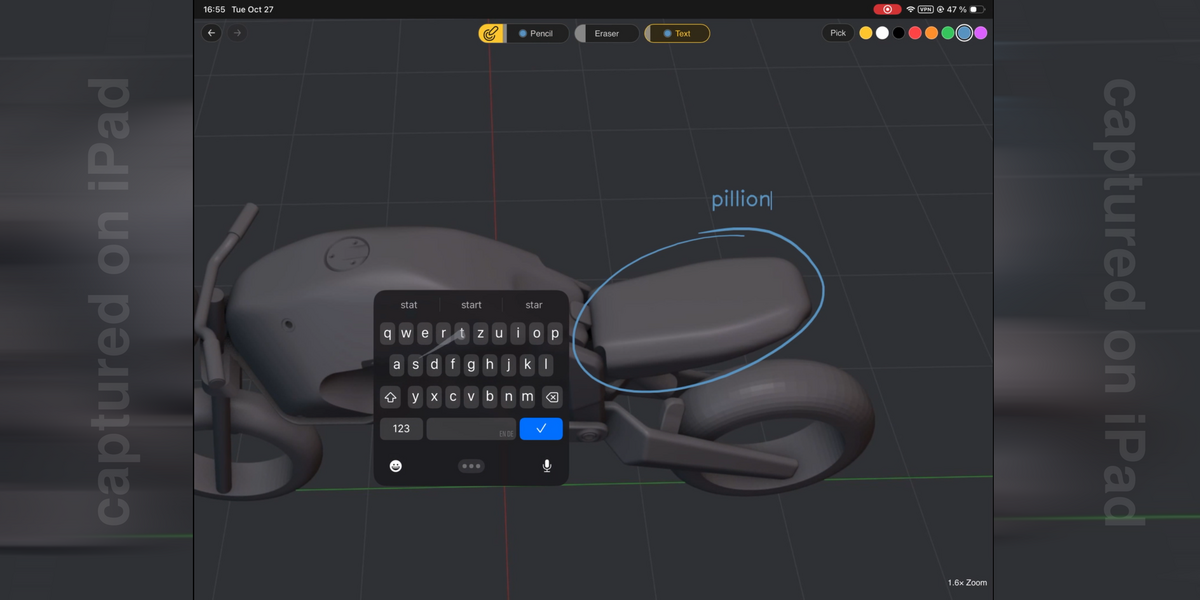
INKit 1.0 draws from a tablet computer: an iPad with Apple Pencil, or an Android tablet with an active stylus, while the device is on the same Wi-Fi as Blender.
A graphics tablet is a pen input device attached to the computer directly: a Wacom Intuos, a Cintiq, a Bamboo, etc.
What you can do is connect to the INKit server as you would from an iPad or Android tablet.
In your web browser, you should be able to sketch using your Wacom or similar.
Also, if you have a graphics tablet, you can already use Blender's own annotation tools, though not on an INKit canvas.
Support for Graphics tabliets within Blender is planed for version 1.1. How soon that is depends on how this first release goes, and on how it is received.
Missing or Unresponsive Strokes
Missing or Unresponsive Strokes
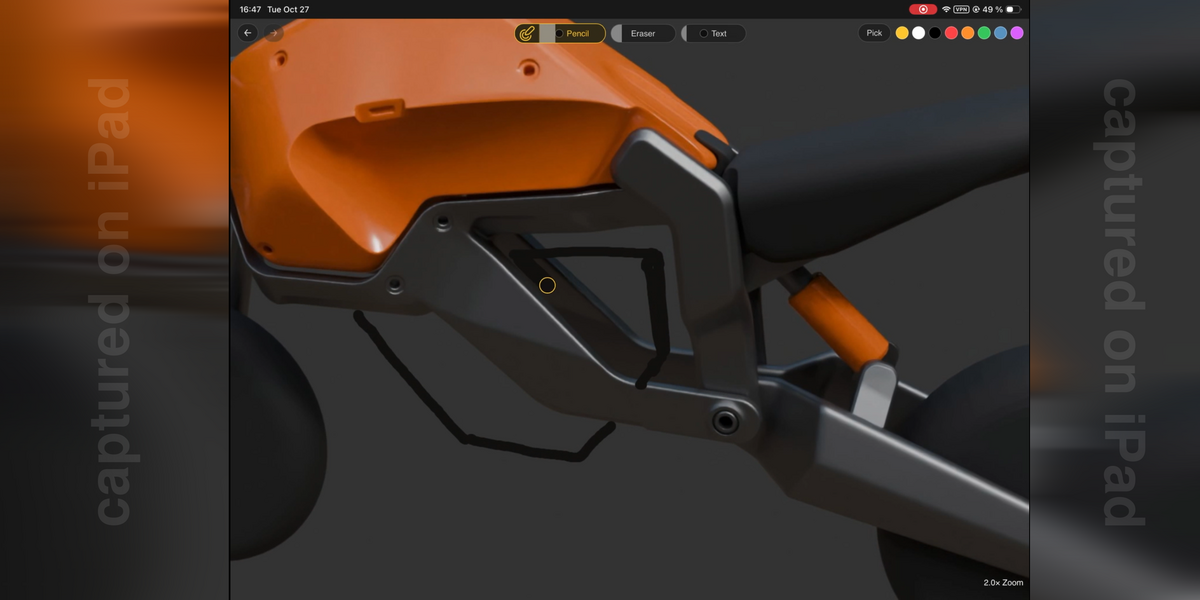
Safari on the tablet can sometimes seem unresponsive to the pencil and any strokes you try to draw. You'll notice when your marks just don't appear. Pause for 2, 3 seconds then draw them again.
This is known as a Safari bug, and it is still open.
Sluggish Performance
My 8-year-old Samsung tablet is working very well with INKit, but its strokes can appear a bit sluggish, the longer they are or the longer I hold down the pen.
If you notice similar issues you can disable "High Quality Strokes" in the addon preferences.
Most likely you won't even notice a difference in quality, but you should notice a significant boost in performance.
Have questions about this product?
Login to message
| Published | about 4 hours ago |
| Blender Version | 5.0 - 5.2 |
| Extension Type | N/A |
| Render Engine Used | Arnold, Blender-Internal, Blender-Game-Engine, Cycles, Eevee, Freestyle, Luxrender, Mental-Ray, Octane, Vray, Yafaray |
| License | GPL |