Blender Easy

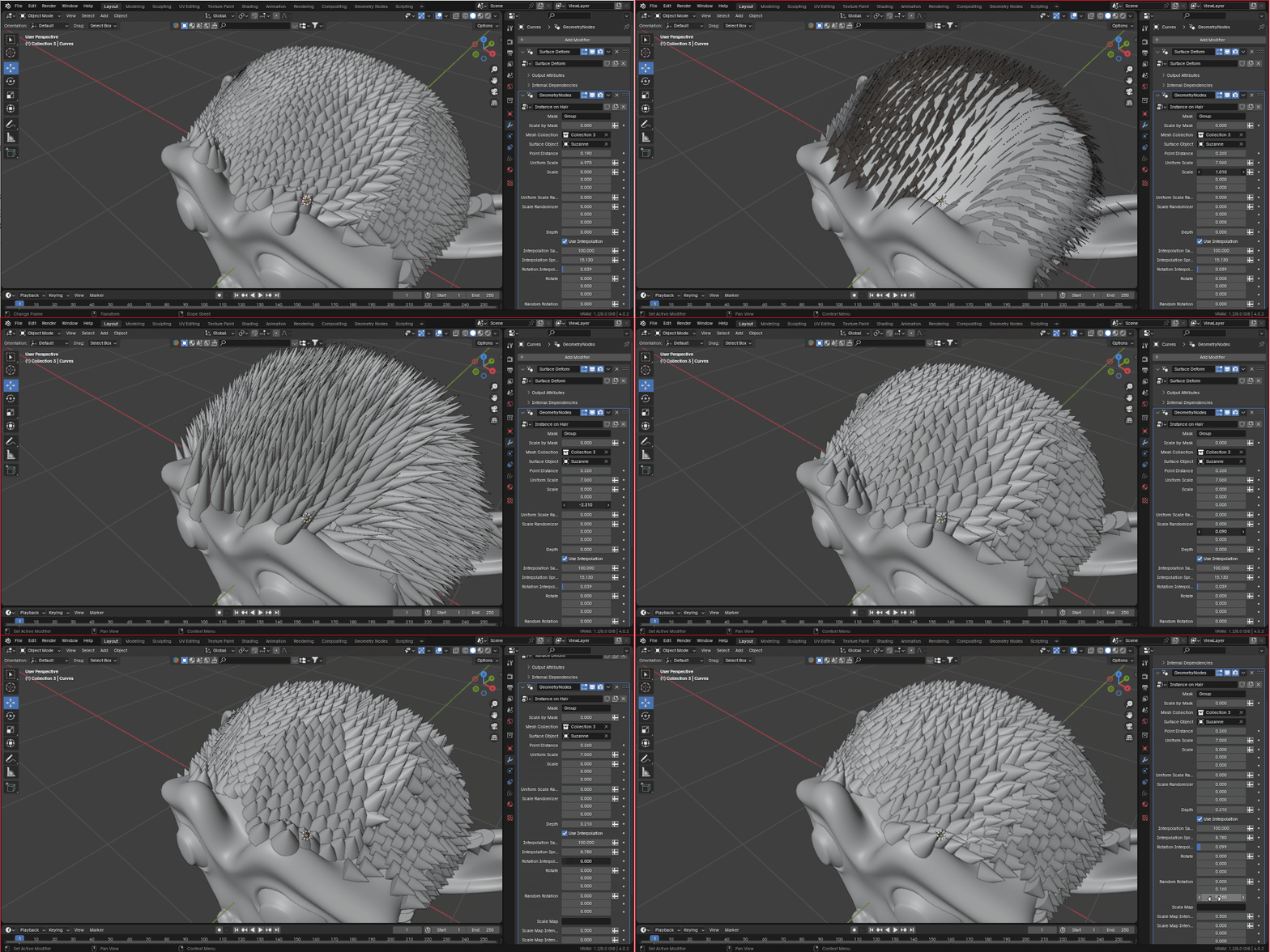
You can also interpolate the hair curves and scatter instances, limiting the distance between each mesh, while preserving the instances orientation.
It's a very powerful tool, but keeps everything simple so you can start generating complex surface patterns, such as; scales, feathers, hair cards, spikes... with minimum steps.
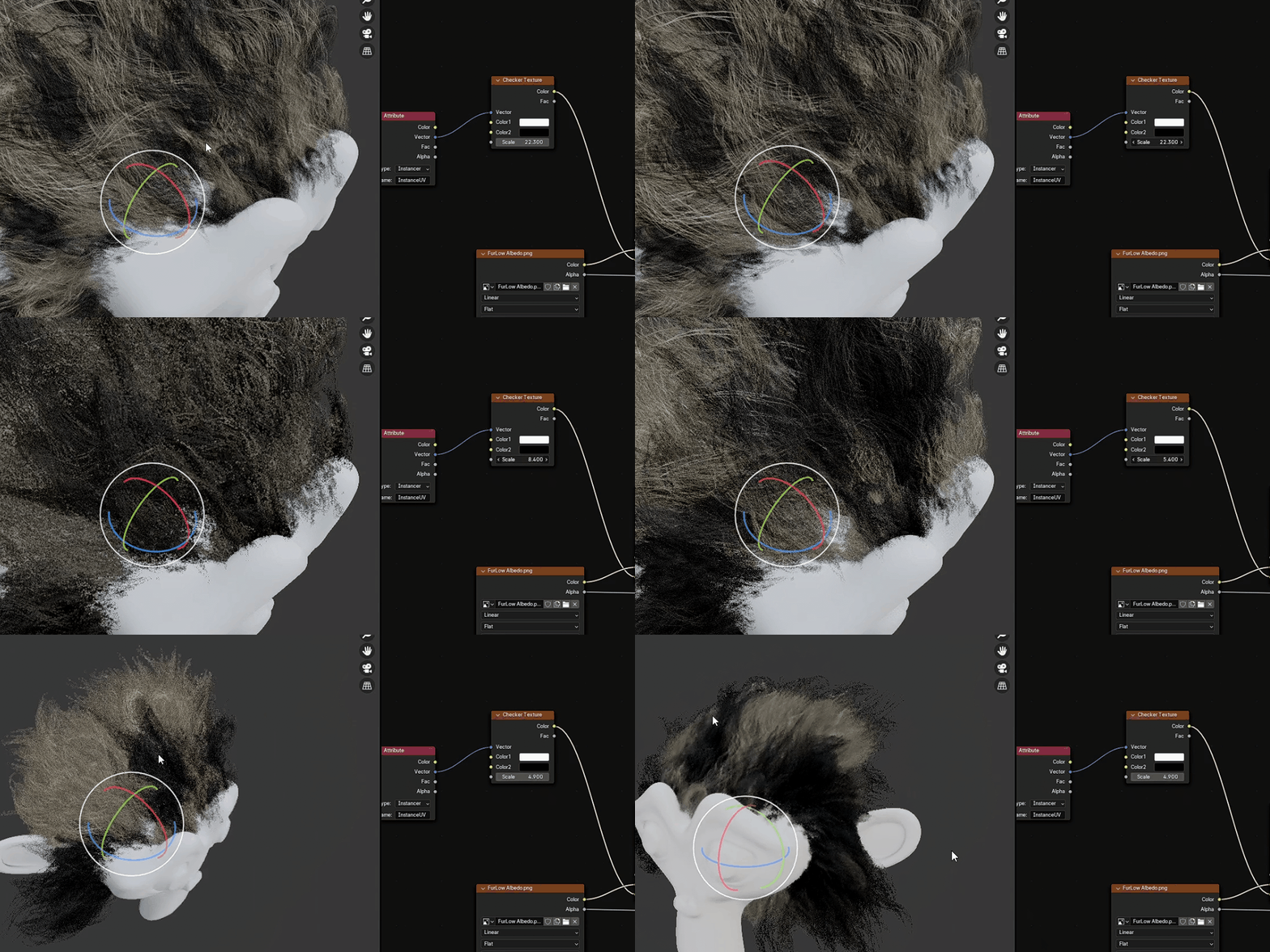
You can project the UV from the surface object on the instances and easily control the colors of it, by using textures.
It's very easy to use, you just need to Append the "Instance on Hair.blend" file to your scene selecting the "Instances on Hair" inside the "NodeTree" folder.
Add a "Curves>Empty Hair" to a mesh
Enter in Sculpt Mode with the curves selected, add some hair curves
Load the Instances on Hair on the geometry nodes
and choose a mesh collection to be instanced and the surface object.
You can watch this video to learn more about it;
This product is included on my Blender Modifiers Bundle
https://blendermarket.com/products/blender-modifiers-bundles Bundle