 Olha Vasylchenko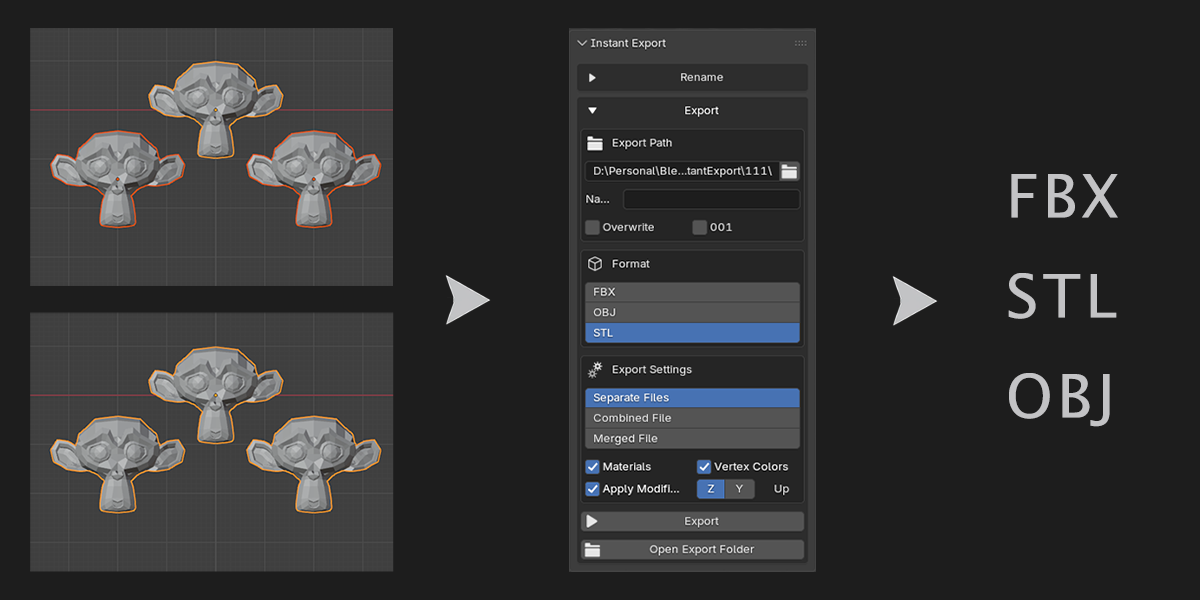
Designed for those who iterate.
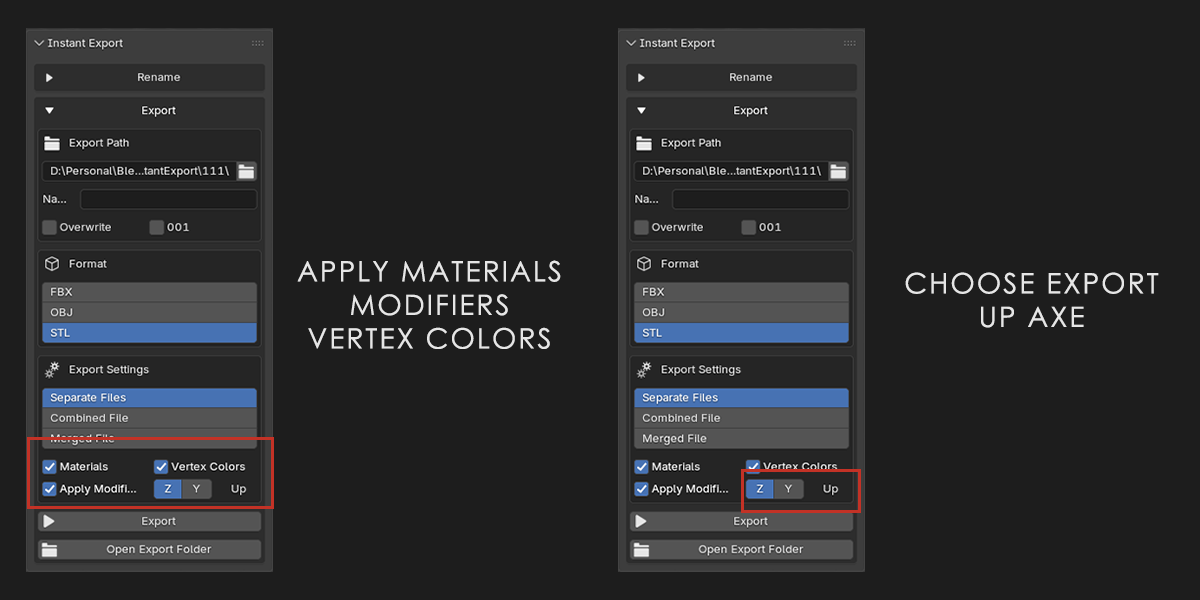
A streamlined 3D Viewport add-on for exporting up to 1000 selected models quickly (Windows). Automatically handles file naming, format switching, export settings, and optional overwrite for clean asset pipeline workflows. Change what you need or use with default settings: export as easy as one click!
New in Version 1.1.2:
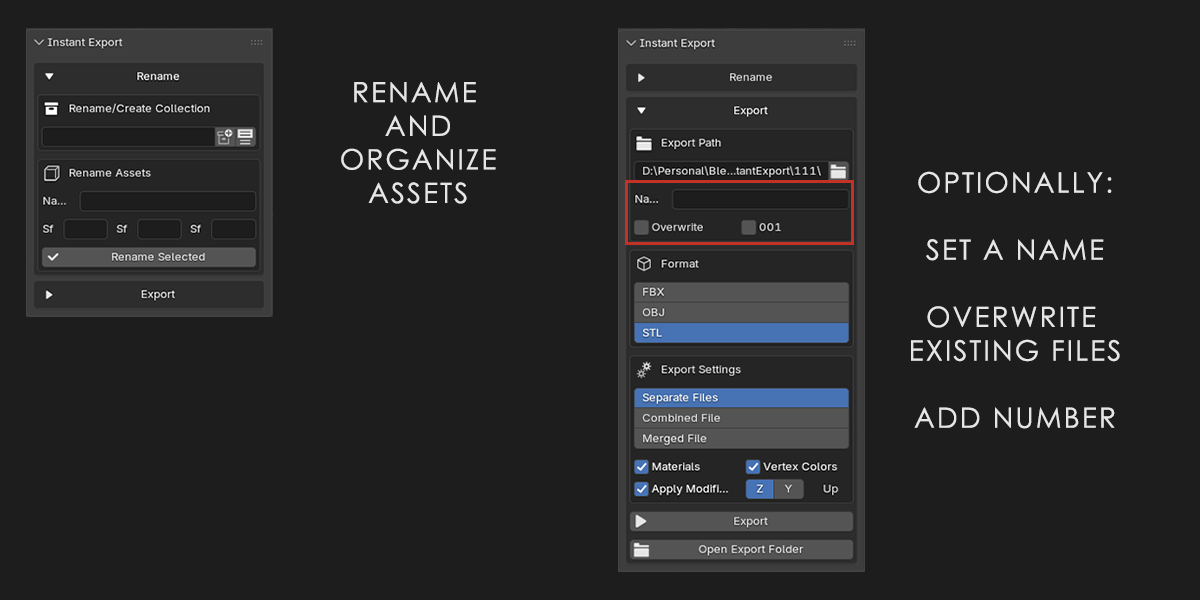
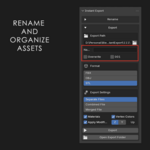
Renaming tab - keep your assets organized easily
Number at the end is optional now, unless an asset already exists and overwrite is opted out
Z/Y up axe for export added
Version 1.0.2:
Key Features
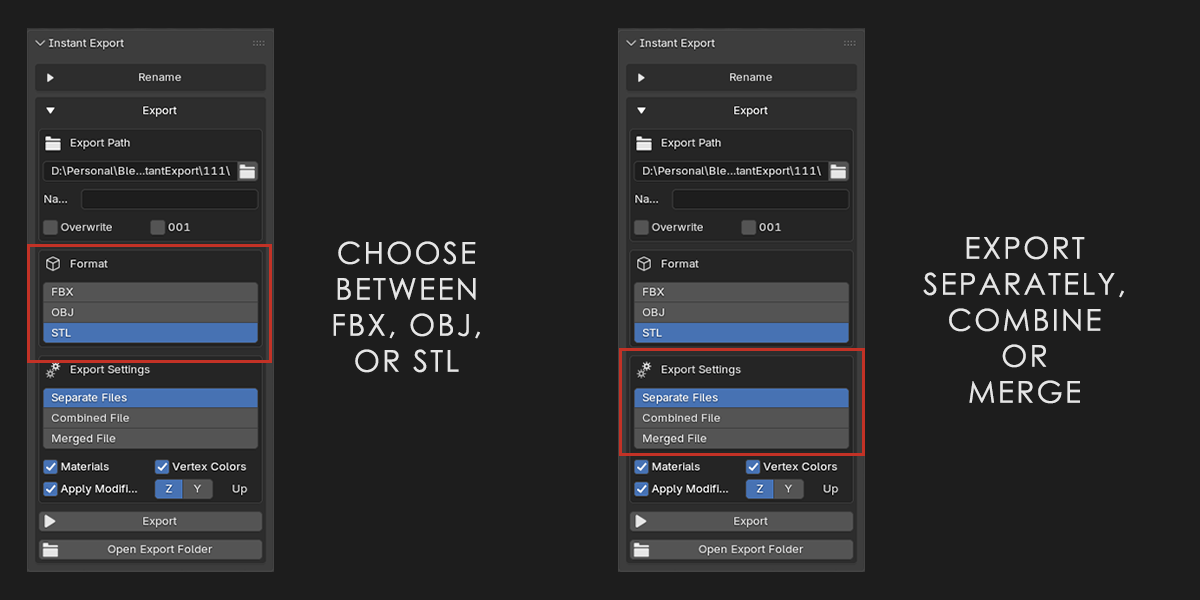
Flexible Export Modes: Export objects individually as separate files, combine selected objects into a single file or merge into one object.
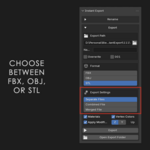
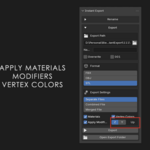
Multi-Format Support: Switch between FBX, Wavefront OBJ, and STL formats with optional material, vertex color export or applying modifiers.
Auto-Increment Naming: Built-in collision guard increments file suffixes (_001, _002) to prevent accidental file overwrites when overwrite mode is disabled.
Custom Naming Prefixes: Apply custom name prefixes to exported assets or fall back to object names automatically.
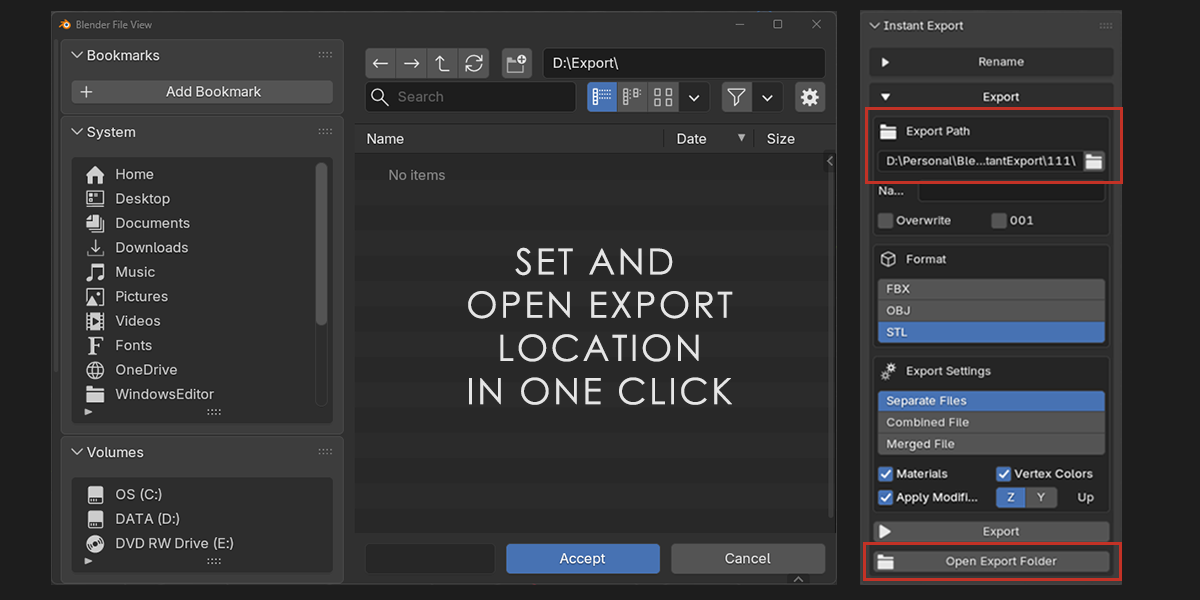
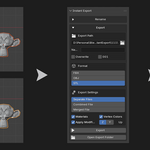
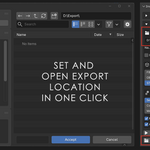
Directory Browser Button: Open the destination export directory in the system file explorer directly from the panel.
Selection Safeguards: Includes checks for empty selections, non-existent directory paths, and object limit safeguards.
Specifications
Blender Compatibility: 4.2+
Supported Export Formats: FBX, OBJ, STL
Category: Add-ons > Import-Export
Installation
For Blender 4.2+, drag and drop the zip folder onto the Blender window and follow the pop-up messages.
Alternatively, in the add-on window, choose 'Install from Disk' and select the provided zip file