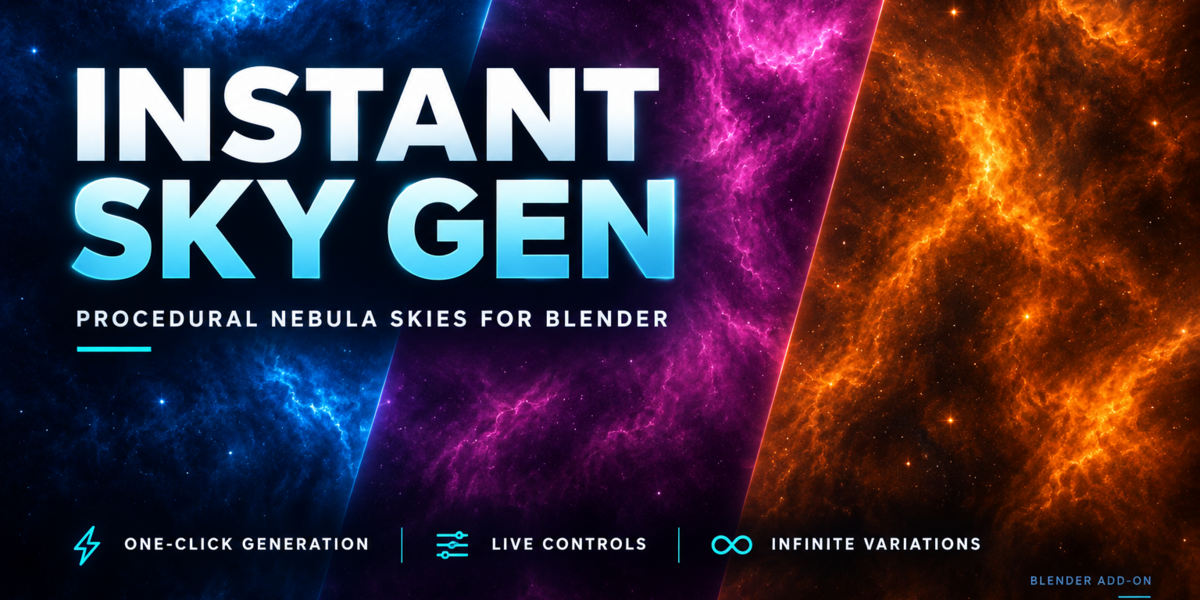
Instant Sky Gen - Create Procedural Space Skies
 Shahzaib A.



Installation
- Download the instant_sky_gen.zip addon ZIP file.
- Open Blender.
- Go to Edit → Preferences → Add-ons.
- Click Install...
- Select the downloaded ZIP file.
- Enable the Instant Sky Gen addon.
The addon is now available in:
3D View → Sidebar (N) → Instant Sky Gen
Quick Start
Create Your First Sky
- Open the ISG panel.
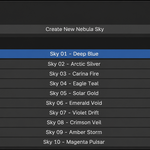
- Click Create New Sky.
- A new procedural sky is automatically generated and assigned to the current scene.
- Switch to Rendered View to preview your sky.
Create Multiple Skies
ISG allows you to create up to 10 unique procedural skies per Blender project.
Each sky is stored independently, allowing you to:
- Switch between skies instantly
- Edit each sky independently
- Delete skies you no longer need
Switching Between Skies
Click any sky in the Skies list to make it the active world.
Only the selected sky is displayed in the current scene.
Live Parameters
Every generated sky remains fully editable.
Cloud Shape
- Scale – Controls the size of nebula formations.
- Detail – Adds or removes fine cloud detail.
- Distortion – Creates more chaotic nebula patterns.
- Contrast – Defines cloud intensity.
- Opacity – Controls nebula visibility.
Colors
- Color 1 – Primary nebula color.
- Color 2 – Secondary nebula color.
- Deep Space – Background space color.
Stars
- Density – Number of stars.
- Sharpness – Controls star size and crispness.
- Brightness – Overall star intensity.
- Star Color – Changes the star color.
Global
- Exposure – Overall sky brightness.
- Rotation – Rotates the entire sky.
- Seed – Generates a different nebula pattern.
Reroll Variation
Click the Refresh button beside Live Parameters to instantly generate a new nebula shape while preserving your selected color palette.
Perfect for quickly exploring different variations.
Delete a Sky
Click the X beside any saved sky to permanently remove it.
Deleting a sky also frees one of the available 10 slots.
Tips
- Use different color combinations for unique sci-fi environments.
- Lower Star Density for cinematic renders.
- Increase Detail for richer nebula structures.
- Rotate the sky to reposition interesting formations.
- Duplicate your Blender scene to preserve multiple lighting setups.
Have questions about this product?
Login to message
| Blender Extension Compatible | Yes |
| Published | 5 months ago |
| Blender Version | 4.4 - 5.1 |
| Extension Type | Add-on |
| Render Engine Used | Cycles, Eevee |
| License | GPL |
Discover more products like this
eevee background sci fi space Lighting Cycles sky generator. procedural blender addon hdri world Render