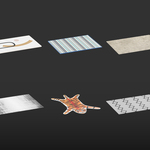
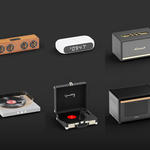
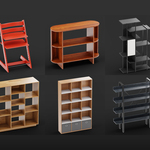
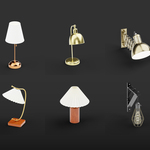
Are you frustrated when you just want to add a single chair to your scene, but end up dealing with multiple add-ons? Paying monthly fees, yet never truly owning any of the models. Waiting minutes for an asset to download—only to realize it doesn’t fit your project at all. That’s the workflow nightmare many 3D artists face every day.
So I created Interior Model to change that.
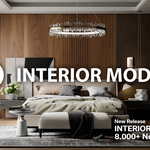
Interior Model is an interior asset pack built exclusively for Blender, designed for interior designers, architects, and 3D artists who want to speed up their workflow, improve render quality, and minimize setup time.
With drag-and-drop access in just 0.1 seconds, no subscriptions, and no waiting, you get permanent, reliable usage—plus continuous updates with new models, all without interrupting your workflow.
A Large, Consistent, and Easy-to-Use Asset Library
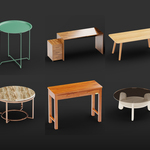
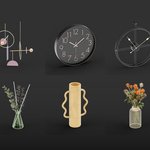
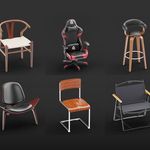
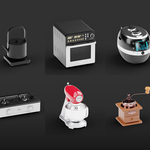
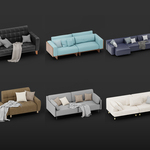
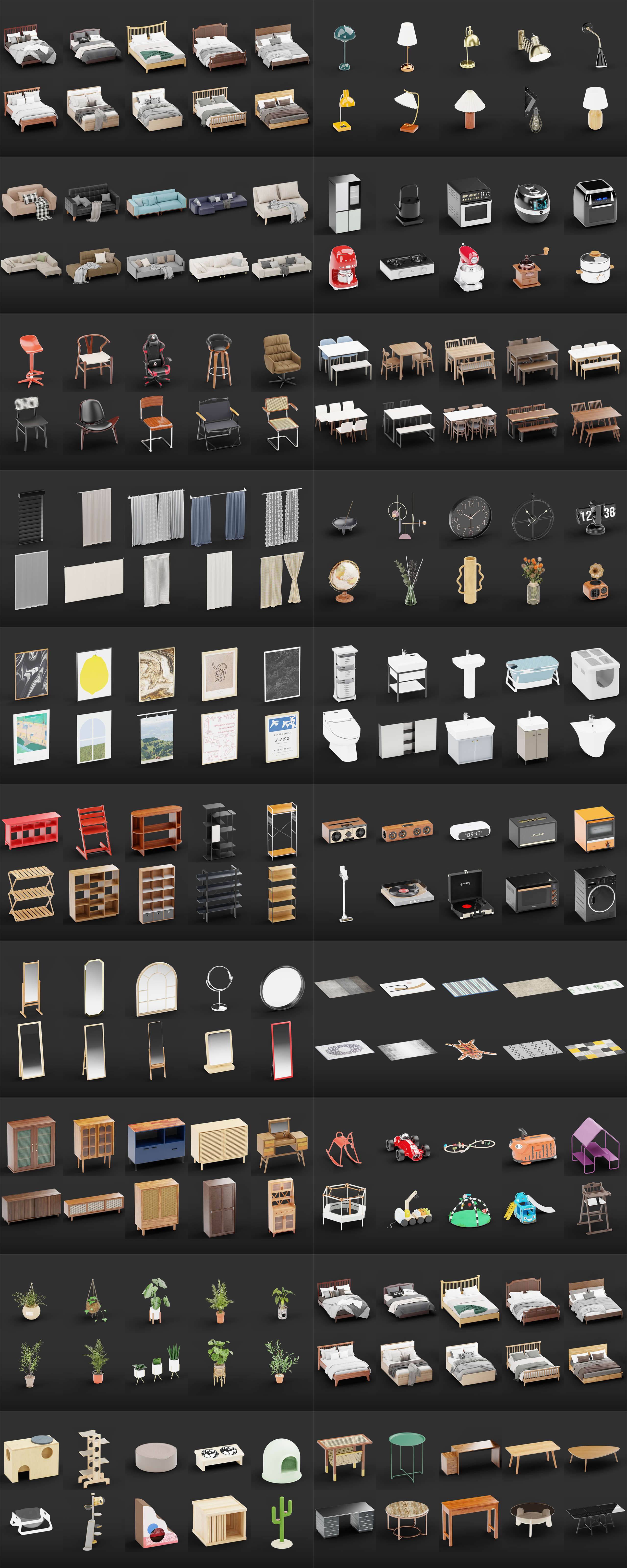
Over 8,000 high-quality interior asset models covering all essential needs for interior scene creation, including: tables, chairs, cabinets, and shelves .Decorative lighting, ceiling lights, and table lamps .And accessories .All assets are standardized in scale, axis orientation, and origin points, allowing you to simply drag and drop them into your scene and use them instantly—no additional adjustments required.
All models shown in the images have been fully updated in version 0.26....
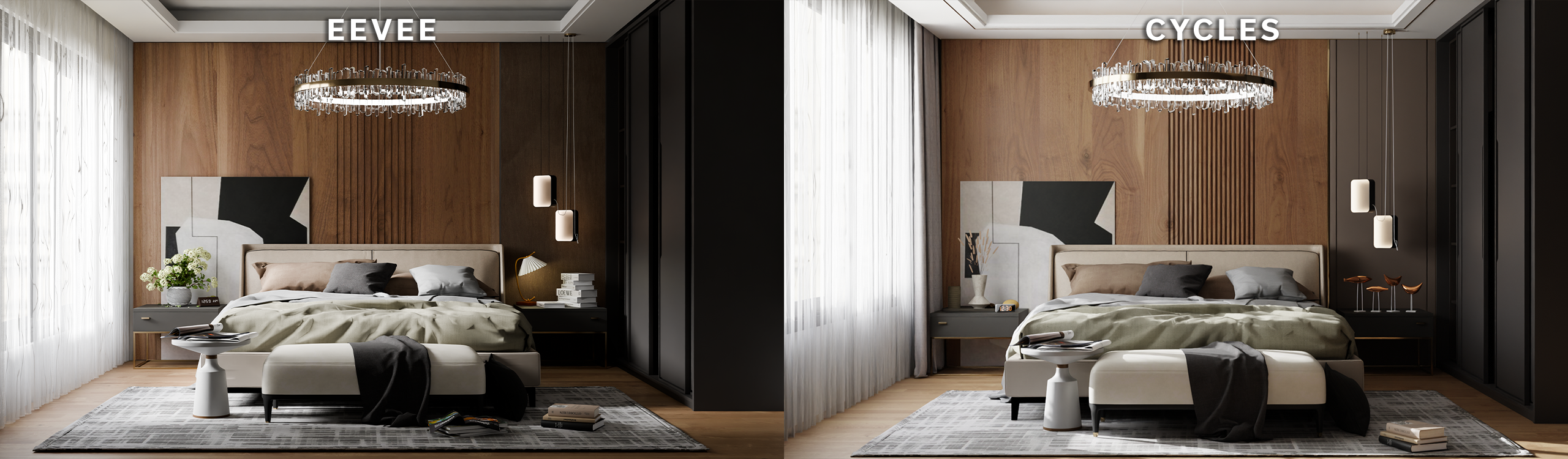
FULLY COMPATIBLE WITH BOTH CYCLES & EEVEE
All assets are set up with standard Blender materials and lighting, ensuring full compatibility with both Cycles and Eevee. Visuals remain consistent across both render engines, with stable PBR materials that require no reworking. You can easily switch between real-time rendering and high-quality final renders. Whether you’re using Eevee for fast previews or Cycles for photorealistic output, the assets maintain consistent quality and reliable performance across all workflows.
The comparison rendered on RTX 2080TI
INSTALLATION GUIDE & TECHNICAL SUPPORT
To ensure a smooth setup, we have prepared a detailed video tutorial specifically for beginners. This video will guide you step-by-step through the process, from initial configuration to successfully using the assets in the library.
For New Users: Please watch the attached installation video carefully to understand the standard setup procedure.
For Experienced Users: If you are already familiar with the workflow, feel free to skip this part and start creating right away.
Important Note on Files: If you encounter any errors while extracting the ZIP file (such as file corruption or format issues), please watch the video until the end. We have included specific solutions for common technical errors within the guide.
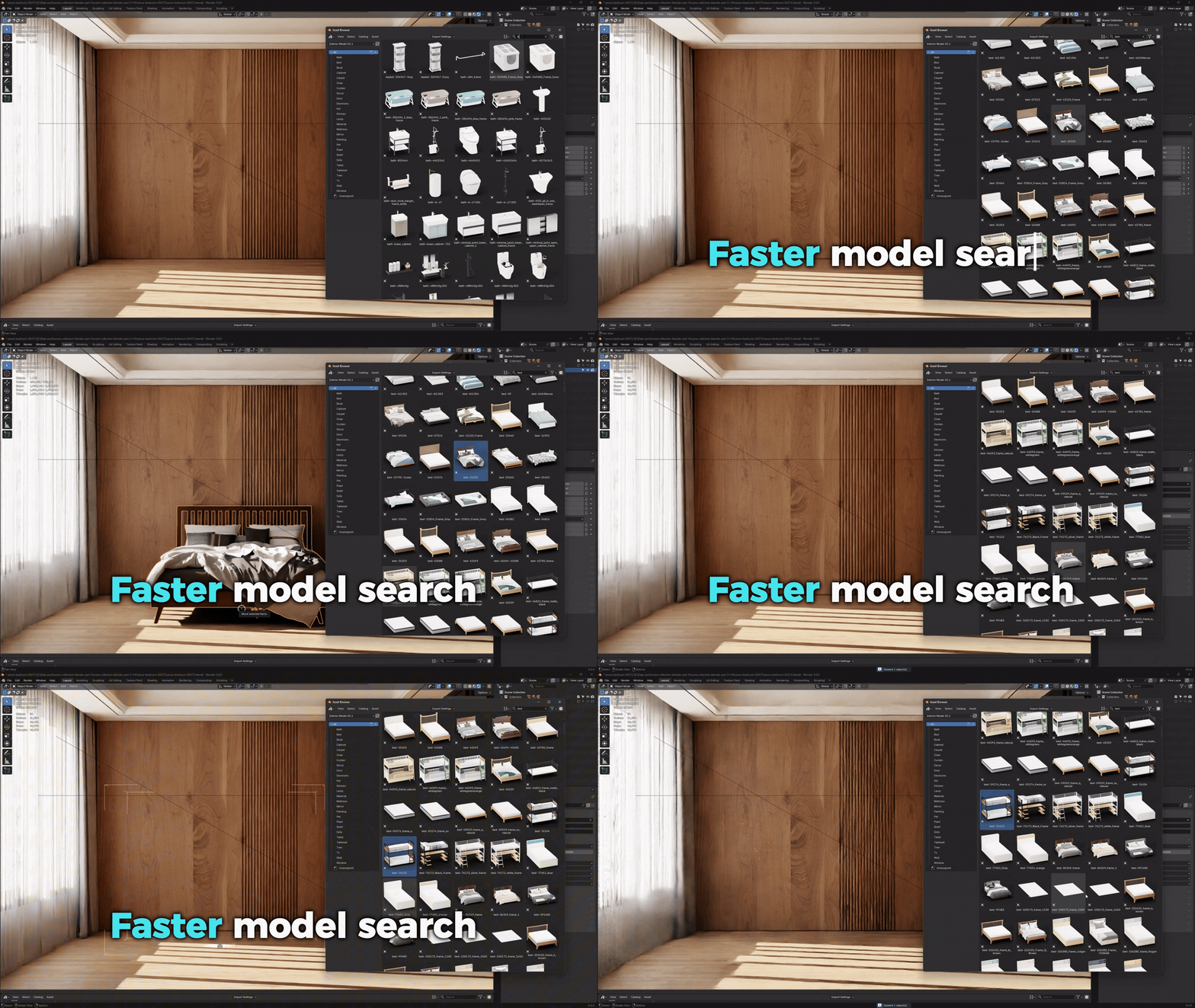
SMART ORGANIZATION – FAST SEARCH
All models in the pack are carefully organized into clear catalogs and categorized by interior asset groups, making them easy to manage and use. Assets are named based on product codes, shape, and color, with a logical and consistent folder structure fully compatible with Blender’s Asset Browser. Thanks to this intuitive organization, finding the right model becomes fast, simple, and accurate—allowing you to select the exact asset you need in just a few seconds.
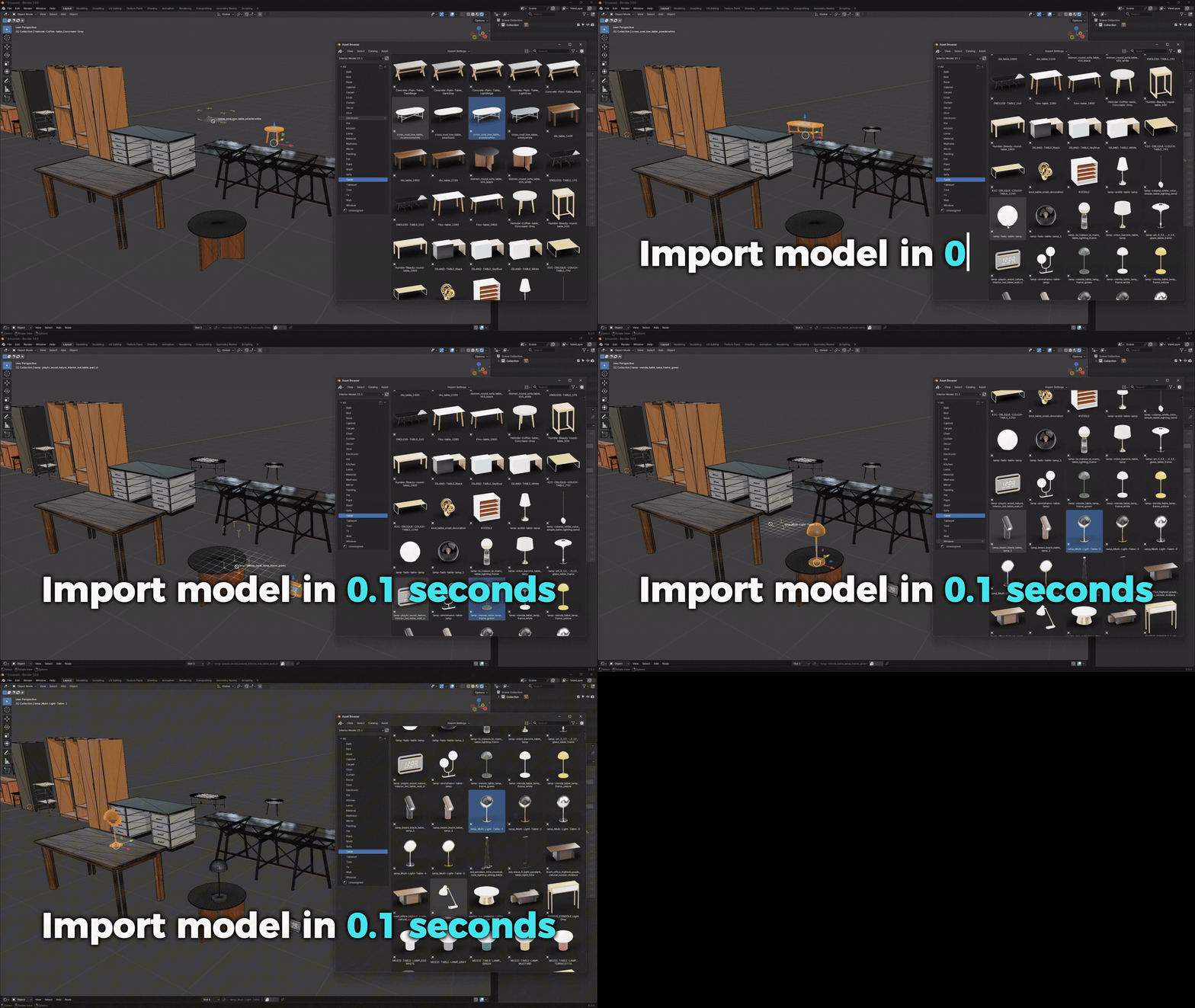
DRAG & DROP IN JUST 0.1 SECONDS
This asset pack is built on Blender 5.0’s native Asset Browser, allowing you to access and drag-and-drop models directly from the internal library—without any third-party add-ons or internet connection. Assets are loaded directly from your local drive with no waiting time. No heavy add-ons to initialize, no background scripts running. All data is managed natively by Blender, ensuring speed and stability. As a result, each model can be dragged into the scene in as little as 0.1 seconds, keeping your workflow seamless and fully focused on creativity.
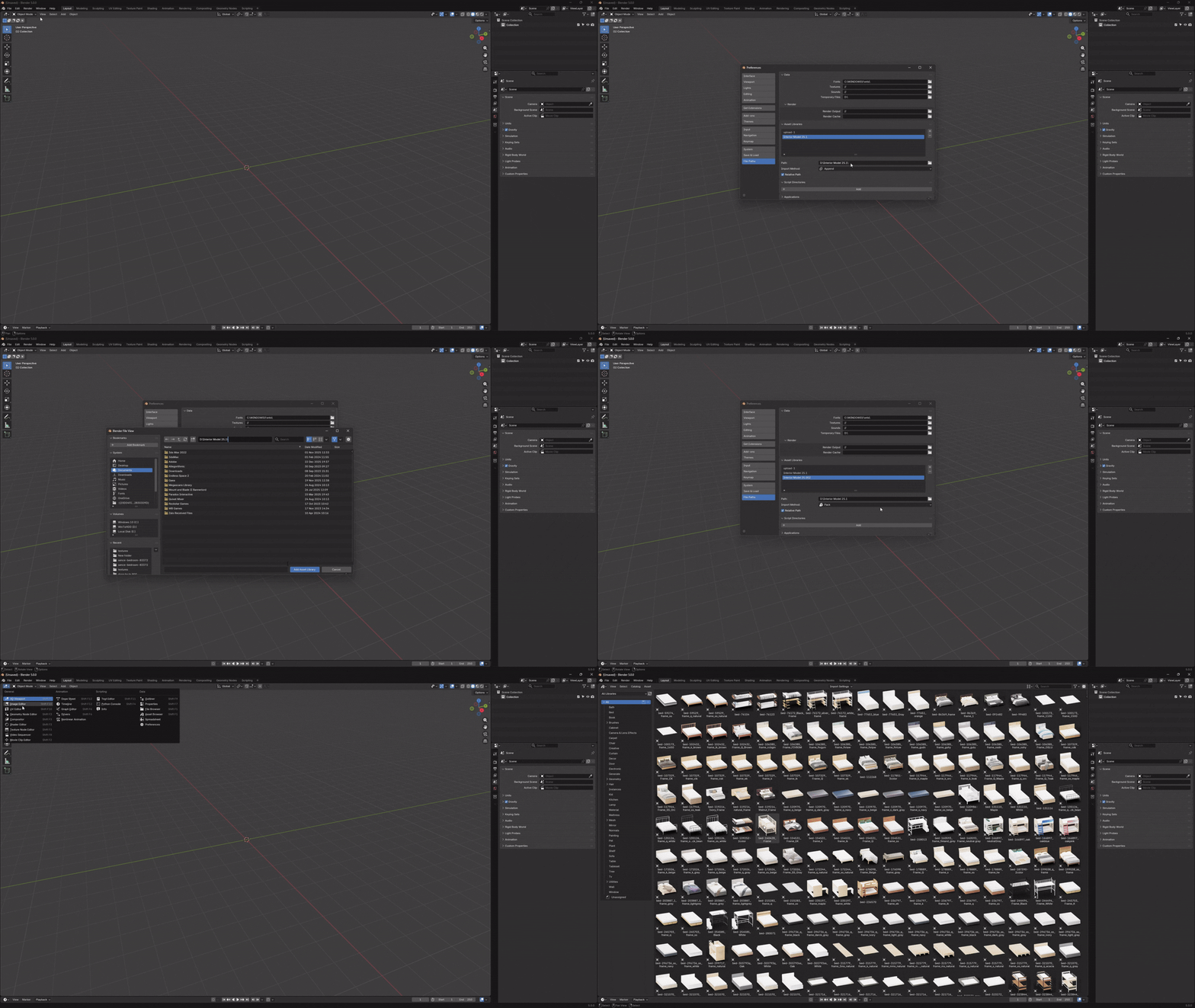
SIMPLE SETUP – FULLY AUTOMATED
The asset pack is designed with a streamlined, user-friendly installation process that requires no advanced technical knowledge. Simply extract the package and select the extracted folder path in Blender.
All assets will be automatically detected and installed. No complicated add-ons, no manual configuration, and no system file modifications are required. Everything is handled automatically by Blender, allowing you to start using the asset library immediately after just a few simple steps.
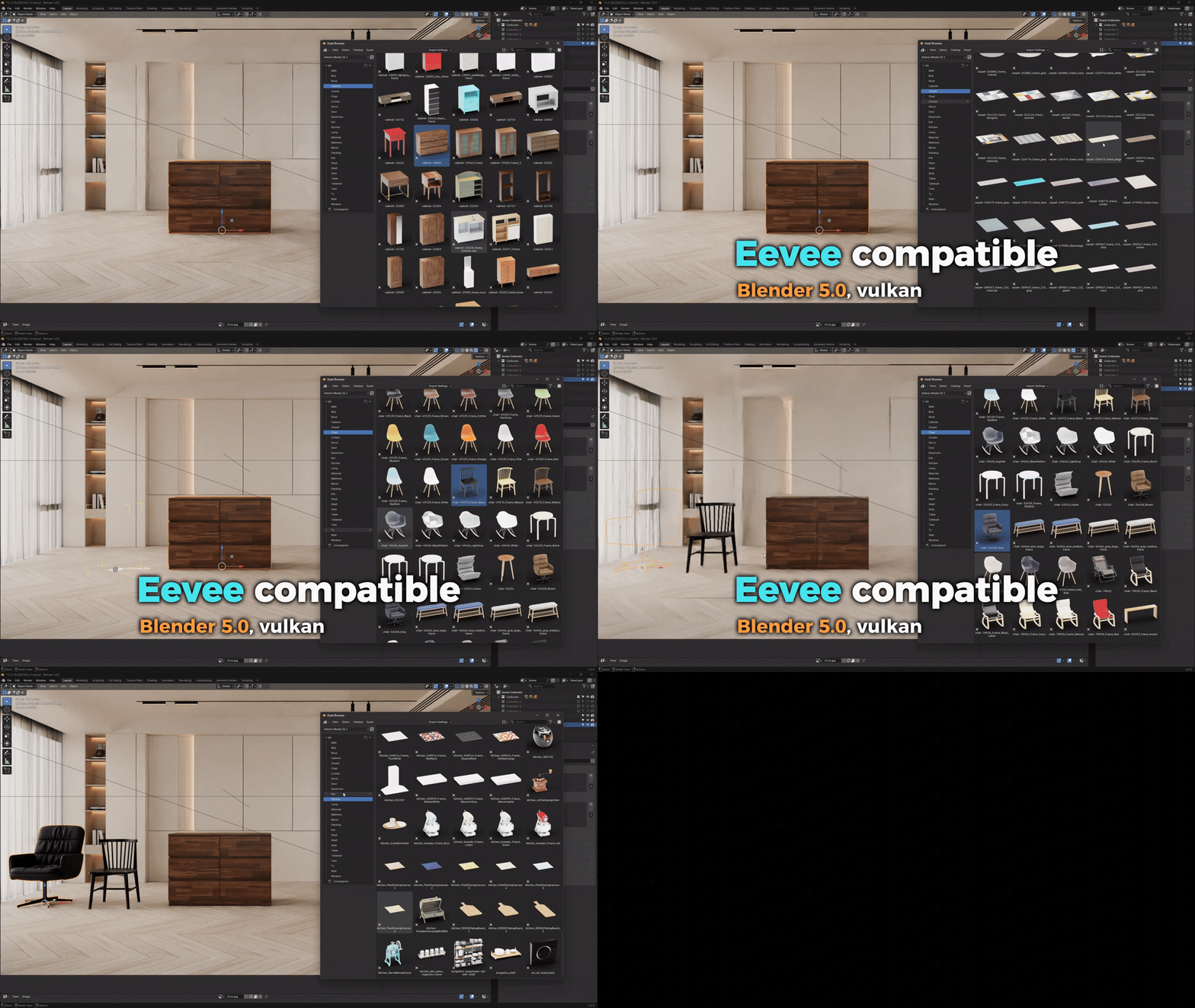
EEVEE looks INSANE in Blender 5.x with Vulkan
This asset pack is built and thoroughly tested directly in Blender 5.0 using Eevee Vulkan, ensuring high compatibility and stability throughout the workflow. Materials display accurately in the Eevee Vulkan viewport, with stable real-time lighting and no shader issues. Scene building, layout, and animation preview remain smooth and responsive. All assets use clean, lightweight material node setups with no dependency on external add-ons, allowing Eevee to fully leverage GPU performance. As a result, you can work continuously with large interior scenes while maintaining high speed and consistent visual quality.
PERFORMANCE & STORAGE OPTIMIZED
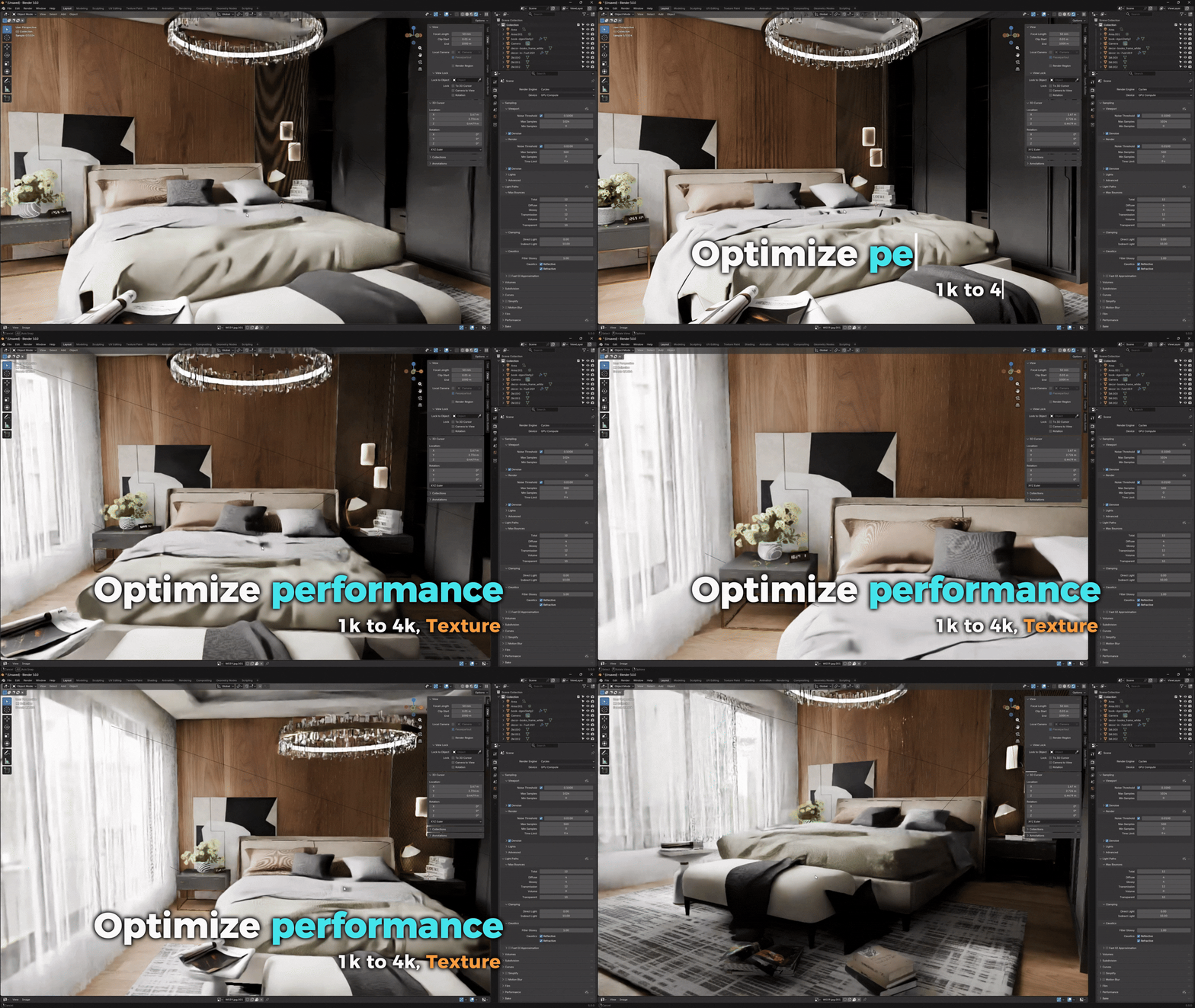
The models are deliberately optimized to strike a balance between visual quality and workflow performance. Simple, low-detail assets use 1K textures to reduce memory usage, while assets that require higher detail use 2K or 4K textures to ensure realism in close-up renders. Topology is kept clean and efficient, avoiding unnecessary polygons. Thanks to smart texture allocation based on detail levels, the asset pack maintains a reasonable file size, loads quickly, and runs smoothly—even when working with large interior scenes or rendering at high resolutions.
VERSION 0.26.1 UPDATE
Interior Model version 0.26.1 has been released with a minor update focused on improving the material library to enhance usability and workflow efficiency.
WHAT’S UPDATED
Added new models to their respective categories.
Fixed an issue where some models were incorrectly categorized, improving organization and ease of use.
Updated the material system to ensure compatibility with Blender versions below 5.0.
UPDATE CONTENT
Added 240 high-quality interior models. All existing categories have been updated .Each category received 10 new models, consistent in scale, materials, and overall quality
UPDATED CATEGORIES
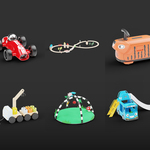
Bath · Bed · Cabinet · Carpet · Chair · Curtain · Decor · Door · Electronic · Kid · Kitchen · Lamp · Material · Mattress · Mirror · Painting · Pet · Plant · Shelf · Sofa · Table · Tablet · TV · Wall · Window
QUALITY & COMPATIBILITY
Optimized topology with PBR-ready materials. Fully compatible with Cycles and Eevee / Eevee Vulkan (Blender 5.0) .Ready to use in the Asset Browser, no additional setup required
If you want to expand your asset library for larger interior projects, please consider upgrading to our 15,000+ models package. The Mega Pack maintains the same quality, optimization, and workflow, while offering a larger number of models, suitable for a wide range of styles and use cases.
This pack is a subset of Mega Pack 7.2 and may contain overlapping content.
We’d love to hear from you, so feel free to ask any questions or simply say hello
 interior model