3Open the new folder. You should see 13 folders like 135+ Individual Bricks Textures. That folder is your Source Folder.
⚠️ Only one folder inside (another “Source Folder”)? Open it. Keep going until you see the 13 folders.
STEP 04 OF 07
Install the add-on
1In Blender: Edit › Preferences › Get Extensions.
2Click the small arrow at the top right › Install from Disk…
3Pick the Interiorify Pro .zip and click Install from Disk. Don't unzip it. It's a big file, so give it a moment. Then close Preferences.
💡 Updating later? Install the new .zip over the old one, then restart Blender. No need to remove the old one first.
STEP 05 OF 07
Pick the furniture library
1In the 3D Viewport press N and open the Interiorify Pro tab.
2Click the folder icon next to Library.
3Go to the folder that holds the 11 part folders (from step 2). Don't open a part. Click Accept.
💡 First time only: the add-on joins the 11 parts into a new Interiorify Library folder next to them. No extra space, nothing moved. Blender may pause for a moment.
STEP 06 OF 07
Pick the Source Folder
1Click the folder icon next to Materials.
2Go into your Source Folder (you see the 13 folders) and click Accept.
STEP 07 OF 07
Load all pictures
1Blender asks “Load all pictures now?” Click Load Now.
2Blender pauses while it loads every picture once. After that, all galleries open instantly.
3Not now? Click Cancel. The pictures still load by themselves as you browse, or later with Load All Pictures.
✅ Done! Pick a category, browse with the arrows and click Add to Scene.
USE IT
Add furniture
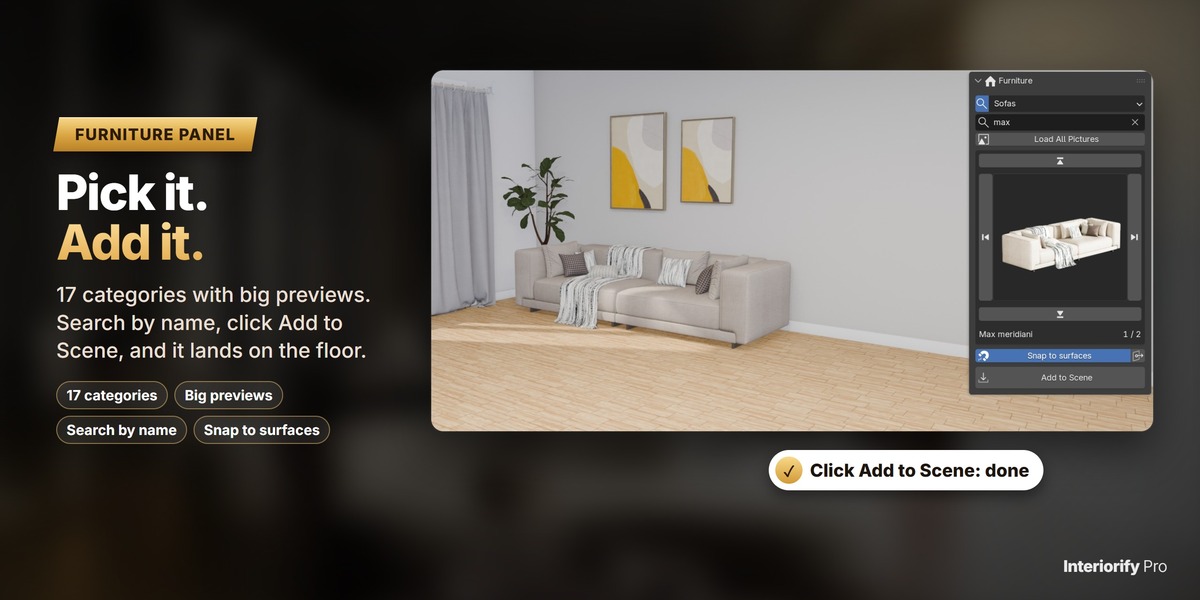
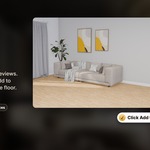
1Pick a category (sofas, beds, kitchens, lamps and more) and browse with the arrows.
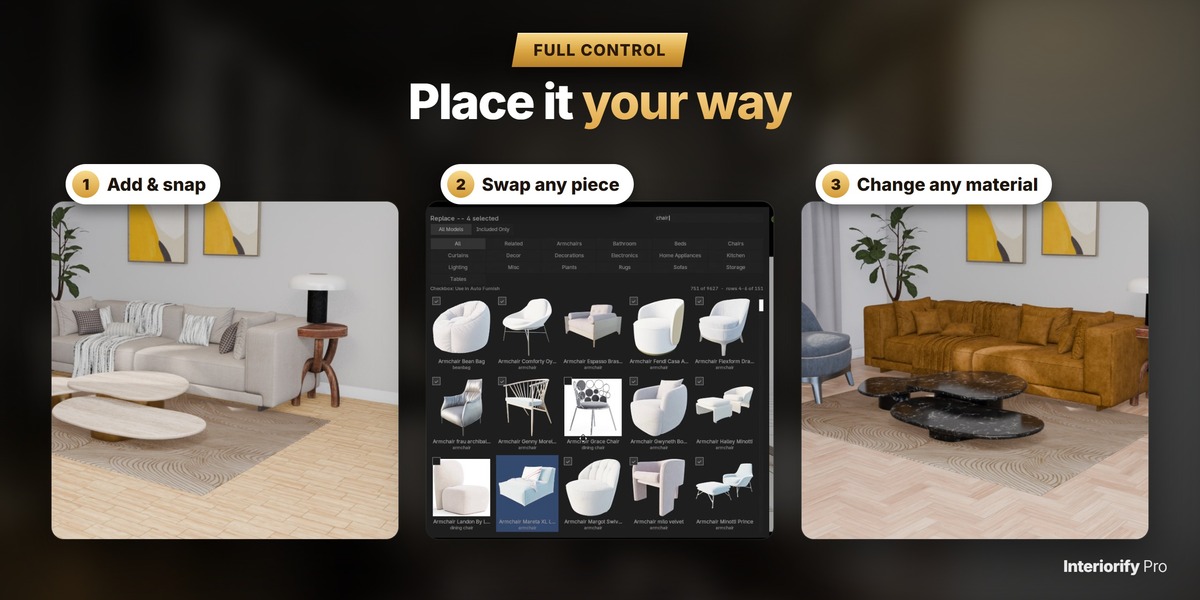
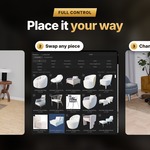
2Click Add to Scene. With Snap to surfaces on, move the mouse and click to put it down: on the floor, or right on top of a table or shelf.
USE IT
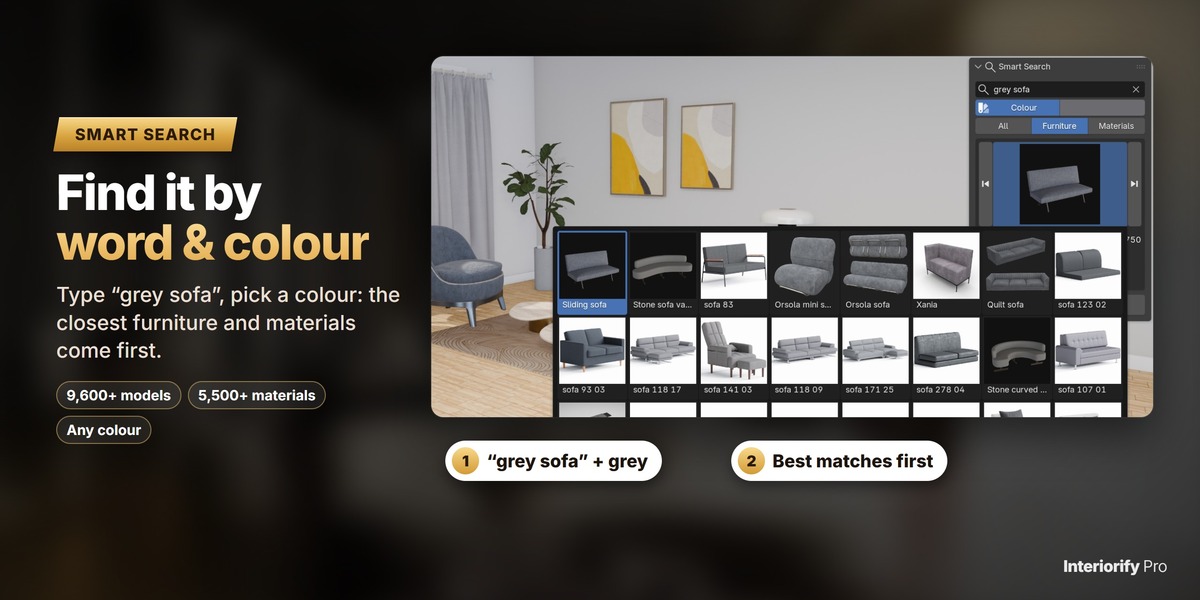
Smart Search
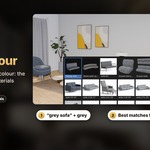
Type a word like black chair, oak or leather sofa, or pick a colour. Choose All, Furniture or Materials. The best matches come first.
USE IT
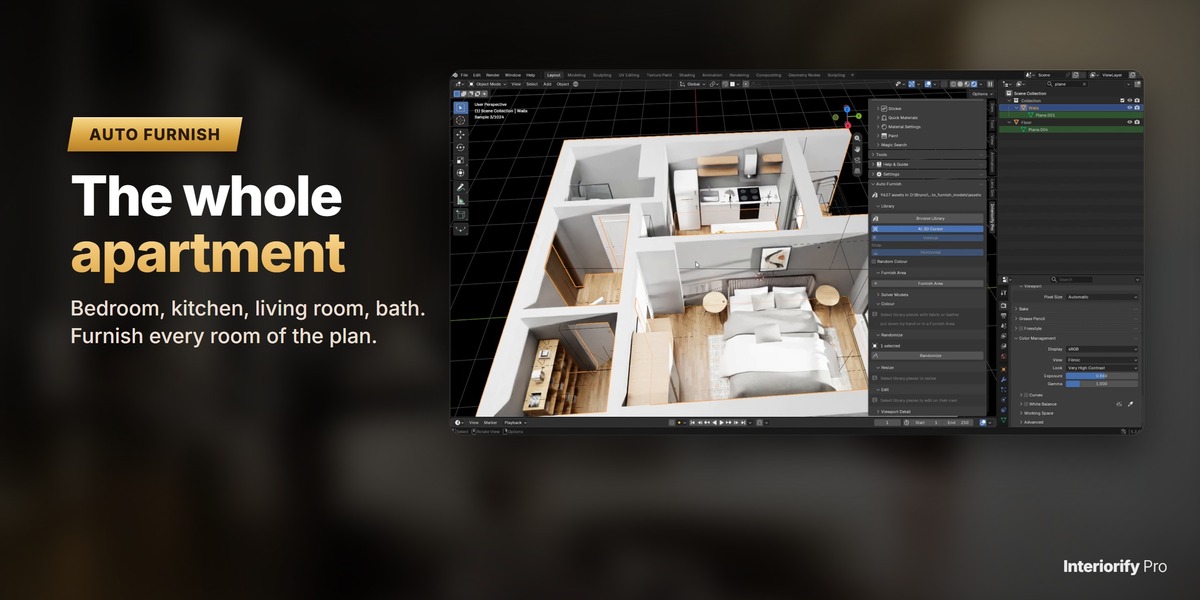
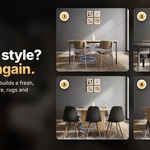
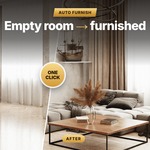
Auto Furnish
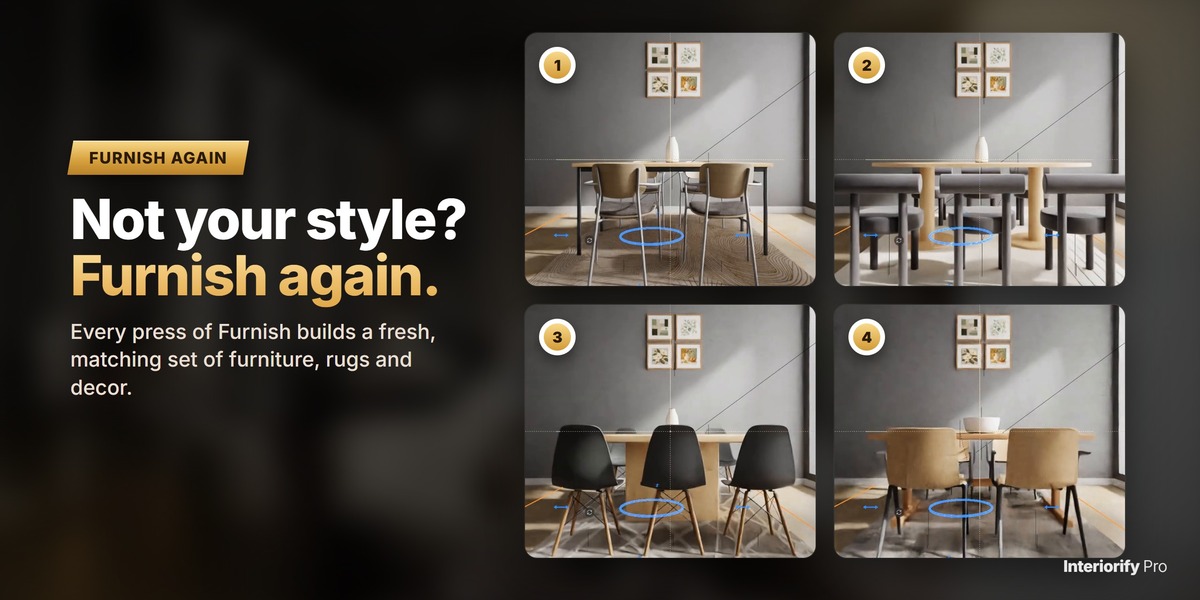
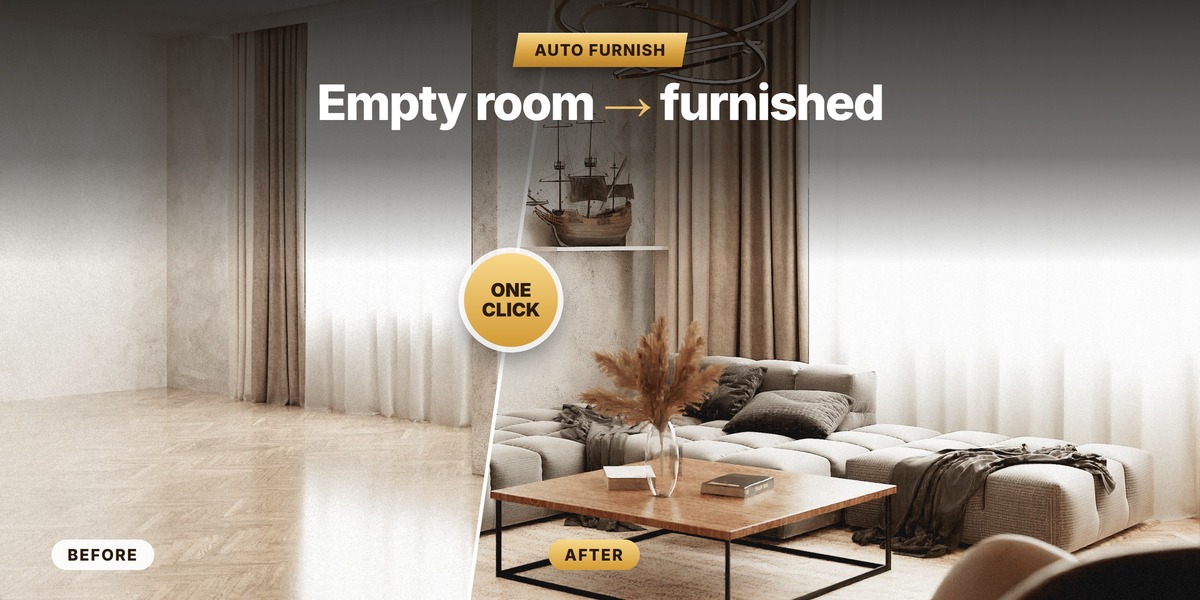
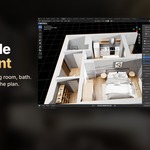
Pick the room type and press Furnish for a matching room in one click. Press it again for a new matching set, swap single pieces with Replace, or move anything by hand.
USE IT
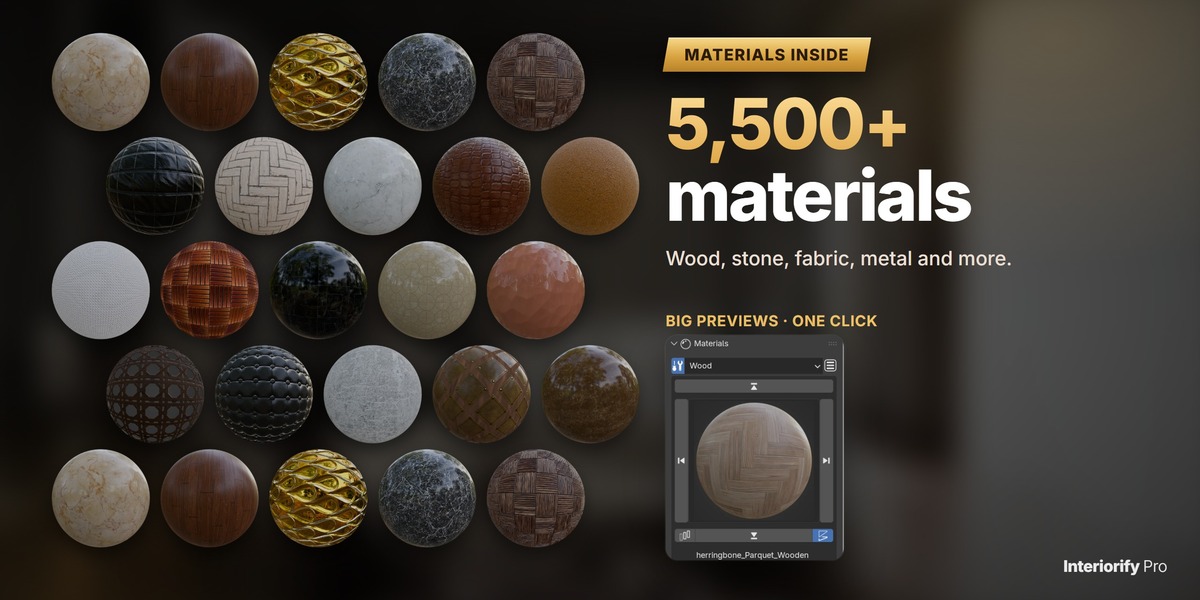
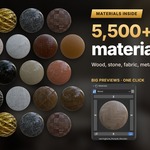
5,500+ materials
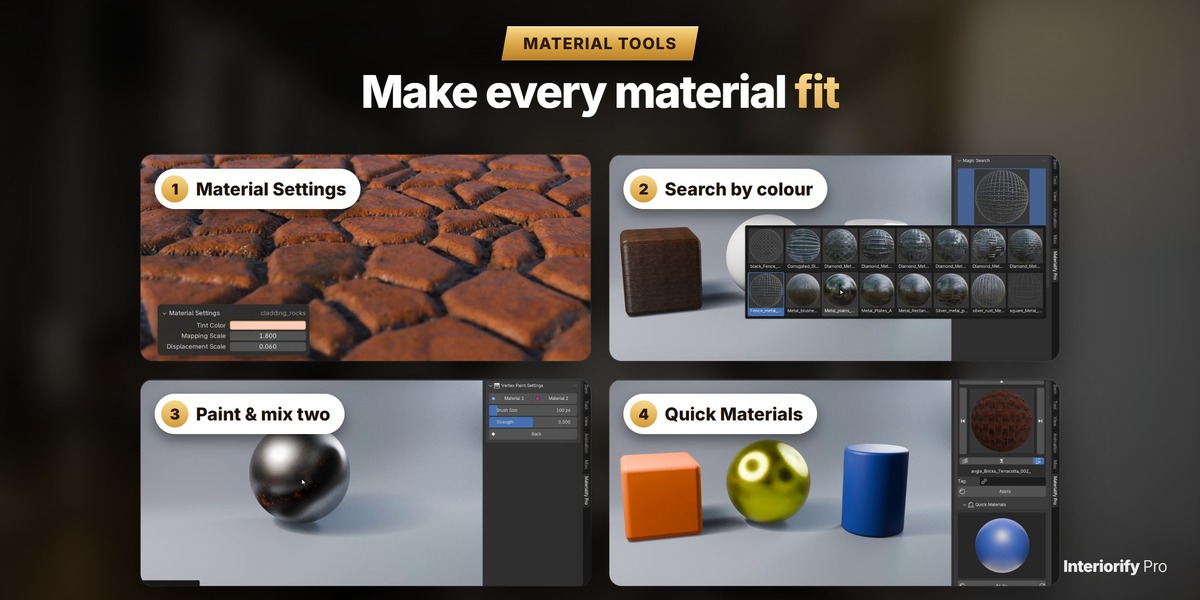
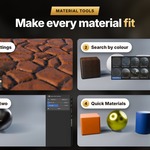
Select an object, pick a category, browse the big previews and click Apply. Then change colour, size and depth with the sliders.
BONUS
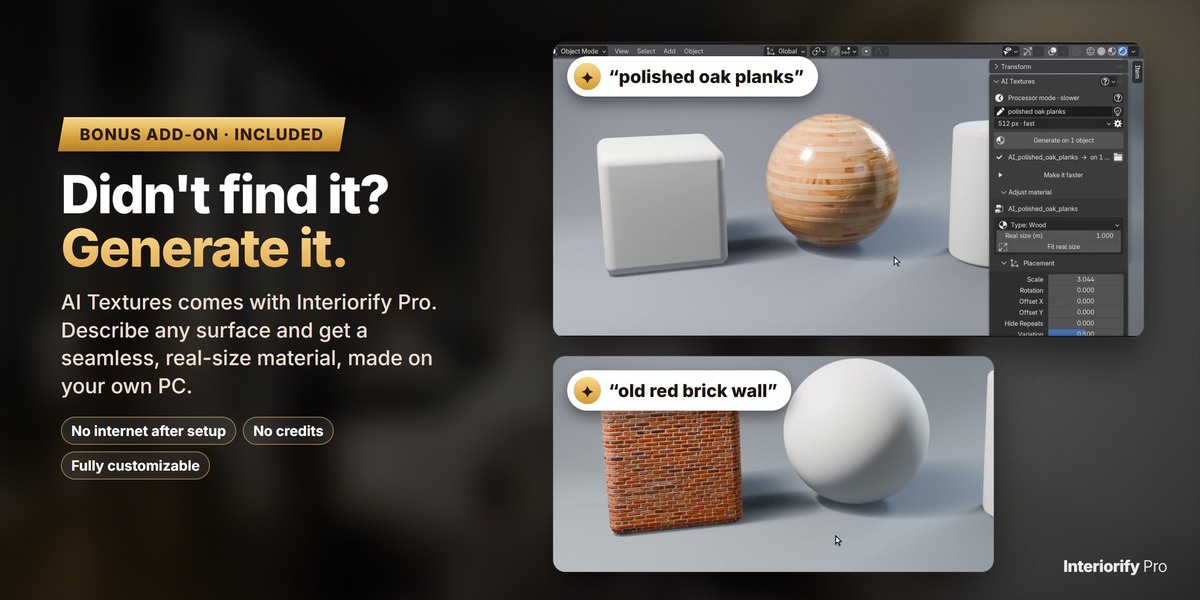
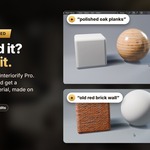
AI Texture Generator
1Install the AI Textures .zip the same way as step 4.
2Open its AI Textures tab, tick I accept the free licences and click Set Up. It downloads the free AI model once (about 6-7 GB).
3Type a surface and it makes a seamless material on your own PC. Tested on NVIDIA graphics cards. If your antivirus asks, allow the AI engine that comes with the add-on.
MORE TOOLS
Everything else
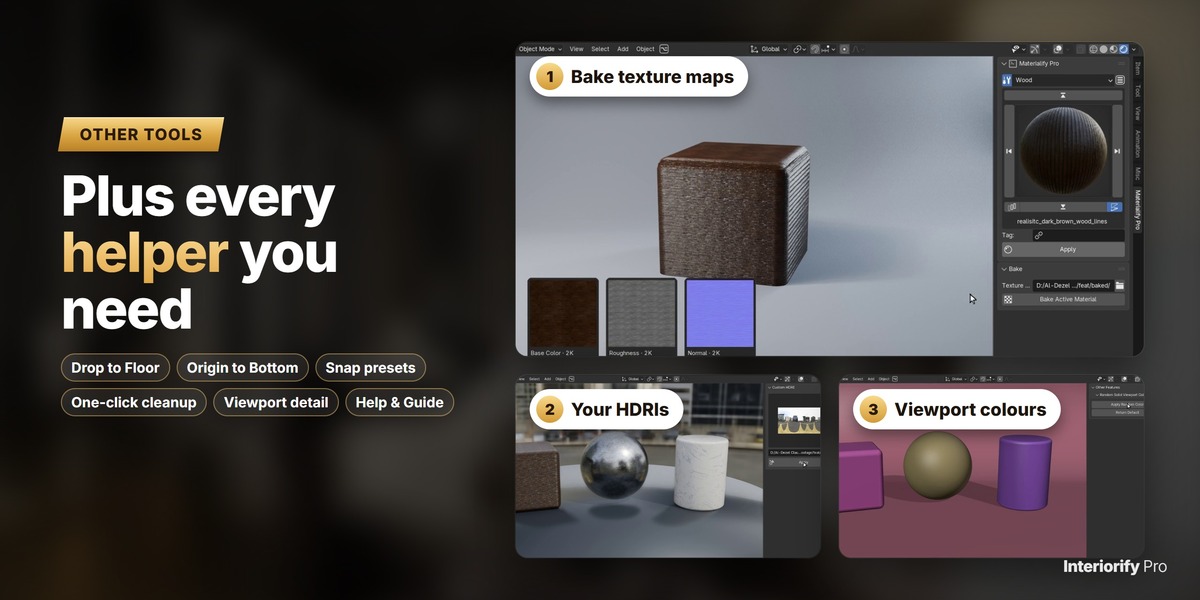
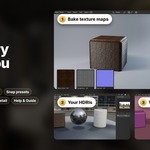
Bake any material into texture maps for games and other 3D apps, use your own HDRIs with previews, keep favourite nodes and node groups, and show only the panels you use.
WATCH
Category videos
Furniture, Auto Furnish & Smart Search
5,500+ materials & AI Textures
Bake, HDRIs & favourite nodes
HELP
Help on every button
Right-click any Interiorify Pro button to open the Guide. It explains what the button does.
TROUBLESHOOTING
Something not working?
Empty furniture gallery? Pick the folder that holds the 11 part folders, not a part itself, and keep the original names.
“This drive can't join the parts”? (some USB drives) Extract all 11 parts into one folder and pick that folder.
Pink materials or no materials? The Materials folder isn't set, or a folder inside it was renamed. Point it to the unzipped Source Folder.
Also own Materialify Pro? Both work side by side. If you turn Materialify Pro on after Interiorify Pro, restart Blender once.
Still stuck? Message us on Superhive or ask in our Discord. We read every message.
 CAN OF TEXTURES



 Included