 ZEG
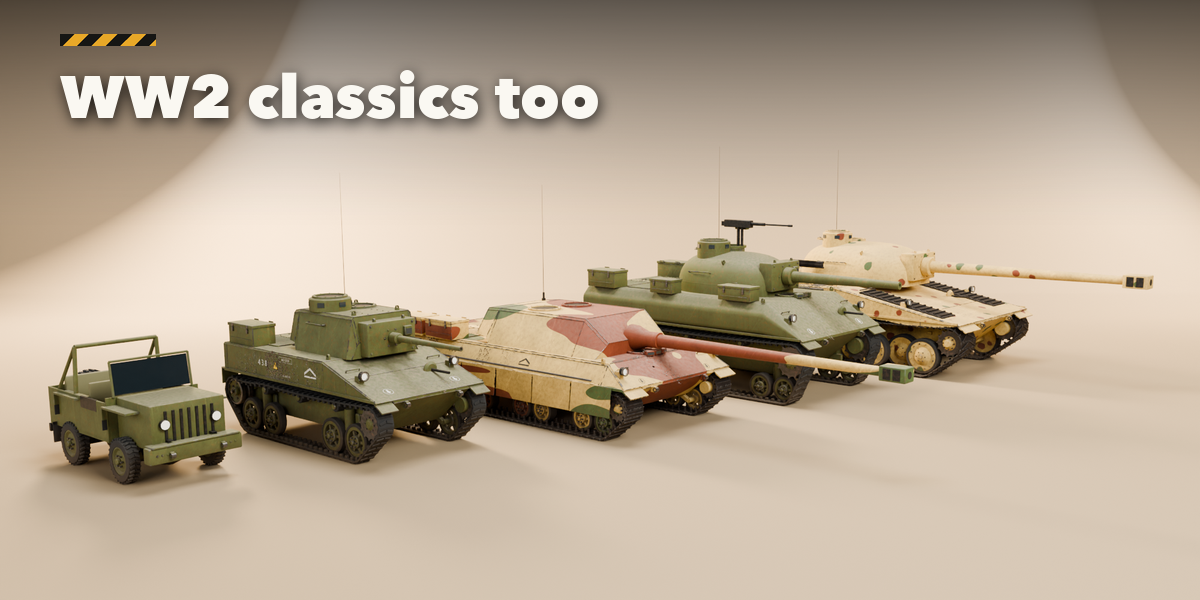
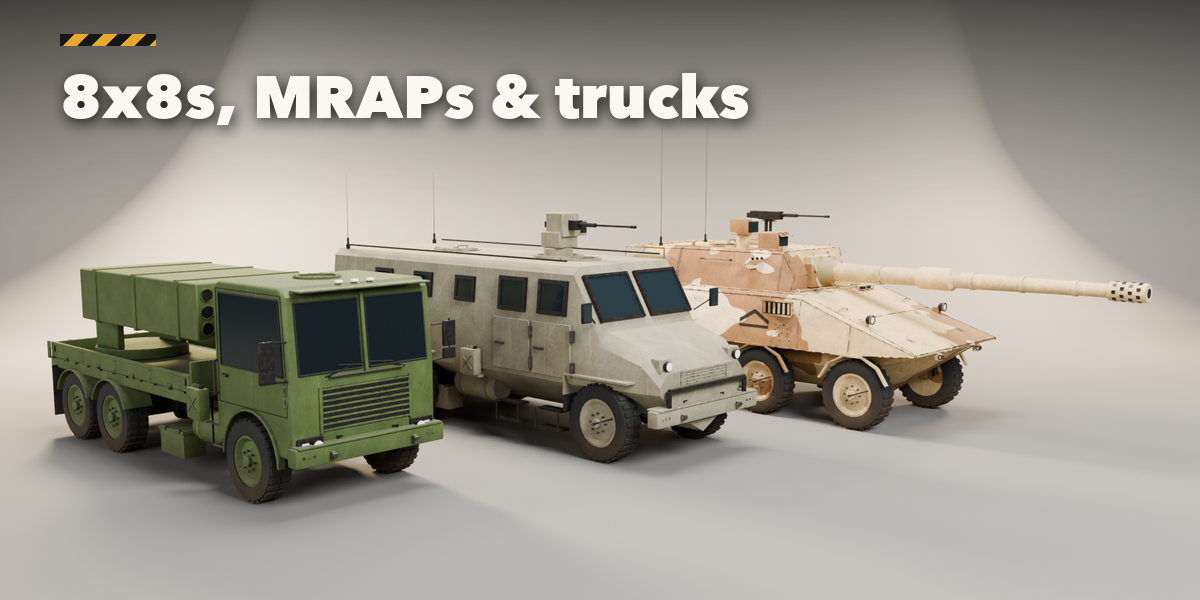
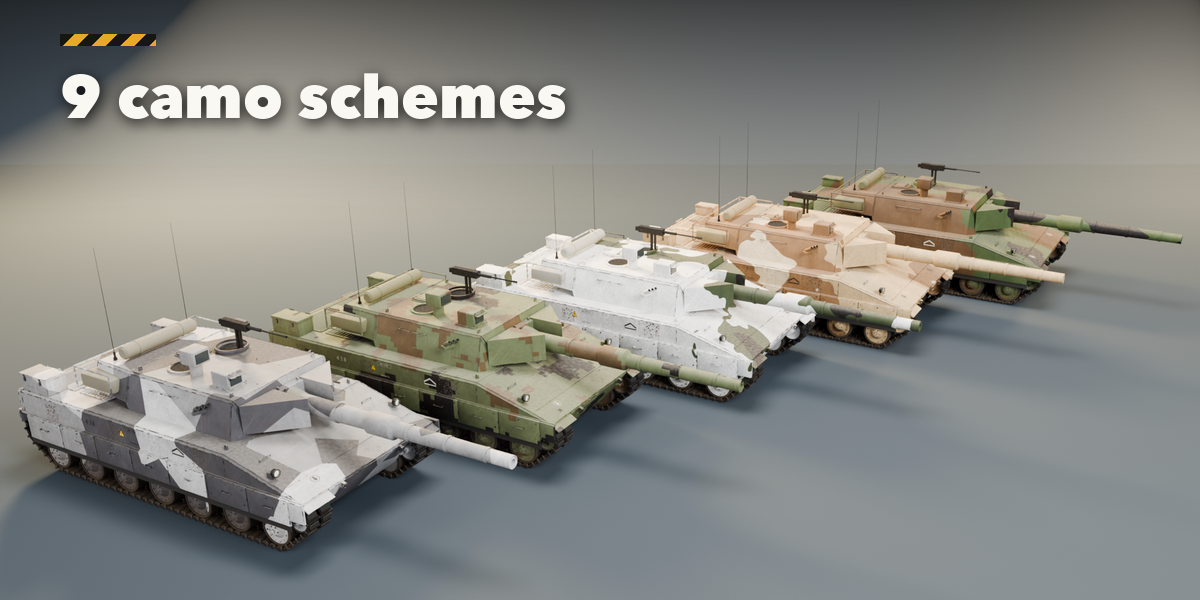
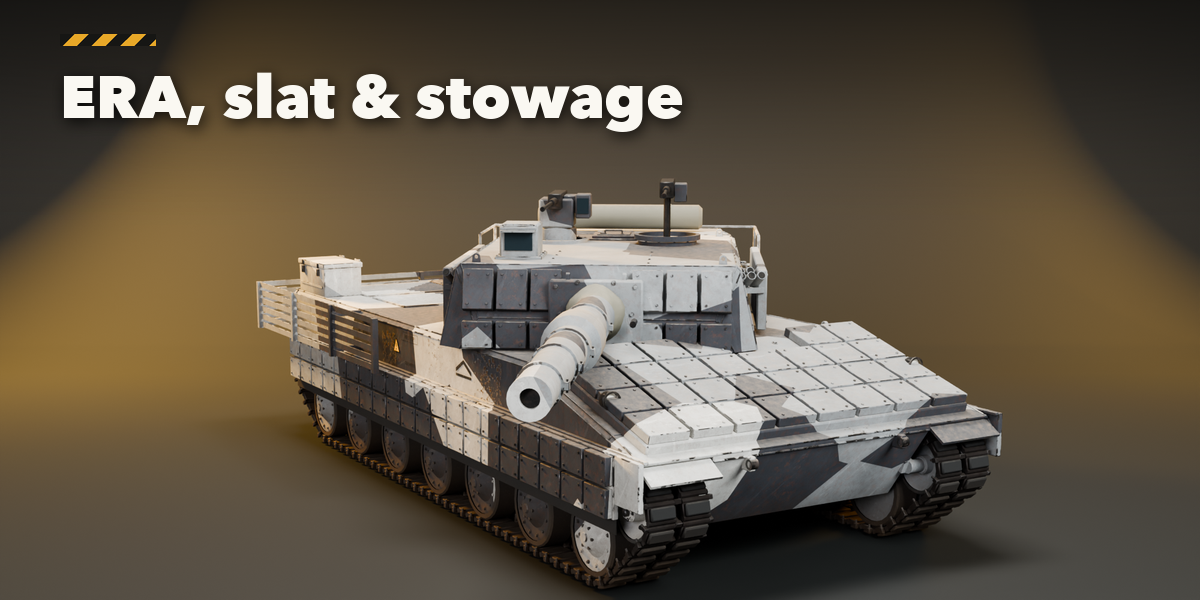
Installation
In Blender open Edit, Preferences, Get Extensions, then use Install from Disk and pick the zip.
Usage
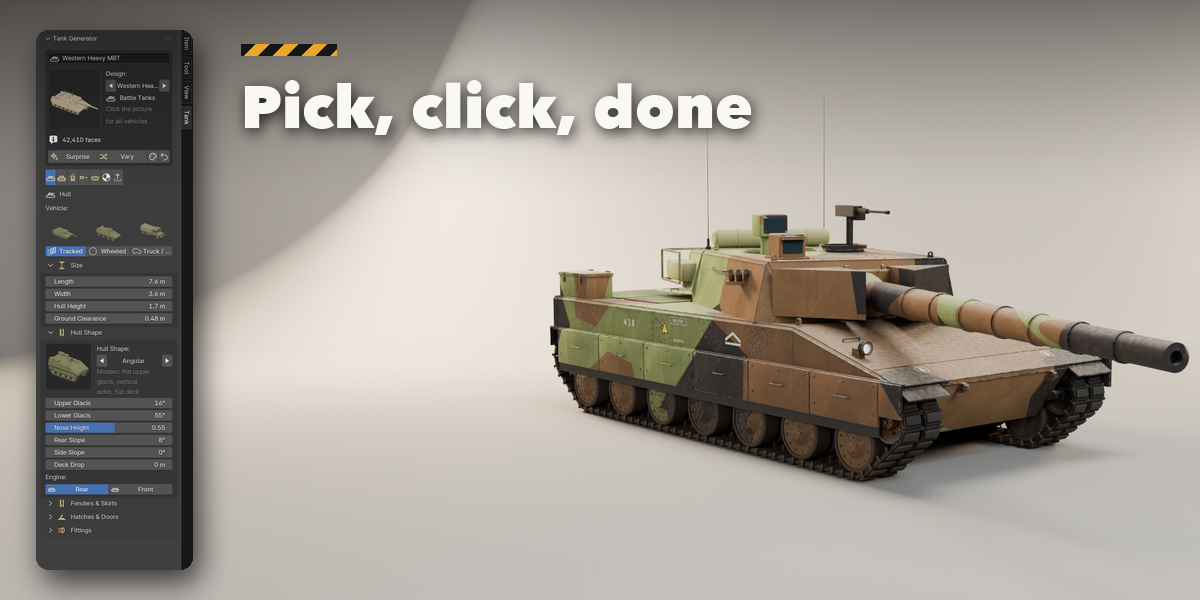
- Press N in the 3D viewport and open the Tank tab, or use Shift+A, Mesh, Military Vehicle.
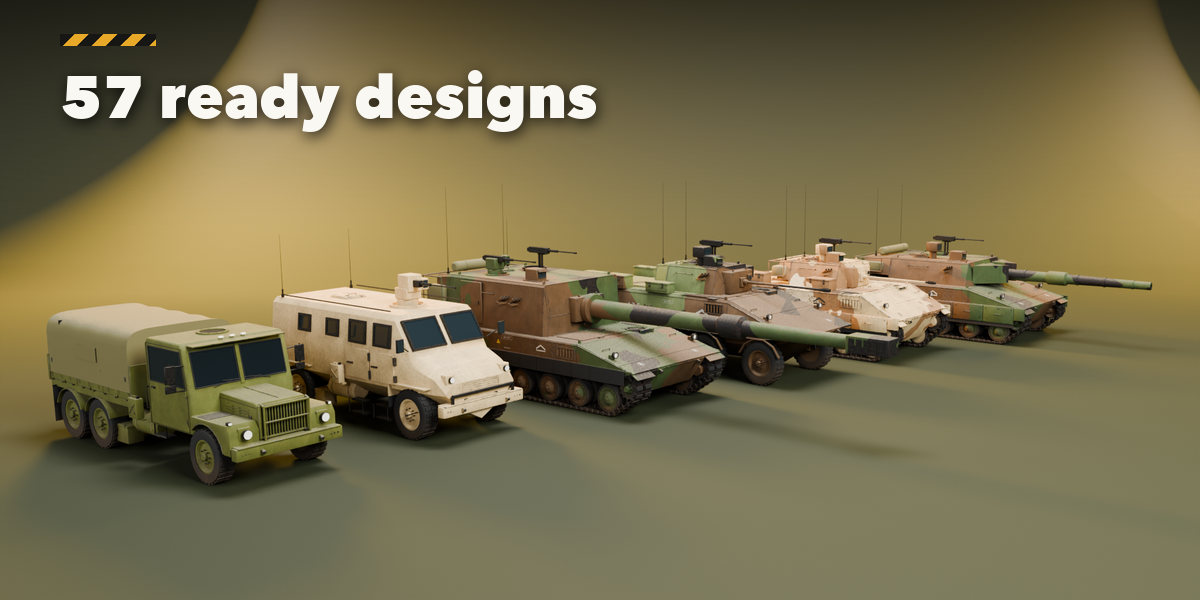
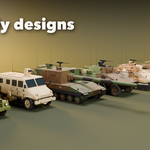
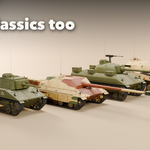
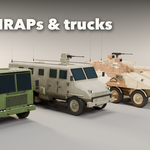
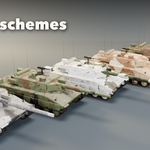
- Click a design picture to add it at the 3D cursor, or press Surprise.
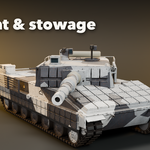
- Select the vehicle and use the tabs (Hull, Running Gear, Turret, Gun, Armour & Stowage, Paint, Parts & Export) to change it. It rebuilds live.
- Use Variation or Random Paint for quick alternatives, and Reset to go back to the design.
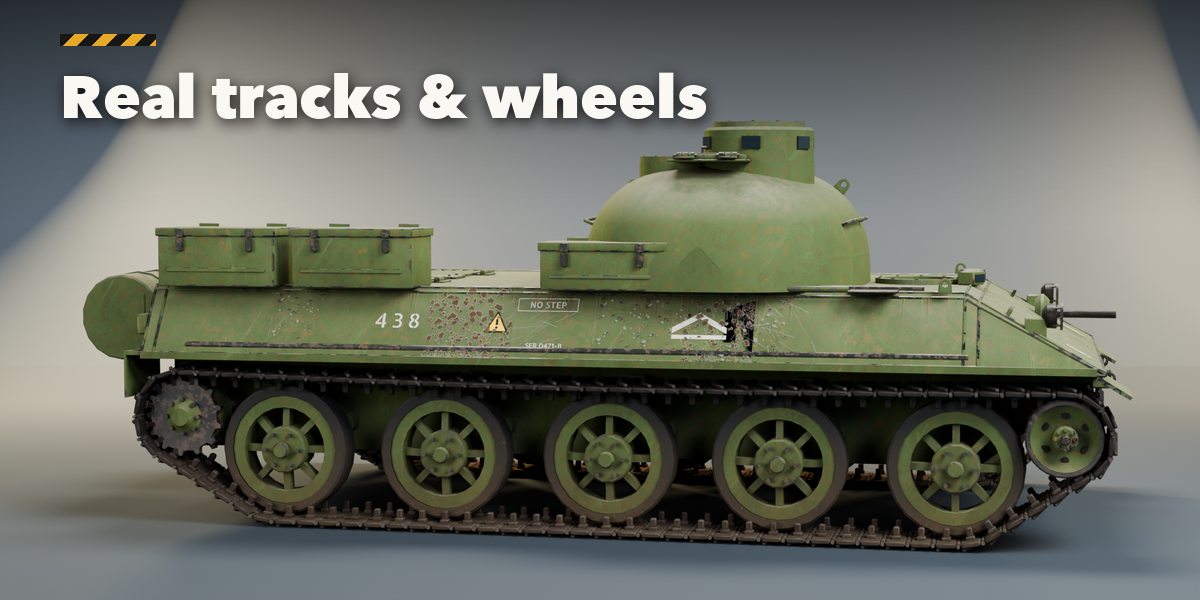
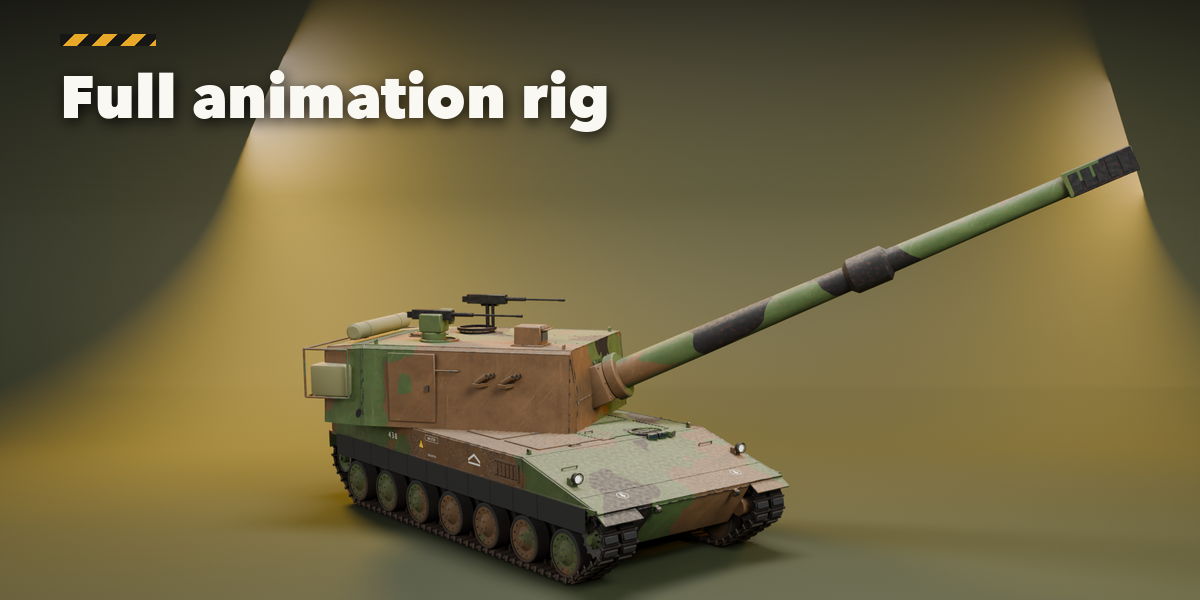
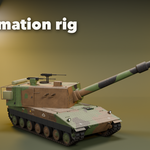
- Every vehicle comes rigged: select the rig in the Parts tab (Select Rig) and move the Root, Turret, Gun, Recoil, Aim, Steer and Bump controls. Tracks and wheels run by themselves (Auto Tracks); use Bake Motion to key them.
- Press Convert to Mesh to get plain meshes for export or editing.
Tips
- Lower the Detail setting for background vehicles; track links are the heaviest part.
- Editing one vehicle never changes copies of it.
Have questions about this product?
Login to message
| Blender Extension Compatible | Yes |
| Published | 41 minutes ago |
| Blender Version | 4.2 - 5.2 |
| Extension Type | Add-on |
| Render Engine Used | Cycles, Eevee |
| License | GPL |

Discover more products like this
truck Generator armored procedural ww2 apc Game asset military vehicle tank hard surface army