 NODI
NODI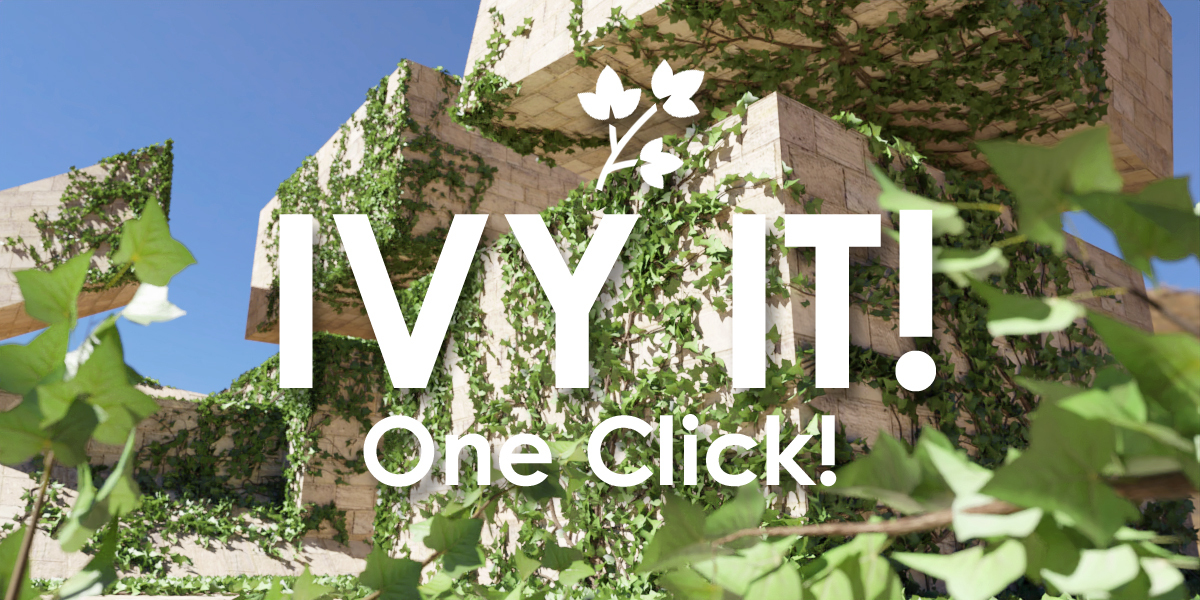
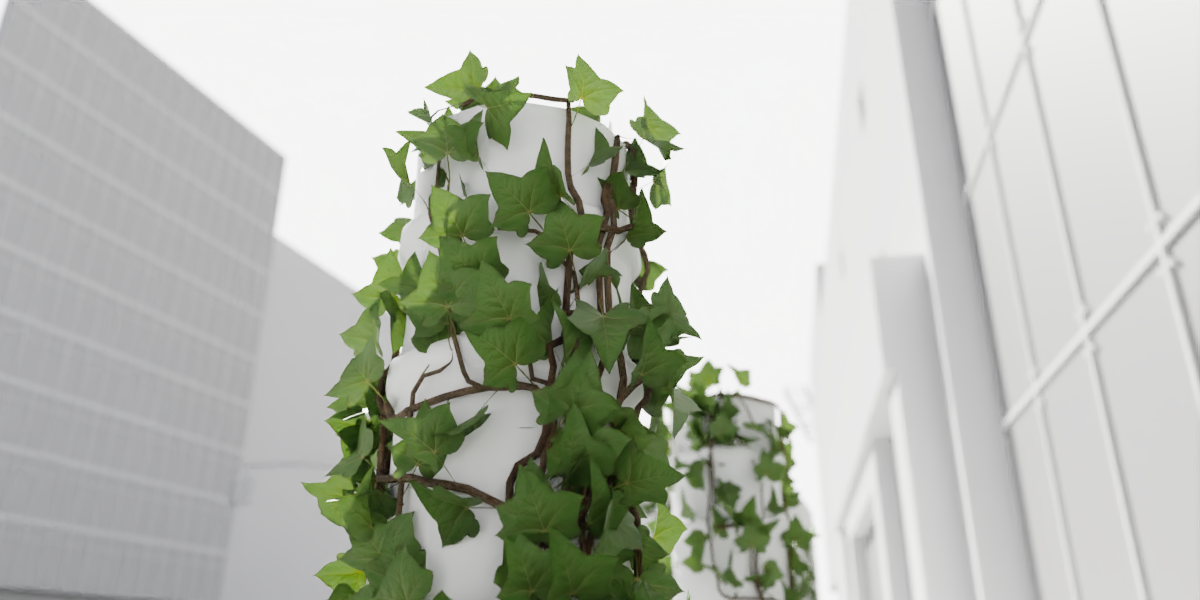
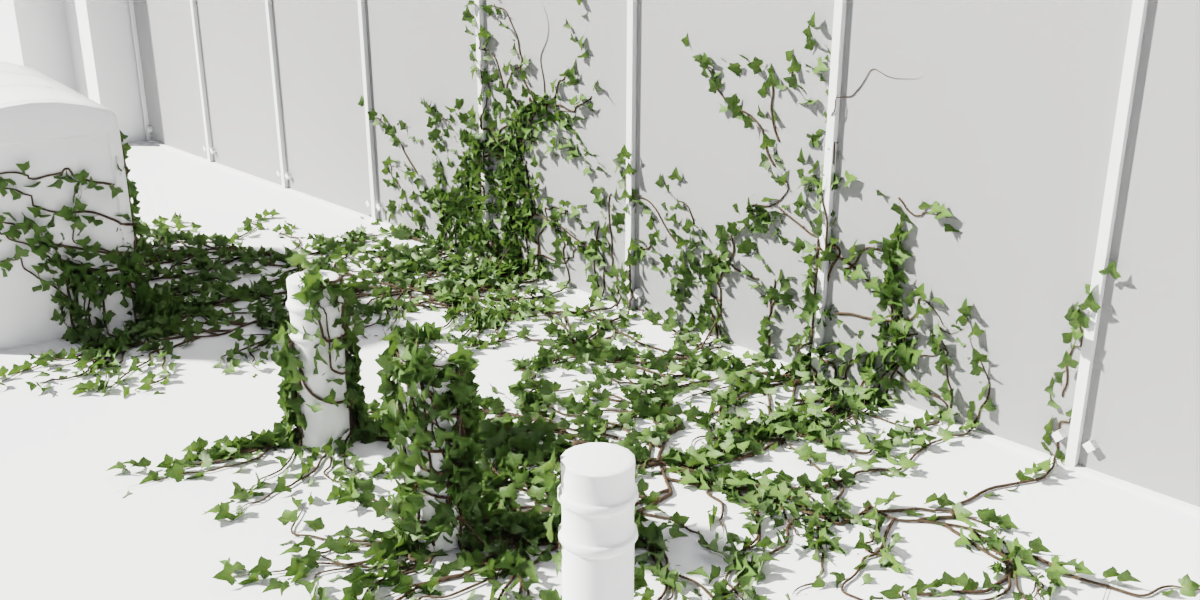
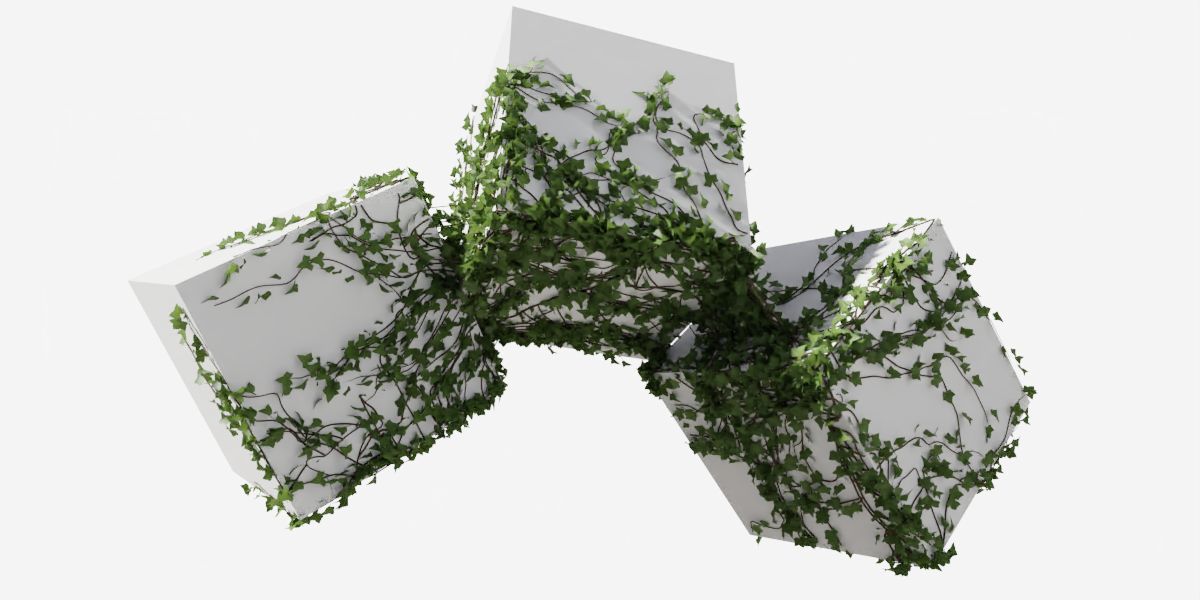

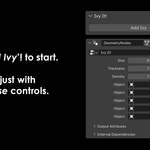
How to use
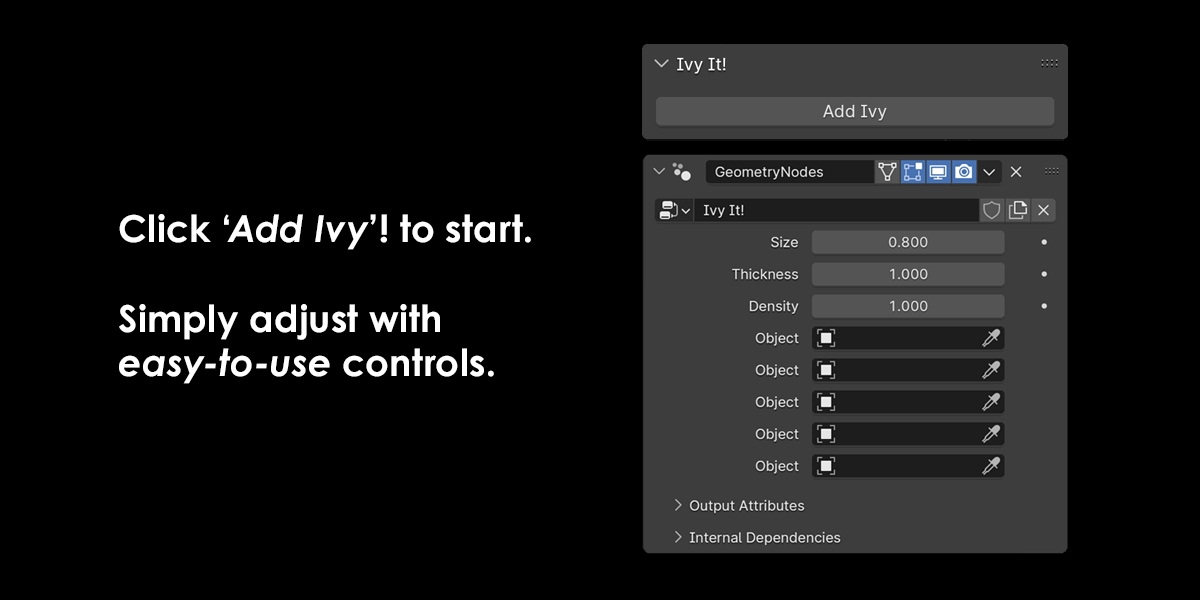
- To open, press "N" in the viewport and locate 'Ivy It!'
- Select up to five objects you want ivy on, then click 'Add Ivy'.
- Position the ivy where you want it, then go to the Geo Nodes tab inside the Ivy It object for further options.
$7.99
Have questions about this product?
Login to message