Japanese Railway Crossing Set
 OilyfootWorkshop
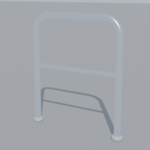
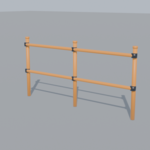
GETTING STARTED IN BLENDER
1. Extract the ZIP, keeping its folder structure.
2. Open Blender/Fumikiri_Set.blend. The recorded verification environment is Blender 5.2.
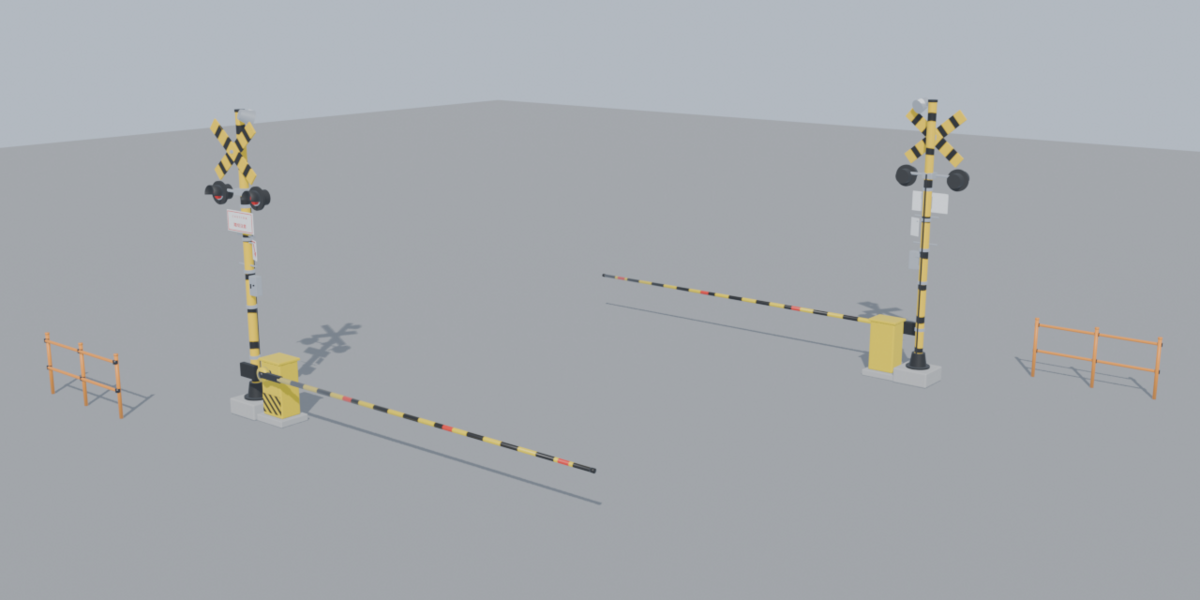
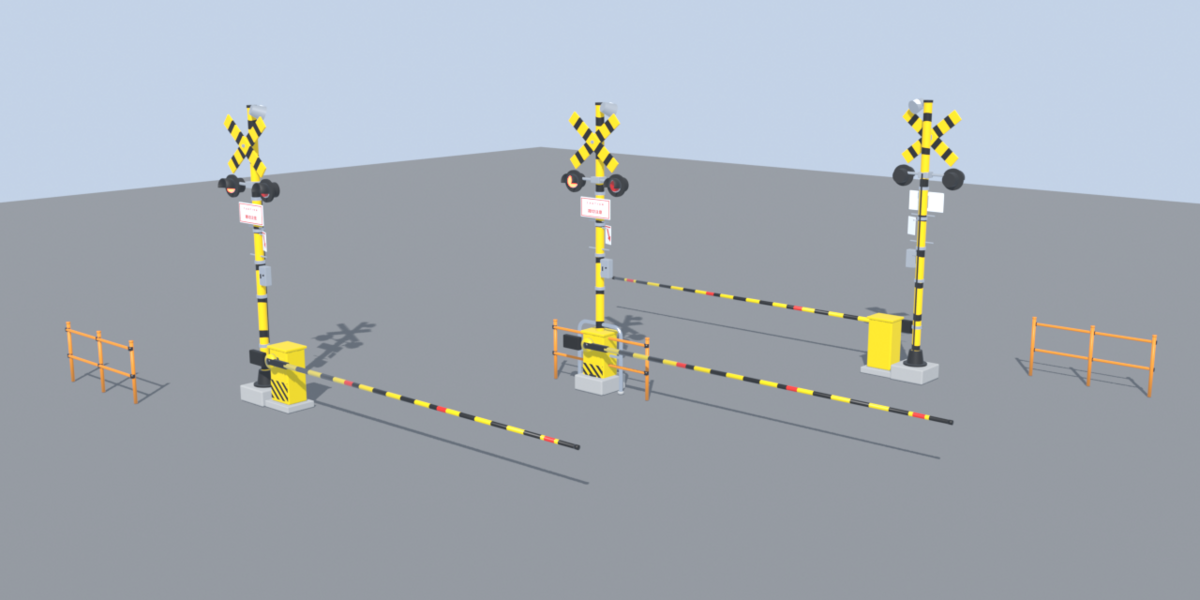
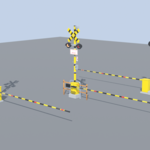
3. Use Sample_Crossing for the sample arrangement and Source_Assets for individual editable assets. Source collections are marked as Blender assets.
4. For independent movement, use source assets rather than collection instances in the sample.
GATE CONTROLS
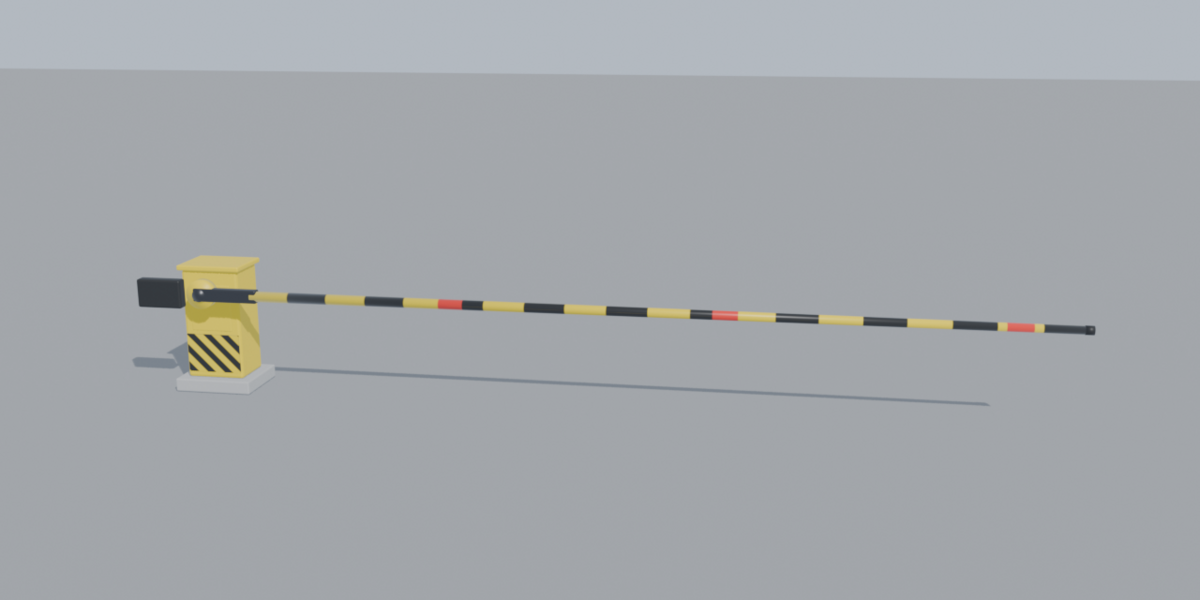
Select GT_CrossingGate_ROOT and change the custom property arm_angle: 0 means horizontal/closed and 80 means raised/open. The GT_Arm_Pivot Empty drives the moving arm, hinge and counterweight. There is no armature. Animate the property as needed in Blender.
WARNING LAMPS
Set the emission custom property on CS_Lamp_L and CS_Lamp_R: 0 off, 30 lit. Alternate the values to create a flashing pattern. Exported FBX/GLB lamps ship unlit. Their emission is not included in the baked transform clips.
FBX AND GLB
Keep FBX files and their PNG textures together. Gate_Raise and Gate_Lower are separate FBX clips, each 4 seconds at 30 fps. The gate GLB contains both clips. The hierarchy includes an Empty pivot for manual or scripted arm control. Materials may need adjustment after import. Scale is 1 unit = 1 metre.
UNITY NOTES
Verified environment: Unity 6000.2.13f1, Windows, Built-in Render Pipeline / Standard shader. This is not a ready-made .unitypackage.
1. Copy Unity/Editor into your project's Assets before importing the FBX and PNG files. The helper sets metallic values during import.
2. Keep the FBX root rotation (-90, 0, 0). This is the coordinate conversion.
3. Set the gate arm stripe PNG Max Size to 4096.
4. Add CrossingGateController to a gate and call Open() / Close(), or use open01.
5. Add CrossingSignalController to a signal and call StartWarning() for alternating lamps. CrossingSystem is an optional combined controller.
6. Refer to Unity/README_Unity.txt for the original detailed instructions. URP, HDRP, other versions and Unity GLB import have not been verified.
TEXT AND LICENSES
Japanese text in Blender requires Noto Sans JP Bold installed separately; exported FBX/GLB text is geometry. Licenses/OFL.txt contains the font license. Marketplace terms govern the model license; see the bilingual LICENSE.txt.
TROUBLESHOOTING
Missing textures: extract all files and keep the original FBX/PNG folder layout, then reconnect base-color images if needed.
Gate does not move independently: select the original source gate rather than a collection instance.
Lamps appear off in an engine: expected; enable material emission or configure the included Unity controller.
Japanese text is missing: install Noto Sans JP Bold and assign it to the text object.
For support, message OilyfootWorkshop on Superhive with the product version, software version and steps to reproduce the issue.
Have questions about this product?
Login to message
| Published | about 6 hours ago |
| Blender Version | 5.2 |
| Render Engine Used | Eevee |
| Misc Data | Textured |
| License | Royalty Free |
