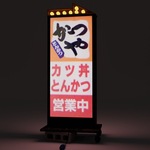
Japanese Tonkatsu Restaurant Neon Sign
 Gianluca Gatto
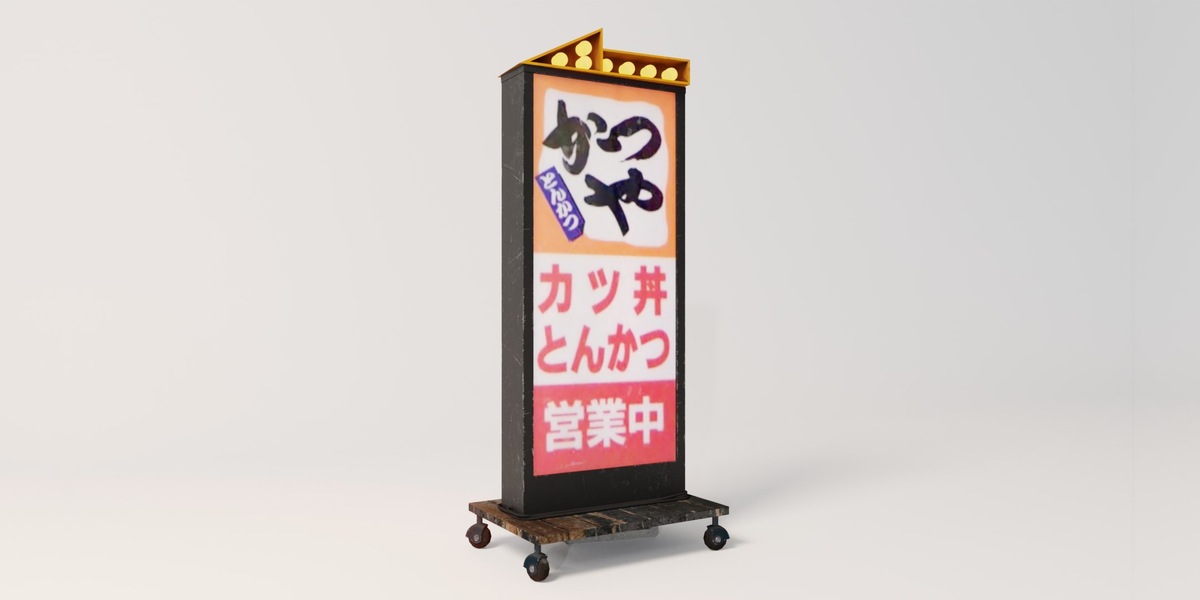
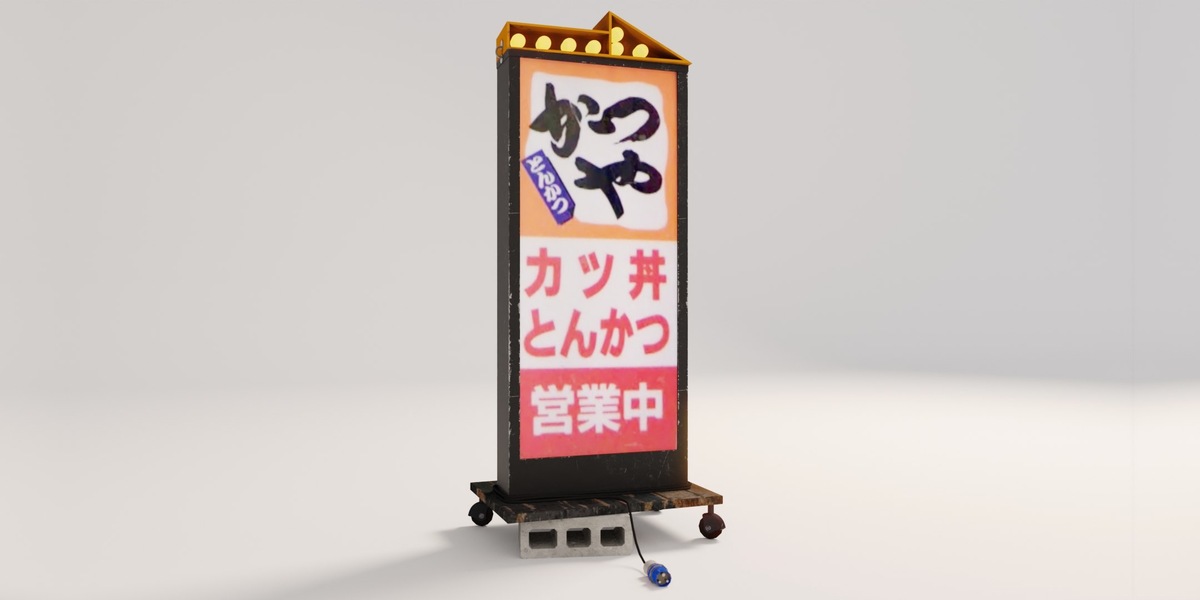
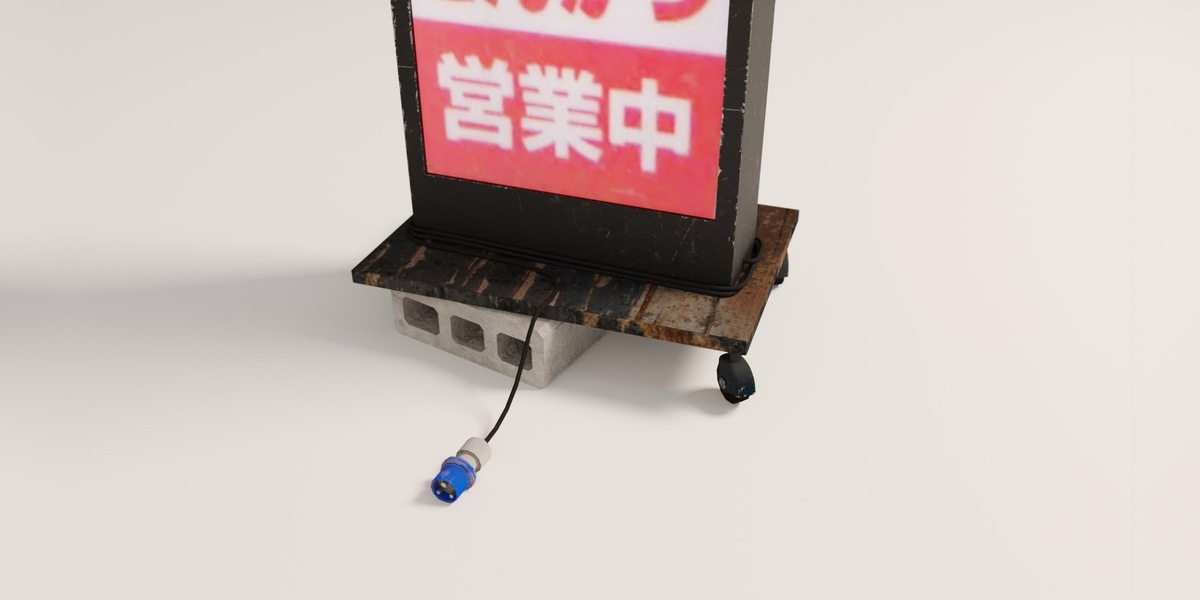
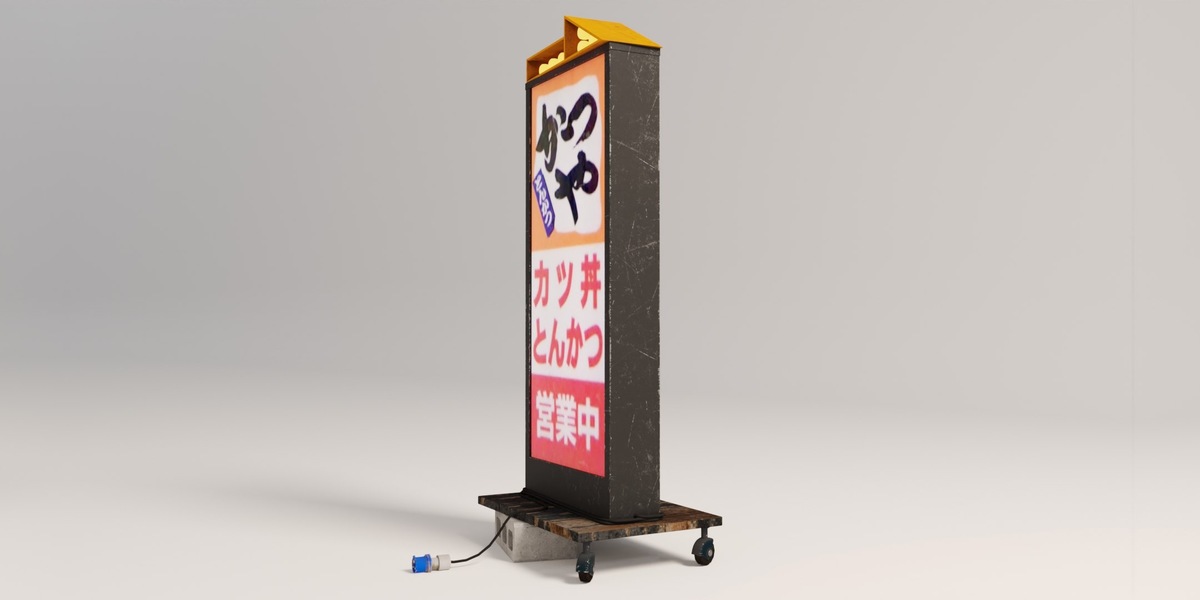
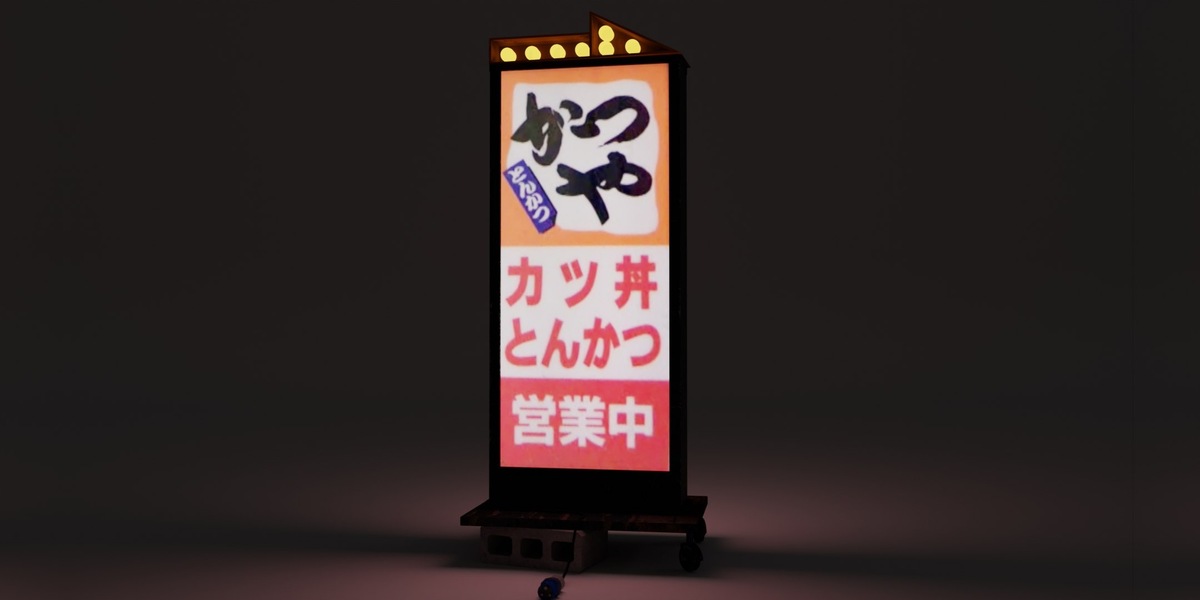
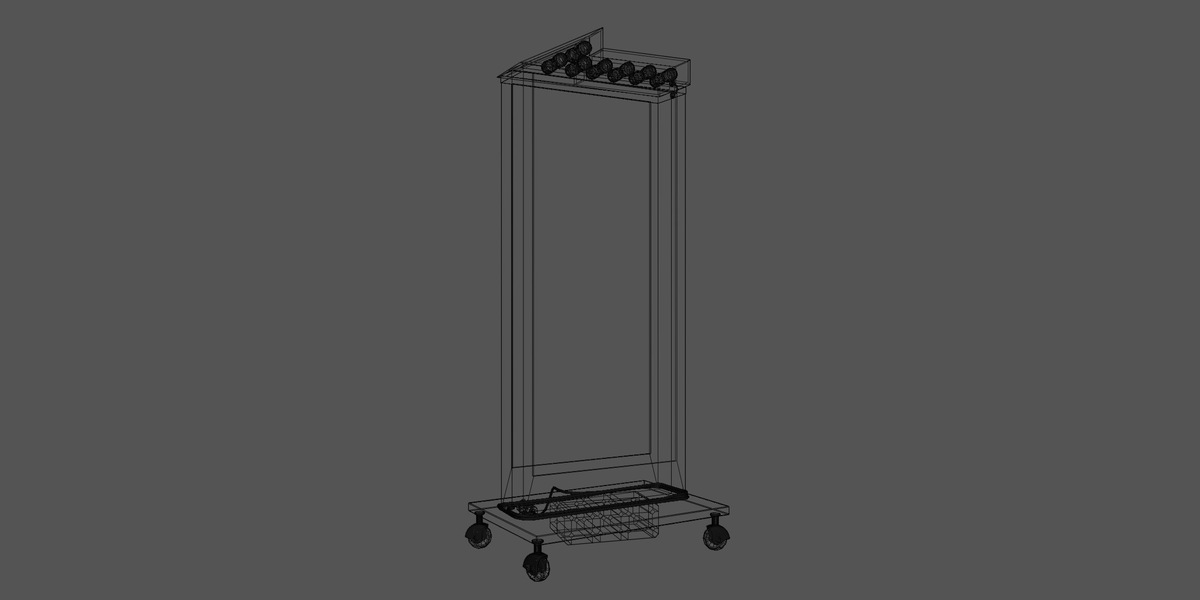
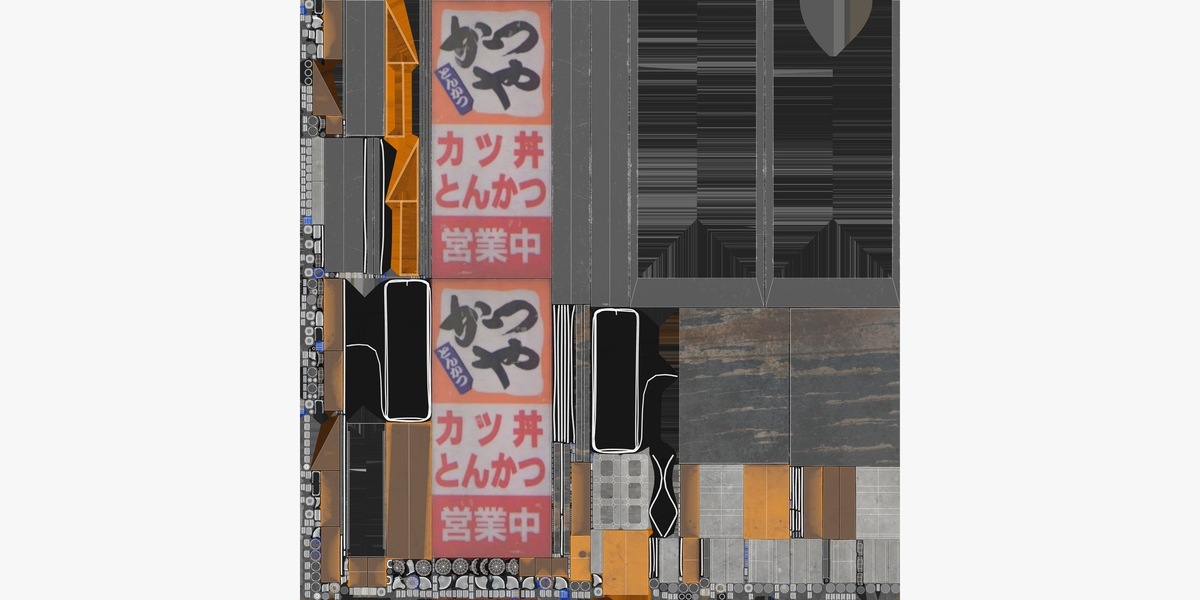
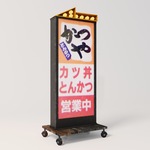
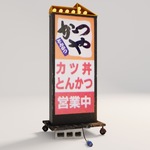
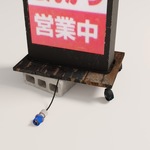
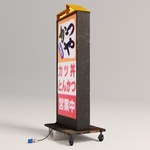
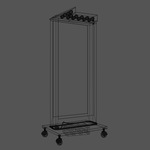
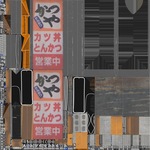
Open TonkatsuSign.blend in Blender 4.5 or newer. The textures are packed into the file. For other applications, import the FBX, OBJ/MTL or GLB and keep the extracted folder structure intact so the textures are found.
Lighting the sign
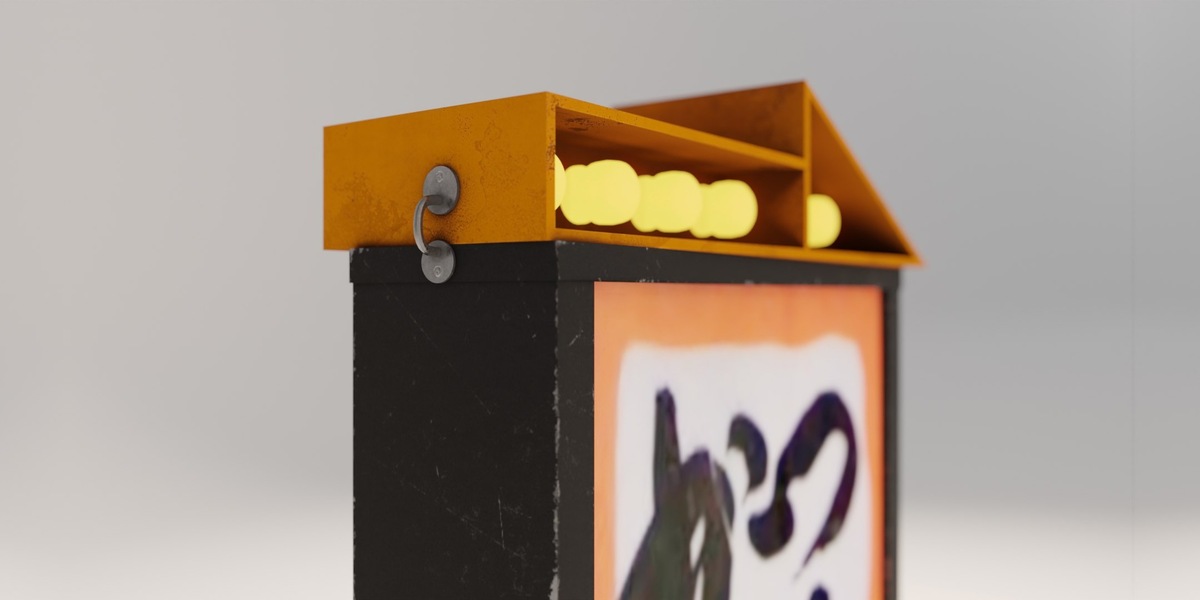
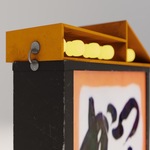
The sign panels and bulbs glow through the Emission Color map on the material. Change Emission Strength on the Principled BSDF (5.0 by default) to dim or brighten them, or set it to 0 for a sign that is switched off.
Rendering
The Blender file contains only the sign, so add your own camera and lighting. Cycles is the supported render engine.
Texture setup
- Use Base Color and Emission as sRGB.
- Set Normal, Roughness, Metallic, Ambient Occlusion and Alpha to Non-Color data.
License
The sign face shows a real restaurant logo. This product is sold under the Editorial license, and the buyer is responsible for any clearance needed for other uses.
Have questions about this product?
Login to message
| Published | about 18 hours ago |
| Blender Version | 4.5 - 5.0 |
| Render Engine Used | Cycles |
| Misc Data | Uvs-Unwrapped, Normal-Mapped, Textured |
| License | Editorial |
Discover more products like this
neon sign street props game ready PBR tokyo emissive signboard Shop Sign restaurant-sign japan japanese-sign tonkatsu