 JAYANAM



Introduction
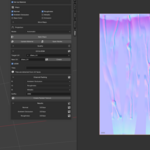
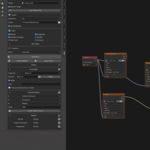
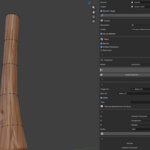
JBake 5 is a Blender add-on designed to simplify and speed up the texture baking workflow.
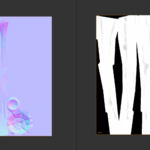
It provides a streamlined interface for baking texture maps between high- and low-poly meshes, creating PBR maps, working with UVs, packing texture channels, and setting up materials.
This documentation focuses on how to use JBake 5. For a complete overview of features and examples, please refer to the JBake 5 product page.
Basic Workflow
A typical JBake workflow consists of only a few steps:
Select or define the Source mesh containing the details you want to bake.
Select the Target mesh that will receive the baked textures.
Configure the required UV and baking settings.
Choose the texture maps you want to create.
Start the baking process.
Optionally pack maps into texture channels and create or update the material.
JBake handles much of the repetitive setup required by Blender's native baking workflow and keeps the most important options accessible from one interface.
 Included
Includes 12 months of
- Support from JAYANAM
- Product updates
Extend this product’s Support Period +12 months: 25% of product price
Have questions before purchasing?
Login to message
| Blender Extension Compatible | Yes |
| Sales | 10+ |
| Published | about 2 months ago |
| Blender Version | 5.0 - 5.2 |
| Extension Type | Add-on |
| Render Engine Used | Blender-Internal, Cycles, Eevee |
| License | GPL |