 Jarek Dudziński



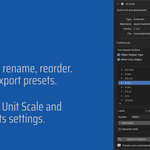
Units (formerly Unit Switcher)
I’ve created this simple add-on for personal use that allows me to swiftly adjust units and grid settings with a single click. I use it daily, and it might prove useful for you as well :)
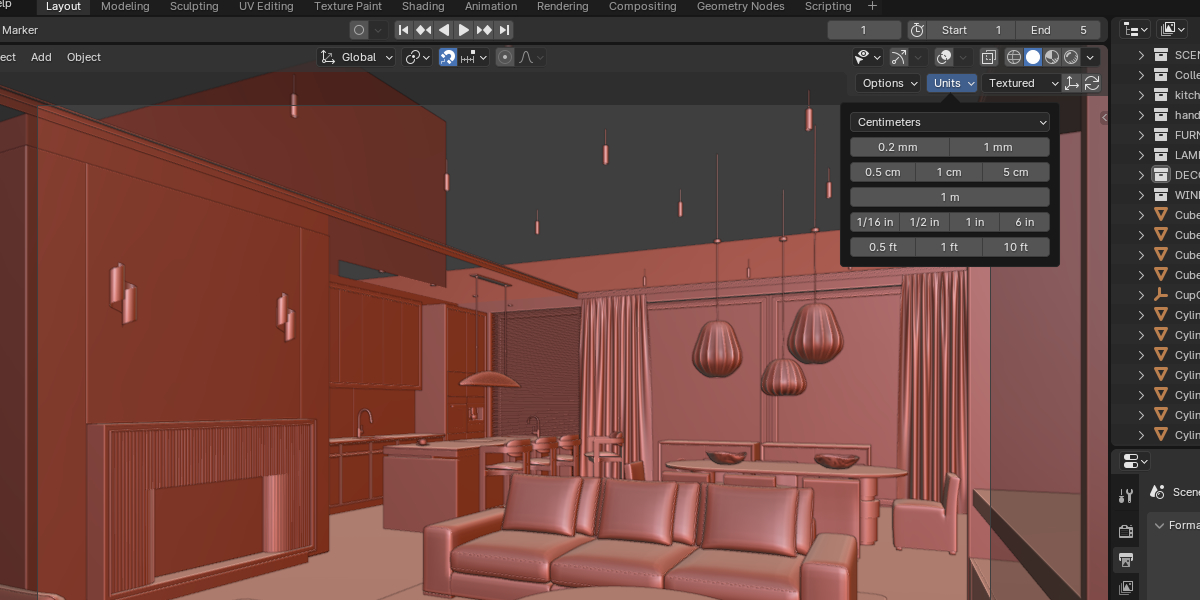
While working on various projects, the need to alternate between units and snapping is frequent: building plans for visualization require inches or feet, some furniture references are in centimeters, and for 3D printing, I must model intricate details with millimeter precision.
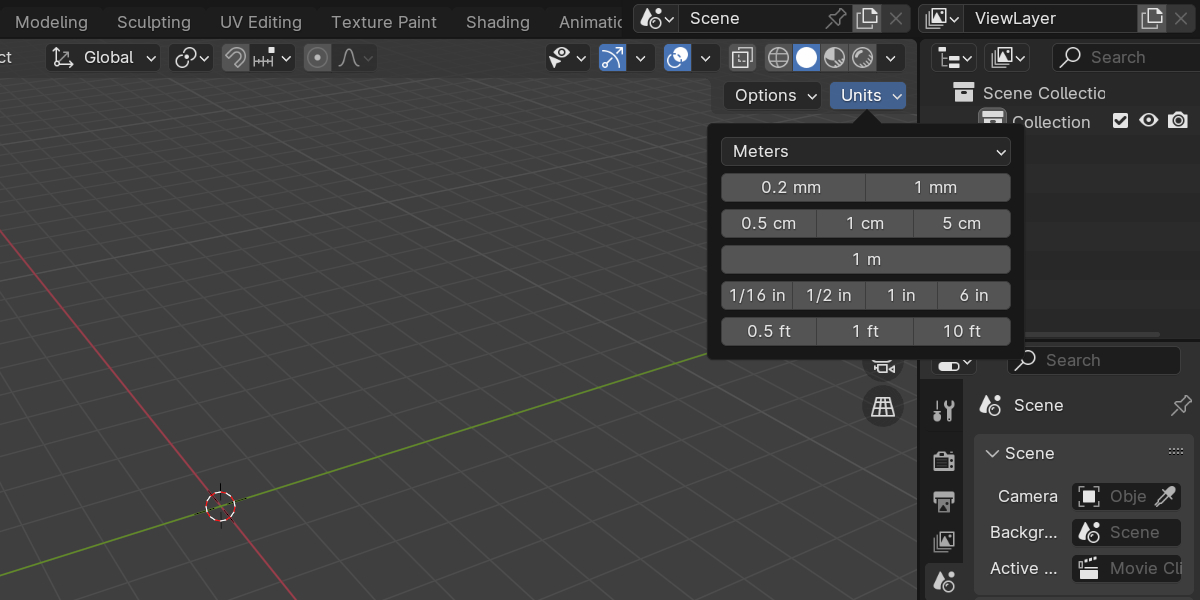
Units introduces a simple and discreet menu that enables you to promptly select the desired preset. With just one click, it alters Blender’s units and configures the appropriate grid snapping settings, optimized for use with the Increment snapping mode.
Now fully customizable
The big change from the original Unit Switcher: every preset is editable in the add-on preferences.
- Add, remove, rename and reorder your own presets
- Each preset controls the unit system, length unit, grid scale, unit scale and the Separate Units option
- Presets save automatically and persist across Blender sessions
- Export / Import your presets as a JSON file to back them up or carry them between machines
- Reset to Defaults any time to restore the built-in set
- Presets that share the same system and length unit are automatically grouped onto one button row, keeping the menu compact
Two optional tool-header extras (toggle them in preferences):
- The active object’s Display Type dropdown (wire / solid / textured)
- An Affect Only Origins toggle for moving object origins
If you have any good ideas for improvement or changes, just send me a message - maybe will be able to add those in updated version :)
Installation:
- Download .zip file
- Launch Blender and go to Edit > Preferences. In the Preferences window, select Add-ons tab
- Click the dropdown in the top-right and choose Install from Disk..., then locate the downloaded .zip file and select it
- In the Add-ons list, find JD Units and check the box next to it to enable the add-on
