 ZEG
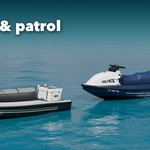
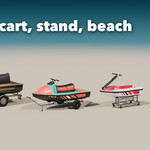
Installation
In Blender open Edit, Preferences, Get Extensions, then use Install from Disk and pick the jetski_generator zip.
Usage
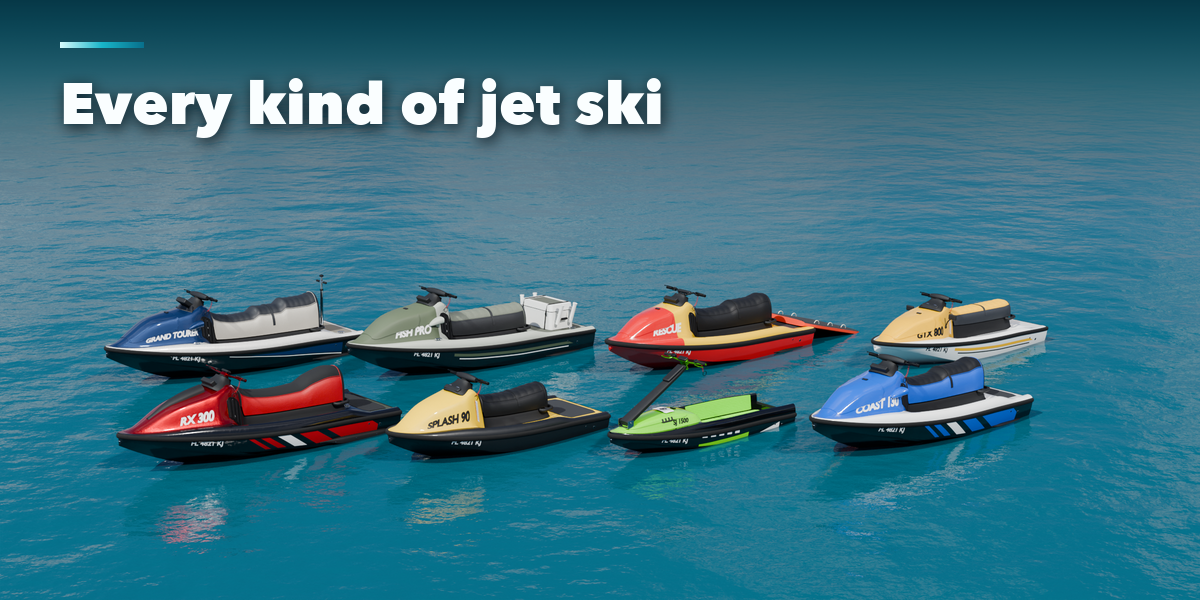
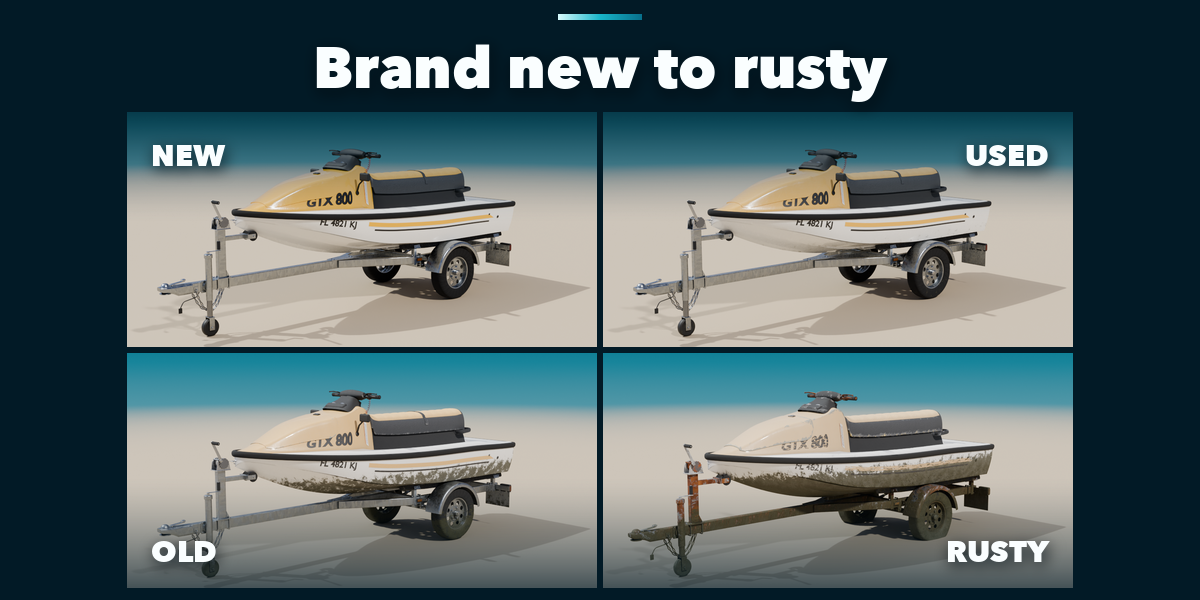
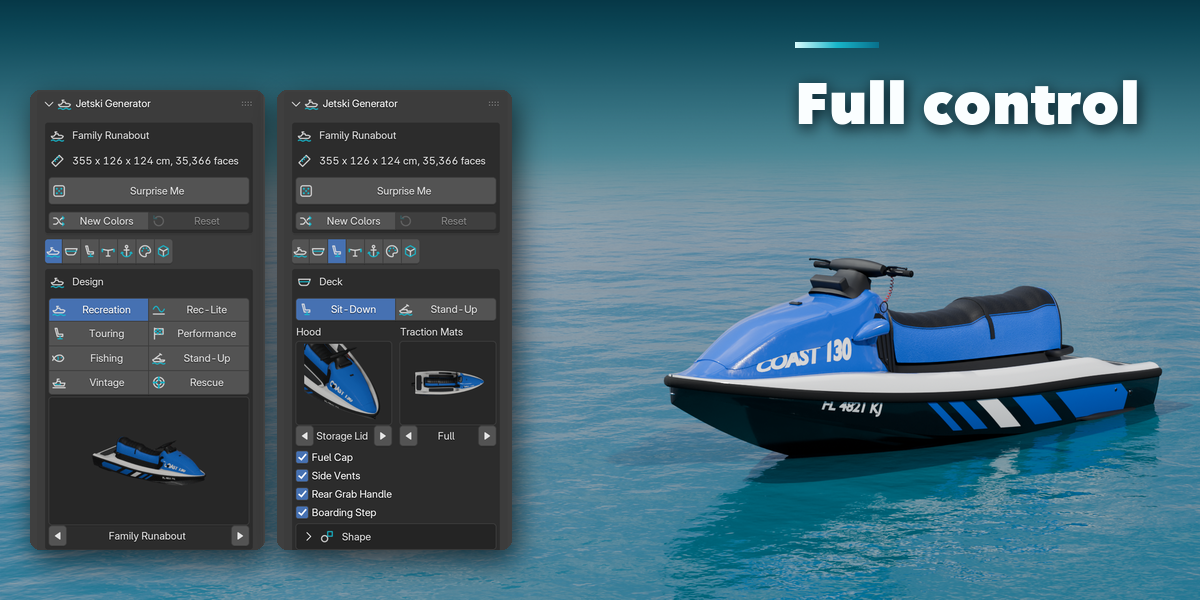
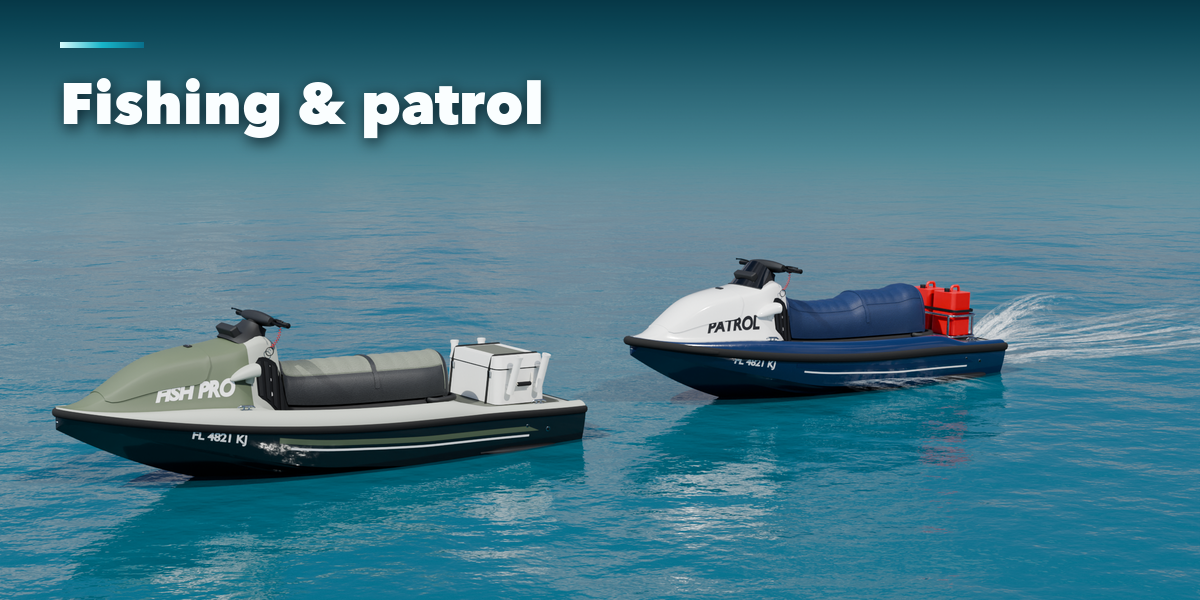
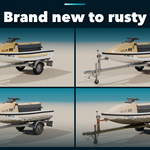
- Open the Jetski tab in the 3D viewport sidebar (N). With nothing selected, pick a type, a design, a condition and how to show it, then press Add Jetski. Shift+A, Mesh, Jetski works too.
- Select the craft to edit it. Surprise Me randomizes the selected craft in place; with nothing selected it adds a new random one.
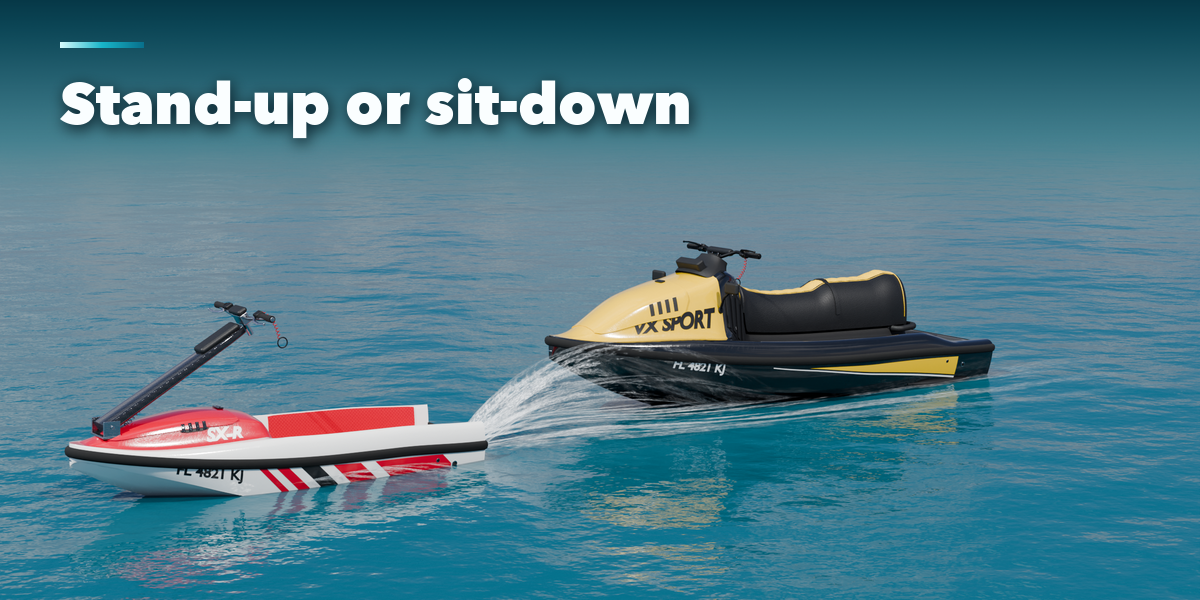
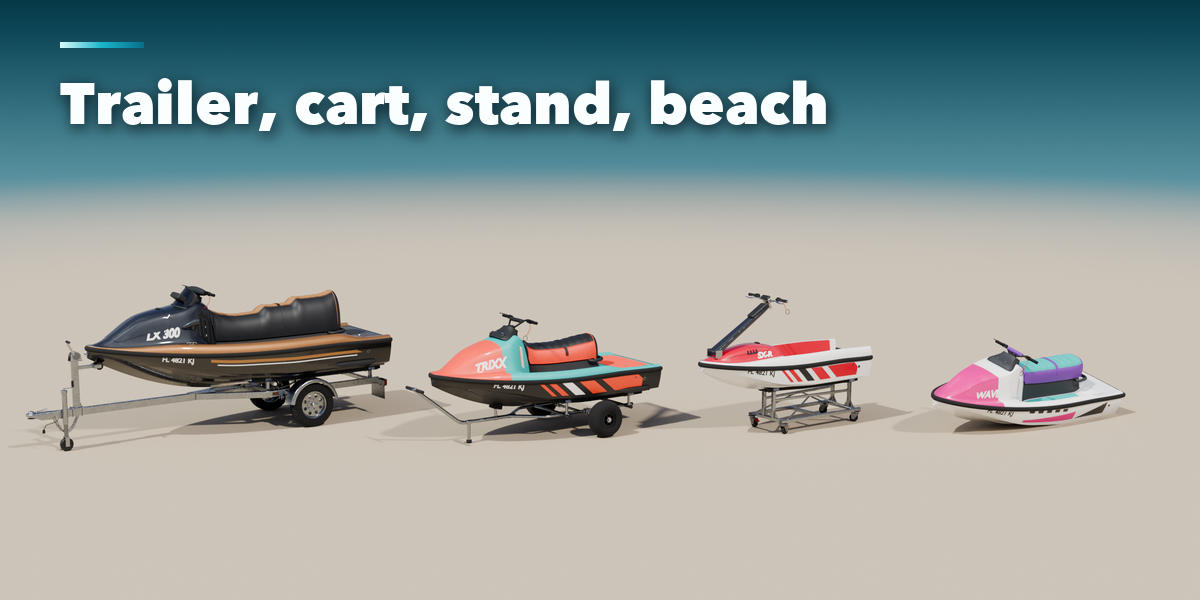
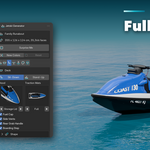
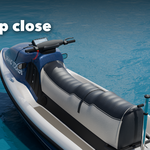
- The Design tab holds the design, condition, display and the Speed Effect. Hull, Deck, Cockpit, Extras and Colors hold the details; click a picture to open its gallery or use the arrows.
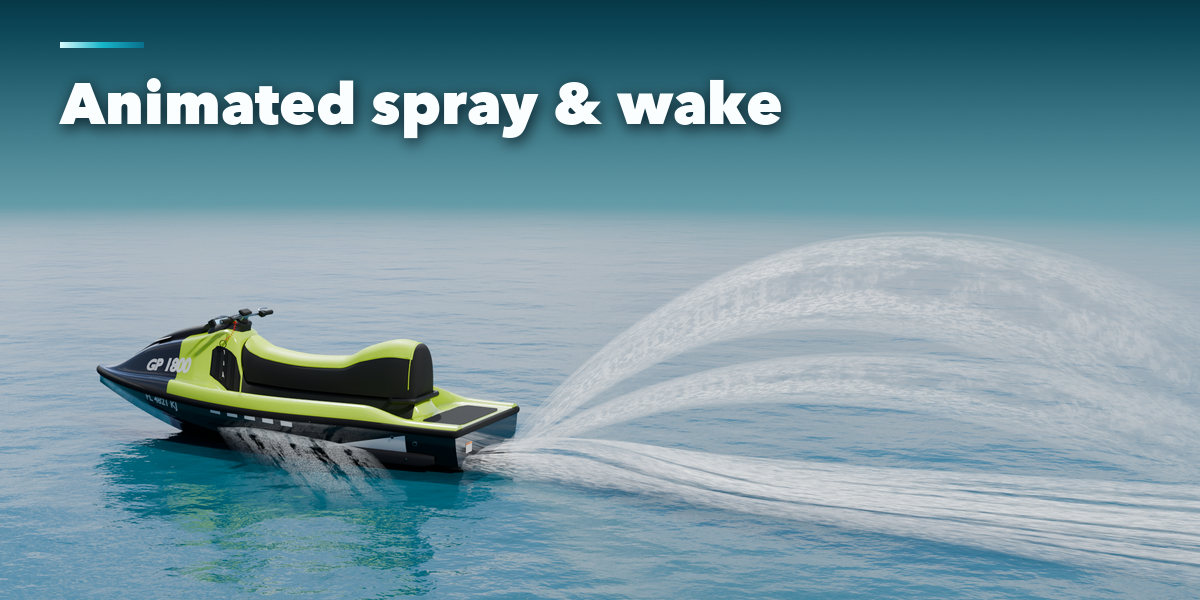
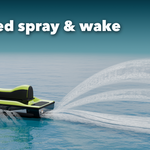
- Speed Effect needs Display set to Afloat. Press Play to see the spray stream backward; Droplets adds particles (play from frame 1).
- Steering turns the handlebar and the jet nozzle. The handlebar and nozzle are separate objects for rigging.
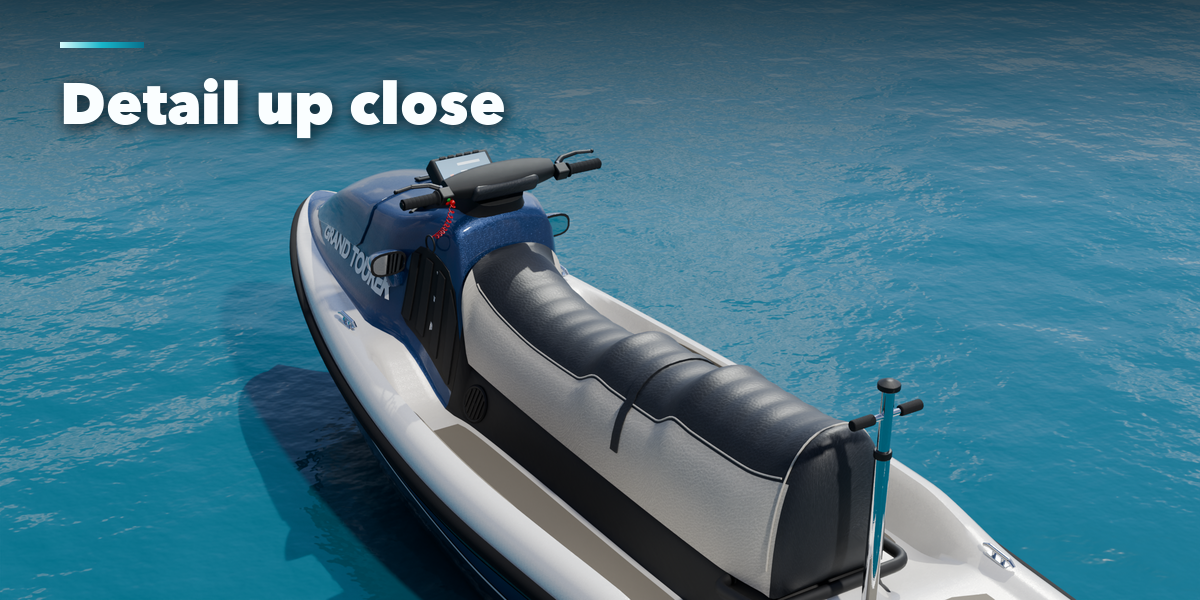
- For game engines set Detail to Low on the Output tab and press Make Static; every part has UVs and Principled BSDF materials.
Have questions about this product?
Login to message
| Blender Extension Compatible | Yes |
| Published | about 1 hour ago |
| Blender Version | 4.2 - 5.2 |
| Extension Type | Add-on |
| Render Engine Used | Cycles, Eevee |
| License | GPL |

Discover more products like this
PBR jetski procedural trailer personal-watercraft game ready boat jet-ski Generator Water vehicle pwc