 AnimPal



Secondary motion is what makes a character feel alive, and it is also the part nobody wants to key. Ears, tails, bellies, antennae, armour, hair: every one of them needs to lag behind the main action, overshoot, settle. Doing that by hand means offsetting keys on a dozen controllers and fixing the curves every time the main animation changes.
JiggleWibble does the lagging for you. Add the controllers you want to jiggle, turn on preview, and press play. Tune the physics while it plays. When it looks right, bake it to animation layers and keep working on the curves like any other animation.
| Blender | 2026.01 | Lower than 1 MB |

The same walk, with and without. Nothing changed in the main animation: the jiggle is layered on top of the controllers that were already there.


Select the controllers, click Add Selected, and they join the controller list. Turn on Preview for one of them or Preview All for the lot, press play, and the motion is there. Nothing is baked yet, so you can keep changing your mind.


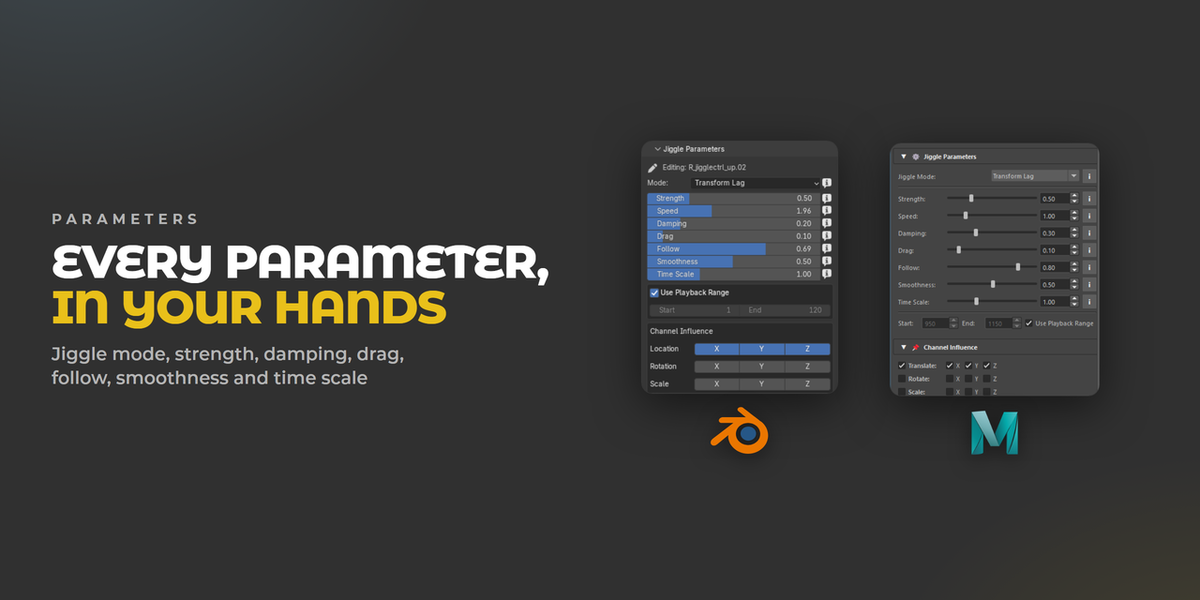
Strength, Speed, Damping, Drag, Follow, Smoothness and Time Scale, all updating while the animation plays with Live on. Drag a slider until the tail settles the way you want instead of guessing and re-baking.

Three jiggle modes cover different jobs: Transform Lag for a delayed follow with damping, Spring Jiggle when you want bounce and overshoot, Soft Follow for something gentle. Channel Influence picks which channels react, per axis, so a tail can swing in rotation without drifting in location. Every controller carries its own settings,.

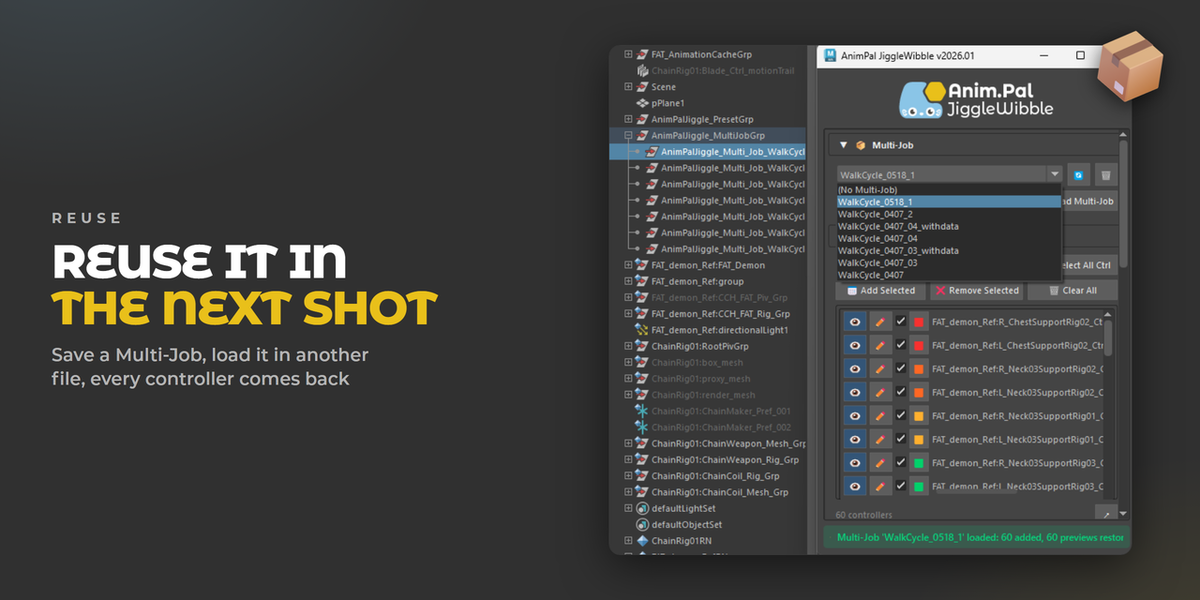
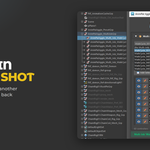
Set a character up once and take it everywhere. Save a Multi-Job with the whole controller list and its settings, open another shot file, load it, and every controller comes back with its preview restored. Presets and a Shared User Library let a team work from the same setup.


When the motion is right, Apply it to animation layers or Bake the selected controllers. The result is ordinary keyframes in the Graph Editor: grab one, move it, cut a section. The jiggle is a starting point, not a locked result.

