Bevel Joints 📐 Join And Bevel Meshes Manifold
 Mr. Steve 3D




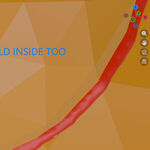
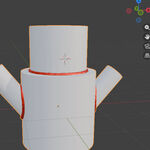
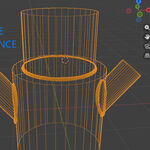
⚙️ Bevel Joints Pro
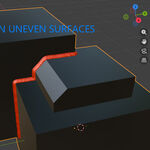
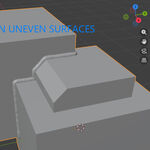
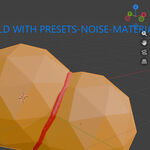
Clean joining of 2 or more meshes that have flat surfaces (May not work on all complex meshes) Designed for hard surface work but can join rounded objects and bevel the joint.
7/25/2026
Newest update: Now 1 addon covers all versions of Blender!
Just added a powerful Blender 5.2 Join mesh and bevel operation using the "Mesh Bevel" node :) Feel free to upgrade for 2 dollars if you already bought.
Bevel Joints v5 is your clean-geometry join system built for next-generation Blender hard-surface workflows. Instantly join two or more meshes, auto-detect intersecting edges, set active seams, and apply bevels using Blender’s Edge Attributes& Vertex bevels depending on your Blender version
Works flawlessly with bevel attributes, vertex bevels, modifiers, and custom bevel controls.
Bevel Joints UPDATE 2/15/2026
Introducing the new weld seam feature (Video) below.
https://youtube.com/shorts/uEYpAEmr6xc?feature=share
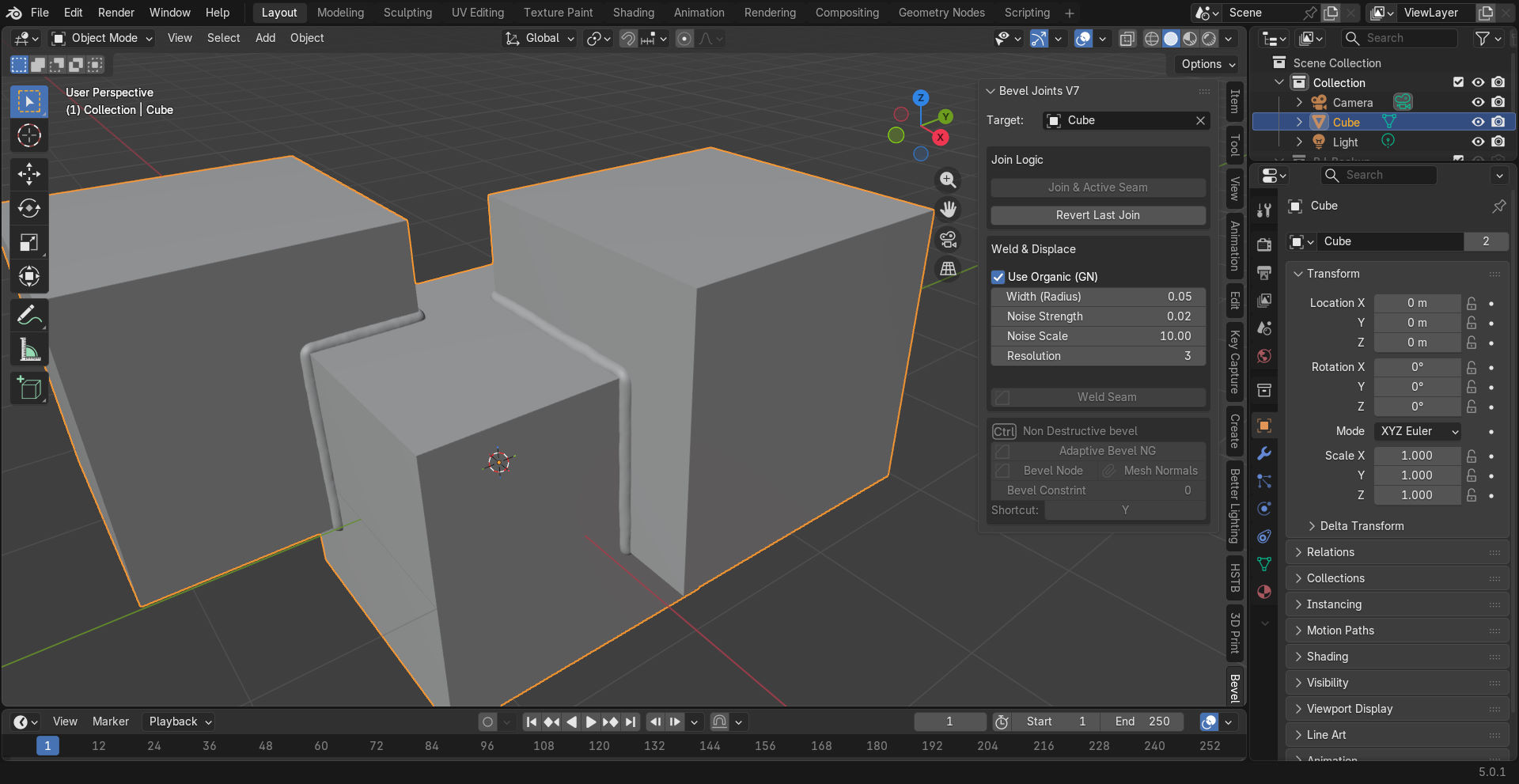
Come check out the new features, bevel with confidence and a powerful tool to join meshes and make the joint manifold
Tutorial below and product link, "Addons save time"
New version # 4.1.4
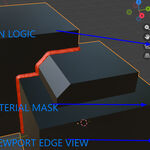
Added edge attributes with a quick button. Select and edge(s) and click Edge attribute button
Press SHIFT + F and controls all bevels on the active object
Bevel Joints UPDATE 12/22/2024
This updated script avoids unnecessary triangulation, ensuring that the quads are preserved for beveling operations. It also cleans and validates the mesh topology to minimize issues caused by overlapping or duplicate vertices.
Bevel Joints UPDATE 11/02/2024
First set your target on the top of the addon and select an active object, preferably the target mesh. Press Y to draw a point and right click to get the primitive mesh menu then click Join mesh
Bevel Joints UPDATE 10/09/2024
Now you can join multiple meshes at one time and I added back the auto bevel feature, so you can add a bevel and scroll though different bevel presets
Bevel Joints UPDATE 8/26/2024 Tons of proximity and automatic power behind this version, its like a dog that walks itself and you just need to feed it and hold the leash.
Tons of proximity and automatic power behind this version, its like a dog that walks itself and you just need to feed it and hold the leash.The new Ray casting to face area feature will allow you to press a hot key any number of times you wish to align and position the mesh to be joined, and the "Target" will be automatically set but the Boolean Target will be manual to keep it clean and simple to use.
This version will be free of conflicts with other addons and is an organized callaboration.
It will be far more intuitive and user friendly with the same core functionality your used to but with more automation for ease oof use.
More updates to come from the NormalSteve Workbench :)
https://discord.gg/uUBdX3Qx
UPDATE BASIS MESH
The way the script performs the bevel operation is by storing a copy of the mesh formed from joining the two objects right after the join button is clicked. I’ll be referring to this mesh as the ‘Basis Mesh’, because it is the starting mesh for the bevel operation. More specifically, every time you change any of the bevel parameters, the script first replaces the mesh of the active object with the ‘basis mesh’ and then adds a bevel to that ‘basis mesh’
So if you want to make edits to your mesh before changing any of the bevel parameters, you need to click on the ‘Update Basis Mesh’ button first(in edit mode). What this button does is load the basis mesh of the current mesh so that you can edit it. After making edits, you can either ‘Confirm’ the update or ‘Cancel’.
If you want to mark edges sharp, you need to do so to the ‘Basis Mesh’. So make sure to ‘Enter Edit mode > click ‘Update Basis Mesh > Mark Sharp > Confirm’.
Also for the selected edge option, you need to follow a similar procedure. ‘Enter edit mode > click Update Basis Mesh > Mark Bevel > Confirm’. The Mark Bevel/Clear Bevel options are found at the bottom of the context menu that appears when you right click in the 3D viewport.
You can make any kind of edits to the basis mesh then confirm. CLAMP OVERLAP The ‘clamp overlap’ is a bevel parameter similar to the one you see in the default bevel operator in edit mode. It clamps the beveled edges/vertices if they overlap with the surrounding geometry.
BEVEL HISTORY
This is similar to the ‘Undo History’ of blender. Each bevel operation is stored in this list and you can revert to that
state by clicking on it. This reloads the current object’s mesh and basis mesh.
Bevel Joints V3 news and documentation|
What is going on behind the scenes?
BVH Tree Creation: The script creates a BVH tree for the target object using
bmeshto find the closest face to the active object's location.Finding the Closest Face and Normal: It finds the closest point on the target object's mesh to the source object (active object) and retrieves the face normal at that point.
Aligning to the Normal: The script calculates a rotation matrix that aligns the active object's local "up" axis (
Vector((0, 0, 1))) to match the normal of the closest face. The object is then rotated to align with this normal.
How to Use:
-
Select the Object: Make sure the object you want to align is the active object in the scene.
-
Run the hot key Y operator: Repeat this process to move the object anywhere you want
This script will automatically find the closest face of any other mesh object in the scene and align the active object to match the normal of that face.
-
$16.50
Joins 2 or more meshes and adds a bevel at the joined edges **Blender 5.2 ONLY*
-
$15.85
What do you get? Join 1 or more meshes together manifold. Now with backwards compatibility. Blender set mesh normal node group & 4.3+ new edge weight attributes for individual edge controls in 1 click, make perfect joints and adds a bevel presets, giving you a fast-paced workflow for both destructive and non-destructive options
-
$1
This will join 2 mesh objects, *UPGRADE* today and get Blender Mesh Bevel node amped UP!
-
$35
Included addons are, Bevel Joints, The Hard surface toolbox/Mirror Machine, OCP The one click proxy (Speeds up the viewport), and Ref Pro
-
$1
Select your desired bevel settings with a left or right arrow to resize your bevel. All presets are done for you. Use 100% off code bevellevels
Have questions about this product?
Login to message
Discover more products like this
Edge Control Tool hardsurface addon mesh joining mesh bevel manifold nodes join Custom Bevel bevel control Bevel Tool non-destructive