 Skava
JointForge
v1.0.0 · Blender 4.2 LTS and later (tested on 4.2.9 and 5.2.2) · Windows / macOS / Linux · Unity 6 component included
1. What it does
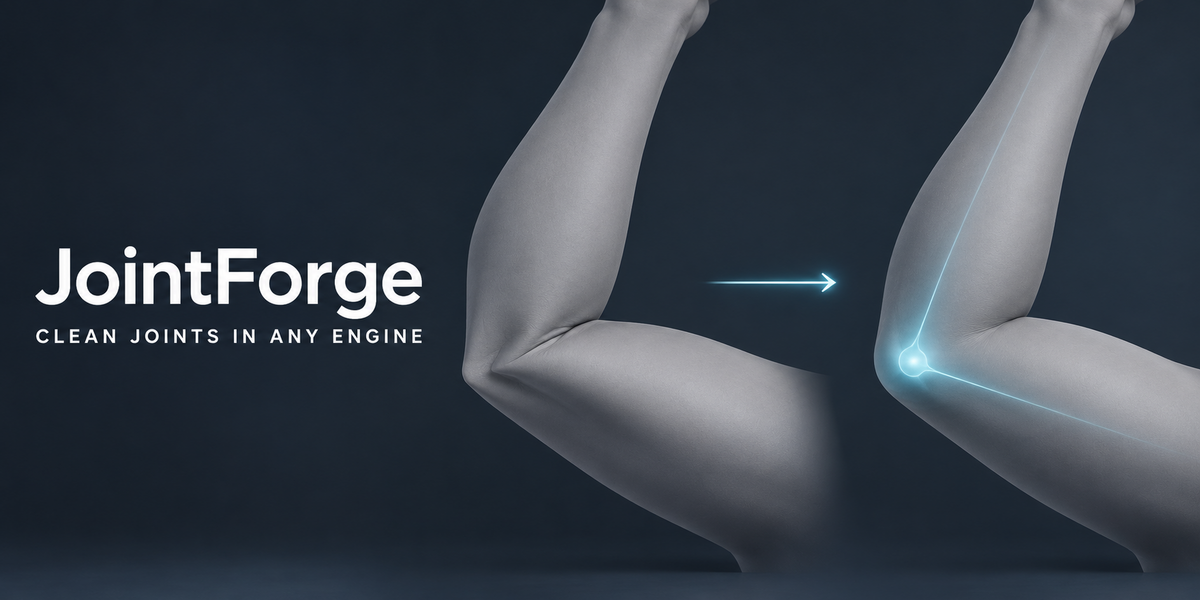
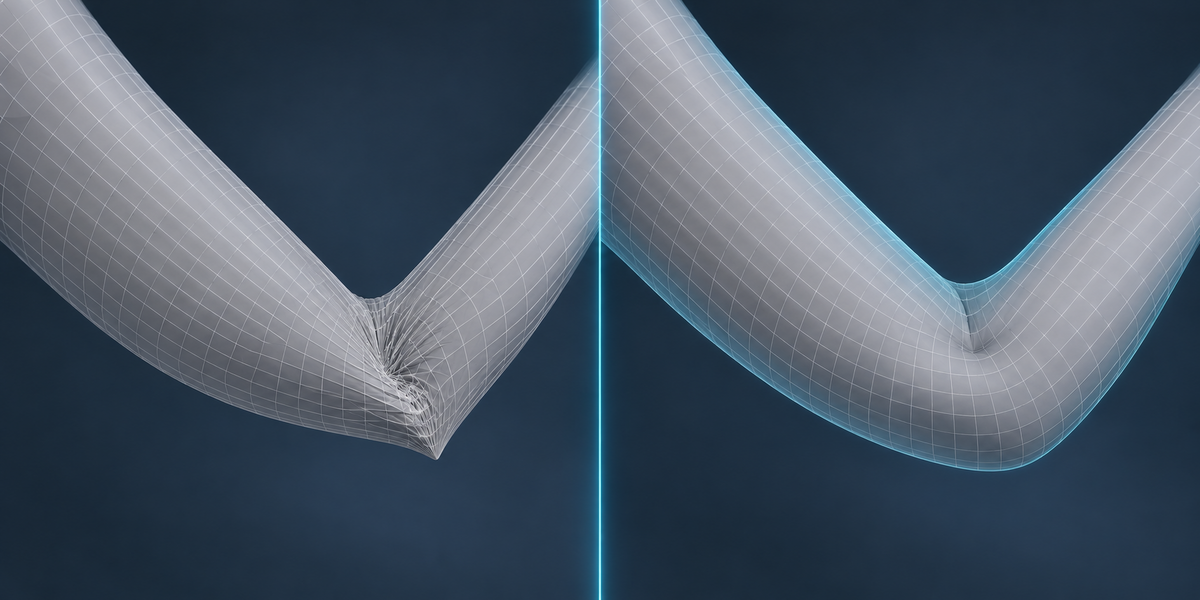
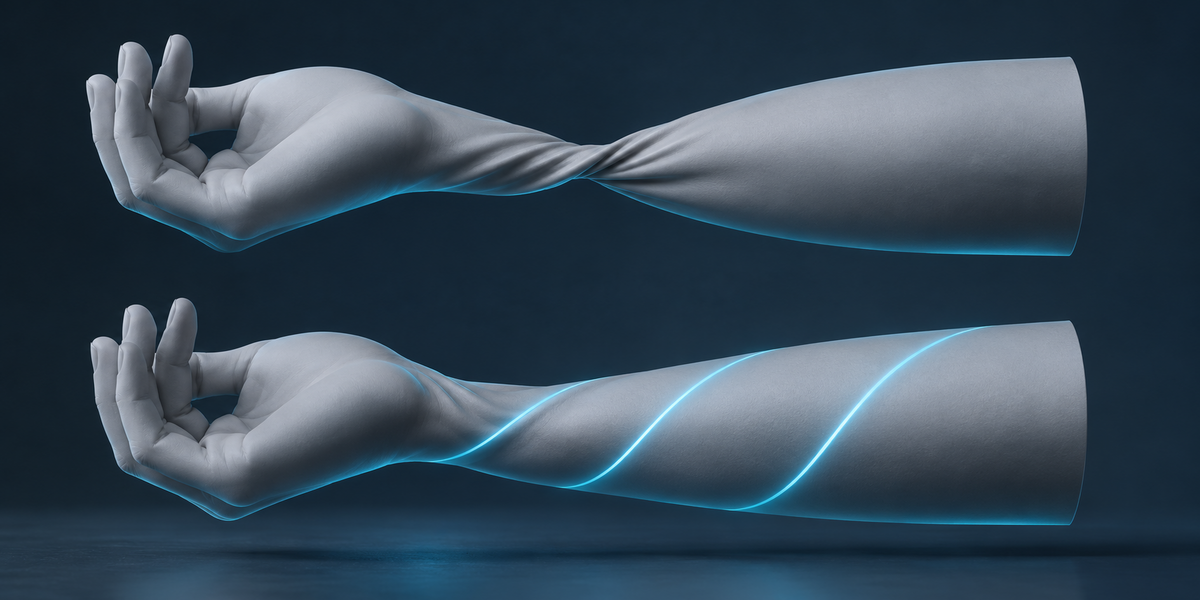
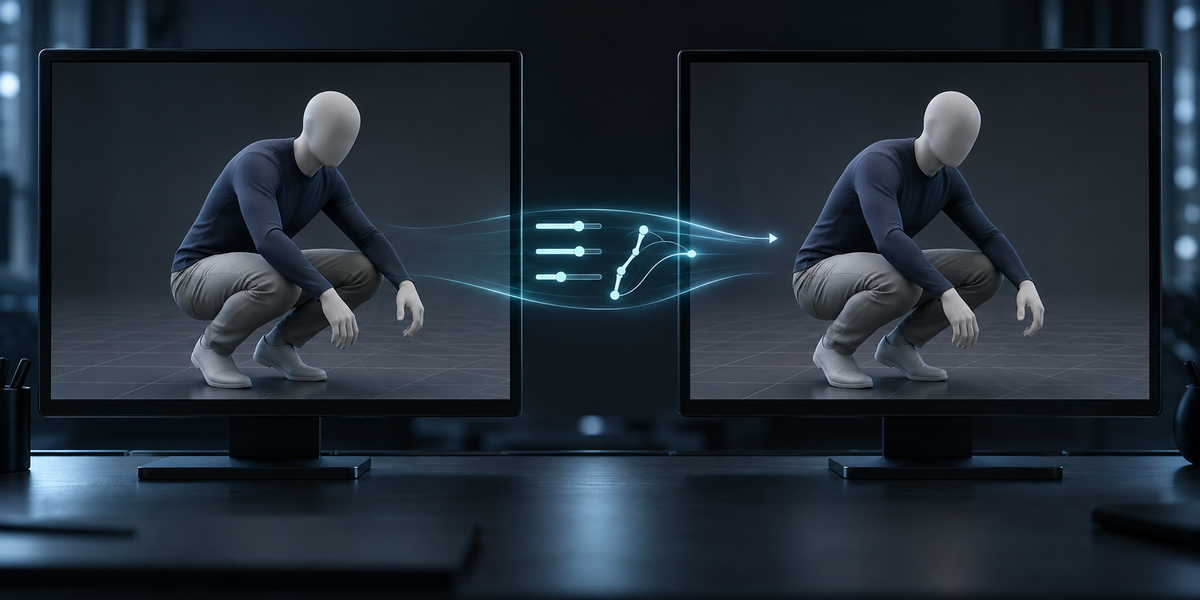
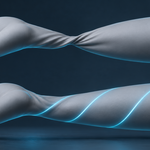
Linear skinning — the Armature modifier, and every game engine — blends bone transforms per vertex. Where two bones meet, that blend loses volume: elbows and knees collapse, hips pinch, a twisted forearm shrinks into a candy wrapper. Blender's Corrective Smooth modifier (Delta Mush) fixes this beautifully, but it is slow to evaluate and it does not exist in Unity or Unreal.
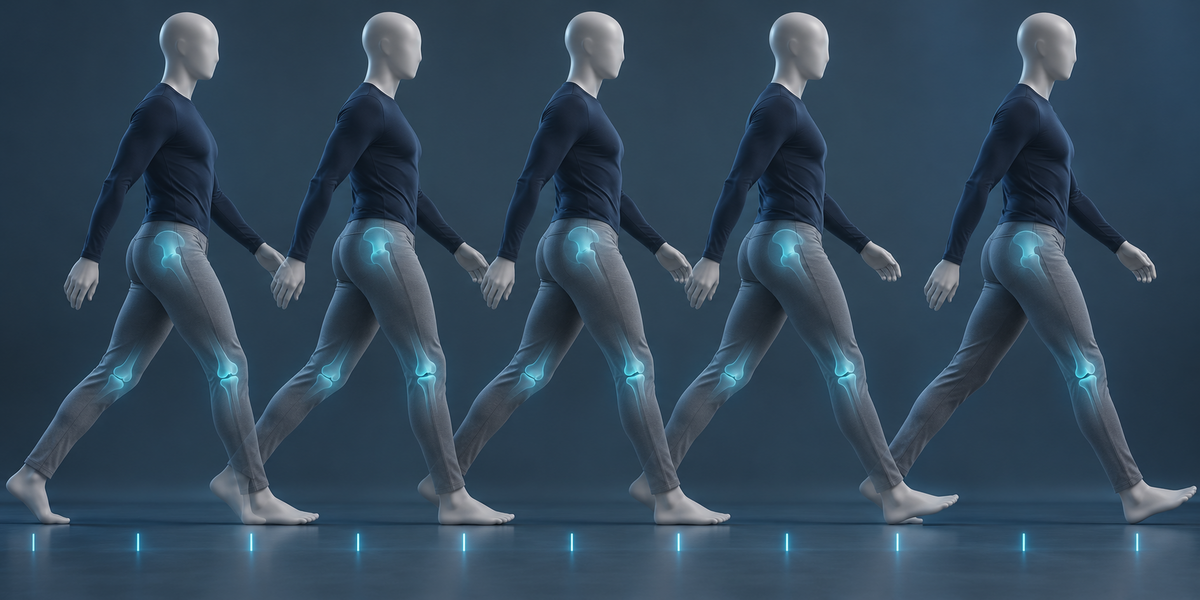
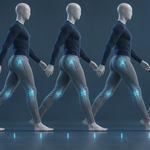
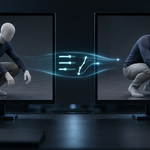
JointForge bakes what Delta Mush does into ordinary corrective shape keys, drives them from the bones, and fits them to your own animations. The keys are evaluated by plain drivers in Blender and by a small component in Unity, so the joints deform the same way in both.
Every claim is measured: after building, JointForge plays your animations and reports, frame by frame, how far plain skinning was from the Delta Mush reference and how far the corrected mesh is.
2. Installing
Edit, Preferences, Add-ons, the arrow in the top right corner, Install from Disk, pick the zip, tick the checkbox. The panel is in the 3D Viewport sidebar (N), tab JointForge.
3. Quick start
- Select the armature, or any mesh it deforms.
- Find Joints. JointForge lists every bone whose rotation bends skin, with the largest gap between plain skinning and Delta Mush at the widest bend your animations reach.
- Untick joints you do not want corrected (fingers, for instance), then Build Correctives.
- Measure on Animation shows the result. Compare switches the correctives off and on in the viewport.
- Export for Unity writes the FBX, the driver table and the component.
4. How the keys are made
For each joint and each axis it bends on — swing forwards and sideways, twist along the bone — JointForge places sample angles across the range your animations actually use (every 30 degrees by default). Each sample gets one shape key. A key is fully on at its own angle and fades out towards the neighbouring samples, so between two samples the two keys cross-fade.
The shapes are fitted, not copied. JointForge poses the rig many times — each joint bent alone, the frames of your animations, and mixed poses with every joint bent at once to a random angle inside its range — and for every vertex solves for how much each key must move it so that the driven sum lands on the Delta Mush reference. A key may only move vertices that the bone, its parent or its children actually carry, so a finger key can never learn to fix a knee.
Shapes are solved in rest space against the evaluated mesh, so Preserve Volume and existing shape keys are taken as they are. On a control rig — deform bones following a control skeleton through constraints, the animation on the control skeleton — the actions are found on the control skeleton and the deform bones' final rotations are read, by the add-on and by the drivers alike.
5. Settings
- Sample Every — degrees between sample angles. Smaller follows the reference more closely between samples, with more keys.
- Twist — also correct twist along the bone.
- Smoothing — Delta Mush iterations of the reference. More gives softer joints.
- Skip Below — joints whose keys would move nothing more than this (millimetres) get no keys.
- Mixed Poses — how many random whole-body poses join the training. They teach the keys combinations your animations do not show.
- Every Nth Frame — frames between two training or measured frames.
6. Reading the report
Worst is the largest distance from the Delta Mush reference over all measured frames, before and after. Typical is the distance 95% of the corrected skin stays within, as a median over frames. Worse on N frames appears if any frame got further from the reference than plain skinning was.
Only vertices our keys actually move are measured, so a part of the body JointForge never touched cannot flatter or spoil the numbers.
7. Unity
Export for Unity writes three files into the folder you choose, never overwriting anything: the FBX with the shape keys, name_jointforge.json with the driver table, and JointForgeDriver.cs.
- Copy the three files into your Unity project.
- Add the JointForgeDriver component to the character's root and drag the json file into Table.
- Play. The component reads each bone's rotation relative to its bind pose every frame and sets the blend shape weights with the same functions the Blender drivers use.
For the closest match, set the FBX's Animation Compression to Off in the import settings: Unity's default keyframe reduction moves rotations by fractions of a degree, and the weights follow.
8. Limits
- The reference is Blender's Corrective Smooth. JointForge reproduces it; it does not sculpt anatomy (muscle bulges, skin sliding) that the reference does not have.
- Keys are per joint and per axis and add up. On the animations they were fitted to the result is closest; on new animations the gain is smaller, see the numbers in section 9.
- Modifiers that change the vertex count (Mirror, Subdivision, …) must sit below the Armature modifier.
- A mesh shared by several objects (linked duplicates) is refused: shape keys belong to the mesh, so one rig would drive them for all. Make it single user first.
- Very dense meshes with many keys need a lot of memory; JointForge estimates it before building and asks to lower Mixed Poses or untick joints when it would exceed about 3 GB.
- The Unity component needs a SkinnedMeshRenderer with bind poses — any skinned FBX has them. Unity skins linearly; if the rig uses Preserve Volume in Blender, the base deformation in Unity already differs from Blender's.
9. Measured
Measured with the add-on installed from its zip, on Blender 4.2.9 and 5.2.2 (identical results), against the Delta Mush reference with 20 iterations. "Worst" is the largest distance from the reference on any measured frame; "typical" is the median over frames of the distance 95% of the corrected skin stays within.
- UE5 Mannequin (three LODs, 71,000 vertices, 55 joints), four animations — walk, idle, two attacks — 513 frames: worst 41.6 → 18.6 mm, typical 3.21 → 0.72 mm, no frame worse than plain skinning. 699 keys.
- CesiumMan (glTF sample, its own walk): worst 53.2 → 21.0 mm, typical 14.5 → 3.2 mm.
- Fox (glTF sample, low poly, three animations): typical −22%, worst −8%, no frame worse.
- Animations the keys were not fitted to (mannequin, fitted on walk and one attack, measured on idle and the other attack): typical error about 20% lower, the worst frames 30–55% lower. The more of your animations the keys are fitted on, the closer the result.
- Unity 6: the exported blend shapes arrive at the same size as in Blender (699 of 699), and the component's weights, with Unity playing the clips imported from the same FBX, match the Blender drivers within 0.004 on 99% of values (largest difference 0.019, compression off).
- The same mannequin driven through a control skeleton (Copy Transforms, animation on the control rig under other bone names): identical results. With Preserve Volume on: worst 45.8 → 21.8 mm, typical 3.23 → 0.72 mm.
- In the rest pose every key is exactly off.
10. Changelog
v1.0.0 — first release.
Have questions about this product?
Login to message
| Published | 7 days ago |
| Blender Version | 4.2 - 5.2 |
| Extension Type | N/A |
| License | GPL |
Discover more products like this
game ready drivers delta mush Joints blend-shapes pose space deformation skinning unity character deformation corrective shape keys rigging