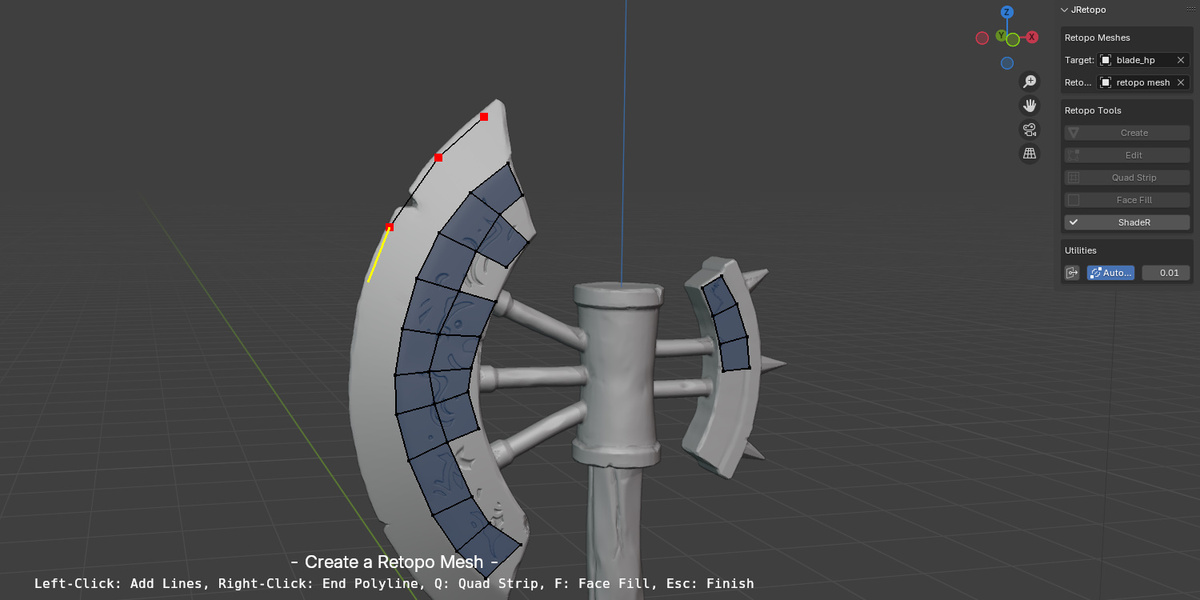
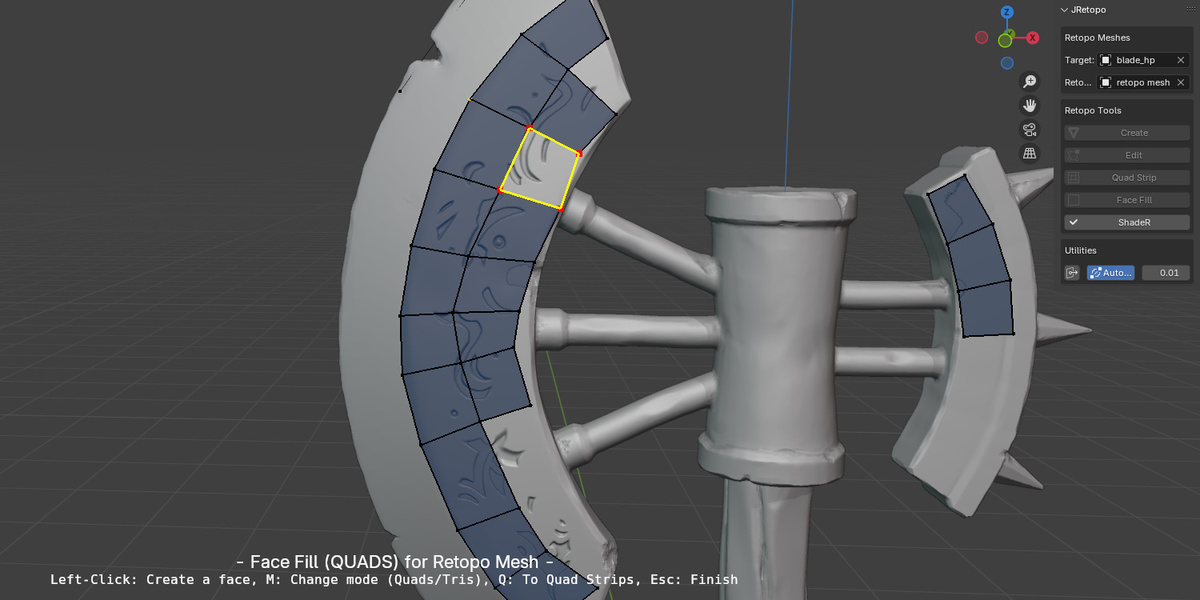
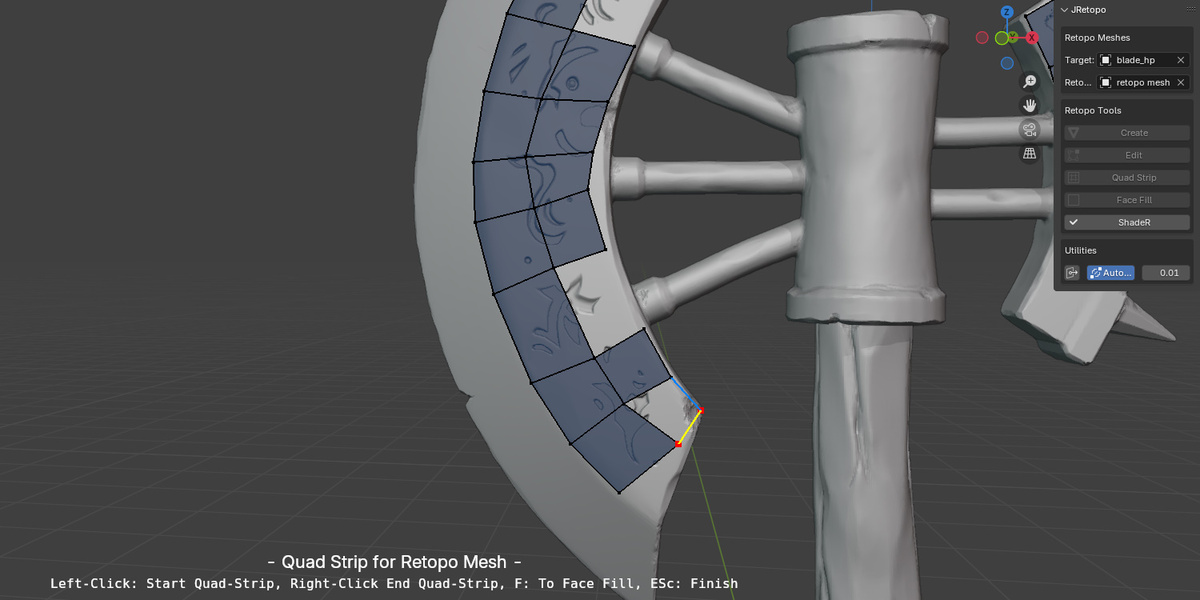
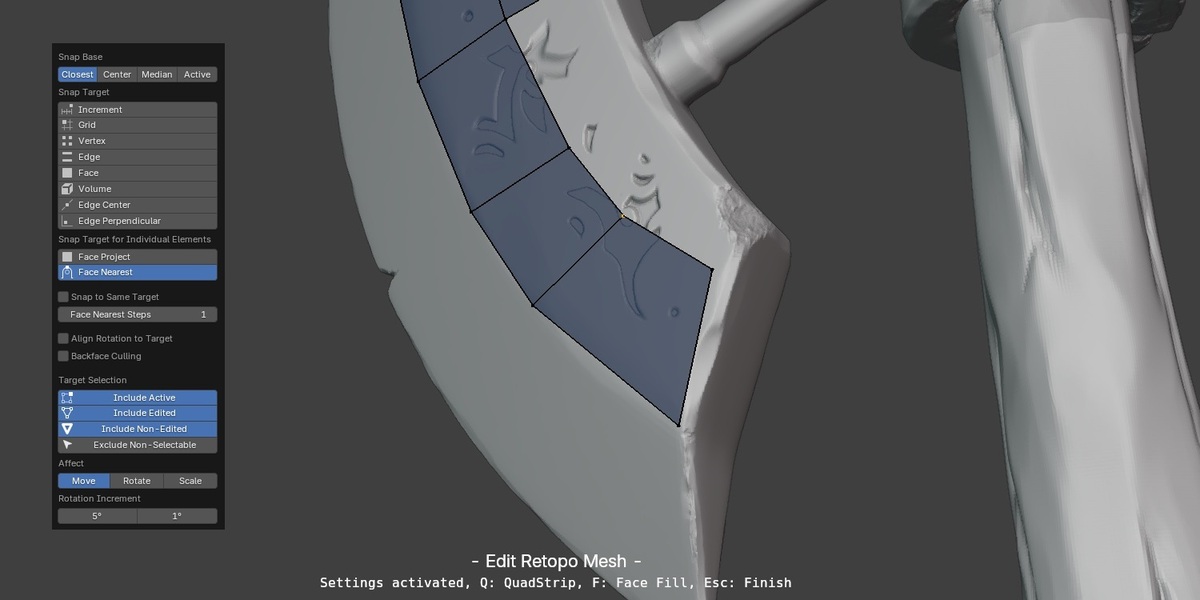
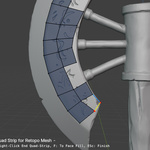
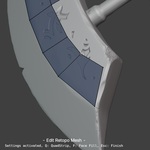
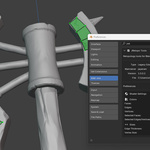
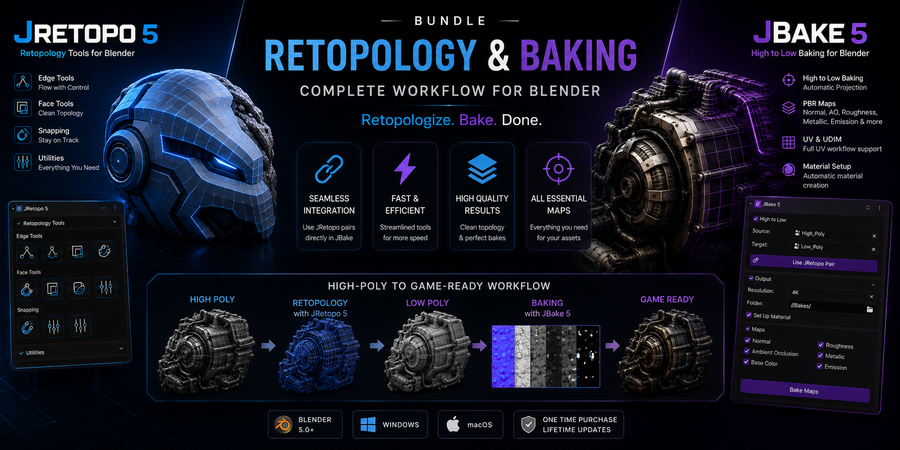
Discover JRetopo, a cutting-edge add-on for Blender that redefines the retopology process. Designed for artists who demand precision and efficiency, JRetopo empowers you to create clean, production-ready topology with unparalleled speed and ease.
Whether you're working on game assets, animation rigs, or high-resolution sculpts, JRetopo is the ultimate tool to bring your models to the next level. Here are the tools of the JRetopo addon:
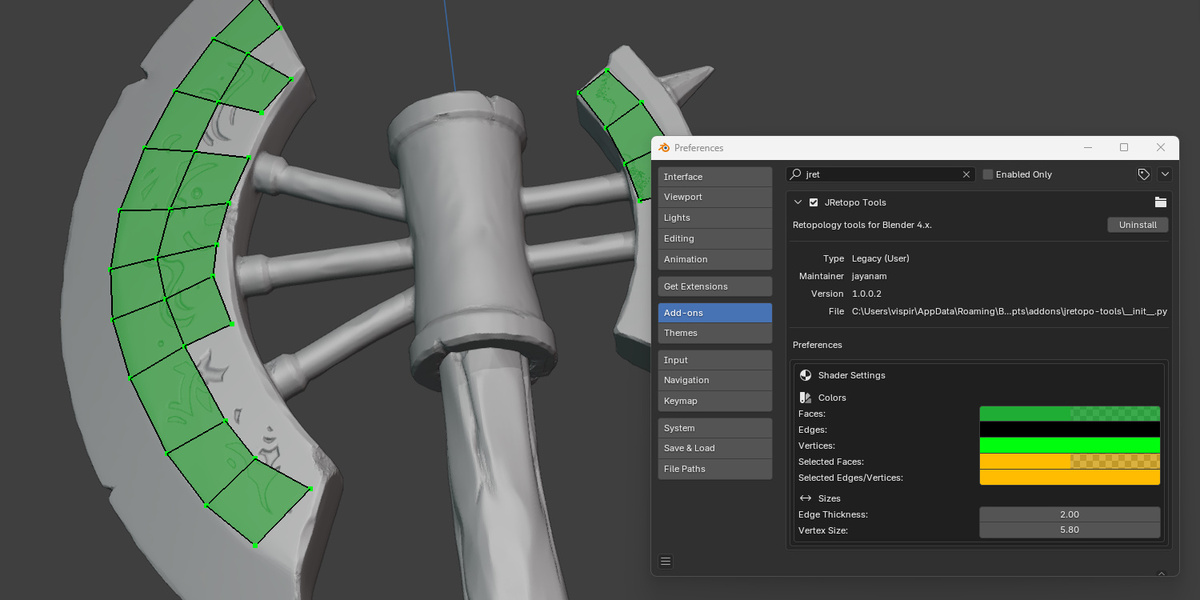
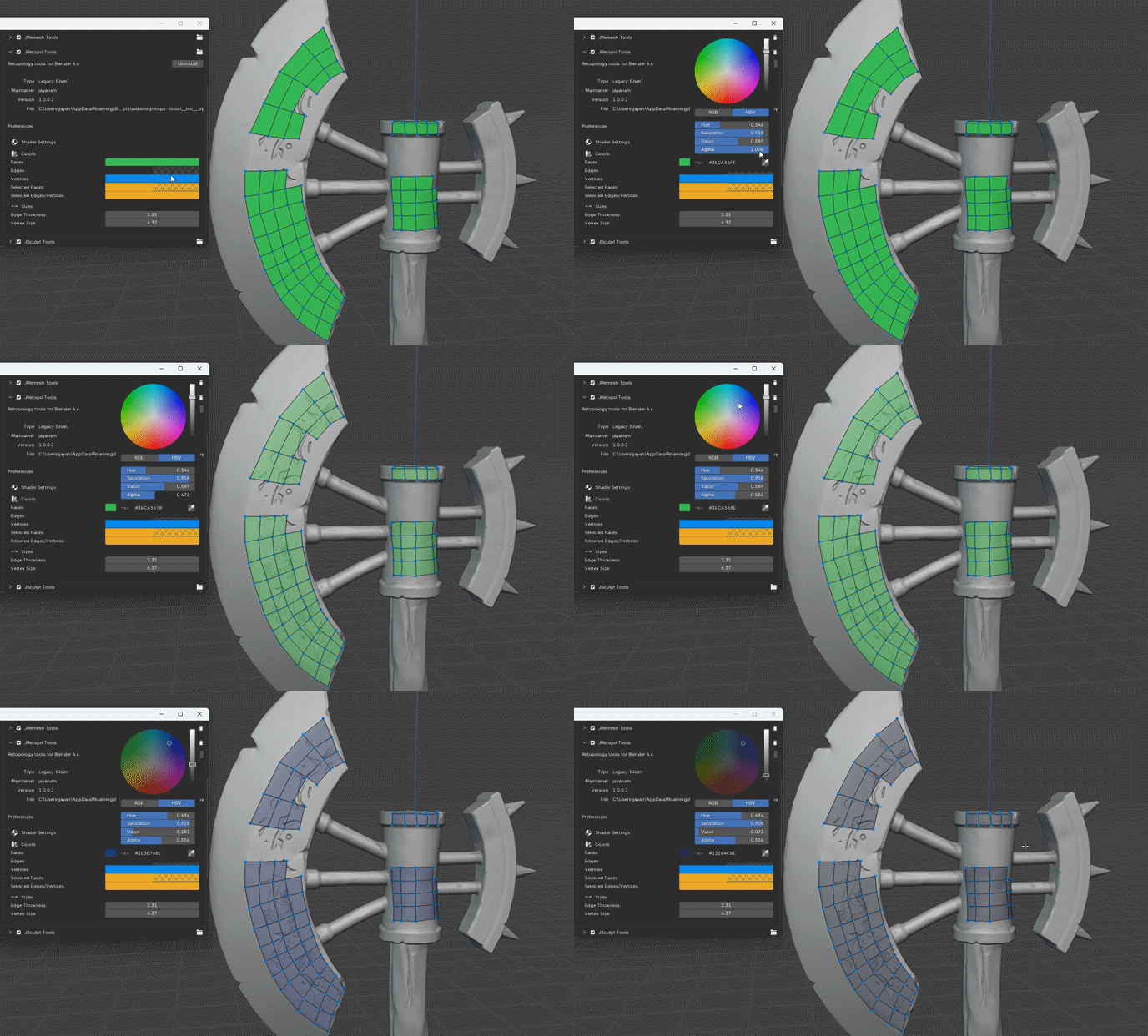
Dynamic Retopo Shader
See your topology clearly while you work
Visualize your retopology mesh directly over the high-resolution surface. Customize colors, transparency, line thickness and vertex size to create a clear, distraction-free retopology workspace.
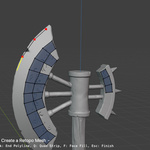
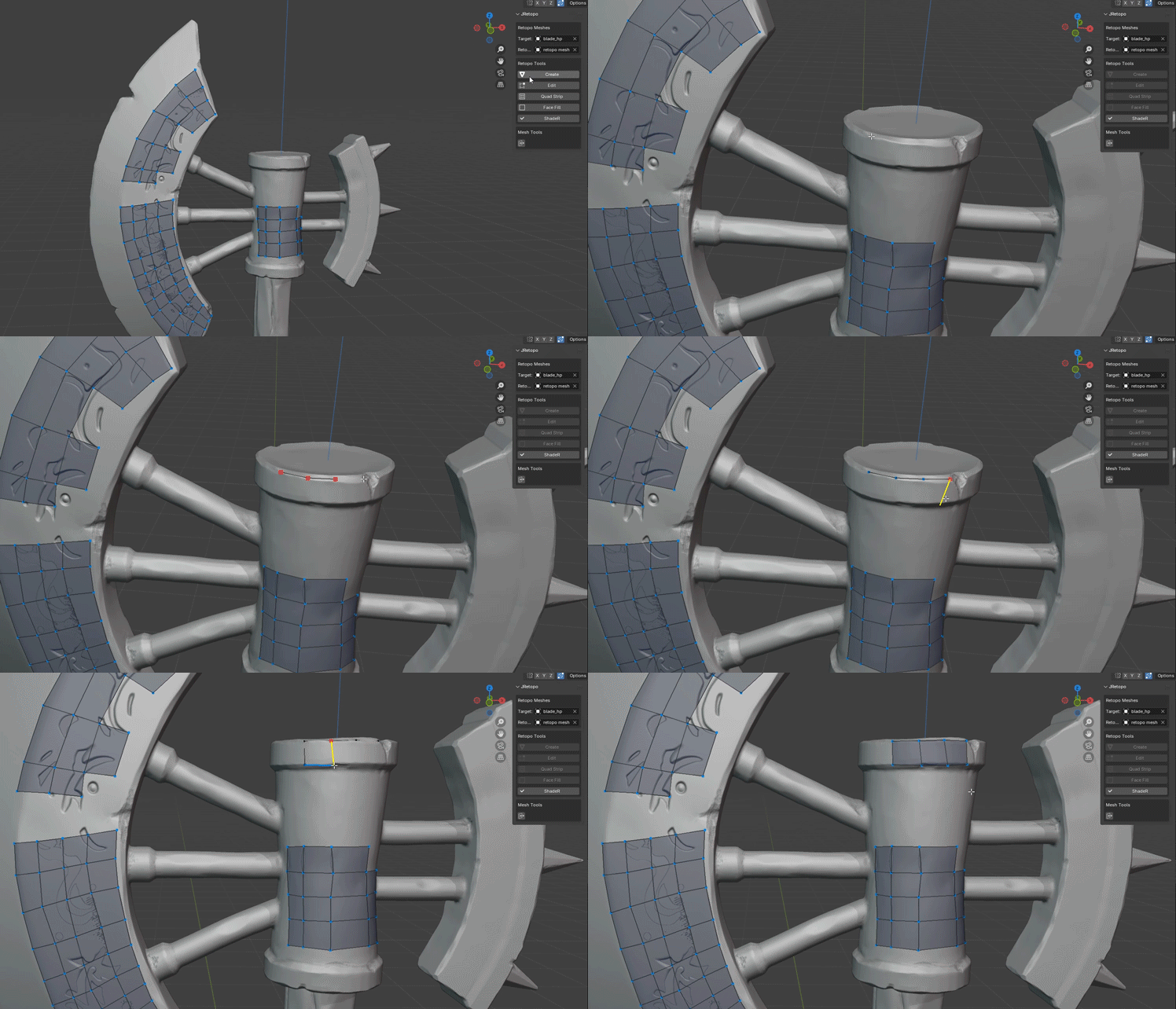
Create Tool
Build your retopology mesh quickly and intuitively
Lay down the foundation of your retopology mesh quickly and efficiently with the intuitive Create Tool, designed to accelerate the initial topology setup.
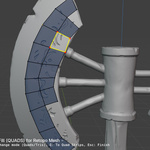
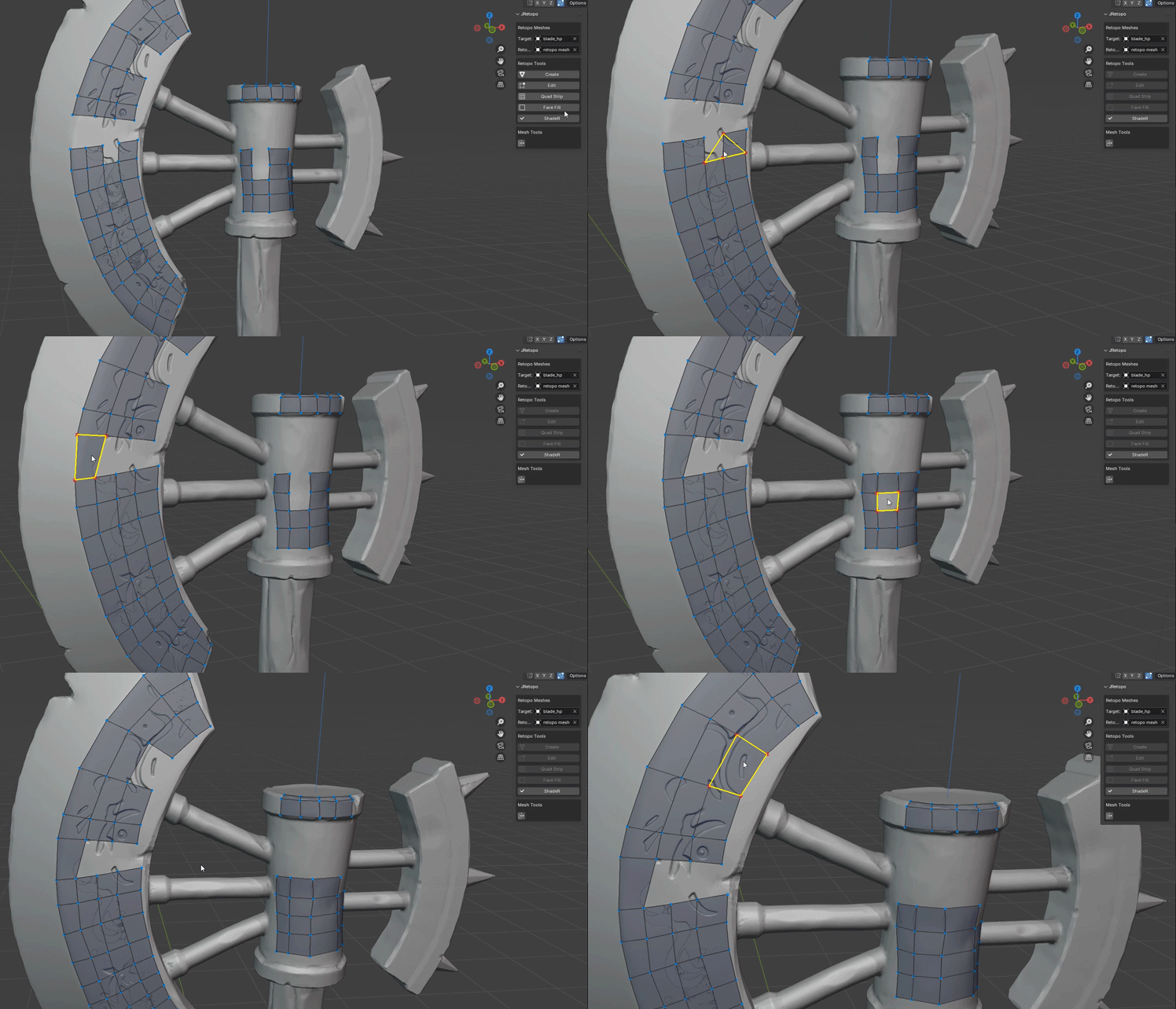
Face Fill Tool
Fill open areas with Tris, Quads and Caps
The Face Fill Tool automatically detects unfilled areas of your retopology mesh and lets you add Tris, Quads and Caps. In Quad mode, JRetopo can also suggest a fourth vertex to help complete the quad.
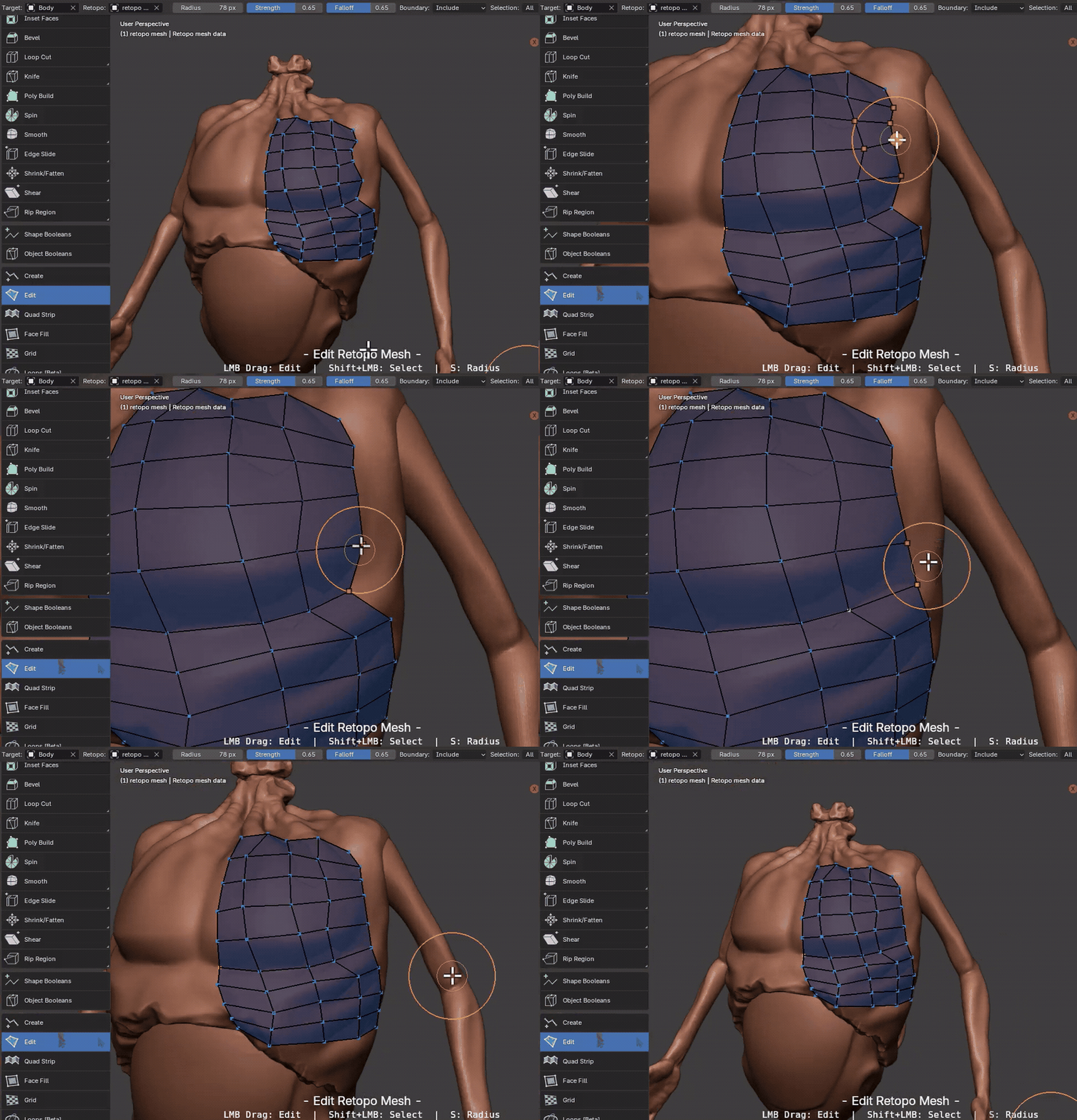
Edit Tool
Tweak and refine your retopology mesh with a brush
Refine your retopology mesh directly with an intuitive brush-based editing workflow. Control the brush with adjustable Strength and Falloff to make precise or smooth adjustments to the topology.
Vertex Snapping keeps the edited topology attached to the target mesh while you work, making it easy to reshape and refine your retopo mesh without losing surface alignment.
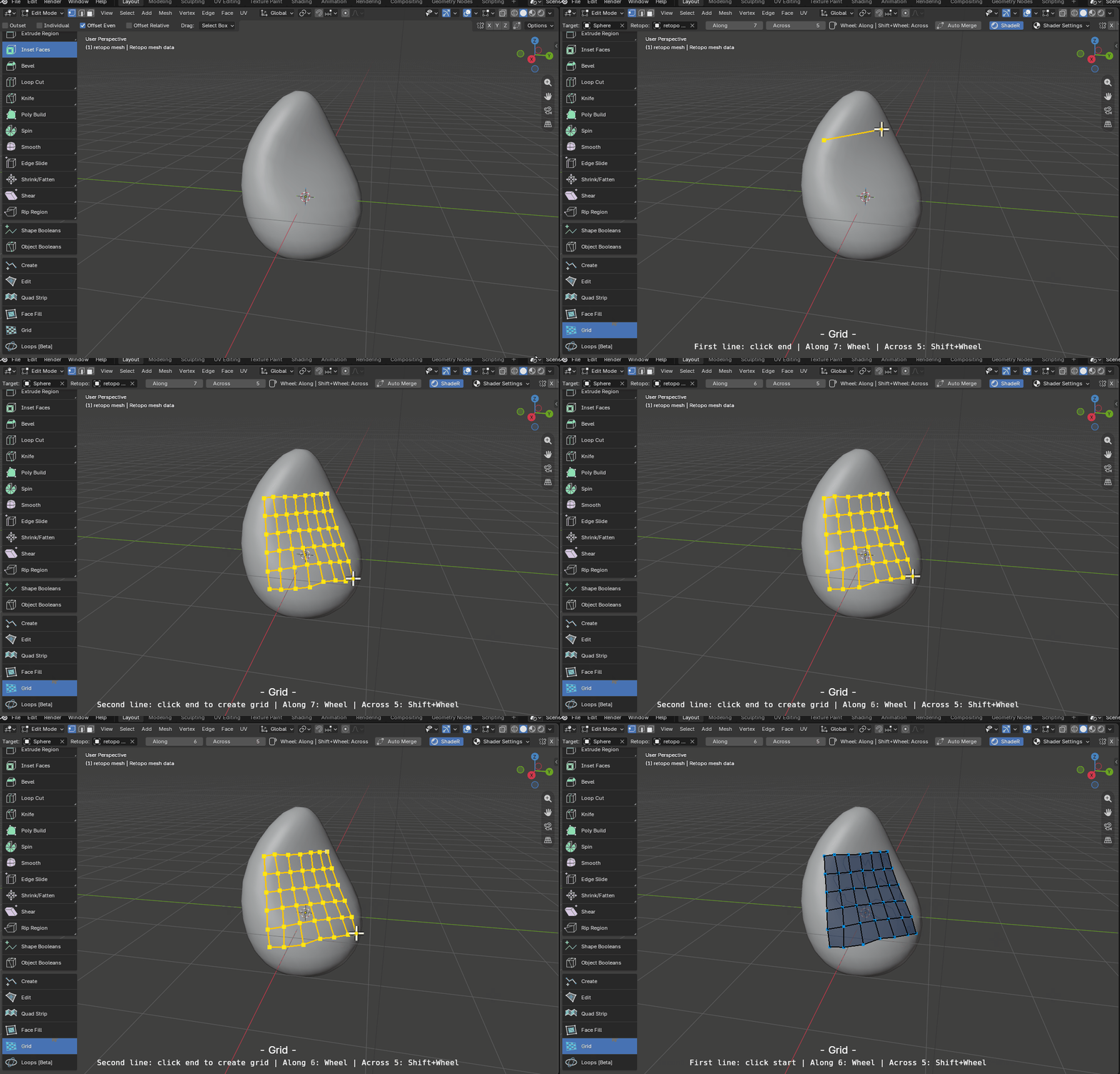
Grid Tool
Create structured quad grids directly on the surface
Quickly create clean quad grids directly on your high-resolution surface. Define the area you want to cover and let the Grid Tool generate an evenly structured topology patch that follows the underlying shape.
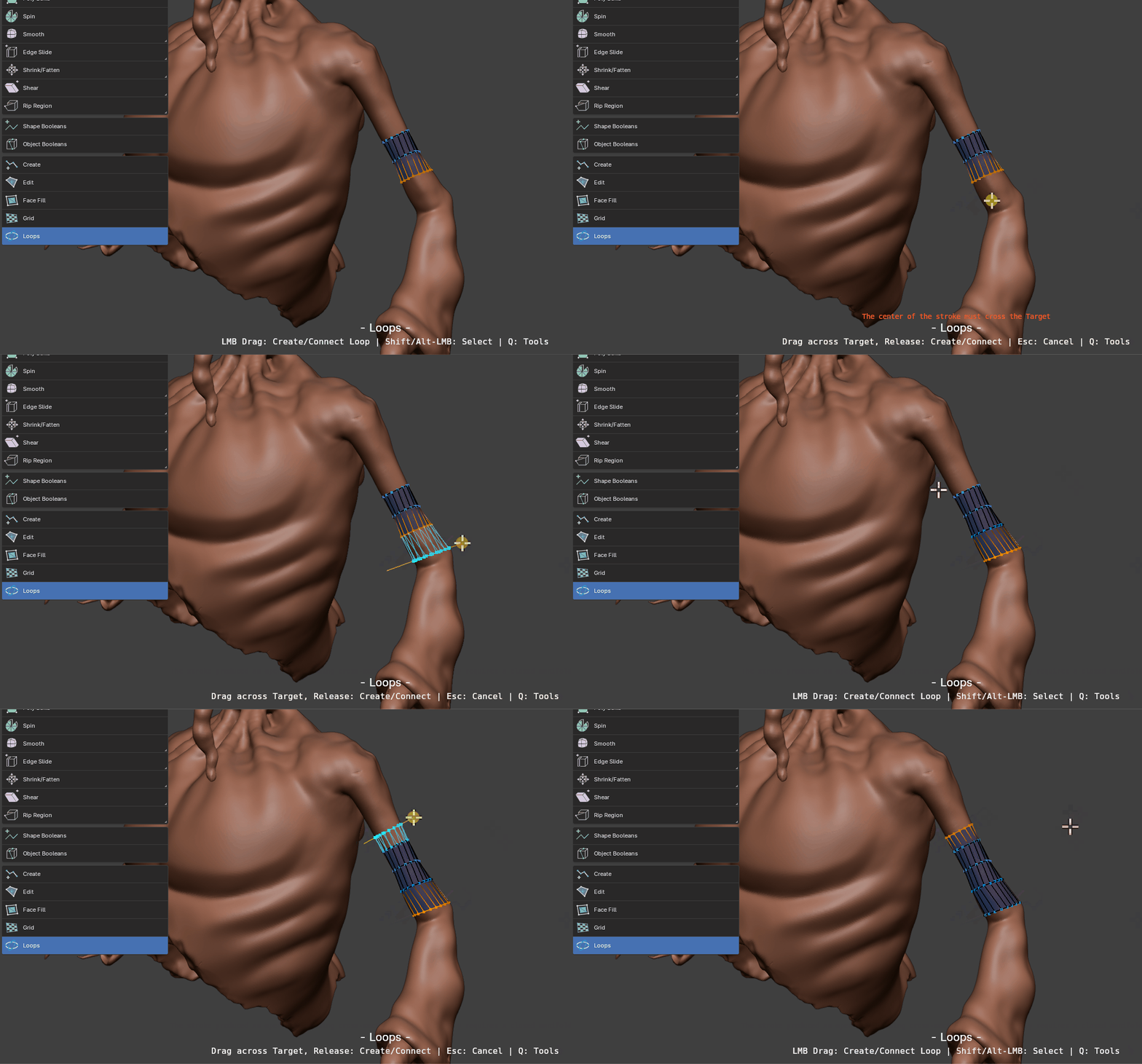
Loops Tool
Draw a line to add loops to your retopology mesh
Quickly add loops to your retopology mesh by simply drawing a line, giving you a fast and direct way to refine your topology.
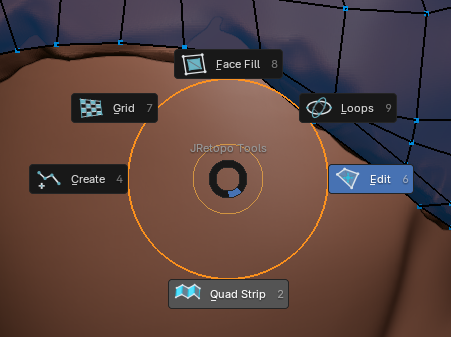
The tools can be switched easily by using the Pie Menu that ca be activated by pressing Q:
Why Choose JRetopo?
Retopology doesn't have to be a time-consuming chore. JRetopo combines powerful visualization tools with fast, user-friendly retopology tools to help you achieve clean topology in a fraction of the time. Spend less time on repetitive manual work and more time creating.
Ideal For
- Game developers creating optimized low-poly models.
- Animators preparing clean topology for rigging and deformation.
- Sculptors transitioning from high-poly sculpts to production-ready meshes.
Compatibility
Compatible with Blender 4.x/5.x and later versions.
Supports Windows, macOS and Linux.
Get Started with JRetopo
Take your Blender retopology workflow to the next level. JRetopo gives you a focused set of tools designed to make manual retopology faster, clearer and more enjoyable.
Support: Includes dedicated customer support and regular updates.
License: Single-user license for personal and commercial use.
 JAYANAM