JRT Bone Parent Optimizer — Faster Mechanical Rigs
 FrameCubed
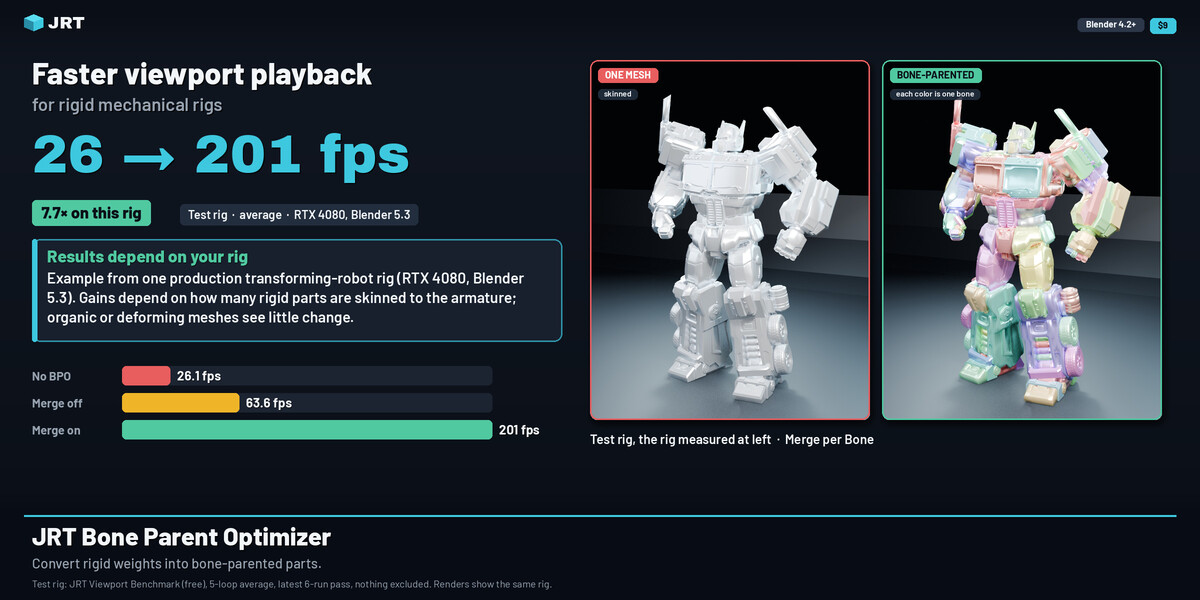
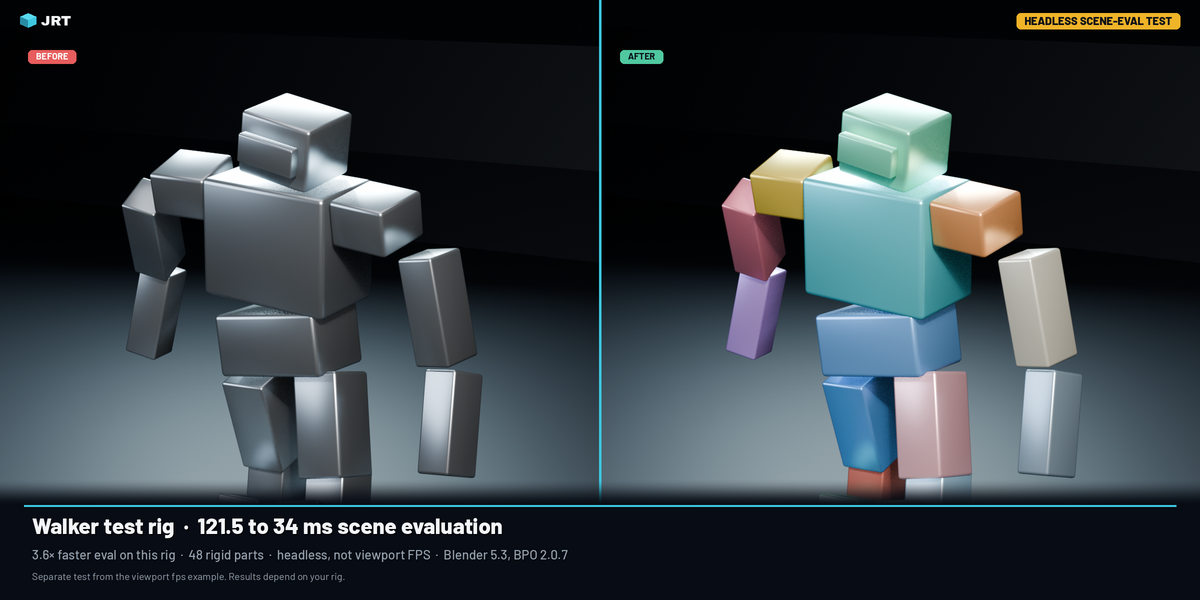
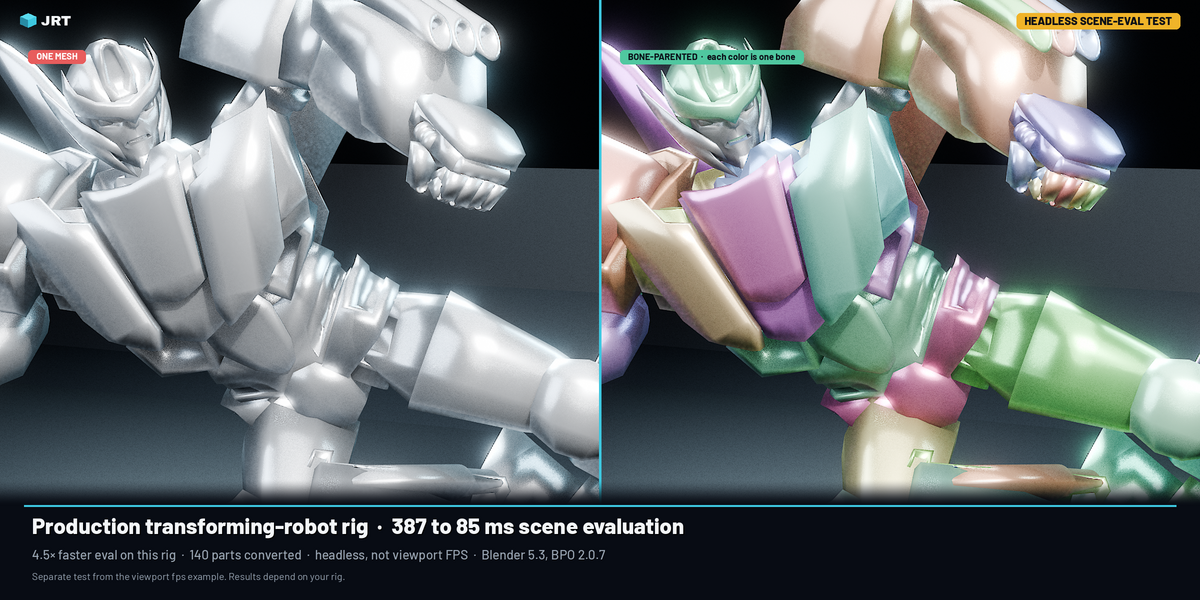
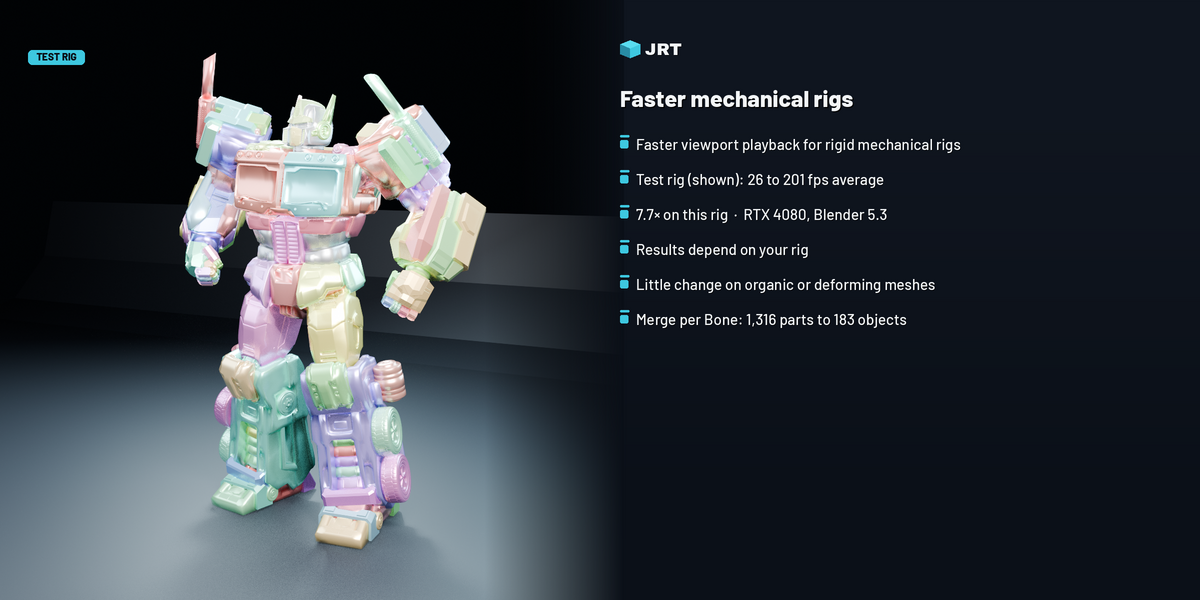
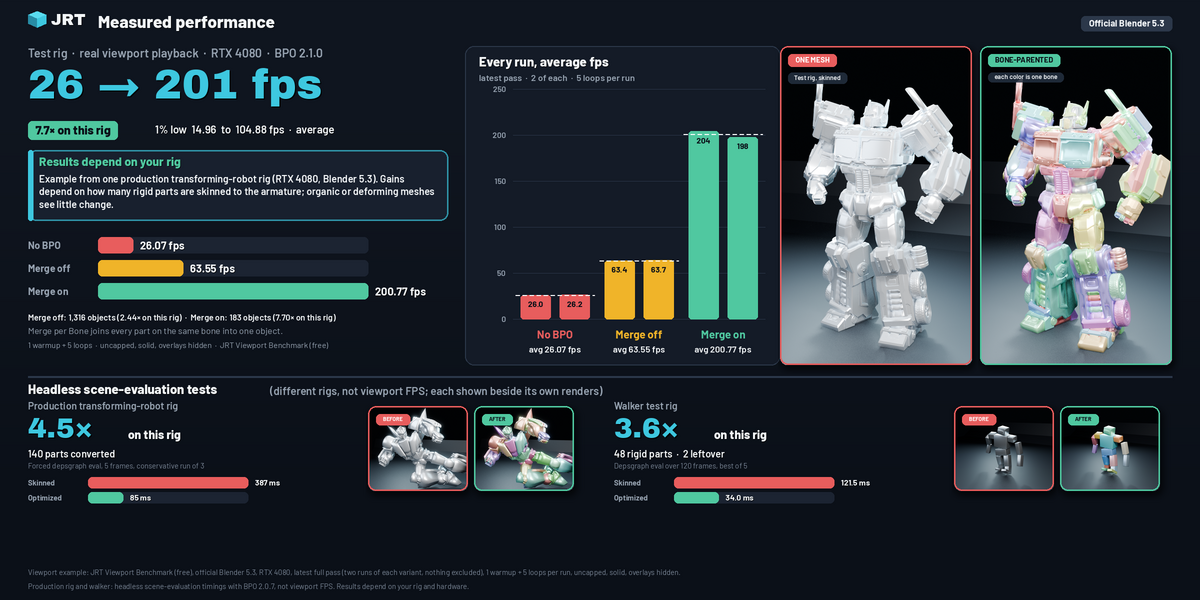
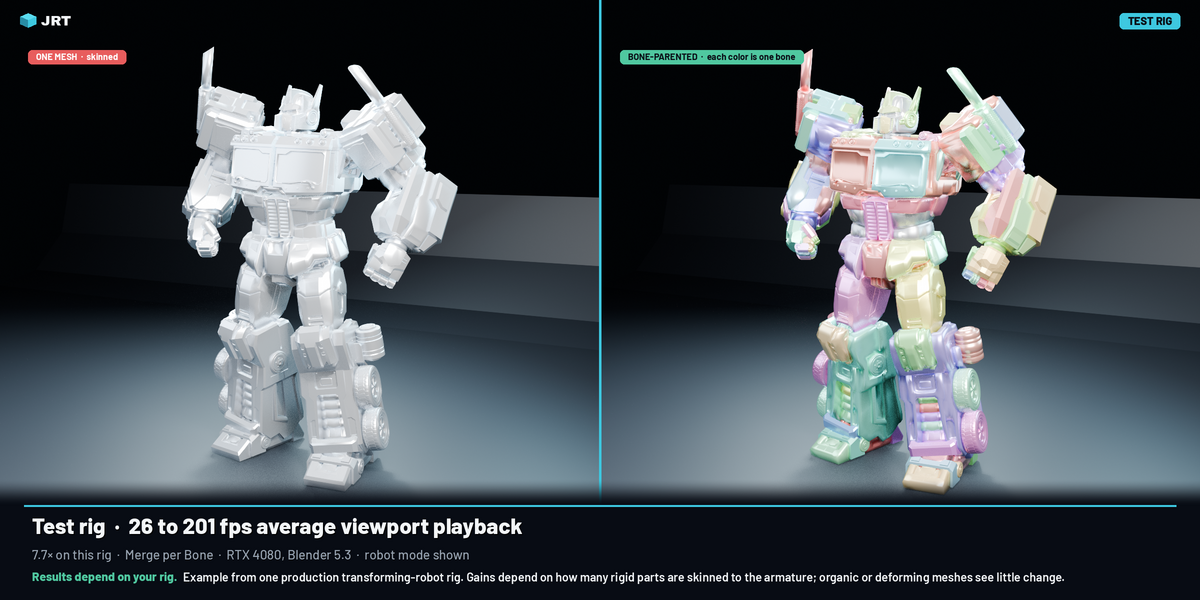
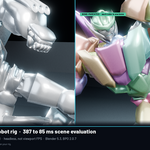
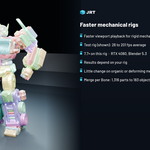
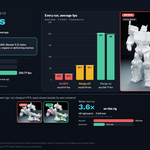
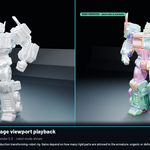
JRT Bone Parent Optimizer — Version 2.1.0
Install
Works as a Blender 4.2+ extension. Do not unzip the extension zip before installing.
1. In Blender 4.2 or later, drag the extension zip onto the main window, or go to Edit → Preferences → Get Extensions → Install from Disk and choose the zip.
2. Enable the add-on in Preferences.
3. Open the 3D Viewport sidebar (N) and look under the JRT tab.
4. Open JRT → Bone Parent Optimizer. Select the skinned mesh, click Preview, then Apply.
Demo scene
Open jrt-bone-parent-optimizer-demo.blend in official Blender 5.3 (or Blender 4.2+). Select MechBody. In the 3D View sidebar (N), open JRT → Bone Parent Optimizer. Click Preview, then Apply. The scene is a fresh studio file made of primitives, not a production character file.
Requirements and compatibility
Blender 4.2 or later. Tested on official Blender 4.5.16 LTS, Blender 4.2.16 LTS, Blender 5.3.0, and Goo Engine 4.4.3. No extra Python packages. Linked or overridden library data should be made local first where the tool edits objects or armatures.
Support
Questions, a bug, or a file that does not behave as expected? Message me on Superhive. Please include your Blender version and, if possible, a stripped .blend that shows the issue.
License
The add-on code is GNU GPL version 3 or later (GPL-3.0-or-later); source is included in the extension zip. Art and documentation shipped with the listing, including the demo .blend, are all rights reserved.
Have questions about this product?
Login to message
| Blender Extension Compatible | Yes |
| Published | about 1 hour ago |
| Blender Version | 4.2 - 5.3 |
| Extension Type | Add-on |
| Render Engine Used | Cycles |
| License | GPL |
Discover more products like this
optimization animation blender rigging mechanical rigging addon